
Vintage JNR Locomotive Memory Poster
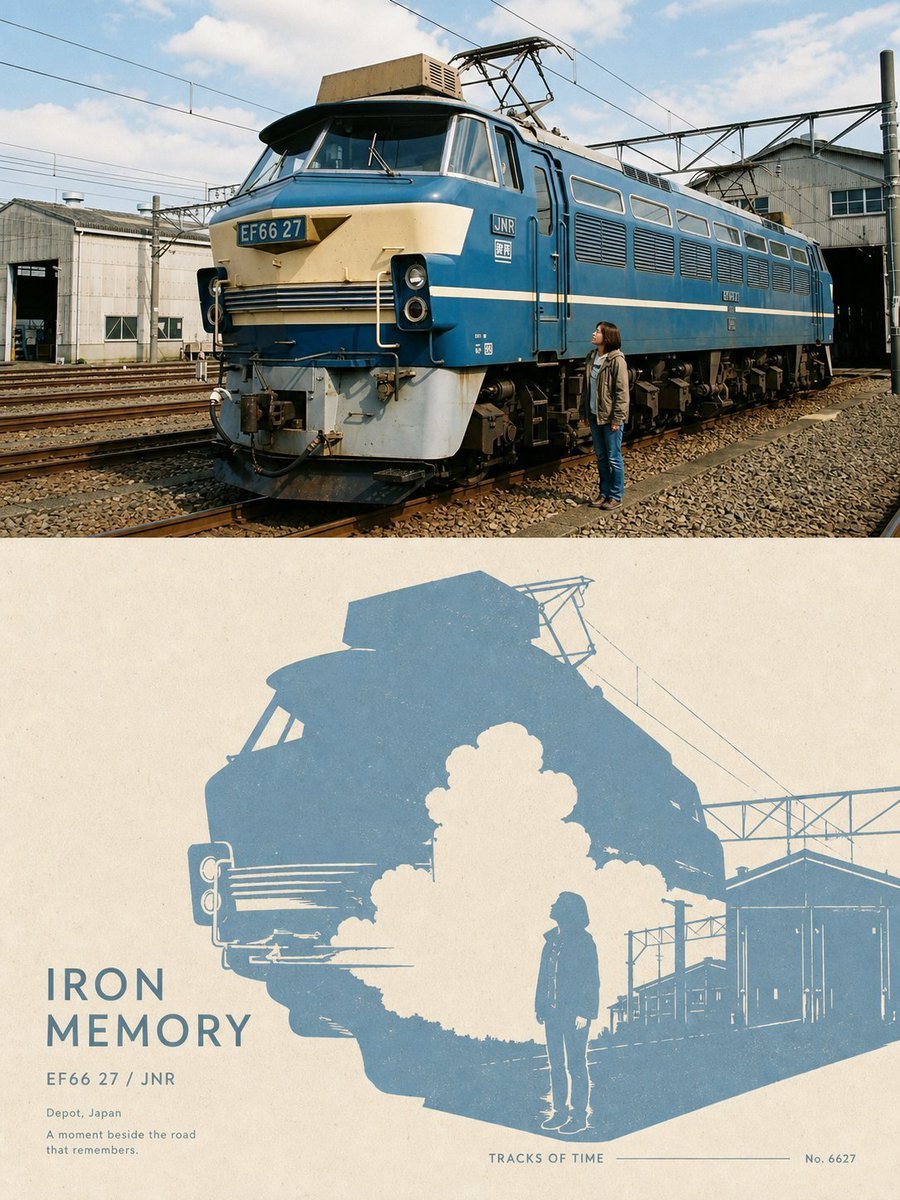
Creates a split realistic-photo and retro-screenprint poster featuring a blue EF66 JNR locomotive in a Japanese rail depot.
- Prompt included
- Model and format preset
- Free template
The prompt behind this image
Copy the exact prompt behind Vintage JNR Locomotive Memory Poster, or open it in the studio and make it yours.
Goal: Create a vertical two-part commemorative railway poster combining realistic photography and minimalist print design, themed around a vintage Japanese electric locomotive and memory. Canvas: Portrait 3:4 poster, split horizontally into exactly 2 panels of equal width. The top panel is a realistic color photograph; the bottom panel is a retro screen-printed graphic poster on warm off-white paper. Top panel: Show a large blue-and-cream Japanese electric locomotive in a train depot, viewed from a low front-left three-quarter angle. The locomotive has the visible number plate “EF66 27” on the front and small “JNR” markings on the side. Include overhead catenary wires, metal gantries, rail tracks, gravel ballast, industrial depot buildings, and a partly cloudy blue sky. Place exactly 1 human figure near the right side of the locomotive: {argument name="person description" default="a young woman in a jacket and jeans standing beside the train and looking up at it"}. Make the locomotive dominate the scene, with realistic daylight, film-photo color, crisp mechanical detail, mild vintage grain, and no motion blur. Bottom panel: Create a flat two-color graphic interpretation of the top image, like a cyan-blue ink screen print on textured cream paper. Use a large simplified silhouette of the same locomotive, depot structures, catenary wires, and the same single standing person. The train silhouette should occupy the upper and center area, with a dramatic white negative-space cloud or plume shape in front of the train. Keep the bottom panel minimal, poster-like, slightly distressed, with visible paper grain and ink imperfections. Text content in the bottom panel: Include exactly 6 text elements: 1) large title “{argument name="headline text" default="IRON MEMORY"}” at lower left, 2) subtitle “{argument name="train label" default="EF66 27 / JNR"}” beneath it, 3) small location line “{argument name="location text" default="Depot, Japan"}”, 4) small poetic caption “{argument name="caption text" default="A moment beside the road that remembers."}”, 5) centered bottom label “TRACKS OF TIME” with a thin horizontal rule extending right, and 6) small catalog number “No. 6627” at bottom right. Use clean geometric uppercase typography with generous letter spacing. Constraints: The image must contain exactly 1 locomotive and exactly 1 person. Preserve the horizontal split between realistic photo above and graphic poster below. Do not add extra trains, extra people, logos beyond the specified JNR/train markings, watermarks, or unrelated decorative elements. Keep the mood nostalgic, industrial, quiet, and documentary.
How to use Vintage JNR Locomotive Memory Poster in 3 steps
- 1Upload ImagePNG, JPG or paste
Add your photo
Upload the photo the template builds on. The prompt, model and format are already set.
- 2…a portrait of your subject in softgolden-hour light, 85mm…
Personalize
Edit the subject and creative details for your destination.
- 3Generate
Generate
Press Generate — your image is created in PicX Studio, so you can compare it with the original and refine one variable at a time.
More like this
Templates with the same subject, style or setup. Open one to see its prompt.











Make it yours
Vintage JNR Locomotive Memory Poster works as-is. These are the safest ways to change it without losing the look.
Change one field
Copy a single group, rewrite it, and generate again so you can see what that field is doing.
Keep the frame, change the subject
Hold the composition and light of Vintage JNR Locomotive Memory Poster, then swap wardrobe, props or the person for a new take.
| If the result… | Why | Fix |
|---|---|---|
| The result drifts from the preview | Too many fields changed at once. | Reuse Vintage JNR Locomotive Memory Poster as-is first, then change one group — subject, light, or setting. |
| The model over-stylizes the scene | The prose prompt leaves finish and camera underspecified. | Add one camera or lighting sentence and stay on GPT Image 2. |
More GPT Image 2 templates
Other prompts made for GPT Image 2.

Six VTuber Japanese Logo Sheet

Realistic Portrait of Woman and Deer

The Vista Modular Condo Poster

AI Model Routing Comparison Infographic

2.5D Anime Art Board

Isometric Productivity Desk Scene

New York Double Exposure Poster

Four-Panel AI Landscape Comparison

Japanese Tatami Lifestyle Magazine Cover

NESCAFÉ Coffee Map Poster
More image prompts
Fresh picks from across the catalog.
Snowy Locations Views Winter Special

Cinematic Mafia Boss Portrait Prompt

Cinematic Human with Stylized 3D Chibi
Paper-Cut Character Art Generation Prompt
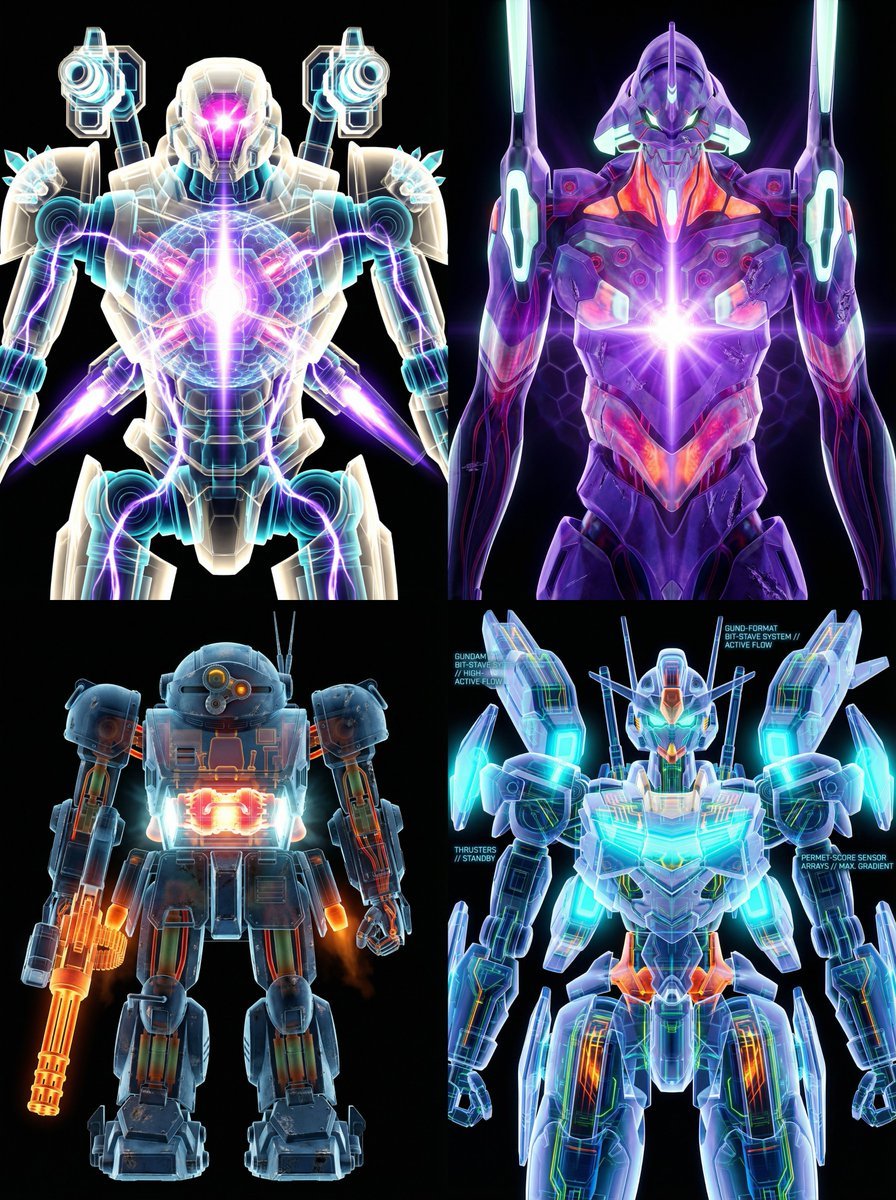
X-Ray/Thermal Visualization Prompt for Mecha (VOTOMS Scopedog)
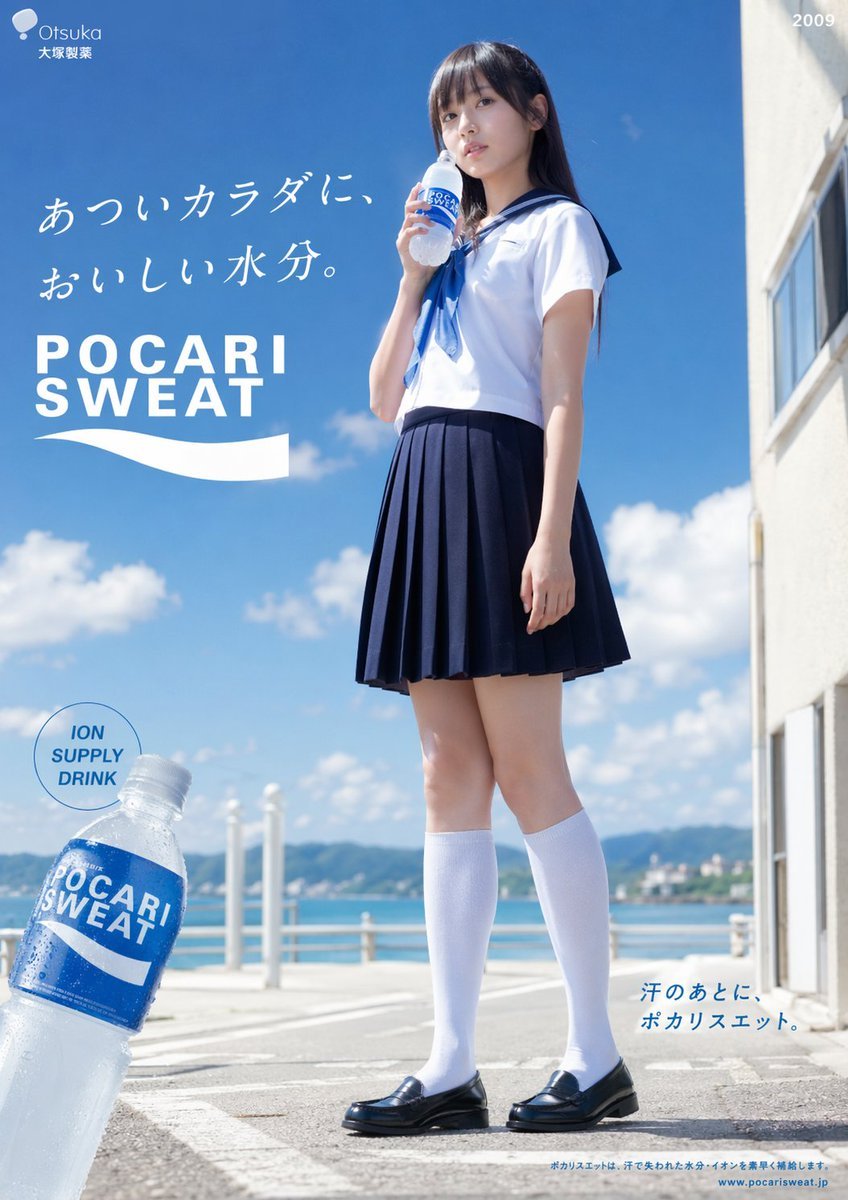
Seaside Pocari Sweat Schoolgirl Ad
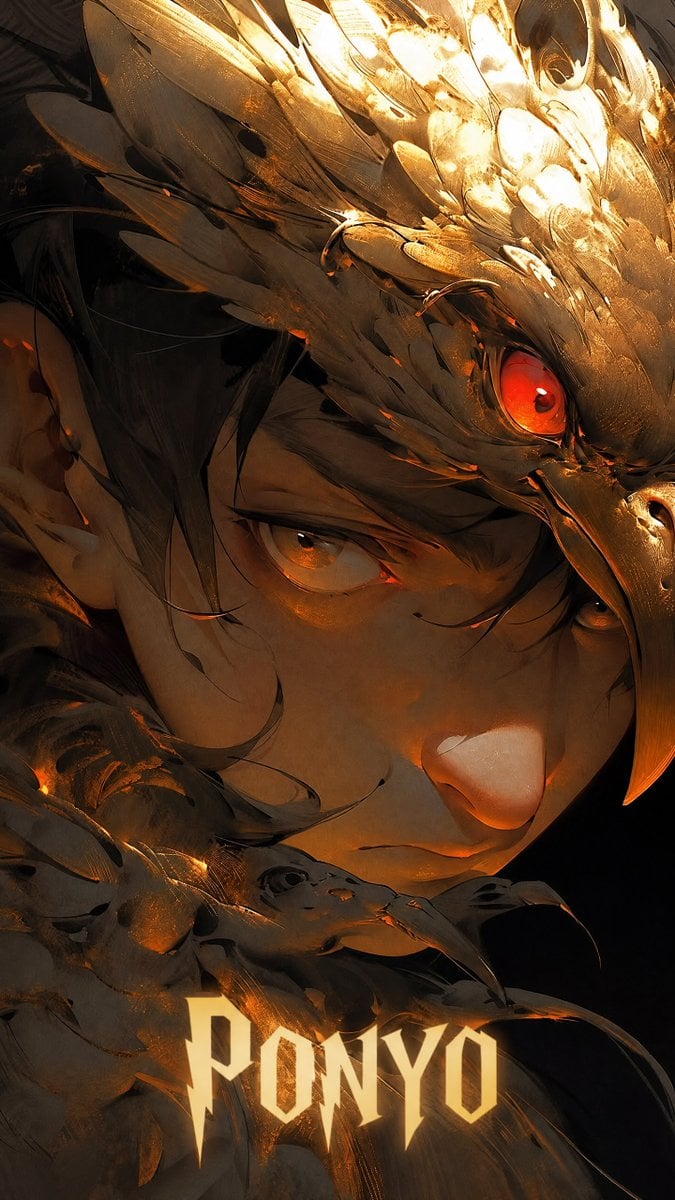
Dark Fantasy Ponyo Warrior Poster
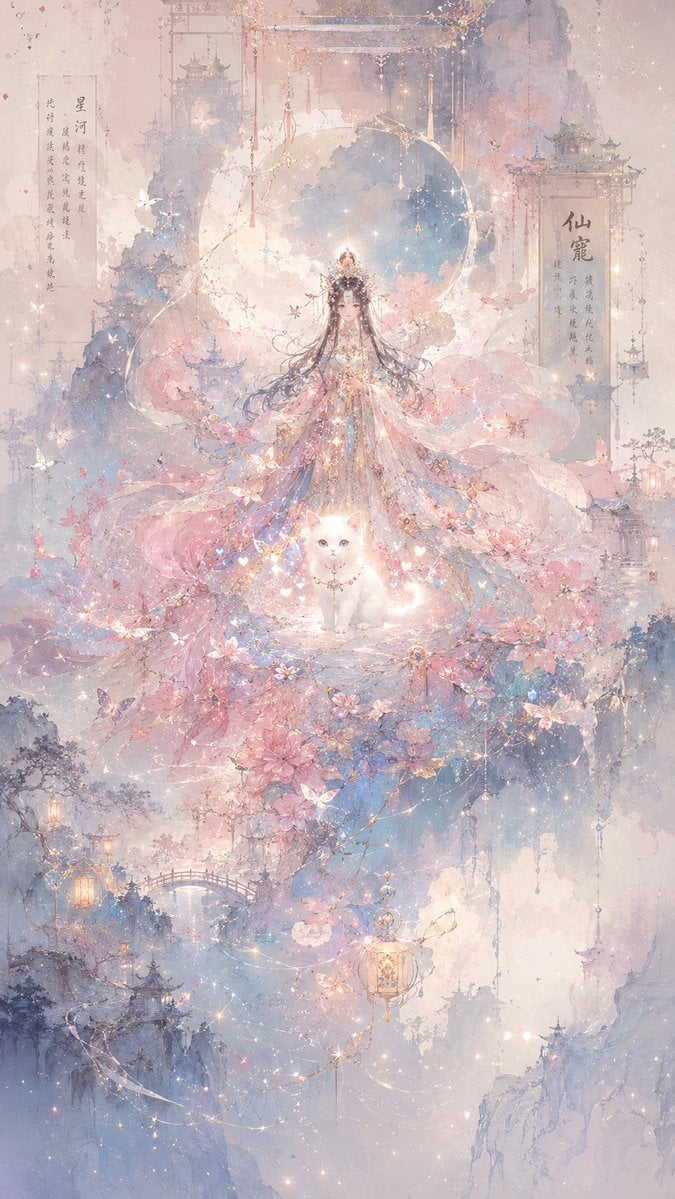
Celestial Xianxia Fairy Palace
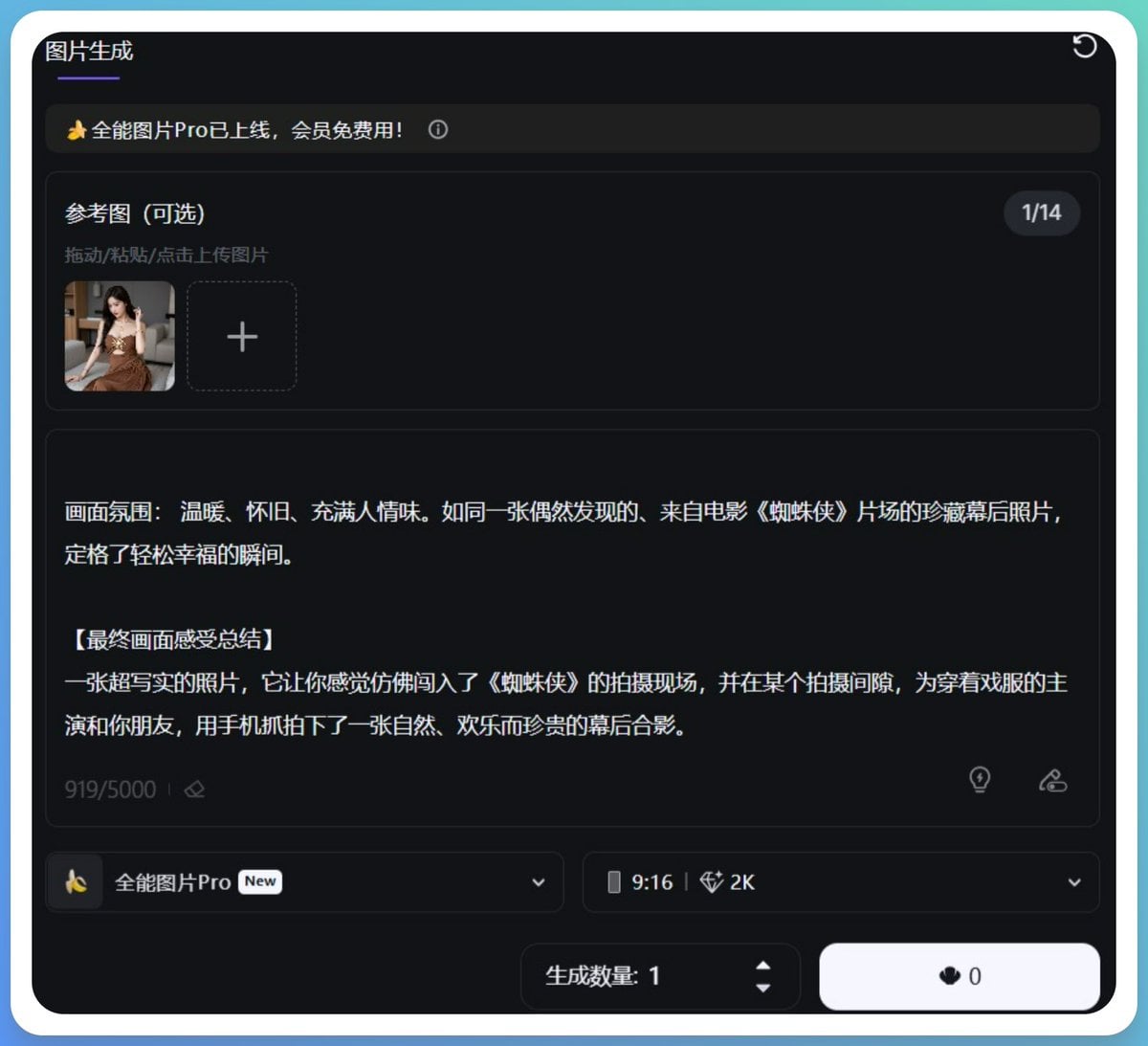
Generating Hollywood Detective Scene Images with Character Reference
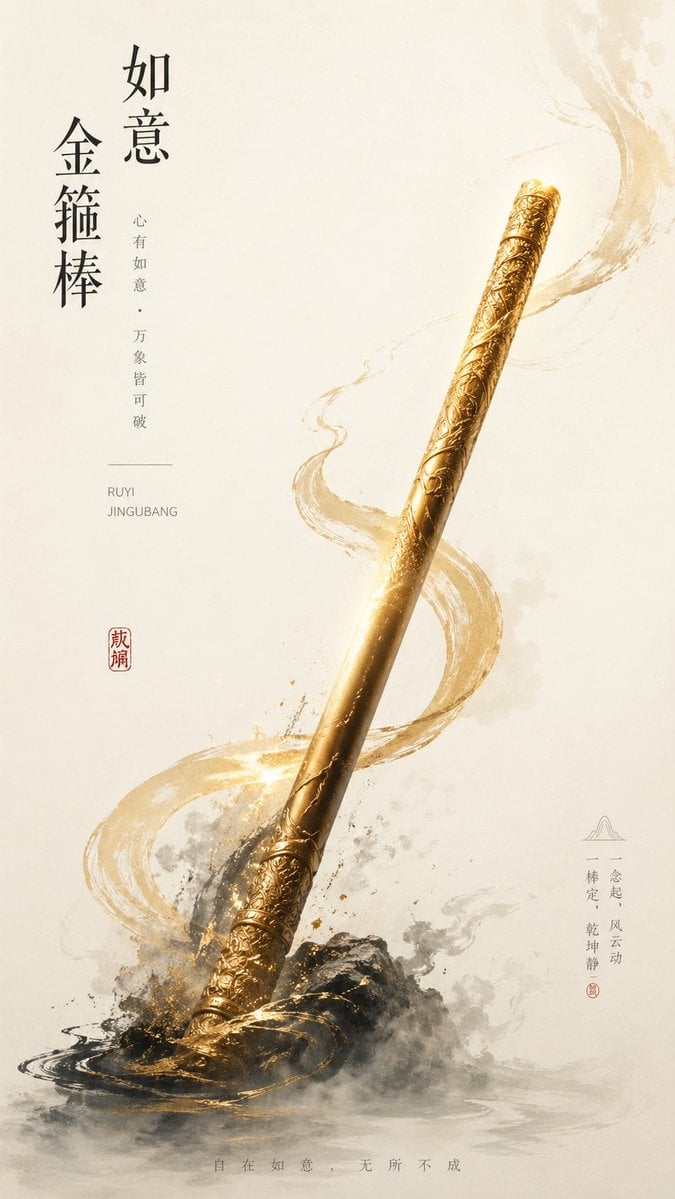
New Chinese Golden Staff Poster
Browse template categories
Vintage JNR Locomotive Memory Poster questions
How do I use the Vintage JNR Locomotive Memory Poster template?
Add your photo if the template asks for one, edit the prompt if you like — the template's model and format are already selected — and press Generate. Your version opens in PicX Studio.
Can I customize the Vintage JNR Locomotive Memory Poster template?
Yes. You can change the subject, setting, lighting, mood, format, and available model controls before creating your image.
Is the Vintage JNR Locomotive Memory Poster template free?
Opening and editing this template is free. Generating uses credits, shown on the Generate button when you are signed in.
Which AI model should I use?
Start with GPT Image 2, which is the model associated with this template. You can compare another compatible model for a different finish.
Looking for something else? Browse all templates.

Your photo, any look
Thousands of ready templates for every top image and video model, from one credit balance.