
CAVN GPT Image 2 Launch Poster
A polished square tech-promo poster announcing GPT Image 2 on CAVN with glass panels, waveform energy, and cinematic AI-generated landscapes.
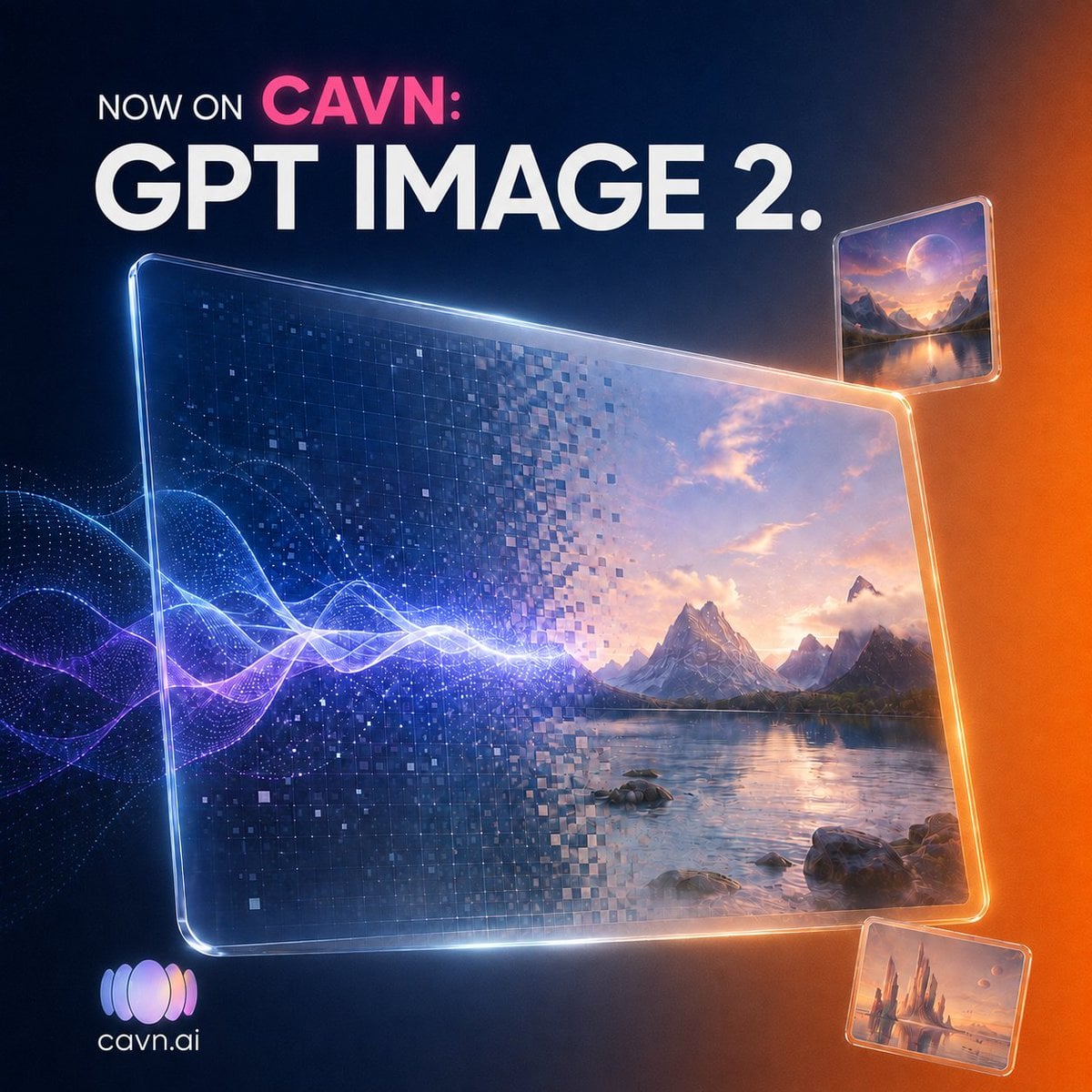
- Prompt included
- Model and format preset
- Free template
The prompt behind this image
Copy the exact prompt behind CAVN GPT Image 2 Launch Poster, or open it in the studio and make it yours.
Create a square 1:1 futuristic promotional graphic for {argument name="platform name" default="CAVN"} announcing {argument name="product name" default="GPT IMAGE 2."}. Use a dark navy-to-black background with a warm orange glow on the right edge and subtle blue light on the left. At the top left, place bold uppercase text in three parts: small white “NOW ON”, bright pink “CAVN:” on the same line, and a huge white headline “GPT IMAGE 2.” beneath it in a clean geometric sans-serif font. The central focus is one large tilted transparent glass screen with rounded corners and glowing beveled edges, spanning most of the lower center. Inside this main screen, show a split AI-generation effect: the left half is dark blue digital pixels and square mosaic fragments, while the right half resolves into a cinematic fantasy landscape with mountains, a calm lake, rocks, clouds, and sunset light. A bright electric audio waveform made of luminous blue, white, and purple curves enters from the left and passes through the main screen, suggesting music becoming imagery. Add exactly 3 glass image panels: 1 large central landscape panel, 1 smaller floating rounded-rectangle panel near the upper right showing a moonlit mountain lake scene, and 1 smaller floating rounded-rectangle panel near the lower right showing a warm fantasy castle or spire landscape. All panels should have glossy transparent edges, reflections, and orange-blue rim lighting. In the bottom left, include a small gradient audio-wave logo icon with the white text {argument name="website text" default="cavn.ai"}. Visual style: premium tech launch poster, high-detail 3D glassmorphism, cinematic lighting, sharp typography, glowing particles, digital mosaic squares, polished album-art promotional aesthetic. Constraints: keep the composition uncluttered, use only the visible text “NOW ON CAVN:”, “GPT IMAGE 2.”, and “cavn.ai”, no extra copy, no watermark.
How to use CAVN GPT Image 2 Launch Poster in 3 steps
- 1Upload ImagePNG, JPG or paste
Add your photo
Upload the photo the template builds on. The prompt, model and format are already set.
- 2…a portrait of your subject in softgolden-hour light, 85mm…
Personalize
Edit the subject and creative details for your destination.
- 3Generate
Generate
Press Generate — your image is created in PicX Studio, so you can compare it with the original and refine one variable at a time.
More like this
Templates with the same subject, style or setup. Open one to see its prompt.

Gpt2 Product Marketing Streetwear Sneaker Poster Ad

Gpt2 Youtube Thumbnail Wuxia Movie Character Posters

Gpt2 Youtube Thumbnail Anime Music Bootcamp Promo Poster

Gpt2 Infographic Edu Visual Ink Wash Tribute Poster for Chen Uen

Gpt2 Infographic Edu Visual Biomimetic Skyray Aircraft Poster

Gpt2 Social Media Post Cinematic Chicken Momos Ad Poster

Gpt2 Social Media Post Bmw Performance Social Poster
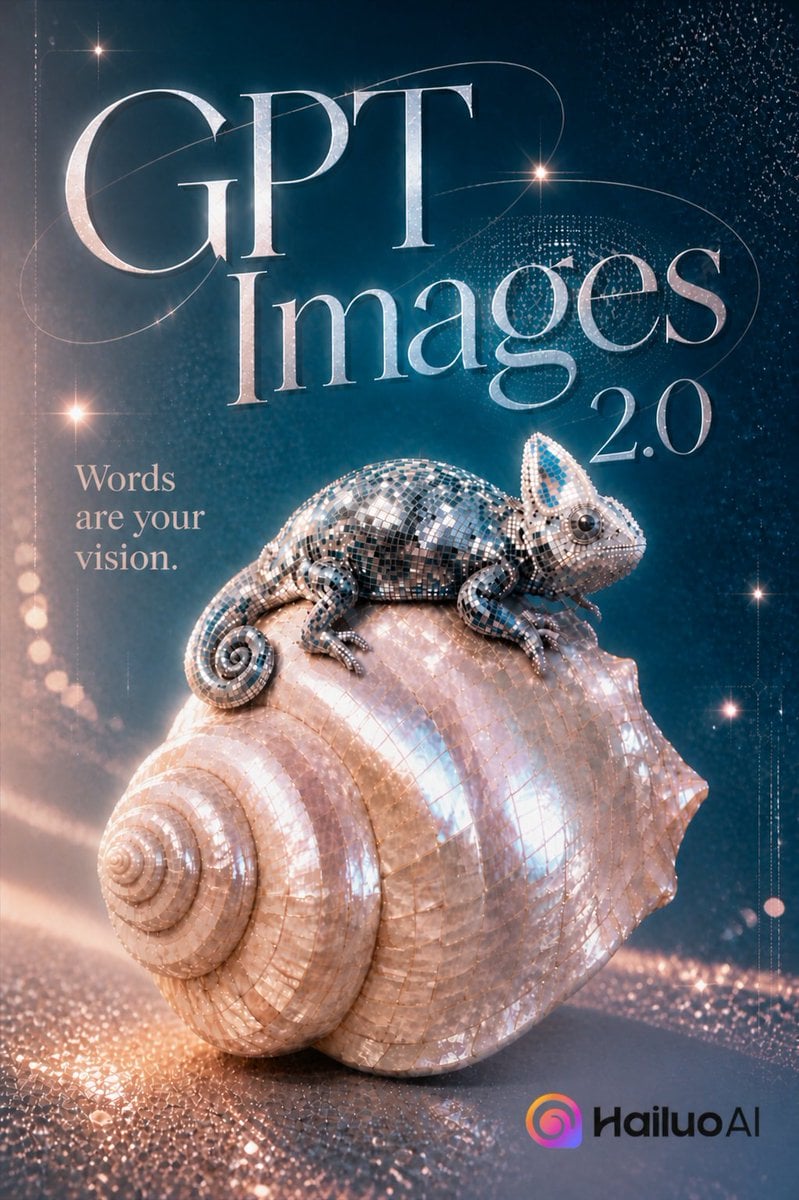
Luxury GPT Images 2.0 Launch Poster

Japan Travel Brochure Poster
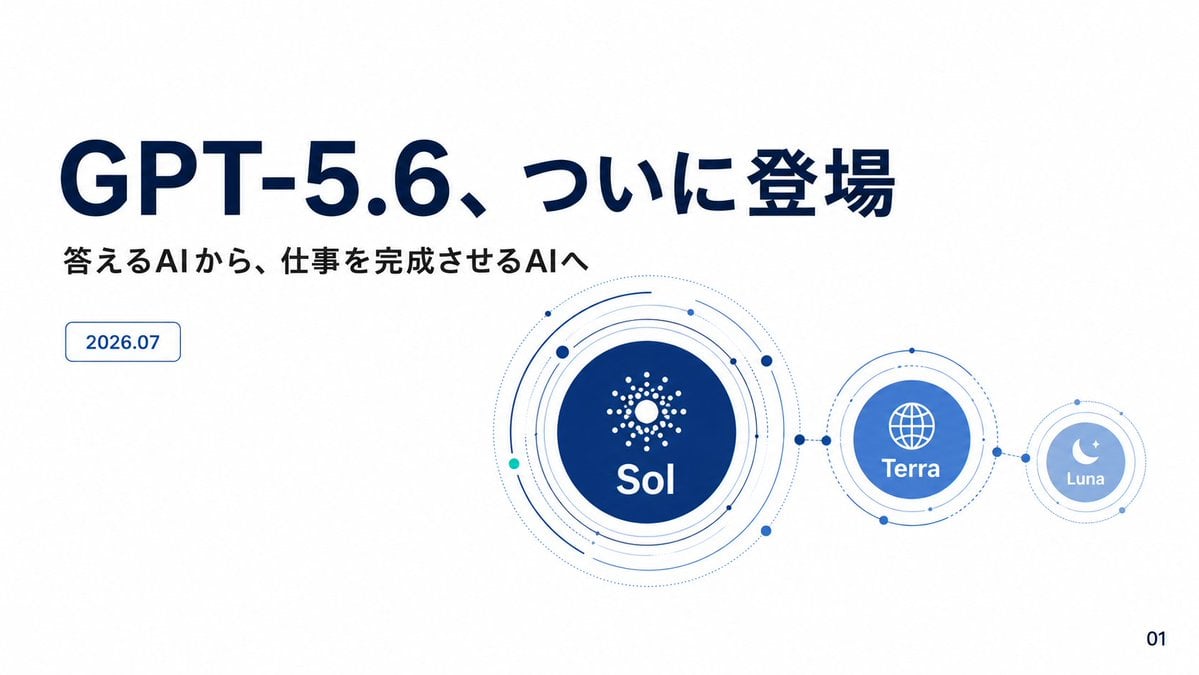
GPT-5.6 Japanese Launch Slide

Cartoon TV Show Poster Pack

Trendy Cafe Drink Promo Poster
Make it yours
CAVN GPT Image 2 Launch Poster works as-is. These are the safest ways to change it without losing the look.
Change one field
Copy a single group, rewrite it, and generate again so you can see what that field is doing.
Keep the frame, change the subject
Hold the composition and light of CAVN GPT Image 2 Launch Poster, then swap wardrobe, props or the person for a new take.
| If the result… | Why | Fix |
|---|---|---|
| The result drifts from the preview | Too many fields changed at once. | Reuse CAVN GPT Image 2 Launch Poster as-is first, then change one group — subject, light, or setting. |
| The model over-stylizes the scene | The prose prompt leaves finish and camera underspecified. | Add one camera or lighting sentence and stay on GPT Image 2. |
More GPT Image 2 templates
Other prompts made for GPT Image 2.

Six VTuber Japanese Logo Sheet

Realistic Portrait of Woman and Deer

The Vista Modular Condo Poster

AI Model Routing Comparison Infographic

2.5D Anime Art Board

Isometric Productivity Desk Scene

New York Double Exposure Poster

Four-Panel AI Landscape Comparison

Japanese Tatami Lifestyle Magazine Cover

NESCAFÉ Coffee Map Poster
More image prompts
Fresh picks from across the catalog.
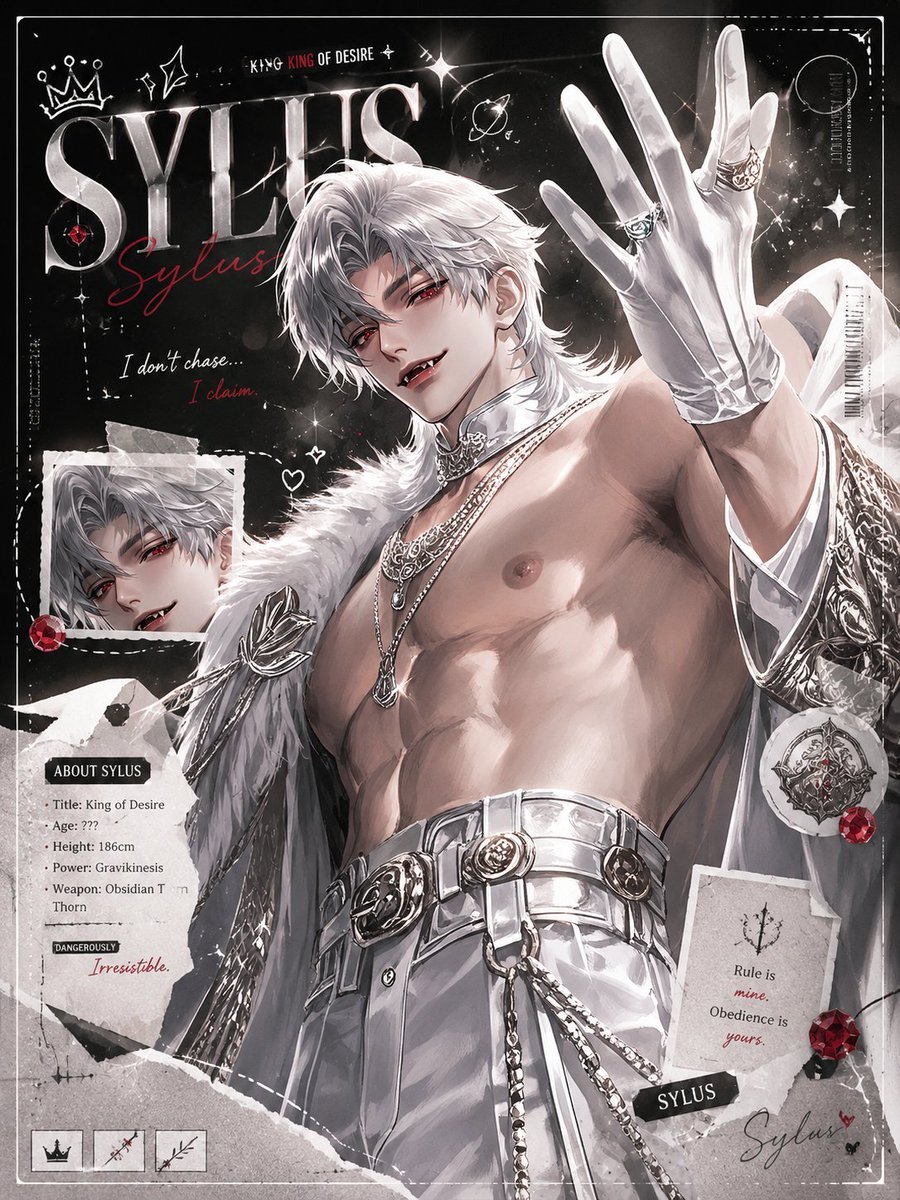
Dark Anime Sylus Scrapbook Poster
Hyper-Realistic Bathroom Vanity Portrait
Magical Glowing Ribbon Style Transformation
Abstract Aqua Anime Poster
Multi-Tool Workflow for Animation Production
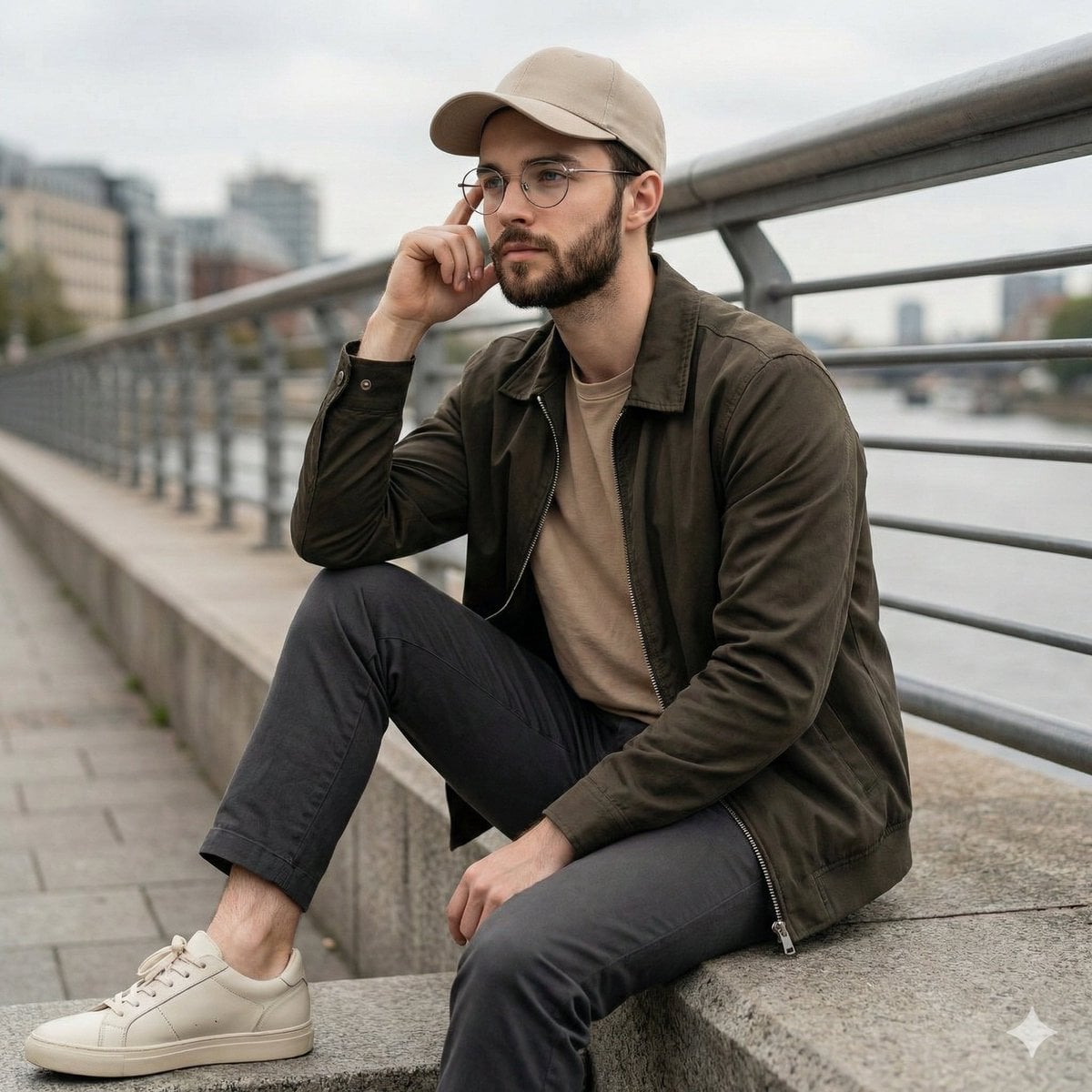
Cinematic Lifestyle Portrait on Urban Promenade
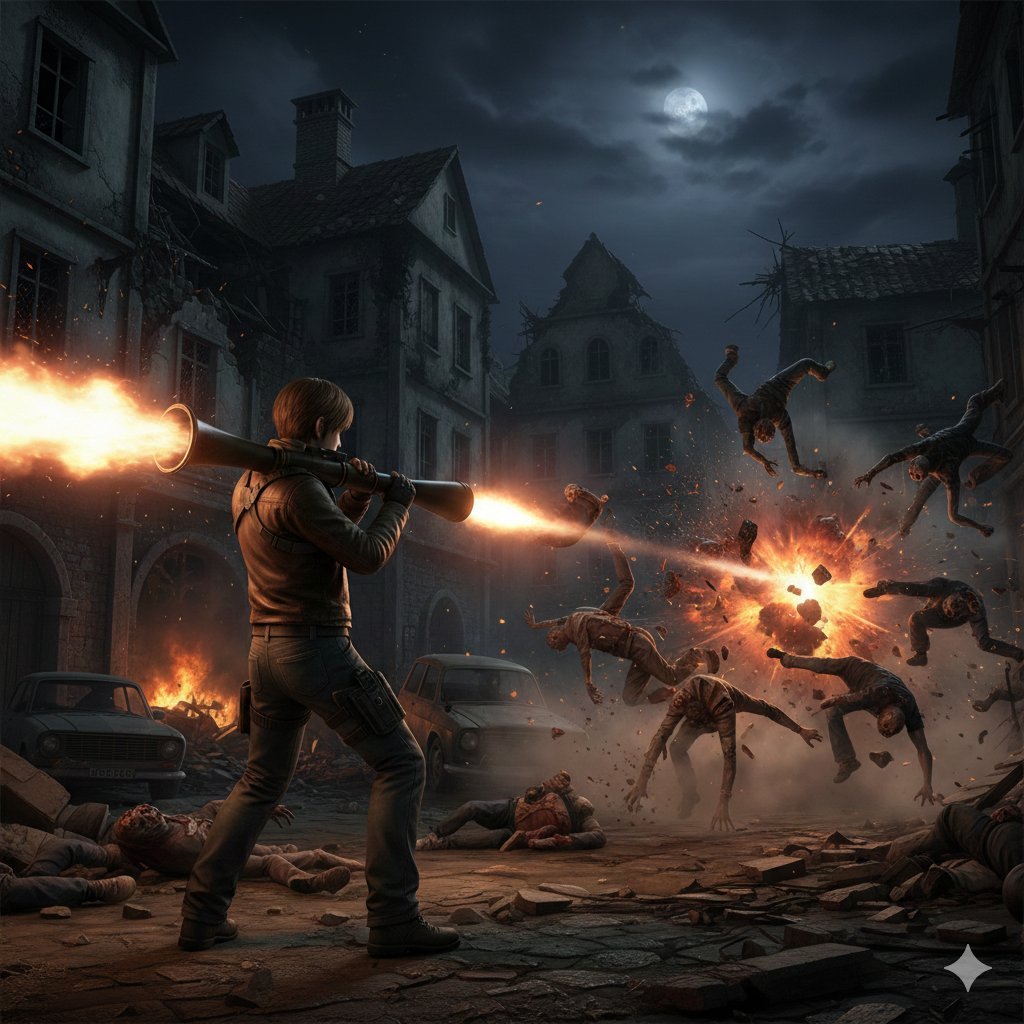
Resident Evil Rocket Launcher Action Scene
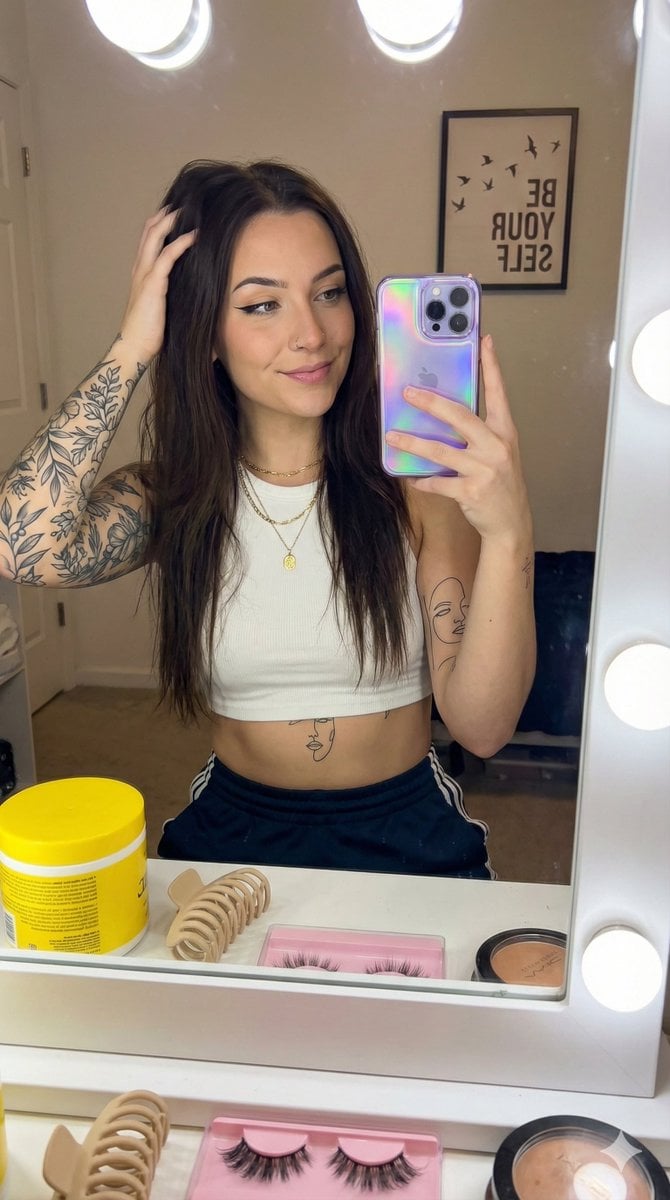
Detailed Social Media Mirror Selfie Portrait
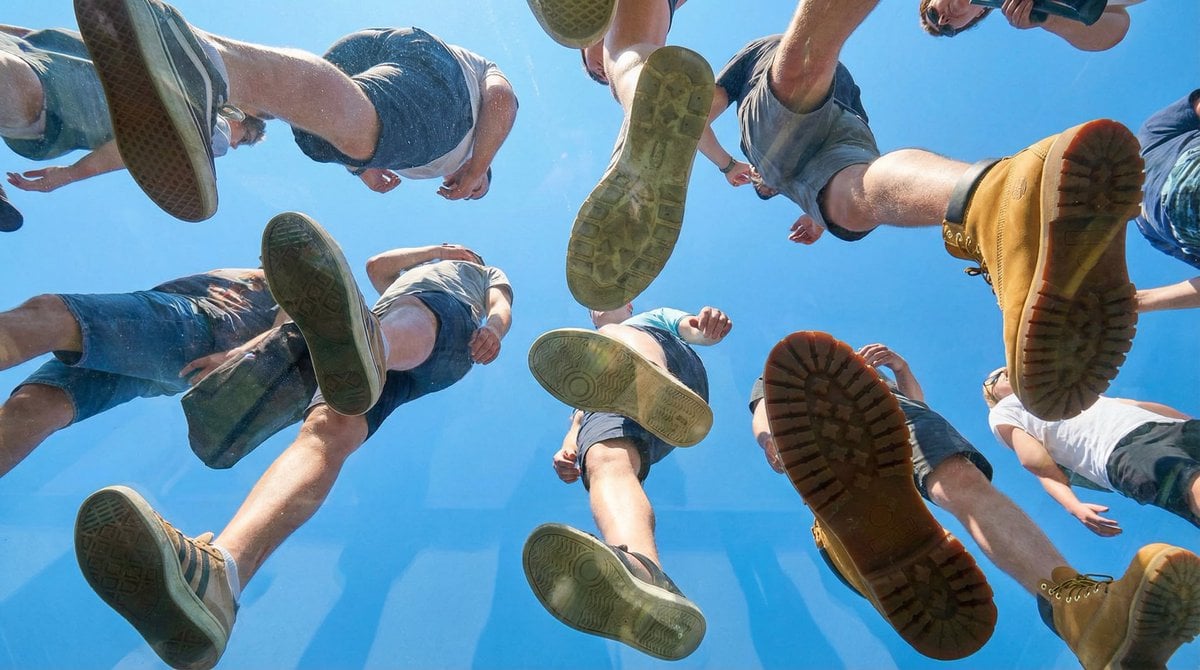
Under Glass Floor Perspective Shot
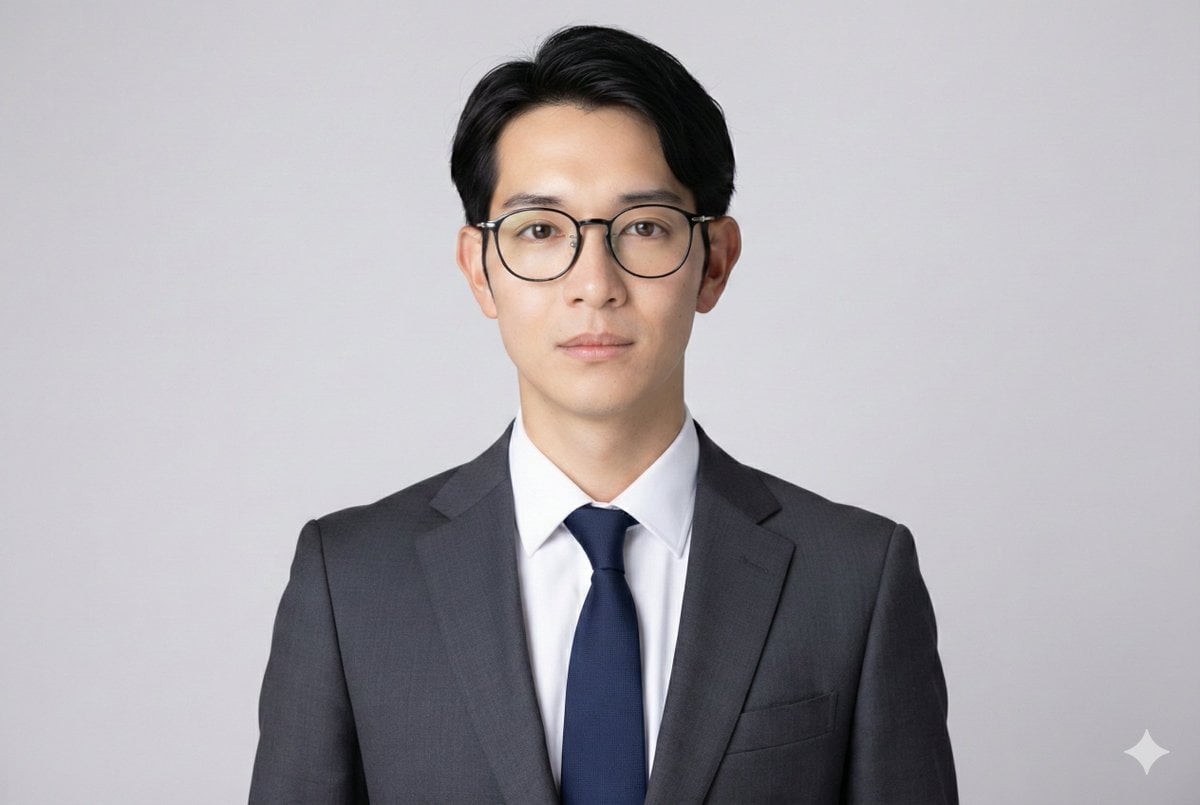
Professional ID Photo Generation Prompt
Browse template categories
CAVN GPT Image 2 Launch Poster questions
How do I use the CAVN GPT Image 2 Launch Poster template?
Add your photo if the template asks for one, edit the prompt if you like — the template's model and format are already selected — and press Generate. Your version opens in PicX Studio.
Can I customize the CAVN GPT Image 2 Launch Poster template?
Yes. You can change the subject, setting, lighting, mood, format, and available model controls before creating your image.
Is the CAVN GPT Image 2 Launch Poster template free?
Opening and editing this template is free. Generating uses credits, shown on the Generate button when you are signed in.
Which AI model should I use?
Start with GPT Image 2, which is the model associated with this template. You can compare another compatible model for a different finish.
Looking for something else? Browse all templates.

Your photo, any look
Thousands of ready templates for every top image and video model, from one credit balance.