
Spartan Warrior in Coastal Pine Forest
A cinematic photorealistic prompt for generating an ancient armored warrior standing in a sunset-lit coastal forest.
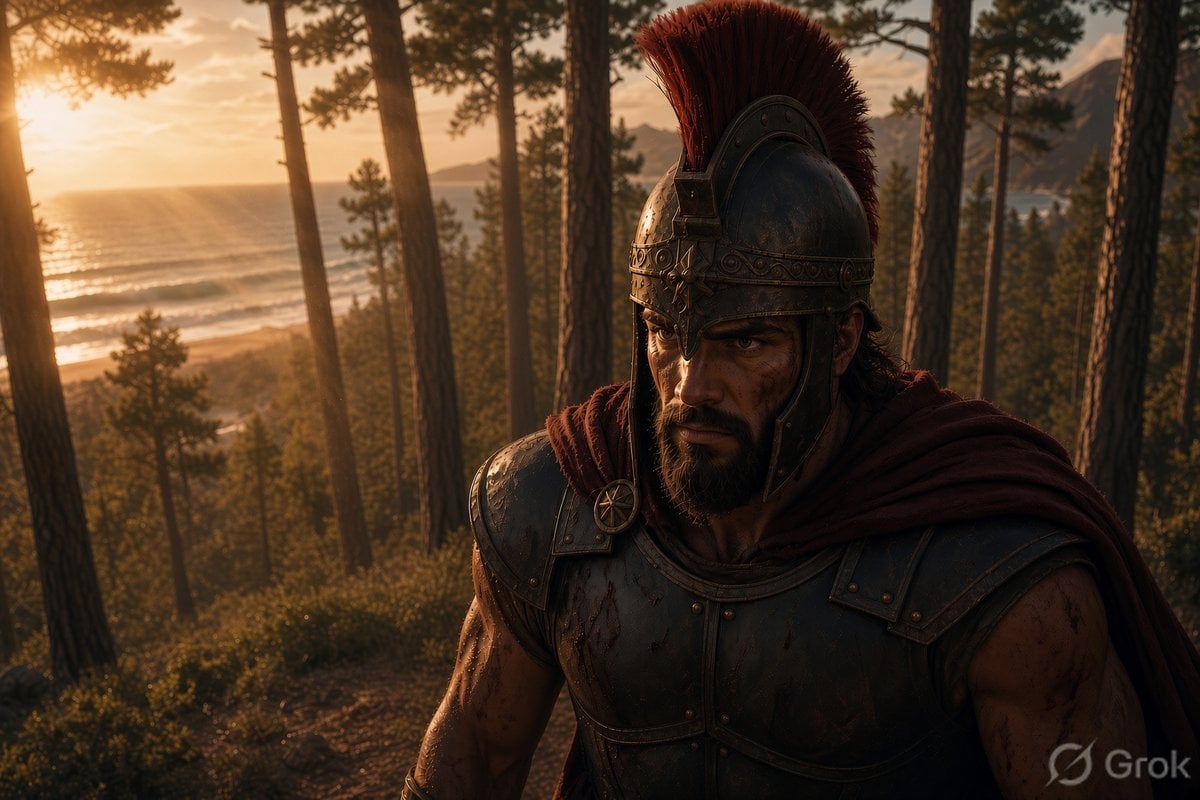
- Prompt included
- Model and format preset
- Free template
The prompt behind this image
Copy the exact prompt behind Spartan Warrior in Coastal Pine Forest, or open it in the studio and make it yours.
Create a cinematic photorealistic historical fantasy scene at golden hour: one rugged ancient Spartan or Greek warrior, {argument name="character type" default="Spartan warrior"}, stands in the right foreground on a wooded coastal hillside, shown from the waist up in a dramatic three-quarter view. He has a muscular build, tan weathered skin, dark intense eyes, long dark hair partly hidden under an ornate bronze Corinthian-style helmet, a thick black beard, and a stern battle-worn expression. His armor consists of exactly 4 main visible outfit pieces: a polished but scratched bronze helmet with a tall red horsehair crest, a dark metal cuirass with rivets and blood smears, shoulder armor plates, and a deep burgundy cloak draped over his shoulders. Add dirt, small cuts, sweat, and dried blood on his face and bare arms for realism. The environment contains a coastal pine forest with about 14 tall visible tree trunks rising vertically through the frame, dense green undergrowth, a narrow earth path, and a distant ocean shoreline on the left with soft waves and a hazy headland in the background. The sun is low at the far left, casting warm amber light, long shadows, rim light on the helmet and cloak, and atmospheric haze through the trees. Use {argument name="lighting mood" default="warm sunset backlighting"}, shallow depth of field, high dynamic range, natural film grain, detailed textures, epic historical drama composition, 16:9 widescreen aspect ratio, ultra-realistic, no modern objects, no text except a subtle small watermark-like mark in the lower right if desired.
How to use Spartan Warrior in Coastal Pine Forest in 3 steps
- 1Upload ImagePNG, JPG or paste
Add your photo
Upload the photo the template builds on. The prompt, model and format are already set.
- 2…a portrait of your subject in softgolden-hour light, 85mm…
Personalize
Edit the subject and creative details for your destination.
- 3Generate
Generate
Press Generate — your image is created in PicX Studio, so you can compare it with the original and refine one variable at a time.
More like this
Templates with the same subject, style or setup. Open one to see its prompt.

Dreamy Japanese Woman Pine Forest Portrait
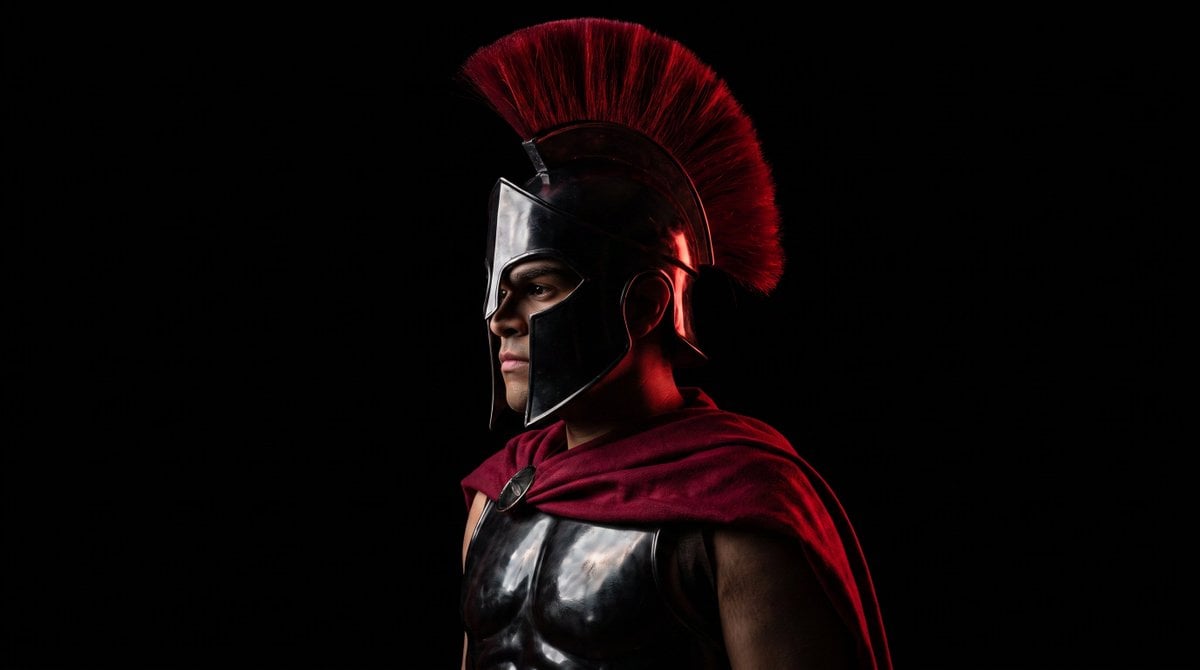
Cinematic Spartan Warrior Avatar

Layered Paper Cut Forest Diorama

Minimalist Skincare Product Water Stone Still
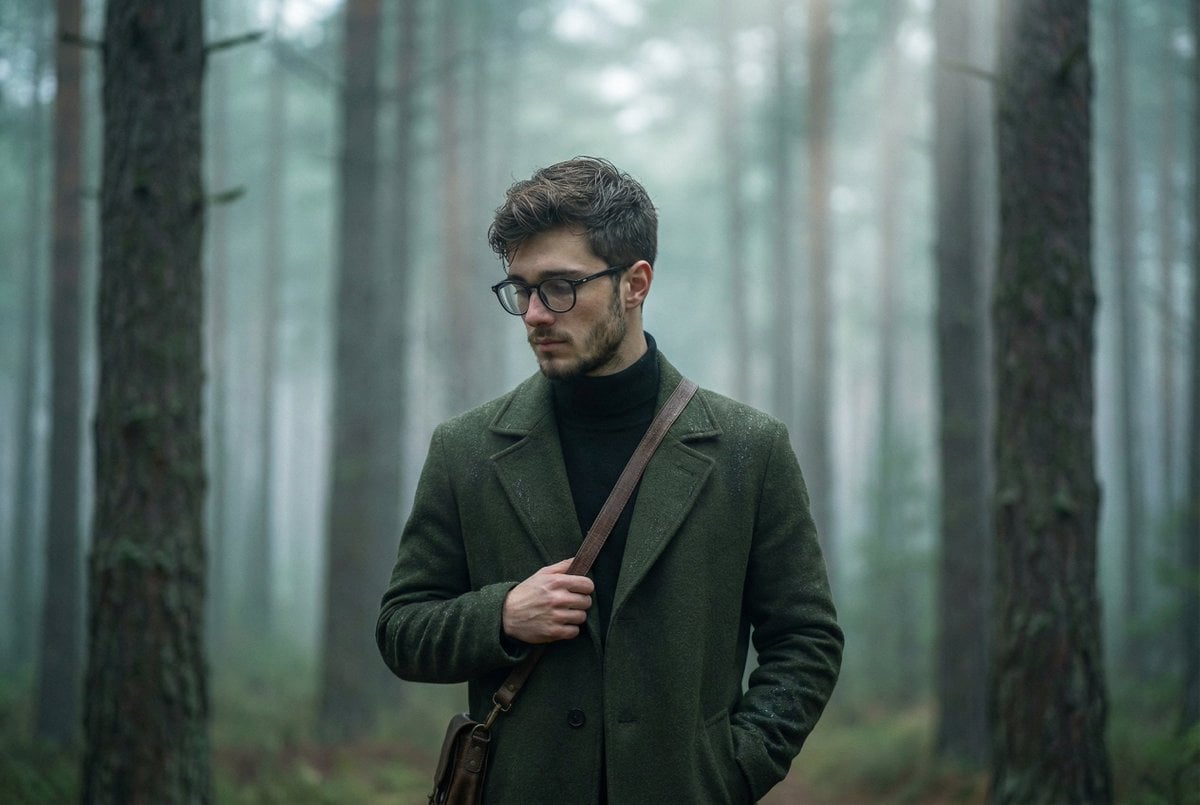
Foggy pine forest cinematic portrait
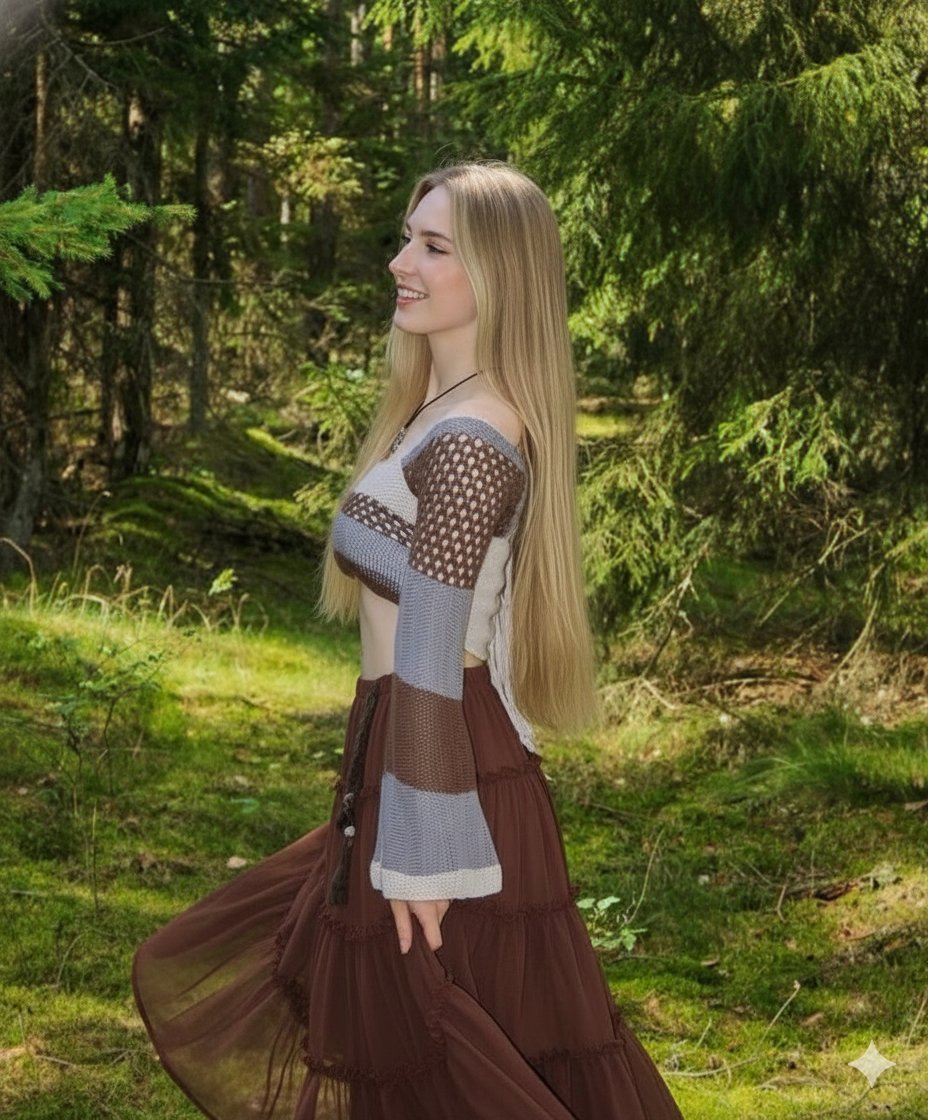
Boho Editorial Portrait in Pine Forest

Coastal Bench Portrait — Navy Floral Sundress
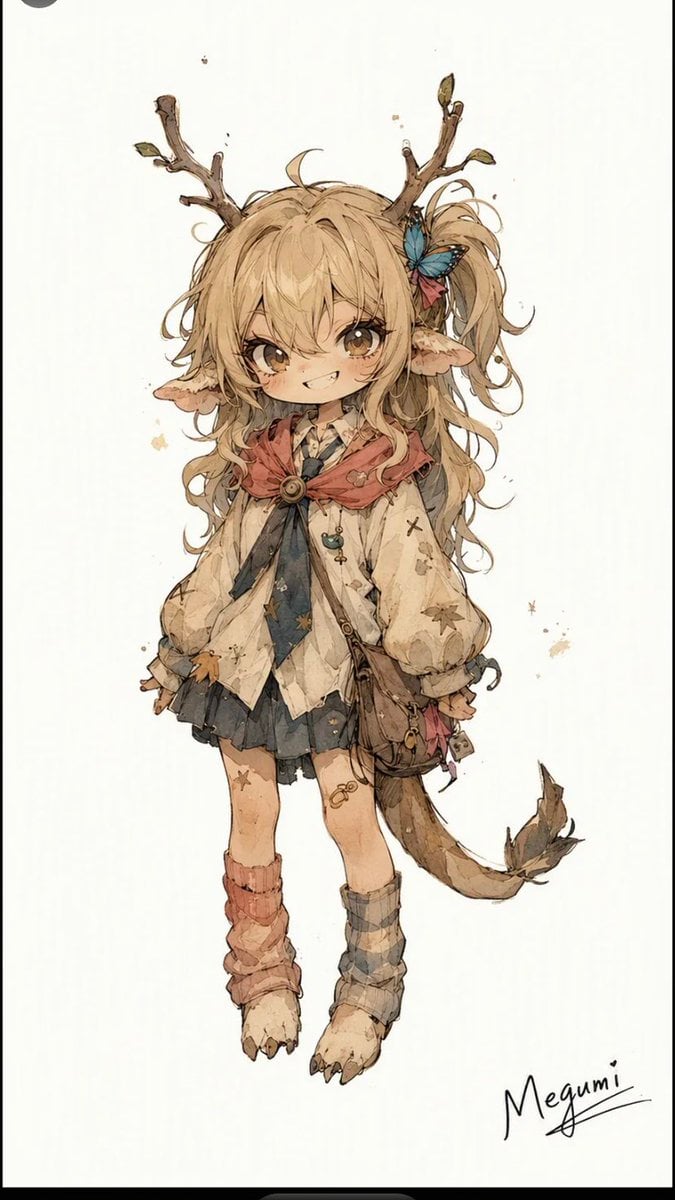
Mischievous Forest Faun Girl
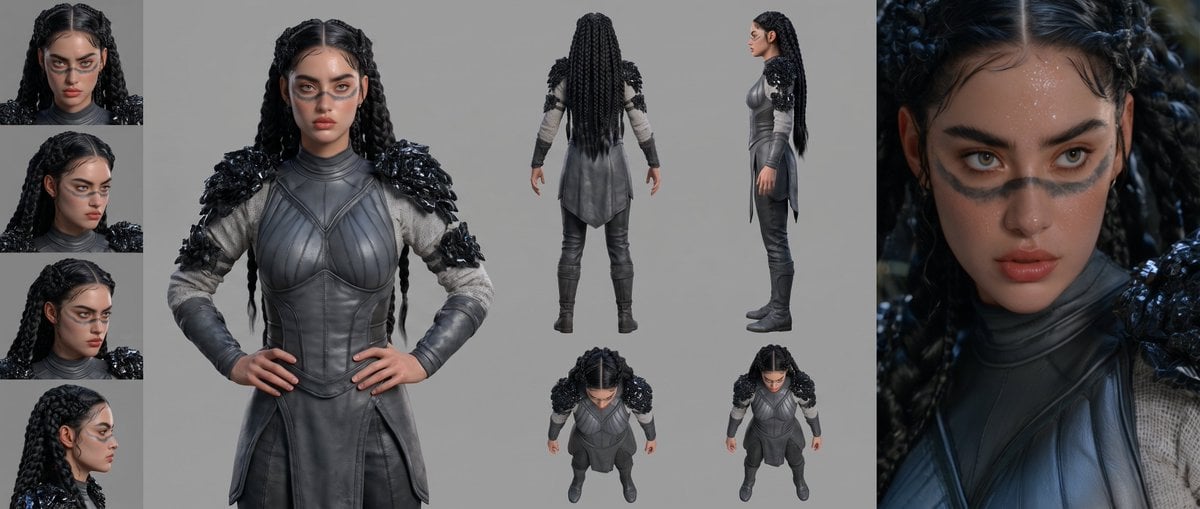
Mesoamerican Warrior Character Sheet
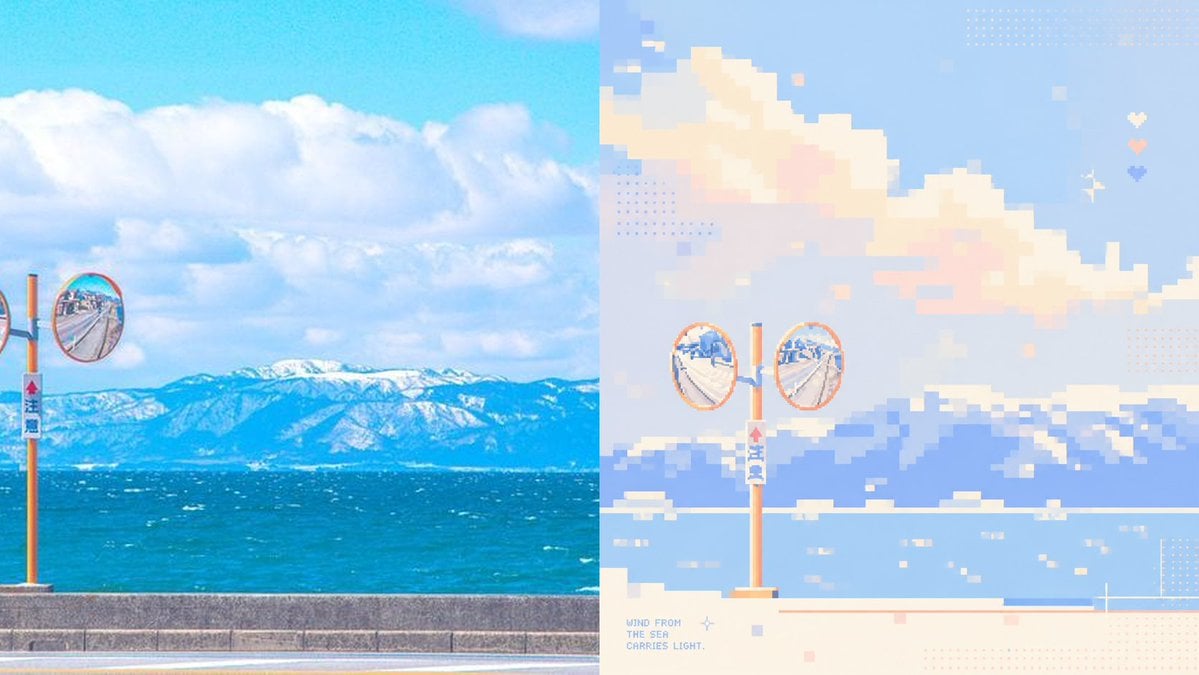
Coastal Photo to Pastel Pixel Art

Tribal Fantasy Warrior with Guardian Owl

Coastal Freedom Sunset Portrait
Make it yours
Spartan Warrior in Coastal Pine Forest works as-is. These are the safest ways to change it without losing the look.
Change one field
Copy a single group, rewrite it, and generate again so you can see what that field is doing.
Keep the frame, change the subject
Hold the composition and light of Spartan Warrior in Coastal Pine Forest, then swap wardrobe, props or the person for a new take.
| If the result… | Why | Fix |
|---|---|---|
| The result drifts from the preview | Too many fields changed at once. | Reuse Spartan Warrior in Coastal Pine Forest as-is first, then change one group — subject, light, or setting. |
| The model over-stylizes the scene | The prose prompt leaves finish and camera underspecified. | Add one camera or lighting sentence and stay on GPT Image 2. |
More GPT Image 2 templates
Other prompts made for GPT Image 2.

Six VTuber Japanese Logo Sheet

Realistic Portrait of Woman and Deer

The Vista Modular Condo Poster

AI Model Routing Comparison Infographic

2.5D Anime Art Board

Isometric Productivity Desk Scene

New York Double Exposure Poster

Four-Panel AI Landscape Comparison

Japanese Tatami Lifestyle Magazine Cover

NESCAFÉ Coffee Map Poster
More image prompts
Fresh picks from across the catalog.

Neon Arena Concert Ad Poster

Cinematic Quiz Show Audience
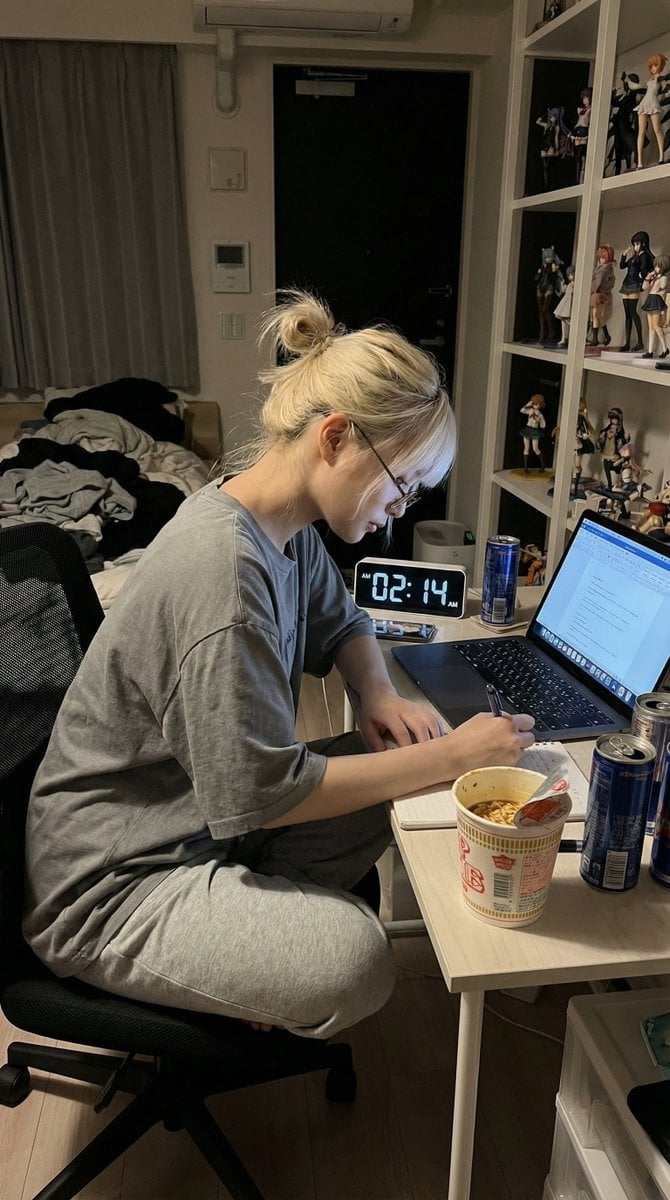
Nano Banana Pro Prompt for Hidden Effort
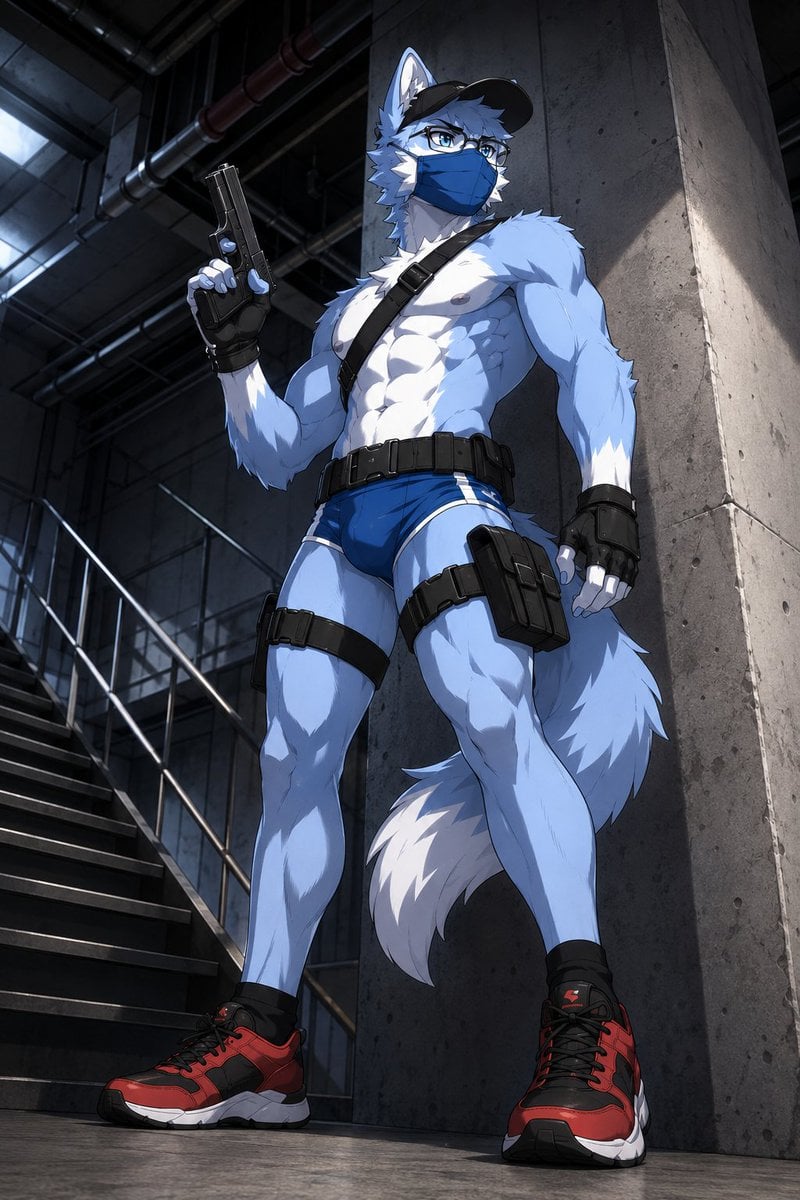
Masked Wolf Tactical Agent
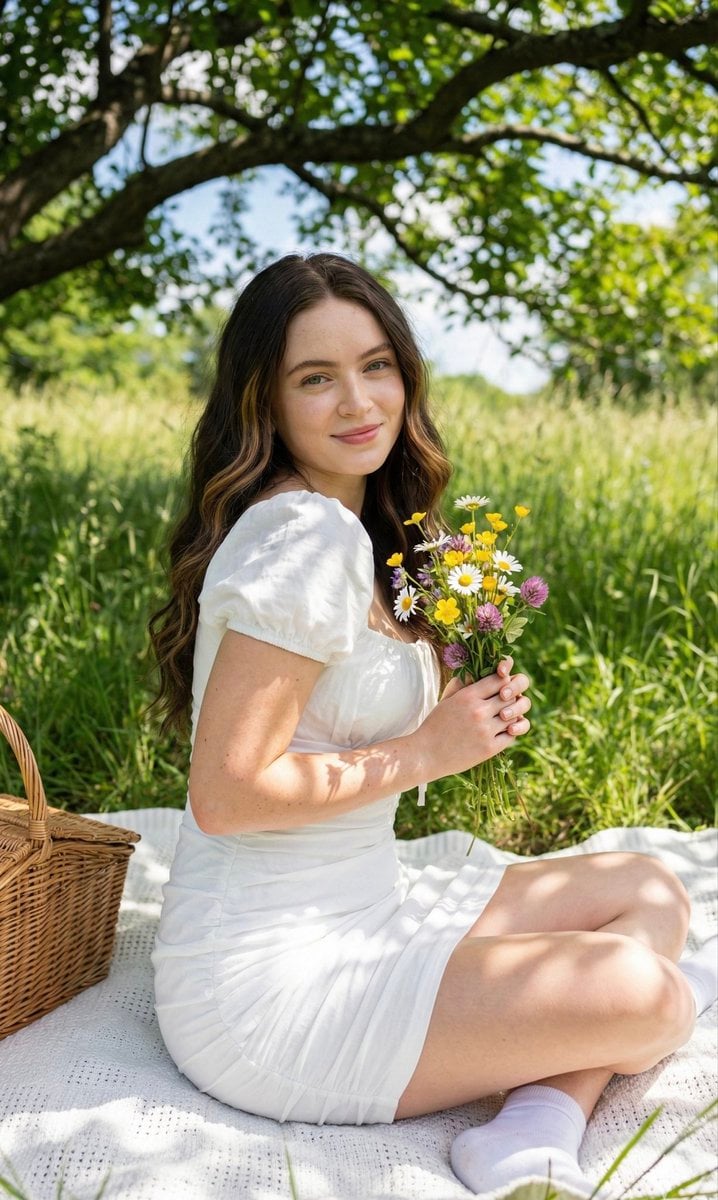
Cottagecore Picnic Portrait Prompt

Bureaucrat-style explanatory diagram (Kasumigaseki PowerPoint)

Mixed-Media Street Art Fisheye

Hyper-Realistic Miniature Scene in a WeChat Chat Bubble
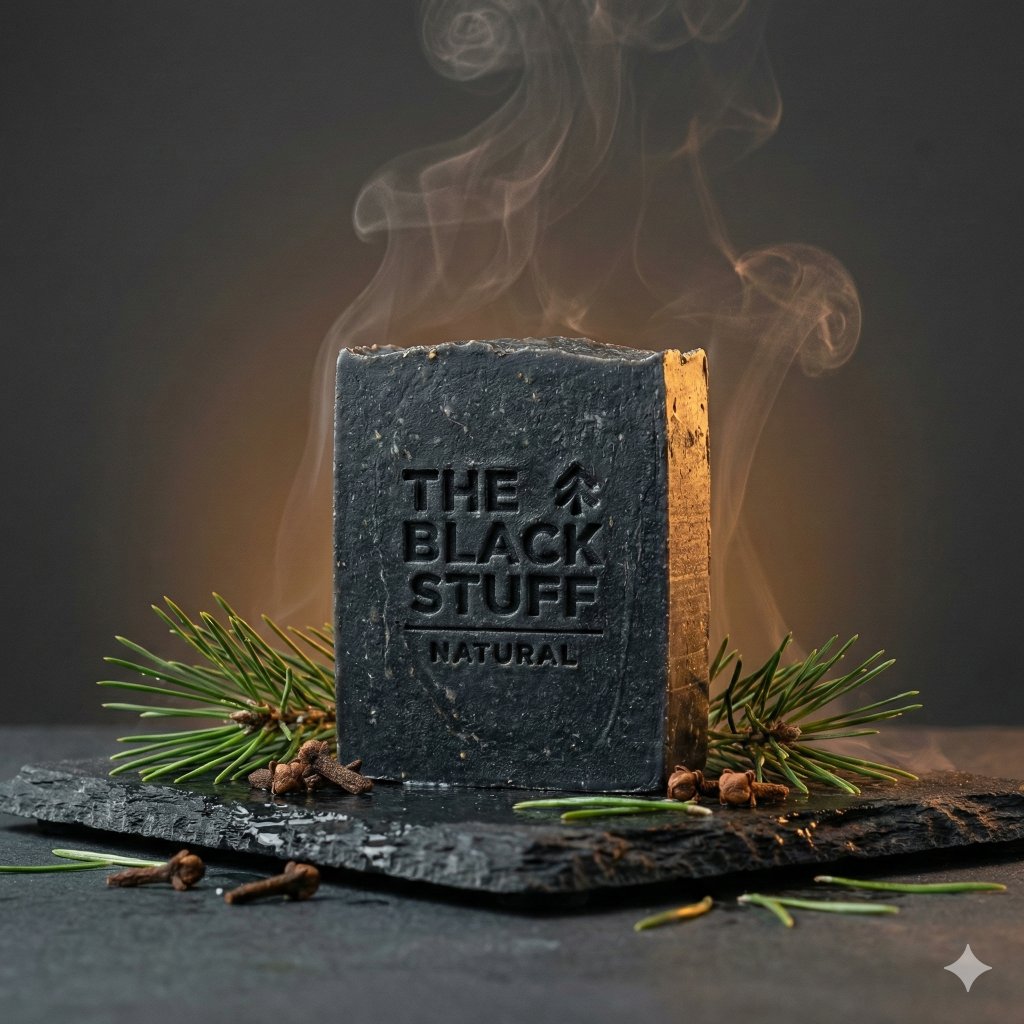
Master Prompt for Premium Minimalist Product Photography
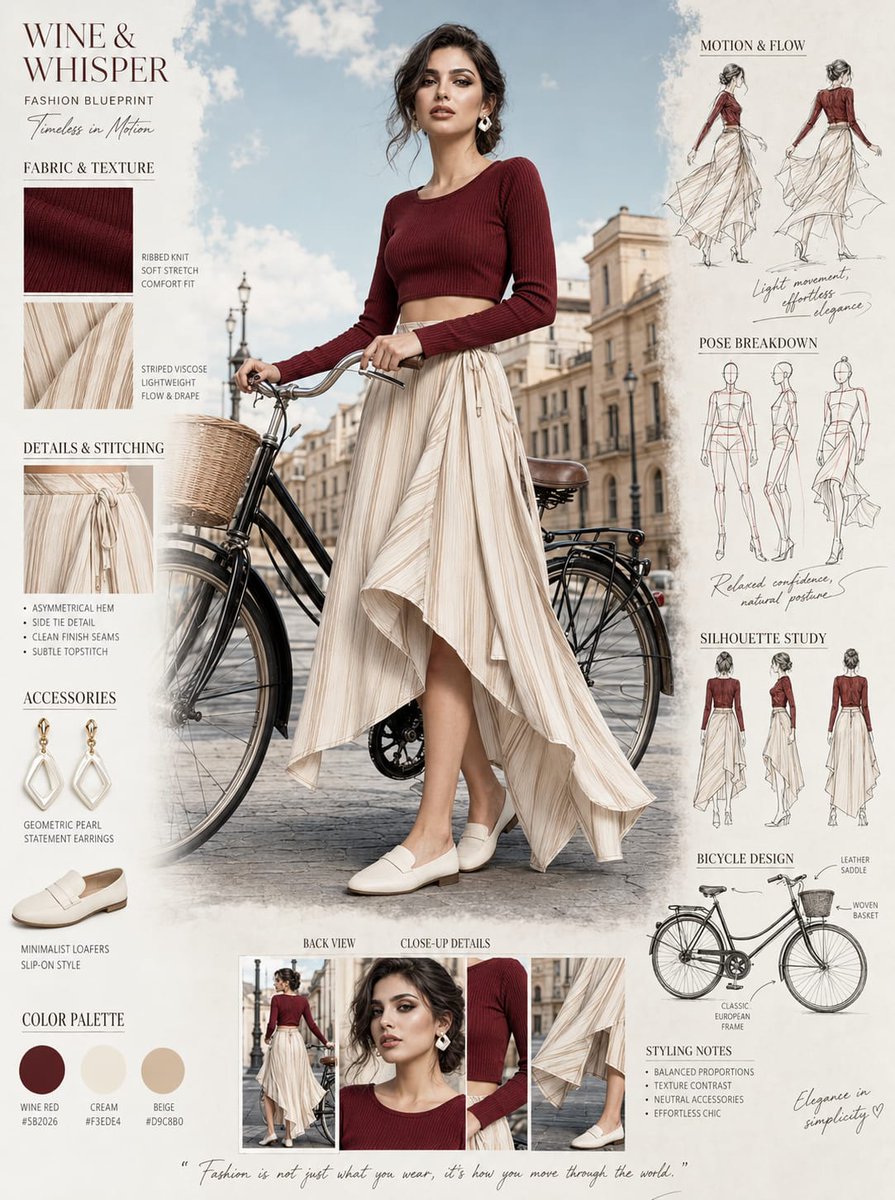
Fashion Blueprint Concept Sheet
Browse template categories
Spartan Warrior in Coastal Pine Forest questions
How do I use the Spartan Warrior in Coastal Pine Forest template?
Add your photo if the template asks for one, edit the prompt if you like — the template's model and format are already selected — and press Generate. Your version opens in PicX Studio.
Can I customize the Spartan Warrior in Coastal Pine Forest template?
Yes. You can change the subject, setting, lighting, mood, format, and available model controls before creating your image.
Is the Spartan Warrior in Coastal Pine Forest template free?
Opening and editing this template is free. Generating uses credits, shown on the Generate button when you are signed in.
Which AI model should I use?
Start with GPT Image 2, which is the model associated with this template. You can compare another compatible model for a different finish.
Looking for something else? Browse all templates.

Your photo, any look
Thousands of ready templates for every top image and video model, from one credit balance.