
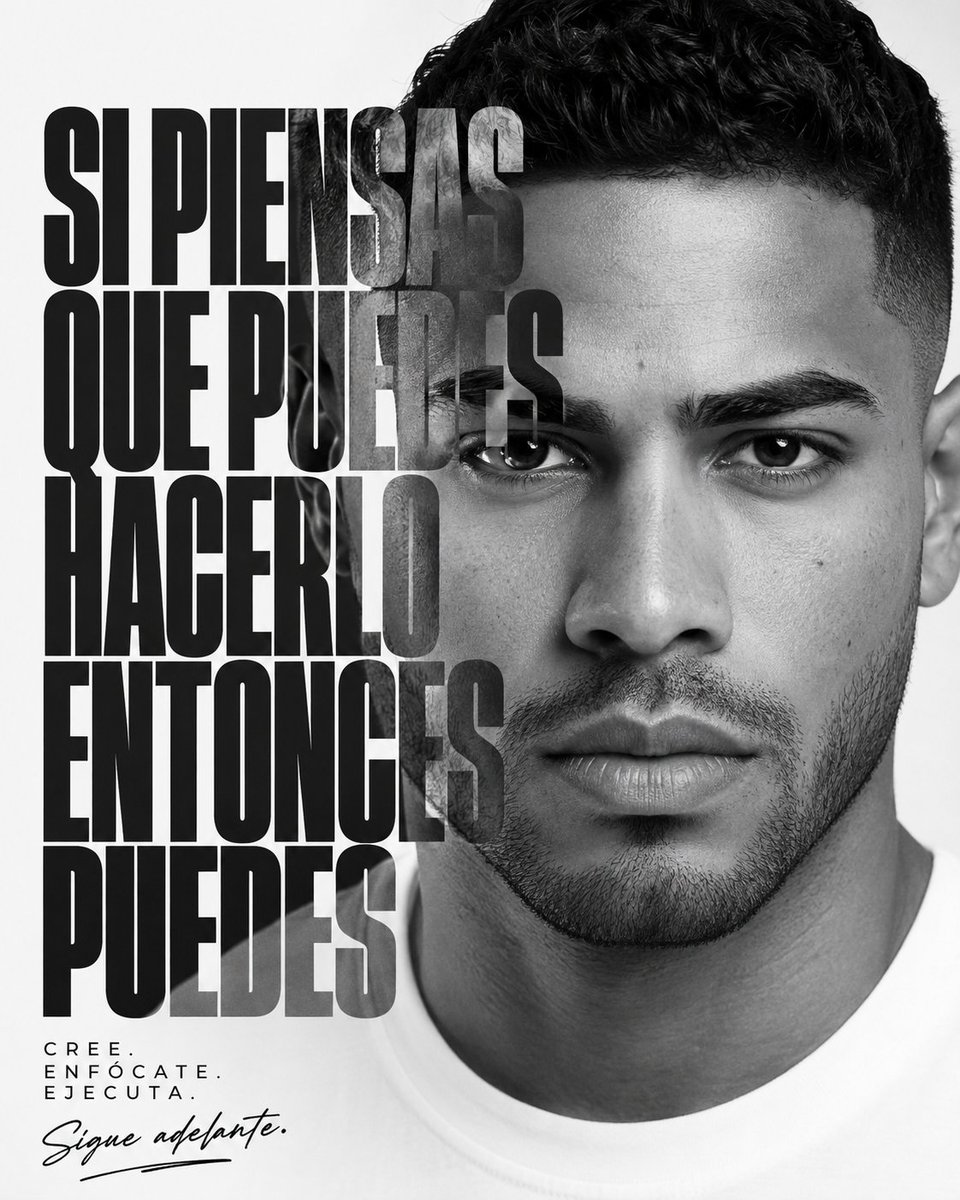
Monochrome Motivational Portrait Poster
Generates a black-and-white editorial portrait poster with bold Spanish motivational typography for social media or personal branding.
- Prompt included
- Model and format preset
- Free template
The prompt behind this image
Copy the exact prompt behind Monochrome Motivational Portrait Poster, or open it in the studio and make it yours.
Create a square black-and-white motivational poster with a high-fashion editorial portrait. The right half of the canvas is dominated by a close-up frontal portrait of a serious young man, {argument name="portrait subject" default="a handsome young Latino man in his 20s"}, with short dark curly hair, sharp eyebrows, trimmed stubble beard, neutral intense expression, direct eye contact, and a plain white crew-neck shirt. Use crisp studio lighting, realistic skin texture, high contrast monochrome photography, clean white background, and a cropped composition where the top of the hair and shoulders are partly cut off. On the left half, overlay huge condensed bold uppercase Spanish typography in five stacked lines, aligned left, spanning from near the top to near the lower third; the text should read {argument name="main slogan" default="SI PIENSAS QUE PUEDES HACERLO ENTONCES PUEDES"}. Make the type black, extremely tall and heavy, with tight line spacing, partially transparent or multiply-blended so the face subtly shows through where the letters cross into the portrait. At the bottom left, add a small spaced-out uppercase mantra in three lines reading {argument name="small mantra" default="CREE. ENFÓCATE. EJECUTA."}, then below it add a handwritten script signature-style phrase reading {argument name="signature phrase" default="Sigue adelante."} with a loose underline stroke. Keep the overall design minimalist, premium, motivational, and poster-like; no borders, no logos, no extra objects, no color.
How to use Monochrome Motivational Portrait Poster in 3 steps
- 1Upload ImagePNG, JPG or paste
Add your photo
Upload the photo the template builds on. The prompt, model and format are already set.
- 2…a portrait of your subject in softgolden-hour light, 85mm…
Personalize
Edit the subject and creative details for your destination.
- 3Generate
Generate
Press Generate — your image is created in PicX Studio, so you can compare it with the original and refine one variable at a time.
More like this
Templates with the same subject, style or setup. Open one to see its prompt.

Found Photograph: Us, 1970

80s Couple Studio Portrait

80s Bollywood Star

80s Golden Hour Cinema

Me in 1985

1985 Studio Portrait
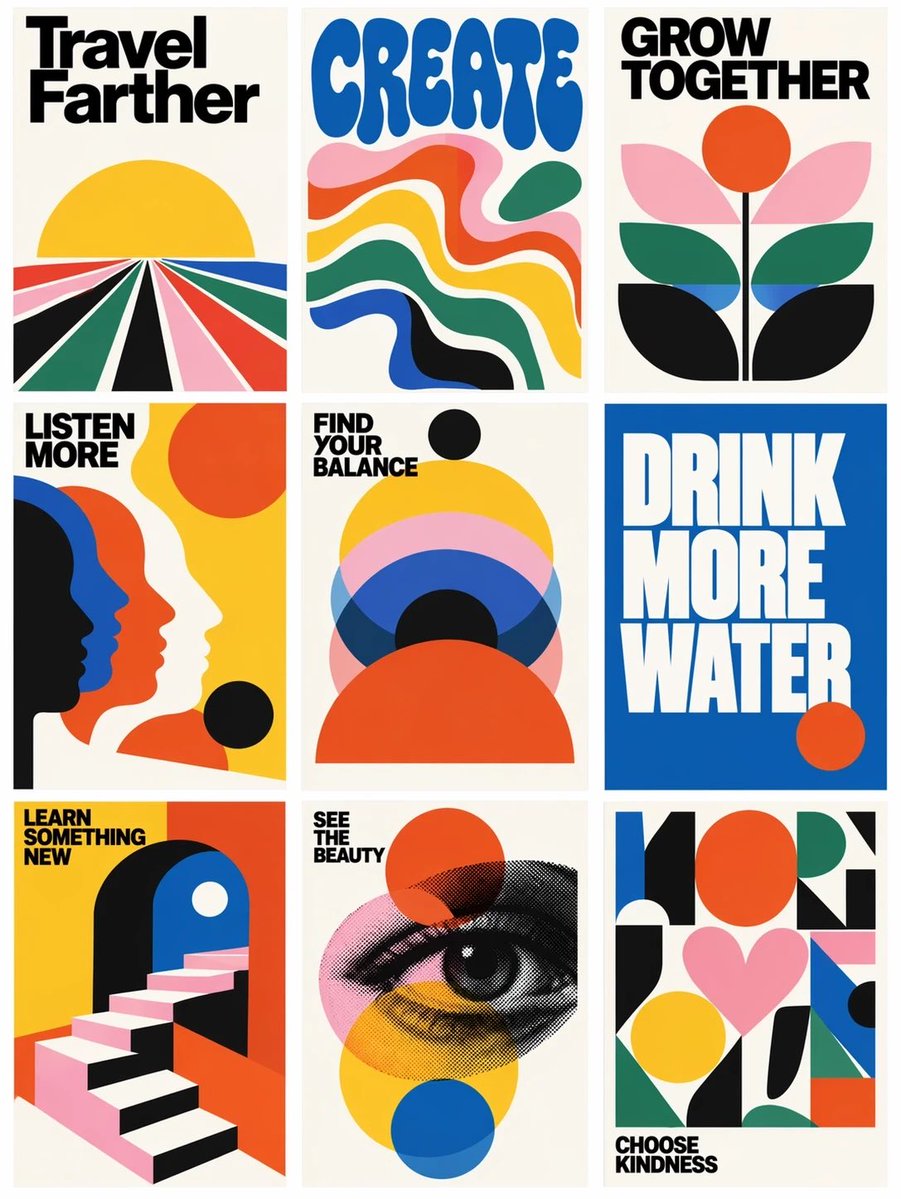
Retro Motivational Poster Grid
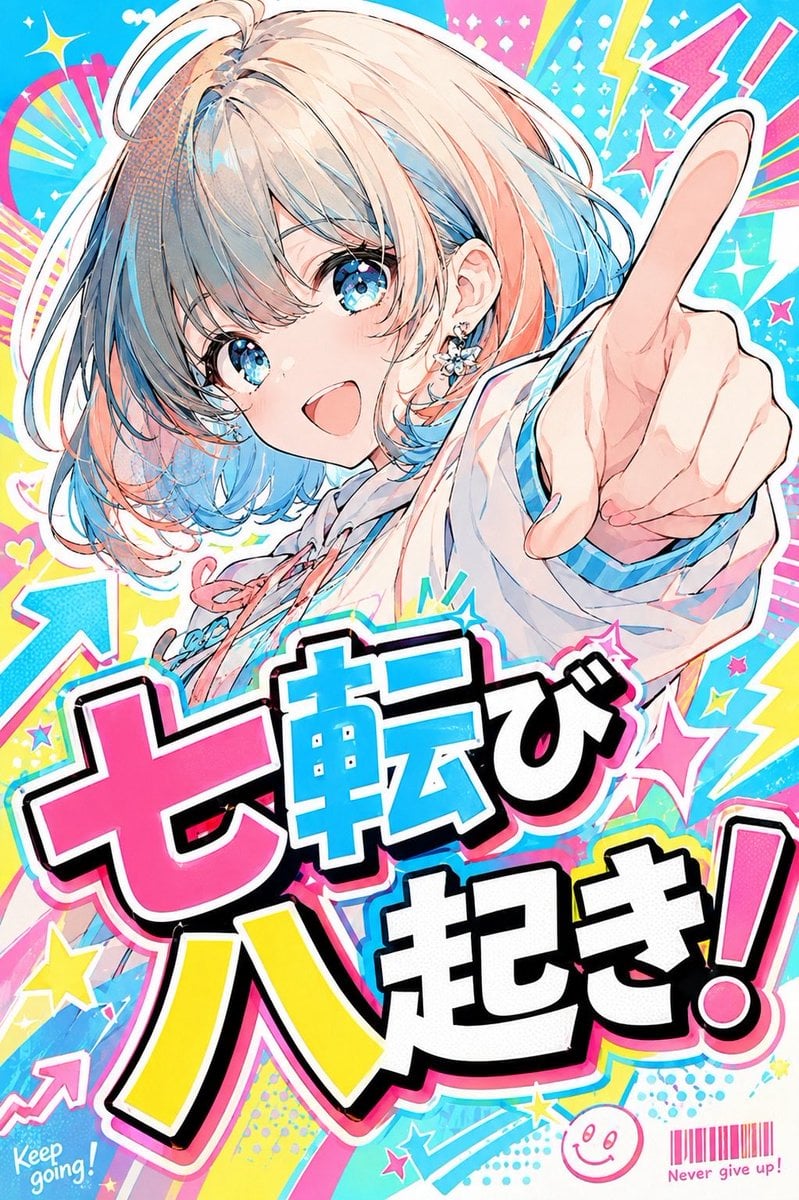
Anime POP Motivational Proverb Poster

Monochrome Studio Portrait with Colored Lens

Hyper-Realistic Minecraft POV Portrait

Japan Travel Brochure Poster
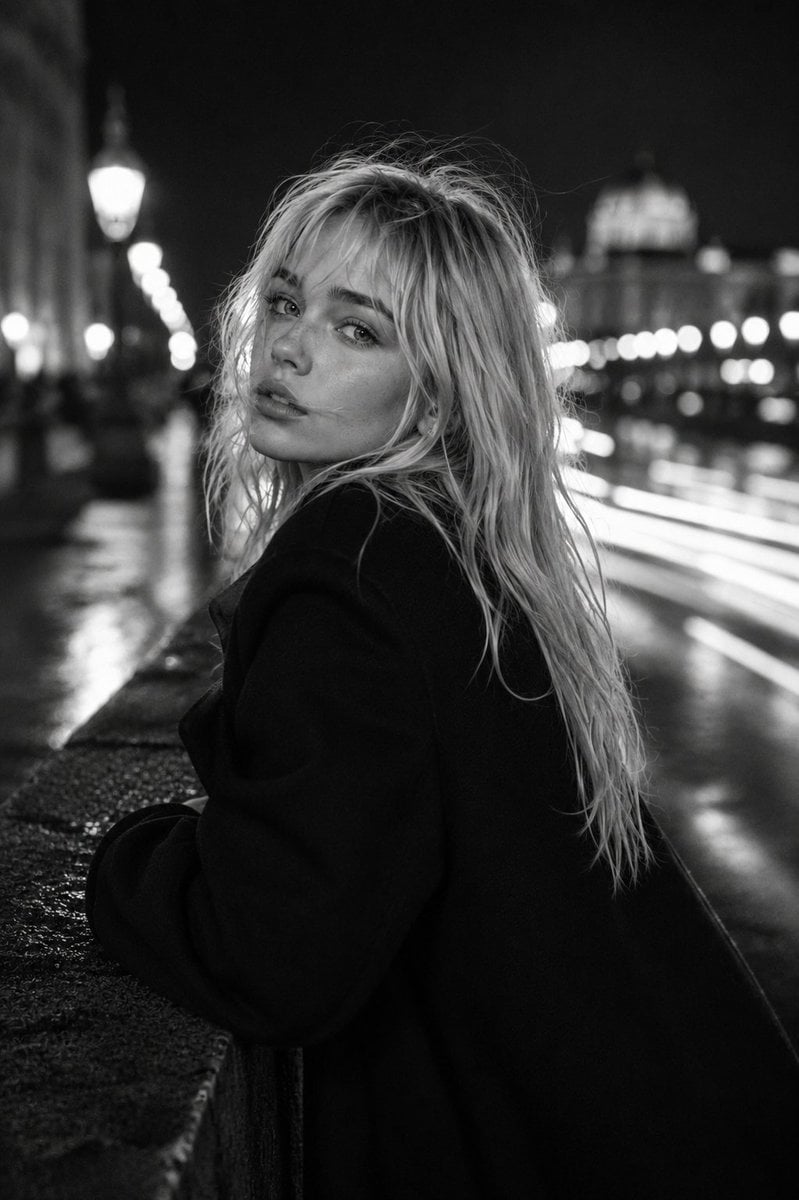
Monochrome Fashion Editorial Portrait
Make it yours
Monochrome Motivational Portrait Poster works as-is. These are the safest ways to change it without losing the look.
Change one field
Copy a single group, rewrite it, and generate again so you can see what that field is doing.
Keep the frame, change the subject
Hold the composition and light of Monochrome Motivational Portrait Poster, then swap wardrobe, props or the person for a new take.
| If the result… | Why | Fix |
|---|---|---|
| The result drifts from the preview | Too many fields changed at once. | Reuse Monochrome Motivational Portrait Poster as-is first, then change one group — subject, light, or setting. |
| The model over-stylizes the scene | The prose prompt leaves finish and camera underspecified. | Add one camera or lighting sentence and stay on GPT Image 2. |
More GPT Image 2 templates
Other prompts made for GPT Image 2.

Six VTuber Japanese Logo Sheet

Realistic Portrait of Woman and Deer

The Vista Modular Condo Poster

AI Model Routing Comparison Infographic

2.5D Anime Art Board

Isometric Productivity Desk Scene

New York Double Exposure Poster

Four-Panel AI Landscape Comparison

Japanese Tatami Lifestyle Magazine Cover

NESCAFÉ Coffee Map Poster
More image prompts
Fresh picks from across the catalog.
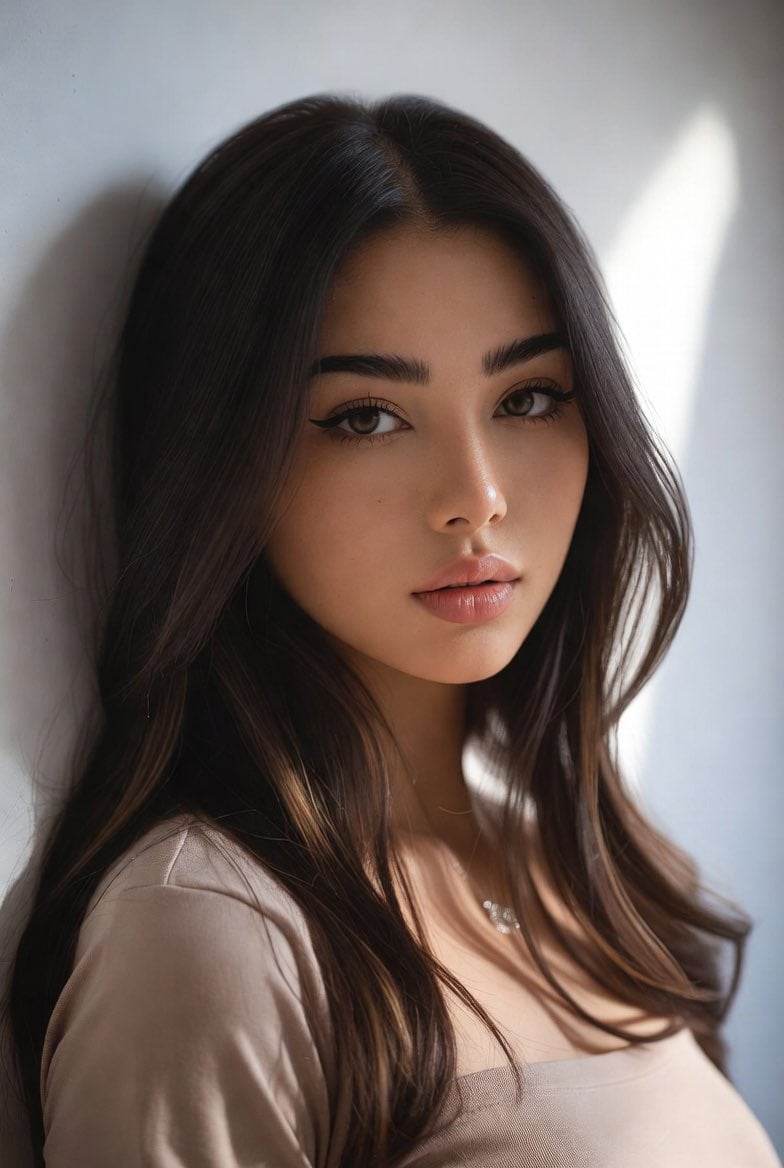
Censored Mixed-Heritage Portrait
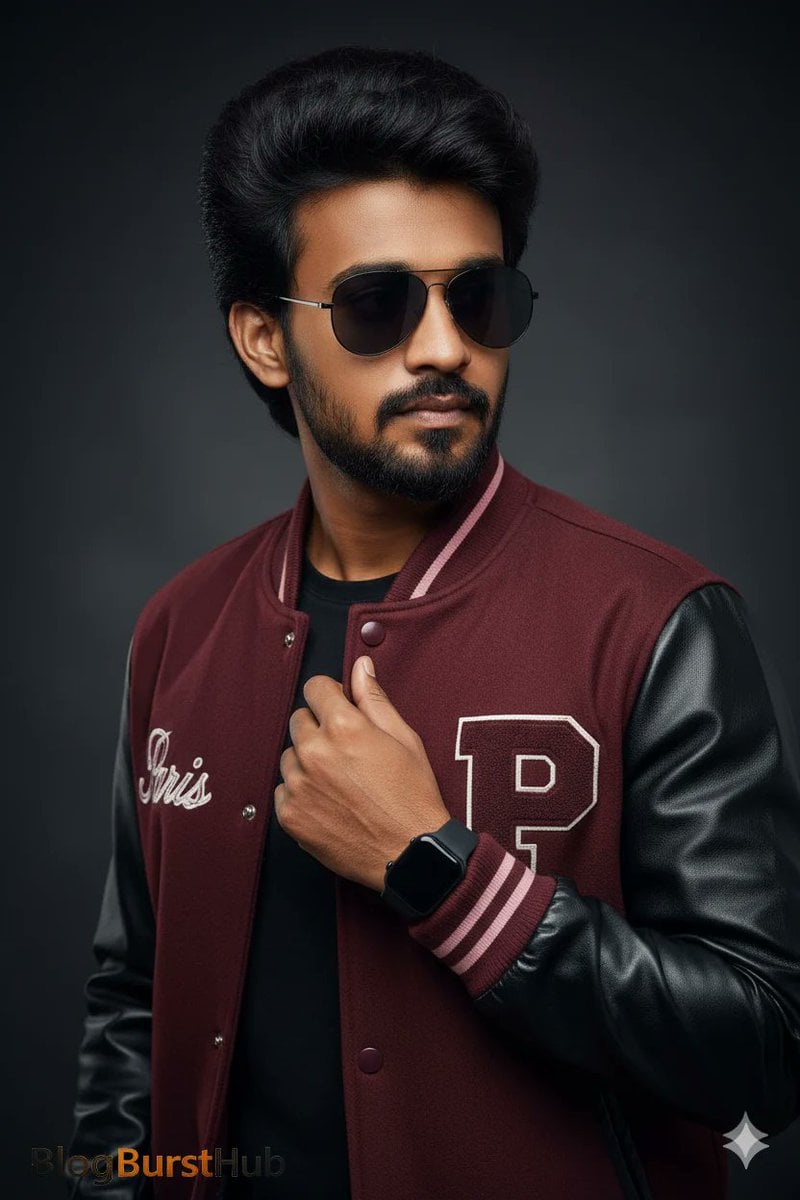
Stunning Photo Prompt for Gemini Nano Banana Creation
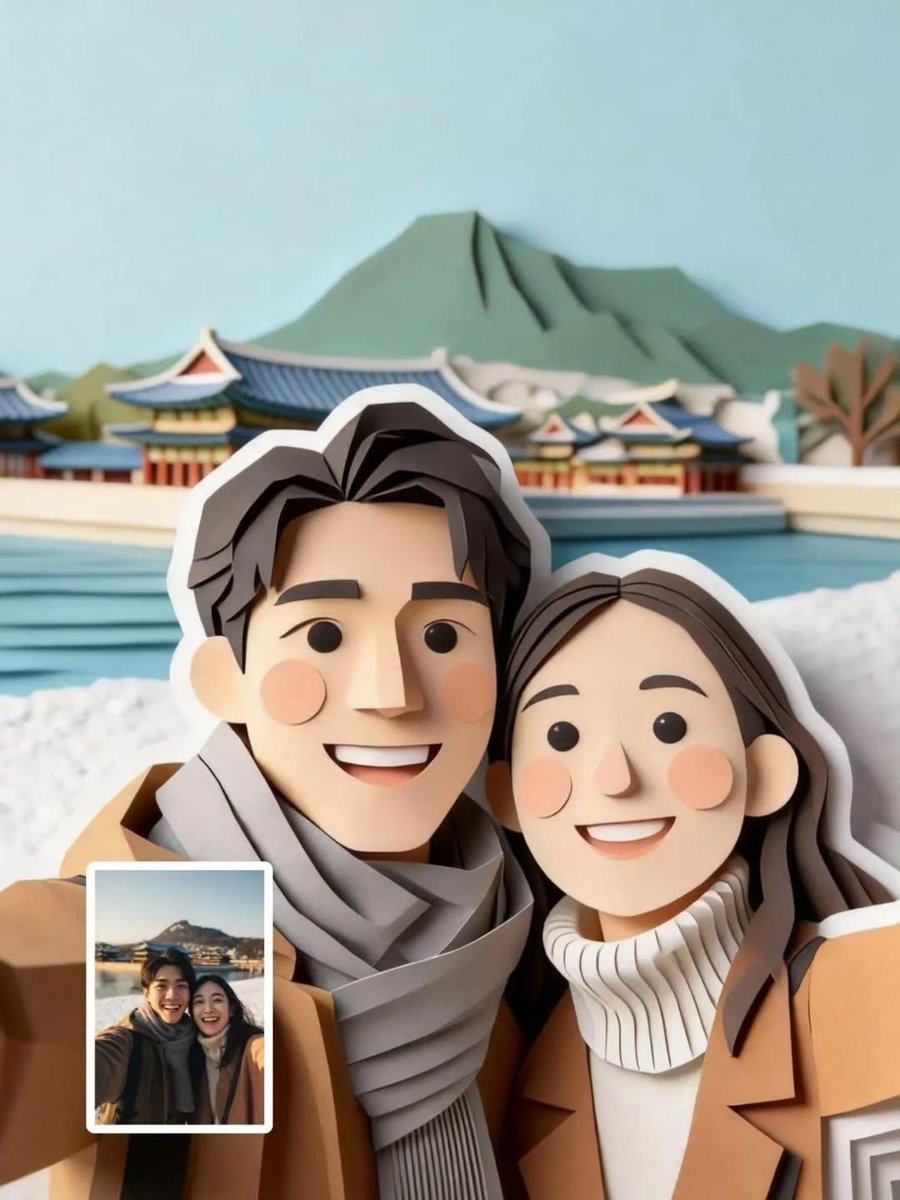
Cute Paper-Cut Style Couple Selfie Illustration
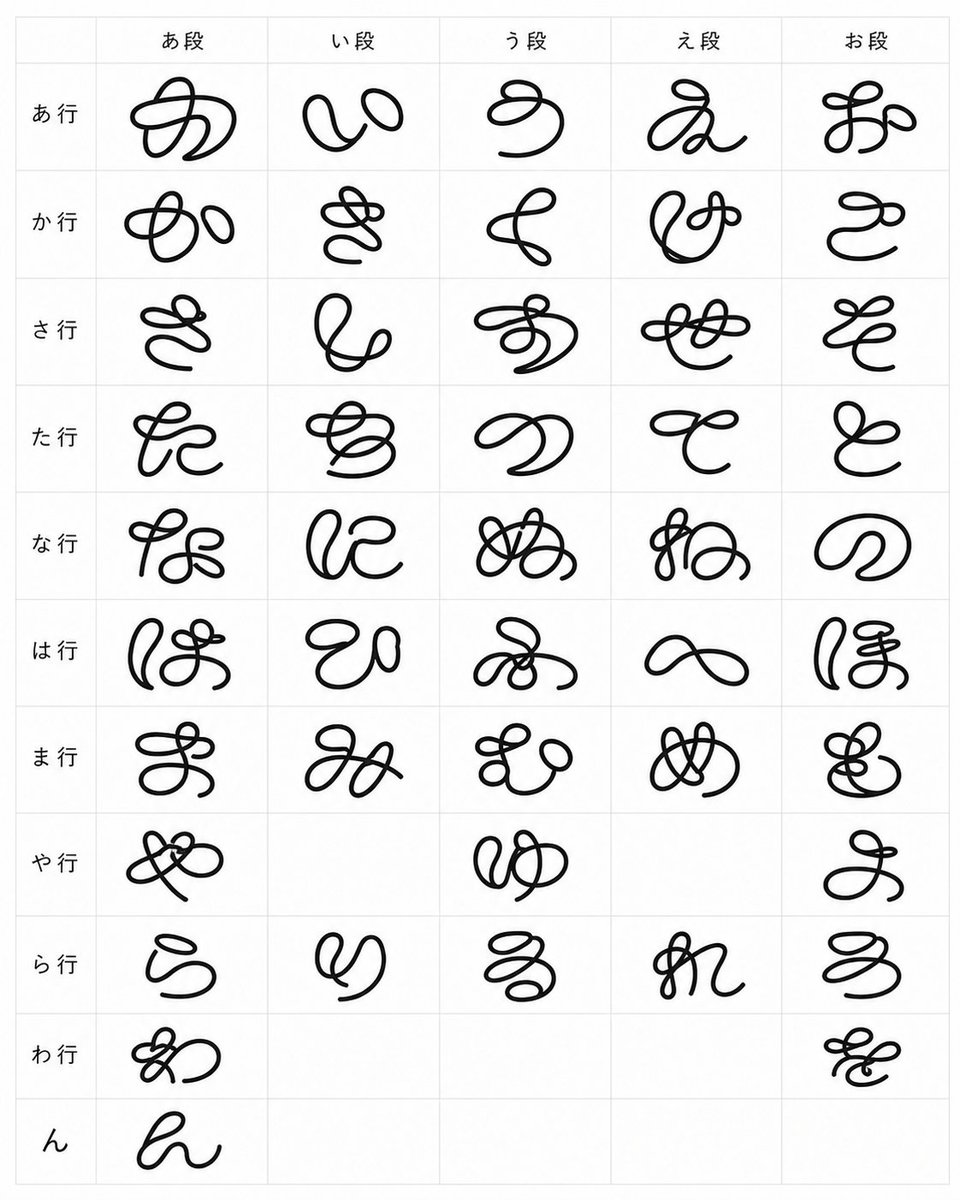
Looped Hiragana Font Chart
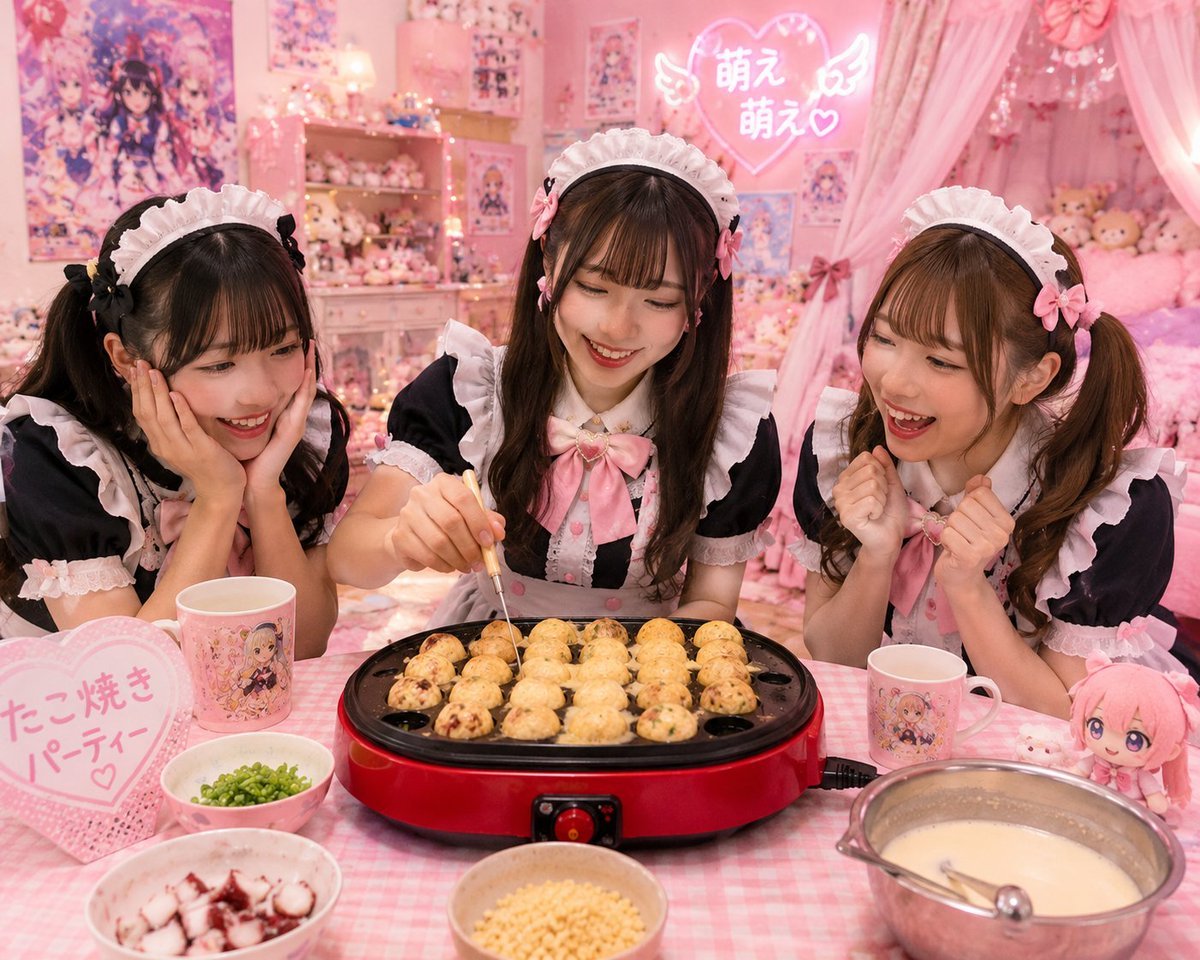
Kawaii Takoyaki Maid Party
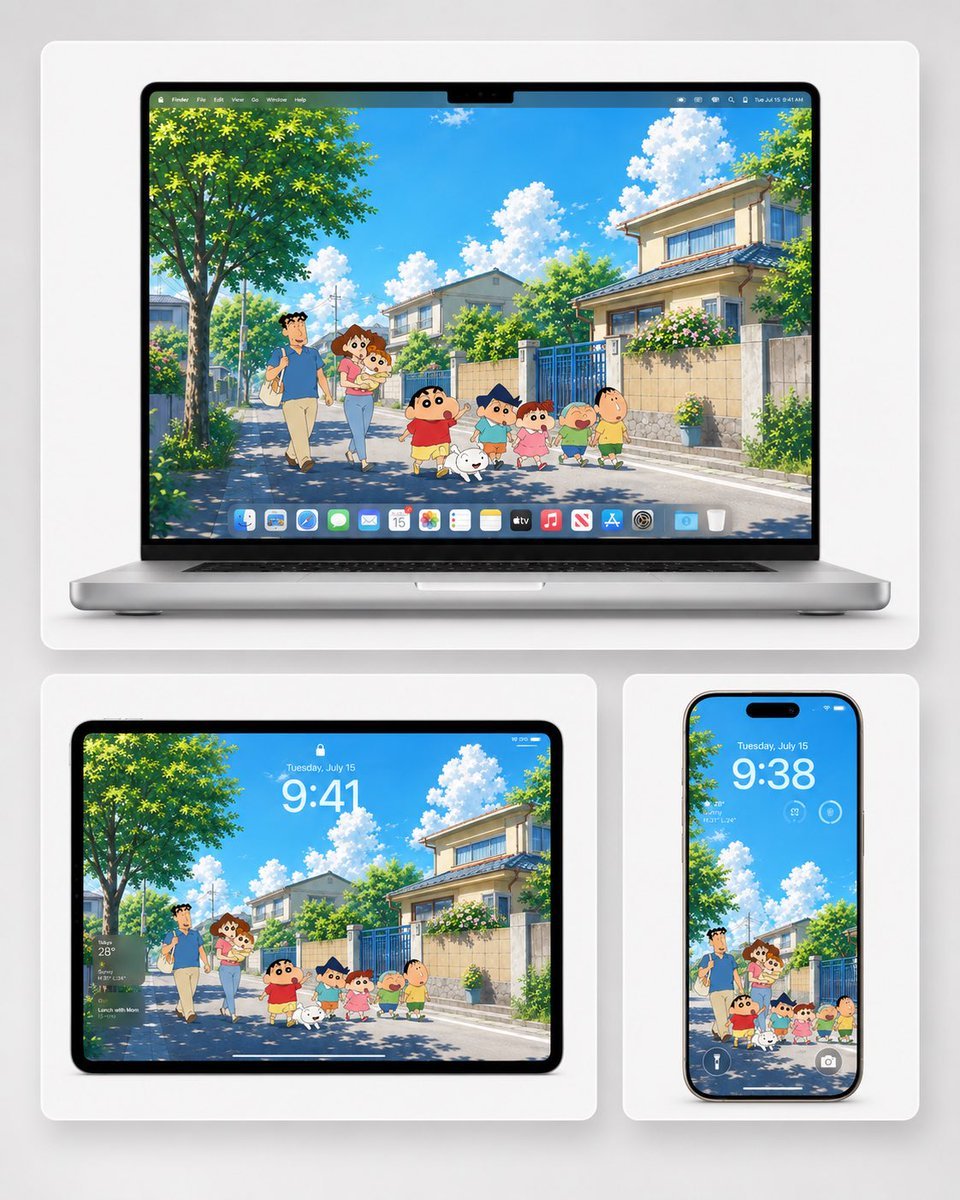
Anime Summer Wallpaper Device Mockup
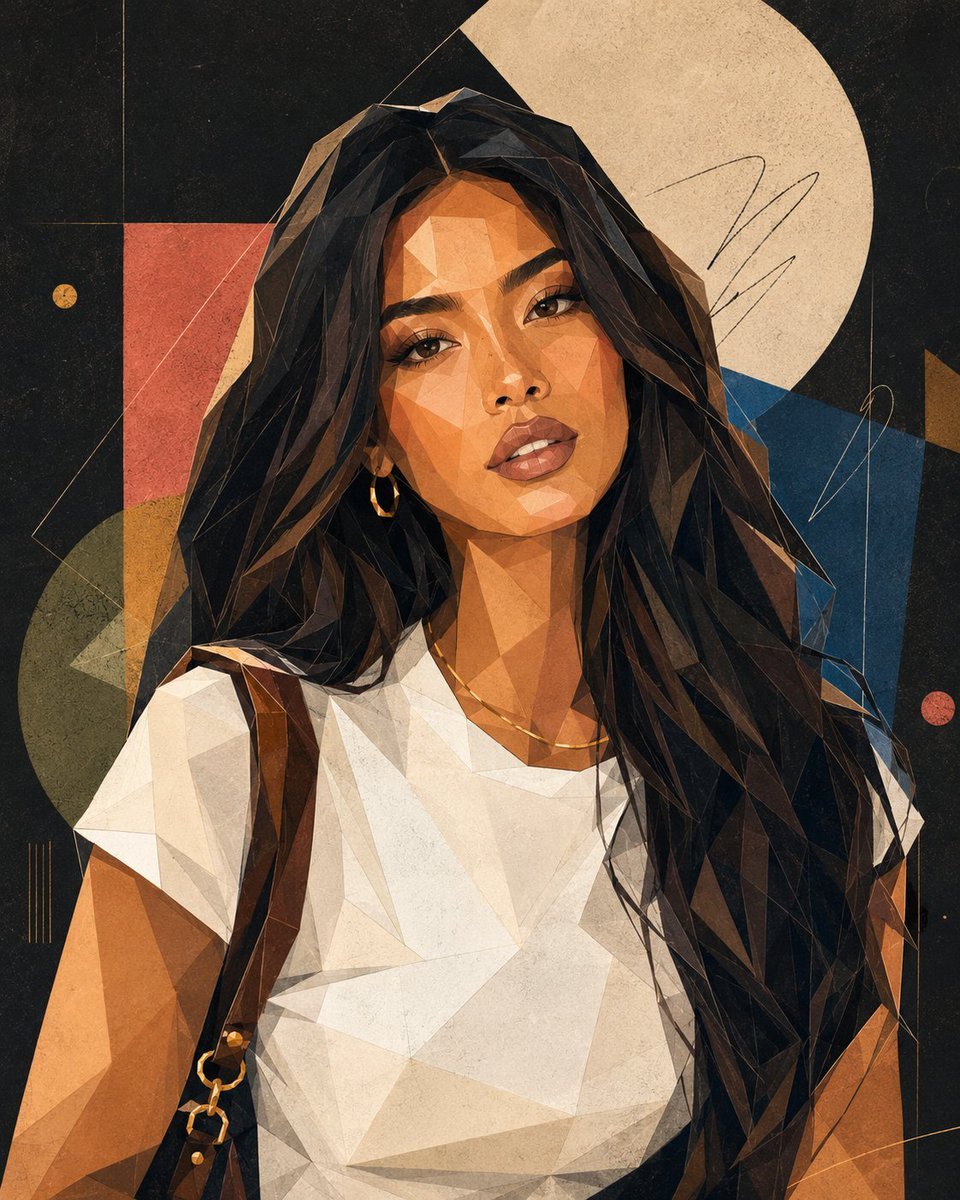
Modern Geometric Polygon Portrait
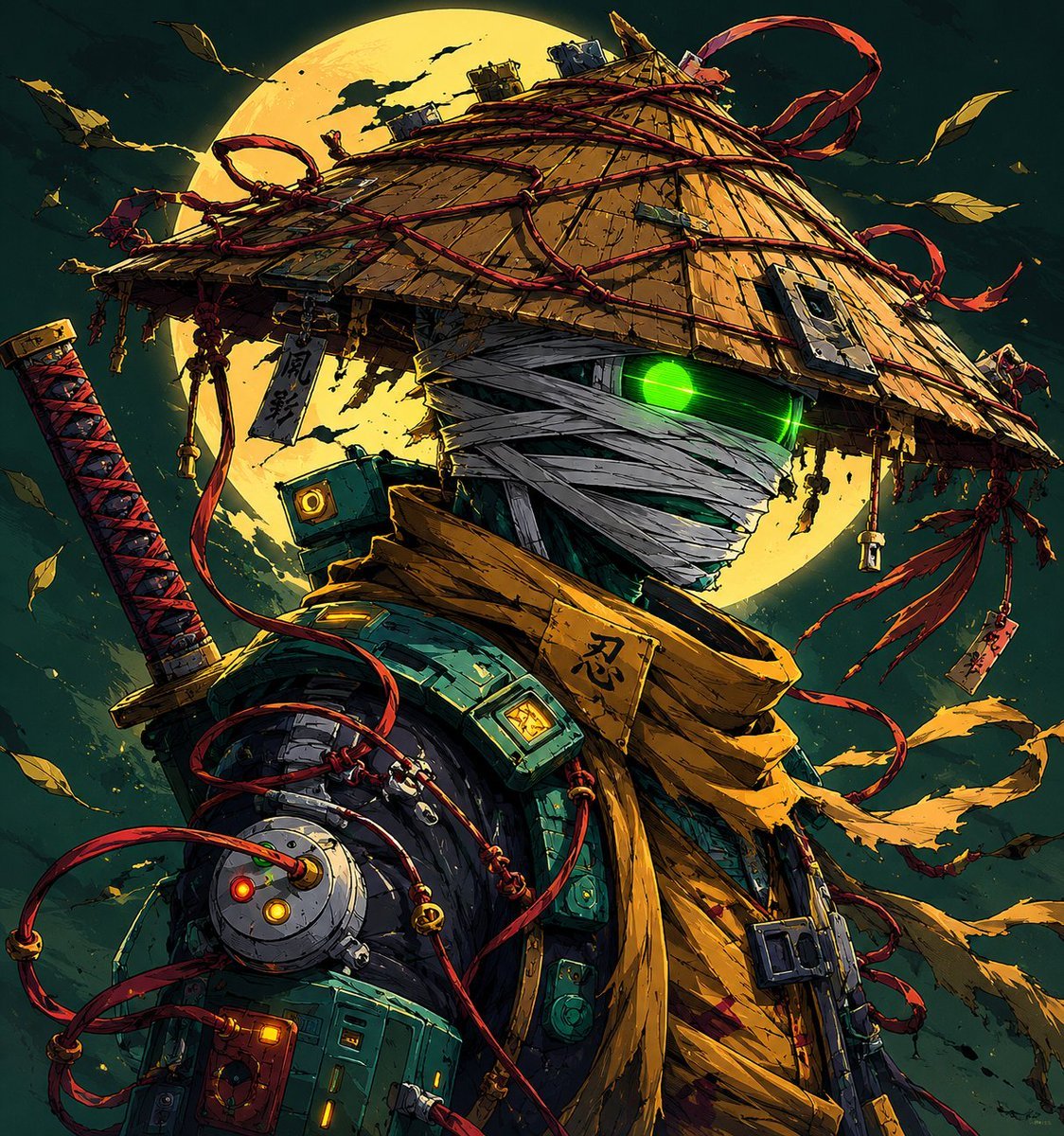
Cyberpunk Samurai and Ninja Art
Cinematic Breakfast Scene
Extreme Wet Close-Up Portrait with Realistic Water Droplets
Browse template categories
Monochrome Motivational Portrait Poster questions
How do I use the Monochrome Motivational Portrait Poster template?
Add your photo if the template asks for one, edit the prompt if you like — the template's model and format are already selected — and press Generate. Your version opens in PicX Studio.
Can I customize the Monochrome Motivational Portrait Poster template?
Yes. You can change the subject, setting, lighting, mood, format, and available model controls before creating your image.
Is the Monochrome Motivational Portrait Poster template free?
Opening and editing this template is free. Generating uses credits, shown on the Generate button when you are signed in.
Which AI model should I use?
Start with GPT Image 2, which is the model associated with this template. You can compare another compatible model for a different finish.
Looking for something else? Browse all templates.

Your photo, any look
Thousands of ready templates for every top image and video model, from one credit balance.