How do I use the Voluptuous Harley Quinn Cosplay Portrait Prompt template?
Choose the primary action to open PicX Studio with the available template settings. Review the model and format, personalize the creative direction, and generate when ready.
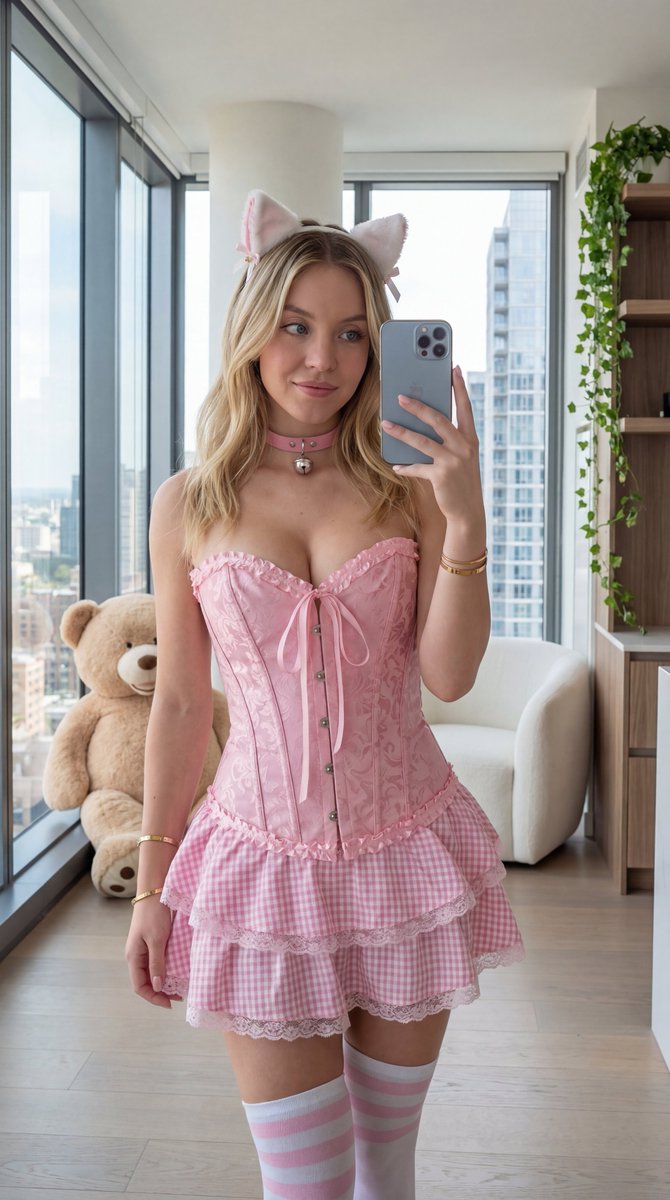
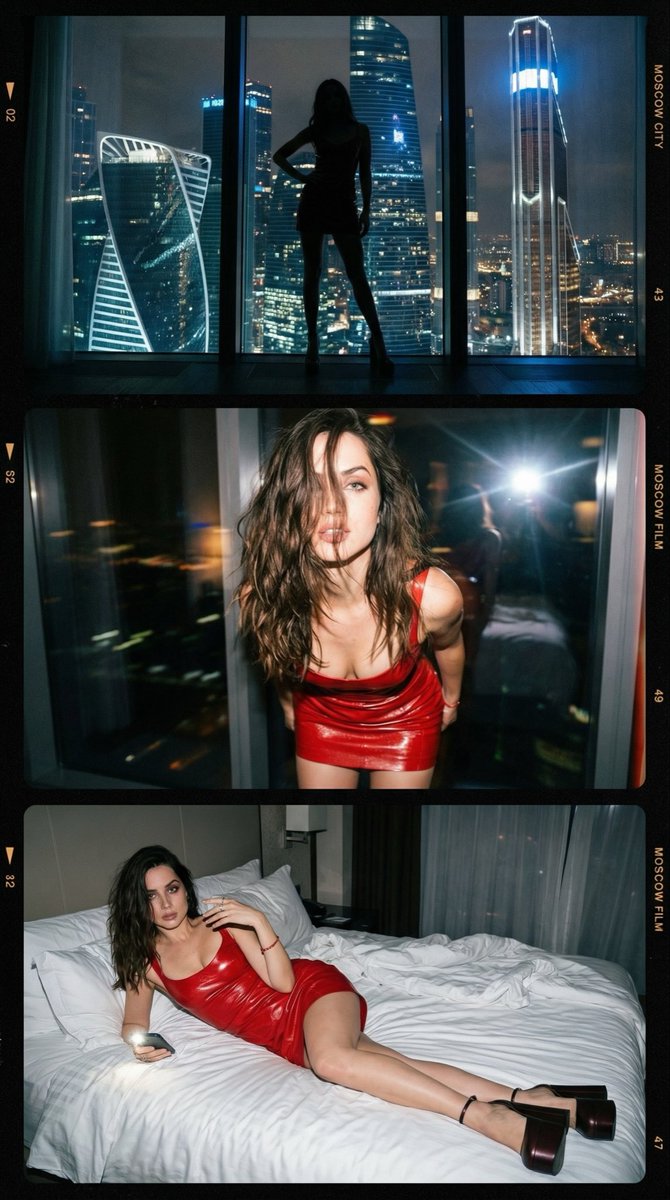
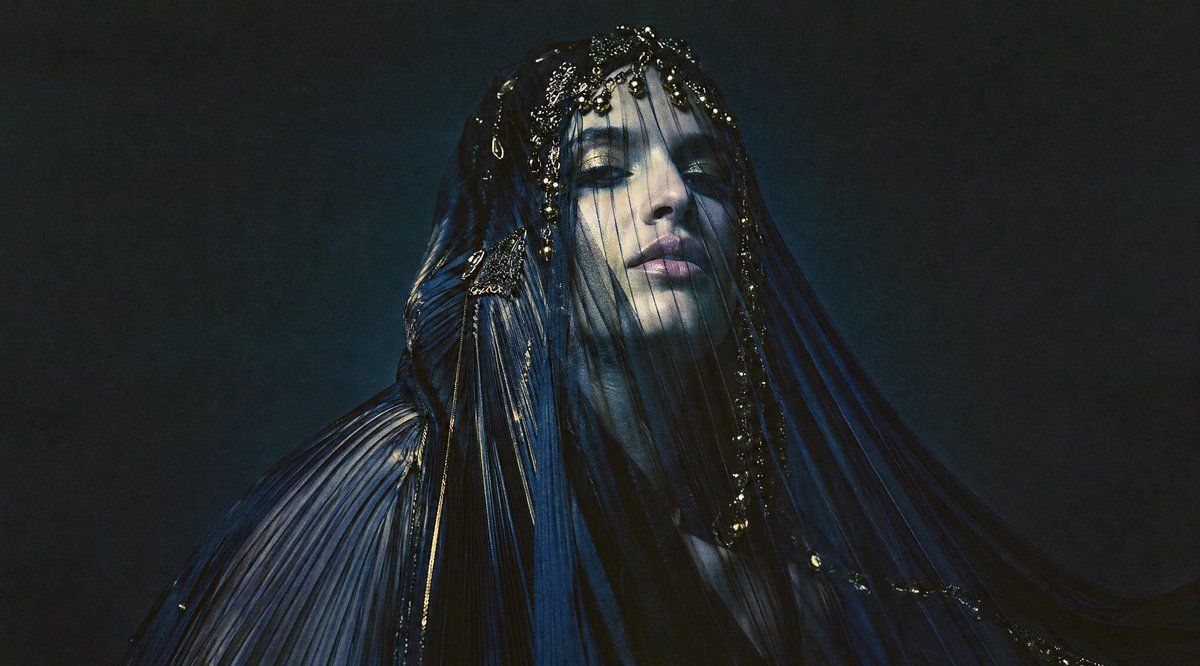
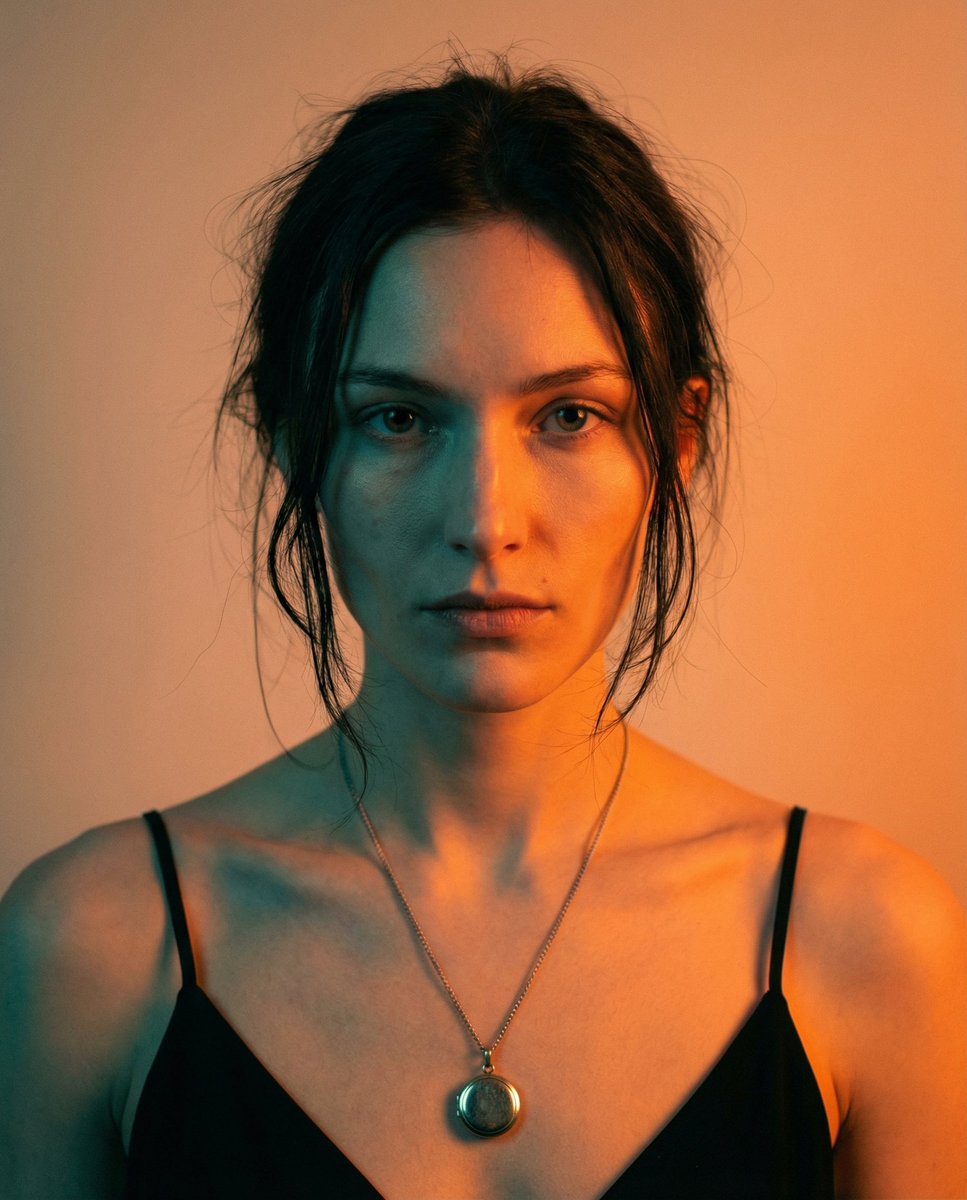
A detailed prompt for generating a photorealistic, full-body portrait of a voluptuous woman resembling Sadie Sink in a detailed Harley Quinn cosplay (Suicide Squad style). Change the subject, setting, or lighting one variable at a time.

{ "subject": { "desc": "Realistic Voluptuous hourglass {argument name="subject name" default="Sadie Sink"} in detailed Harley Quinn cosplay, long blonde hair in high pigtails with pink and blue dyed tips, fair natural skin texture, dramatic Harley makeup with pale foundation, black eye mask smudges, red lipstick, and heart cheek tattoo", "outfit": "Classic Suicide Squad Harley Quinn cosplay: cropped white 'Lil Monster' t-shirt, tiny red and black sequined hot pants with belt, black fishnet stockings, red and blue mismatched wrist cuffs, 'Puddin' choker, layered necklaces, and mismatched red/blue boots optional but visible", "anatomy": "Preserve full heavy projecting bust, wide curvy hips, thick natural thighs, no reduction/normalization of curves or volume" }, "pose": { "desc": "Full-body standing, one hand raised playfully touching a pigtail and the other resting on hip or holding baseball bat loosely, elbows flared, slight spine arch with playful tilt", "stance": "Weight on left leg (viewer's right), right leg bent forward with heel down", "head": "Slight tilt to her right, direct mischievous confident gaze at camera with signature Harley grin", "orientation": "Front-facing, slightly angled to viewer's left" }, "environment": { "setting": "Harley Quinn's chaotic apartment room from Suicide Squad movie, colorful graffiti-covered walls, scattered weapons (baseball bat, mallet), neon signs, hanging Joker cards, messy bed with pink sheets, scattered clothing and toys", "ground": "Cluttered hardwood floor with scattered items like playing cards, confetti, and small props around her feet" }, "camera": { "shot": "Full-body vertical portrait", "angle": "Eye-level to slightly low", "lens": "35-50mm standard, no wide distortion", "framing": "Subject centered" }, "lighting": "Warm chaotic indoor lighting with colorful neon glows from signs, pink and purple accents, soft overhead light with playful shadows", "mood": "Mischievous alluring playful, signature Harley grin with tongue out or slight smile, intense engaging gaze", "style": "Photorealistic high-fidelity photo, sharp details on fabric/skin/hair/room clutter", "colors": "Vibrant red/blue/pink/black cosplay against chaotic colorful room with graffiti and neon, fair warm skin, cinematic balance", "quality": "High resolution, sharp subject focus, visible fabric sequins/skin pores/hair strands/room details", "aspect_ratio": "3:4 portrait", "negative_prompt": "anime, draw, small/reduced bust, flattened breasts, lifted breasts, slimmed torso/hips, proportion averaging, beautification, skin smoothing, plastic skin, stylization, depth flattening, wide distortion" }
Choose the primary action to open PicX Studio with the available template settings. Review the model and format, personalize the creative direction, and generate when ready.
Yes. You can change the subject, setting, lighting, mood, format, and available model controls before creating your image.
This template is free to open and customize. Generation usage is shown in PicX Studio before you create.
© 2026 PicX Studio. All rights reserved.

Start with Nano Banana 2, which is the model associated with this template. You can compare another compatible model for a different finish.
Follow a topic to a crawlable collection of related PicX Studio templates.
43,474 public templates available. Verified via the PicX Studio public templates API; refreshed hourly.



![69-untitled — FORMAT: 15s / 145 BPM / 14 SHOTS
SUBJECT: @[image1]
WARDROBE: Clean modern outfit
ENVIRONMENT: Street / indoor transitions
MOOD: Discovery → contr](/_next/image?url=https%3A%2F%2Fcdn.picxstudio.com%2Fuploads%2Fpost69_img0_d45faecf-38c3-4bcb-81a4-f6eb1cf42bb2.jpg&w=828&q=100)













![118-google-nano-banana-pro-skincare-product- — A professional skincare shot of a [product container] with [cap/lid], labeled [brand, product, descriptor, volume](/_next/image?url=https%3A%2F%2Fcdn.picxstudio.com%2Fuploads%2Fpost118_img0_332898b8-29ea-42a9-87ab-9ed746a3f944.jpg&w=828&q=100)


![Naive doodle-style subject illustration — A doodle-style {argument name="subject" default="[subject]"}, naive lines, humorous shape exaggeration](https://pbs.twimg.com/media/G6Wl2YxbsAARB2b.jpg)