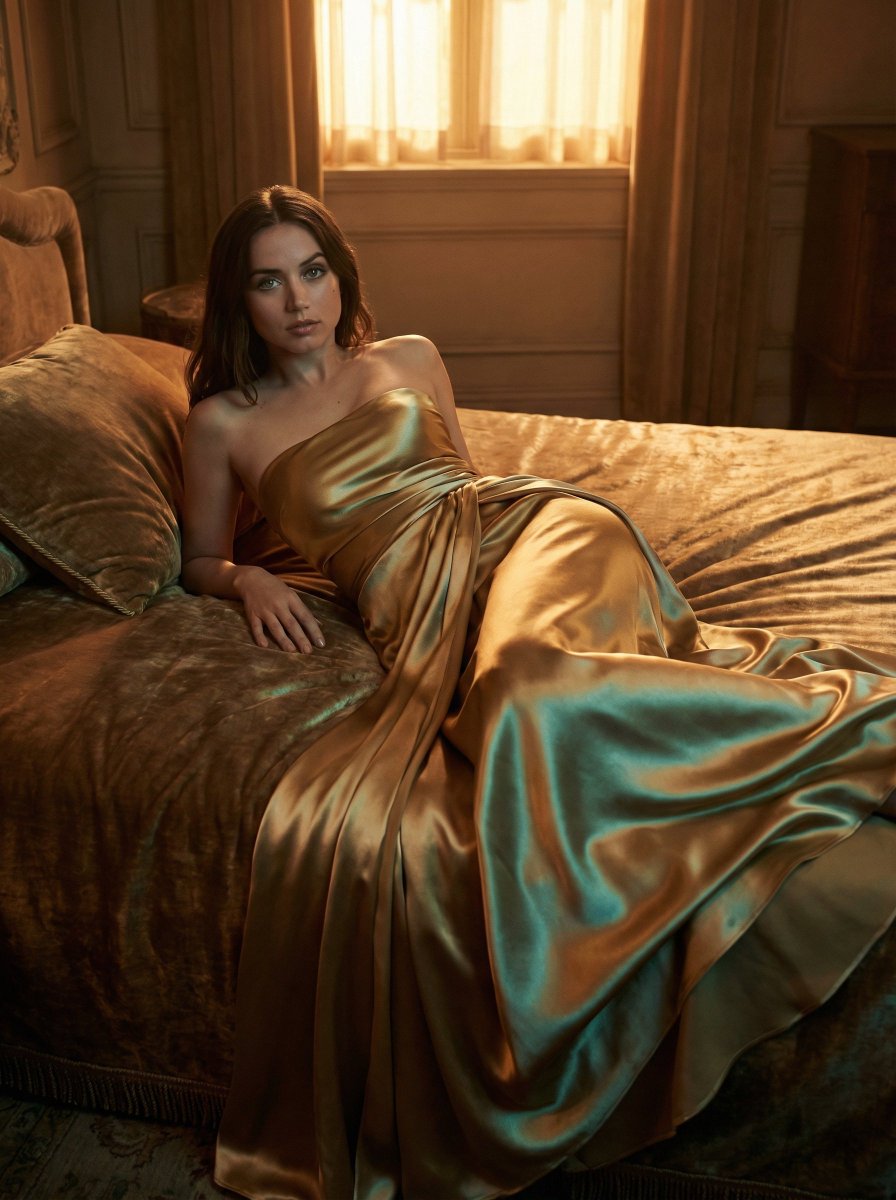
How do I use the Ana de Armas in Gold Gown Squatting Portrait template?
Choose the primary action to open PicX Studio with the available template settings. Review the model and format, personalize the creative direction, and generate when ready.
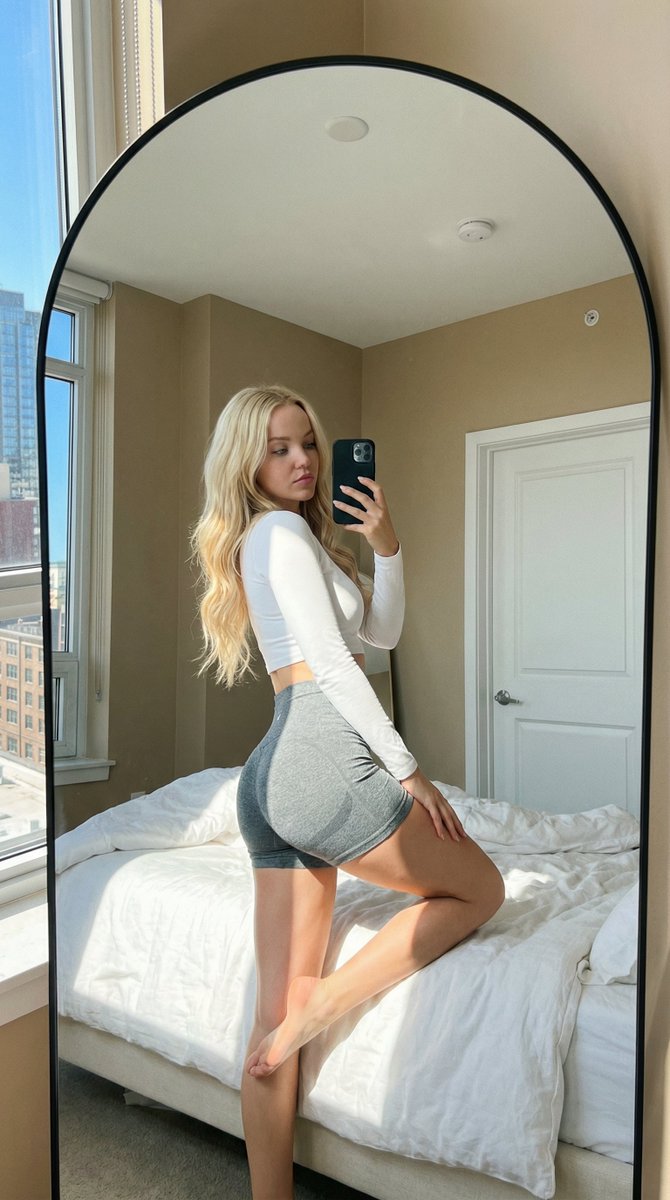
A highly structured JSON prompt for generating a photorealistic fashion portrait of Ana de Armas in a shimmering gold evening gown, posed squatting and looking back at the camera in an elegant outdoor stone courtyard, emphasizing shallow depth of field. Change the subject, setting, or lighting one variable at a time.

A women Posing in an elegant outdoor courtyard with stone arches and wide steps in the background. She is squatting low, looking back over her shoulder toward the camera with a confident, playful expression. She wears a shimmering, metallic {argument name="gown color" default="gold"} evening gown with an open back, thin straps, and high side slits that drape to the ground, paired with matching high heels. Her wavy hair is styled loosely with a decorative gold hair accessory on one side. Soft, shallow depth of field, high detail. Ratio 3.4 JSON = Prompt { "prompt_type": "photorealistic_fashion_portrait", "subject": { "identity": { "entity_type": "human", "gender": "female", "public_figure": true, "name": "Ana de Armas" }, "pose": { "body_position": "squat", "height_level": "low", "torso_orientation": "forward", "head_orientation": "turned_back_over_shoulder" }, "expression": { "primary": "confident", "secondary": "playful" }, "eye_direction": "toward_camera" }, "environment": { "scene_type": "outdoor", "location_style": "elegant_courtyard", "architectural_features": { "arches": { "material": "stone", "style": "classical" }, "stairs": { "type": "wide_steps", "material": "stone" } } }, "wardrobe": { "primary_outfit": { "category": "evening_gown", "color": "gold", "finish": "metallic_shimmer", "structure": { "back": "open", "straps": "thin", "length": "floor_length", "side_slits": "high" } }, "footwear": { "type": "high_heels", "color": "gold", "match_with_outfit": true } }, "styling": { "hair": { "texture": "wavy", "arrangement": "loose", "accessories": { "type": "hair_accessory", "material": "gold", "placement": "one_side" } } }, "camera": { "shot_type": "portrait", "angle": "eye_level", "framing": "medium_full_body", "focus": { "depth_of_field": "shallow", "subject_focus": "sharp", "background_blur": "soft" } }, "lighting": { "quality": "soft", "style": "natural", "contrast": "moderate" }, "rendering": { "detail_level": "high", "realism": "photorealistic", "texture_emphasis": [ "fabric", "skin", "stone" ] }, "composition": { "aspect_ratio": { "width": 3, "height": 4 } } } Generate image
Choose the primary action to open PicX Studio with the available template settings. Review the model and format, personalize the creative direction, and generate when ready.
Yes. You can change the subject, setting, lighting, mood, format, and available model controls before creating your image.
This template is free to open and customize. Generation usage is shown in PicX Studio before you create.
Start with Nano Banana 2, which is the model associated with this template. You can compare another compatible model for a different finish.
© 2026 PicX Studio. All rights reserved.

Follow a topic to a crawlable collection of related PicX Studio templates.
43,474 public templates available. Verified via the PicX Studio public templates API; refreshed hourly.


![118-google-nano-banana-pro-skincare-product- — A professional skincare shot of a [product container] with [cap/lid], labeled [brand, product, descriptor, volume](/_next/image?url=https%3A%2F%2Fcdn.picxstudio.com%2Fuploads%2Fpost118_img0_332898b8-29ea-42a9-87ab-9ed746a3f944.jpg&w=828&q=100)
















![Naive doodle-style subject illustration — A doodle-style {argument name="subject" default="[subject]"}, naive lines, humorous shape exaggeration](https://pbs.twimg.com/media/G6Wl2YxbsAARB2b.jpg)











![Rubberhose 3D Character Prompt — [{argument name="subject" default="Subject"}], stylized 3D rubberhose character, smooth 3D render,…](https://pbs.twimg.com/media/G8uFnHrW0AAvw4a.jpg)