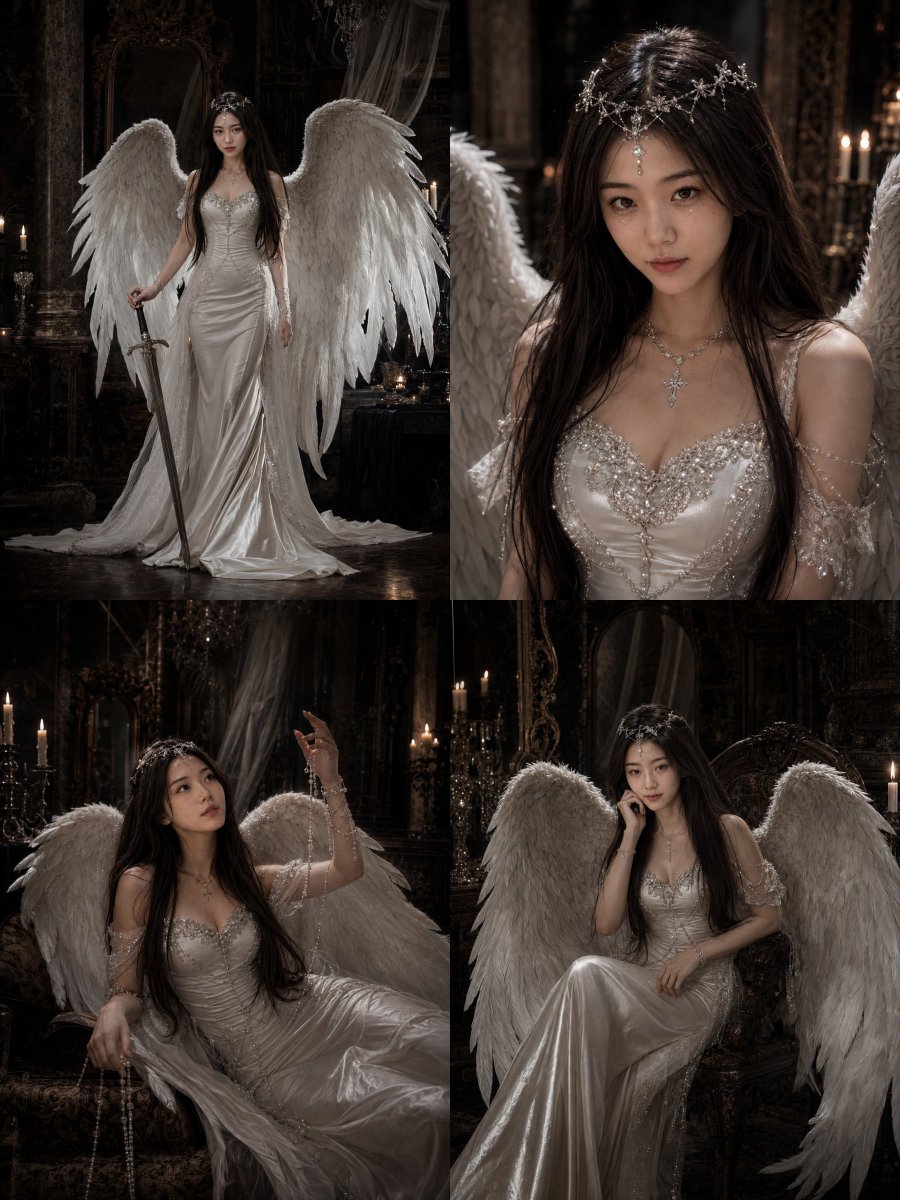
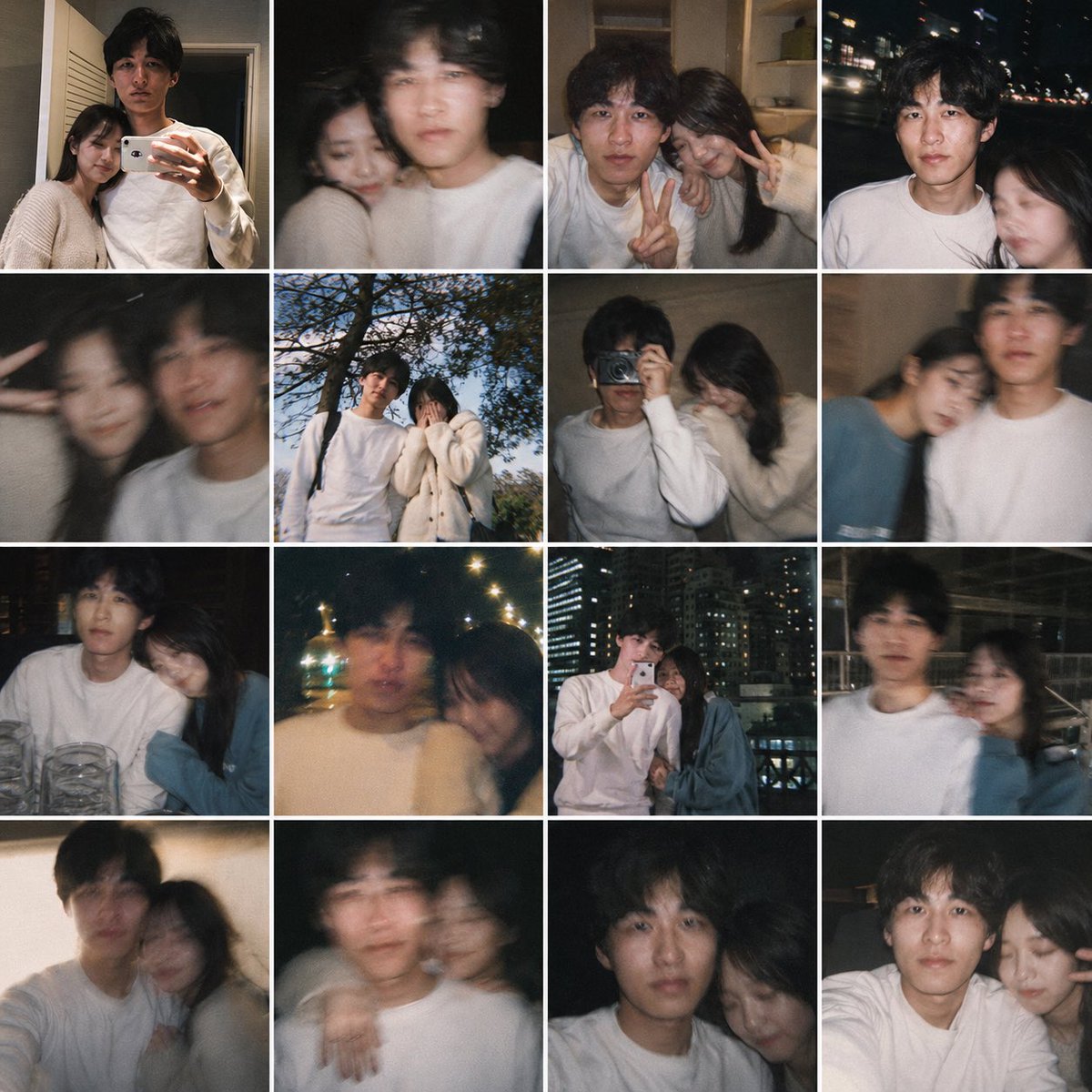
Ultra-Photoreal Candid Beach Romance Close-up Prompt
{
"generation_request": {
"meta_data": {
"tool": "NanoBanana Pro",
"task_type": "photoreal_candid_beach_romance_closeup",
"version": "v1.0_MUGLA_AKYAKA_SAND_INTIMATE_CLOSEUP_PG13_EN",
"priority": "highest",
"language": "en"
},
"output_settings": {
"aspect_ratio": "4:5",
"orientation": "portrait",
"resolution_target": "ultra_high_res",
"render_style": "ultra_photoreal_candid_film_still",
"sharpness": "soft_crisp_on_eyes",
"film_grain": "subtle_35mm",
"color_grade": "warm_sandy_natural",
"dynamic_range": "natural_not_hdr",
"skin_rendering": "real_texture_no_retouch"
},
"global_rules": {
"camera_language": "85mm lens equivalent, very close framing, shallow depth of field, handheld candid feel, focus on eyes/eyelashes, imperfect crop",
"lighting_language": "motivated natural light only (bright overcast beach light or soft late afternoon), no flash, no studio look",
"authenticity_markers": "real sand on skin, wet hair strands, subtle halation on highlights, no HDR, no AI glow"
},
"creative_prompt": {
"scene_summary": "Muğla coast (Akyaka–Gokova bay vibe). A couple lies on the wet sand near the shoreline after swimming. The man lies on his back, head turned slightly toward camera; the woman leans over him, forehead close to his, smiling softly. Their noses almost touch, intimate but gentle. Beach water and foam are softly blurred in the background. The moment feels like a real candid travel photo—warm, romantic, not staged.",
"rating_and_safety": {
"rating": "PG-13",
"non_sexual_romance_only": true,
"no_explicit_content": true,
"no_nudity": true,
"no_lingerie_look": true
},
"subjects": {
"count": 2,
"description": "young man and woman in their early 20s, ordinary and real, not model-like",
"expression": "soft smiles, quiet affection, relaxed breath",
"skin_and_face": "natural skin texture, tiny imperfections, sand grains visible, no beauty retouch"
},
"wardrobe_and_modesty": {
"framing_rule": "tight crop so swimwear is not visible; only shoulders/upper chest implied and non-explicit",
"female": "simple swimsuit straps only if visible, not emphasized",
"male": "no explicit bare torso focus; keep it natural and non-sexual"
},
"micro_action": "she rests one hand gently near his jawline or cheek; he smiles with eyes half-closed; their faces hover inches apart (no explicit kiss)",
"environment_details": {
"location": "Muğla beach shoreline",
"background": "soft waves and foam, pale sea, bright sky haze, no people close by",
"texture": "wet sand sticking to skin, small water droplets, realistic shoreline grit"
},
"composition": "extreme close-up, diagonal faces, woman entering from left/top, man f

















![Naive doodle-style subject illustration — A doodle-style {argument name="subject" default="[subject]"}, naive lines, humorous shape exaggeration](https://pbs.twimg.com/media/G6Wl2YxbsAARB2b.jpg)












![Drone Art Character Illustration — [参照画像の特徴:{argument name="角色特征" default="茶色の髪、短いツインテール、赤い瞳、黒いマントを羽織っている、白いシャツ、上半身"}]
上記の特徴を持つキャラクターの形を、夜空に浮かぶ無数の発光するドローンが形成して](https://pbs.twimg.com/media/G86U1VfbYAAMCP0.jpg)