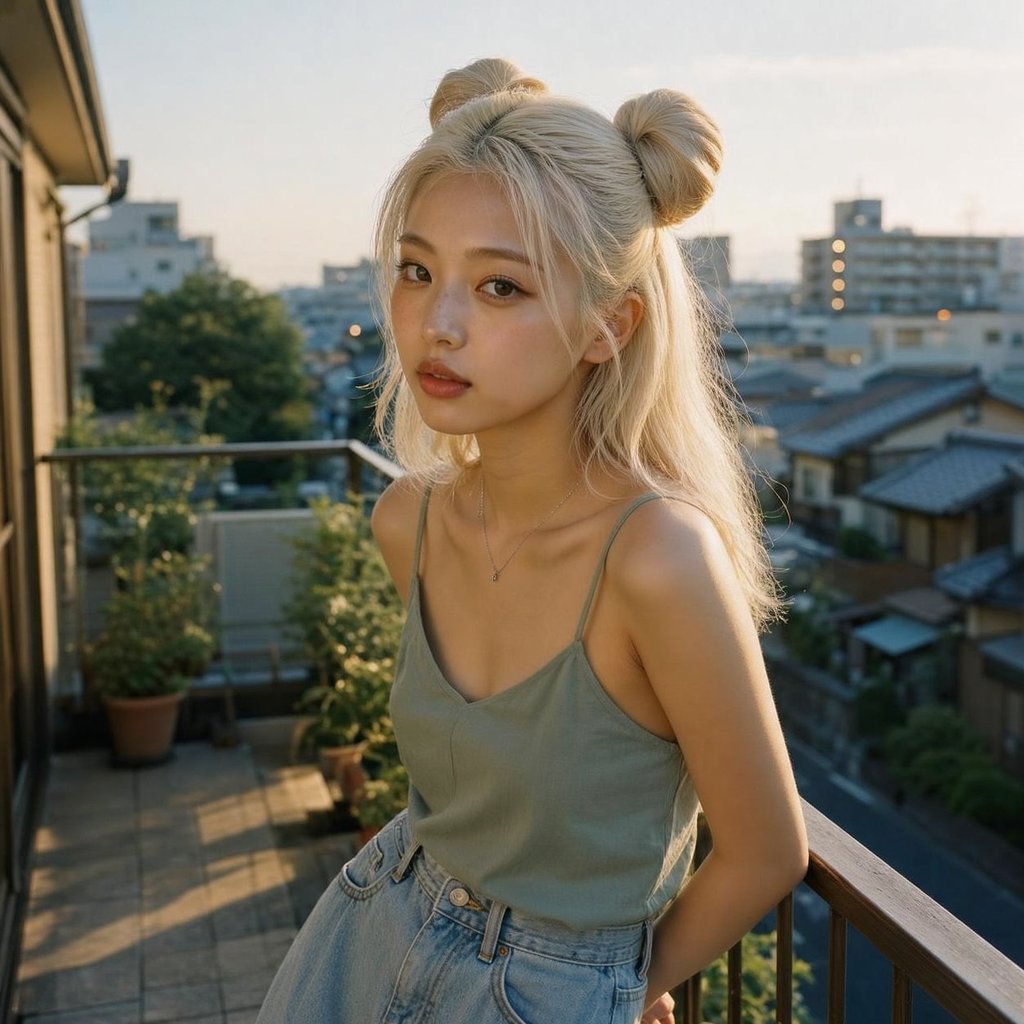
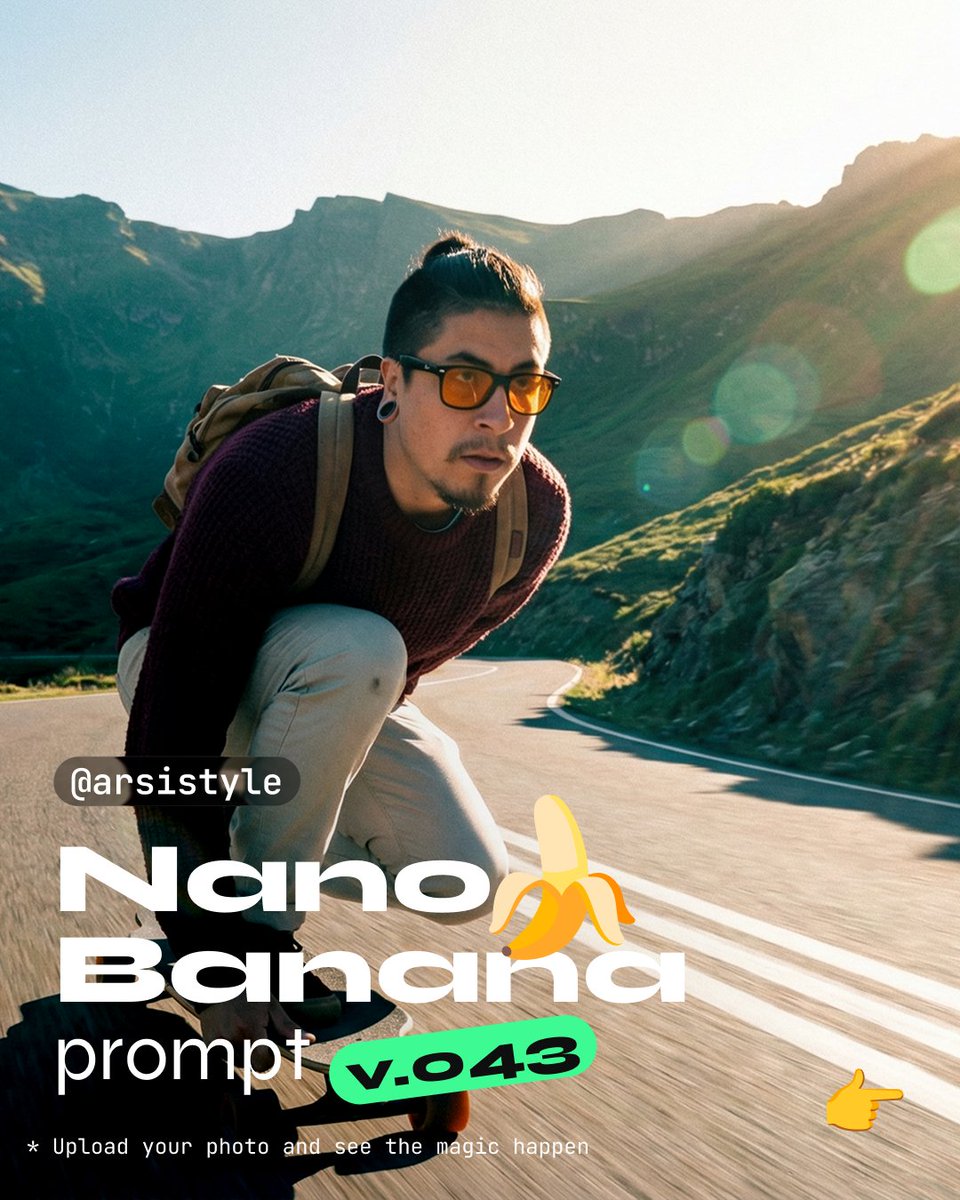
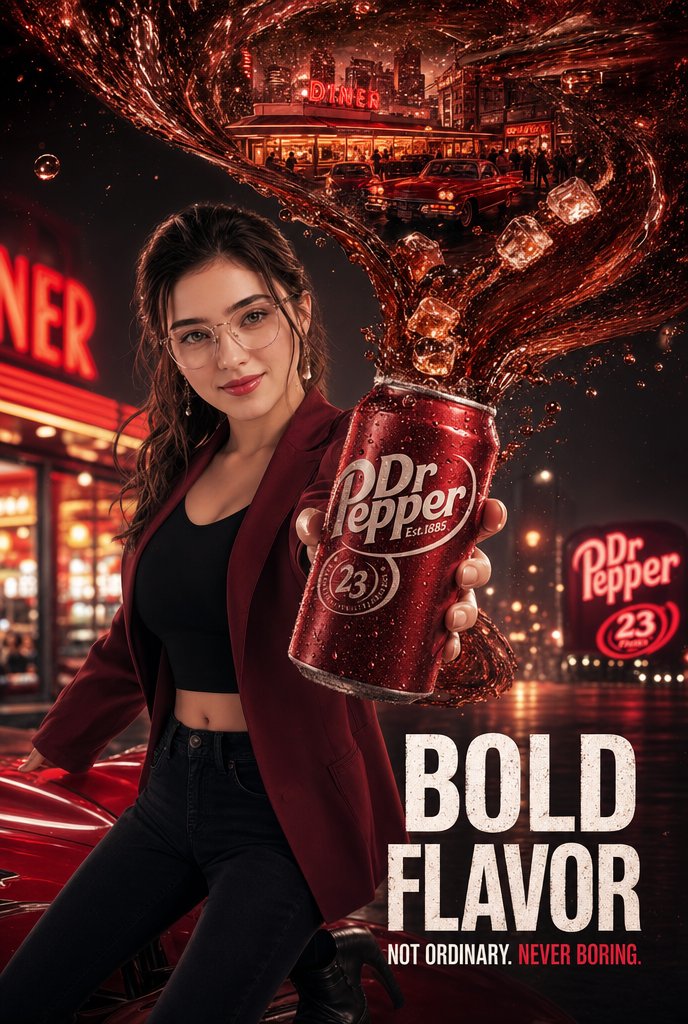
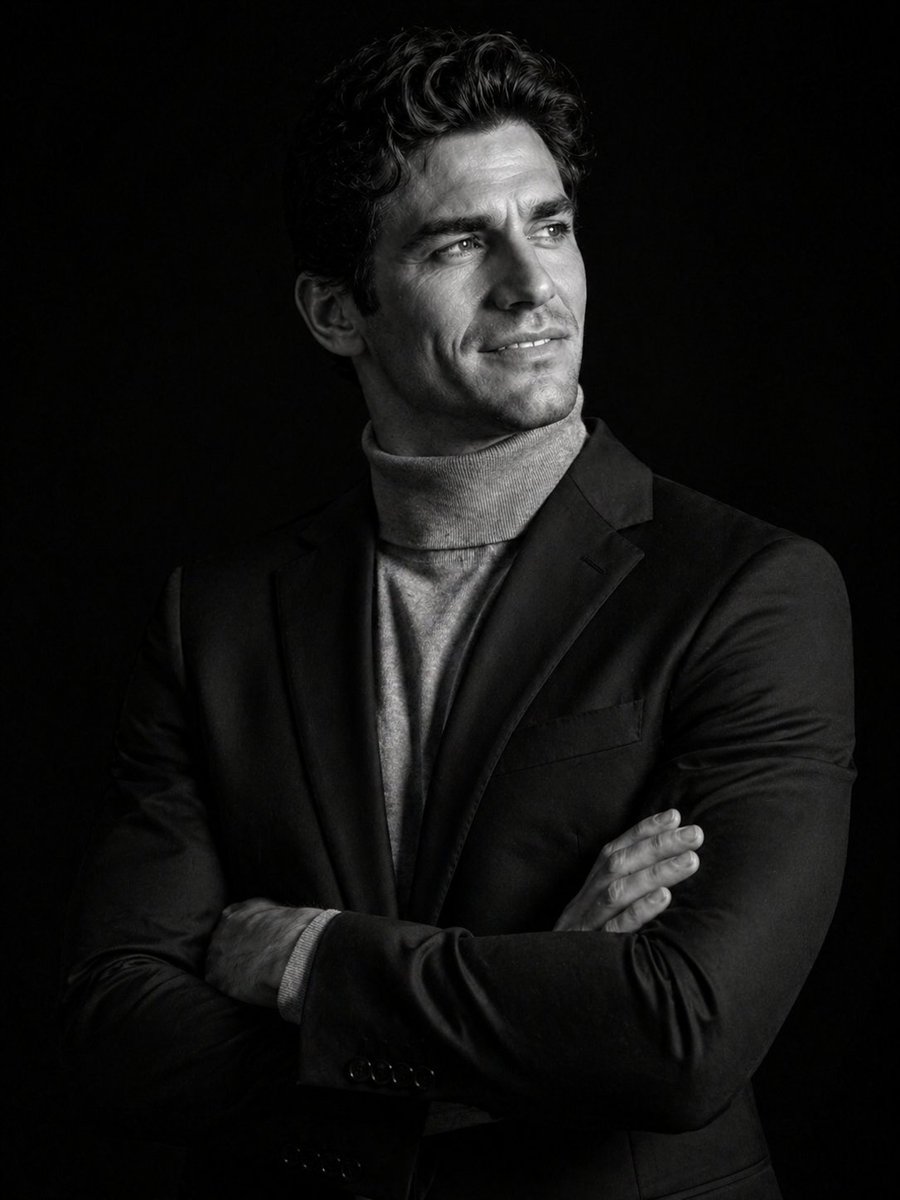
How do I use the Flash Photography Portrait of Ana de Armas template?
Choose the primary action to open PicX Studio with the available template settings. Review the model and format, personalize the creative direction, and generate when ready.
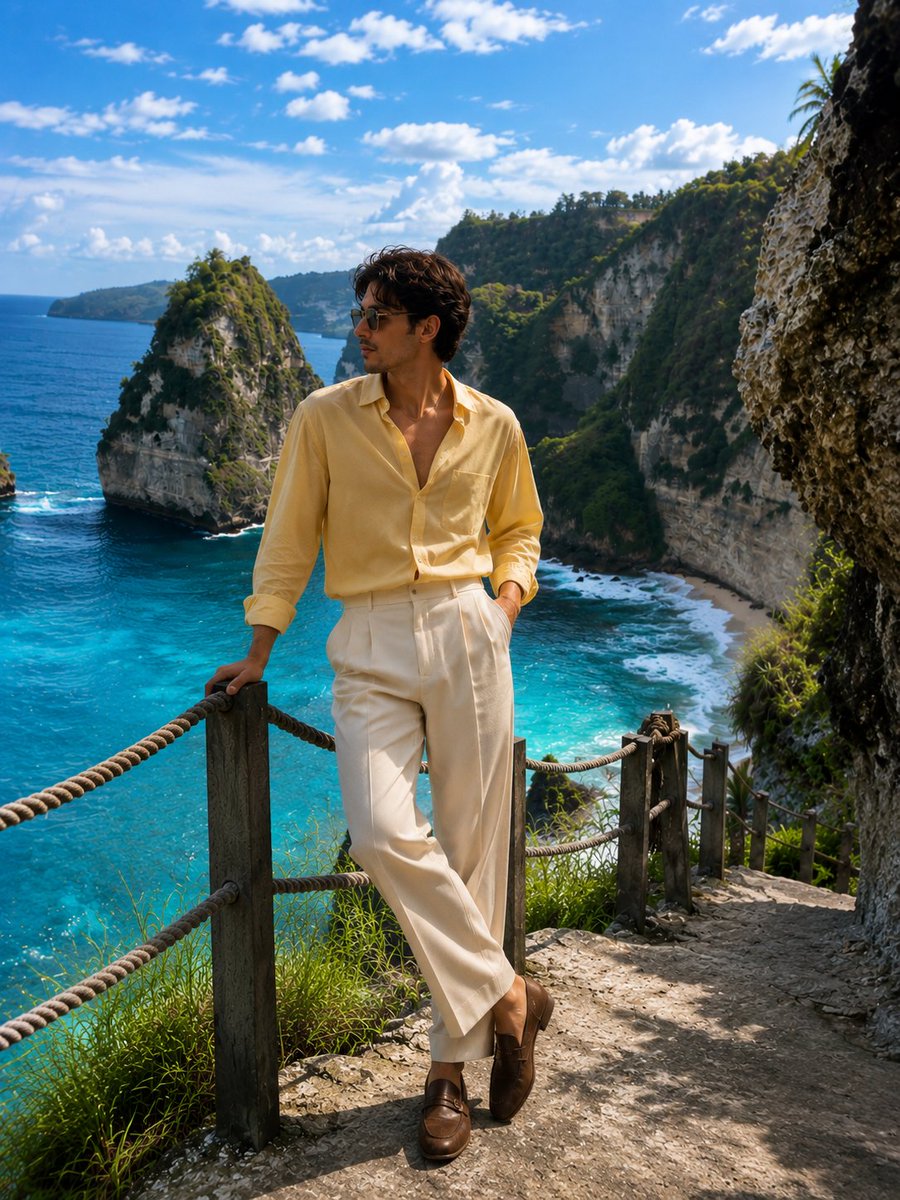
A prompt for generating a full-body portrait of a woman (specified as Ana de Armas) looking over her shoulder, wearing a beige backless bodycon mini-dress. Change the subject, setting, or lighting one variable at a time.

{ "generation_parameters": { "topic": "Portrait Photography", "aspect_ratio": "3:4", "style_preset": "Flash Photography" }, "subject_details": { "identity": { "name": "{argument name="subject name" default="Ana de Armas"}", "type": "Woman" }, "appearance": { "hair": { "color": "Dark", "length": "Long", "texture": "Straight" }, "face": { "expression": "Soft" }, "body": { "build_notes": "Large breasts" } }, "pose_and_action": { "orientation": "Looking over shoulder", "framing": "Full-body", "stance": "Standing" } }, "fashion_and_attire": { "clothing": { "item": "Bodycon mini-dress", "color": "{argument name="dress color" default="Beige"}", "fit": "Tight", "design_elements": [ "Backless" ] }, "accessories": { "jewelry": { "item": "Back-drop necklace", "material": "Gold", "style": "Delicate" }, "carry_items": { "item": "Shoulder bag", "material": "Leather", "color": "Black", "size": "Small" } } }, "scene_composition": { "environment": { "location_type": "Urban/Studio", "background_elements": { "object": "Wall", "material": "Concrete block", "color": "Grey" } }, "lighting_setup": { "technique": "Flash photography", "qualities": [ "High-quality", "Direct" ], "effects": { "skin_interaction": "Soft glow", "shadows": "Slight shadow cast against background" } } } }
Choose the primary action to open PicX Studio with the available template settings. Review the model and format, personalize the creative direction, and generate when ready.
Yes. You can change the subject, setting, lighting, mood, format, and available model controls before creating your image.
This template is free to open and customize. Generation usage is shown in PicX Studio before you create.
Start with Nano Banana 2, which is the model associated with this template. You can compare another compatible model for a different finish.
© 2026 PicX Studio. All rights reserved.

Follow a topic to a crawlable collection of related PicX Studio templates.
43,474 public templates available. Verified via the PicX Studio public templates API; refreshed hourly.













![118-google-nano-banana-pro-skincare-product- — A professional skincare shot of a [product container] with [cap/lid], labeled [brand, product, descriptor, volume](/_next/image?url=https%3A%2F%2Fcdn.picxstudio.com%2Fuploads%2Fpost118_img0_332898b8-29ea-42a9-87ab-9ed746a3f944.jpg&w=828&q=100)


![Naive doodle-style subject illustration — A doodle-style {argument name="subject" default="[subject]"}, naive lines, humorous shape exaggeration](https://pbs.twimg.com/media/G6Wl2YxbsAARB2b.jpg)











![3D Render of Edible Letters Candy — A smooth, ultra-realistic 3D render of the word {argument name="your word" default="[YOUR WORD]"} shaped like a delicious ca](https://pbs.twimg.com/media/G-PC5o1WQAsNFCO.jpg)