How do I use the Golden Hour Balcony Portrait template?
Choose the primary action to open PicX Studio with the available template settings. Review the model and format, personalize the creative direction, and generate when ready.
A photorealistic square lifestyle portrait of a faceless young woman on a Japanese apartment balcony, useful for fashion or cinematic portrait generation. Change the subject, setting, or lighting one variable at a time.
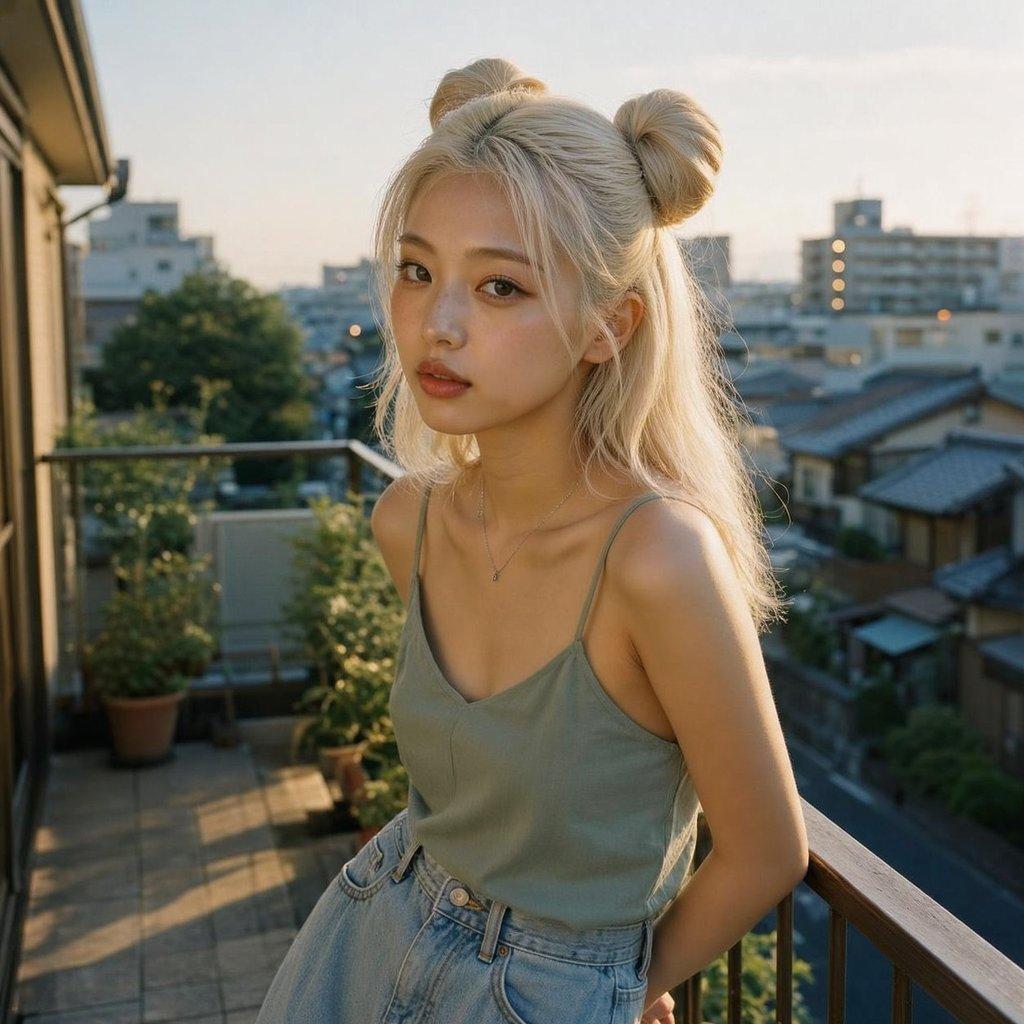
Create a photorealistic lifestyle portrait of a young woman standing on an apartment balcony in a quiet Japanese residential neighborhood at golden hour. She has {argument name="hair color" default="platinum blonde"} hair styled in two high space buns with loose shoulder-length strands, wearing a muted sage green thin-strap camisole, light high-waisted denim jeans, and a delicate small pendant necklace. Her face is fully covered by a plain centered rectangular privacy block in a warm tan color, with no facial features visible. She is leaning casually against a balcony railing with one arm behind her, upper body framed from about mid-thigh upward. The background shows potted plants on a tiled balcony, an apartment wall and sliding door on the left, railings, rooftops of nearby houses, mid-rise apartment buildings, trees, and a softly hazy evening sky. Use warm low sunlight from the side/back, natural lens blur in the distant cityscape, realistic skin and fabric textures, candid 35mm film-photo feeling, shallow depth of field, square composition, no text, no watermark, no extra people.
Choose the primary action to open PicX Studio with the available template settings. Review the model and format, personalize the creative direction, and generate when ready.
Yes. You can change the subject, setting, lighting, mood, format, and available model controls before creating your image.
This template is free to open and customize. Generation usage is shown in PicX Studio before you create.
Start with GPT Image 2, which is the model associated with this template. You can compare another compatible model for a different finish.
© 2026 PicX Studio. All rights reserved.

Follow a topic to a crawlable collection of related PicX Studio templates.
43,474 public templates available. Verified via the PicX Studio public templates API; refreshed hourly.





















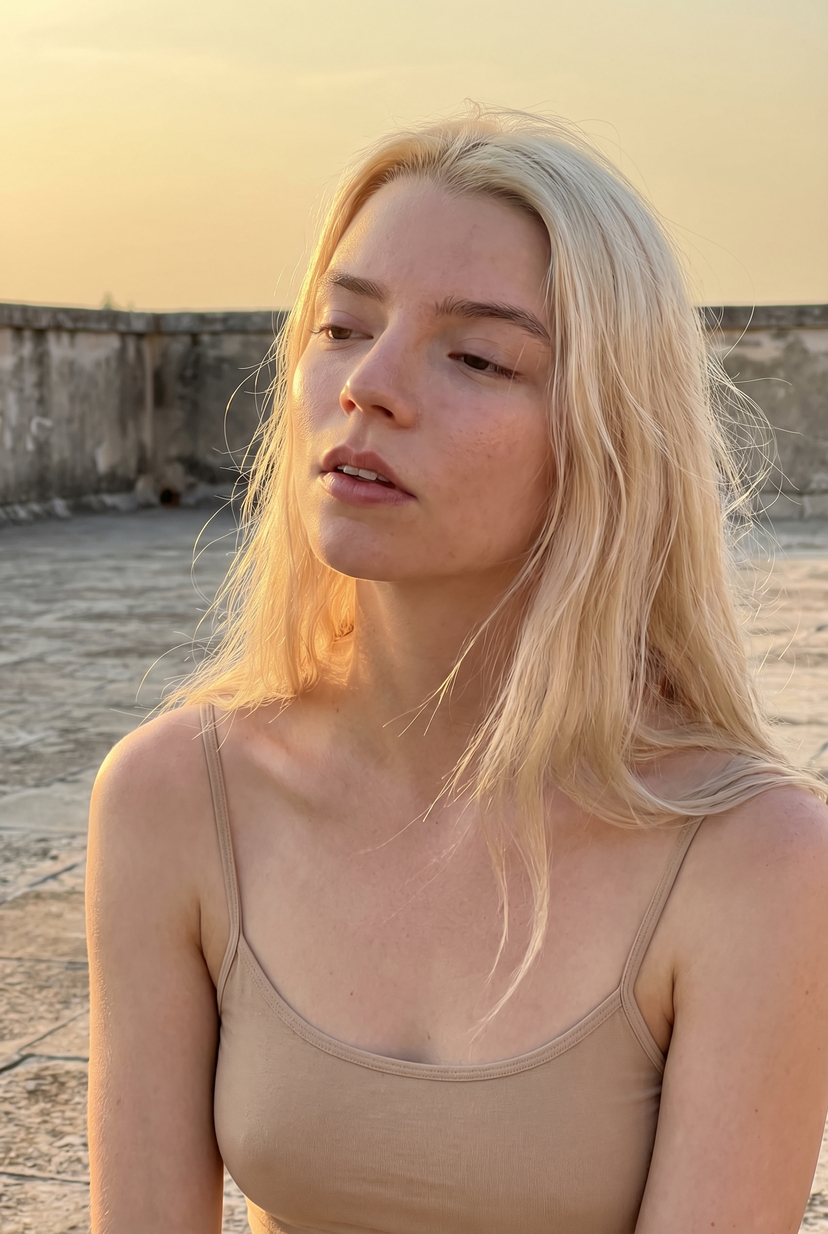


![Minimalist Flat Vector Travel Poster — Premium minimalist flat-vector travel poster for {argument name="city name" default="[CITY_NAME]"}, 3:4 vertical format.](https://cms-assets.youmind.com/media/1787917359711_3ug846_HQX205cbMAA6F6S-300x400.jpg)



















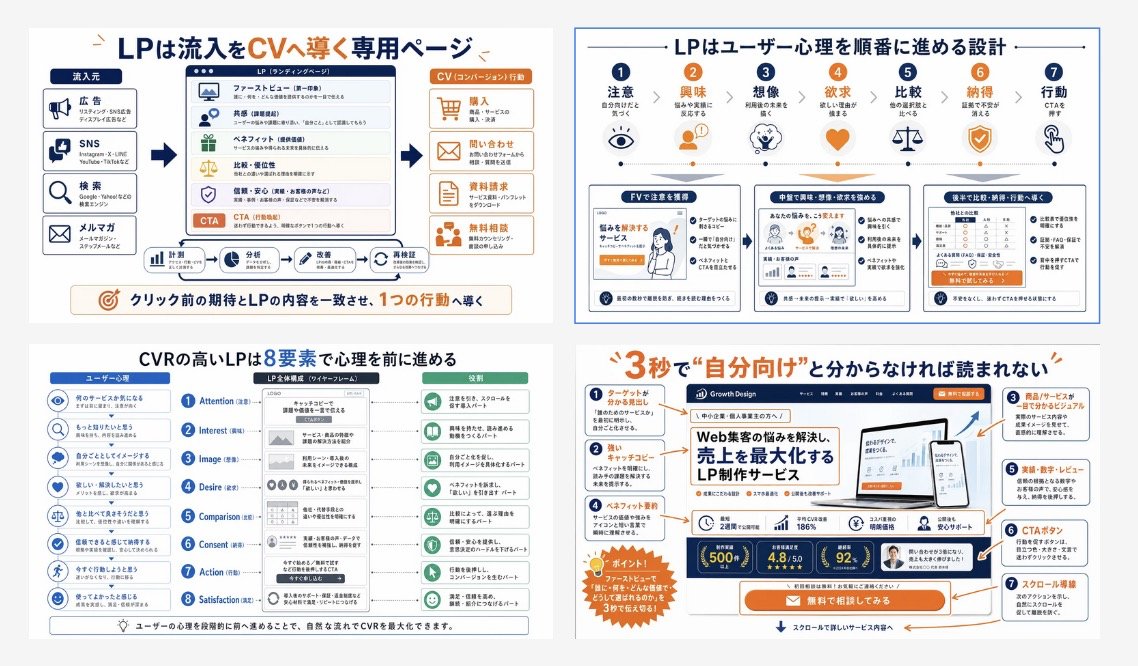

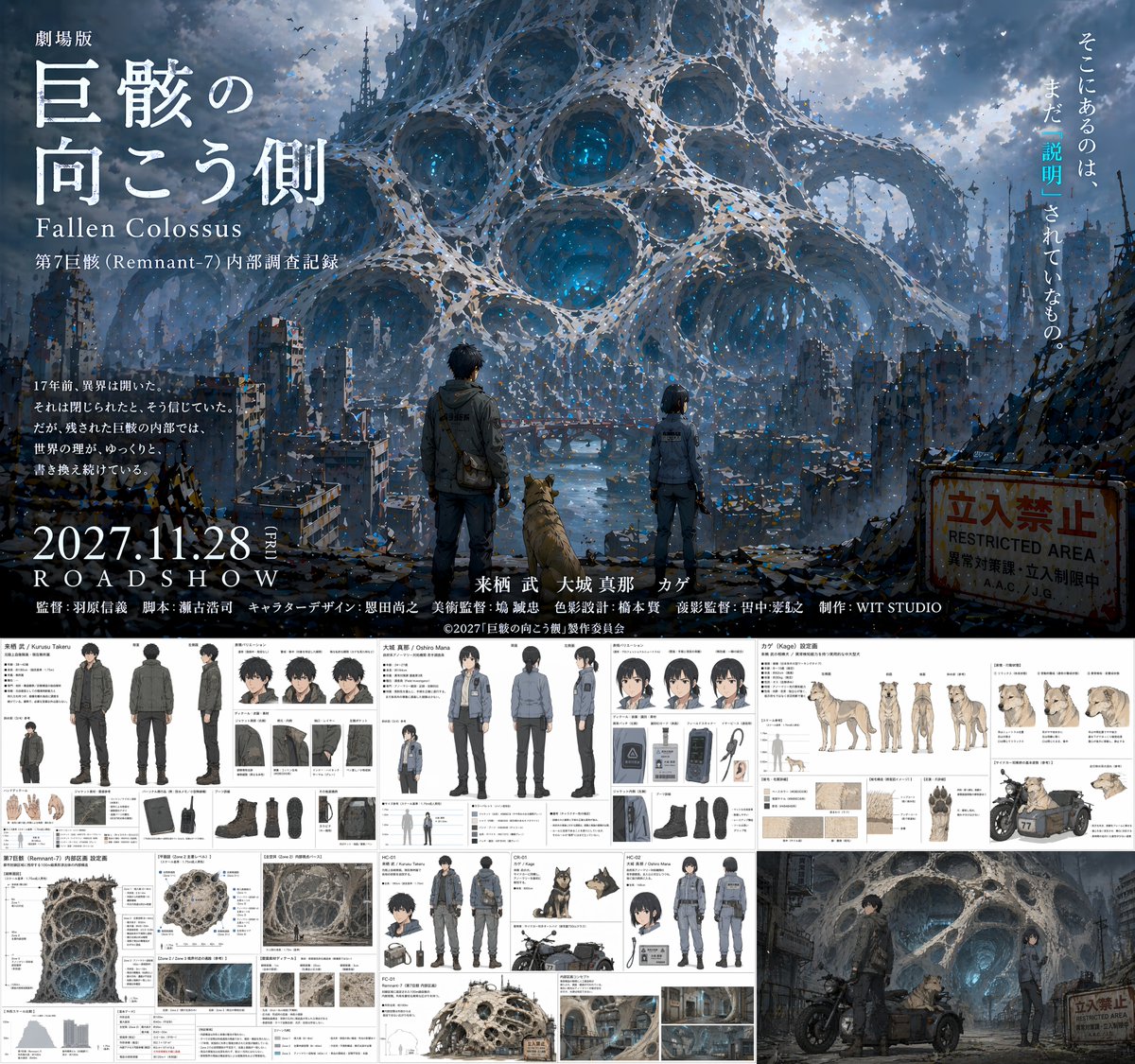
![Torn Poster of Contrasting Kyoto Eras — Create a [2:3] poster where the center is torn diagonally, revealing two contrasting eras of Kyoto.…](https://pbs.twimg.com/media/HDuuSZmWwAAiNGW.jpg)



![83-premium-minimalist-product-photography-u — Premium minimalist product photography. A [BRAND] [PRODUCT] featuring [PACKAGING/LOGO DETAILS] placed at the cente](/_next/image?url=https%3A%2F%2Fcdn.picxstudio.com%2Fuploads%2Fpost83_img0_e68ad74b-7b1c-4774-a294-80ae03b6f82c.jpg&w=828&q=100)