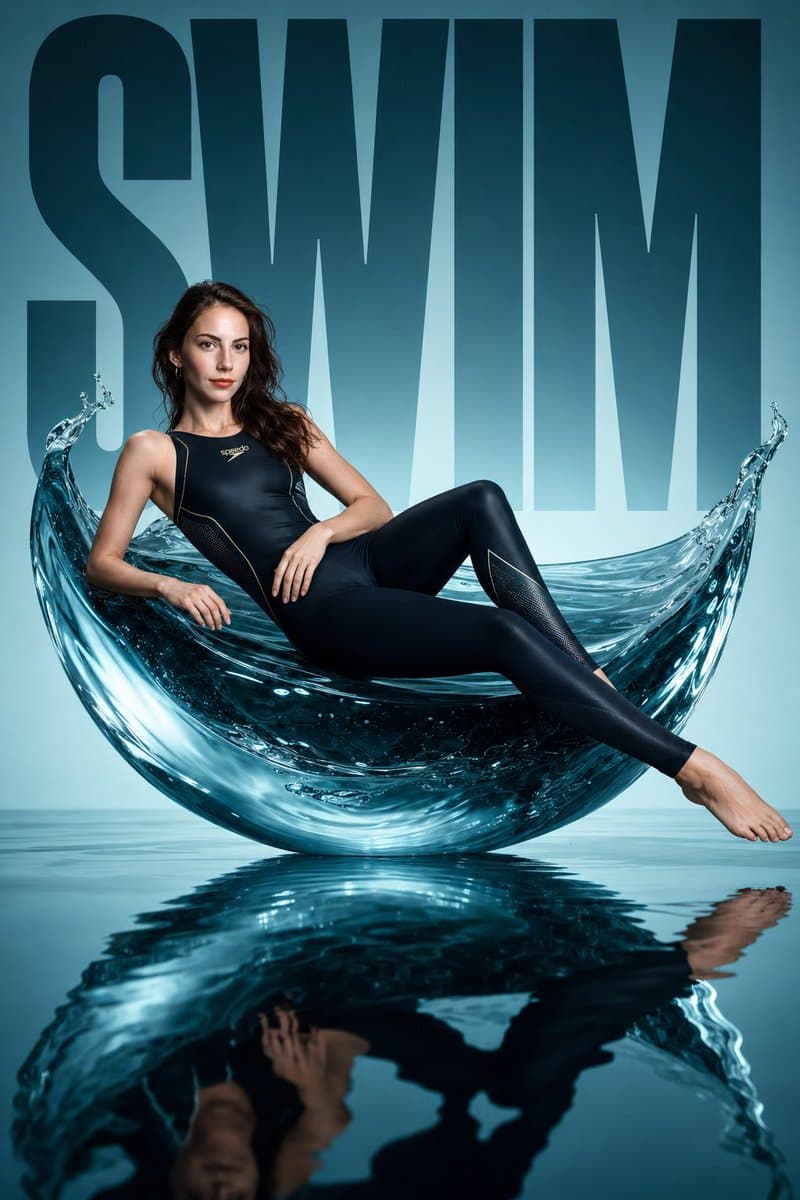
How do I use the Avant-Garde Swimwear Editorial template?
Choose the primary action to open PicX Studio with the available template settings. Review the model and format, personalize the creative direction, and generate when ready.
A sculptural fashion editorial prompt for swimwear in a minimalist studio setting with water-inspired elements. (free to use) — Free AI image template on PicX Studio.
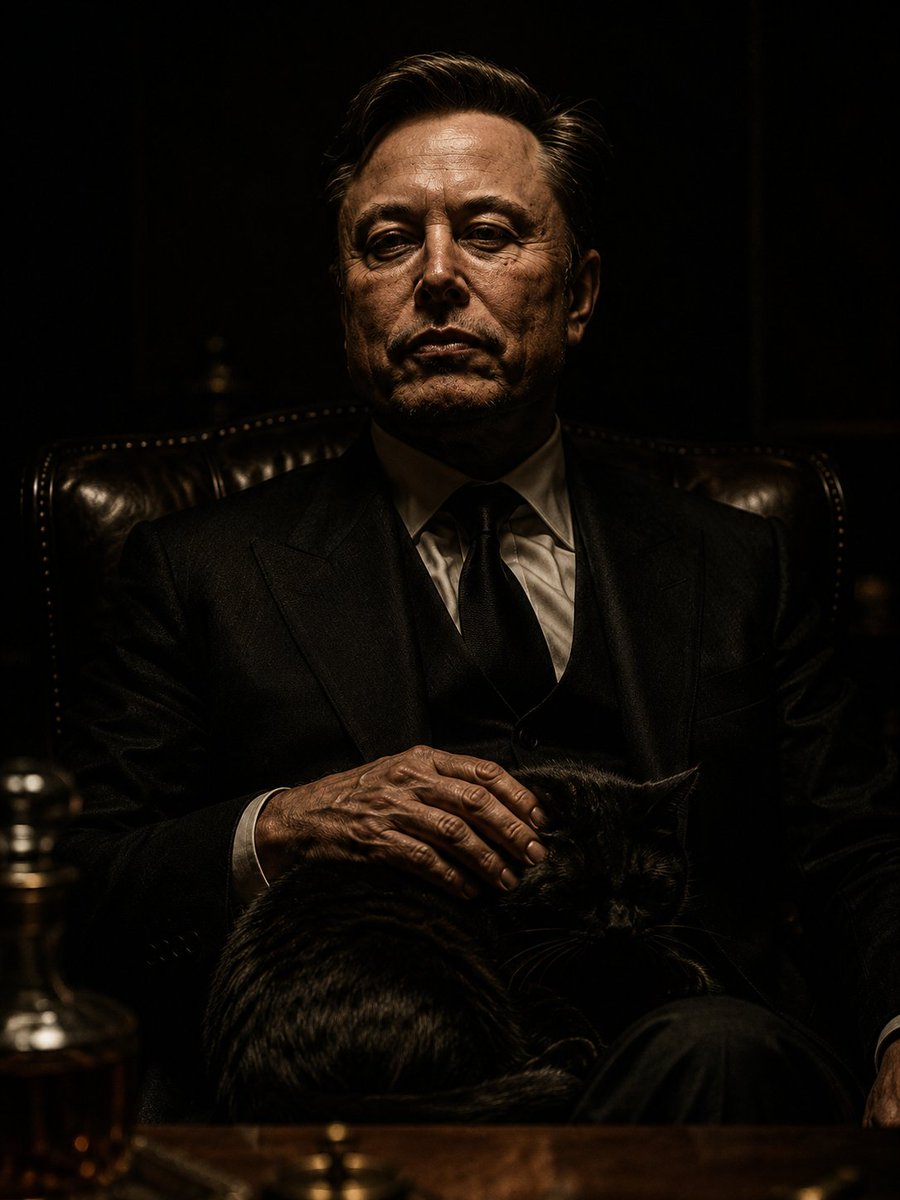
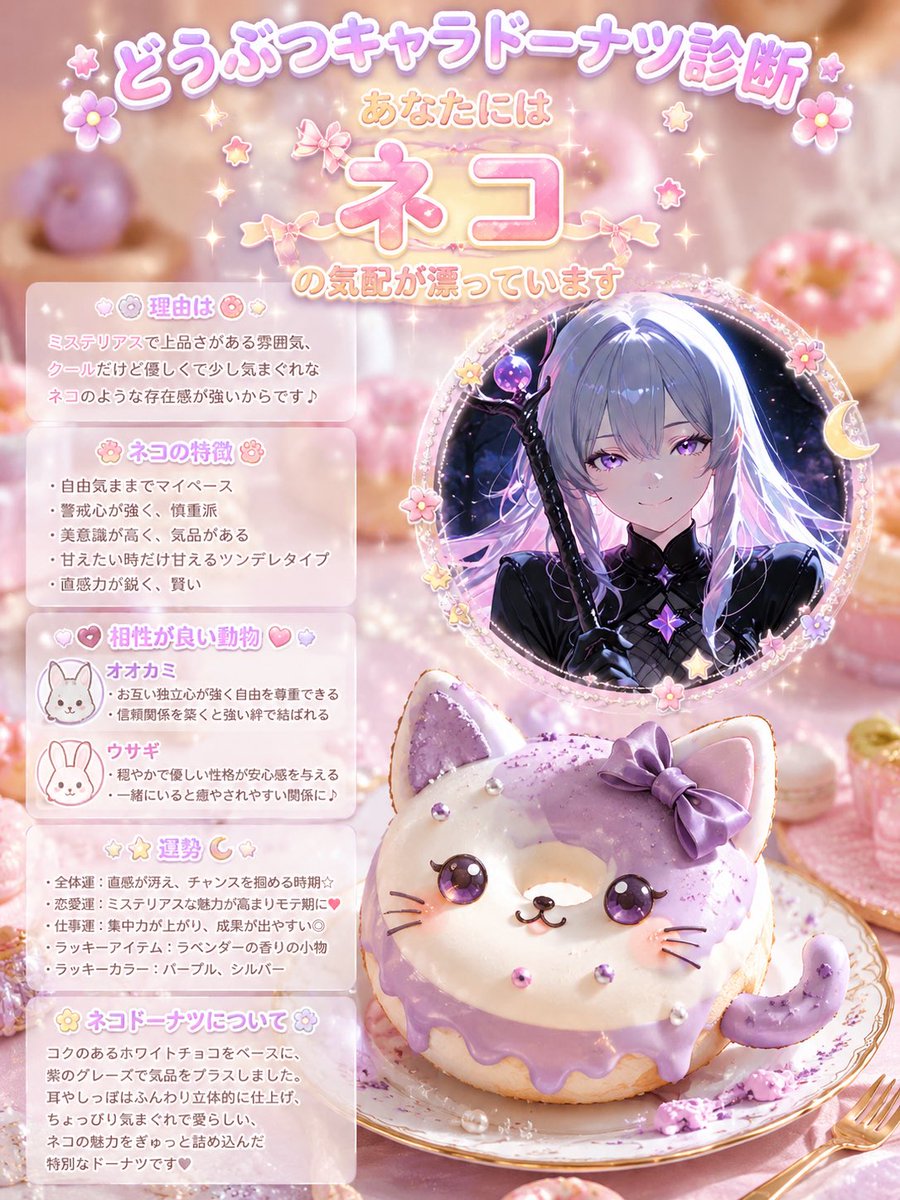
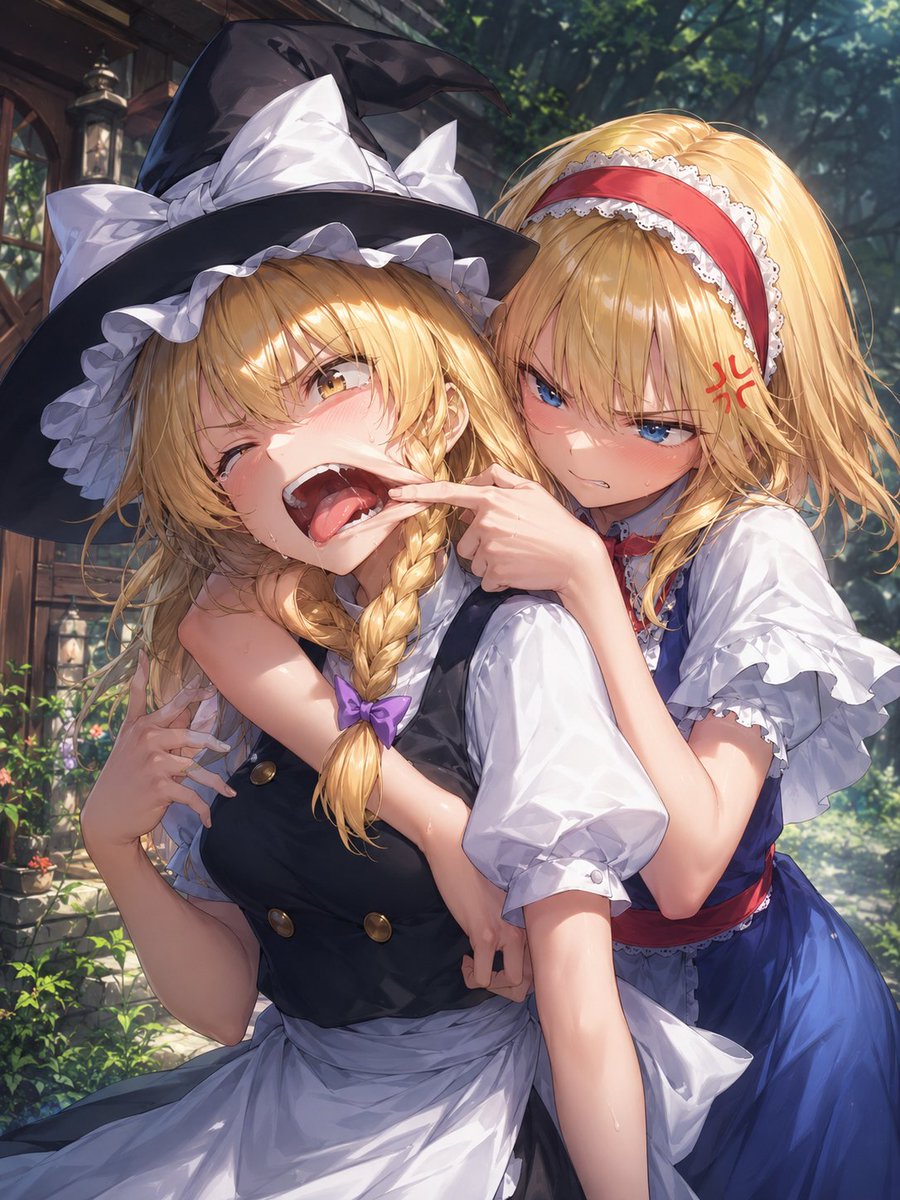
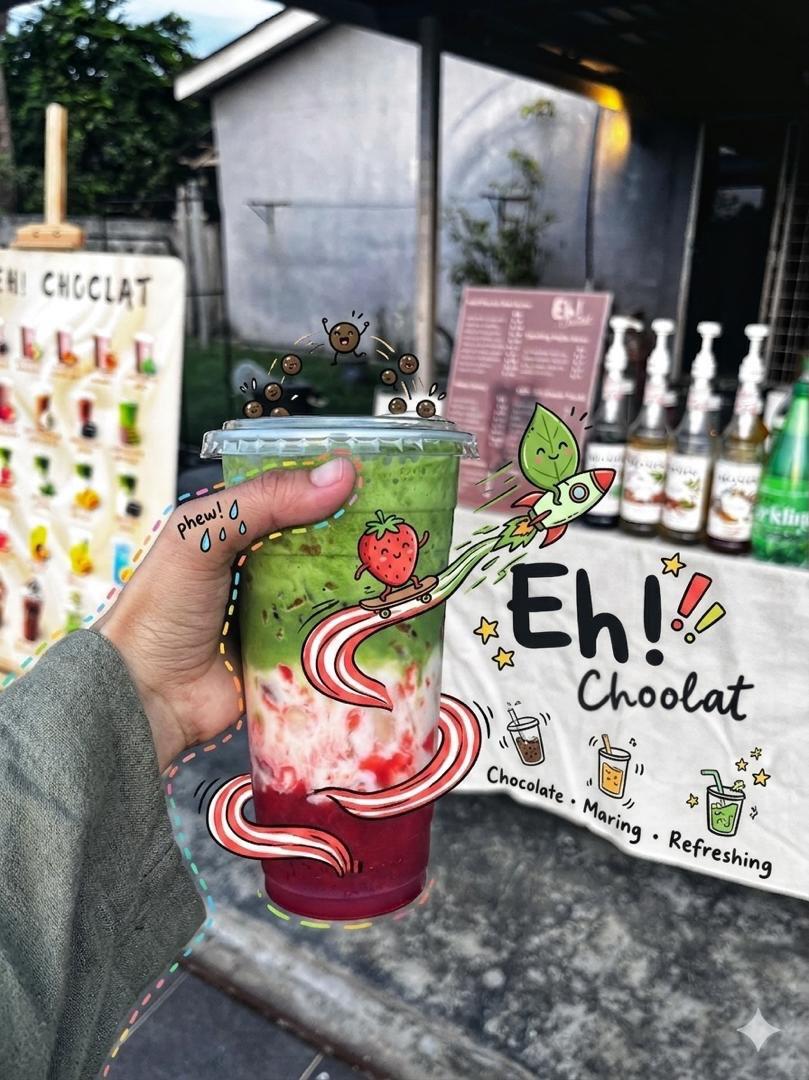
Avant-garde sports fashion editorial, a monumental sculptural water form (fluid wave / suspended splash structure) placed in a {argument name="setting" default="minimalist blue studio"}, a {argument name="subject" default="female swimmer"} reclining across the curved liquid-like surface like a sculptural furniture piece, wearing a high-fashion performance swim outfit (sleek full-body competitive swimsuit or modern tech swimwear, hydrodynamic fit, subtle reflective details, premium materials), fully streamlined silhouette, face and body identical to the uploaded reference image, ultra-clean composition, bold oversized typography "{argument name="text" default="SWIM"}" in the background, glossy mirrored wet floor reflecting the subject, cinematic studio lighting with sharp highlights and water reflections, luxurious campaign aesthetic, high contrast, editorial fashion photography, minimal color palette (aqua, deep green, black accents), hyper-realistic, 8k, studio perfection
Avant-Garde Swimwear Editorial needs input media to work. Open it in the studio and these load alongside the prompt — pick whichever ones your chosen model can take.
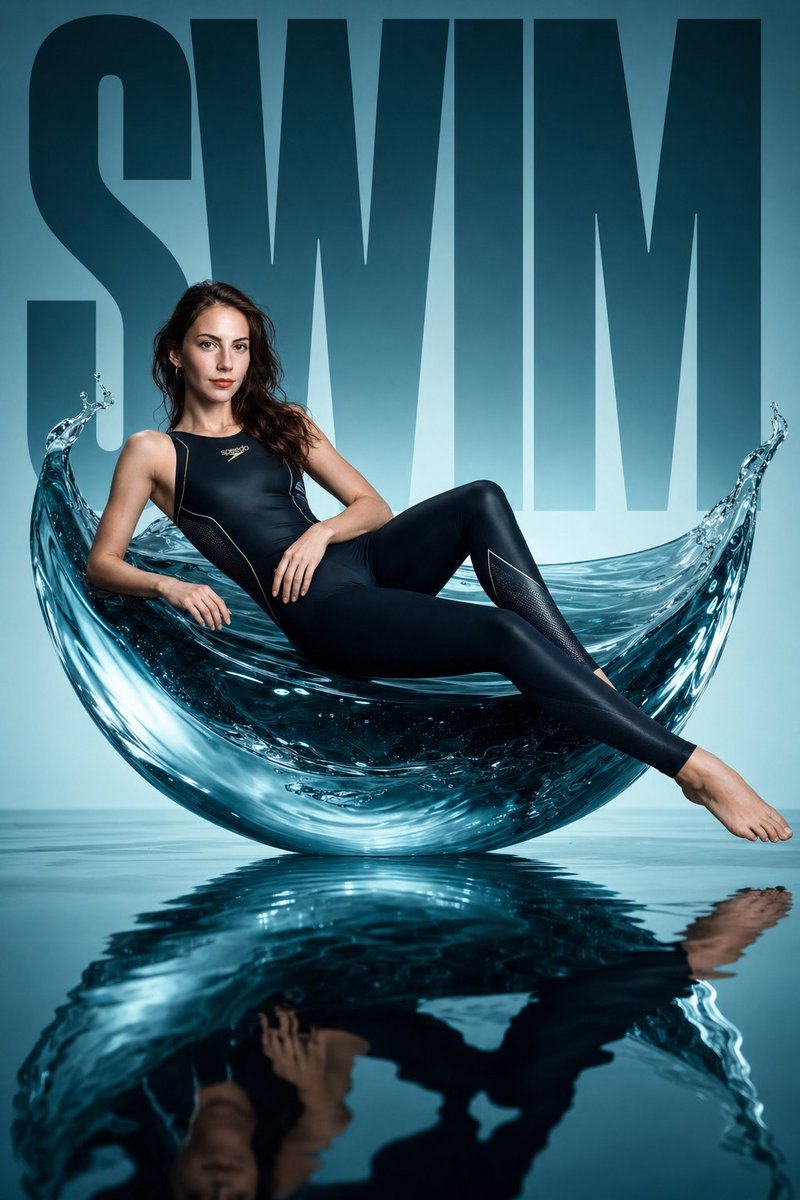
Use Avant-Garde Swimwear Editorial to plan an AI image around gpt-image-2 generation, themes such as en and gpt-image-2. Match the preview's composition first, then personalize the subject, setting, and mood for your own project.
Use the primary action to load the template settings in PicX Studio.
Adjust the subject and creative details for your destination.
Create the image, compare the result with the preview, and refine one variable at a time.
A continuous mix — similar concepts first, woven with same-model prompts and fresh picks from the catalog.
Choose the primary action to open PicX Studio with the available template settings. Review the model and format, personalize the creative direction, and generate when ready.
Yes. You can change the subject, setting, lighting, mood, format, and available model controls before creating your image.
This template is free to open and customize. Generation usage is shown in PicX Studio before you create.
Start with gpt-image-2, which is the model associated with this template. You can compare another compatible model for a different finish.
Follow a topic to a crawlable collection of related PicX Studio templates.
39,155 public templates available. Verified via the PicX Studio public templates API; refreshed hourly.
A continuous mix — similar concepts first, woven with same-model prompts and fresh picks from the catalog.