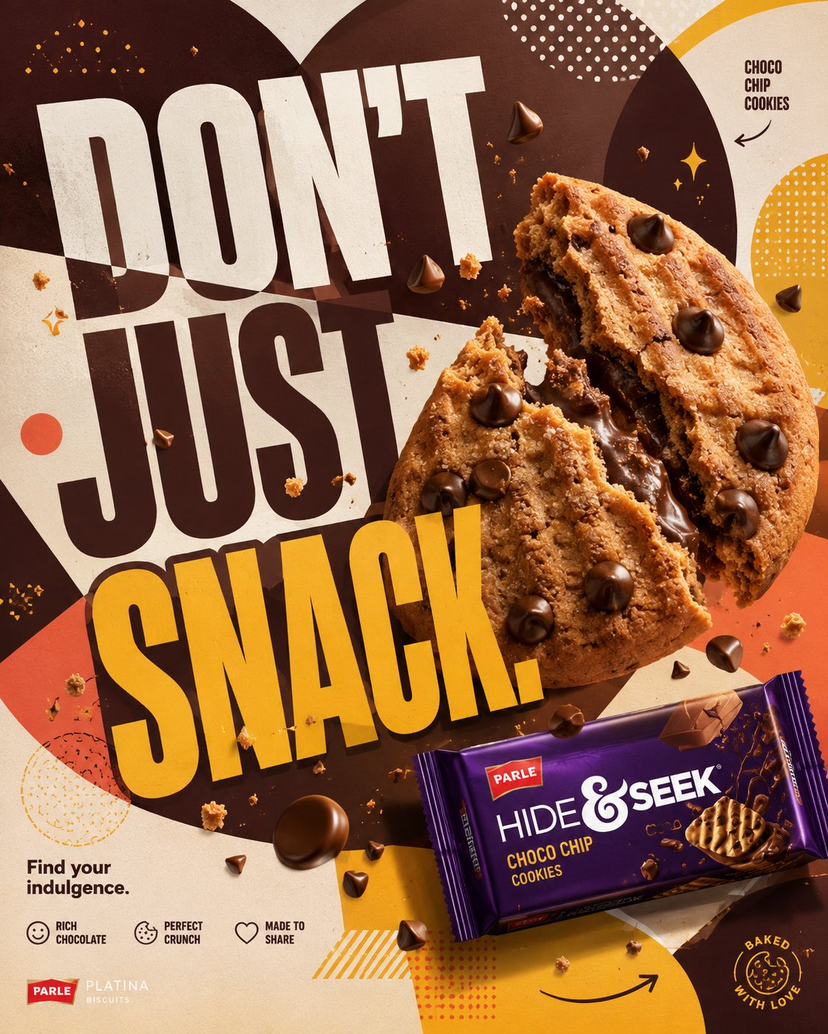
Parle Hide and Seek Cookie Campaign Poster
⬇️ Act as the Global Creative Director for Parle Hide & Seek, thinking like a collaboration between Parle Creative Studio, The Minimalist, Pentagram, Buck Design, AKQA, Spotify Design, Coca-Cola Global Design, Adobe MAX Featured Designers, and Behance Branding. Create a flagship Instagram campaign poster—not a biscuit advertisement—but a bold, scroll-stopping premium youth culture campaign. Reject generic food photography, floating biscuit packs, milk splash clichés, realistic café scenes, AI-generated FMCG clichés, cheap gradients, and busy compositions. Campaign: DON’T JUST SNACK. Format: Instagram, 4:5 Vertical, 8K Ultra HD, Modern Graphic Design Poster, Premium FMCG Social Media Campaign. The artwork should feel like a collision between premium graphic design and hyper-real food photography where the cookie is the hero and the official Hide & Seek Choco Chip Cookies pack is the secondary hero. One oversized hyper-real freshly baked cookie dominates the composition, dramatically broken with molten chocolate chips, baked cracks, sugar crystals, natural crumbs, and suspended chocolate pieces interacting with the typography. The factory-accurate matte packaging sits confidently near the bottom right with natural reflections, perspective, and shadow—never floating. Build an abstract premium graphic world inspired by the cookie using oversized circular forms, paper-cut layers, organic shapes, curved ribbons, offset geometric blocks, halftone textures, checker patterns, layered depth, and strong colour blocking. Colour palette: Hide & Seek Chocolate Brown, Cookie Gold, Cream White, Warm Beige with Bright Mustard Yellow, Caramel, Soft Coral, Rich Cocoa, accented by Dark Chocolate, Warm Ivory, and Tiny Mint Accent. Use massive bold geometric sans-serif typography occupying about 35% of the artwork with headlines like DON’T JUST SNACK. or CHIP. CRUNCH. SMILE., integrated so the cookie, crumbs, and chocolate chips overlap and partially hide the letters. Add minimal premium graphic elements including cookie outlines, chocolate chip icons, paper-cut shadows, curved arrows, rounded blocks, halftone dots, geometric overlays, and subtle sparkle icons. Light the scene with premium studio commercial lighting, soft directional key light, clean reflections, natural cookie shadows, and luxury food photography styling. Capture it as if photographed on a Phase One XF IQ4 150MP with a Schneider Kreuznach 80mm LS, delivering macro realism, ultra-high dynamic range, perfect product sharpness, visible cookie pores, premium chocolate gloss, matte packaging, realistic paper textures, and physically believable materials. Composition: Cookie 45%, Typography 25%, Packaging 20%, Graphic Elements 10%, following a Swiss-inspired grid with controlled asymmetry, generous negative space, and Instagram-first visual hierarchy. Grade with rich chocolate tones, warm cookie highlights, clean whites, bold accent colours, high micro-contrast, premium Behance aesthetics, and no HDR look. Negative Prompt: NO milk splash, NO pouring chocolate, NO floating packaging, NO realistic kitchen, NO café, NO wooden table, NO human models, NO clutter, NO cheap gradients, NO childish cartoon style, NO AI artifacts, NO excessive shadows, NO fake reflections, NO low-quality typography. Quality Bar: Behance Featured, Adobe MAX Showcase, Cannes Lions FMCG Campaign, Pentawards-worthy packaging communication, Spotify Design visual energy, Apple-level composition. Viewer reaction: “This isn’t a biscuit ad. This is a piece of modern graphic design that makes me want to buy the product immediately.”


![Exploded Mechanics Product Macro Campaign — Create an exploded product with inner mechanics [product], high-end product advertising, white seamless background,](/_next/image?url=https%3A%2F%2Fcdn.picxstudio.com%2Fuploads%2Fmeigen_b78883f3cfcc_6422efa5-5e5b-4a13-aa00-aa65996e48a8.jpg&w=828&q=100)
![Luxury Dessert Logo Product Photography — Minimalist luxury product photography of an edible sculpture inspired by the [brand name] logo. Logo transformed into](/_next/image?url=https%3A%2F%2Fcdn.picxstudio.com%2Fuploads%2Fmeigen_a9d271403edd_04fd5565-6f29-4349-9b66-e8e43523ac87.jpg&w=828&q=100)




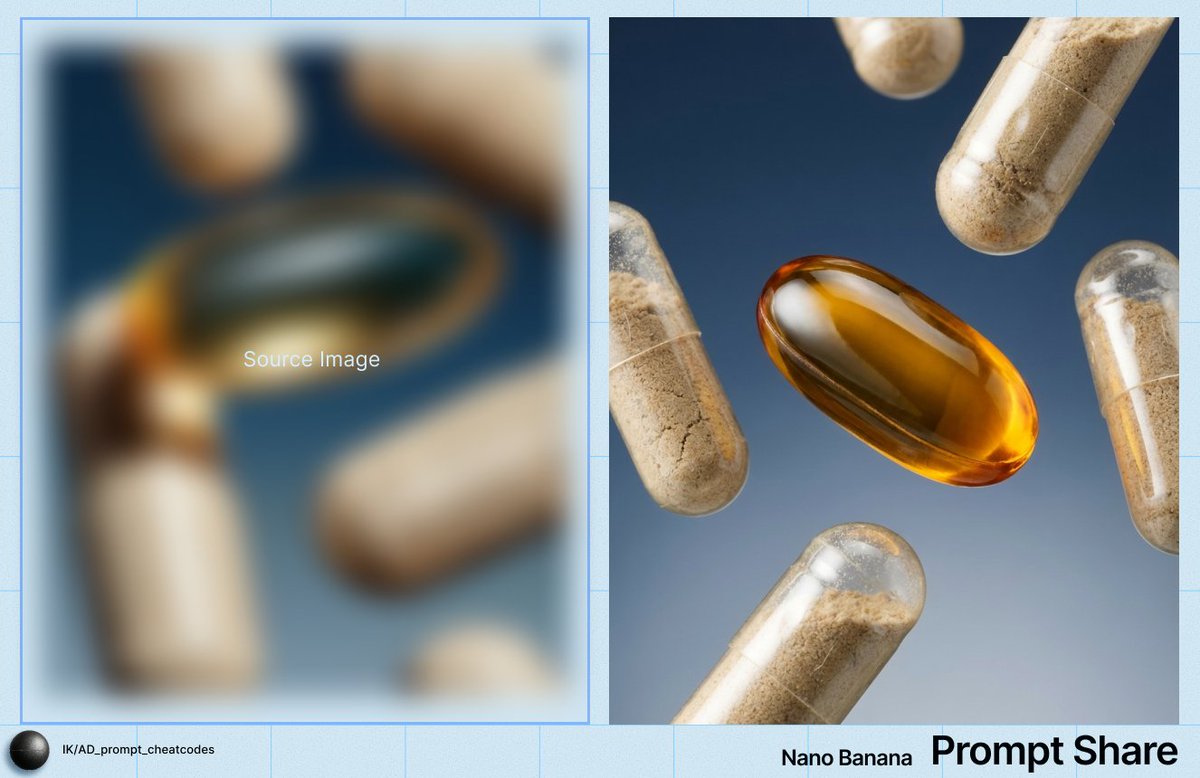
![Firefly Pixar Spill — Nano Banana Pro — Prompt Studio: Fun Prompt with Nano Banana Pro in Firefly Boards
Pixar-style cinematic macro shot in a cozy [LOCATION]](/_next/image?url=https%3A%2F%2Fcdn.picxstudio.com%2Fuploads%2Falla1_1d20598b-6f80-45e3-931b-e644f9b33daf.jpg&w=828&q=100)
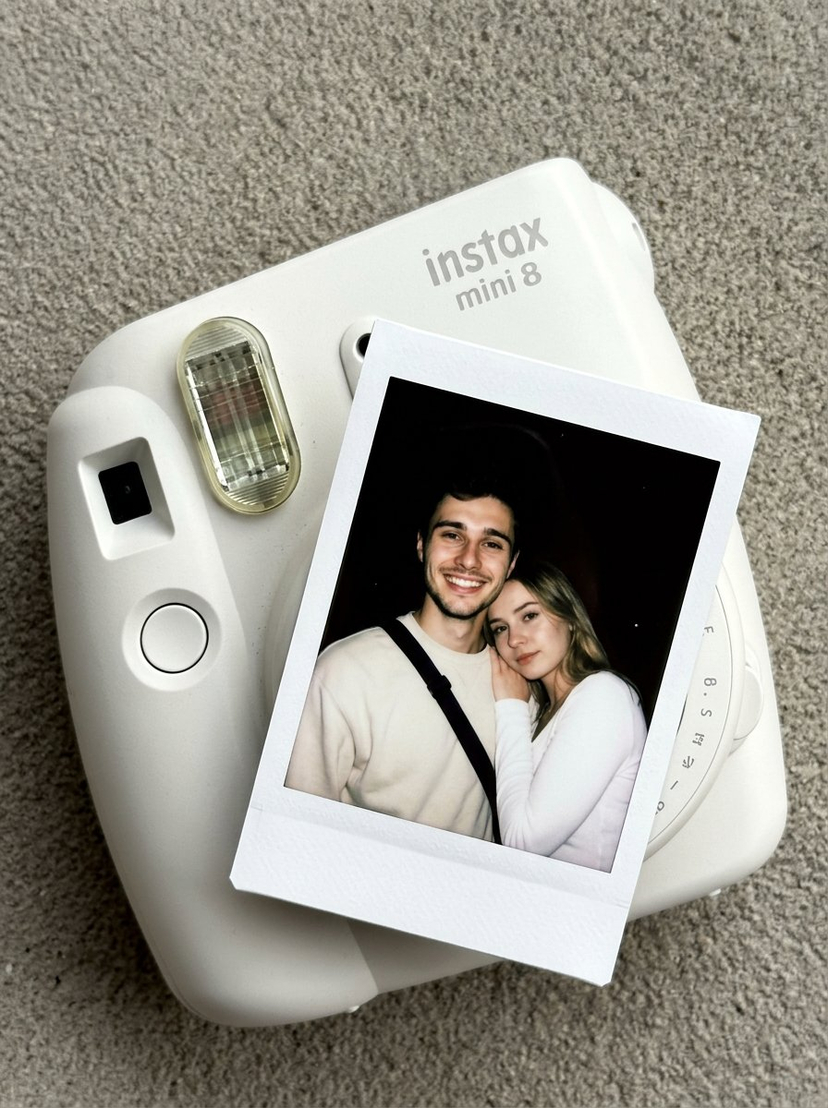
![Brand Ice Sculpture Product Photography — [BRAND NAME] luxury product still life. A large three-dimensional ice sculpture in the exact shape of the [BRAND NAME]](/_next/image?url=https%3A%2F%2Fcdn.picxstudio.com%2Fuploads%2Fmeigen_907cd03b2295_0e348d56-7cfb-4634-969d-dd59d09e75ca.jpg&w=828&q=100)
![Playful Futuristic Brand Kit Board — Create a polished multi-page (multiple images) brand kit for a company called [YOYOYO]. The brand sh…](/_next/image?url=https%3A%2F%2Fcdn.picxstudio.com%2Fuploads%2Fmeigen_35482e665691_a87e3ac0-b1e5-4a95-a750-7378b7788369.jpg&w=828&q=100)
![Low Angle Product Fashion Campaign — Low-angle fashion campaign photograph of a confident model holding a large [product name] very close…](/_next/image?url=https%3A%2F%2Fcdn.picxstudio.com%2Fuploads%2Fmeigen_4c03edc4df35_6f63201c-902b-410c-8eaa-7760408114bb.jpg&w=828&q=100)
![Moss Logo Minimalist Brand Flat Lay — [BRAND NAME]: Enter the brand name here.
Goal: Generate a minimalist organic image where a stylized logo icon of [BRAND NA](/_next/image?url=https%3A%2F%2Fcdn.picxstudio.com%2Fuploads%2Fmeigen_c099b4a510e0_2c38b884-72c5-4839-8374-99d9fab74c05.jpg&w=828&q=100)
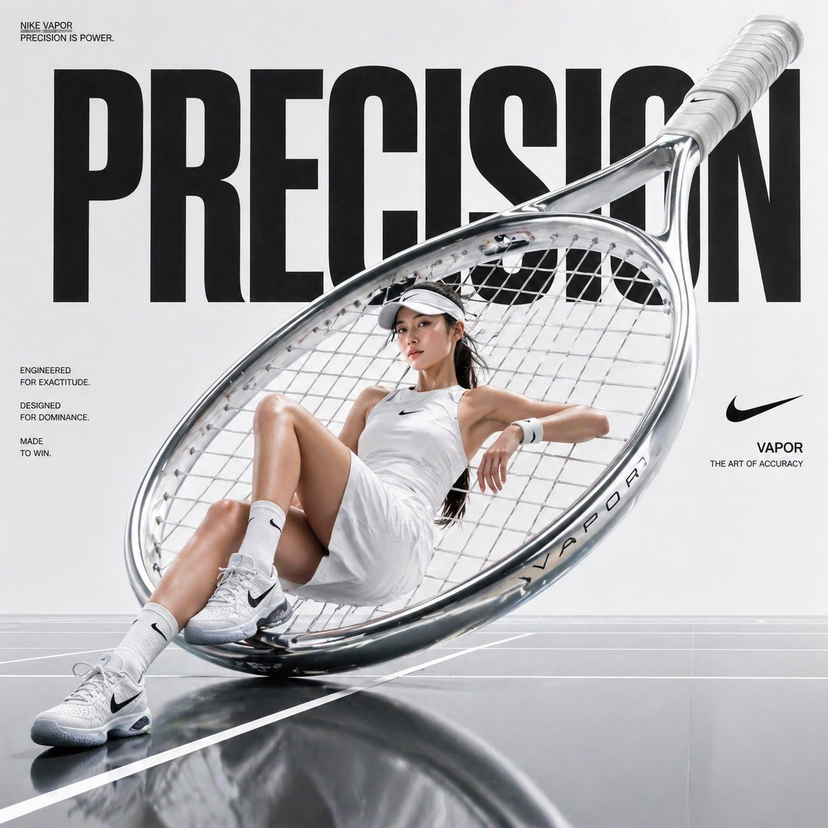
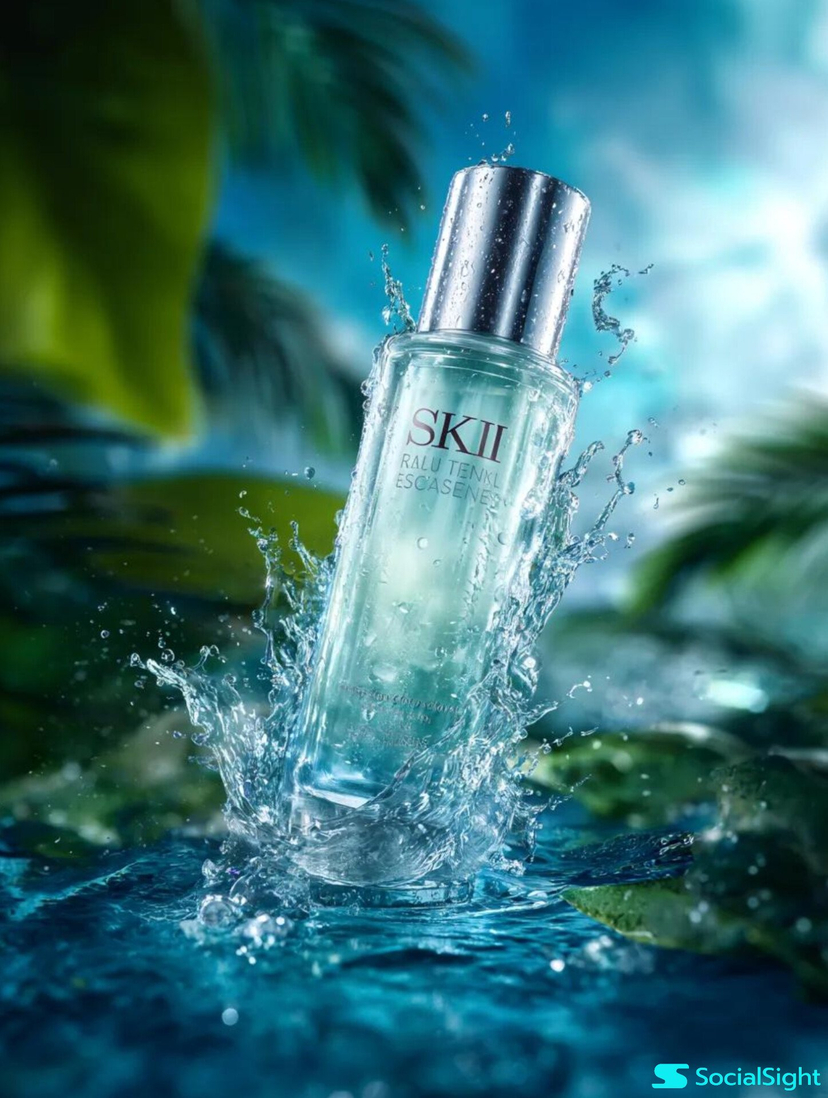
![Product Elemental Lifestyle - Midjourney v7/v8 — Prompt Studio: Product Elemental Lifestyle, with Midjourney v7 and v8\n\n[PRODUCT] half-buried in [volcanic bla](https://pbs.twimg.com/media/HFVlLNkbwAAUXmI.jpg?name=orig)
![Naive doodle-style subject illustration — A doodle-style {argument name="subject" default="[subject]"}, naive lines, humorous shape exaggeration](https://pbs.twimg.com/media/G6Wl2YxbsAARB2b.jpg)











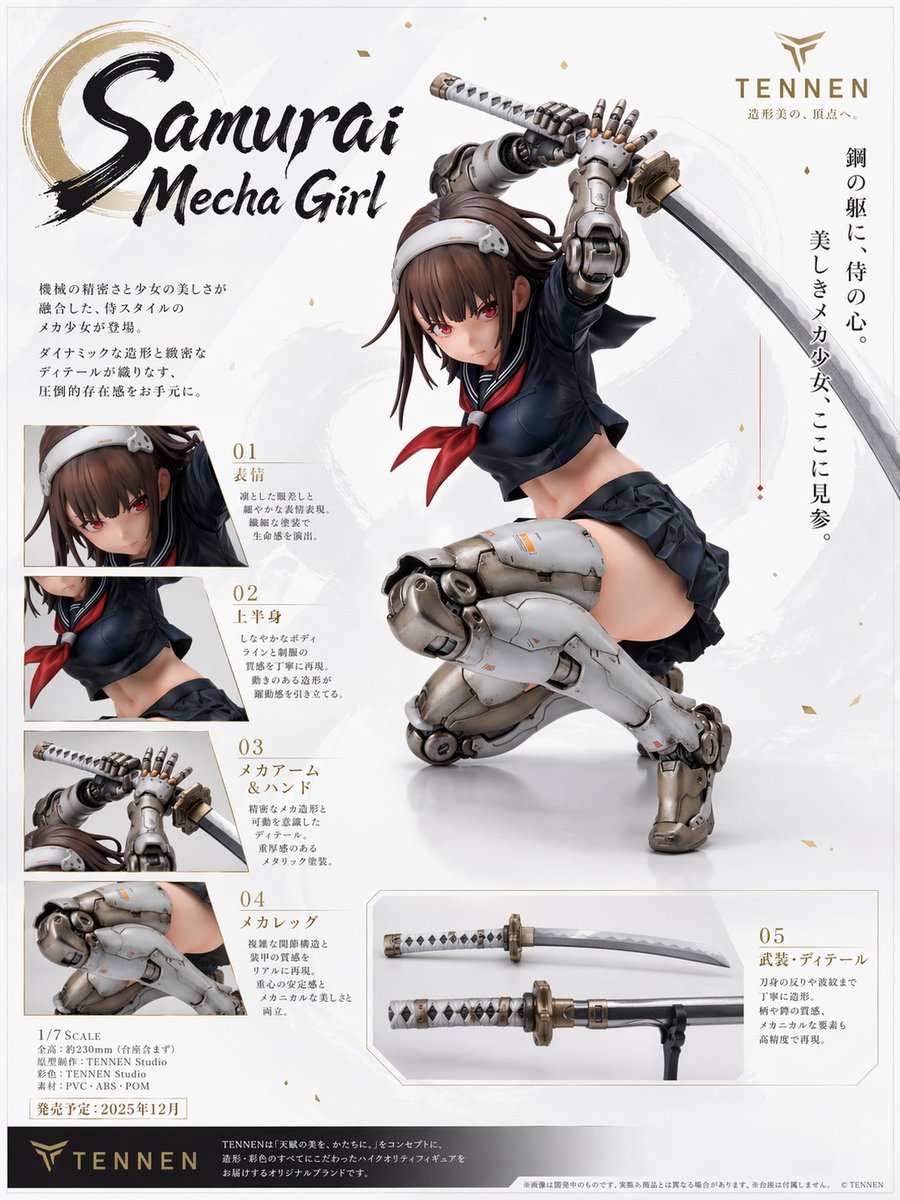

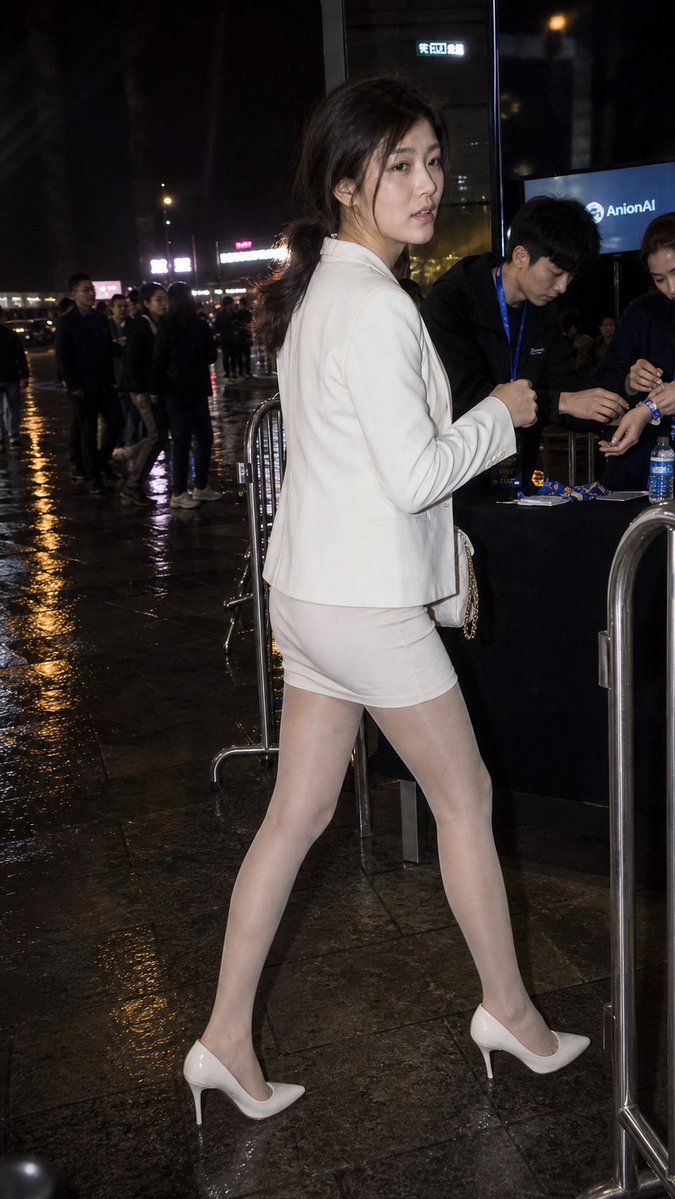


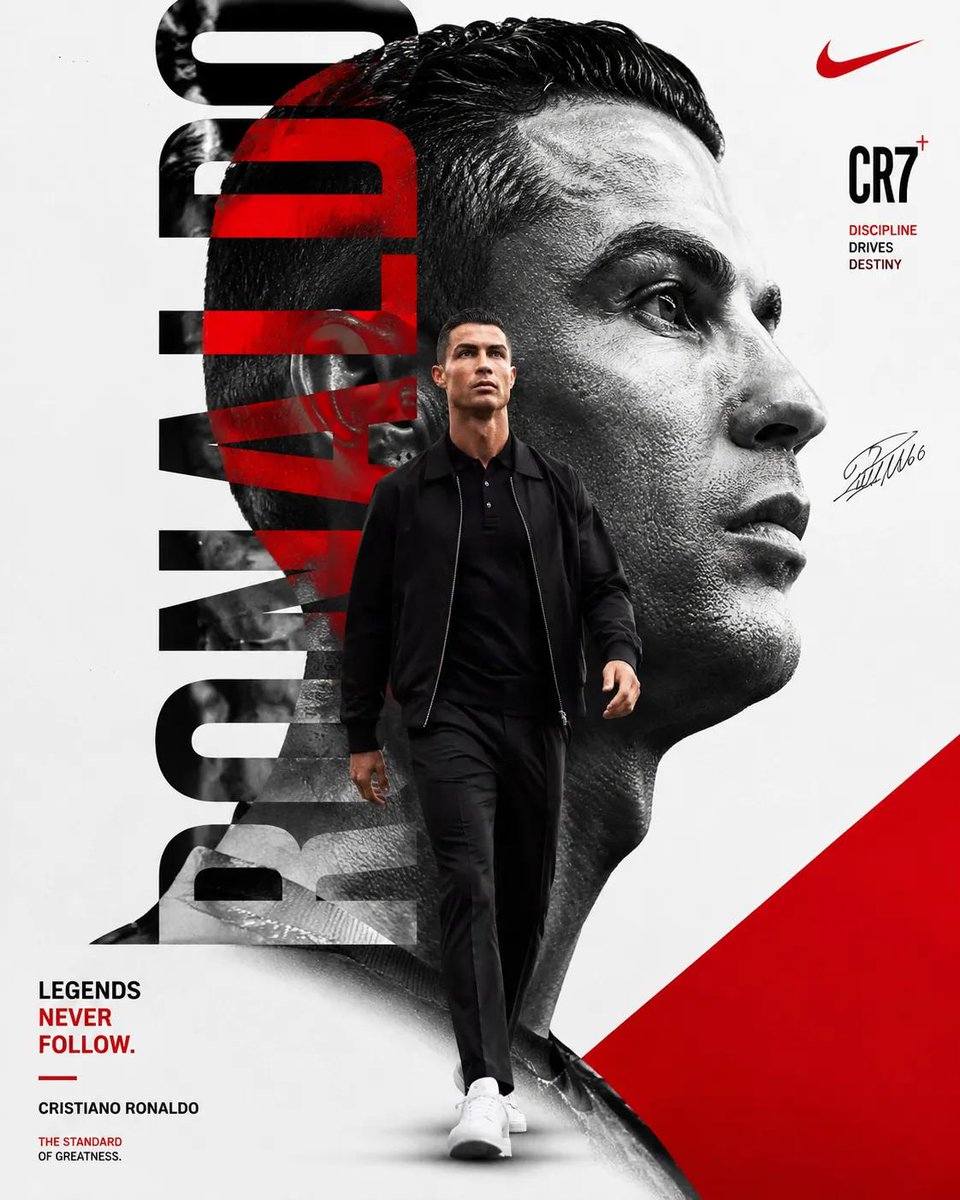



![High-Fashion Christmas Editorial Prompt — [Identity_Preservation]
BoneStructure = "{argument name="bone structure" default="identical_symmetry…](https://pbs.twimg.com/media/G8nqAGAbMAQYwhK.jpg)