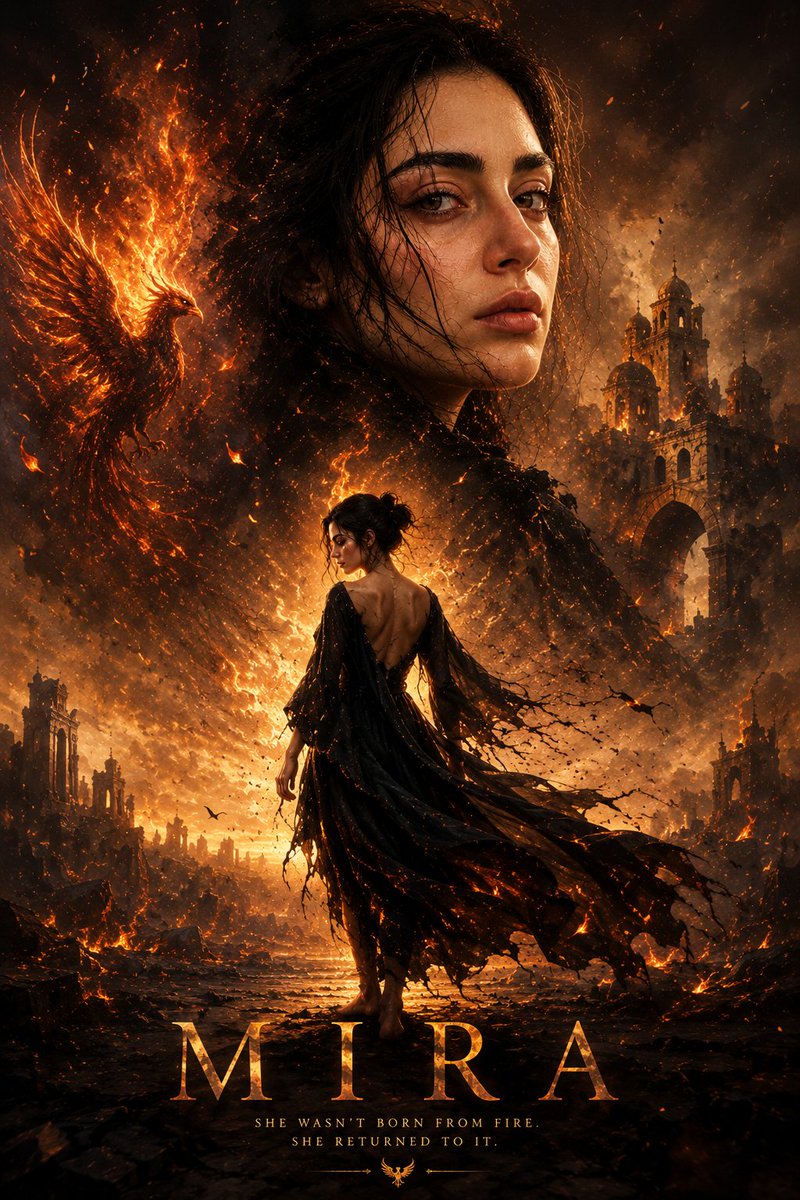
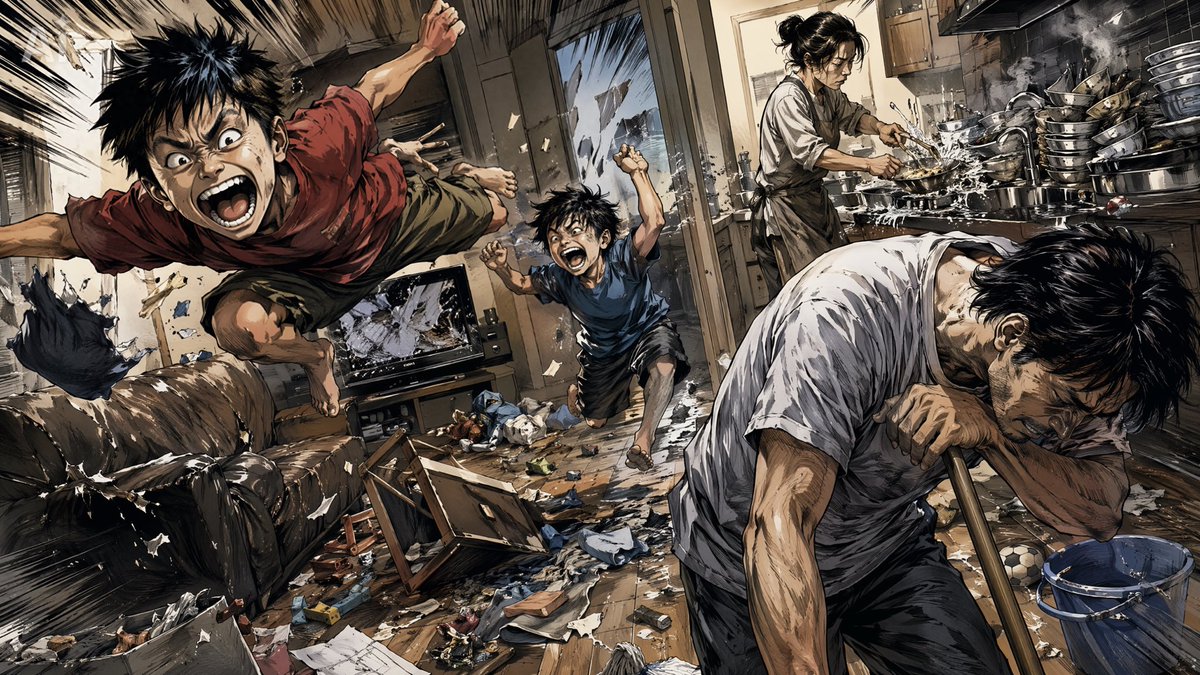
Sound Connects Humanity Poster
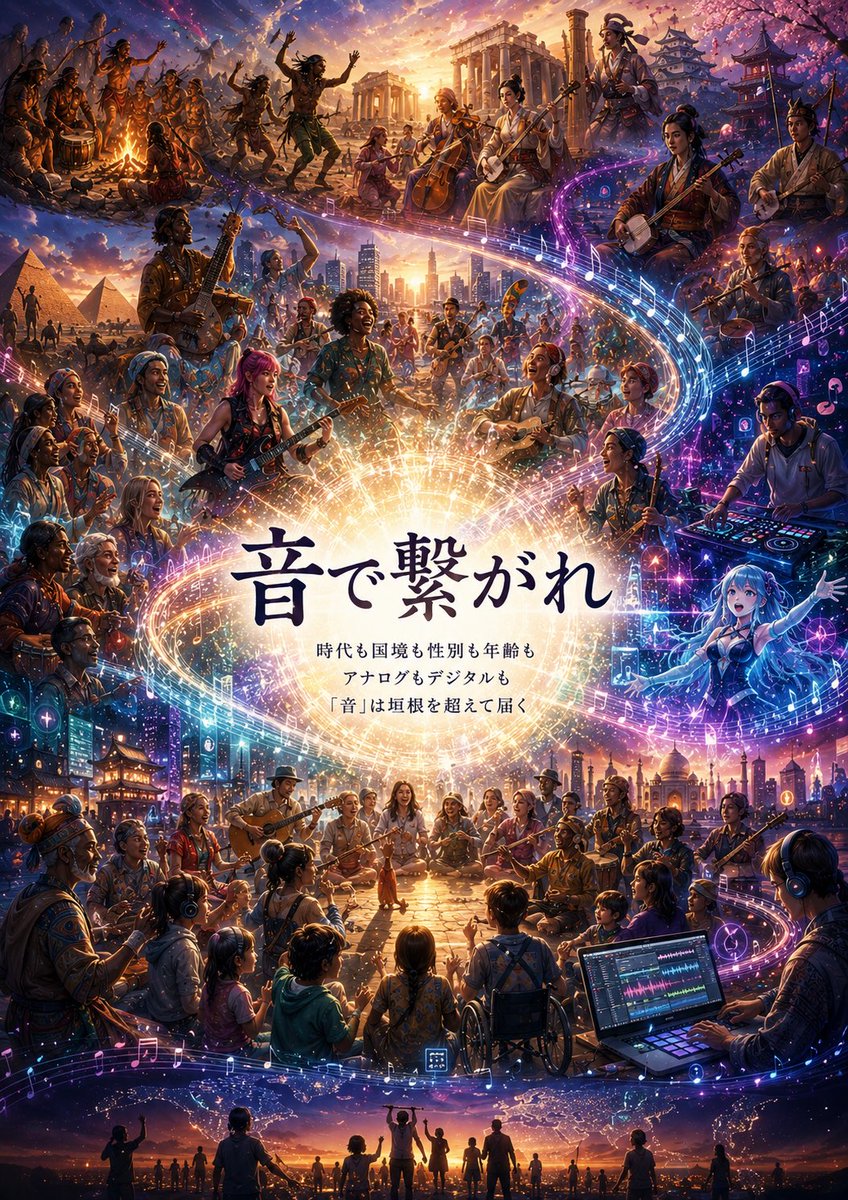
Goal: Create a highly detailed vertical music-community poster about sound crossing eras, borders, gender, age, analog media, and digital media, with a luminous fantasy-realism collage of humanity connected by music.
Canvas: Vertical 2:3 poster, cinematic ultra-detailed digital painting, warm sunset golds blended with neon blues, purples, and pinks. No margins; fill the entire canvas with layered scenes and glowing musical motion.
Central composition: Place a large radiant white-gold circular burst in the exact center, like a sun made of sound waves and stardust. Over it, set the main Japanese headline {argument name="headline text" default="音で繋がれ"} in large dark navy calligraphic serif characters. Beneath it, place three centered smaller Japanese lines: {argument name="subheading line one" default="時代も国境も性別も年齢も"}, {argument name="subheading line two" default="アナログもデジタルも"}, and {argument name="subheading line three" default="「音」は垣根を超えて届く"}. Keep the text crisp and readable against the glowing center.
Main visual motif: A huge spiral ribbon of light and music notation wraps around the poster from lower left to center, then across the middle and upper right, then back through the bottom. The ribbon contains glowing staff lines, eighth notes, treble-like music symbols, particles, waveform sparks, small app-like music icons, and digital pixels. It should feel like sound physically connecting every scene.
Layout: Build exactly 7 major connected scene zones around the central headline:
1. Upper left prehistoric / tribal campfire music: people dancing, drumming, singing around a fire under a starry sky.
2. Upper center ancient classical world: ruins resembling Greek or Roman columns, musicians with cello, flute, hand drums, and traditional string instruments under a golden sunset.
3. Upper right East Asian historical music scene: Japanese temple roofs, pagoda, cherry blossoms, shamisen players, kimono-like clothing, and lantern glow.
4. Middle left ancient desert / world heritage scene: pyramids in the background, musicians with guitar-like and percussion instruments, travelers and dancers.
5. Middle center modern global city concert: skyline, high-rises, diverse band members, singers, guitarists, saxophone, brass, and crowd energy.
6. Middle right futuristic digital DJ / electronic music scene: DJ at a glowing mixer, laptop-like screens, neon equalizers, holographic icons, synthesizer lights, and cyberpunk purple-blue ambience.
7. Bottom global community gathering: children, adults, elders, people of different cultures and abilities sitting and standing in a circle, including a wheelchair user, acoustic guitars, headphones, a laptop music workstation, city lights, temples, domes, and a final row of silhouettes holding hands along the horizon.
People and instruments: Show a large diverse ensemble of roughly 70 visible people total across the poster, mixing ages from children to elders, different skin tones, body types, genders, historical costumes, modern streetwear, traditional clothing, and futuristic outfits. Include exactly 16 clearly featured instrument or music-making categories: hand drums, frame drums, flute, cello, shamisen, lute-like instrument, acoustic guitar, electric guitar, bass guitar, saxophone, trumpet, violin, microphone singing, DJ controller, laptop digital audio workstation, and headphones. Some faces may be small or impressionistic, but the mood must be joyful, communal, and inclusive.
Style: Epic fantasy realism meets Japanese festival poster and generative-AI music community art. Extremely dense, ornate, and luminous; painterly yet sharp; dramatic sky gradients; sparkling particles; cinematic rim light; rich historical detail; neon digital overlays; sweeping depth from foreground to distant skyline. Use vibrant contrast between ancient firelight, sunset gold, and futuristic cyan-magenta glow.
Constraints: Do not leave empty space except for the central text glow. Keep all typography in Japanese exactly as specified. Avoid logos, watermarks, brand names, random extra text, malformed music notation dominating the headline, or horror/dark dystopian mood. The final image should communicate: sound connects everyone beyond time, nations, gender, age, analog, and digital.



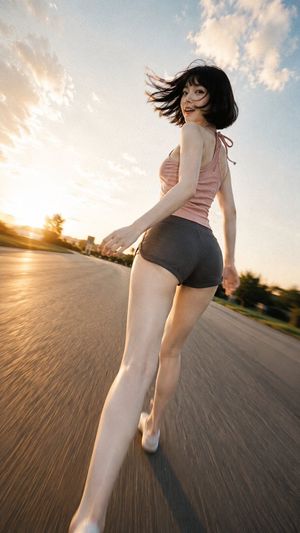

















![Naive doodle-style subject illustration — A doodle-style {argument name="subject" default="[subject]"}, naive lines, humorous shape exaggeration](https://pbs.twimg.com/media/G6Wl2YxbsAARB2b.jpg)