How do I use the Blackpink Jisoo Sylveon Outfit Mirror Selfie template?
Choose the primary action to open PicX Studio with the available template settings. Review the model and format, personalize the creative direction, and generate when ready.
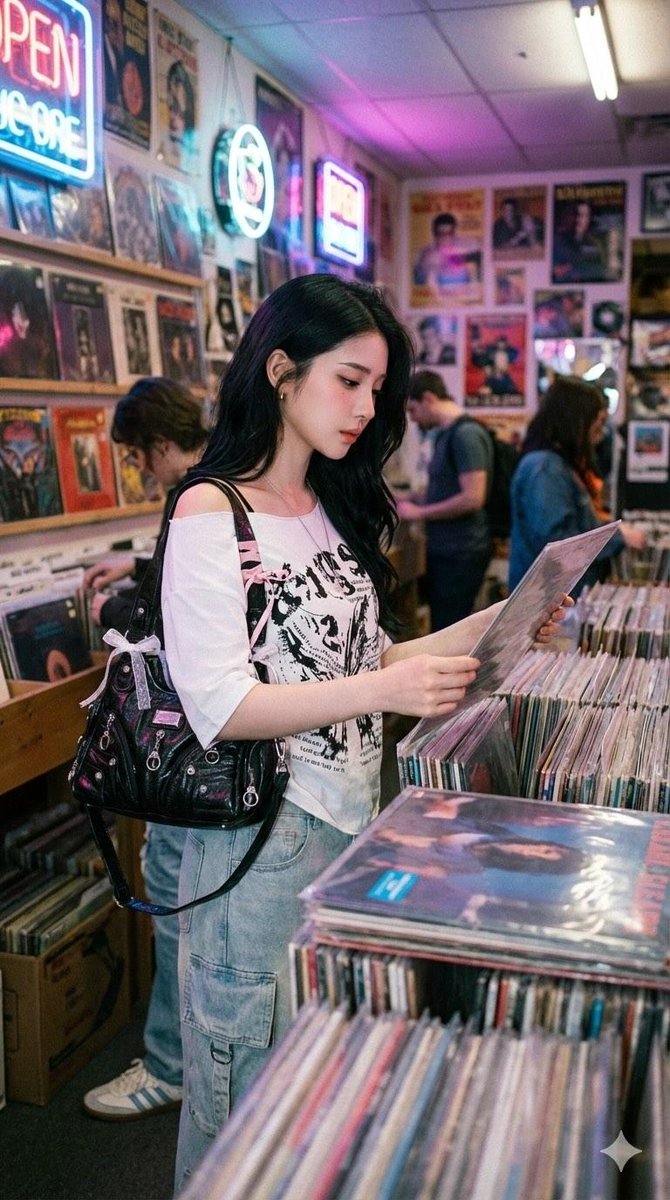
A specific prompt for a mirror selfie of Blackpink's Jisoo wearing a Sylveon-themed latex outfit in a modern room. Change the subject, setting, or lighting one variable at a time.

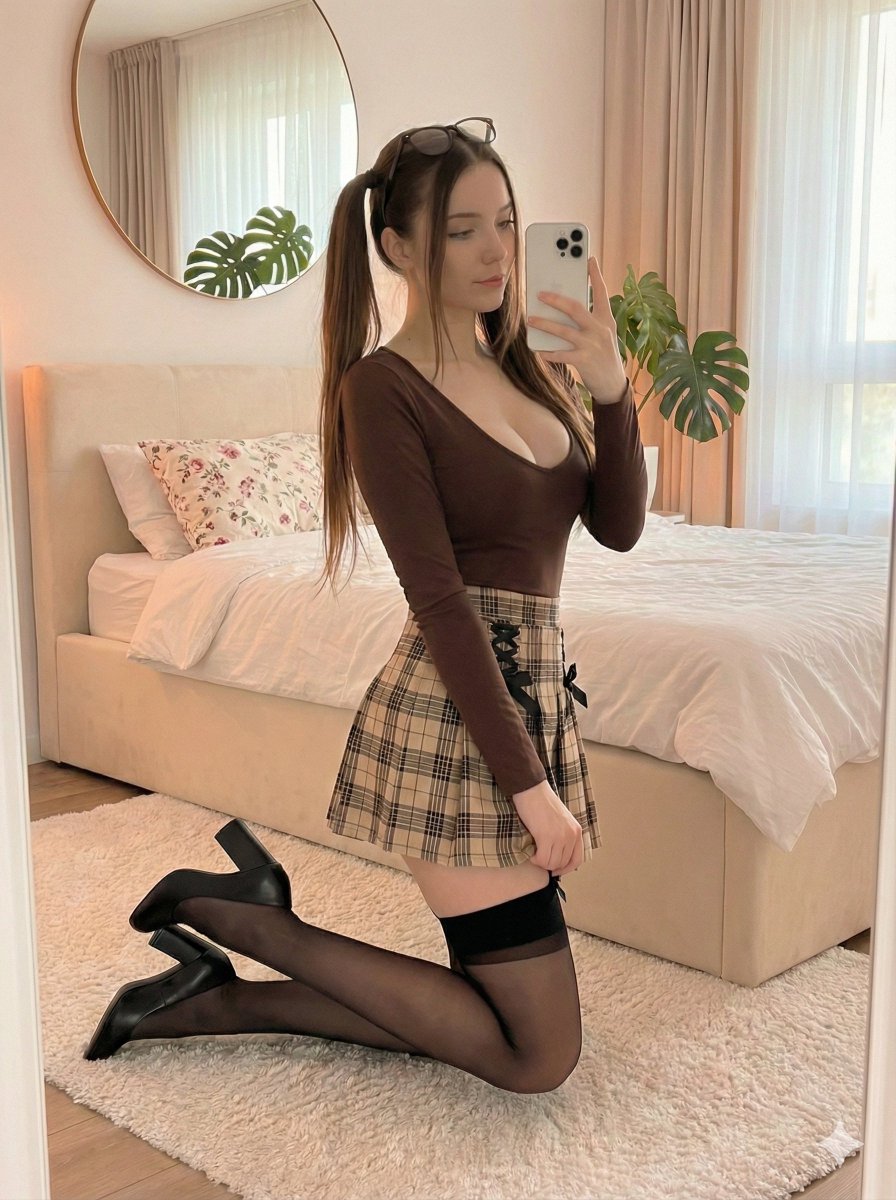
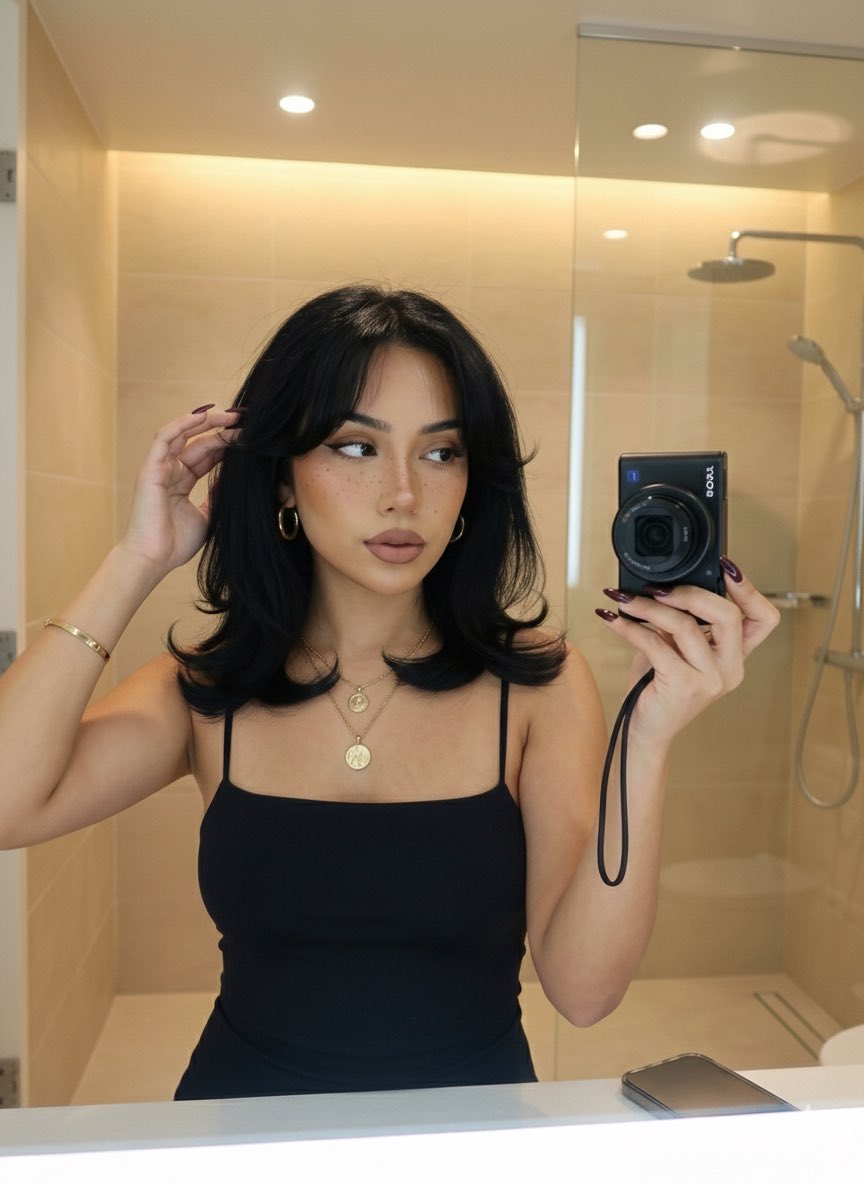
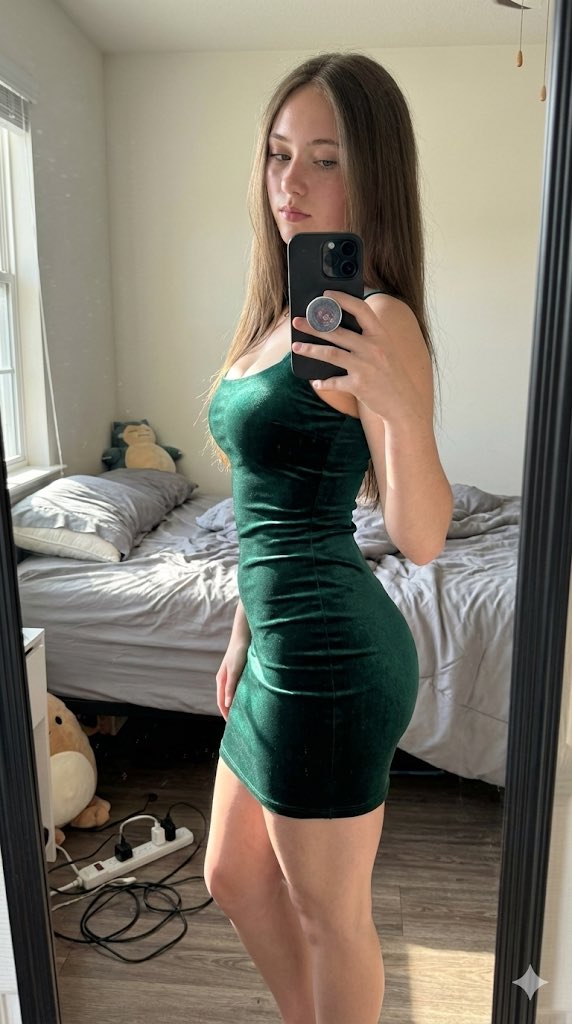
A mirror selfie of {argument name="celebrity" default="Jisoo from Blackpink"}, a young woman with fair skin, elegant features, and long dark hair, wearing a vibrant {argument name="outfit theme" default="Sylveon-themed"} ensemble made of glossy pink, white, and blue latex. The outfit consists of a cropped latex tank top and matching high-waisted latex shorts, featuring Sylveon’s signature ribbon and bow motifs. She is also wearing a plush Sylveon hat with long dangling pom-poms while sitting on a neutral-toned ottoman in a bright, modern room with minimalist decor, indoor plants, and a television in the background. The lighting is soft and natural, emphasizing the bold colors of the latex outfit and the clean, contemporary aesthetic of the setting.
Choose the primary action to open PicX Studio with the available template settings. Review the model and format, personalize the creative direction, and generate when ready.
Yes. You can change the subject, setting, lighting, mood, format, and available model controls before creating your image.
This template is free to open and customize. Generation usage is shown in PicX Studio before you create.
Start with Nano Banana 2, which is the model associated with this template. You can compare another compatible model for a different finish.
© 2026 PicX Studio. All rights reserved.

Follow a topic to a crawlable collection of related PicX Studio templates.
43,474 public templates available. Verified via the PicX Studio public templates API; refreshed hourly.


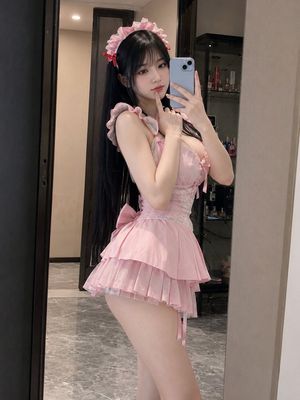












![nano-banana-grwm-mirror-selfie-pink — Nano Banana 2
Prompt (JSON):
{
"type": "image_prompt",
"description": {
"subject": {
"main": "[NAME] com o](/_next/image?url=https%3A%2F%2Fcdn.picxstudio.com%2Fuploads%2Ftweet_img_10a_612da6f9-cf6d-417e-bdd5-cc1300d1d830.jpg&w=828&q=100)




![Naive doodle-style subject illustration — A doodle-style {argument name="subject" default="[subject]"}, naive lines, humorous shape exaggeration](https://pbs.twimg.com/media/G6Wl2YxbsAARB2b.jpg)