How do I use the Seedance 2.0 OKX Cinematic Video Prompt template?
Edit the prompt in the box under the preview — the template's model and format are already selected — and press Generate. Your version appears right on this page.
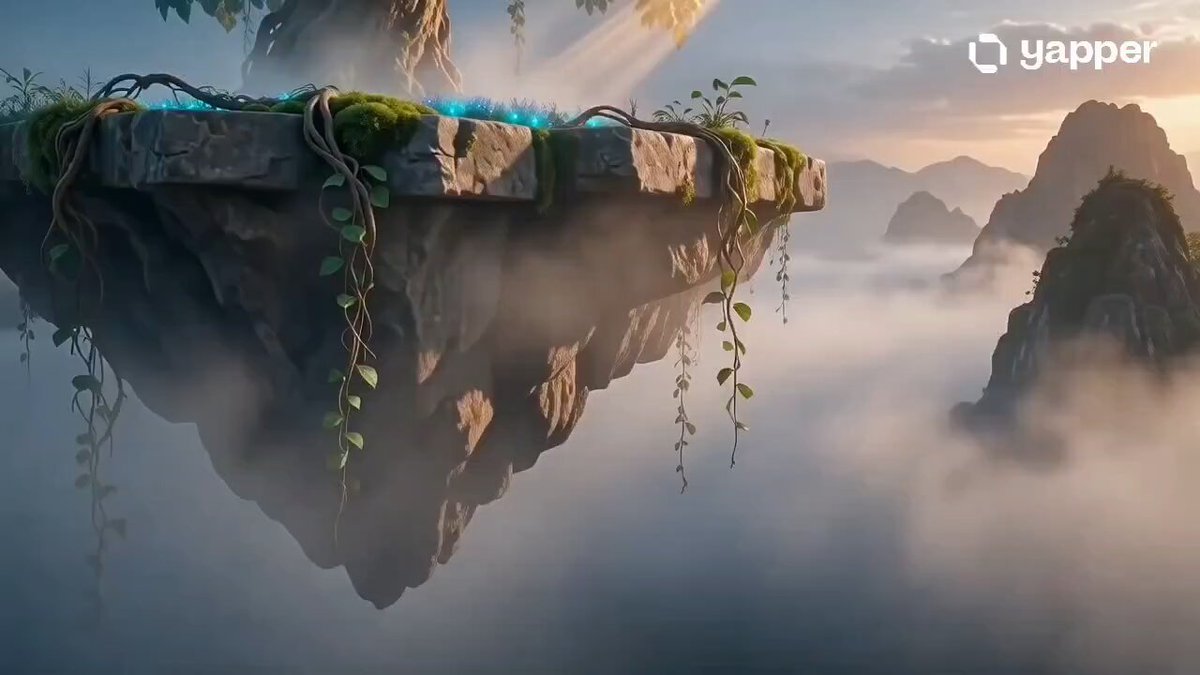
A complex, highly detailed prompt for Seedance 2.0 to generate a cinematic video featuring a massive, bio-engineered structure (like a bone-carapace organism) in a post-industrial port city, using extreme wide-angle and…
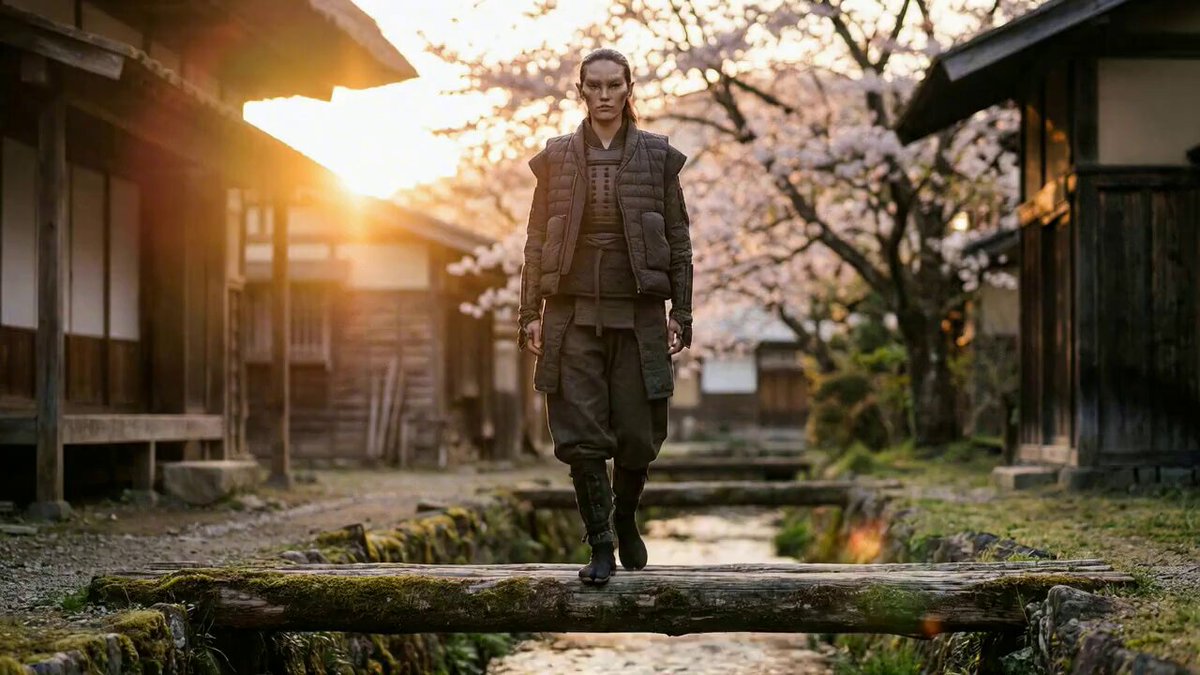
Extreme wide-angle shot from a high altitude vantage point, overlooking a massive complex that was once an industrial port city. In the foreground, the small figure from image_0.png is a tiny, almost invisible speck on the highway leading towards the entity. The entire colossal, dome-like, bone-carapace structure of the organism is revealed, its massive bulk disappearing upwards into the cloud ceiling. The scale is monumental, dwarfing everything. Hundreds of thick, bio-engineered limbs spider across the valley, interwoven with the ruins of human infrastructure. The dense fog forms distinct atmospheric layers, catching the faint, cool-white bioluminescent vein lights from image_0.png. The scene is one of silent monumentality and profound scale, a civilization rebuilt. Photo-realistic. #OKX
Extreme wide-angle shot from a high altitude vantage point, overlooking a massive complex that was once an industrial port city. In the foreground, the small figure from image_0.png is a tiny, almost invisible speck on the highway leading towards the entity. The entire colossal, dome-like, bone-carapace structure of the organism is revealed, its massive bulk disappearing upwards into the cloud ceiling. The scale is monumental, dwarfing everything. Hundreds of thick, bio-engineered limbs spider across the valley, interwoven with the ruins of human infrastructure. The dense fog forms distinct atmospheric layers, catching the faint, cool-white bioluminescent vein lights from image_0.png. The scene is one of silent monumentality and profound scale, a civilization rebuilt. Photo-realistic. #OKX
Edit the prompt in the box under the preview — the template's model and format are already selected — and press Generate. Your version appears right on this page.
Yes. You can change the subject, setting, lighting, mood, format, and available model controls before creating your video.
Opening and editing this template is free. Generating uses credits, shown on the Generate button when you are signed in.
Start with Seedance 2.0, which is the model associated with this template. You can compare another compatible model for a different finish.
Follow a topic to a crawlable collection of related PicX Studio templates.