How do I use the Hilltop City View Full Body Shot Prompt template?
Choose the primary action to open PicX Studio with the available template settings. Review the model and format, personalize the creative direction, and generate when ready.
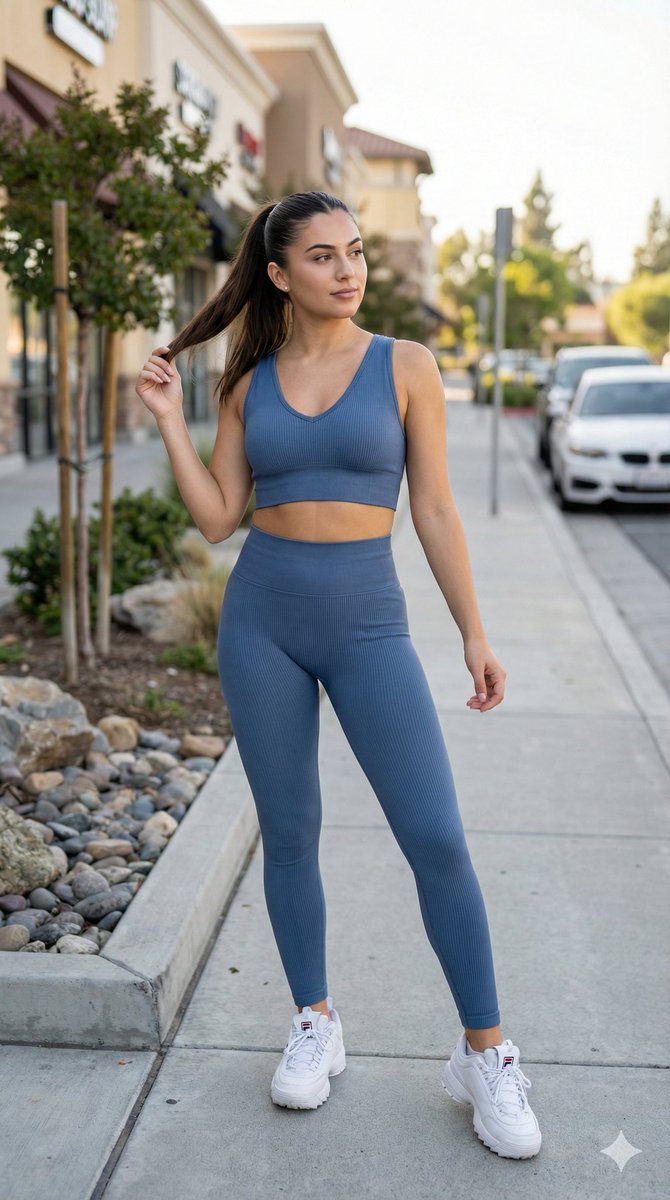
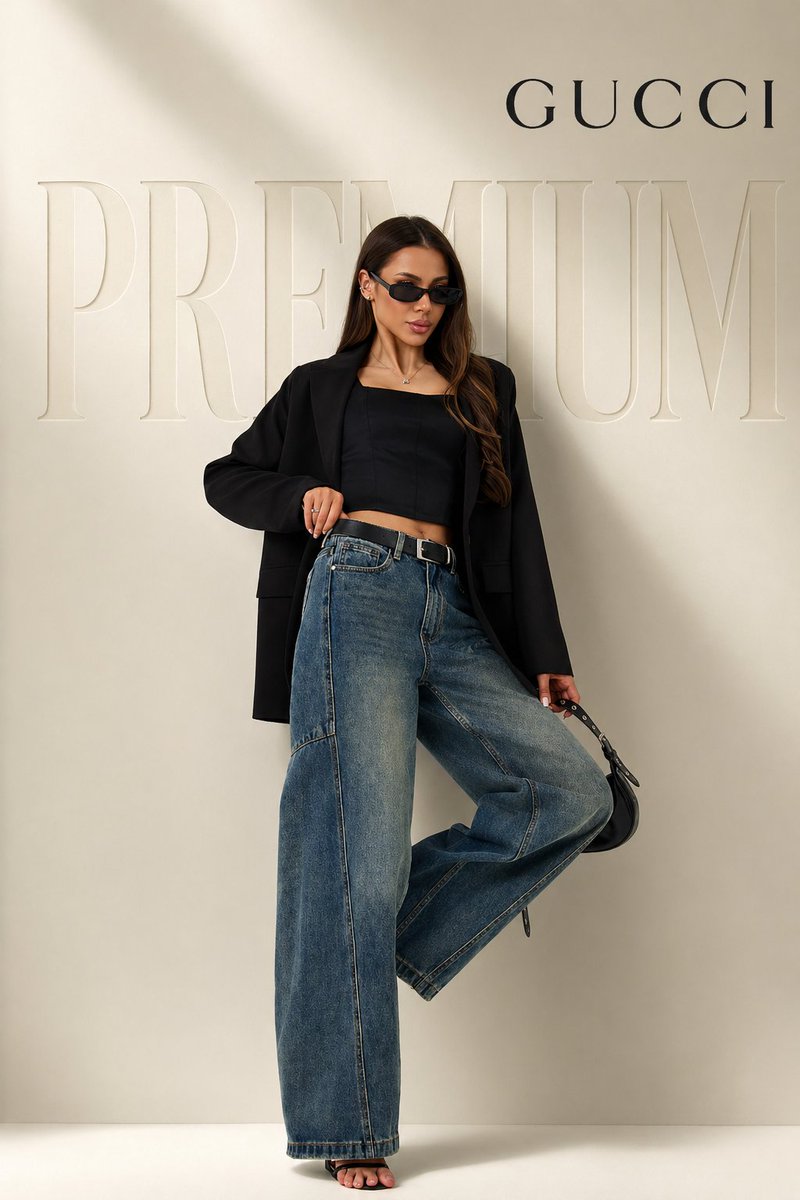
A detailed prompt for generating an ultra-realistic full-body shot of a female subject standing on a hilltop overlooking a large cityscape, focusing on strong natural sunlight, crisp horizon visibility, and maintaining the exact identity of the subject from an uploaded reference image. Change the subject, setting, or lighting one variable at a time.

{ "scene": { "setting": "hilltop viewpoint overlooking a large city", "background": "expansive cityscape stretching into distance with buildings and skyline softened by light atmospheric haze, dry grass and natural terrain in foreground, clear vibrant blue sky with no clouds, crisp horizon visibility", "lighting": "strong natural sunlight with clear direction, bright highlights and defined shadows, realistic sun angle, enhanced clarity with balanced exposure, vivid daylight rendering with no haze in sky" }, "subject": { "type": "female", "pose": "standing on dirt path with body slightly turned away from camera, torso twisted back toward camera, one arm bent near waist, posture confident and natural with slight hip shift", "expression": "neutral confident expression with soft gaze toward camera", "face": "Use uploaded reference image, keep identity exact, natural facial structure with realistic skin texture, visible pores and minor imperfections, accurate sunlight interaction", "hair": "Use uploaded reference image, keep identity exact, straight dark hair with natural shine and slight movement from breeze", "eyes": "Use uploaded reference image, keep identity exact, clearly visible eyes, no sunglasses", "skin": "sunlit warm skin tone with realistic highlights and shadows, natural texture, no smoothing" }, "clothing": { "top": "{argument name="top color" default="white"} fitted sleeveless crop top with smooth fabric and natural stretch", "bottom": "{argument name="bottom color" default="white"} high-waisted fitted pants with soft fabric folds and natural movement", "footwear": "minimal shoes or subtle sneakers with realistic ground interaction", "accessories": "no sunglasses, minimal jewelry" }, "environment_details": { "props": "natural dirt trail, dry grass and small plants, distant city buildings", "textures": "earthy ground texture, plant detail, fabric texture, realistic skin detail, atmospheric depth" }, "camera": { "angle": "slightly low angle behind subject with twist toward camera", "framing": "full body shot capturing subject and wide background view", "focus": "sharp focus on subject with gradual background depth blur", "lens": "portrait lens with slight compression and natural perspective" }, "style": { "realism": "ultra realistic", "color_tone": "bright natural tones with strong blue sky and balanced warm skin tones", "effects": "subtle HDR, crisp contrast, clean color grading, no artificial filters", "details": "high detail textures, accurate lighting interaction, realistic shadows, no over-processing" } }
Choose the primary action to open PicX Studio with the available template settings. Review the model and format, personalize the creative direction, and generate when ready.
Yes. You can change the subject, setting, lighting, mood, format, and available model controls before creating your image.
This template is free to open and customize. Generation usage is shown in PicX Studio before you create.
Start with Nano Banana 2, which is the model associated with this template. You can compare another compatible model for a different finish.
© 2026 PicX Studio. All rights reserved.

Follow a topic to a crawlable collection of related PicX Studio templates.
43,474 public templates available. Verified via the PicX Studio public templates API; refreshed hourly.

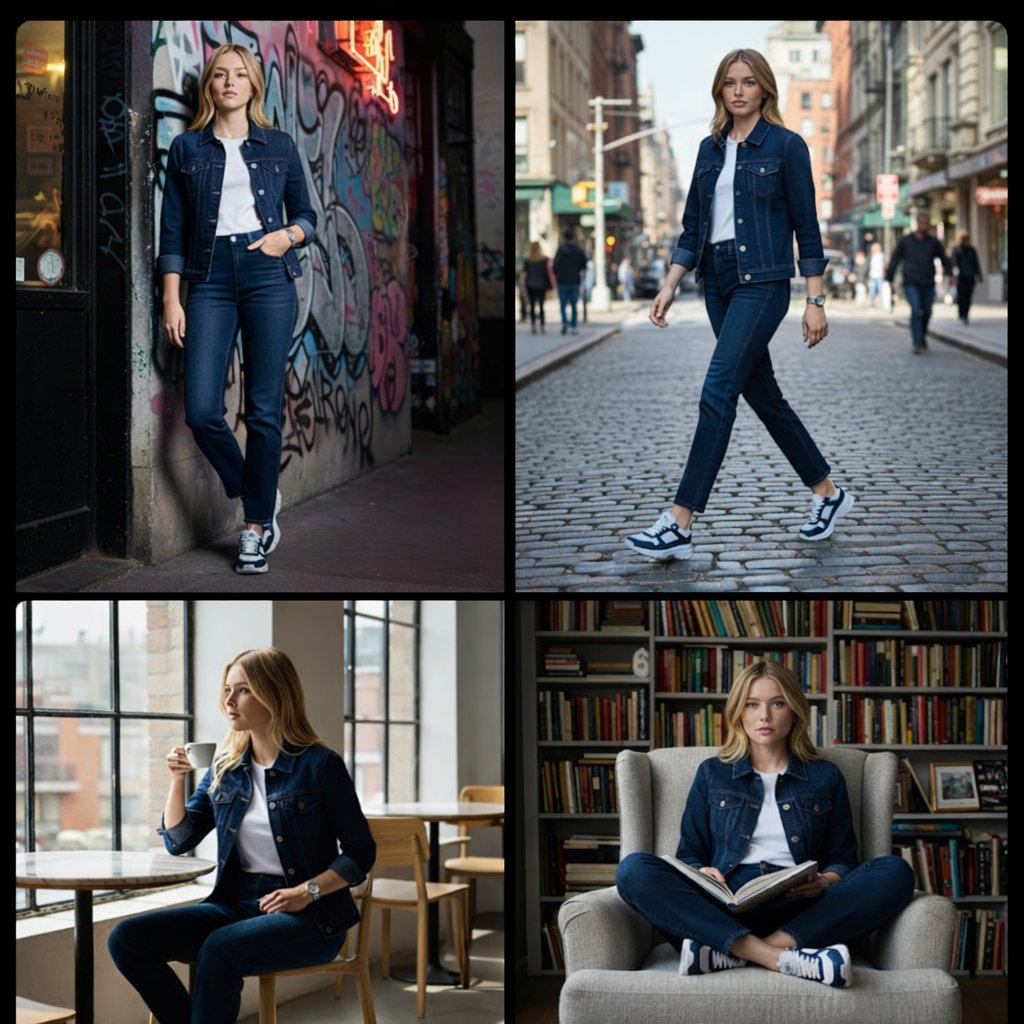
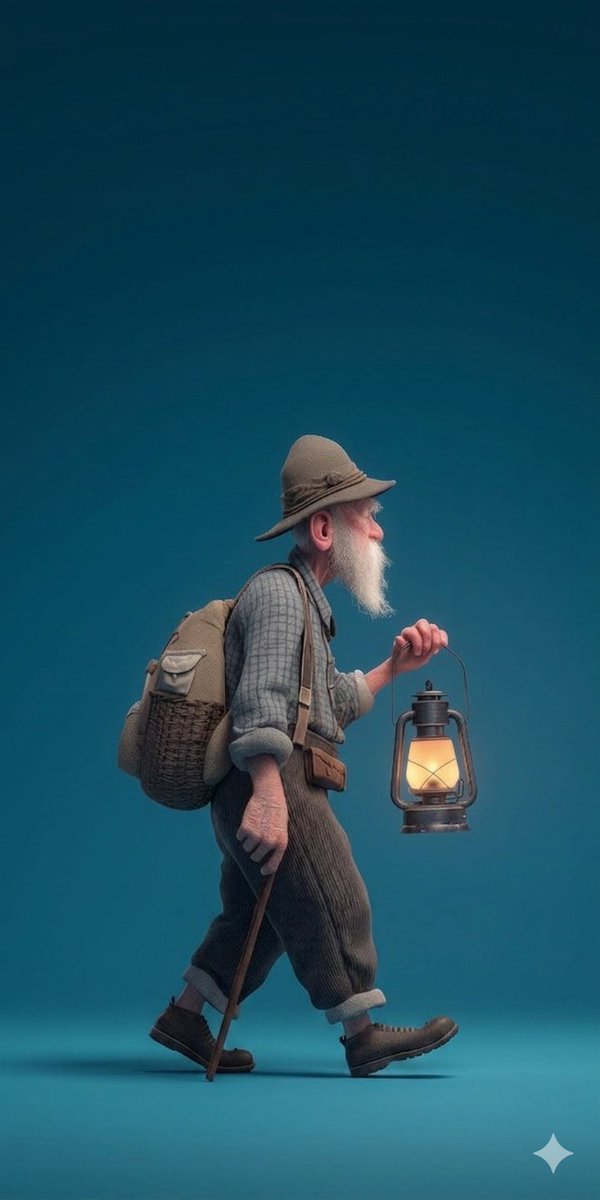
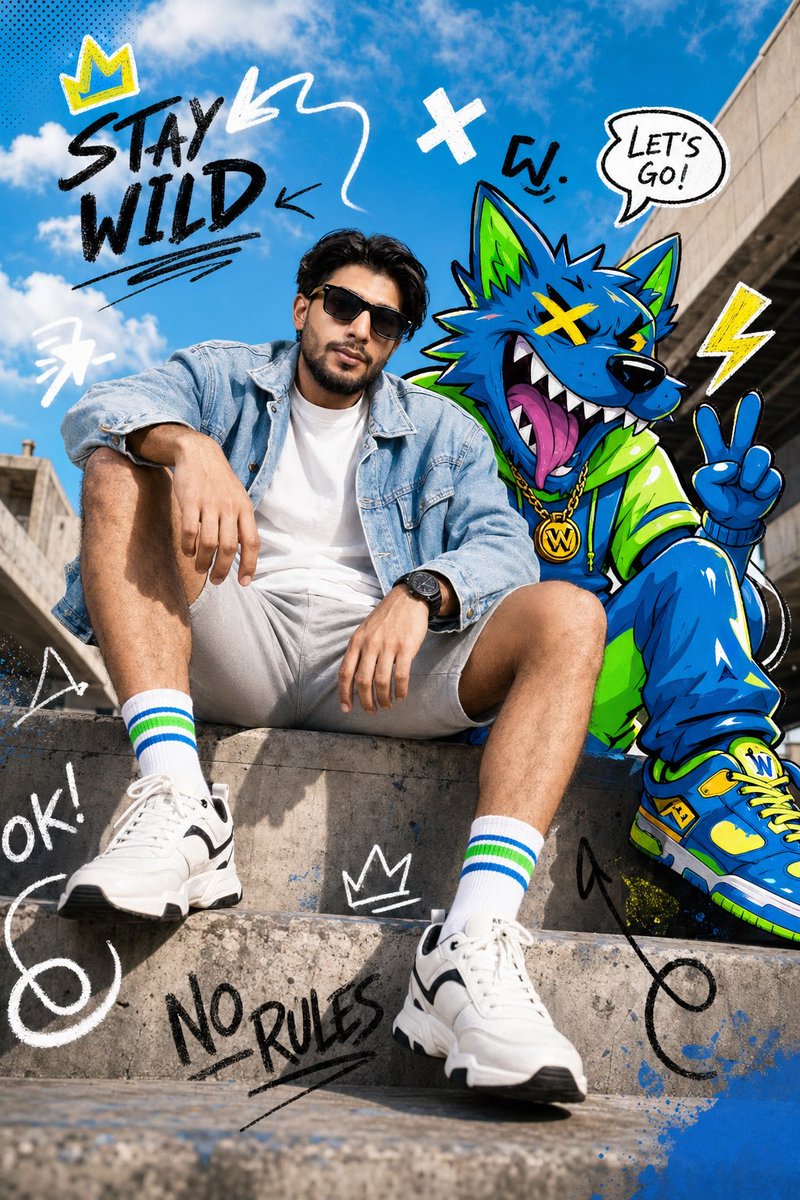
![A standing full-body near the edge of the frame, slightly to the left — A [person type] standing full-body near the edge of the frame, slightly to the left, in](https://images.meigen.ai/tweets/2002826415939682584/0.jpg)


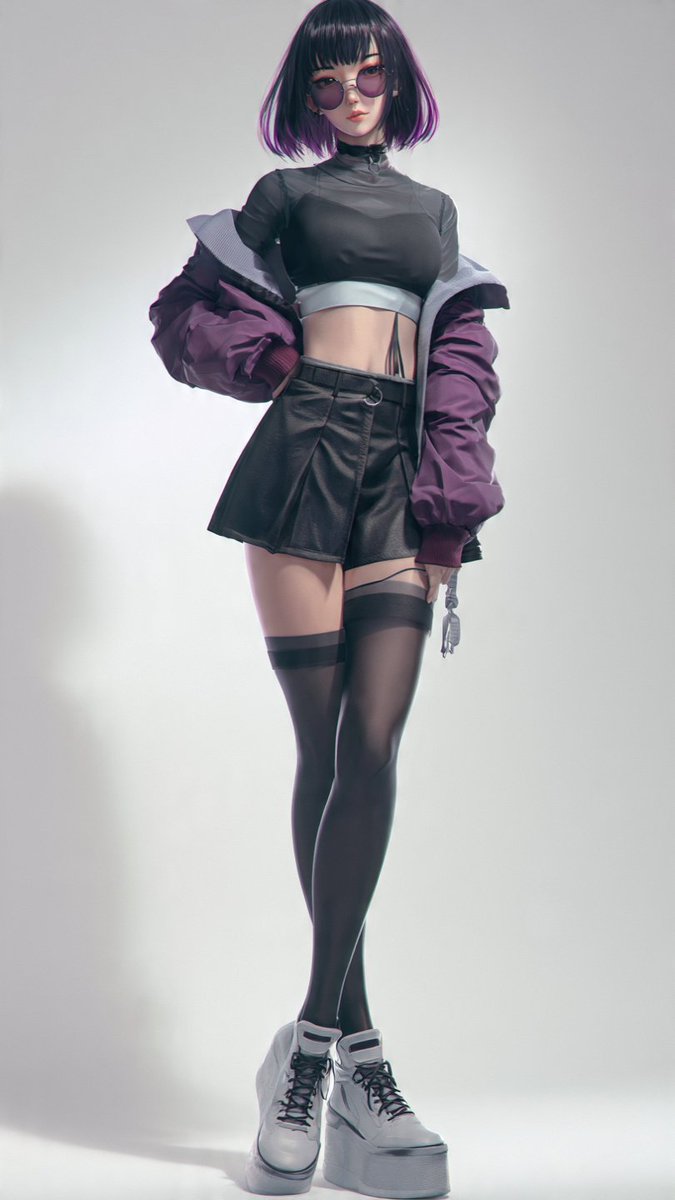
![Ultra-realistic 8K full body portrait wearing a clean and pressed white — Ultra-realistic 8K full body portrait of [PERSON’S FULL NAME], wearing a clean and pre](https://images.meigen.ai/tweets/2011898760650170378/0.jpg)

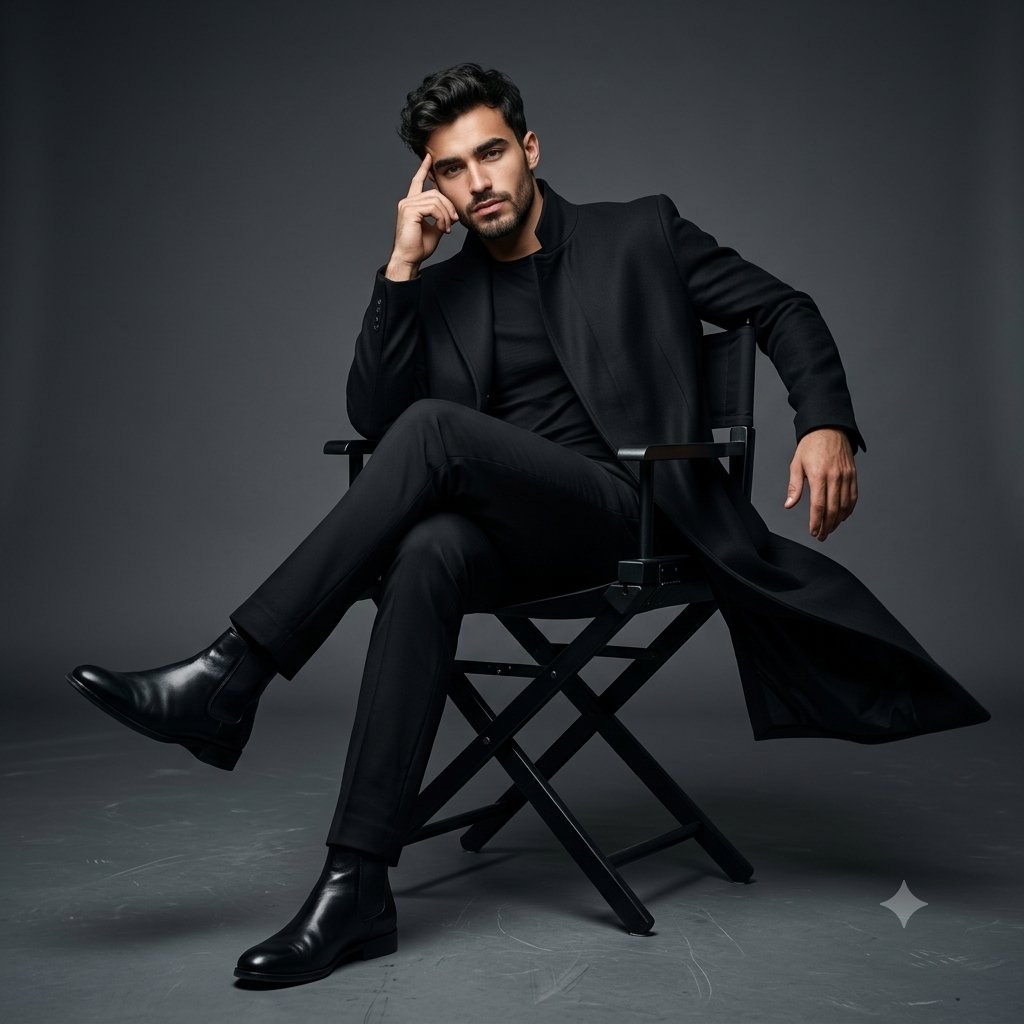

![Miniature, full-body, isometric, ultra-realistic figurine wearing their — Miniature, full-body, isometric, ultra-realistic figurine of [CHARACTER], wearing thei](https://images.meigen.ai/tweets/2011074818524029242/0.jpg)
![Ultra-realistic 8K full body portrait wearing a clean and pressed white — Ultra-realistic 8K full body portrait of [PERSON’S FULL NAME], wearing a clean and pre](https://images.meigen.ai/tweets/2018389139826037141/0.jpg)
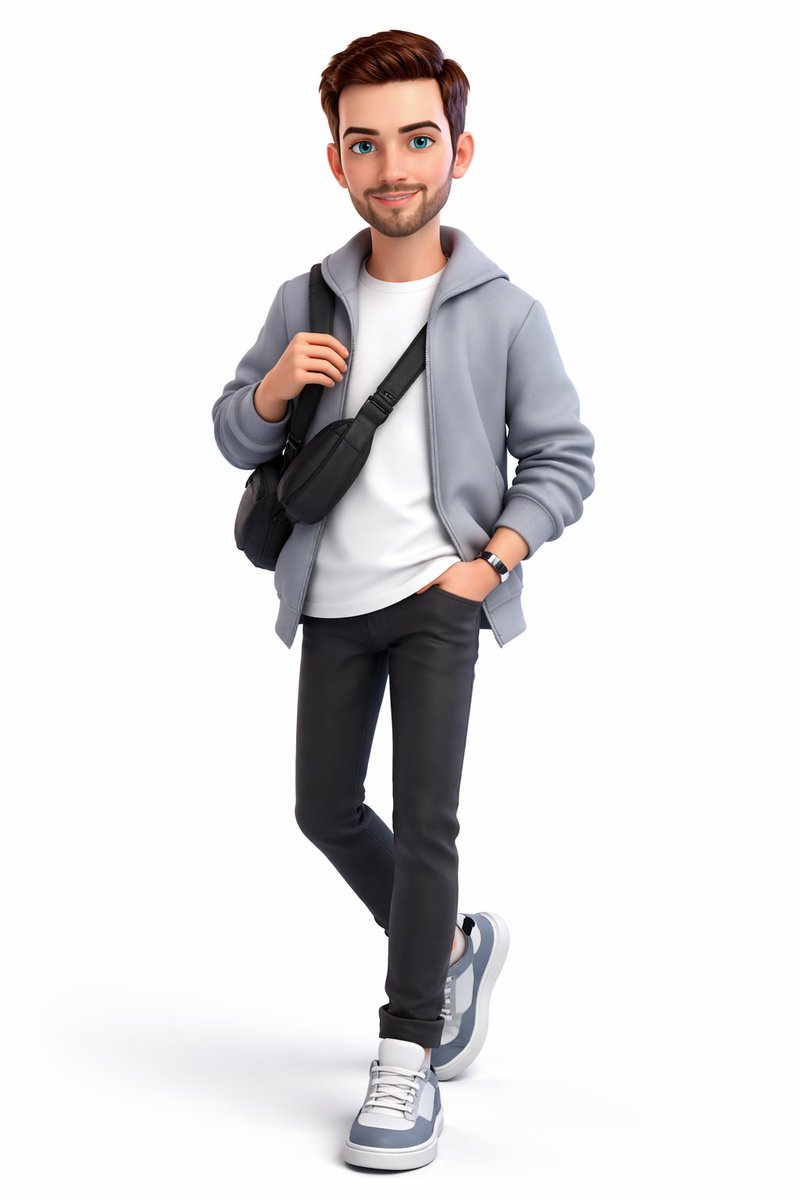
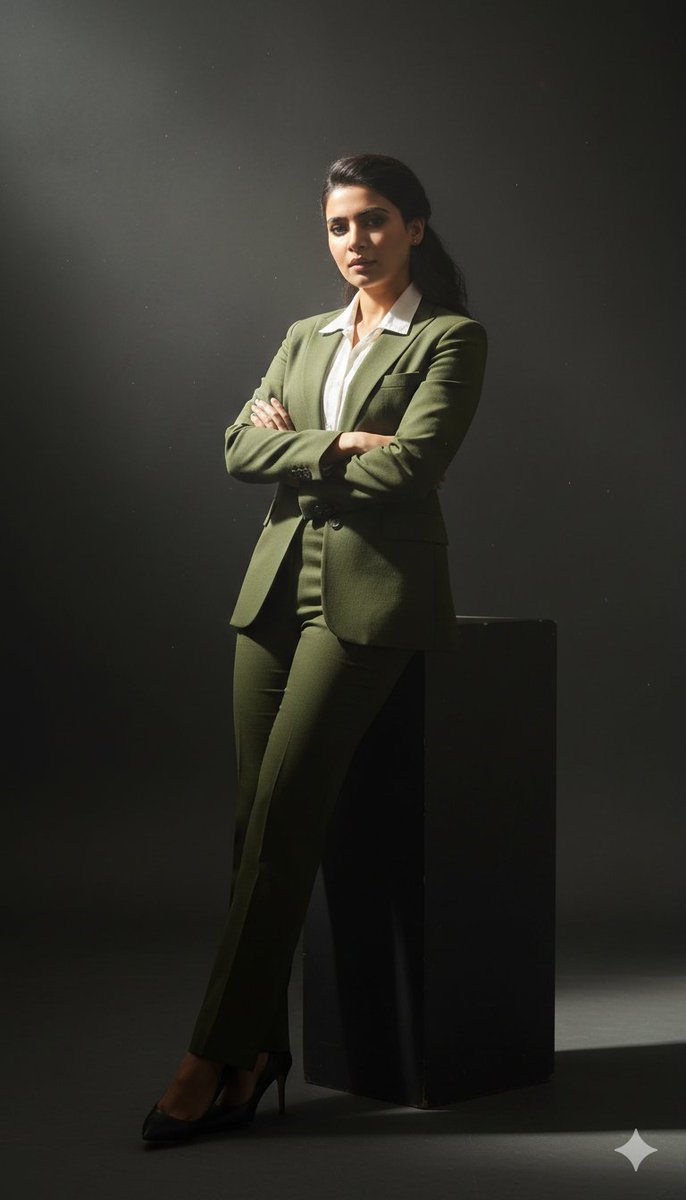
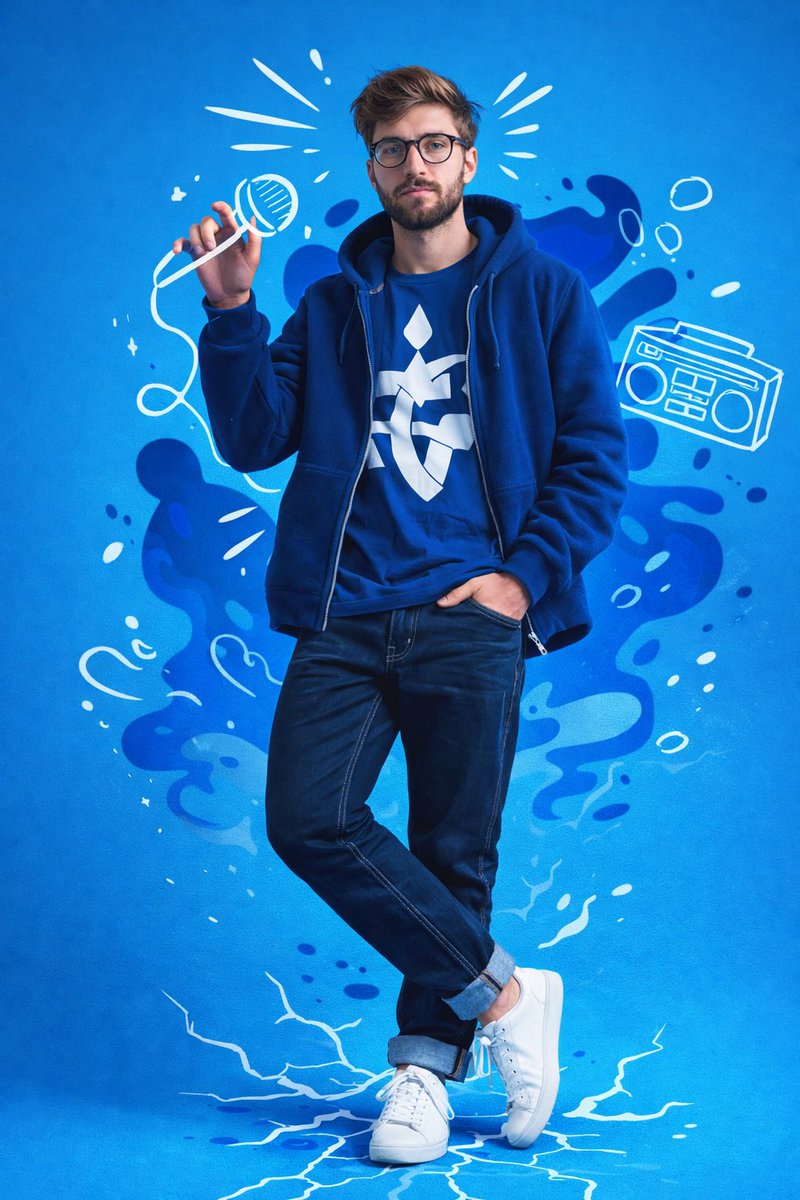

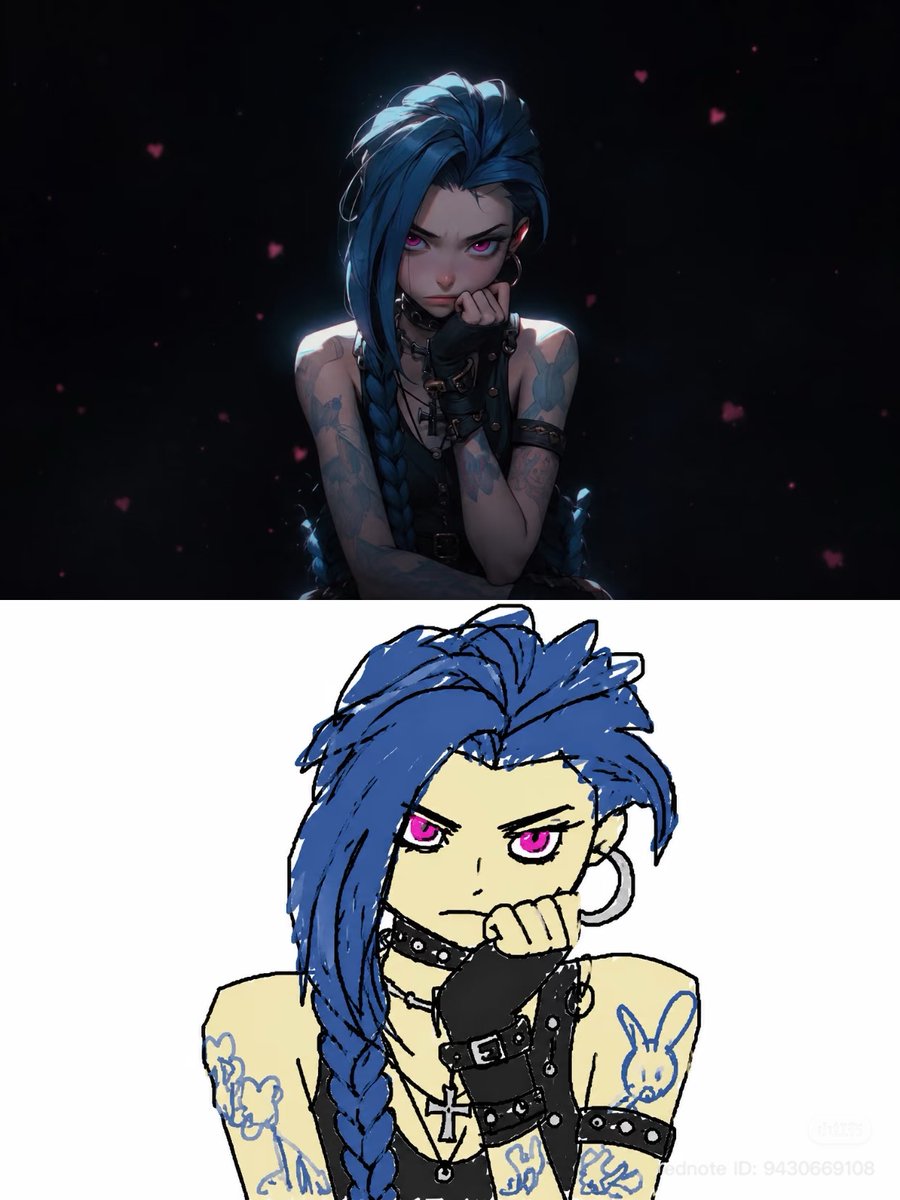
![Naive doodle-style subject illustration — A doodle-style {argument name="subject" default="[subject]"}, naive lines, humorous shape exaggeration](https://pbs.twimg.com/media/G6Wl2YxbsAARB2b.jpg)