How do I use the Tech CEO Meme Photo template?
Choose the primary action to open PicX Studio with the available template settings. Review the model and format, personalize the creative direction, and generate when ready.
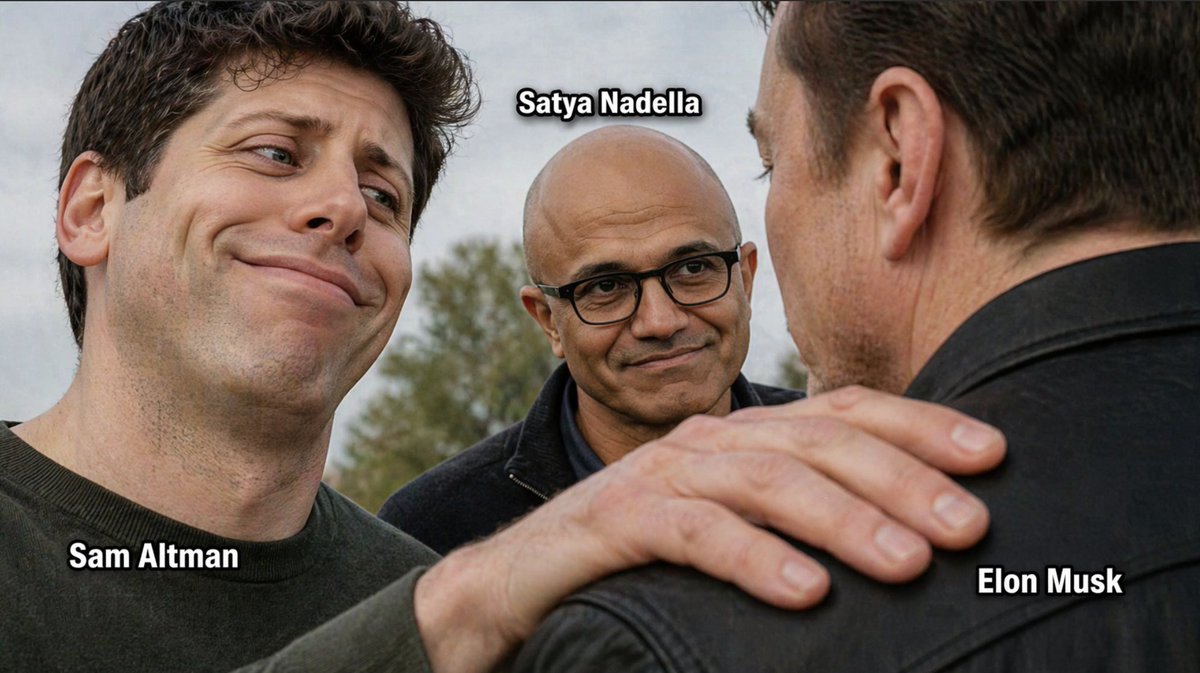
A realistic meme-like group photo of three labeled tech leaders, useful for recreating viral commentary images about AI industry dynamics. Change the subject, setting, or lighting one variable at a time.

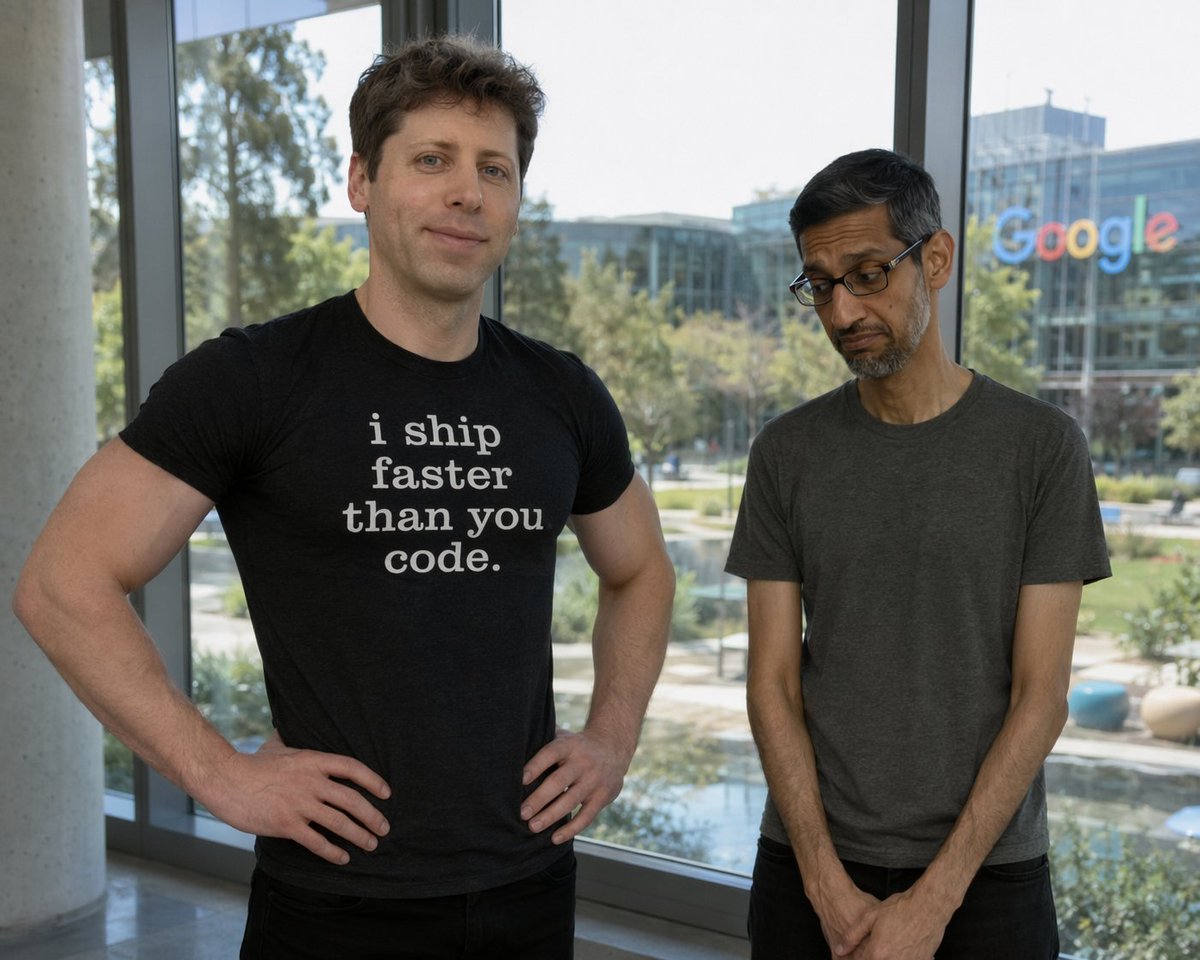
A photorealistic meme-style outdoor close-up of three tech CEOs standing together in a subtly tense but friendly composition. On the left foreground is {argument name="left person" default="Sam Altman"}, shown from the chest up, with short dark wavy hair, pale skin, a dark crewneck shirt, and an exaggerated smug, amused expression with raised eyebrows and a crooked smile, looking toward the man on the right. In the center background is {argument name="center person" default="Satya Nadella"}, bald, wearing black rectangular glasses and a dark jacket, calmly smiling and looking at the man on the right. On the right foreground is {argument name="right person" default="Elon Musk"}, seen mostly from the back and side profile, wearing a black leather jacket, with the center figure’s hand resting on his shoulder in a familiar, slightly possessive gesture. Use shallow depth of field, natural overcast daylight, blurred trees in the background, and a candid press-photo realism. Add exactly 3 bold white labels with thick black outline placed near each person: "{argument name="left label" default="Sam Altman"}" near the left figure, "{argument name="center label" default="Satya Nadella"}" above the center figure, and "{argument name="right label" default="Elon Musk"}" near the right figure. The overall mood should feel like an industry-insider meme, with subtle social dynamics and ironic facial expressions.
Choose the primary action to open PicX Studio with the available template settings. Review the model and format, personalize the creative direction, and generate when ready.
Yes. You can change the subject, setting, lighting, mood, format, and available model controls before creating your image.
This template is free to open and customize. Generation usage is shown in PicX Studio before you create.
Start with GPT Image 2, which is the model associated with this template. You can compare another compatible model for a different finish.
© 2026 PicX Studio. All rights reserved.

Follow a topic to a crawlable collection of related PicX Studio templates.
43,474 public templates available. Verified via the PicX Studio public templates API; refreshed hourly.











![Ironic Always Working Ocean Meme — Realistic candid photo of [person from uploaded photo] standing chest-deep in {argument name="water type" default="rough ocea](https://cms-assets.youmind.com/media/1786774871743_ky5okn_HPooO15bQAAjoPp-300x372.jpg)
![Ironic Ocean Office Meme — Realistic candid photo of [person from uploaded photo] standing chest-deep in rough ocean water, sur…](https://cms-assets.youmind.com/media/1786690130276_y8g9fn_HPkVUgZbkAAuJYV-300x402.jpg)


![Minimalist Flat Vector Travel Poster — Premium minimalist flat-vector travel poster for {argument name="city name" default="[CITY_NAME]"}, 3:4 vertical format.](https://cms-assets.youmind.com/media/1787917359711_3ug846_HQX205cbMAA6F6S-300x400.jpg)




























![Technical exploded view diagram of a device — Create a technical exploded view diagram of a {argument name="subject" default="[SUBJECT]"} in {argument name="dim](https://pbs.twimg.com/media/G6g6qKtWUAAqVz1.jpg)