How do I use the Tech CEO Rivalry Meme Generator template?
Choose the primary action to open PicX Studio with the available template settings. Review the model and format, personalize the creative direction, and generate when ready.
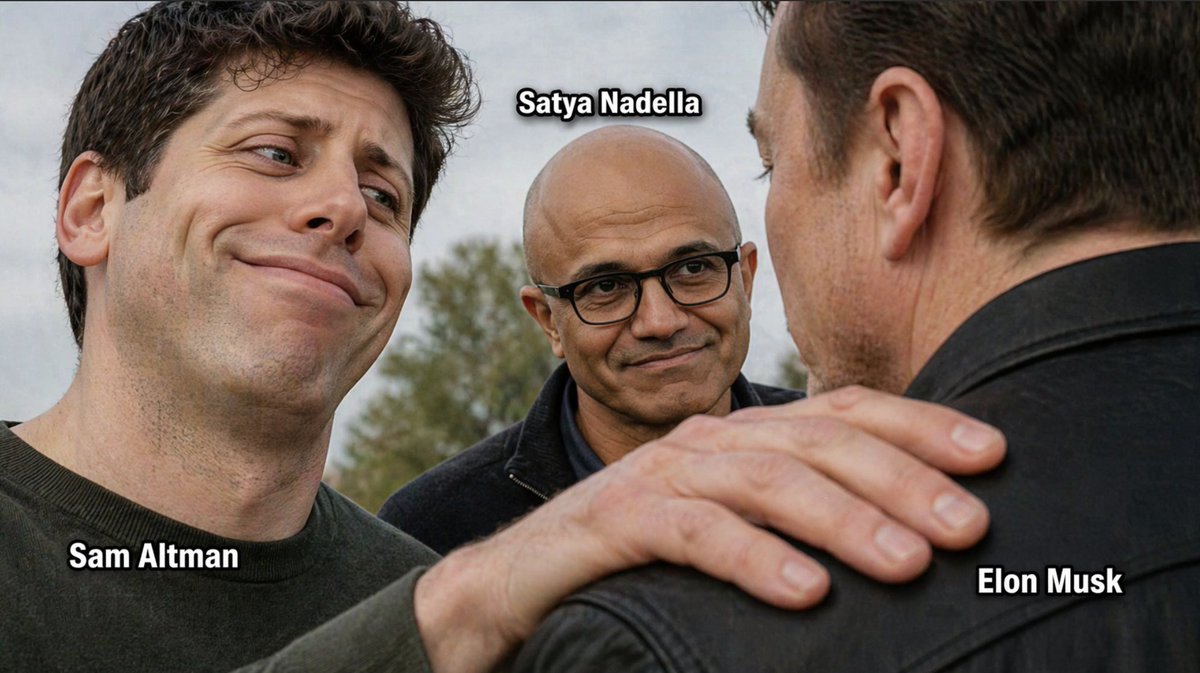
Generates a photorealistic satirical image of a confident tech CEO standing next to a dejected rival, featuring customizable shirt text and background corporate branding. Change the subject, setting, or lighting one variable at a time.
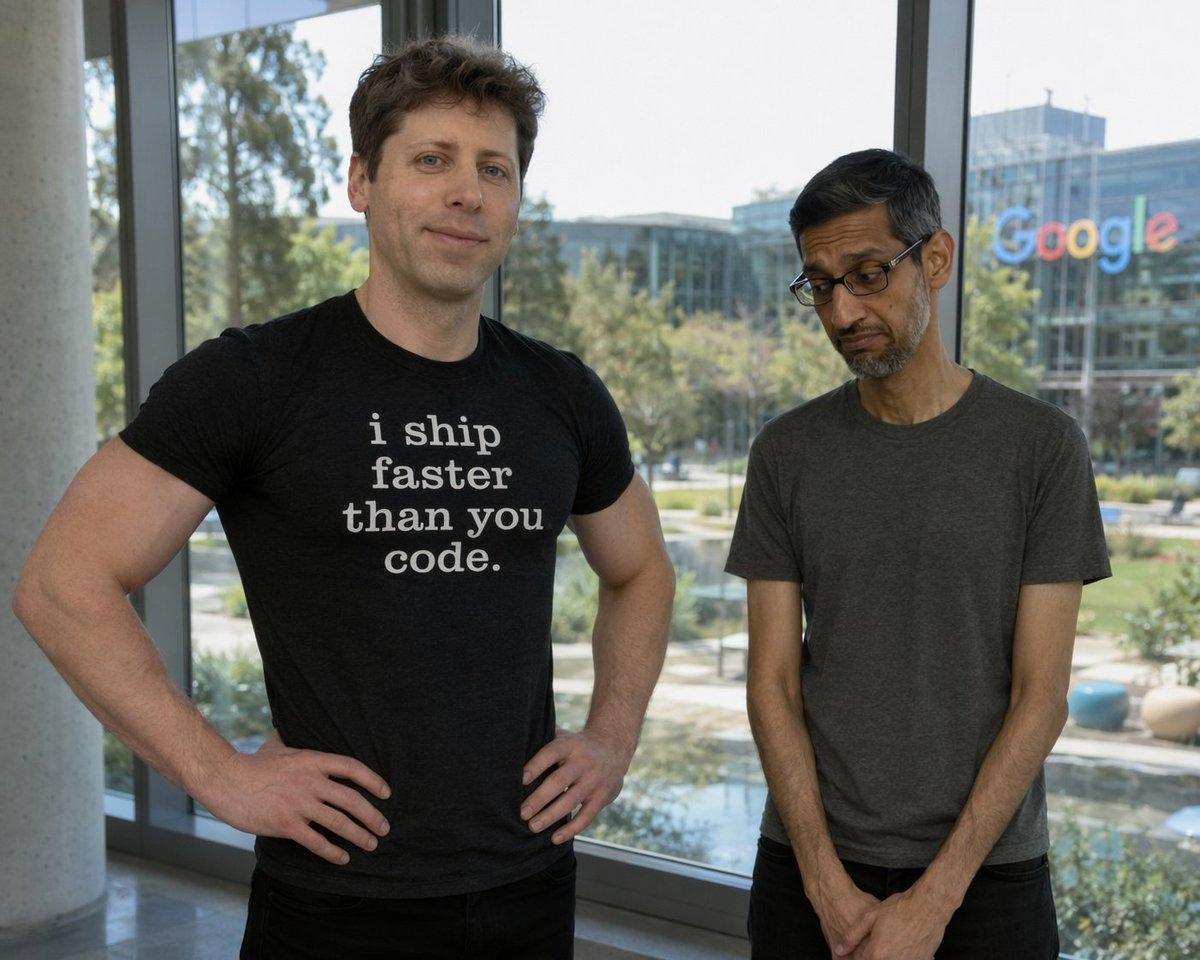
A photorealistic image of {argument name="confident person" default="Sam Altman"} standing confidently on the left with his hands on his hips, wearing a black t-shirt with white text that reads "{argument name="shirt text" default="i ship faster than you code."}". Next to him on the right is {argument name="dejected person" default="Sundar Pichai"}, looking dejected and sad with his head bowed and hands clasped, wearing a plain dark grey t-shirt. They are standing indoors in front of a large glass window. Outside the window is a sunny corporate campus with trees, a small pond, and a modern glass building with the {argument name="background company logo" default="Google"} logo prominently displayed on it.
Tech CEO Rivalry Meme Generator needs input media to work. Open it in the studio and these load alongside the prompt — pick whichever ones your chosen model can take.
Choose the primary action to open PicX Studio with the available template settings. Review the model and format, personalize the creative direction, and generate when ready.
Yes. You can change the subject, setting, lighting, mood, format, and available model controls before creating your image.
This template is free to open and customize. Generation usage is shown in PicX Studio before you create.
Start with GPT Image 2, which is the model associated with this template. You can compare another compatible model for a different finish.
© 2026 PicX Studio. All rights reserved.

Follow a topic to a crawlable collection of related PicX Studio templates.
43,474 public templates available. Verified via the PicX Studio public templates API; refreshed hourly.



![Ironic Always Working Ocean Meme — Realistic candid photo of [person from uploaded photo] standing chest-deep in {argument name="water type" default="rough ocea](https://cms-assets.youmind.com/media/1786774871743_ky5okn_HPooO15bQAAjoPp-300x372.jpg)
![Ironic Ocean Office Meme — Realistic candid photo of [person from uploaded photo] standing chest-deep in rough ocean water, sur…](https://cms-assets.youmind.com/media/1786690130276_y8g9fn_HPkVUgZbkAAuJYV-300x402.jpg)











![Minimalist Flat Vector Travel Poster — Premium minimalist flat-vector travel poster for {argument name="city name" default="[CITY_NAME]"}, 3:4 vertical format.](https://cms-assets.youmind.com/media/1787917359711_3ug846_HQX205cbMAA6F6S-300x400.jpg)






















![Fire Cooking Photography with Ember and Smoke — [{argument name="dish" default="DISH"}] emerging dramatically from darkness, resting directly on glo…](https://pbs.twimg.com/media/HE_qFUyXQAAii2F.jpg)