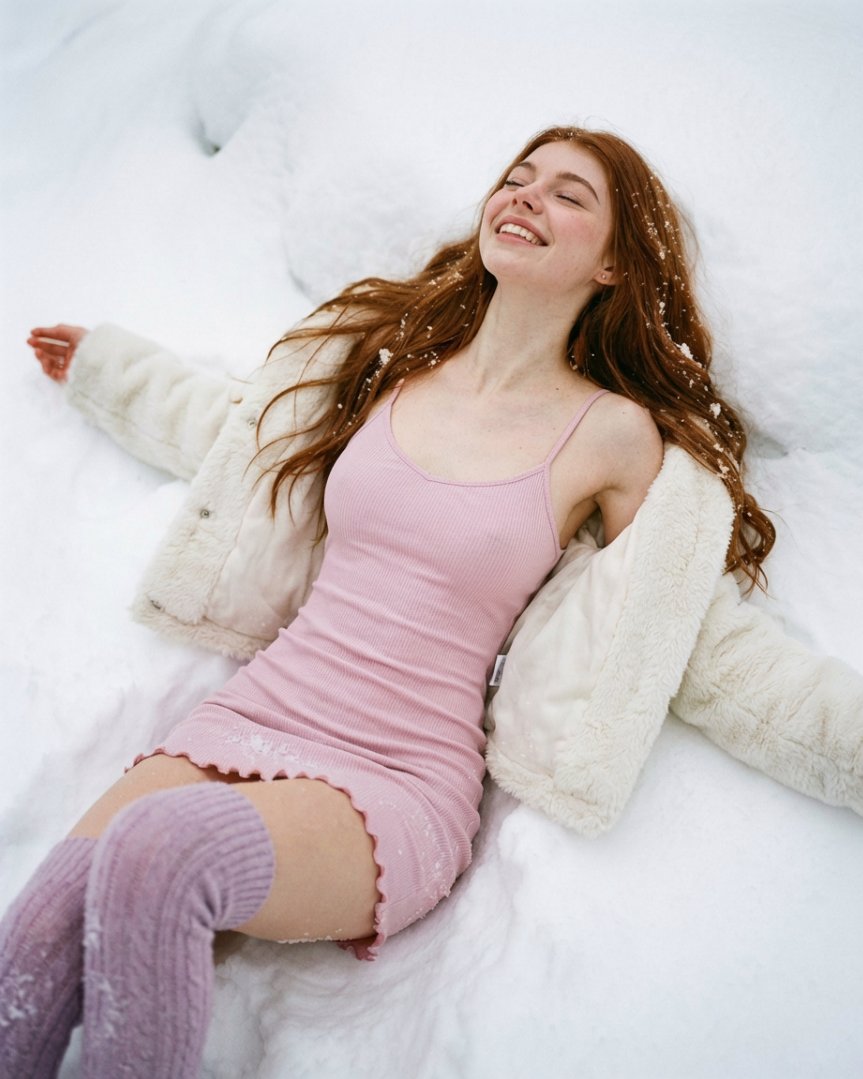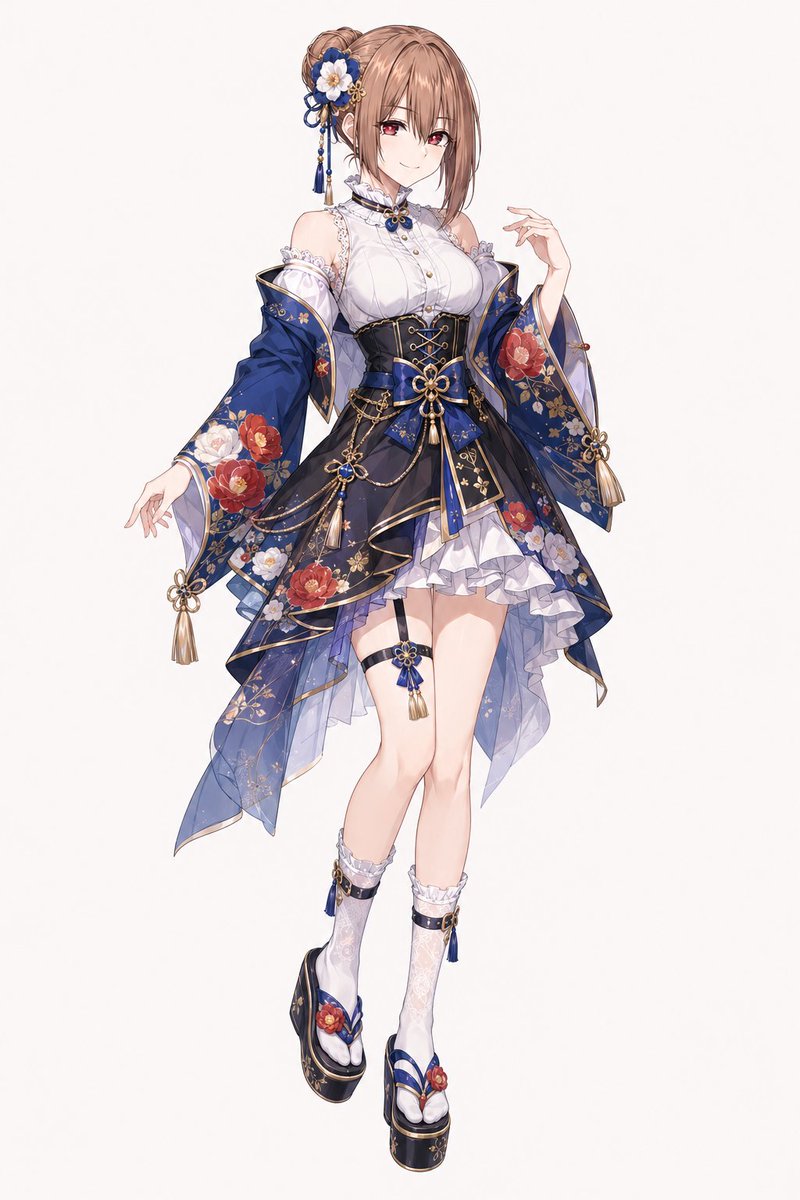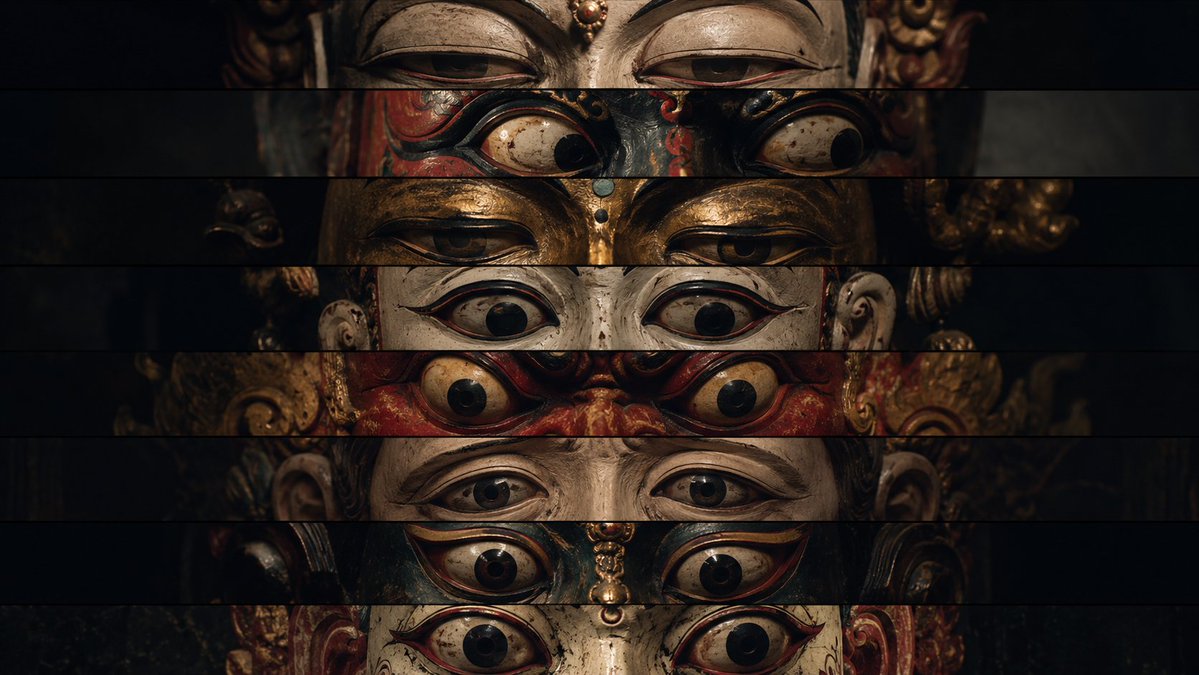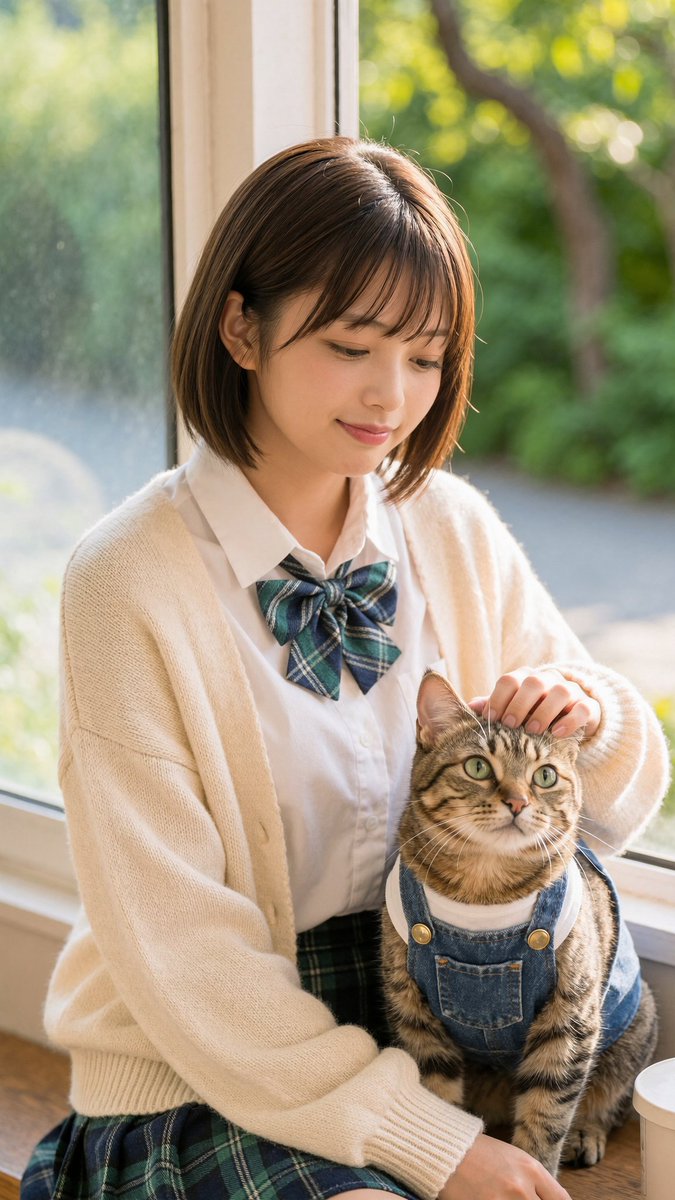
How do I use the Stylish Woman Mirror Selfie Collage template?
Choose the primary action to open PicX Studio with the available template settings. Review the model and format, personalize the creative direction, and generate when ready.
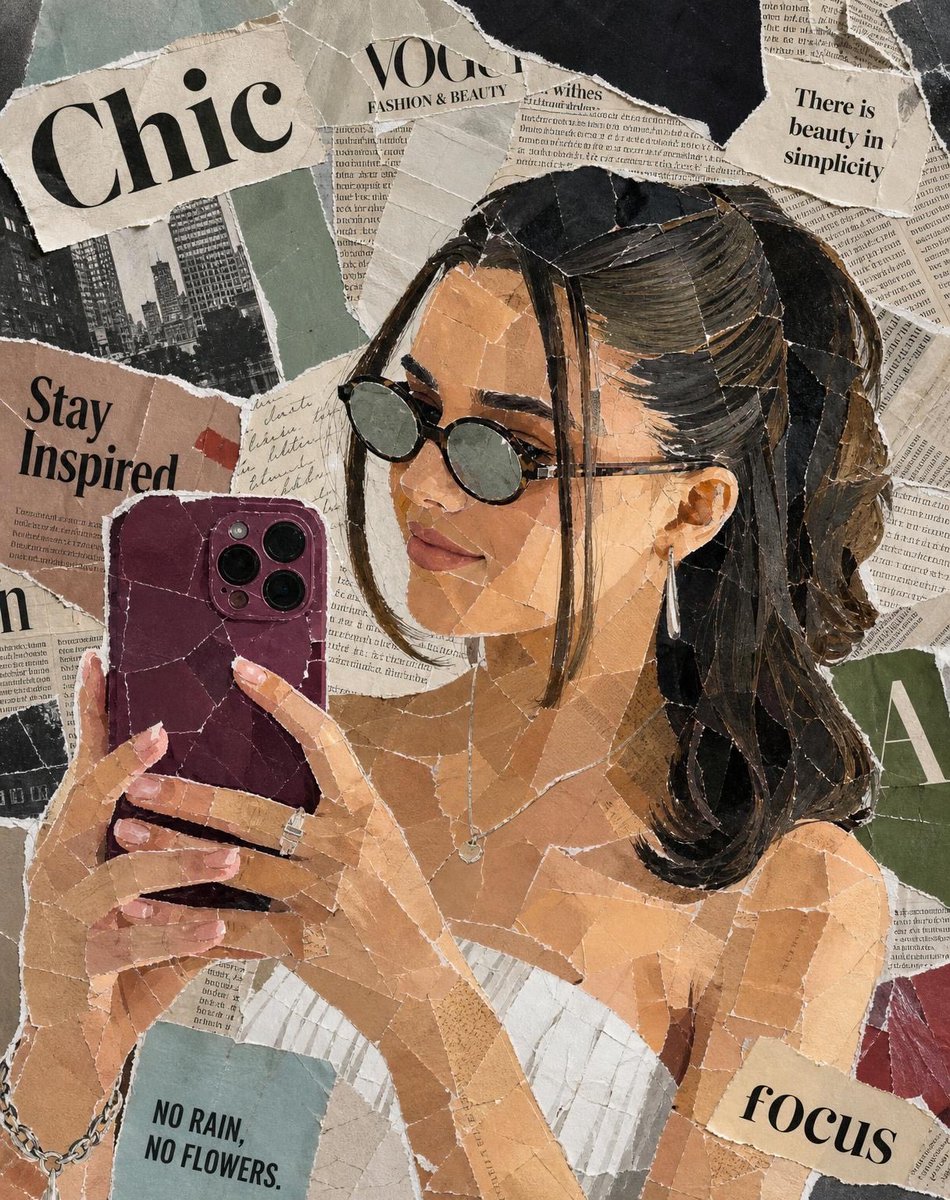
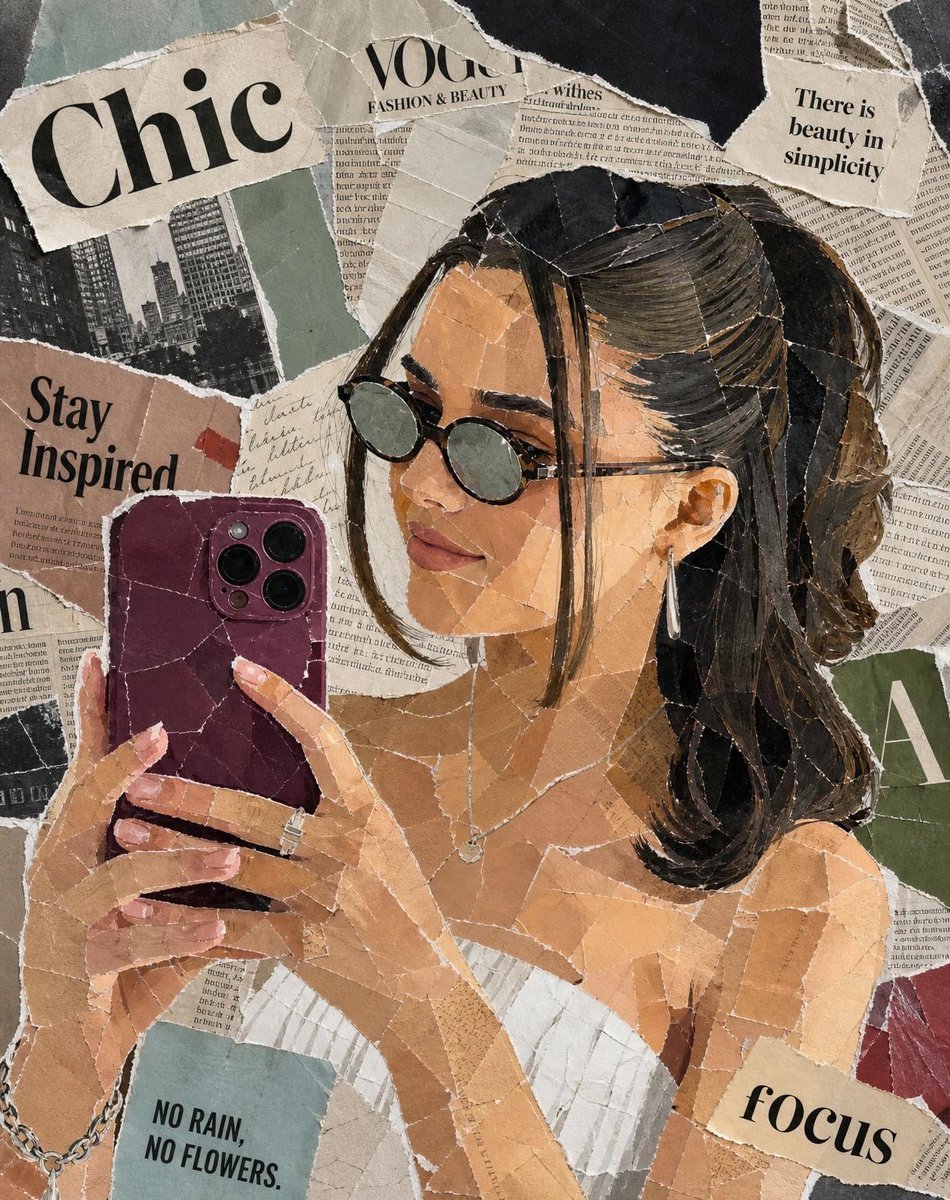
Generates a stylish vintage-style paper collage of a woman taking a mirror selfie, using mixed-media textures like torn magazines and newspapers for a unique analog art look. (free to use) — Free AI image template on PicX Studio.
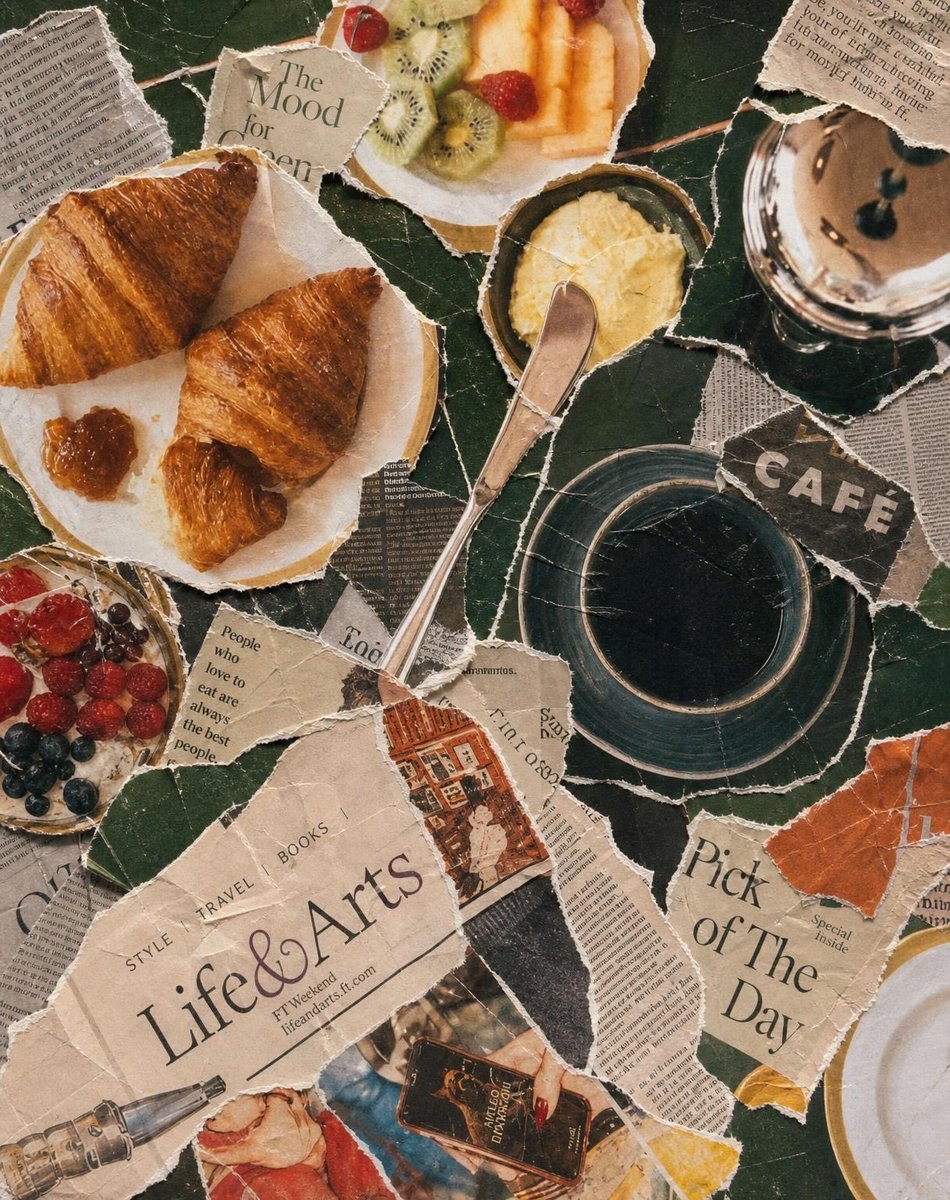
Aesthetic vintage paper collage portrait of a stylish woman taking a mirror selfie, made entirely from torn magazine and newspaper pieces, layered mixed-media artwork, neutral beige and brown tones, Vogue-inspired fashion editorial style, black sunglasses, sleek ponytail hairstyle, white corset top, silver jewelry, purple smartphone, textured ripped paper edges, handcrafted mosaic effect, realistic shadows and depth, chic typography cutouts, inspirational quotes scattered around, cozy luxury aesthetic, highly detailed analog collage art, soft warm lighting, Instagram moodboard vibe, premium editorial composition, ultra detailed, 4k Vintage breakfast aesthetic collage made from torn magazine and newspaper clippings, artistic mixed-media paper mosaic style, croissants on a plate with jam, black coffee in a dark cup, fresh fruits and berries, butter dish with knife, café table atmosphere, dark green textured background, ripped paper layers with visible cracks and folds, lifestyle editorial typography, cozy European café vibe, warm earthy tones, handcrafted scrapbook look, realistic paper texture, aesthetic Pinterest moodboard composition, soft cinematic lighting, luxury brunch aesthetic, ultra detailed, high realism, 4k collage art style
Use Stylish Woman Mirror Selfie Collage to plan an AI image around gpt-image-2 generation, themes such as en and gpt-image-2. Match the preview's composition first, then personalize the subject, setting, and mood for your own project.
Use the primary action to load the template settings in PicX Studio.
Adjust the subject and creative details for your destination.
Create the image, compare the result with the preview, and refine one variable at a time.
A continuous mix — similar concepts first, woven with same-model prompts and fresh picks from the catalog.
Choose the primary action to open PicX Studio with the available template settings. Review the model and format, personalize the creative direction, and generate when ready.
Yes. You can change the subject, setting, lighting, mood, format, and available model controls before creating your image.
This template is free to open and customize. Generation usage is shown in PicX Studio before you create.
Start with gpt-image-2, which is the model associated with this template. You can compare another compatible model for a different finish.
Follow a topic to a crawlable collection of related PicX Studio templates.
39,157 public templates available. Verified via the PicX Studio public templates API; refreshed hourly.
A continuous mix — similar concepts first, woven with same-model prompts and fresh picks from the catalog.