How do I use the Crisp Studio Headshot template?
Choose the primary action to open PicX Studio with the available template settings. Review the model and format, personalize the creative direction, and generate when ready.

Use the Crisp Studio Headshot AI image template on PicX Studio. Free template, no signup required.
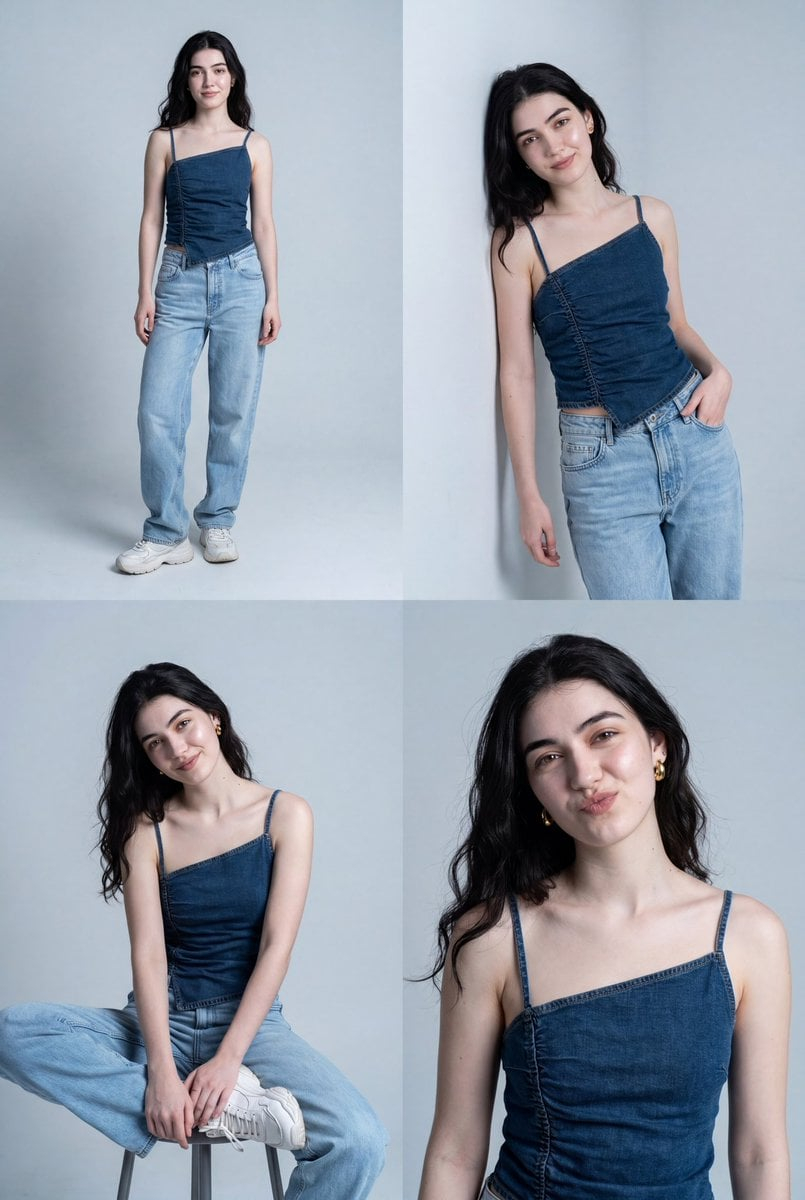
Generate a clean studio portrait of the person from the uploaded image. The person has short, messy, voluminous black hair with natural texture. They wear frameless, transparent glasses with subtle metal accents at the hinges, along with small silver earrings. Their expression is neutral and calm. They are dressed in a crisp white dress shirt with a structured collar and a black satin tie. Use a smooth white background with even, soft lighting to eliminate shadows. Capture the portrait straight-on at chest level, emphasizing clarity, symmetry, and minimalistic modern style.
Treat Crisp Studio Headshot as a focused AI image concept rather than a finished brief. Read the preview for composition, choose the intended destination, and then personalize one creative variable at a time.
Use the primary action to load the template settings in PicX Studio.
Adjust the subject and creative details for your destination.
Create the image, compare the result with the preview, and refine one variable at a time.
A continuous mix — similar concepts first, woven with same-model prompts and fresh picks from the catalog.
Choose the primary action to open PicX Studio with the available template settings. Review the model and format, personalize the creative direction, and generate when ready.
Yes. You can change the subject, setting, lighting, mood, format, and available model controls before creating your image.
This template is free to open and customize. Generation usage is shown in PicX Studio before you create.
Choose a compatible model in PicX Studio based on the style, speed, and output controls your project needs.
A continuous mix — similar concepts first, woven with same-model prompts and fresh picks from the catalog.
Follow a topic to a crawlable collection of related PicX Studio templates.
32,032 public templates available. Verified via the PicX Studio public templates API; refreshed hourly.