How do I use the Allure Luxury Magazine Cover template?
Choose the primary action to open PicX Studio with the available template settings. Review the model and format, personalize the creative direction, and generate when ready.
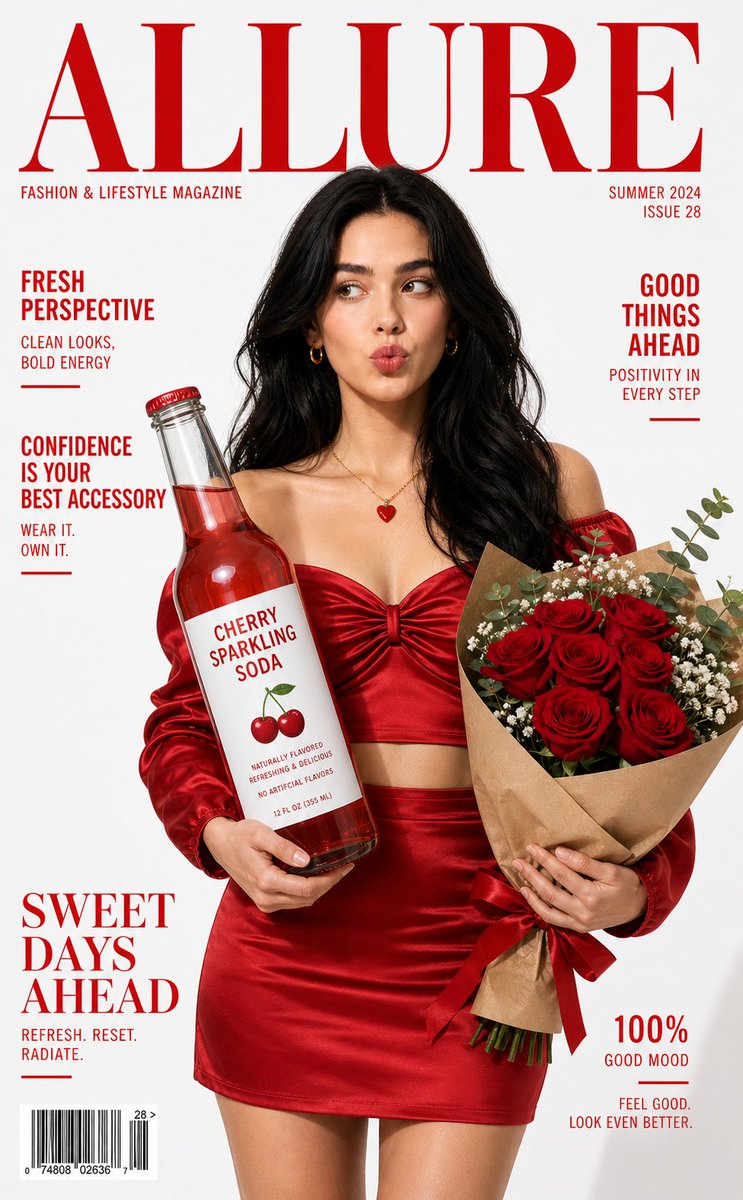
A comprehensive JSON-style prompt for a high-end fashion magazine cover, detailing subject appearance, composition, and typography. (free to use) — Free AI image template on PicX Studio.
{ "style": "high-end fashion editorial, luxury magazine cover", "subject": { "type": "young American woman", "appearance": { "hair": "{argument name="hair" default="long black hair, soft waves"}", "skin": "smooth, radiant, natural glow", "expression": "playful pout, slightly looking aside", "makeup": "minimal glam, glossy lips, subtle blush" }, "outfit": "{argument name="outfit" default="red satin off-shoulder crop top with matching high-waist skirt"}", "accessories": "small gold hoop earrings, delicate necklace with red heart pendant" }, "composition": { "framing": "mid-length portrait, centered", "pose": "standing, holding objects in both hands", "left_hand": "glass bottle with red liquid labeled 'Cherry Sparkling Soda'", "right_hand": "bouquet of fresh red roses wrapped in kraft paper with ribbon", "background": "clean white studio backdrop", "layout": "magazine cover layout with strong negative space for typography" }, "typography": { "masthead": "{argument name="magazine name" default="ALLURE"}", "masthead_style": "large serif font, bold, red color, top center", "subtext": [ "FASHION & LIFESTYLE MAGAZINE", "SUMMER 2024 ISSUE" ], "cover_lines": [ "FRESH PERSPECTIVE", "GOOD THINGS AHEAD", "CONFIDENCE IS YOUR BEST ACCESSORY", "SWEET DAYS AHEAD", "100% GOOD MOOD" ], "style": "clean editorial typography, all text in red, modern fashion magazine layout" }, "lighting": { "type": "studio lighting", "quality": "soft diffused light", "direction": "front-facing with slight side highlights", "effect": "even skin tones, subtle shadows, glossy fabric highlights" }, "color_palette": { "primary": ["red", "white"], "accents": ["gold", "green"], "mood": "bold, fresh, confident, romantic" }, "details": { "props": "glass bottle with label, realistic roses bouquet", "textures": "silky fabric, glass reflections, natural skin detail", "finish": "ultra-realistic, sharp focus, high resolution" }, "camera": { "type": "DSLR", "lens": "85mm portrait lens", "aperture": "f/2.8", "depth_of_field": "shallow", "focus": "sharp on face and product" }, "aspect_ratio": "2:3", "quality": "8k, ultra-detailed, professional editorial finish" }
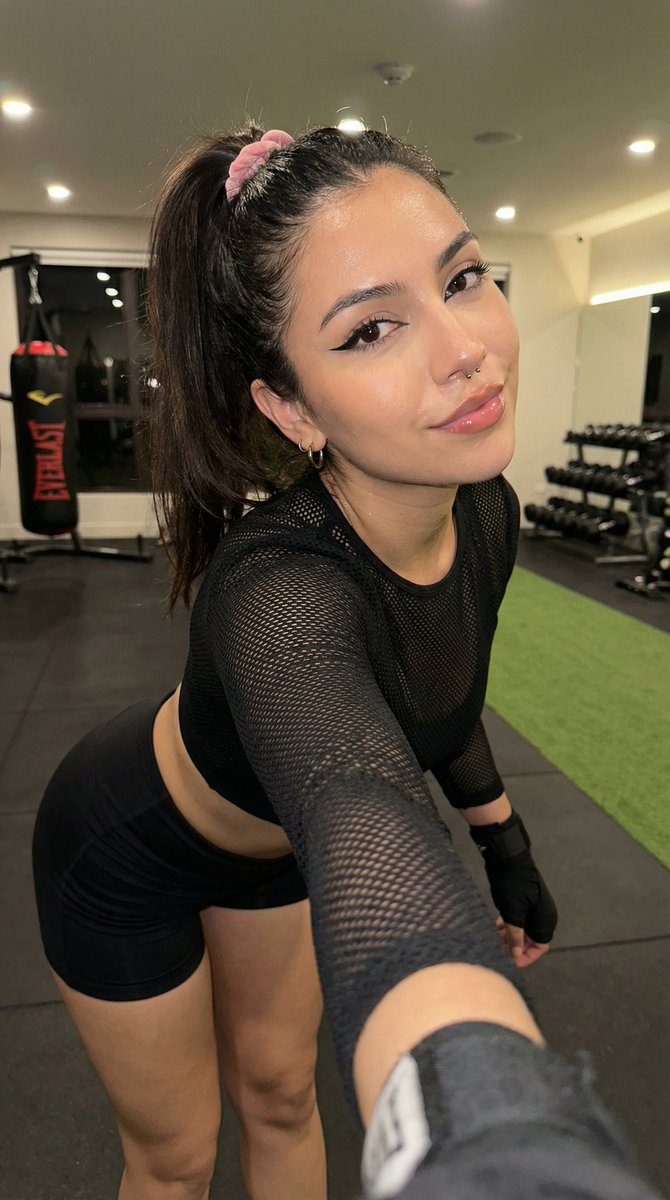
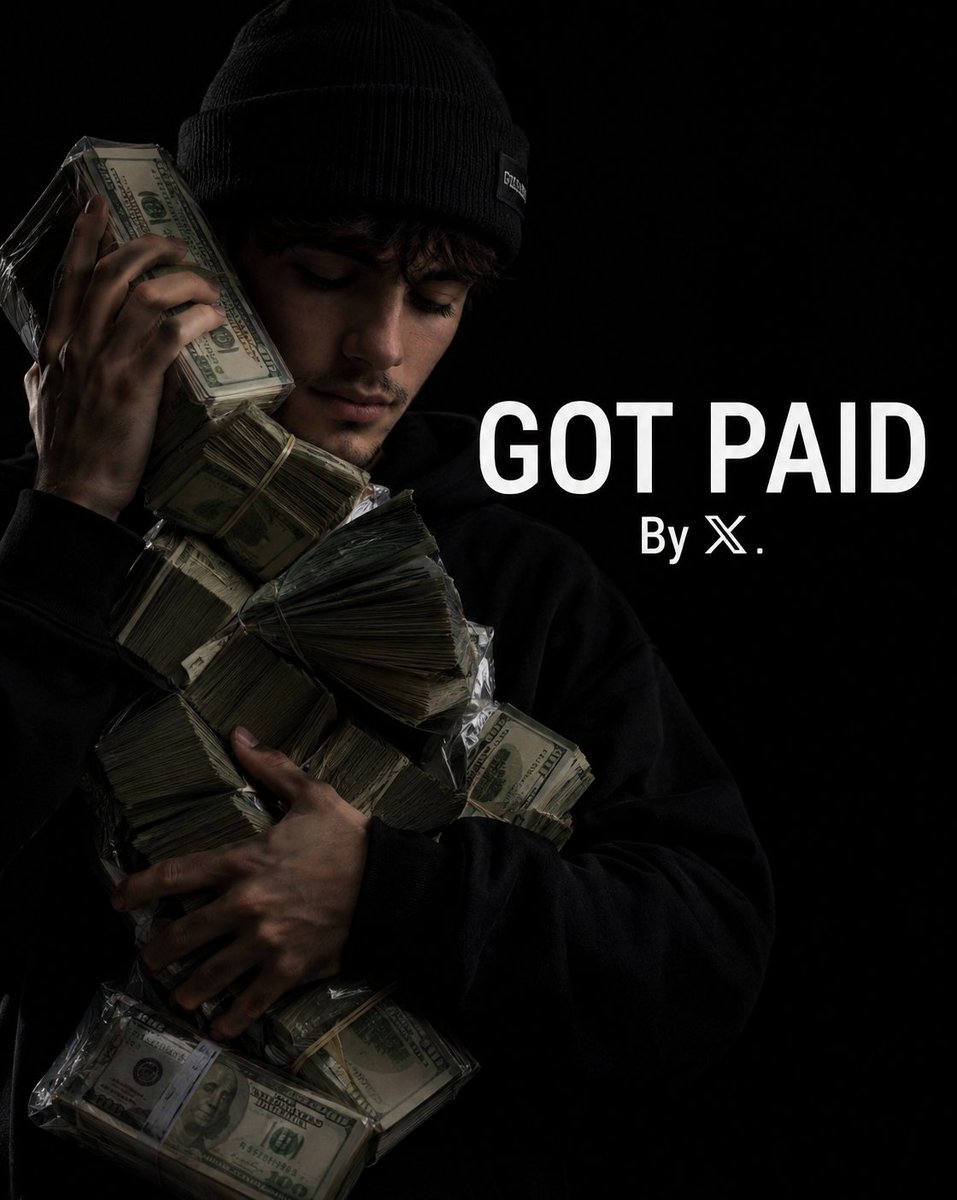
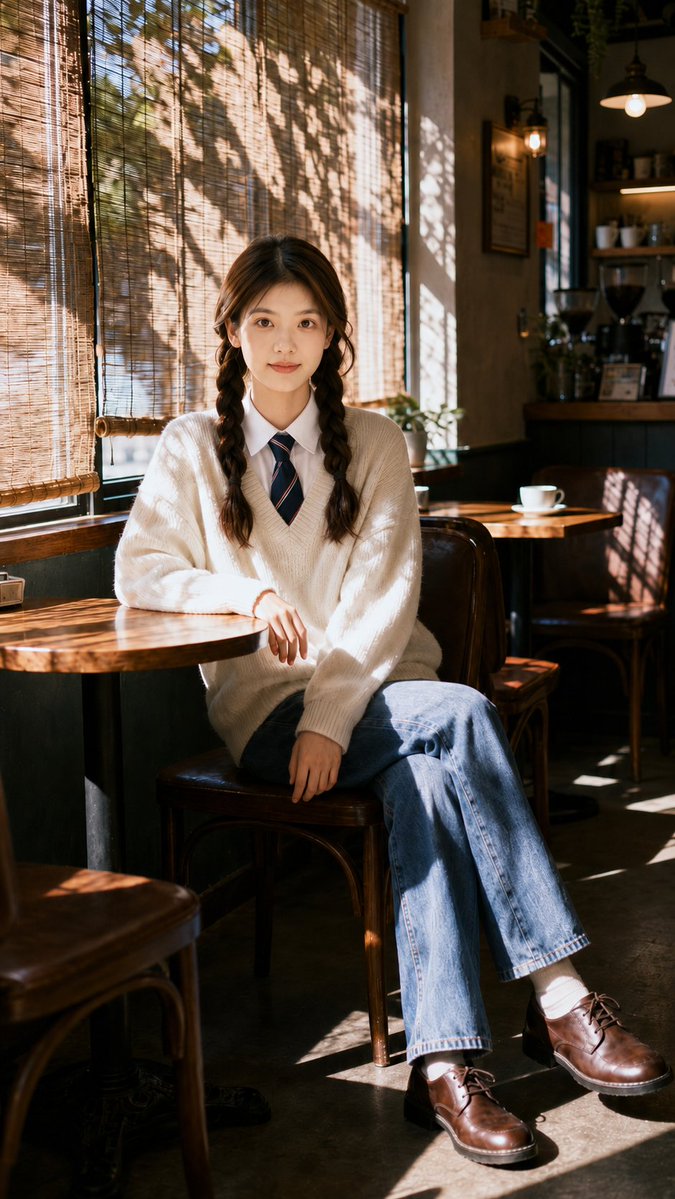
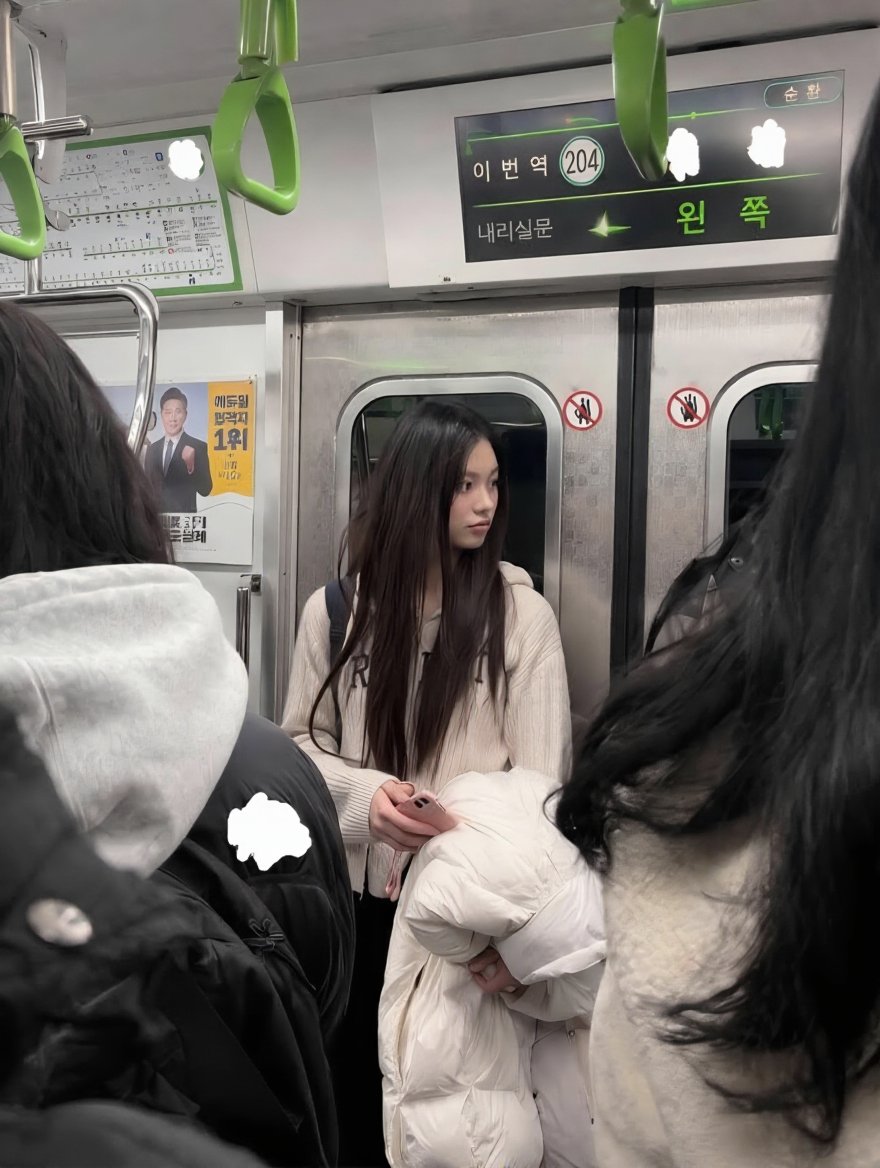
Use Allure Luxury Magazine Cover to plan an AI image around gpt-image-2 generation, themes such as en and gpt-image-2. Match the preview's composition first, then personalize the subject, setting, and mood for your own project.
Use the primary action to load the template settings in PicX Studio.
Adjust the subject and creative details for your destination.
Create the image, compare the result with the preview, and refine one variable at a time.
A continuous mix — similar concepts first, woven with same-model prompts and fresh picks from the catalog.
Choose the primary action to open PicX Studio with the available template settings. Review the model and format, personalize the creative direction, and generate when ready.
Yes. You can change the subject, setting, lighting, mood, format, and available model controls before creating your image.
This template is free to open and customize. Generation usage is shown in PicX Studio before you create.
Start with gpt-image-2, which is the model associated with this template. You can compare another compatible model for a different finish.
Follow a topic to a crawlable collection of related PicX Studio templates.
39,157 public templates available. Verified via the PicX Studio public templates API; refreshed hourly.
A continuous mix — similar concepts first, woven with same-model prompts and fresh picks from the catalog.