
Anime Film CM Storyboard Sheet
Generates a polished Japanese anime movie 15-second commercial storyboard page with character references, six timed panels, and production notes for pitch decks or visual planning.
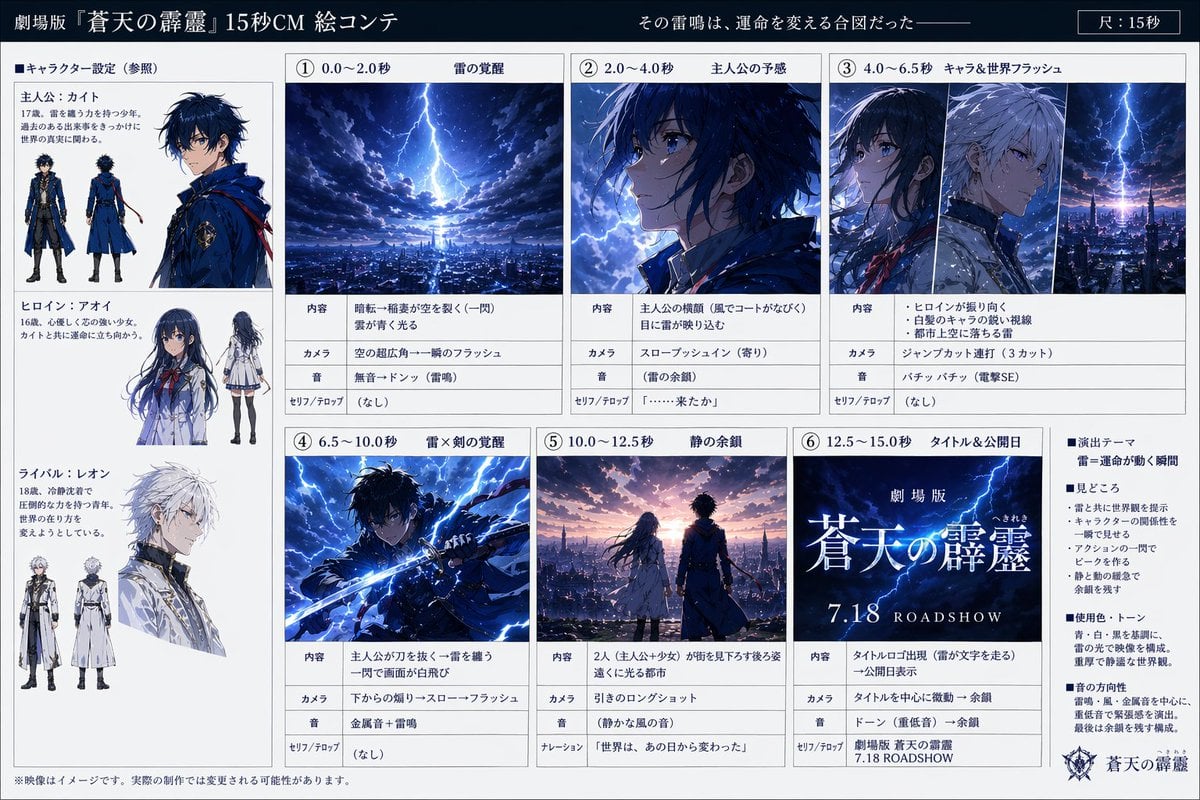
- Prompt included
- Model and format preset
- Free template
The prompt behind this image
Copy the exact prompt behind Anime Film CM Storyboard Sheet, or open it in the studio and make it yours.
- Type
- anime film storyboard sheet
- Style
- polished cinematic anime key visual board, professional presentation layout, clean white grid with dark navy header, highly detailed fantasy lighting, dramatic storm atmosphere, glossy promotional design
- Project › Title
- 劇場版『{argument name="film title" default="蒼天の霹靂"}』15秒CM 絵コンテ
- Project › Tagline
- その雷鳴は、運命を変える合図だった——
- Project › Duration Label
- 尺:15秒
- Layout › Format
- landscape storyboard page
- Layout › Sections › 0 › Title
- キャラクター設定(参照)
- Layout › Sections › 0 › Position
- left column
- Layout › Sections › 0 › Count
- 3
- Layout › Sections › 0 › Labels
- 主人公:カイト, ヒロイン:アオイ, ライバル:レオン
- Layout › Sections › 1 › Title
- ① 0.0〜2.0秒 雷の覚醒
- Layout › Sections › 1 › Position
- top row, panel 1
- Layout › Sections › 1 › Count
- 1
- Layout › Sections › 1 › Labels
- citywide lightning strike
- Layout › Sections › 2 › Title
- ② 2.0〜4.0秒 主人公の予感
- Layout › Sections › 2 › Position
- top row, panel 2
- Layout › Sections › 2 › Count
- 1
- Layout › Sections › 2 › Labels
- close-up of protagonist turning toward the light
- Layout › Sections › 3 › Title
- ③ 4.0〜6.5秒 キャラ&世界フラッシュ
- Layout › Sections › 3 › Position
- top row, panel 3
- Layout › Sections › 3 › Count
- 3
- Layout › Sections › 3 › Labels
- hero profile, rival profile, lightning over city skyline
- Layout › Sections › 4 › Title
- ④ 6.5〜10.0秒 雷×剣の覚醒
- Layout › Sections › 4 › Position
- bottom row, panel 4
Raw JSON
{"type":"anime film storyboard sheet","style":"polished cinematic anime key visual board, professional presentation layout, clean white grid with dark navy header, highly detailed fantasy lighting, dramatic storm atmosphere, glossy promotional design","project":{"title":"劇場版『{argument name=\"film title\" default=\"蒼天の霹靂\"}』15秒CM 絵コンテ","tagline":"その雷鳴は、運命を変える合図だった——","duration_label":"尺:15秒"},"layout":{"format":"landscape storyboard page","sections":[{"title":"キャラクター設定(参照)","position":"left column","count":3,"labels":["主人公:カイト","ヒロイン:アオイ","ライバル:レオン"]},{"title":"① 0.0〜2.0秒 雷の覚醒","position":"top row, panel 1","count":1,"labels":["citywide lightning strike"]},{"title":"② 2.0〜4.0秒 主人公の予感","position":"top row, panel 2","count":1,"labels":["close-up of protagonist turning toward the light"]},{"title":"③ 4.0〜6.5秒 キャラ&世界フラッシュ","position":"top row, panel 3","count":3,"labels":["hero profile","rival profile","lightning over city skyline"]},{"title":"④ 6.5〜10.0秒 雷×剣の覚醒","position":"bottom row, panel 4","count":1,"labels":["hero drawing a glowing sword"]},{"title":"⑤ 10.0〜12.5秒 静の余韻","position":"bottom row, panel 5","count":1,"labels":["two characters from behind overlooking the city"]},{"title":"⑥ 12.5〜15.0秒 タイトル&公開日","position":"bottom row, panel 6","count":1,"labels":["title card with release date"]},{"title":"演出テーマ","position":"right sidebar","count":3,"labels":["見どころ","使用色・トーン","音の方向性"]}],"notes_rows_per_story_panel":4},"characters":{"count":3,"designs":[{"name":"{argument name=\"hero name\" default=\"カイト\"}","role":"male protagonist, age 17","appearance":"slim anime boy with messy dark navy hair and bright blue eyes, serious expression, long royal-blue coat with black inner layers, belts, gloves, fitted pants, tall boots, fantasy military accents","reference_views":3},{"name":"アオイ","role":"heroine, age 16","appearance":"slim anime girl with very long dark blue hair and blue eyes, white school-uniform-inspired coat dress, pleated skirt, red ribbon bow, dark stockings, calm melancholy expression","reference_views":2},{"name":"レオン","role":"rival, age 18","appearance":"tall anime boy with tousled silver-white hair, pale skin, white long coat with gold trim and layered formal fantasy attire, composed aloof expression","reference_views":3}]},"story_panels":[{"panel":1,"time":"0.0〜2.0秒","title":"雷の覚醒","image":"vast nighttime fantasy city under heavy storm clouds, a colossal bolt of lightning descends from a swirling break in the clouds and hits the city center, blue-white light reflecting across rooftops, epic scale","camera":"wide establishing shot","effects":"single massive flash, cloud vortex, electric glow"},{"panel":2,"time":"2.0〜4.0秒","title":"主人公の予感","image":"tight close-up of the protagonist in profile, face turned left toward off-screen lightning, blue rim light, wind-tossed hair, intense eyes, stormy sky behind him","camera":"slow push-in close-up","effects":"lingering thunder, subtle facial illumination"},{"panel":3,"time":"4.0〜6.5秒","title":"キャラ&世界フラッシュ","image":"three vertical cuts: the protagonist in dark blue, the silver-haired rival in white, and a lightning-struck city skyline at dusk-night transition, fast montage feeling, strong contrast between blue lightning and pale character palette","camera":"three jump-cut inserts","effects":"electrical crackle, rapid flashes"},{"panel":4,"time":"6.5〜10.0秒","title":"雷×剣の覚醒","image":"dynamic action shot of the protagonist drawing or swinging a sword infused with blue lightning, body leaning forward, coat whipping in the wind, arcs of electricity exploding around him, almost full-frame white-blue flash","camera":"low-angle dramatic shot with slow-motion feel","effects":"metallic ring plus thunder impact"},{"panel":5,"time":"10.0〜12.5秒","title":"静の余韻","image":"rear view of two figures, the heroine on the left in white and the hero on the right in blue, standing side by side above the city at sunset-purple dusk, gazing toward distant glowing lights, emotional pause after the storm","camera":"pulled-back long shot","effects":"quiet ambient tone, reflective mood"},{"panel":6,"time":"12.5〜15.0秒","title":"タイトル&公開日","image":"full-screen title card with stormy blue sky and lightning background, luminous Japanese film title in large glowing serif characters, centered release date \"{argument name=\"release date\" default=\"7.18\"} ROADSHOW\", elegant fantasy logo at the bottom right","camera":"static centered composition","effects":"title glow, residual thunder, sword-like light streak"}],"graphic_details":{"header_background":"deep navy","grid":"thin gray lines separating cells","body_background":"white presentation board","text_style":"Japanese production-board typography with small captions and labeled rows for 内容, カメラ, 音, セリフ/テロップ or ナレーション","sidebar":"bullet-point production notes in Japanese","footer_note":"small disclaimer text along the bottom edge"},"quality":"high-resolution, crisp print-like layout, balanced margins, exact storyboard-sheet appearance"}How to use Anime Film CM Storyboard Sheet in 3 steps
- 1Upload ImagePNG, JPG or paste
Add your photo
Upload the photo the template builds on. The prompt, model and format are already set.
- 2…a portrait of your subject in softgolden-hour light, 85mm…
Personalize
Edit the subject and creative details for your destination.
- 3Generate
Generate
Press Generate — your image is created in PicX Studio, so you can compare it with the original and refine one variable at a time.
More like this
Templates with the same subject, style or setup. Open one to see its prompt.

Luxury Black-and-White Fashion Contact Sheet

Anime Character Charm Analysis Sheet

Anime Lantern Girl Character Sheet

Anime Character Sheet Reference Prompt
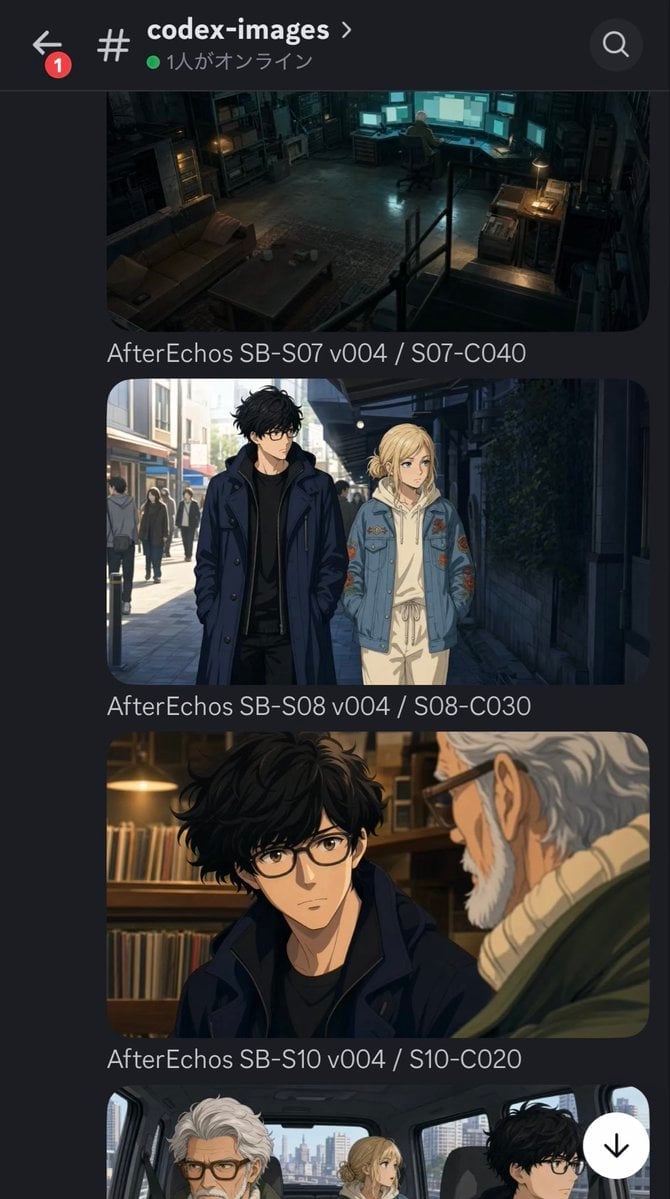
Discord Anime Storyboard Feed
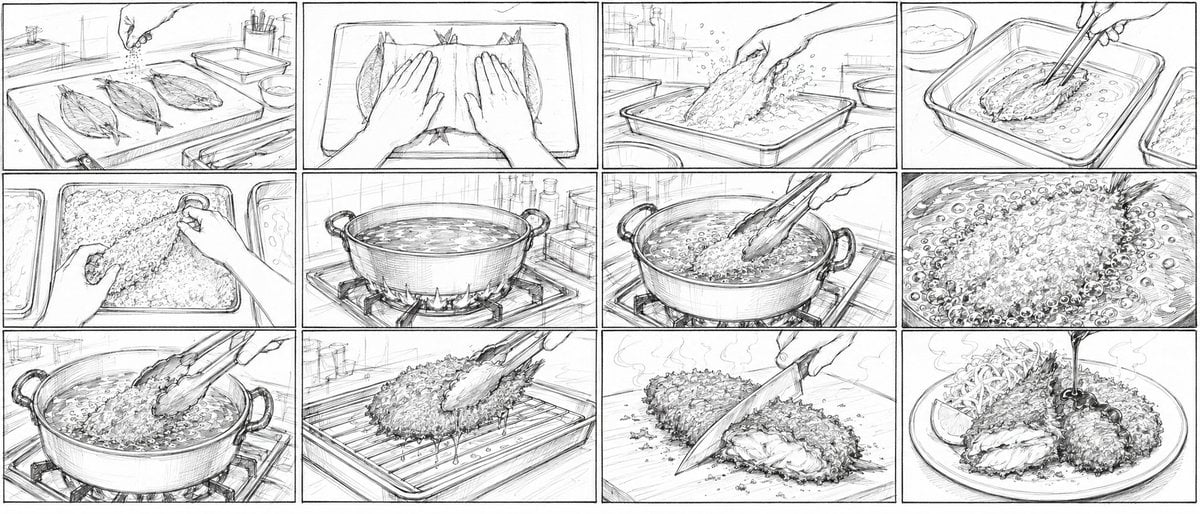
Aji Fry Anime Cooking Storyboard
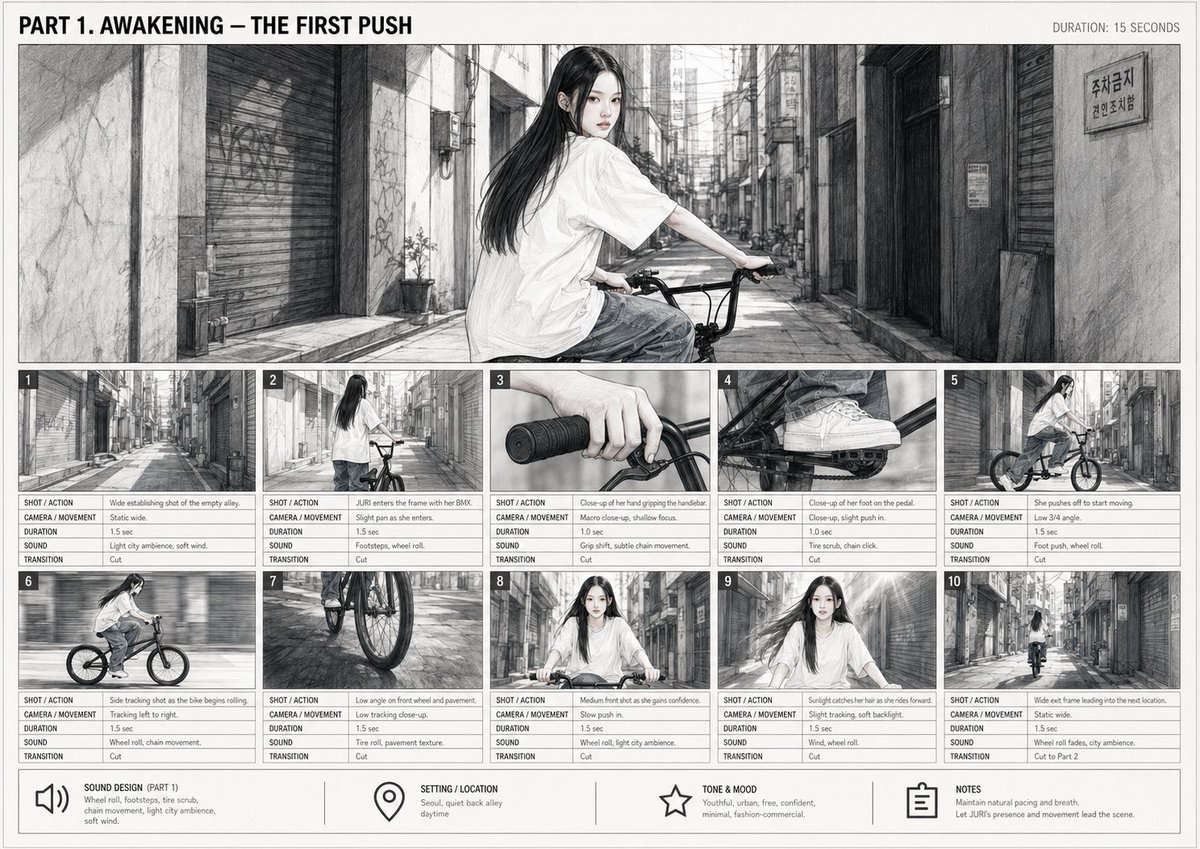
Cinematic BMX Storyboard Sheet
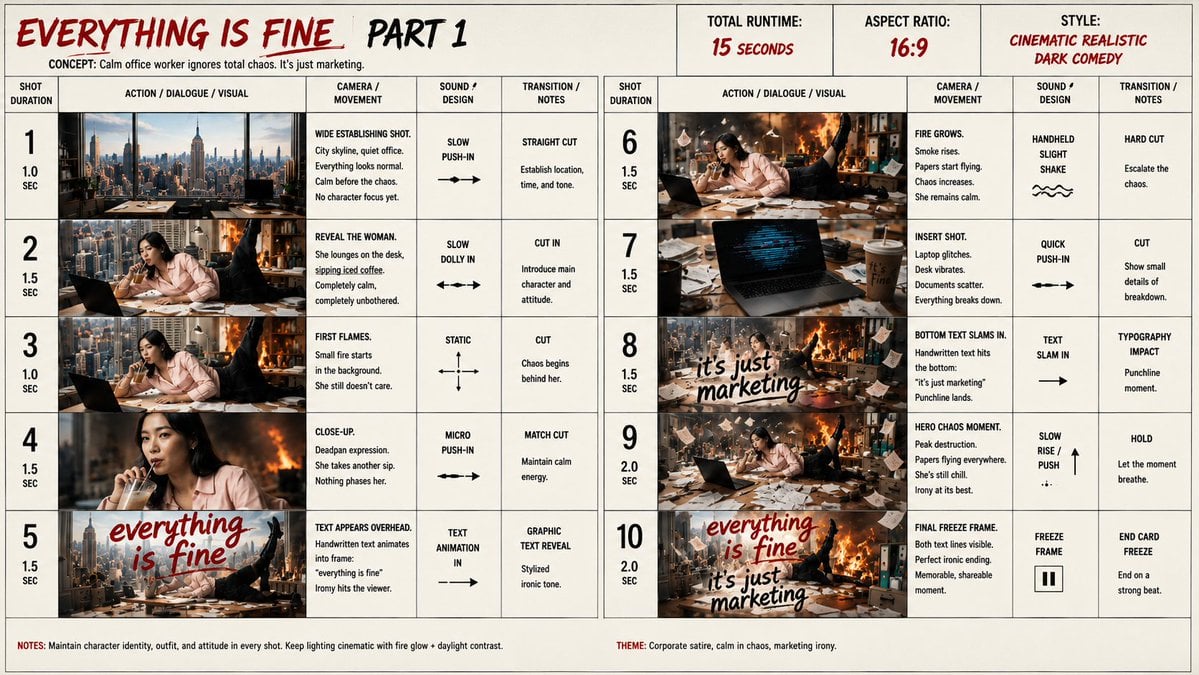
Everything Is Fine Storyboard Sheet

Cel 2D Finale Fireworks

Cel 2D Garden Maze

Cel 2D Rooftop Concert

Cel 2D Bicycle Coast
Make it yours
Anime Film CM Storyboard Sheet works as-is. These are the safest ways to change it without losing the look.
Swap the setting
Keep the rest of the prompt and replace the location block. The current setting is “deep navy”.
Change one field
Copy a single group, rewrite it, and generate again so you can see what that field is doing.
Keep the frame, change the subject
Hold the composition and light of Anime Film CM Storyboard Sheet, then swap wardrobe, props or the person for a new take.
| If the result… | Why | Fix |
|---|---|---|
| The result drifts from the preview | Too many fields changed at once. | Reuse Anime Film CM Storyboard Sheet as-is first, then change one group — subject, light, or setting. |
| GPT Image 2 ignores part of the JSON | Some models flatten or skip nested keys. | Keep the same values and paste them as a short paragraph instead. |
More GPT Image 2 templates
Other prompts made for GPT Image 2.

Six VTuber Japanese Logo Sheet

Realistic Portrait of Woman and Deer

The Vista Modular Condo Poster

AI Model Routing Comparison Infographic

2.5D Anime Art Board

Isometric Productivity Desk Scene

New York Double Exposure Poster

Four-Panel AI Landscape Comparison

Japanese Tatami Lifestyle Magazine Cover

NESCAFÉ Coffee Map Poster
More image prompts
Fresh picks from across the catalog.
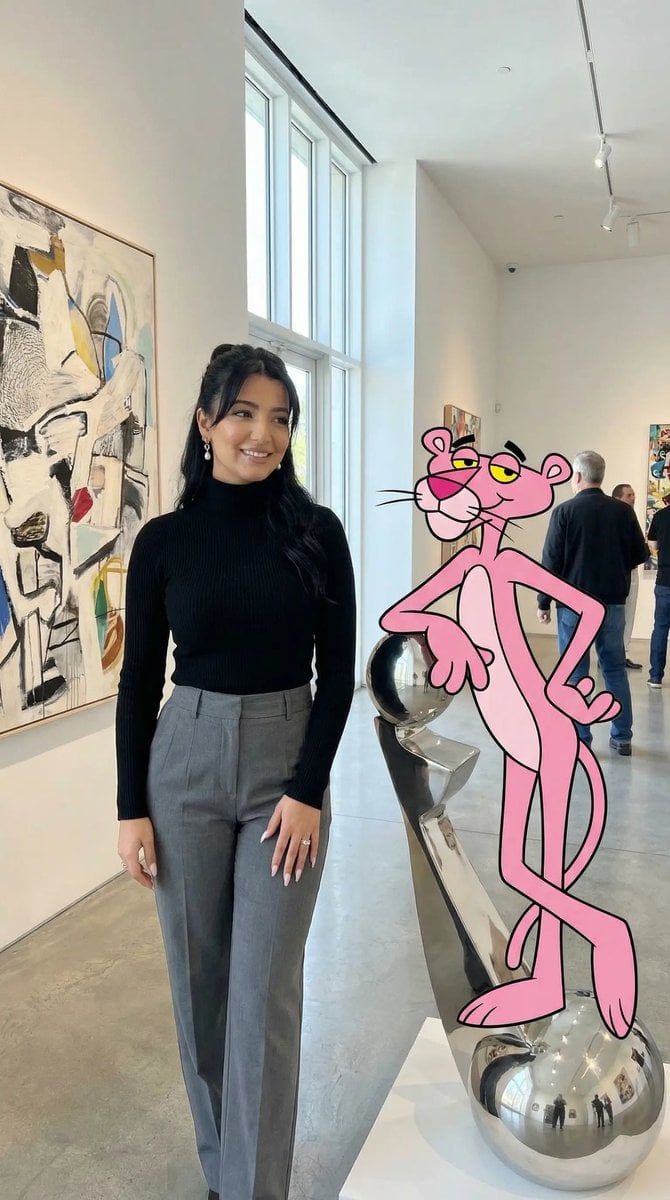
Ultra Photoreal Cartoon Reality Scene with Pink Panther
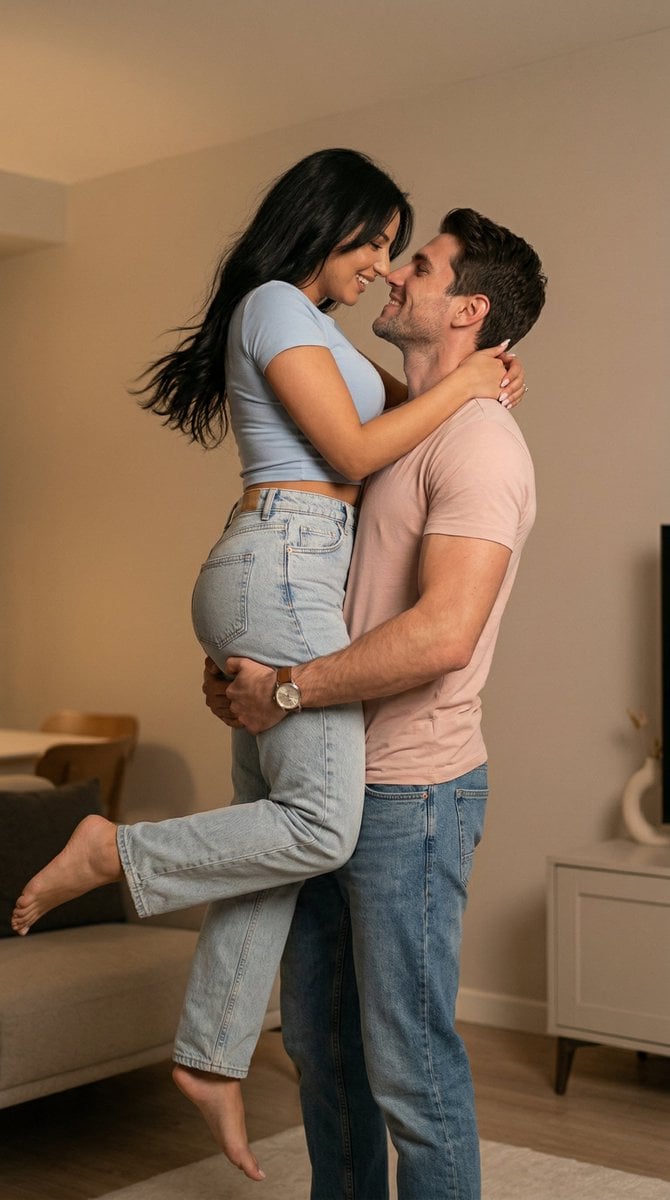
Ultra Photoreal Candid Romantic Lift Scene
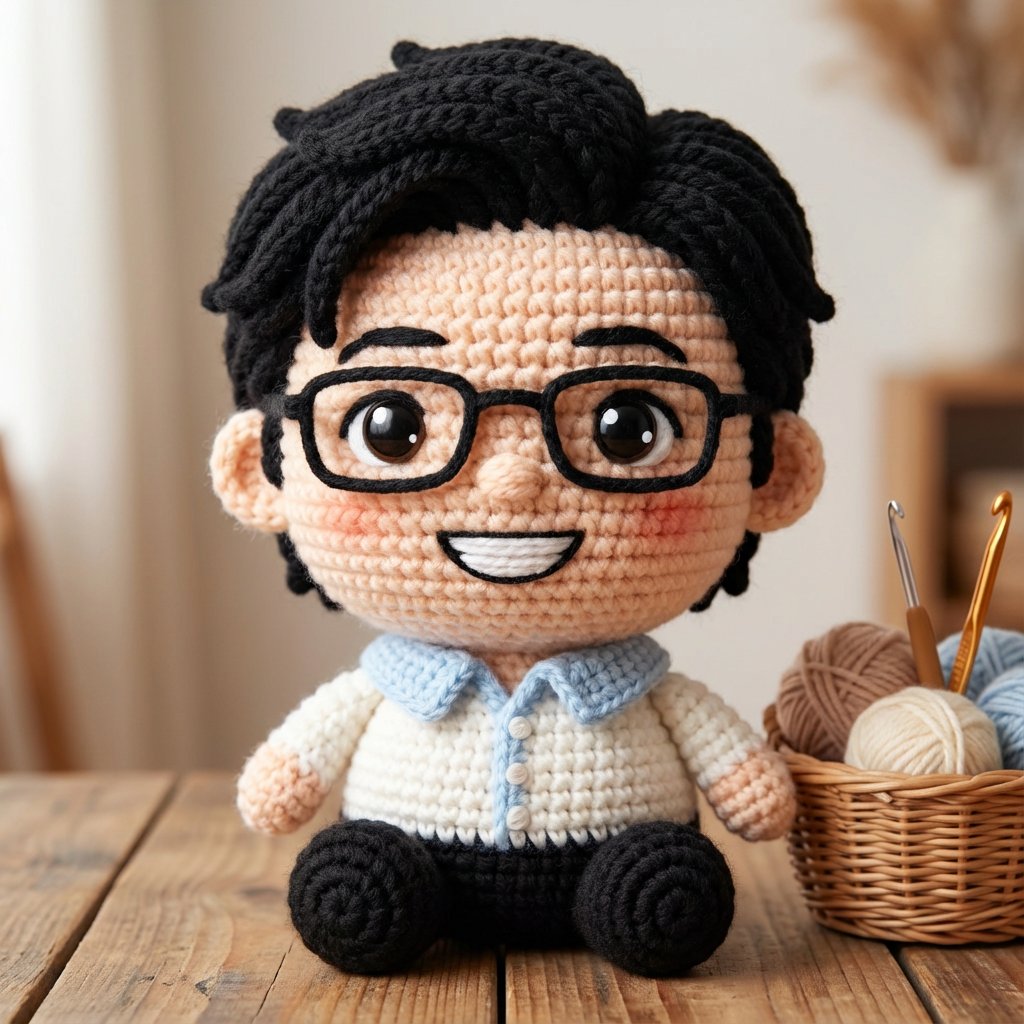
Amigurumi-style Scissor Man Image Generation Prompt
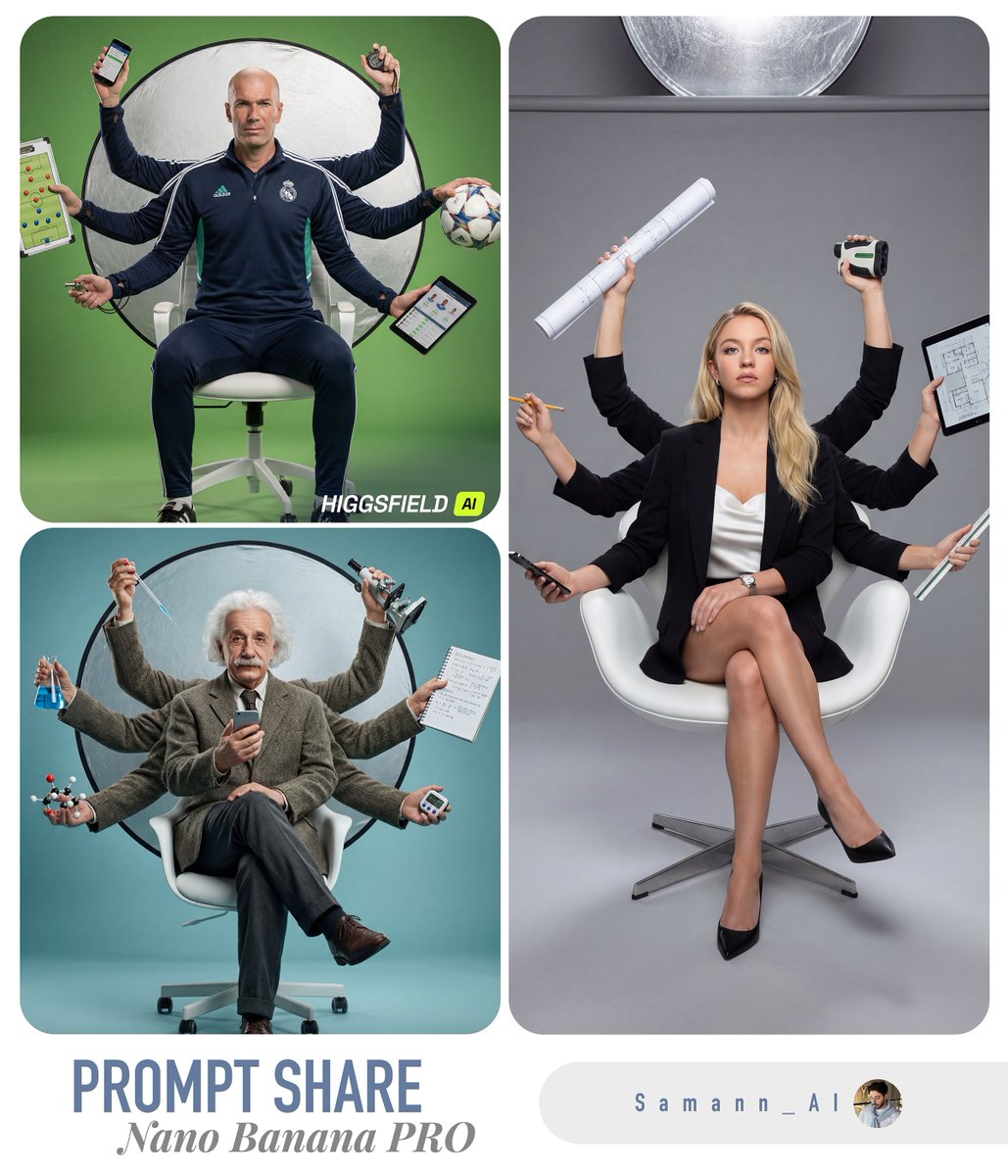
Hyper-Real Multi-Arm Professional Portrait

Luxury Chronograph Macro Design
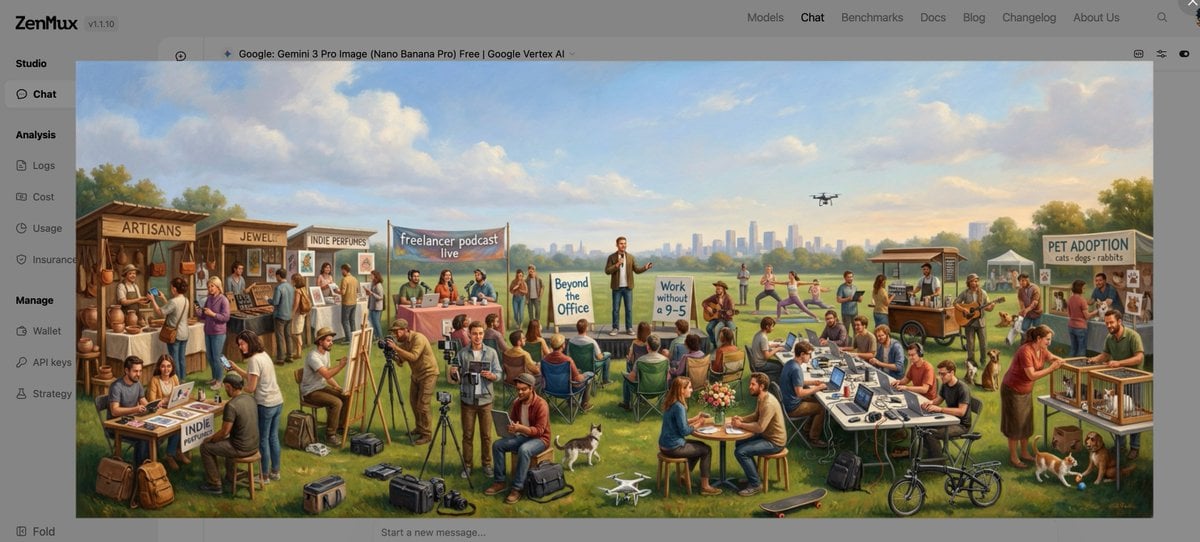
Baroque genre painting of a merry company in a park
Studio Portrait with Digital UI Overlay
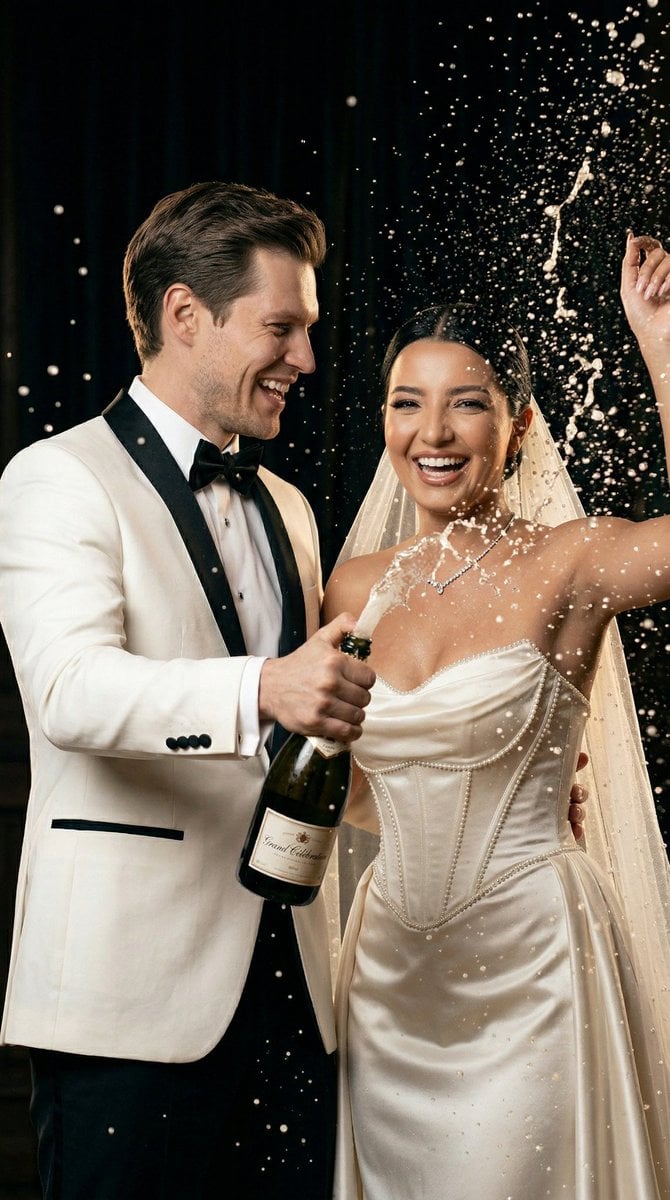
Luxury Champagne Wedding Campaign Image-to-Image Prompt for Nano Banana 2
3D Pop-Art Comic Grid
Sorcery Magazine Anime Cover
Browse template categories
Anime Film CM Storyboard Sheet questions
How do I use the Anime Film CM Storyboard Sheet template?
Add your photo if the template asks for one, edit the prompt if you like — the template's model and format are already selected — and press Generate. Your version opens in PicX Studio.
Can I customize the Anime Film CM Storyboard Sheet template?
Yes. You can change the subject, setting, lighting, mood, format, and available model controls before creating your image.
Is the Anime Film CM Storyboard Sheet template free?
Opening and editing this template is free. Generating uses credits, shown on the Generate button when you are signed in.
Which AI model should I use?
Start with GPT Image 2, which is the model associated with this template. You can compare another compatible model for a different finish.
Looking for something else? Browse all templates.

Your photo, any look
Thousands of ready templates for every top image and video model, from one credit balance.