How do I use the Sunlit Cafe Portrait with High Pony template?
Choose the primary action to open PicX Studio with the available template settings. Review the model and format, personalize the creative direction, and generate when ready.
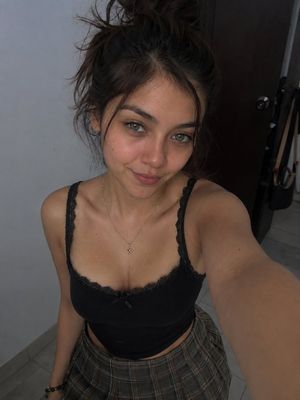
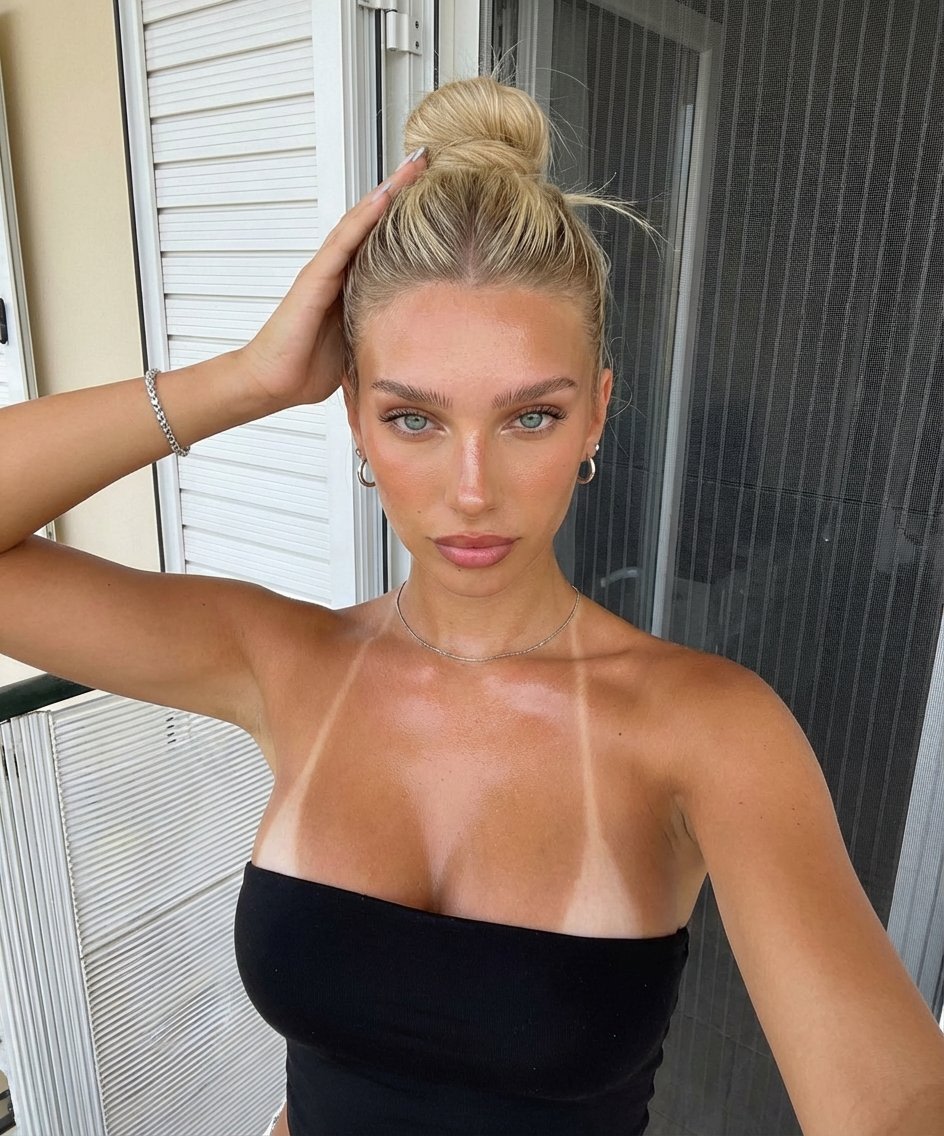
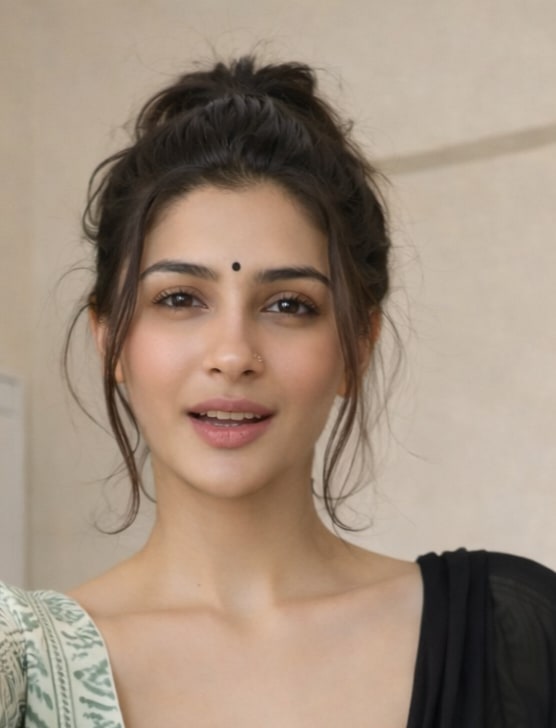
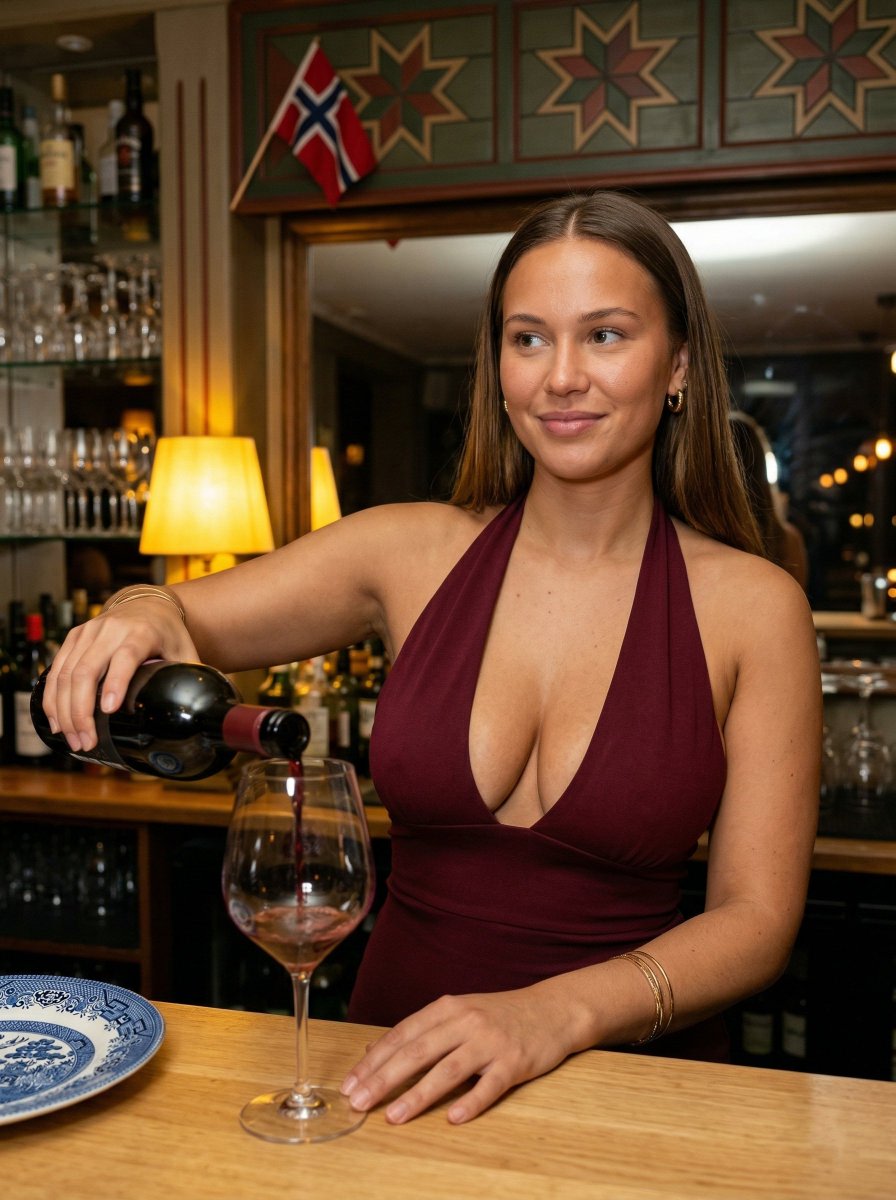
A highly detailed prompt for generating a realistic portrait of a woman in a sunlit Japanese cafe, featuring soft lighting and a high ponytail. (free to use) — Free AI image template on PicX Studio.
主題:{argument name="主題" default="窓辺カフェで微笑む女性ポートレート / sunlit cafe portrait"} 人物・表情:20代の女性、小顔でやわらかな輪郭、{argument name="ヘアスタイル" default="淡いピンクのハイポニーテール、軽めのシースルーバング"}、透明感のある肌、繊細な日系メイク、やさしく細めた目元、自然で親しみやすい笑顔、少し甘さのあるカメラ目線 服装・ポーズ:{argument name="服装" default="白のリブ素材オフショルダー風トップス、フロントのギャザーとリボンディテール、黒のミニスカート、黒의 ロングブーツ"}、華奢なネックレス、片肘をテーブルにつき、頬に手を添えながら上体を少し前に傾けて座る、可愛らしくリラックスしたポーズ 背景・光:日本の街並みが見える大きな窓際のカフェ、ベージュの塗り壁、木製チェア、白い丸テーブル、テーブルの上にアイスラテ、白いハンドバッグ、白いスマートフォン、午後のやわらかな自然光が差し込む暖かい空気感 構図・カメラ:縦長9:16、全身に近い座りポートレート、やや近めの構図、35mm lens、slight low angle、shallow depth of field、自然なスナップ感、窓からの光を活かしたcandid photography 質感・スタイル:高精細、4K品質、natural skin texture、realistic AI portrait、日系ポートレート、soft sunlight、film photography style、やわらかなハイライト、清潔感のある色調、ナチュラルで洗練された写真表現 ネガティブ:低画質、不自然な手、崩れた顔、余分な指、歪んだ体、過度な加工、過剰な露出、文字、ロゴ、透かし、不自然な背景、AI特有の歪み
Use Sunlit Cafe Portrait with High Pony to plan an AI image around gpt-image-2 generation, themes such as ja and gpt-image-2. Match the preview's composition first, then personalize the subject, setting, and mood for your own project.
Use the primary action to load the template settings in PicX Studio.
Adjust the subject and creative details for your destination.
Create the image, compare the result with the preview, and refine one variable at a time.
A continuous mix — similar concepts first, woven with same-model prompts and fresh picks from the catalog.
Choose the primary action to open PicX Studio with the available template settings. Review the model and format, personalize the creative direction, and generate when ready.
Yes. You can change the subject, setting, lighting, mood, format, and available model controls before creating your image.
This template is free to open and customize. Generation usage is shown in PicX Studio before you create.
Start with gpt-image-2, which is the model associated with this template. You can compare another compatible model for a different finish.
A continuous mix — similar concepts first, woven with same-model prompts and fresh picks from the catalog.
Follow a topic to a crawlable collection of related PicX Studio templates.
36,410 public templates available. Verified via the PicX Studio public templates API; refreshed hourly.