How do I use the Nightclub Group Selfie Transformation template?
Choose the primary action to open PicX Studio with the available template settings. Review the model and format, personalize the creative direction, and generate when ready.
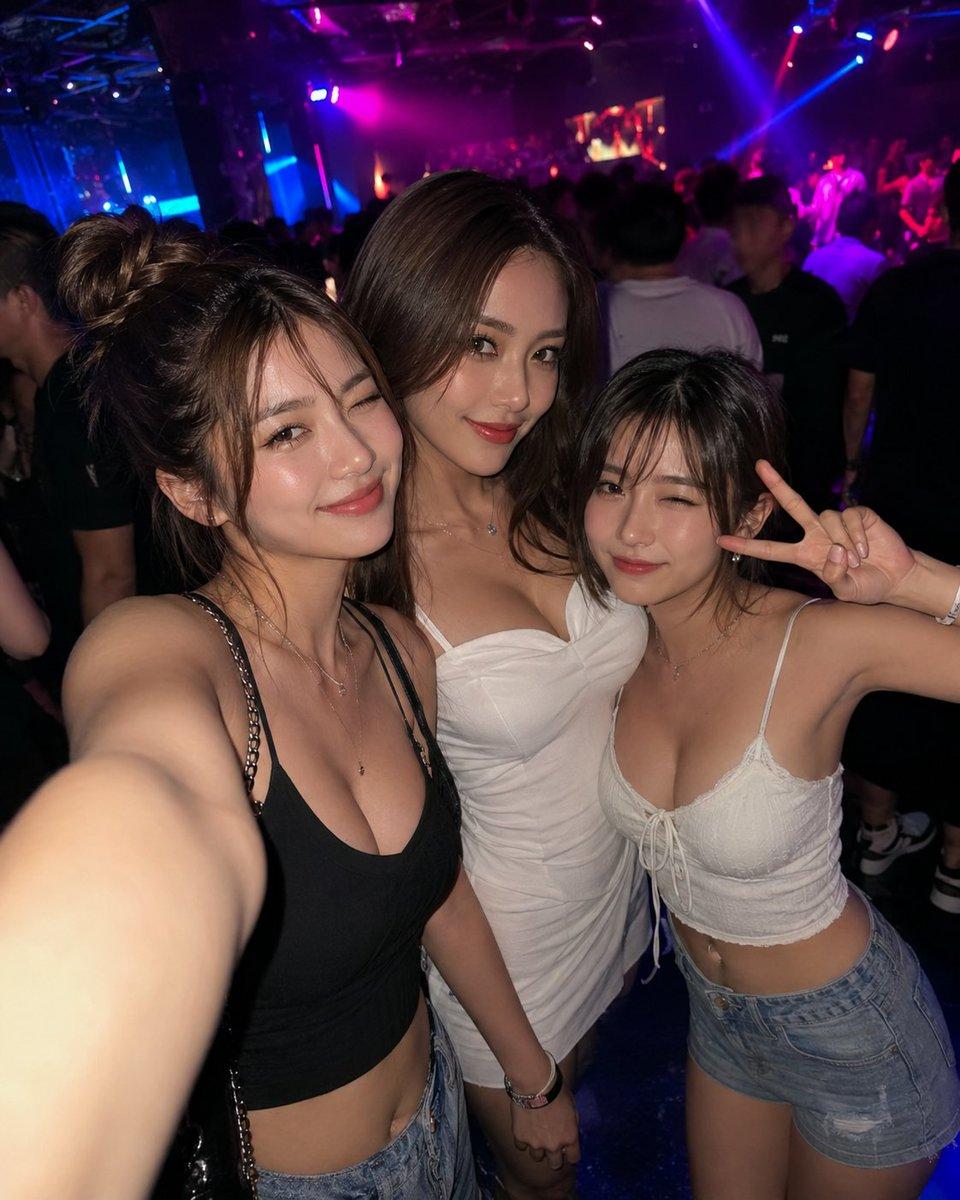
Creates a realistic alternate nightclub selfie from a reference group photo while preserving the anonymized three-person composition. (free to use) — Free AI image template on PicX Studio.
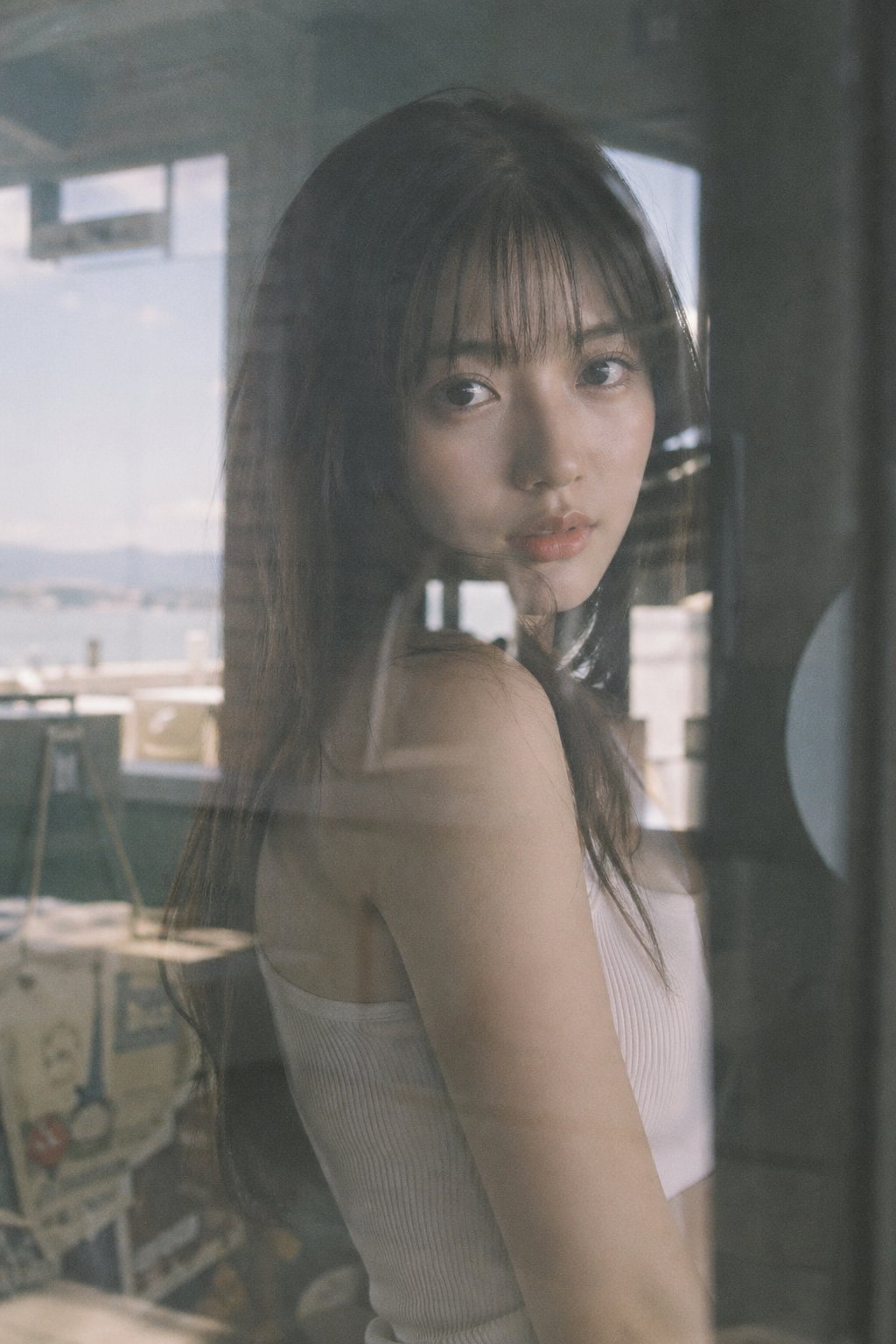
Using the provided reference image as the base for the same group selfie, regenerate it as a new nighttime nightclub selfie with the same three women and the same face-anonymized look. Change the composition so the woman on the left is closest to the camera with her arm extended taking the selfie, the center woman stands slightly behind in a fitted white ruched mini dress, and the woman on the right leans in while making a peace sign. Update the outfits to exactly 3 visible looks: left woman in a black camisole crop top with denim shorts and a chain-strap bag, center woman in a white mini dress, right woman in a white lace-up camisole crop top with denim shorts. Replace the background with a larger crowded club scene full of people, dark atmosphere, magenta/blue/purple stage lighting, laser beams, and a distant DJ/stage area. Keep the candid flash-photo aesthetic, wide-angle selfie distortion, glossy skin highlights, and realistic low-light club photography. Maintain solid rectangular face blocks over all 3 women’s faces, matching the anonymized style of the reference. Do not add text, logos, or extra main subjects.
Use Nightclub Group Selfie Transformation to plan an AI image around gpt-image-2 generation, themes such as en and gpt-image-2. Match the preview's composition first, then personalize the subject, setting, and mood for your own project.
Use the primary action to load the template settings in PicX Studio.
Adjust the subject and creative details for your destination.
Create the image, compare the result with the preview, and refine one variable at a time.
A continuous mix — similar concepts first, woven with same-model prompts and fresh picks from the catalog.
Choose the primary action to open PicX Studio with the available template settings. Review the model and format, personalize the creative direction, and generate when ready.
Yes. You can change the subject, setting, lighting, mood, format, and available model controls before creating your image.
This template is free to open and customize. Generation usage is shown in PicX Studio before you create.
Start with gpt-image-2, which is the model associated with this template. You can compare another compatible model for a different finish.
A continuous mix — similar concepts first, woven with same-model prompts and fresh picks from the catalog.
Follow a topic to a crawlable collection of related PicX Studio templates.
36,410 public templates available. Verified via the PicX Studio public templates API; refreshed hourly.