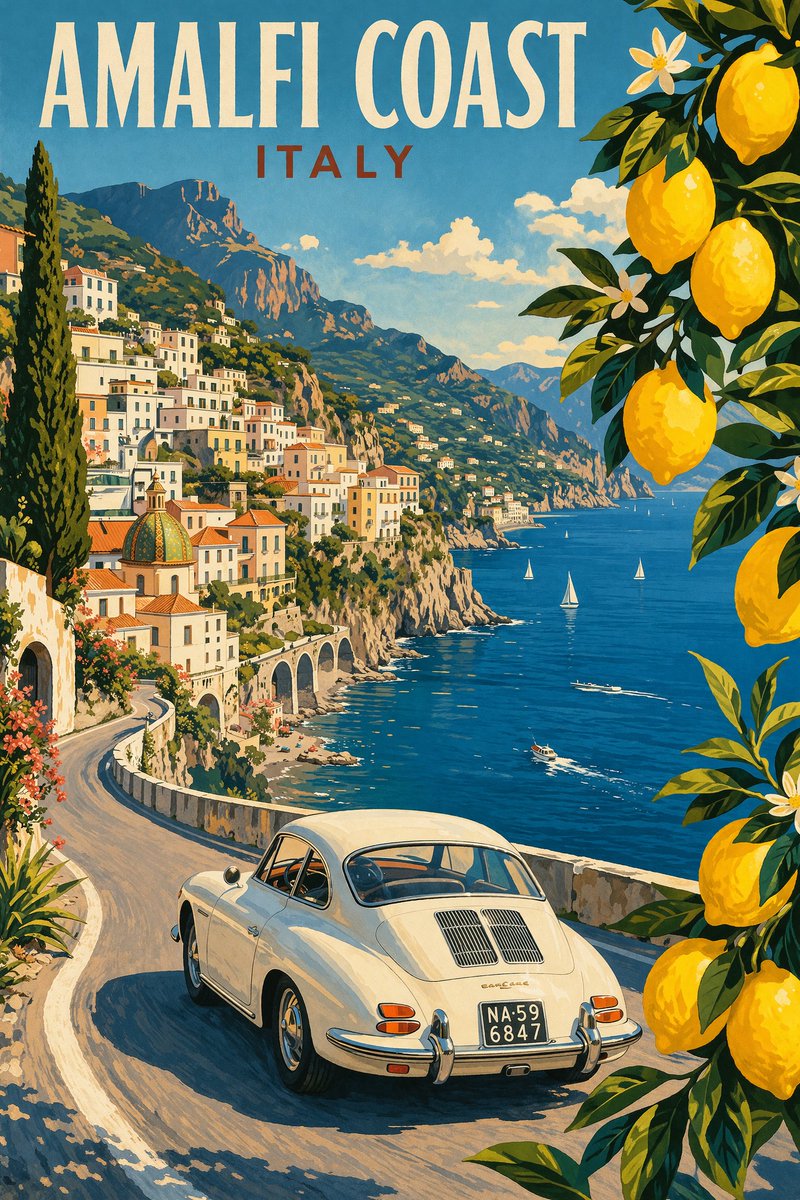
How do I use the Dali-Inspired Surreal Landscape template?
Choose the primary action to open PicX Studio with the available template settings. Review the model and format, personalize the creative direction, and generate when ready.
Creates a new surrealist seashore scene from a Dali-style reference, useful for generating dreamlike symbolic paintings with architectural creatures and desert imagery. Change the subject, setting, or lighting one variable at a time.
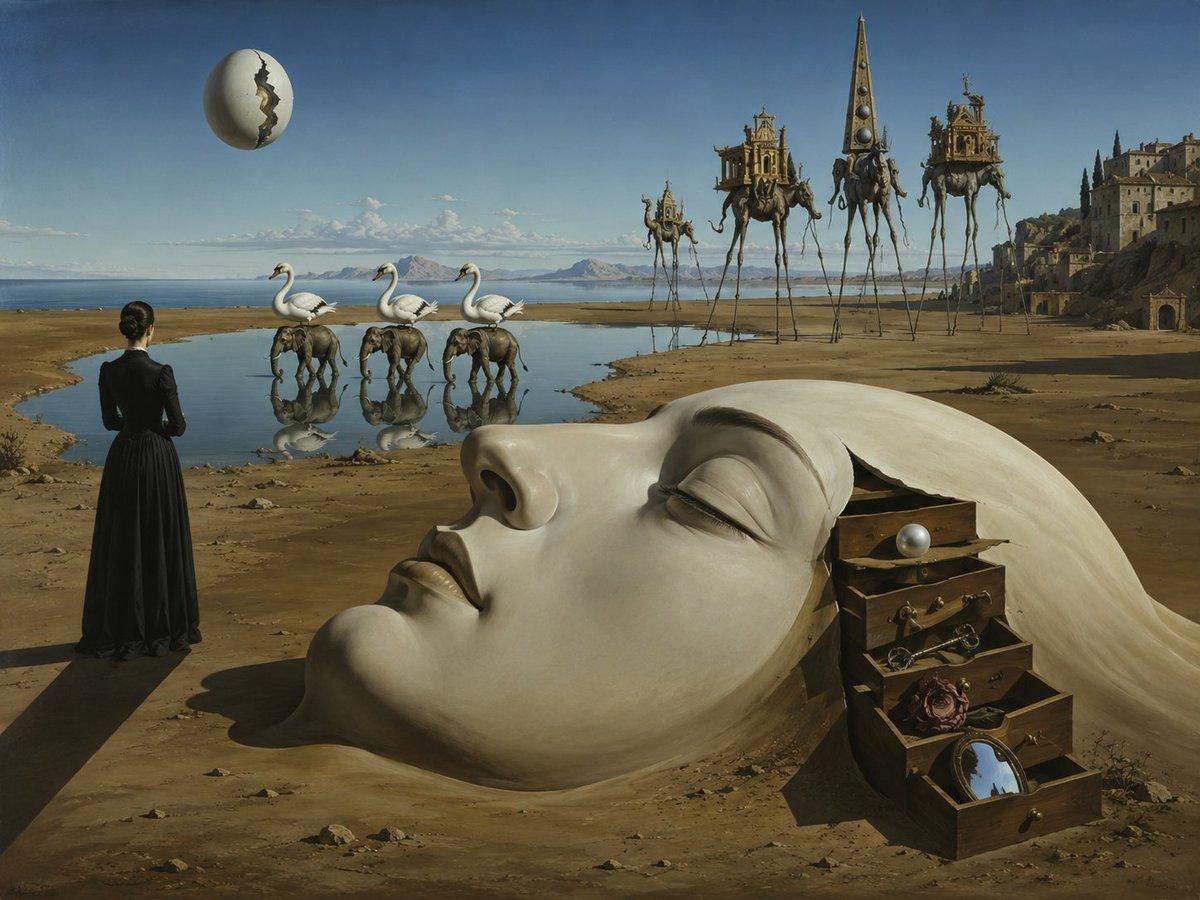
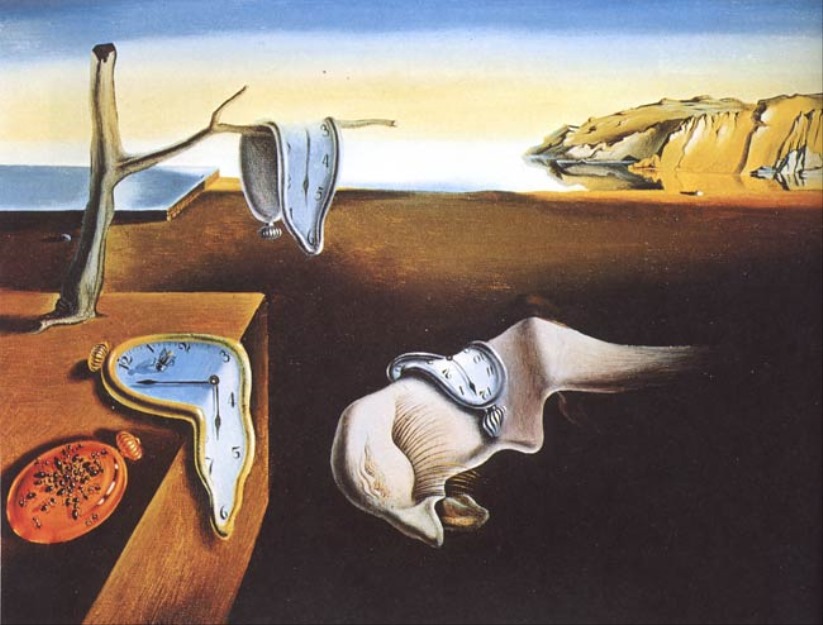
Using REFERENCE_0 as the surrealist style reference, create a new original Salvador Dali–inspired desert seashore scene rather than copying the exact clock composition. Keep the dreamlike realism, long shadows, muted ochre sand, blue horizon, and precise oil-painting finish, but replace the original melting-clock still life with a wider cinematic landscape. Add these new surreal elements exactly: 1 woman in a long black dress seen from behind at the left foreground; 1 cracked floating egg in the upper-left sky; 3 swan-elephant hybrid creatures standing near shallow water; 4 extremely tall, thin-legged elephant-like figures carrying architectural towers or structures on their backs in the mid-right distance; 1 coastal monastery or castle complex on the far-right hillside; 1 wooden drawer chest in the lower-right foreground with a pale white cloth or hair-like sheet flowing out of it; and 1 large flat muted taupe rectangle obscuring the lower center of the image. Composition: horizontal 4:3 canvas, low desert plain meeting a calm sea and distant islands, dramatic perspective from left foreground to right background. Use {argument name="style reference" default="Salvador Dali surrealist oil painting"}, {argument name="main foreground figure" default="woman in a long black dress seen from behind"}, {argument name="floating object" default="cracked egg"}, {argument name="hybrid animals" default="three swan-elephant creatures"}, and {argument name="distant giants" default="four long-legged architectural elephants"}. Avoid modern objects, text, borders, and watermarks.
Dali-Inspired Surreal Landscape needs input media to work. Open it in the studio and these load alongside the prompt — pick whichever ones your chosen model can take.
Choose the primary action to open PicX Studio with the available template settings. Review the model and format, personalize the creative direction, and generate when ready.
Yes. You can change the subject, setting, lighting, mood, format, and available model controls before creating your image.
This template is free to open and customize. Generation usage is shown in PicX Studio before you create.
Start with GPT Image 2, which is the model associated with this template. You can compare another compatible model for a different finish.
© 2026 PicX Studio. All rights reserved.

Follow a topic to a crawlable collection of related PicX Studio templates.
43,474 public templates available. Verified via the PicX Studio public templates API; refreshed hourly.


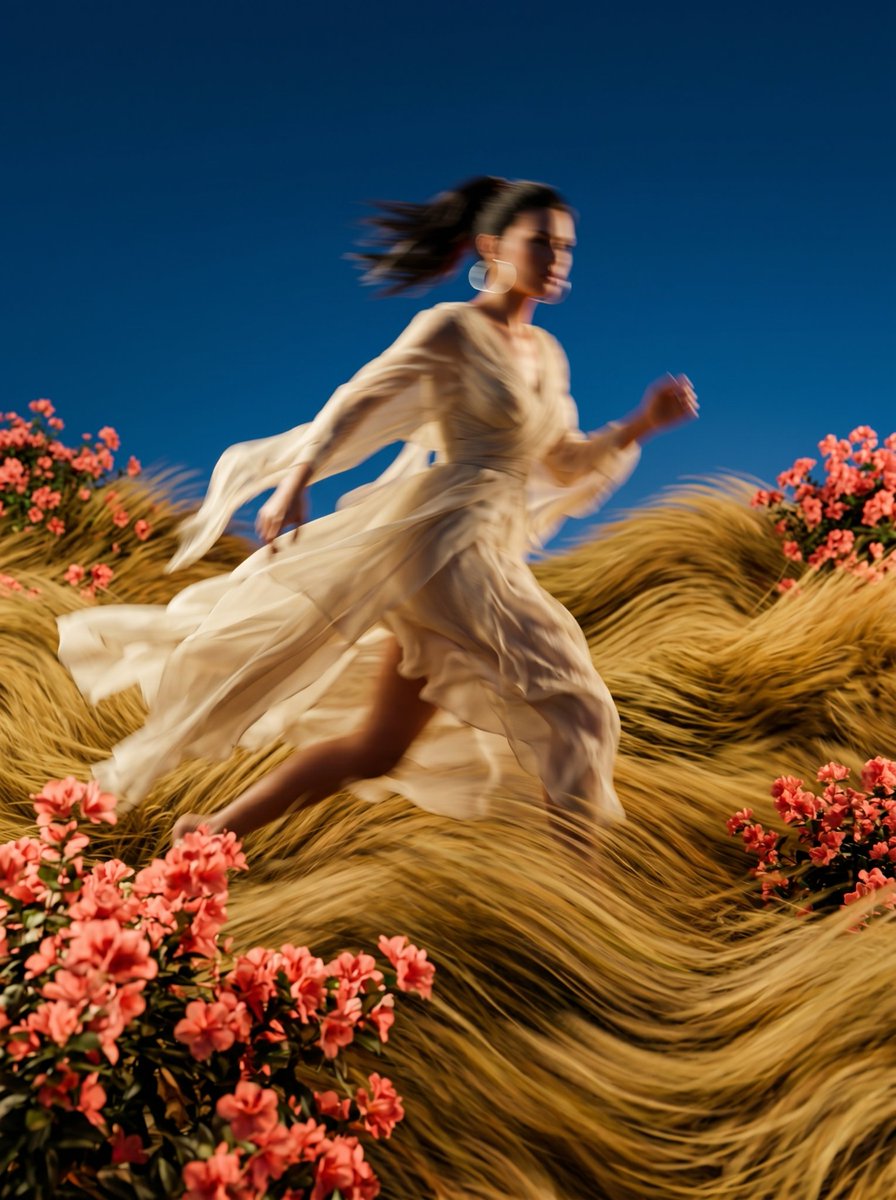










![Minimalist Flat Vector Travel Poster — Premium minimalist flat-vector travel poster for {argument name="city name" default="[CITY_NAME]"}, 3:4 vertical format.](https://cms-assets.youmind.com/media/1787917359711_3ug846_HQX205cbMAA6F6S-300x400.jpg)