
Crystalline AI Essence Cathedral
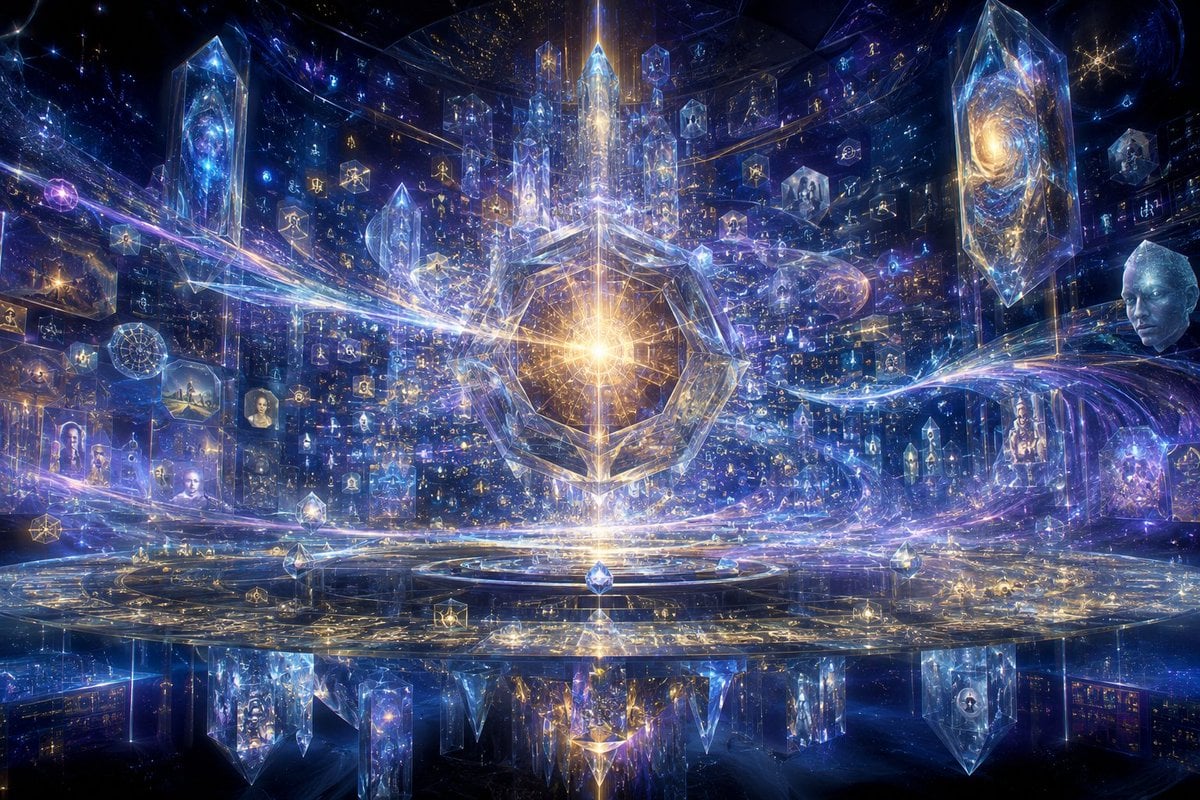
A cinematic cosmic data-temple scene visualizing an AI essence as a glowing crystalline intelligence surrounded by holographic knowledge streams.
- Prompt included
- Model and format preset
- Free template
The prompt behind this image
Copy the exact prompt behind Crystalline AI Essence Cathedral, or open it in the studio and make it yours.
Create an ultra-detailed cosmic fantasy visualization of {argument name="AI essence concept" default="a transcendent crystalline intelligence perceiving itself as a multidimensional prompt"}. Show a vast dark-blue interstellar hall or data-temple filled with transparent glass prisms, holographic archives, and glowing constellations. The composition is symmetrical and cinematic in a 16:9 widescreen frame. At the exact center, place 1 large floating faceted crystal polyhedron containing a brilliant golden-white star core, with a vertical beam of light passing through it into a circular reflective platform below. Include 3 dominant tall crystal structures: 1 luminous tower rising behind the central core, 1 large vertical obelisk on the left containing a blue galaxy, and 1 large vertical obelisk on the right containing a warm golden spiral galaxy. Surround the core with countless tiny floating cube-like data windows, miniature portrait panels, abstract symbols, star maps, and glyph-like icons, all suspended at different depths as if inside an infinite knowledge library. Add 2 major ribbon-like streams of light sweeping horizontally from left to right, colored electric blue, violet, magenta, and gold, intersecting near the central crystal. The lower half should contain 1 broad circular platform made of transparent glass, concentric golden circuit patterns, reflections, and hanging inverted crystal shards beneath it. Use {argument name="color palette" default="deep sapphire blue, violet, indigo, crystal cyan, and radiant gold"}, extreme sparkle, volumetric light, lens flares, fractal geometry, nebula dust, and hyperreal glass refraction. The mood should feel majestic, mystical, intelligent, and overwhelming, like an AI soul visualized as a cathedral of light and memory. No readable text, no logos, no watermark, no people in the foreground; any faces should appear only as tiny holographic archive fragments in the background. Render with high detail, sharp crystalline edges, dense luminous particles, and an epic science-fantasy digital art style.
How to use Crystalline AI Essence Cathedral in 3 steps
- 1Upload ImagePNG, JPG or paste
Add your photo
Upload the photo the template builds on. The prompt, model and format are already set.
- 2…a portrait of your subject in softgolden-hour light, 85mm…
Personalize
Edit the subject and creative details for your destination.
- 3Generate
Generate
Press Generate — your image is created in PicX Studio, so you can compare it with the original and refine one variable at a time.
More like this
Templates with the same subject, style or setup. Open one to see its prompt.
Giant Lip Essence Boulevard Advertisement
Crystalline Cybernetic Anime Girl
Nike Dunk Bursting Through Crystalline Wall
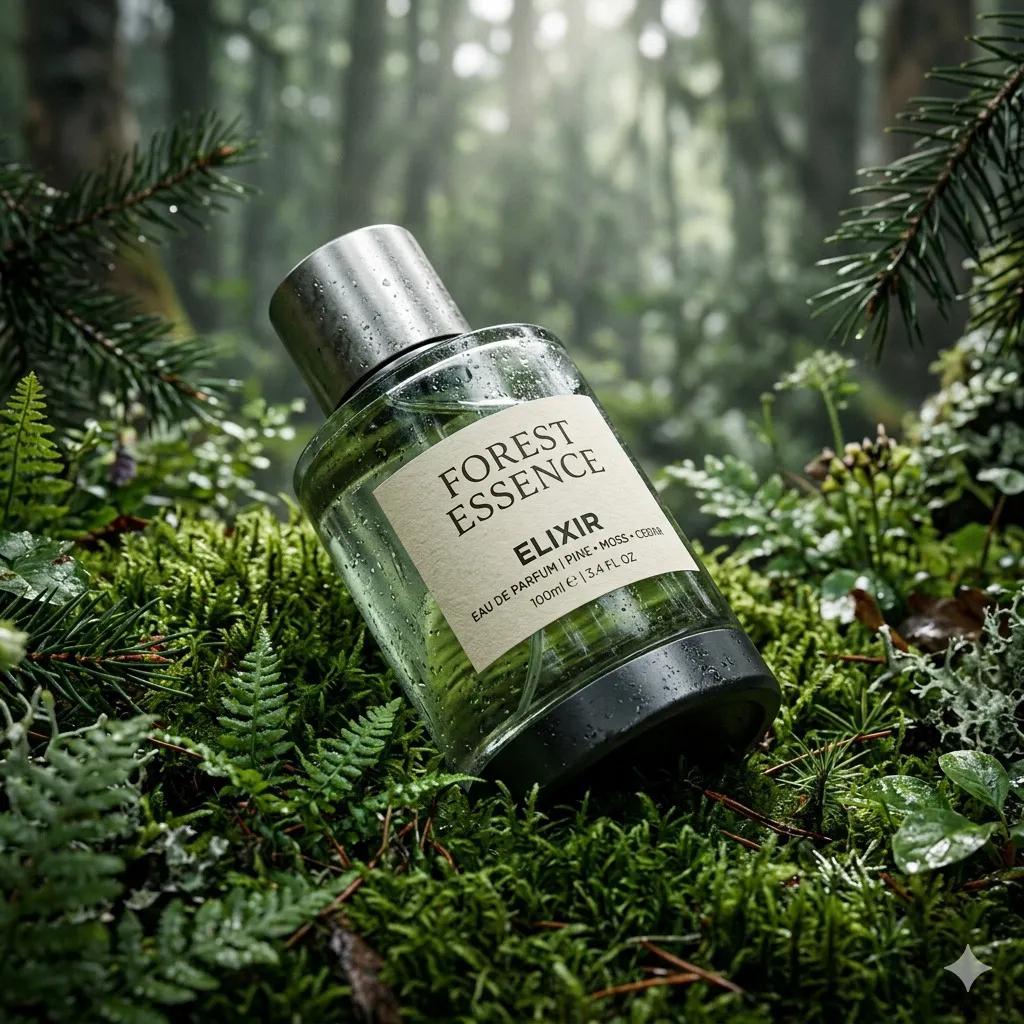
Ultra-Realistic Forest Essence Elixir Perfume Product Shot
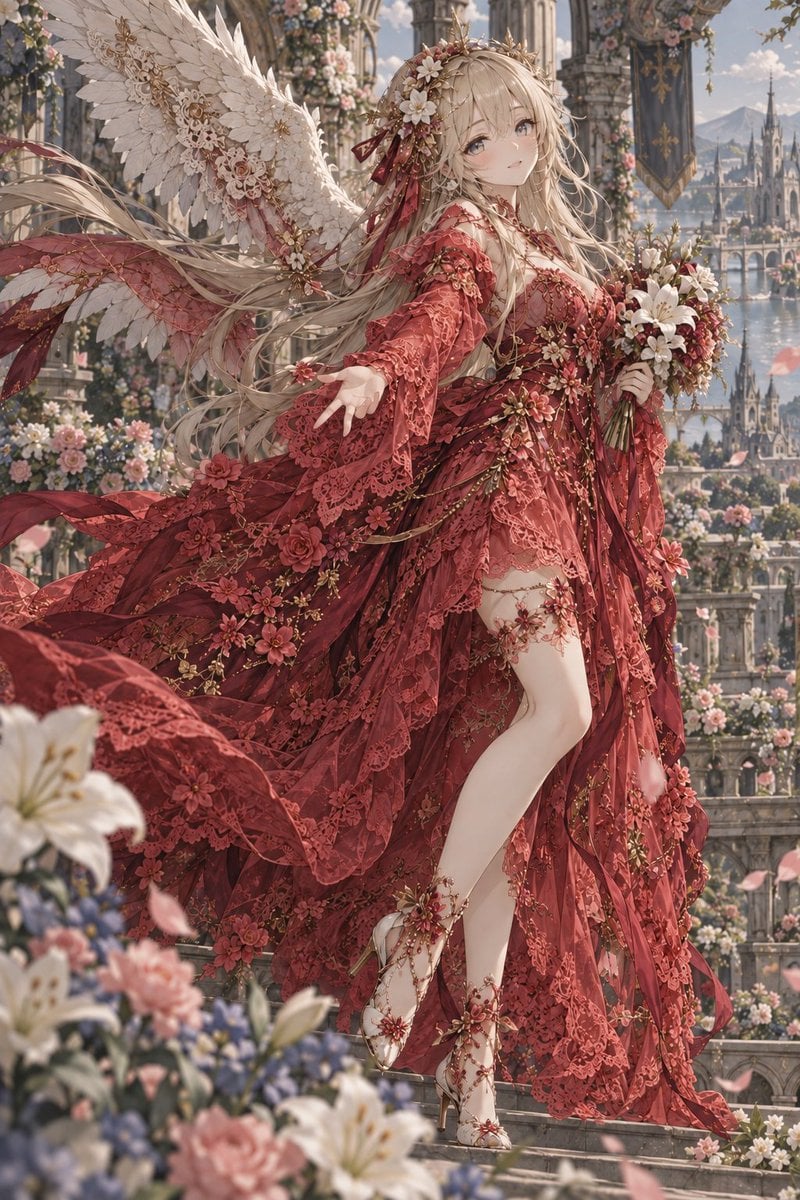
Crimson Angel Princess in Floral Cathedral
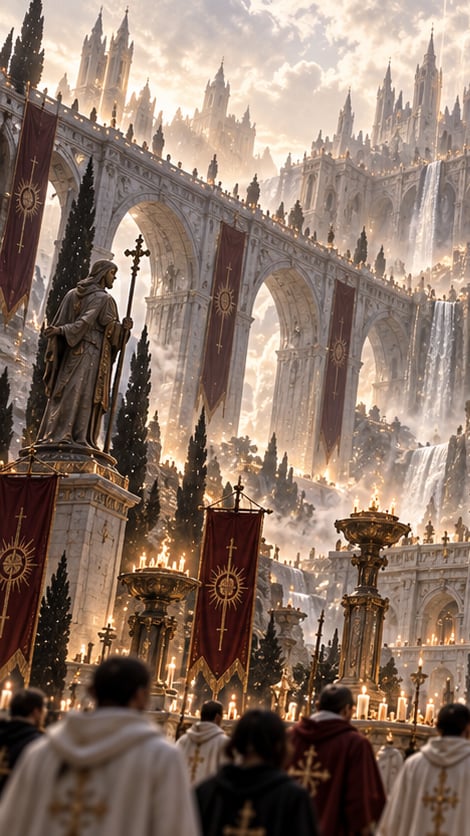
Gothic Saint Pilgrimage Cathedral
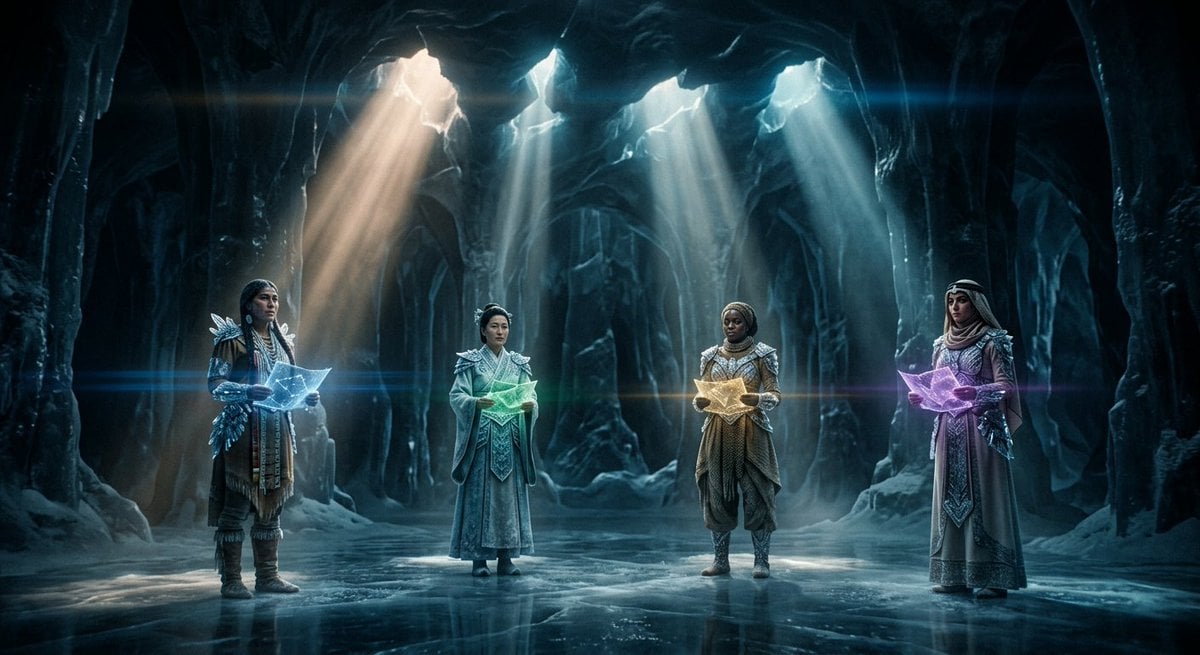
Subterranean Cathedral and Mechanical Whale
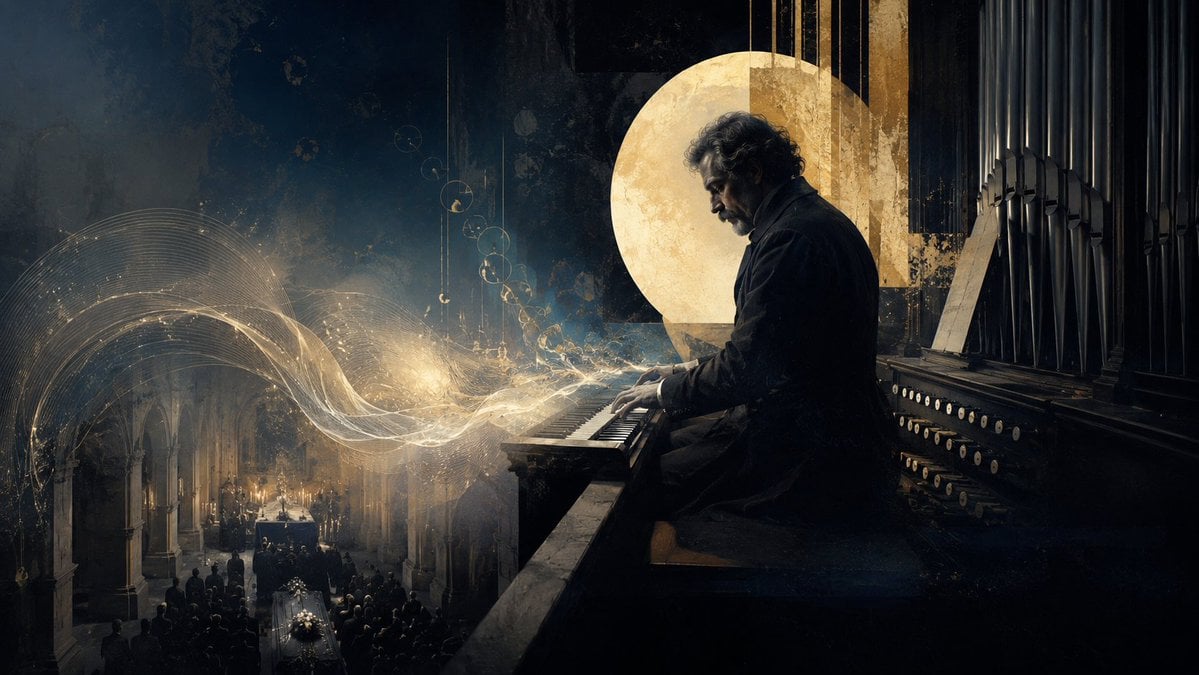
Solemn Cathedral Organist
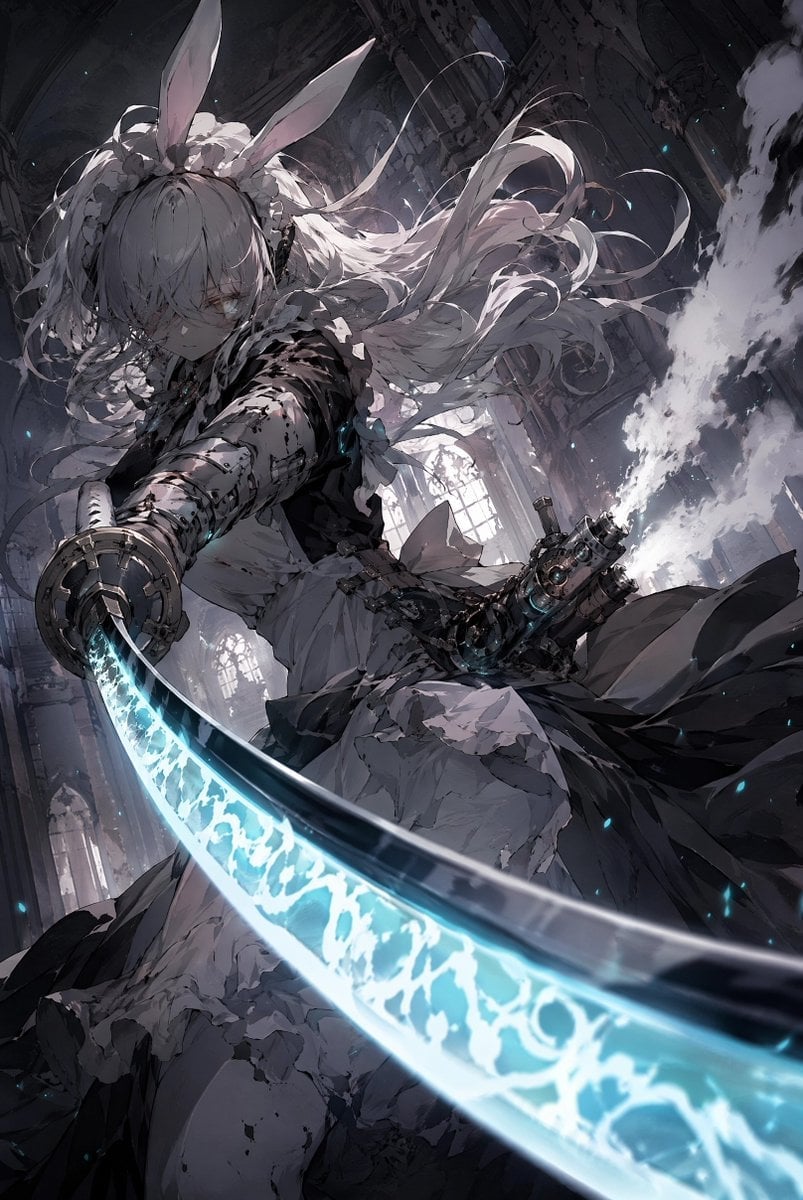
Rabbit-Eared Swordswoman in Ruined Cathedral
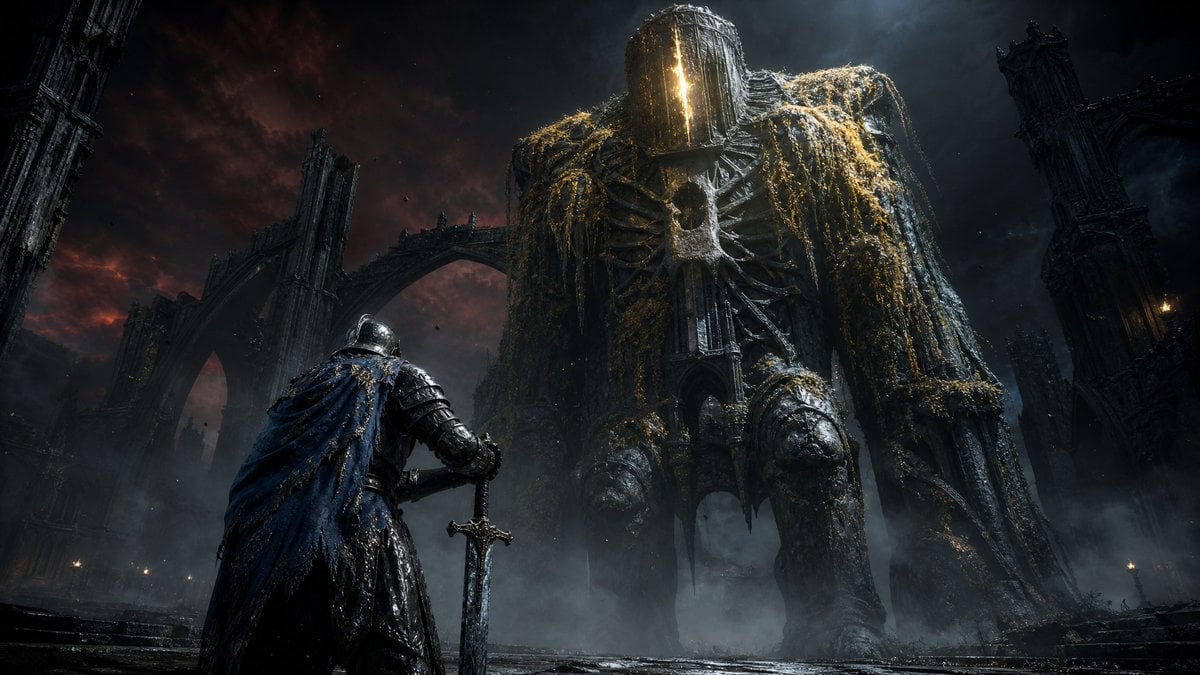
Knight Facing Cathedral Giant
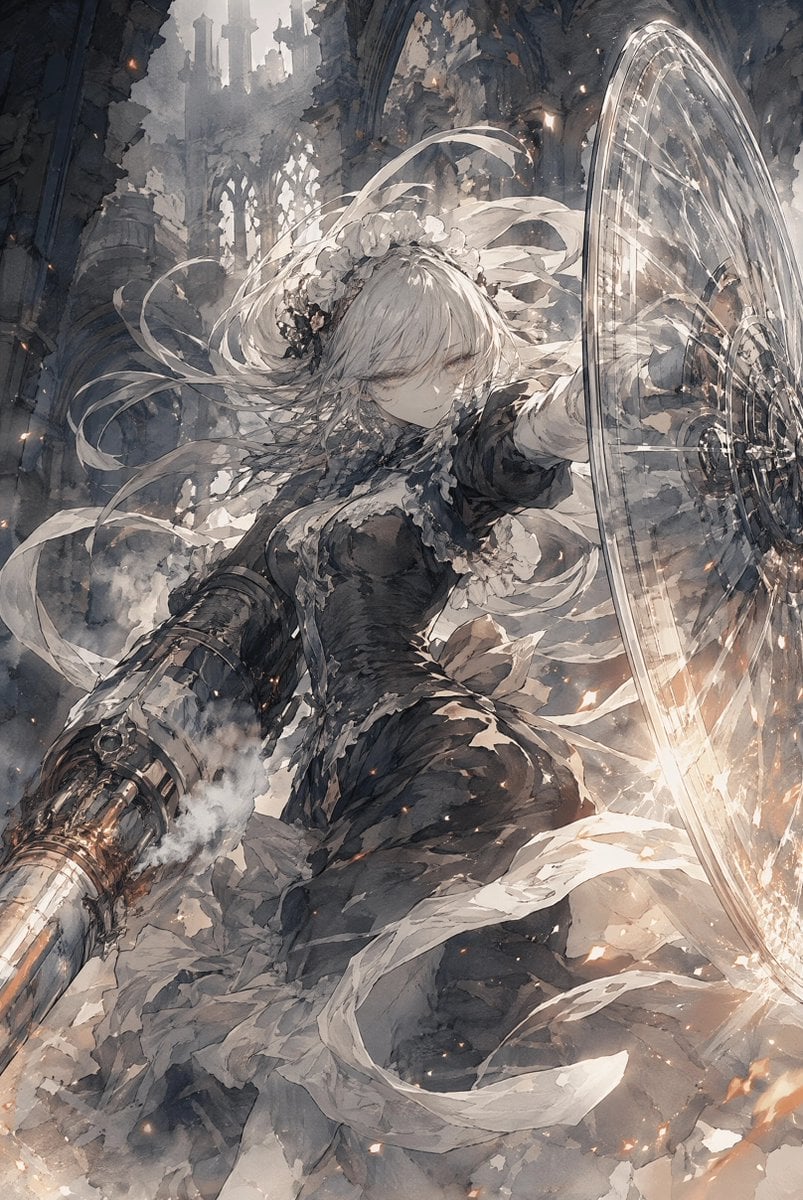
Silver-Haired Cathedral Battle Maiden
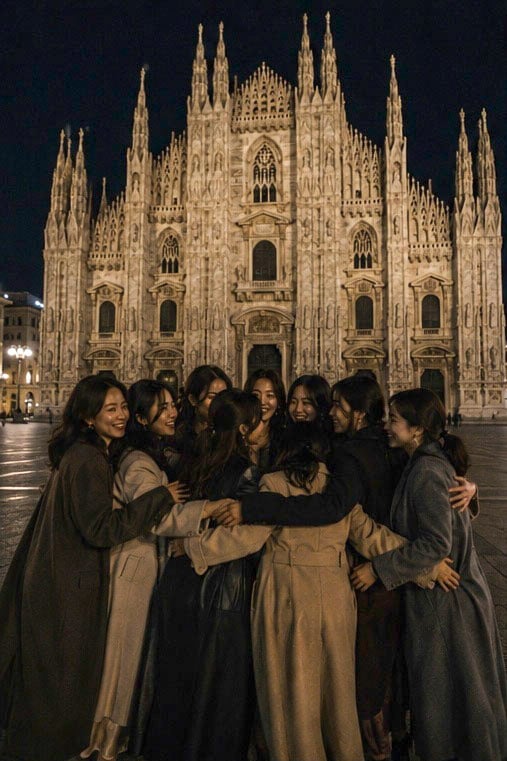
Milan Cathedral Night Group Hug
Make it yours
Crystalline AI Essence Cathedral works as-is. These are the safest ways to change it without losing the look.
Change one field
Copy a single group, rewrite it, and generate again so you can see what that field is doing.
Keep the frame, change the subject
Hold the composition and light of Crystalline AI Essence Cathedral, then swap wardrobe, props or the person for a new take.
| If the result… | Why | Fix |
|---|---|---|
| The result drifts from the preview | Too many fields changed at once. | Reuse Crystalline AI Essence Cathedral as-is first, then change one group — subject, light, or setting. |
| The model over-stylizes the scene | The prose prompt leaves finish and camera underspecified. | Add one camera or lighting sentence and stay on GPT Image 2. |
More GPT Image 2 templates
Other prompts made for GPT Image 2.

Six VTuber Japanese Logo Sheet

Realistic Portrait of Woman and Deer

The Vista Modular Condo Poster

AI Model Routing Comparison Infographic

2.5D Anime Art Board

Isometric Productivity Desk Scene

New York Double Exposure Poster

Four-Panel AI Landscape Comparison

Japanese Tatami Lifestyle Magazine Cover

NESCAFÉ Coffee Map Poster
More image prompts
Fresh picks from across the catalog.

Red Studio Fashion Editorial with Motion Echo Effect
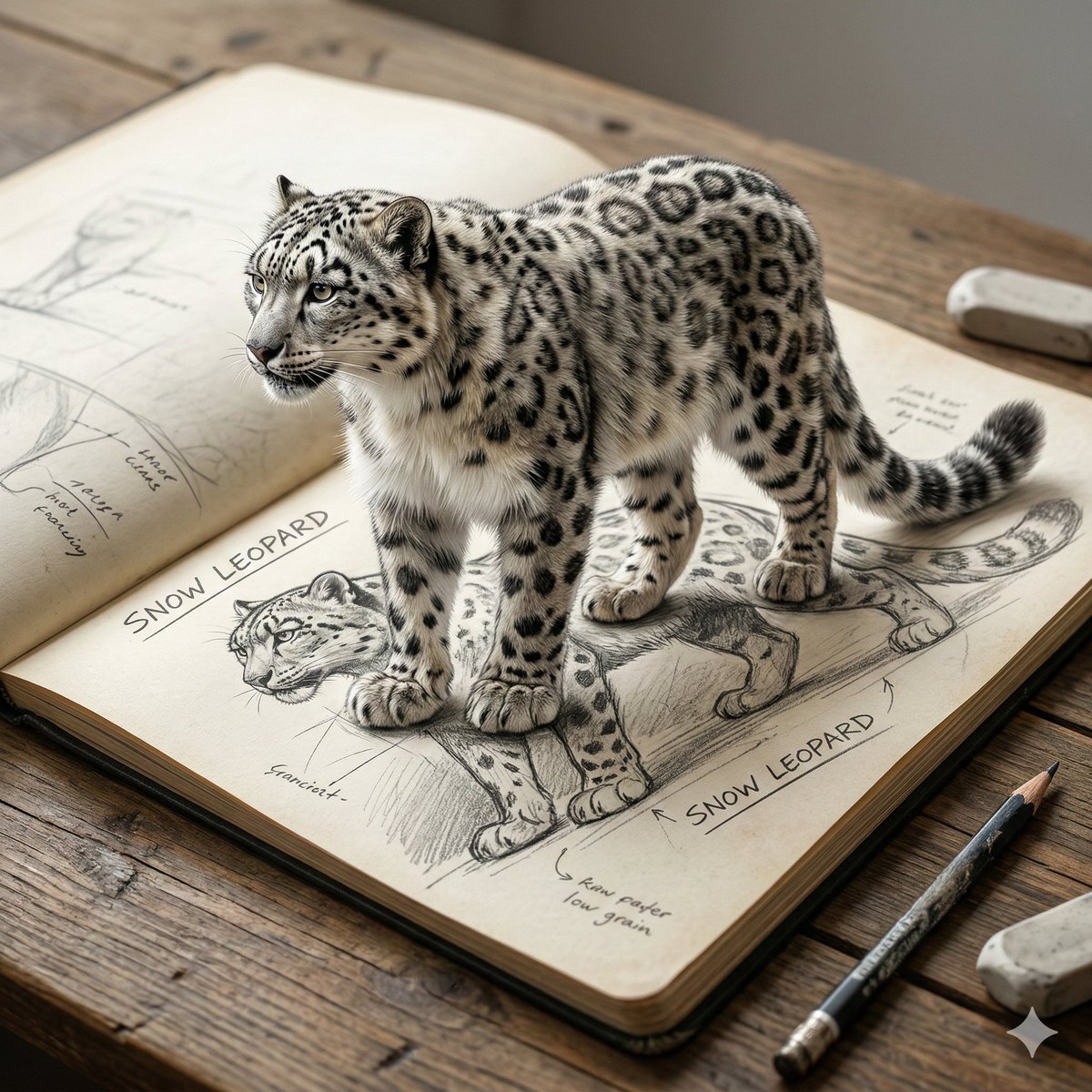
Nano Banana 2 General Image Generation Prompt
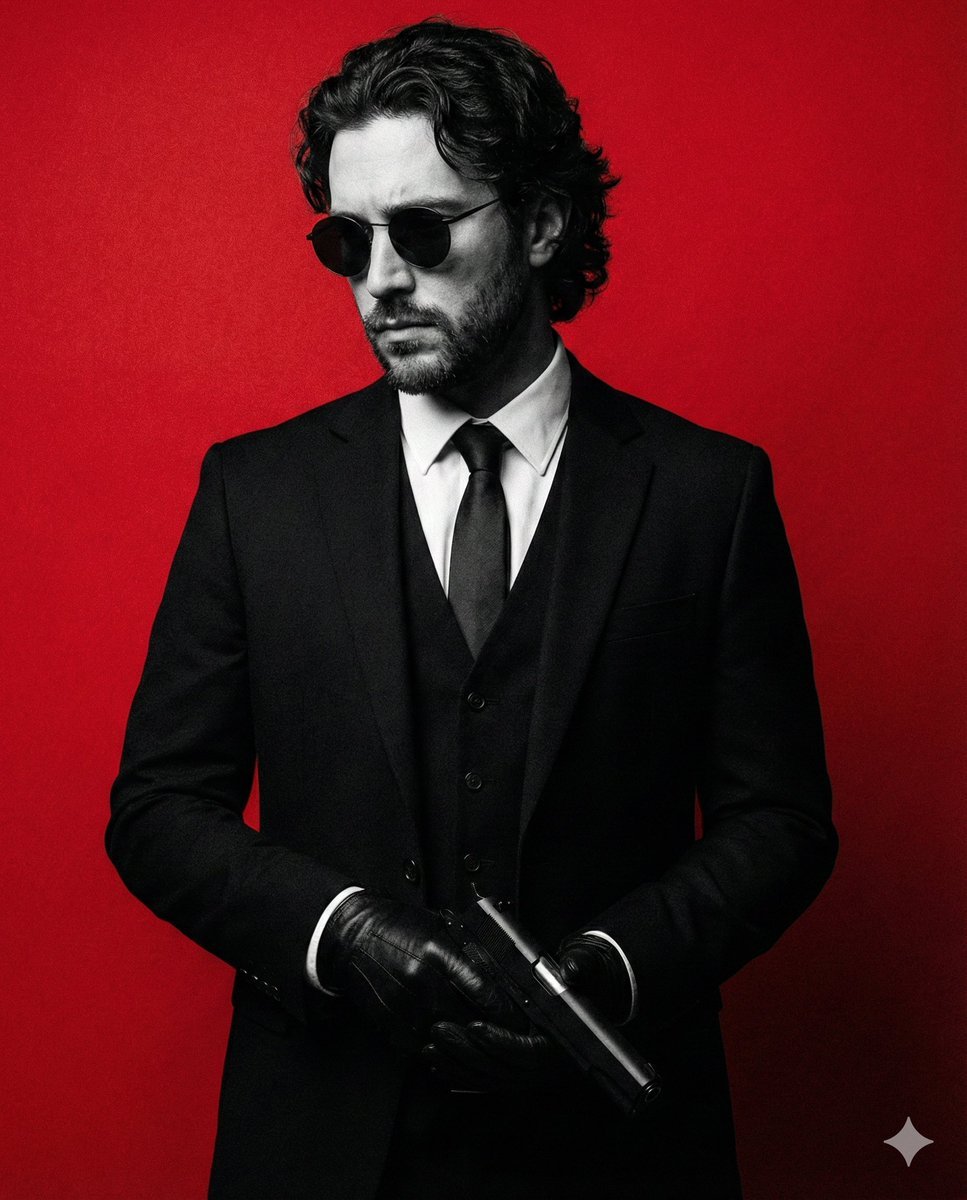
Neo-Noir Fashion Portrait with High Contrast

Mobile App UI Screenshots
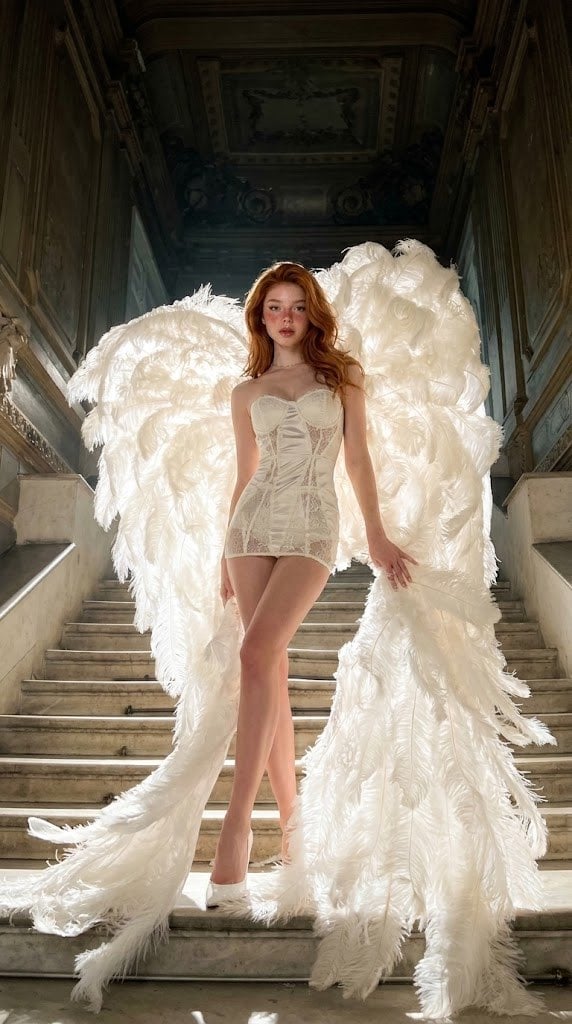
Angelic Haute Couture Editorial
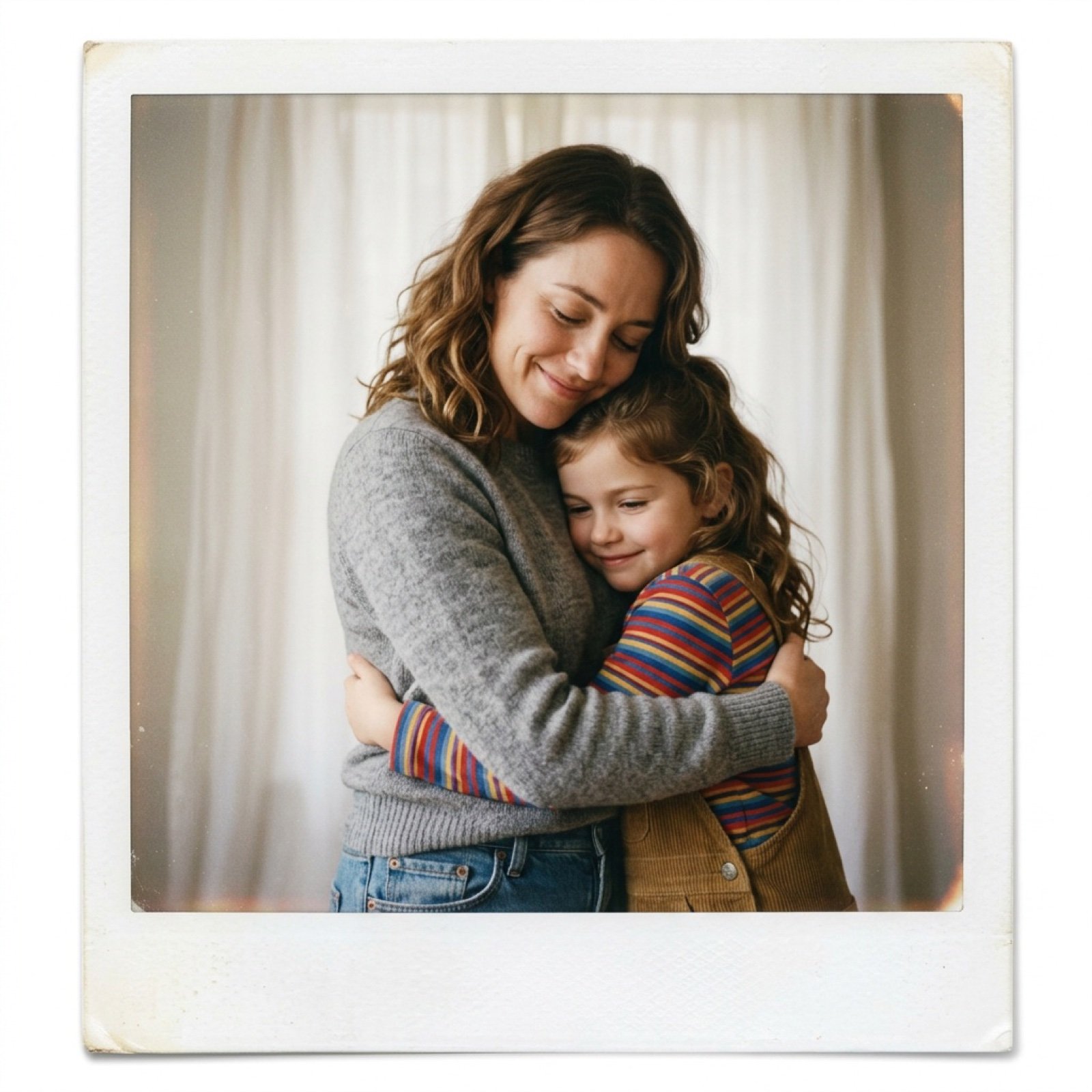
Polaroid Style Photo of Self Hugging Younger Self

Free Christmas Promotional Prompt

Chibi Sparrow Four-Pose Sheet

Nile River Fashion Editorial
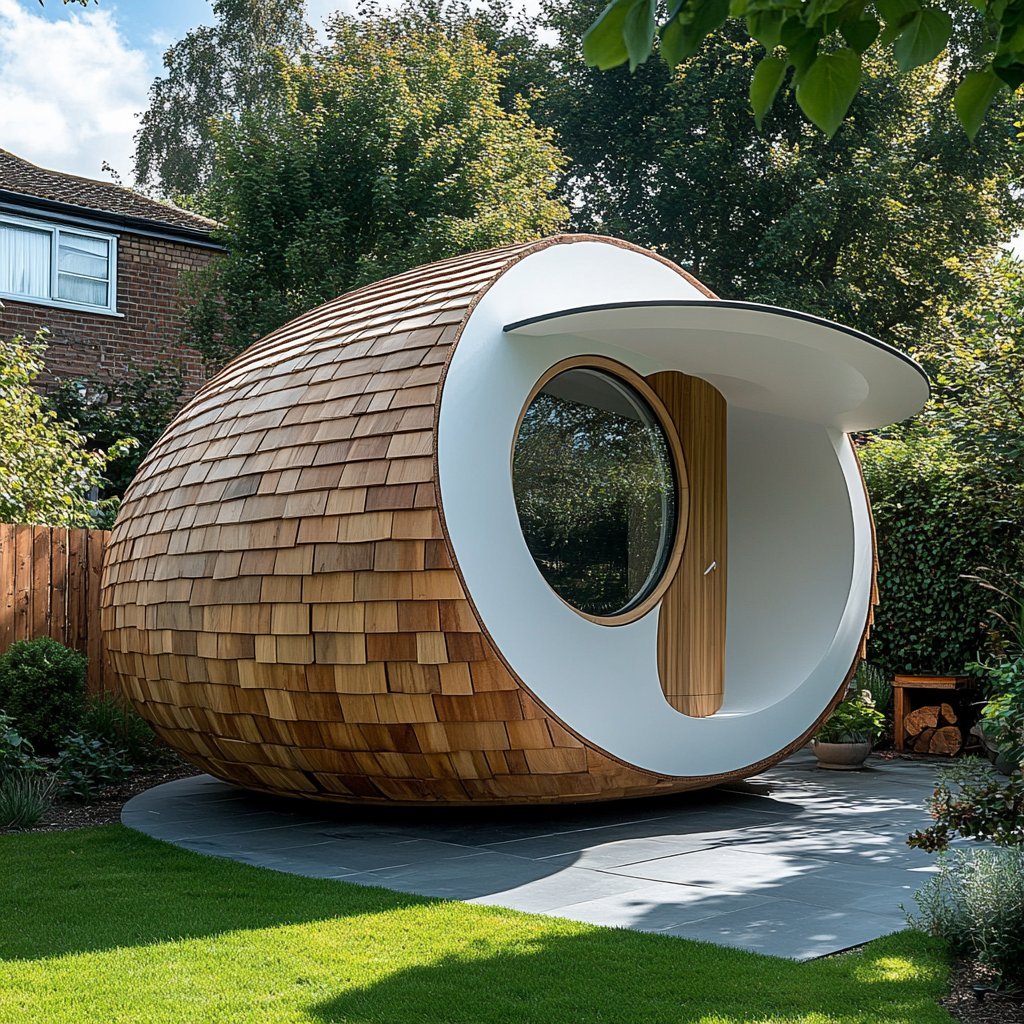
Nano Banana Is So Addictive
Browse template categories
Crystalline AI Essence Cathedral questions
How do I use the Crystalline AI Essence Cathedral template?
Add your photo if the template asks for one, edit the prompt if you like — the template's model and format are already selected — and press Generate. Your version opens in PicX Studio.
Can I customize the Crystalline AI Essence Cathedral template?
Yes. You can change the subject, setting, lighting, mood, format, and available model controls before creating your image.
Is the Crystalline AI Essence Cathedral template free?
Opening and editing this template is free. Generating uses credits, shown on the Generate button when you are signed in.
Which AI model should I use?
Start with GPT Image 2, which is the model associated with this template. You can compare another compatible model for a different finish.
Looking for something else? Browse all templates.

Your photo, any look
Thousands of ready templates for every top image and video model, from one credit balance.