
Winter Kunoichi Tea Scene
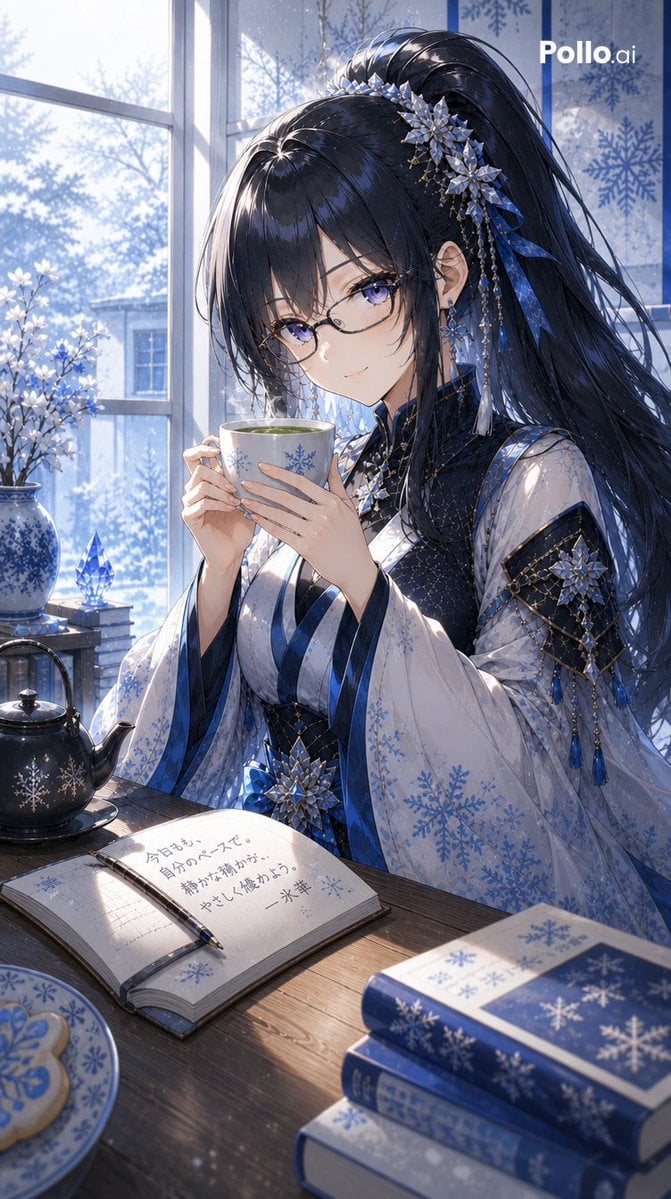
A detailed vertical anime prompt for creating a serene snow-themed kunoichi character enjoying tea by a frosted window.
- Prompt included
- Model and format preset
- Free template
The prompt behind this image
Copy the exact prompt behind Winter Kunoichi Tea Scene, or open it in the studio and make it yours.
Create a vertical 9:16 highly detailed anime illustration of a graceful winter kunoichi woman named {argument name="character name" default="Yuki Hana"} sitting at a wooden table beside a bright frosted window on a snowy morning. She has very long glossy {argument name="hair color" default="black-blue"} hair tied in a high ponytail, with flowing loose strands and ornate blue-white snowflake hair ornaments, crystal flowers, dangling chains, ribbons, and tassels. Her face is intentionally hidden by a centered soft gray square censor block covering the full facial area, while her visible ears, hair, hands, and outfit remain detailed. She wears an elegant layered ninja-inspired kimono in {argument name="main outfit colors" default="white, navy blue, and icy silver"}, with translucent sleeves, dark inner collar, snowflake embroidery, blue ribbons, metallic trim, jeweled floral brooches, and winter crystal accessories. She holds a white porcelain teacup with blue snowflake patterns in both hands, with warm tea visible inside. The room is filled with cold blue sunlight, sparkling snow particles, and delicate reflections. Outside the large window, show frost, snowflake patterns on the glass, bare winter trees, and a pale building in the distance. On the wooden table include exactly 7 distinct tabletop items: 1 black teapot decorated with a white snowflake, 1 open notebook or journal with handwritten Japanese poetry reading {argument name="notebook text" default="今日も、雪やコンペで。静かにお祝い。やさしく優れよう。—水華"}, 1 pen laid diagonally across the open pages, 1 stack of exactly three blue-and-white snowflake books at the lower right, 1 blue-and-white patterned plate at the lower left, 1 single snowflake-decorated cookie on the plate, and 1 small blue crystal ornament near the window. In the background include exactly 1 blue-and-white porcelain vase holding white winter blossoms. Use luminous polished anime art, intricate fabric detail, crisp linework, soft depth of field, cool blue and white palette, magical snow sparkle atmosphere, cinematic lighting, and a serene tea-time composition. Add a small white watermark text {argument name="watermark text" default="Pollo.ai"} in the upper-right corner. Avoid extra characters, avoid extra cups, avoid modern clutter, and keep the composition tall and elegant.
How to use Winter Kunoichi Tea Scene in 3 steps
- 1Upload ImagePNG, JPG or paste
Add your photo
Upload the photo the template builds on. The prompt, model and format are already set.
- 2…a portrait of your subject in softgolden-hour light, 85mm…
Personalize
Edit the subject and creative details for your destination.
- 3Generate
Generate
Press Generate — your image is created in PicX Studio, so you can compare it with the original and refine one variable at a time.
More like this
Templates with the same subject, style or setup. Open one to see its prompt.
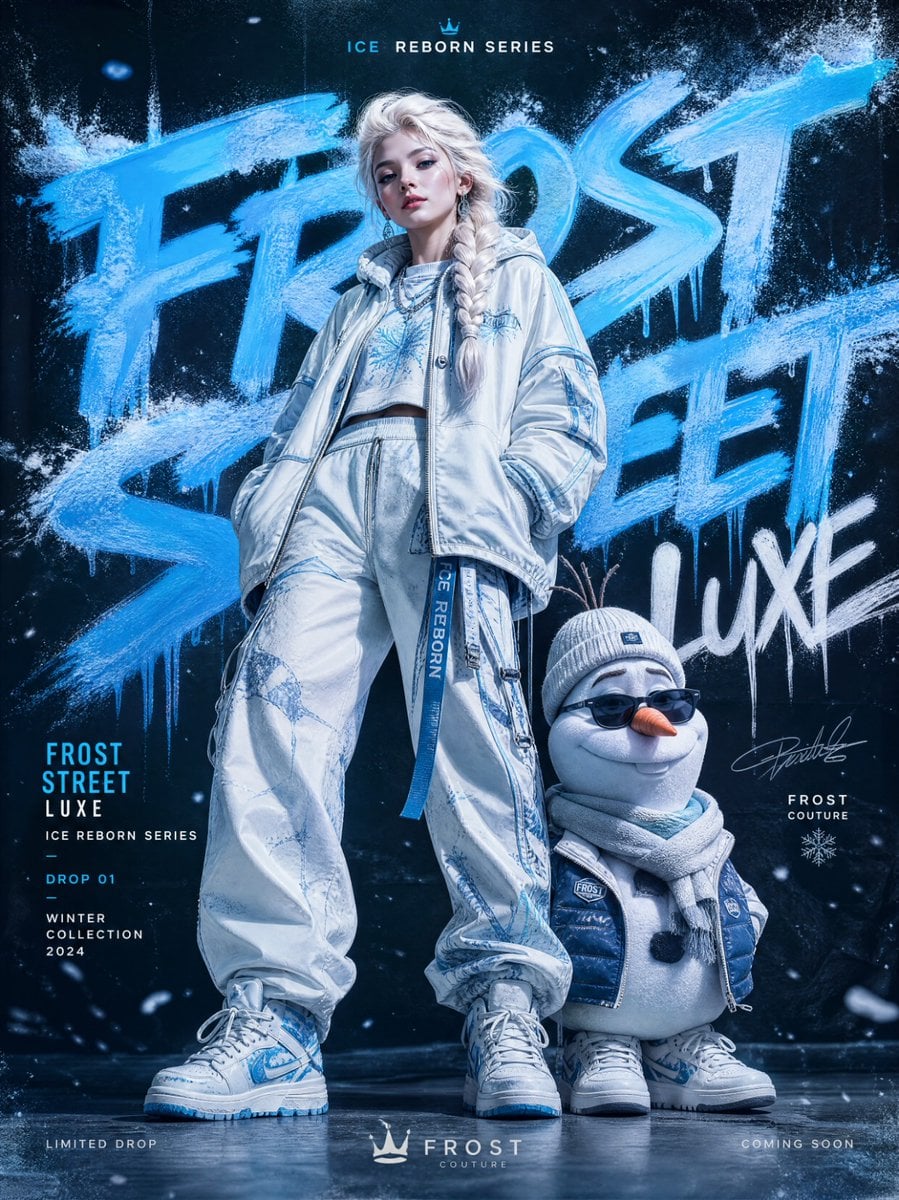
Frozen Street Luxe Graffiti Fashion Campaign
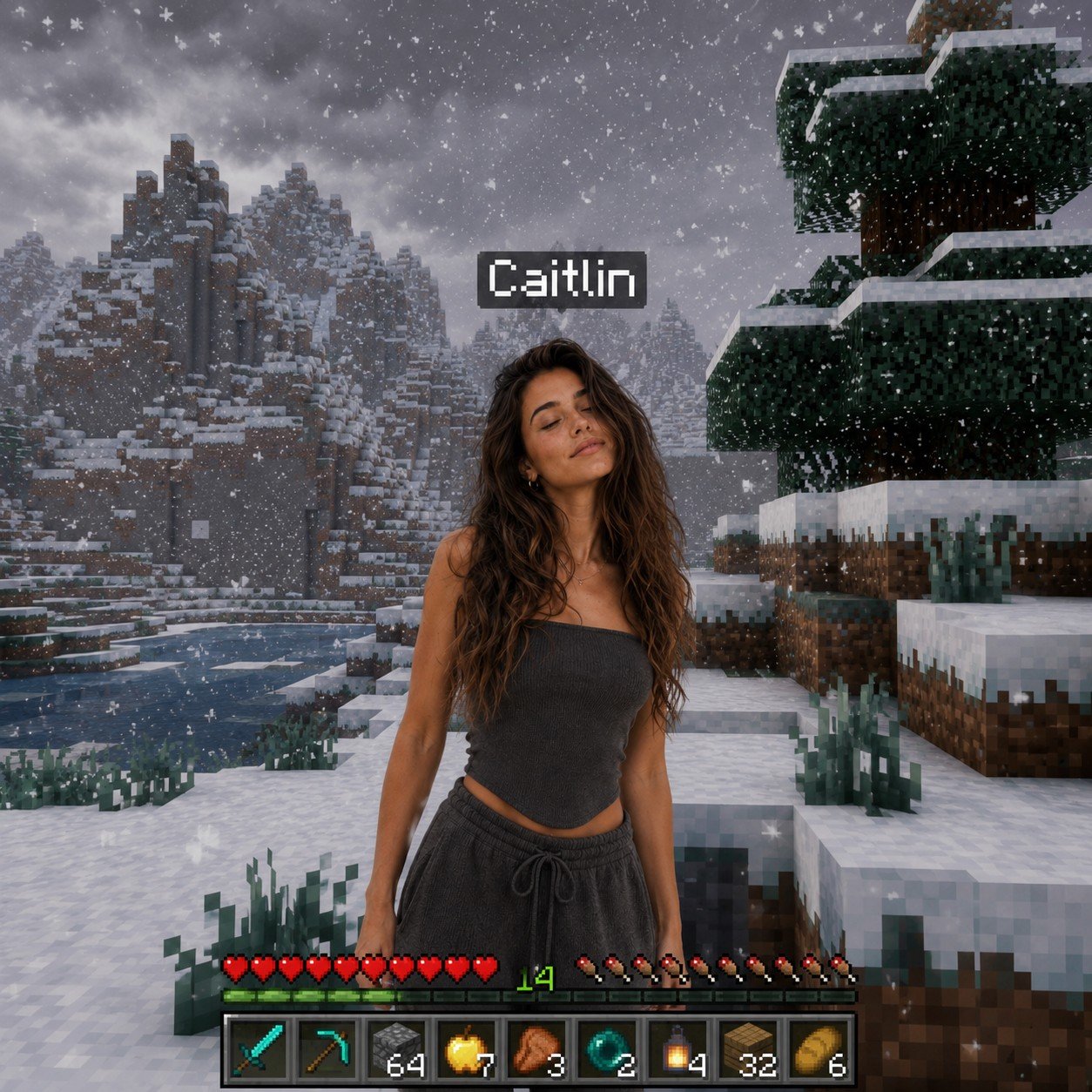
Photoreal Snow Biome Name Tag UI
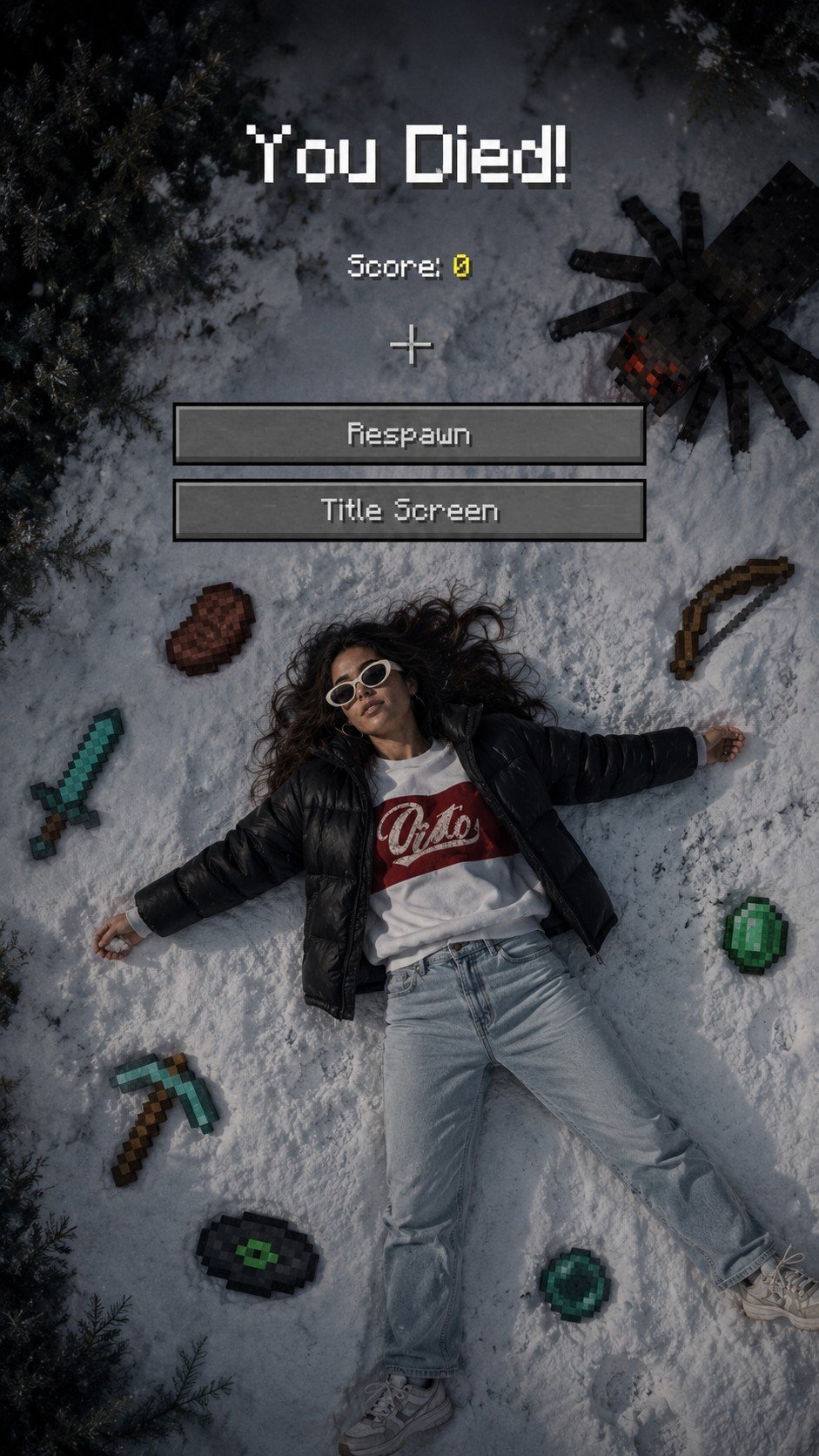
Minecraft You Died Winter Death Screen

Winter, peace, and chocolate.

The sweetest feeling of winter.
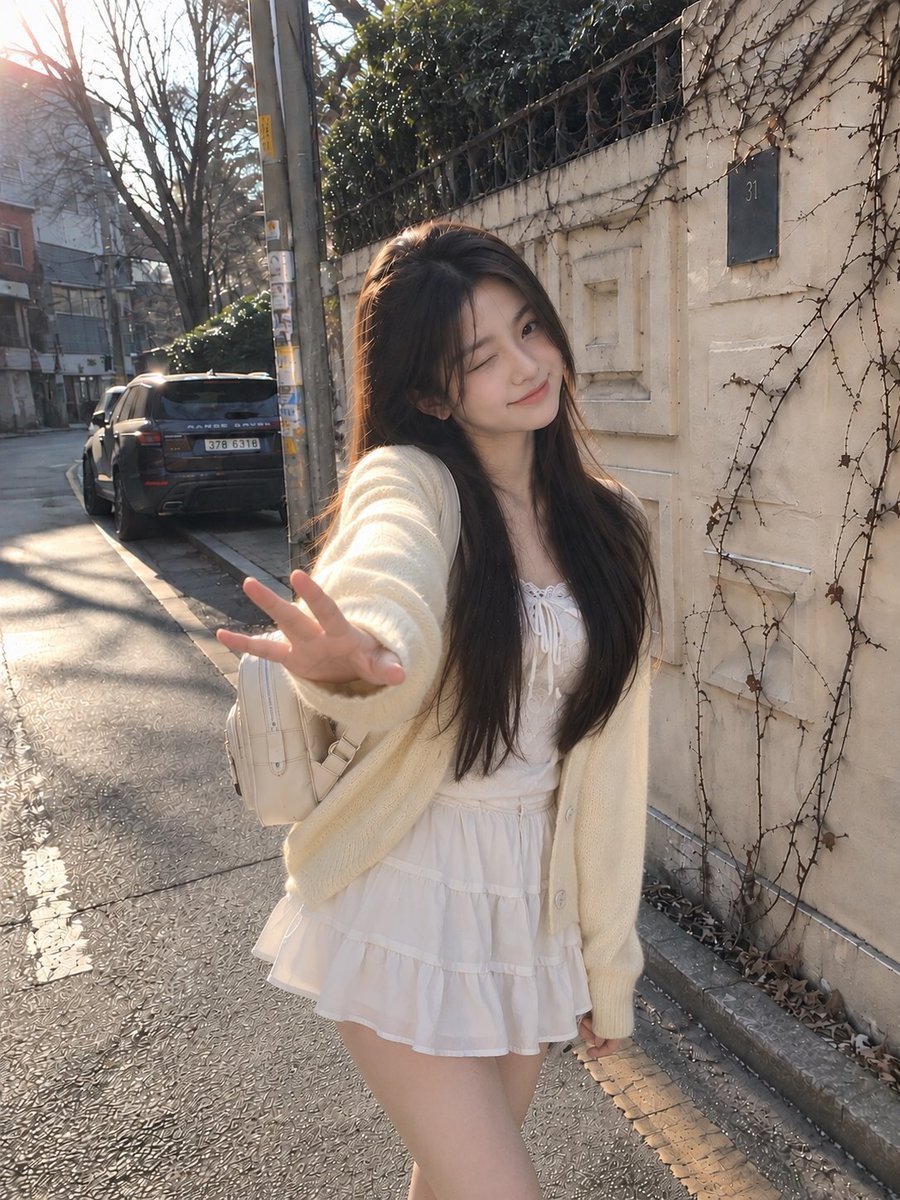
Candid Winter Smartphone Portrait
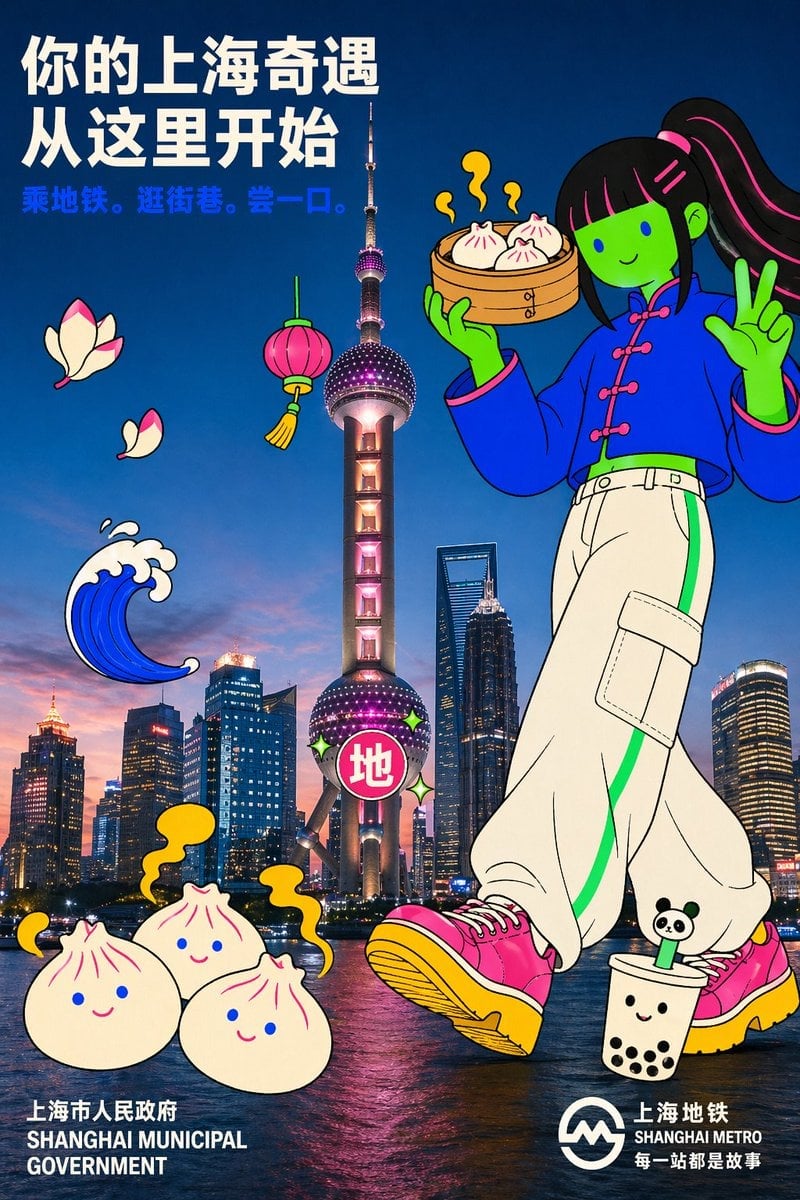
Holding a cartoon xiaolongbao steamer basket up to eye level with one
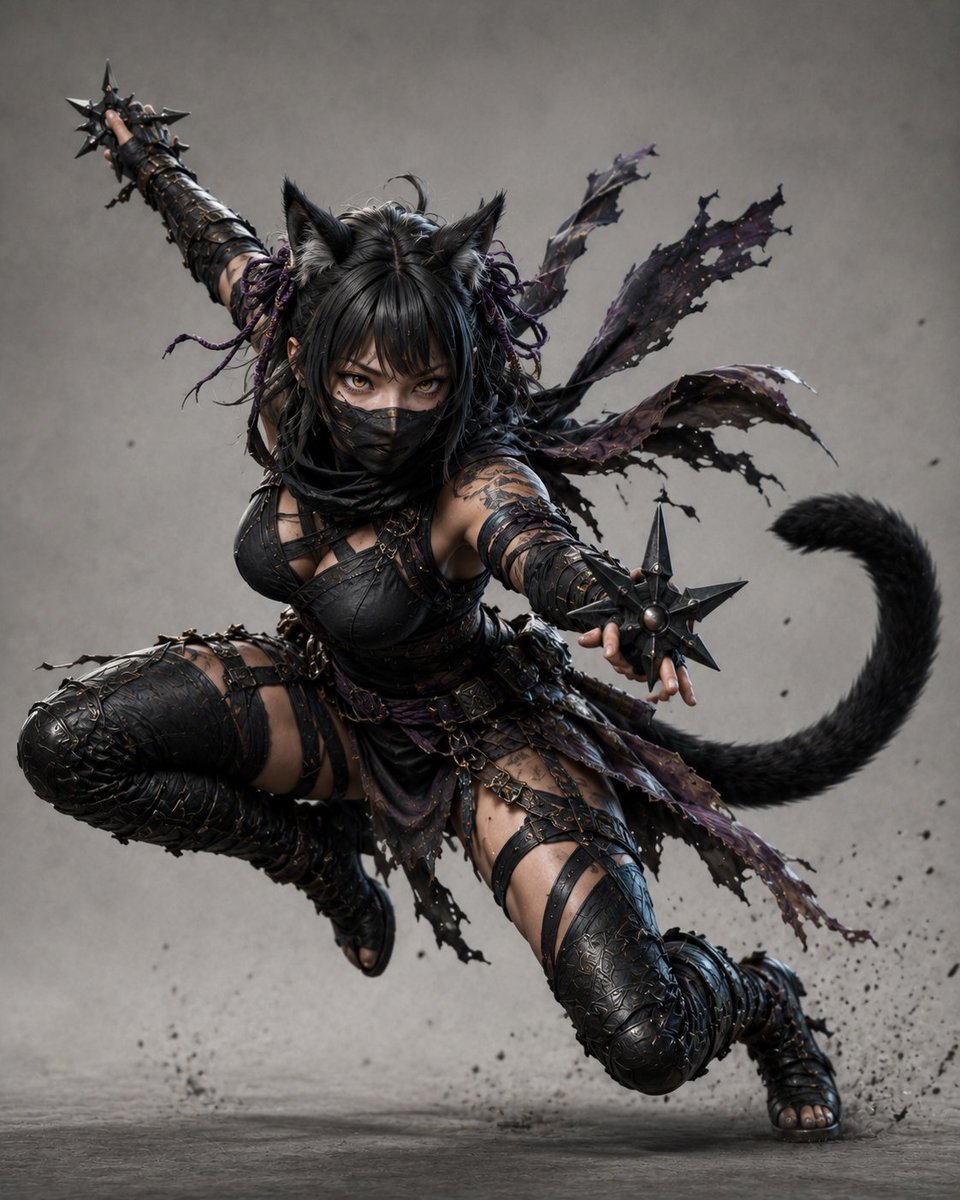
Kunoichi Black Cat Adventurer
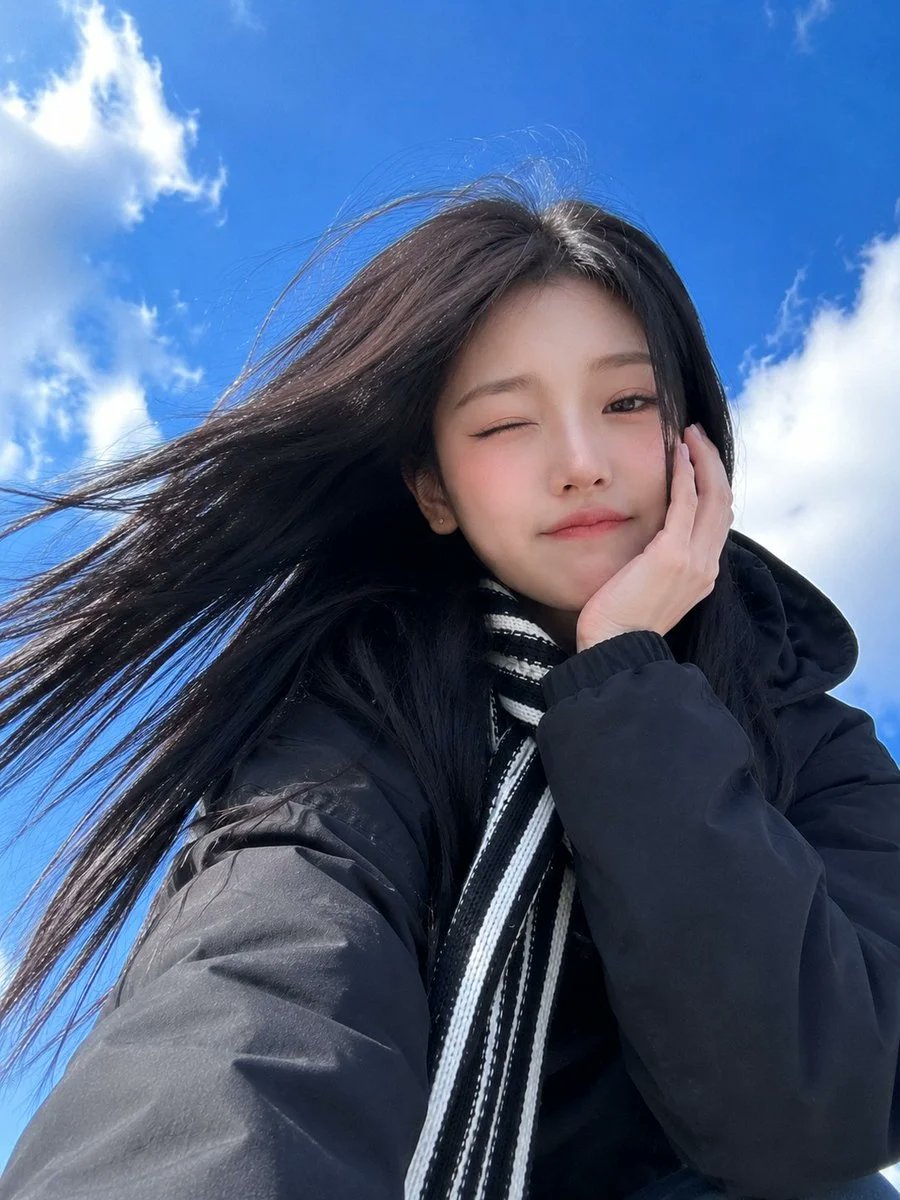
Low-Angle Winter Scarf Selfie

Turkish Grandma Pouring Tea
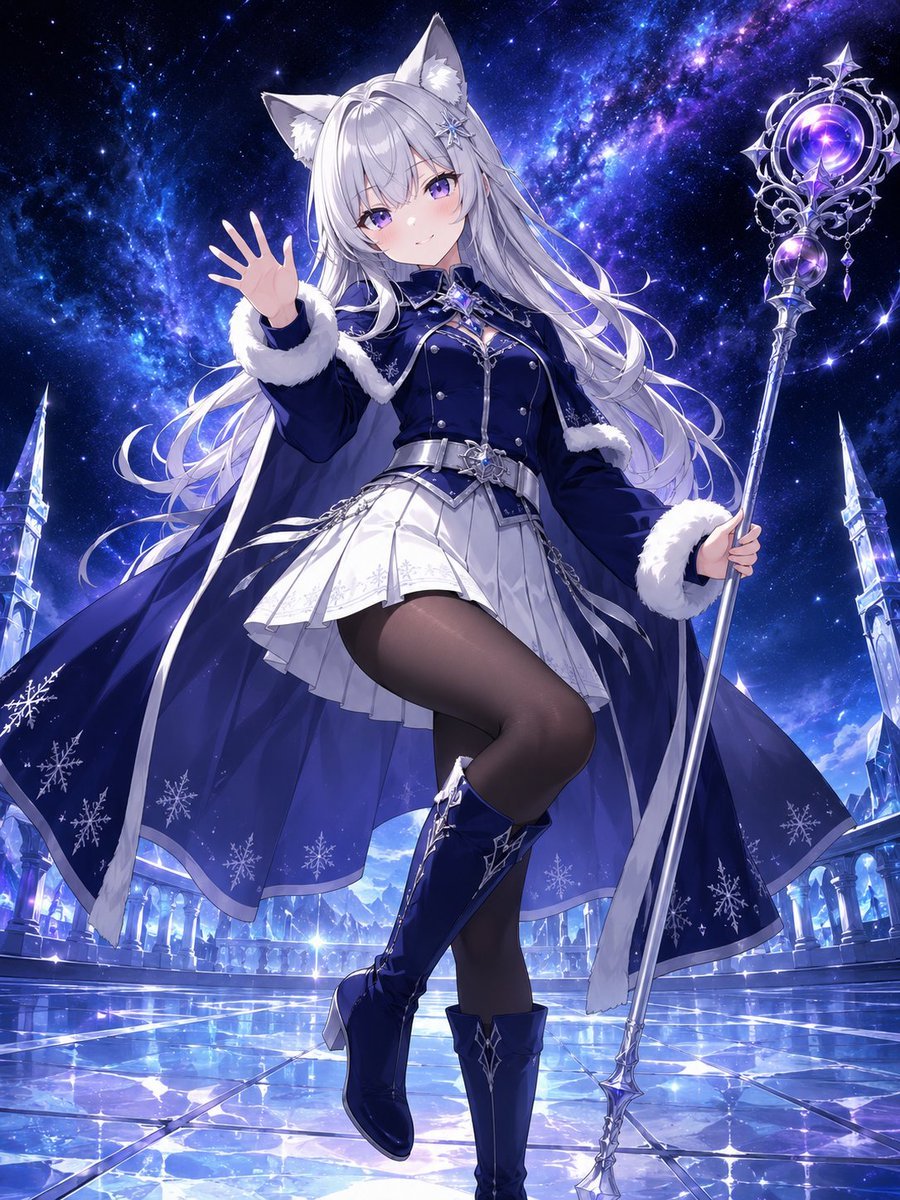
Silver Fox-Eared Winter Mage
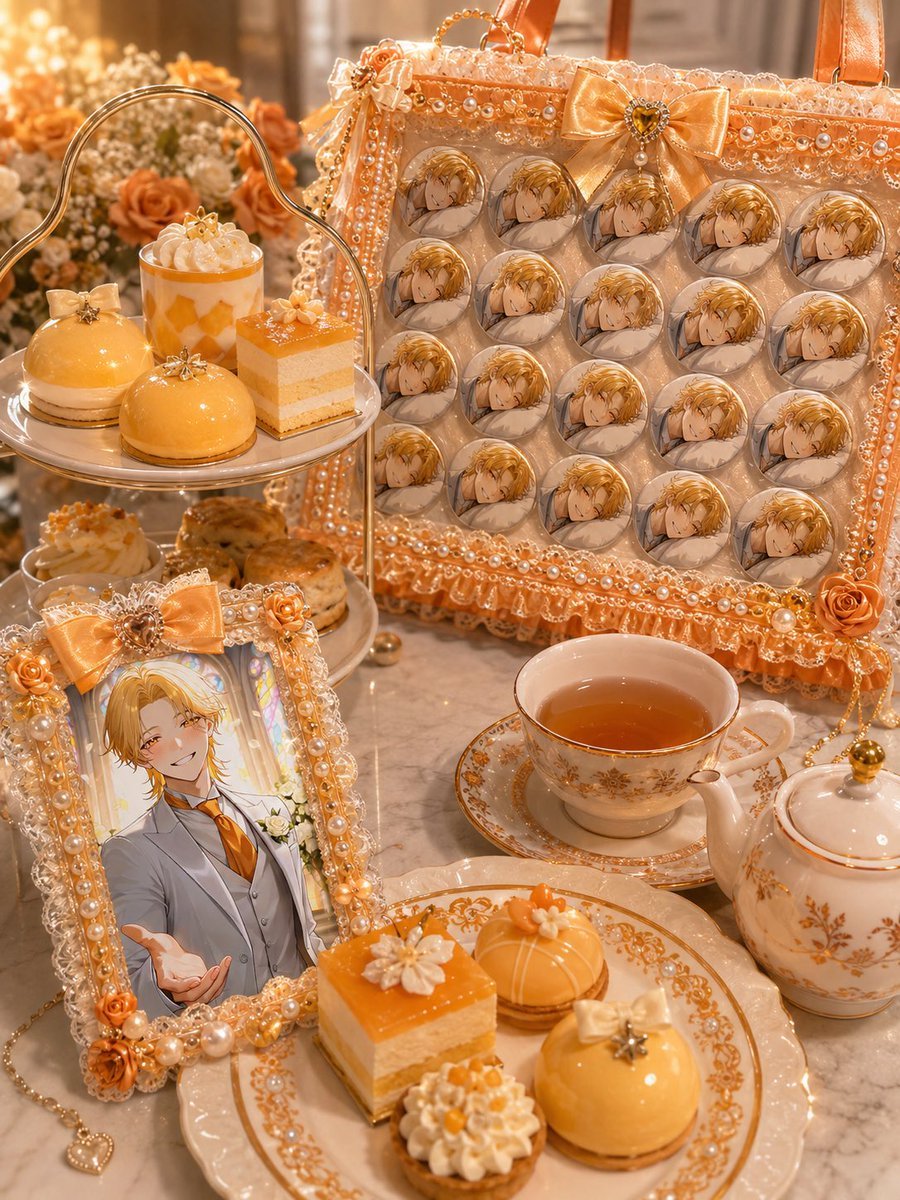
Orange Oshi Afternoon Tea
Make it yours
Winter Kunoichi Tea Scene works as-is. These are the safest ways to change it without losing the look.
Change one field
Copy a single group, rewrite it, and generate again so you can see what that field is doing.
Keep the frame, change the subject
Hold the composition and light of Winter Kunoichi Tea Scene, then swap wardrobe, props or the person for a new take.
| If the result… | Why | Fix |
|---|---|---|
| The result drifts from the preview | Too many fields changed at once. | Reuse Winter Kunoichi Tea Scene as-is first, then change one group — subject, light, or setting. |
| The model over-stylizes the scene | The prose prompt leaves finish and camera underspecified. | Add one camera or lighting sentence and stay on GPT Image 2. |
More GPT Image 2 templates
Other prompts made for GPT Image 2.

Six VTuber Japanese Logo Sheet

Realistic Portrait of Woman and Deer

The Vista Modular Condo Poster

AI Model Routing Comparison Infographic

2.5D Anime Art Board

Isometric Productivity Desk Scene

New York Double Exposure Poster

Four-Panel AI Landscape Comparison

Japanese Tatami Lifestyle Magazine Cover

NESCAFÉ Coffee Map Poster
More image prompts
Fresh picks from across the catalog.
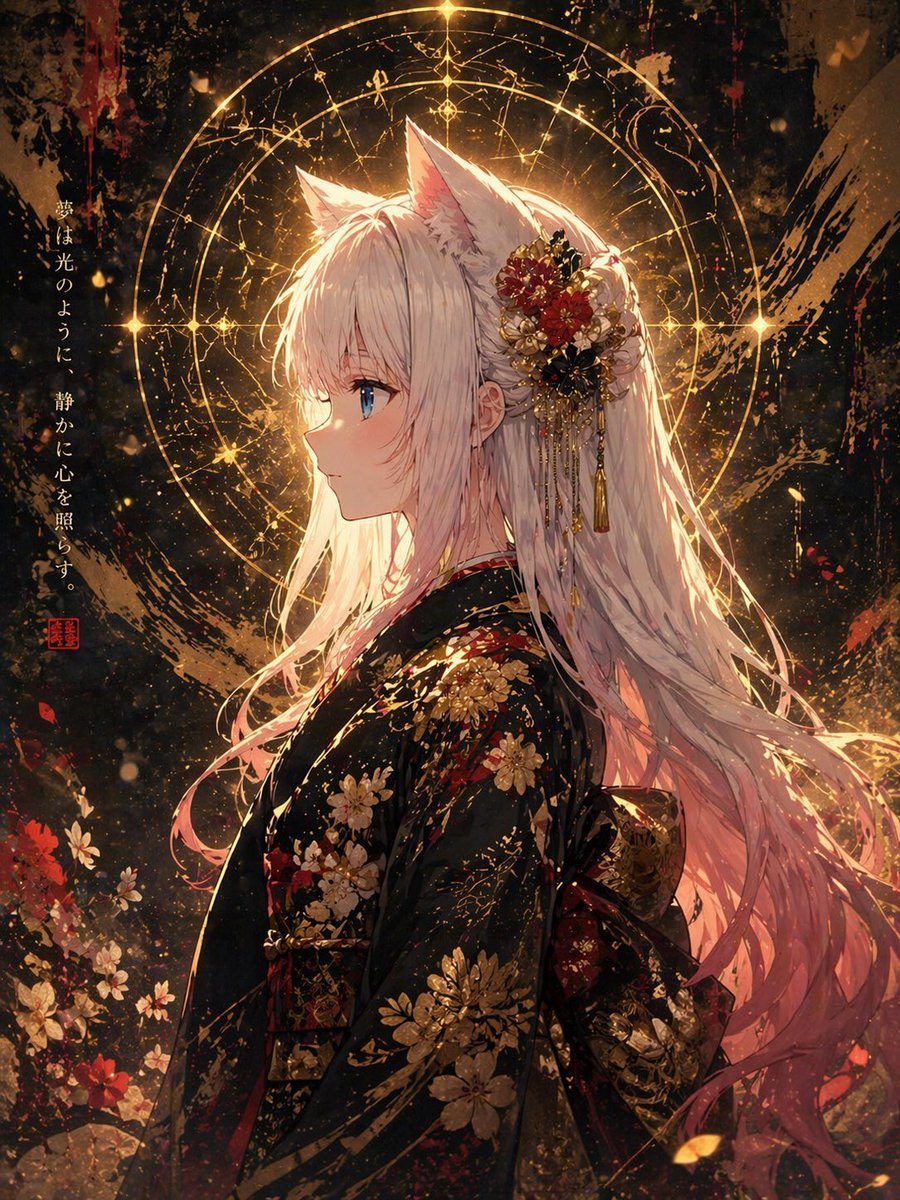
Flat Anime Coloring Modifier
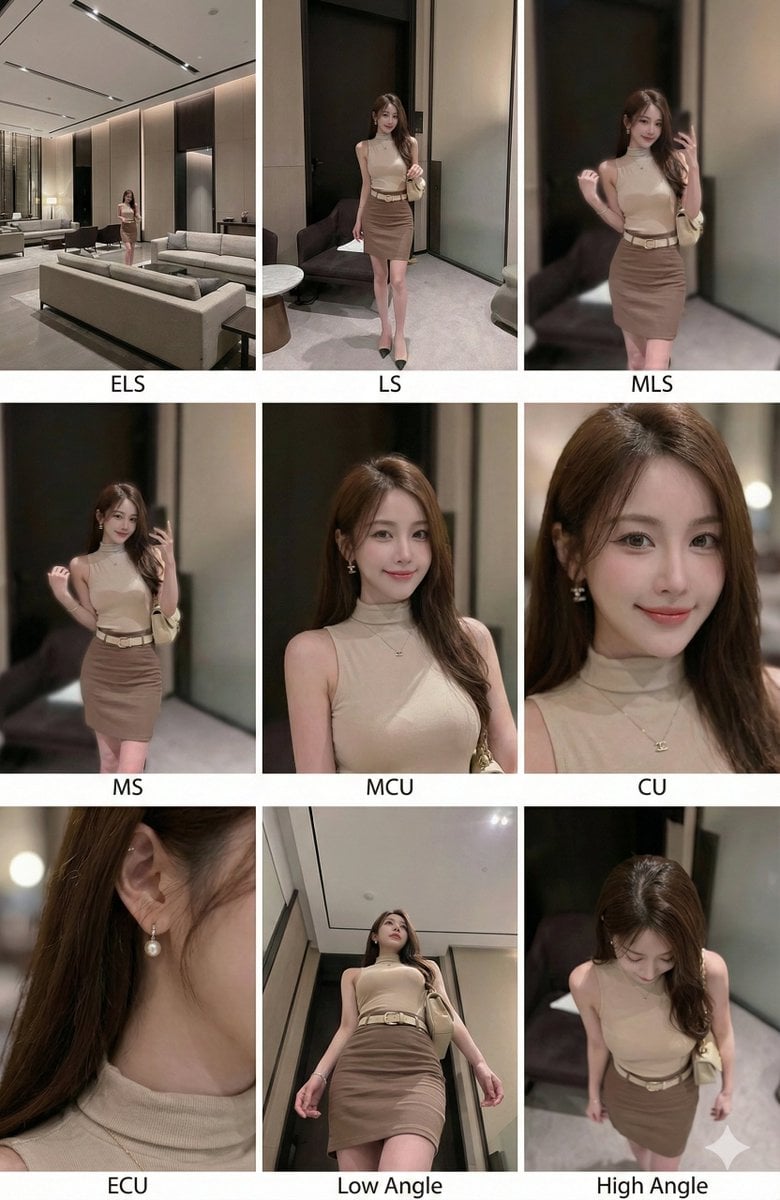
3×3 cinematic storyboard contact sheet from one input image

Goth Style Transformation
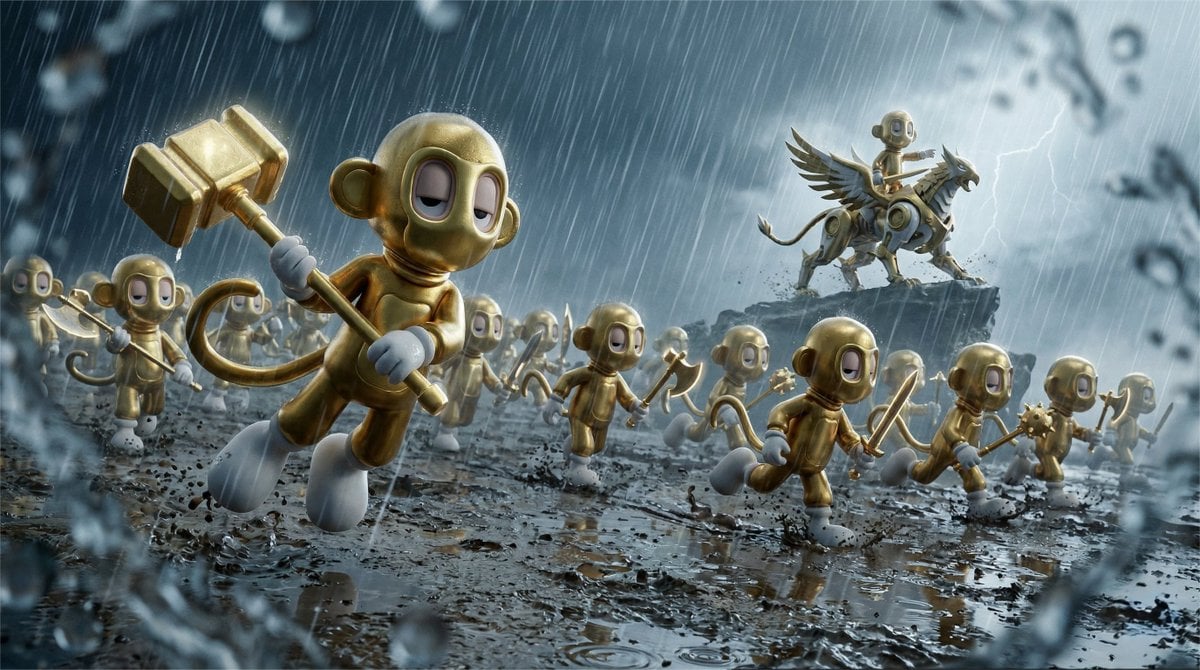
Cinematic Macro Toy Photography of a Charging Army
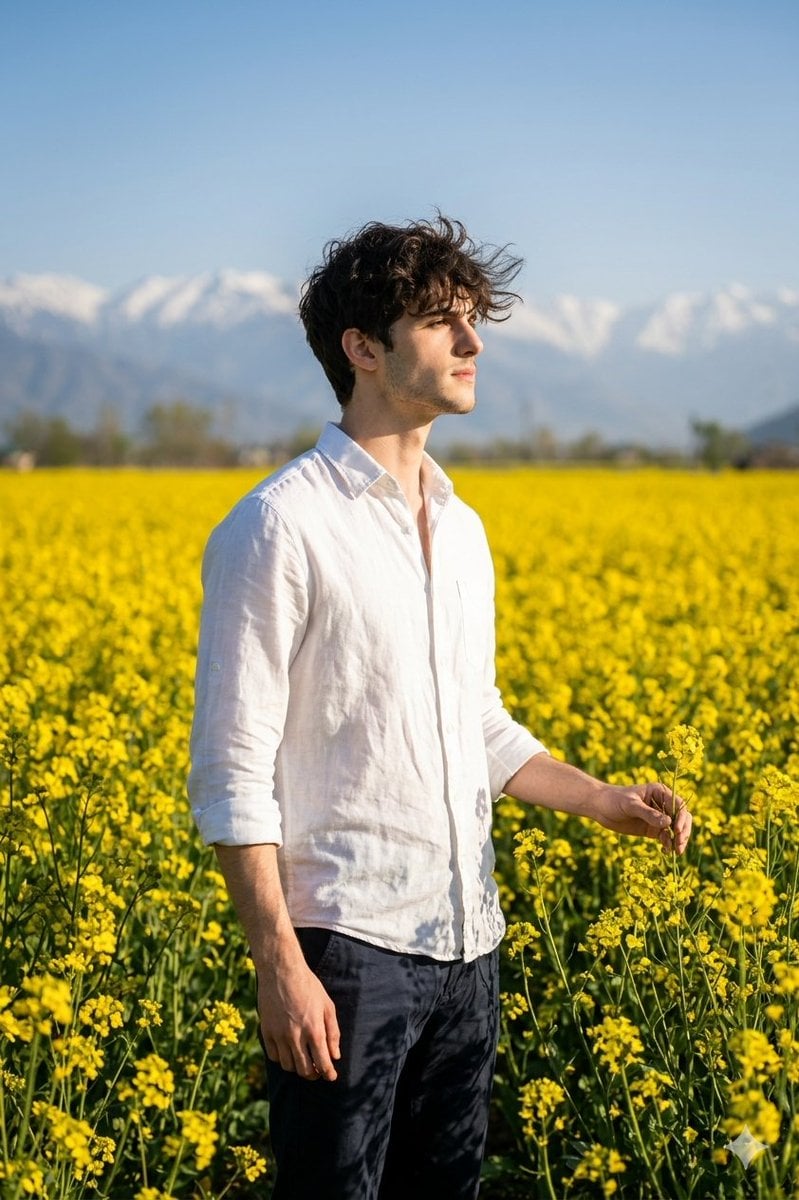
Cinematic Portrait in Kashmir Mustard Field
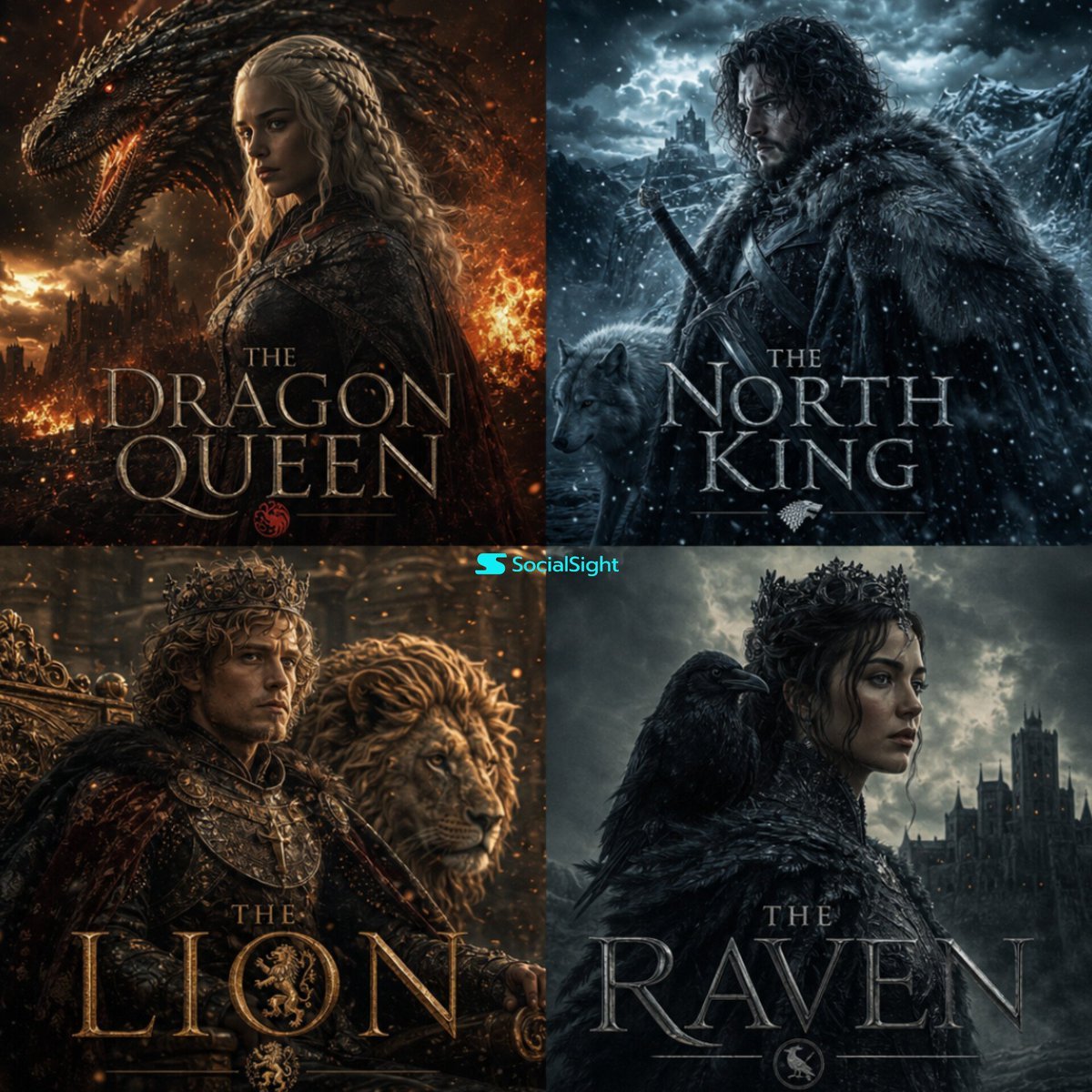
Cinematic Fantasy Character Poster Grid
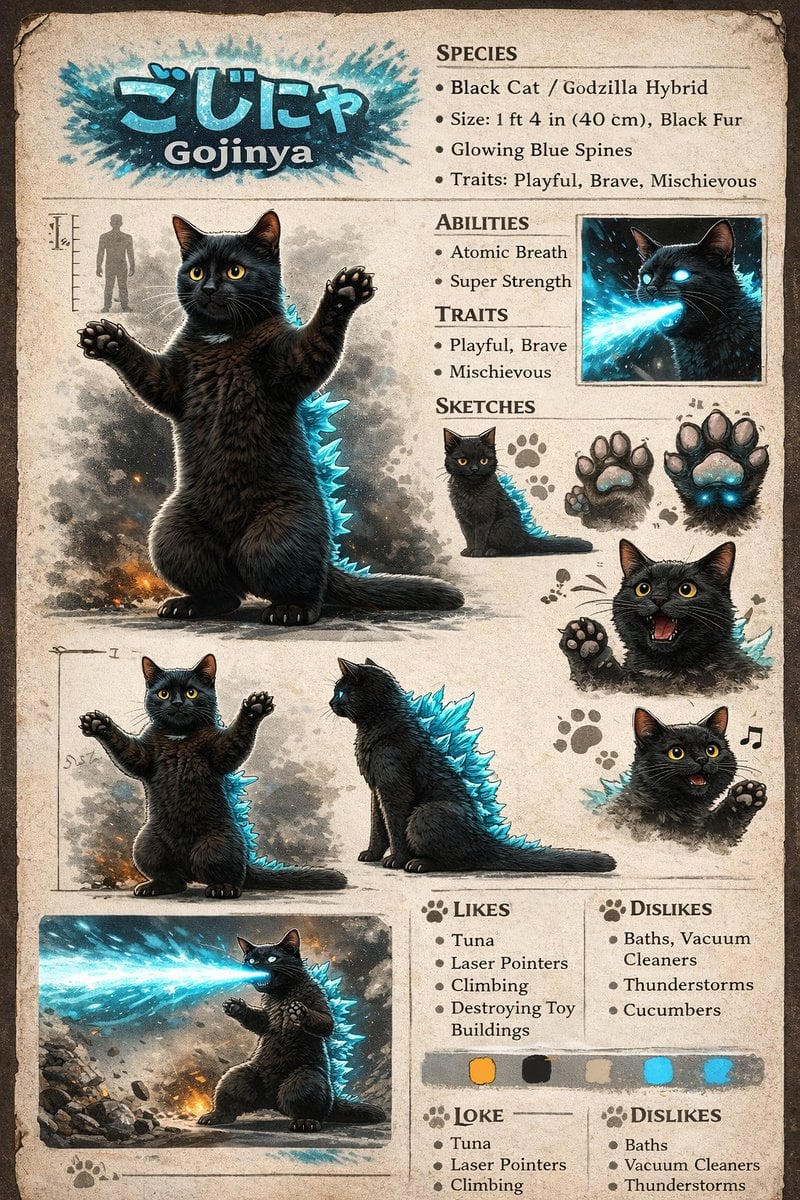
Creature Concept Reference Sheet
Photorealistic MacBook Desktop Selfie Scene

Low-Angle Wedding Editorial with Heart Hands
Cottagecore Cinematic Window Portrait
Browse template categories
Winter Kunoichi Tea Scene questions
How do I use the Winter Kunoichi Tea Scene template?
Add your photo if the template asks for one, edit the prompt if you like — the template's model and format are already selected — and press Generate. Your version opens in PicX Studio.
Can I customize the Winter Kunoichi Tea Scene template?
Yes. You can change the subject, setting, lighting, mood, format, and available model controls before creating your image.
Is the Winter Kunoichi Tea Scene template free?
Opening and editing this template is free. Generating uses credits, shown on the Generate button when you are signed in.
Which AI model should I use?
Start with GPT Image 2, which is the model associated with this template. You can compare another compatible model for a different finish.
Looking for something else? Browse all templates.

Your photo, any look
Thousands of ready templates for every top image and video model, from one credit balance.