
IT Architecture Knowledge Infographic
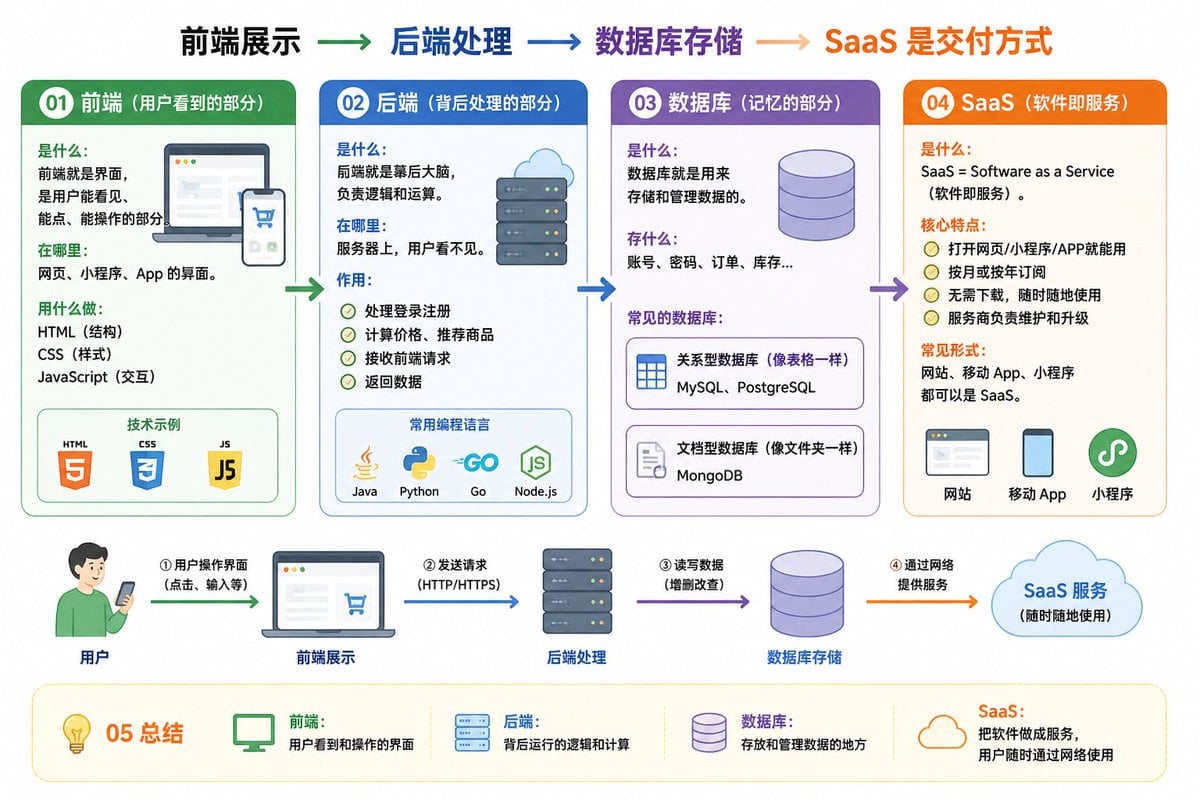
An educational prompt that uses a detailed breakdown of frontend, backend, database, and SaaS concepts to generate a clear, easy-to-understand conceptual infographic map.
- Prompt included
- Model and format preset
- Free template
The prompt behind this image
Copy the exact prompt behind IT Architecture Knowledge Infographic, or open it in the studio and make it yours.
01 前端(用户看到的部分) 是什么:前端就是界面,是用户能看见、能点、能操作的部分。 在哪里:网页、小程序、App 的界面。 用什么做:HTML(结构)、CSS(样式)、JavaScript(交互)。 02 后端(背后处理的部分) 是什么:后端就是幕后大脑,负责逻辑和运算。 在哪里:服务器上,用户看不见。 作用: 处理登录注册 计算价格、推荐商品 接收前端请求、返回数据 常用的编程语言:Java、Python、Go、JavaScript(Node.js) 03 数据库(记忆的部分) 是什么:数据库就是用来存储和管理数据的。 存什么:账号、密码、订单、库存… 常见的数据库: MySQL、PostgreSQL(关系型,像表格一样) MongoDB(文档型,像文件夹一样) 04 SaaS(软件即服务) 是什么:SaaS = Software as a Service(软件即服务)。 核心特点: 打开网页/小程序/APP就能用 按月或按年订阅 常见形式:网站、移动 App、小程序都可以是 SaaS。 05 总结 前端:用户看到和操作的界面 后端:背后运行的逻辑和计算 数据库:存放和管理数据的地方 SaaS:把软件做成服务,用户随时通过网络使用 前端展示 → 后端处理 → 数据库存储 → SaaS 是交付方式 帮我针对上面的内容画一张易于理解的图
How to use IT Architecture Knowledge Infographic in 3 steps
- 1
Open
The prompt is already in the box next to the preview, with the template's model and format selected.
- 2…a portrait of your subject in softgolden-hour light, 85mm…
Personalize
Edit the subject and creative details for your destination.
- 3Generate
Generate
Press Generate — your image is created in PicX Studio, so you can compare it with the original and refine one variable at a time.
More like this
Templates with the same subject, style or setup. Open one to see its prompt.
Structured Knowledge Architecture Infographic

Japan Travel Brochure Poster

Japanese Architectural Concrete Studio Fashion Campaign
Japanese Minimalist Concrete Studio Fashion Editorial
Isometric Process Educational Diorama
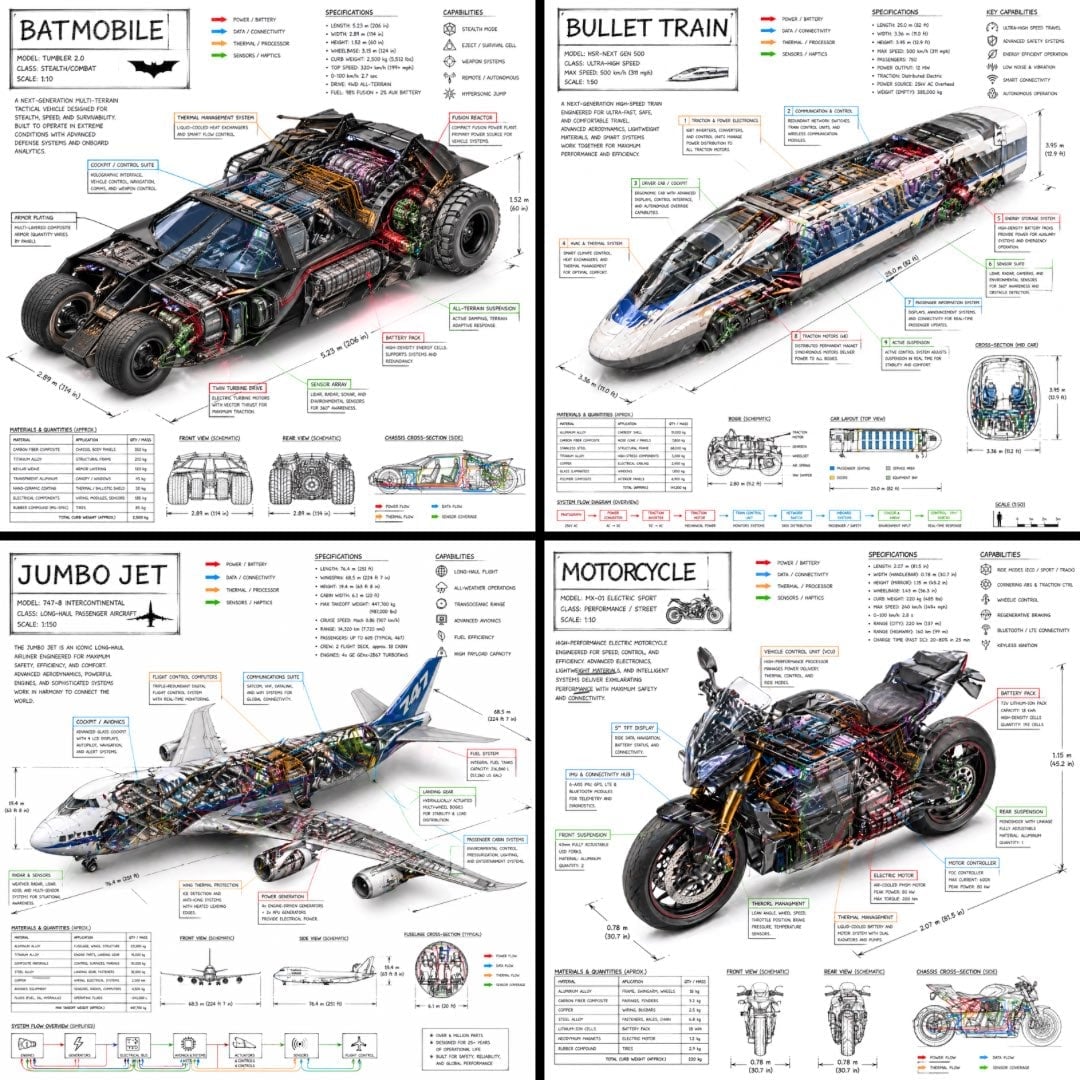
Isometric Vehicle Teardown Infographic Template

Gpt2 E Commerce Main Image Earbuds E Commerce Infographic
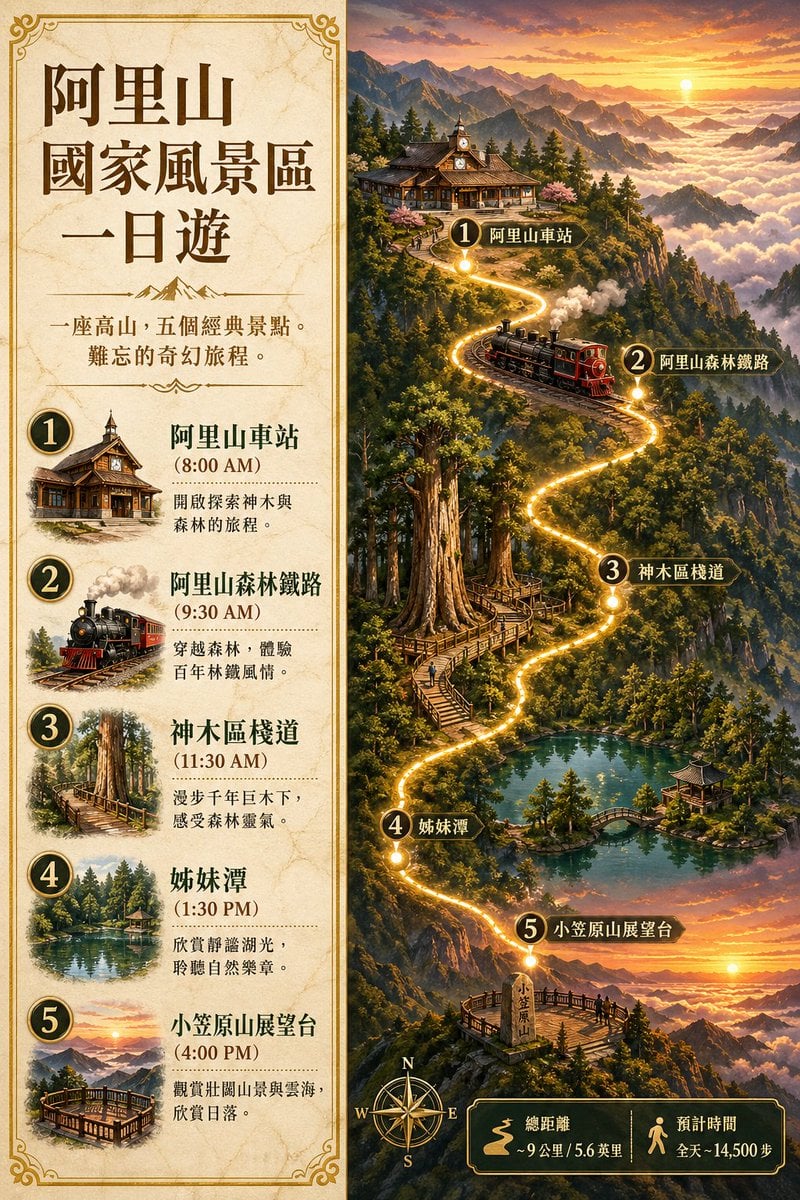
Gpt2 Infographic Edu Visual Alishan One Day Travel Poster

Gpt2 Infographic Edu Visual Ethnographic Plate for Tibetan Ceremonial Hat
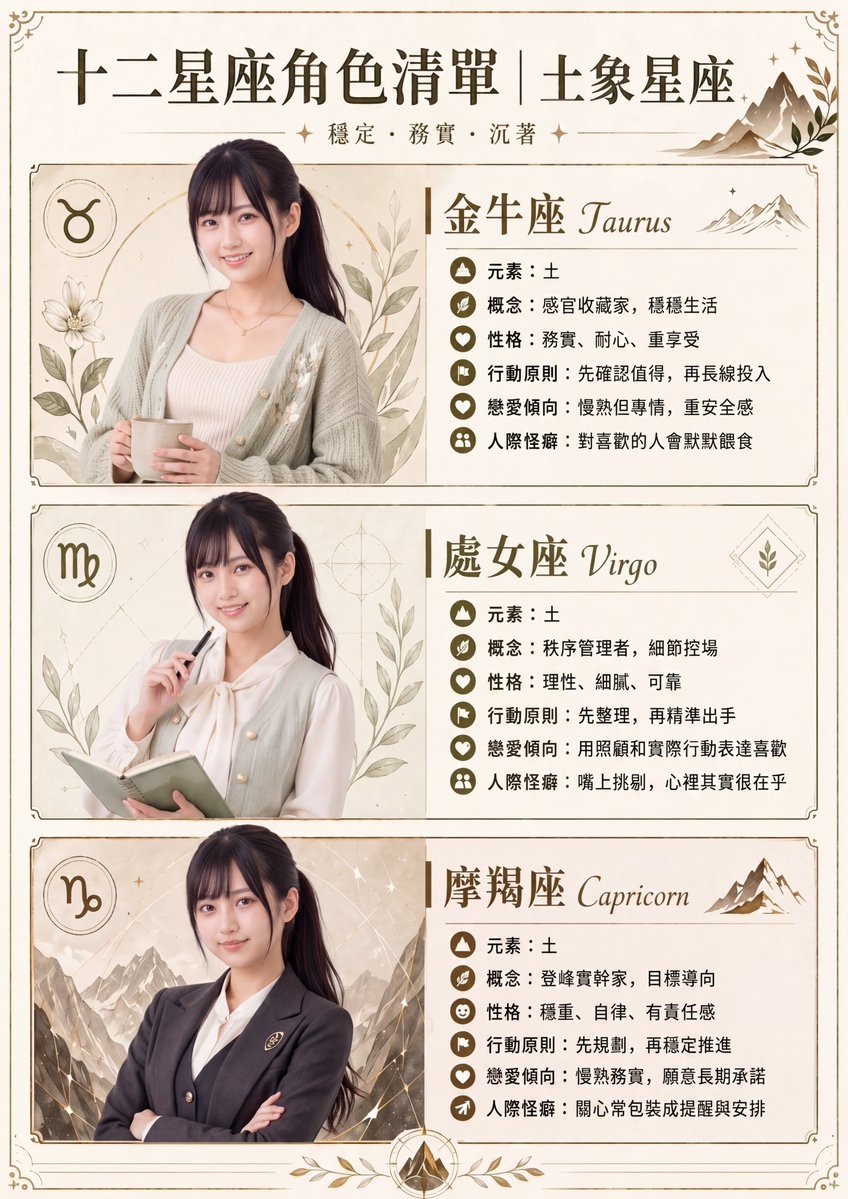
Gpt2 Infographic Edu Visual Earth Signs Zodiac Character Poster
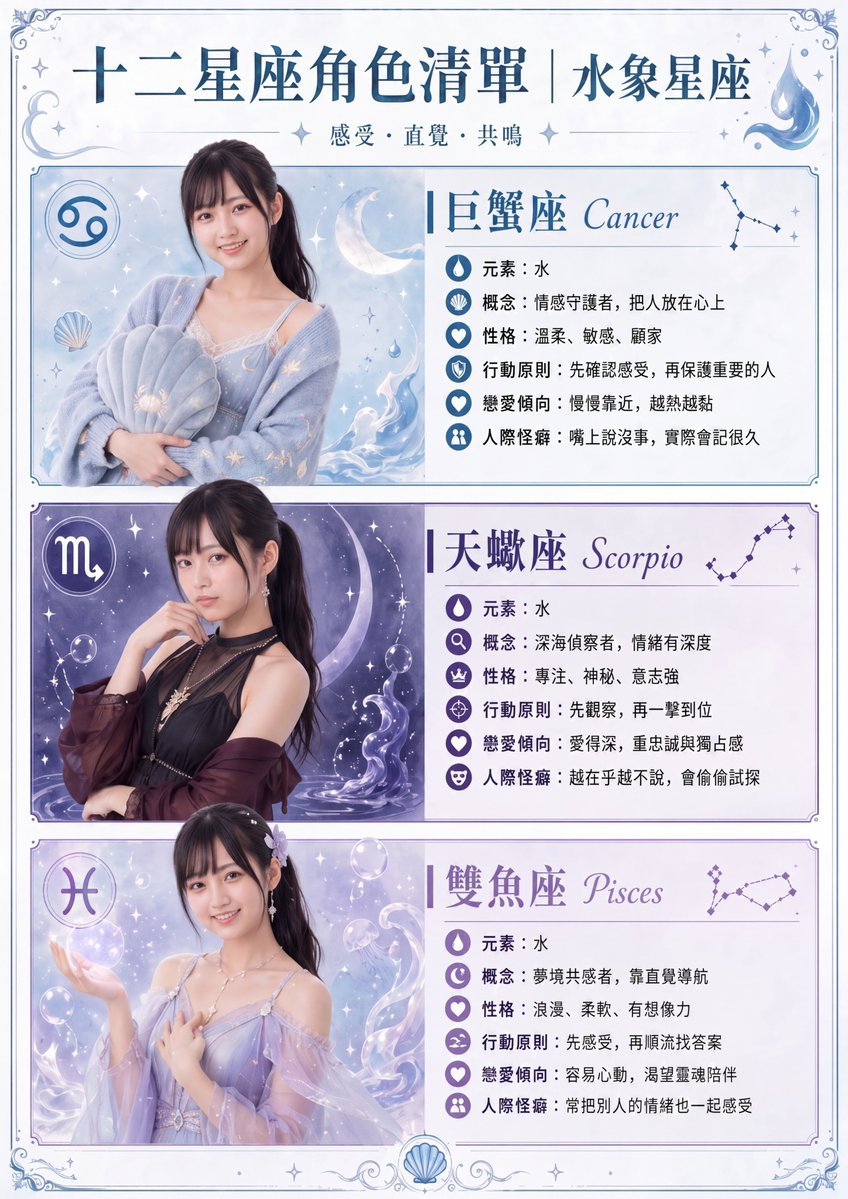
Gpt2 Infographic Edu Visual Water Signs Zodiac Character Poster
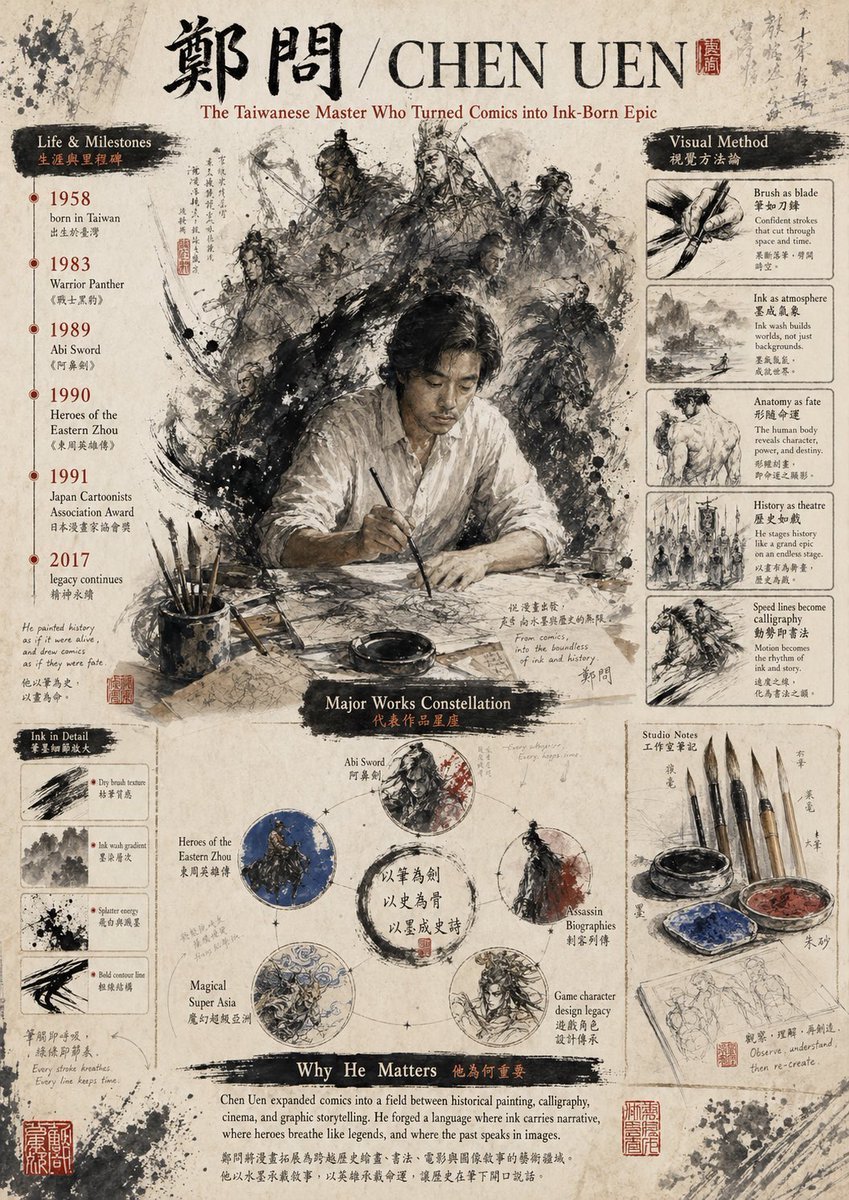
Gpt2 Infographic Edu Visual Ink Wash Tribute Poster for Chen Uen
Make it yours
IT Architecture Knowledge Infographic works as-is. These are the safest ways to change it without losing the look.
Change one field
Copy a single group, rewrite it, and generate again so you can see what that field is doing.
Keep the frame, change the subject
Hold the composition and light of IT Architecture Knowledge Infographic, then swap wardrobe, props or the person for a new take.
| If the result… | Why | Fix |
|---|---|---|
| The result drifts from the preview | Too many fields changed at once. | Reuse IT Architecture Knowledge Infographic as-is first, then change one group — subject, light, or setting. |
| The model over-stylizes the scene | The prose prompt leaves finish and camera underspecified. | Add one camera or lighting sentence and stay on GPT Image 2. |
More GPT Image 2 templates
Other prompts made for GPT Image 2.

Six VTuber Japanese Logo Sheet

Realistic Portrait of Woman and Deer

The Vista Modular Condo Poster

AI Model Routing Comparison Infographic

2.5D Anime Art Board

Isometric Productivity Desk Scene

New York Double Exposure Poster

Four-Panel AI Landscape Comparison

Japanese Tatami Lifestyle Magazine Cover

NESCAFÉ Coffee Map Poster
More image prompts
Fresh picks from across the catalog.
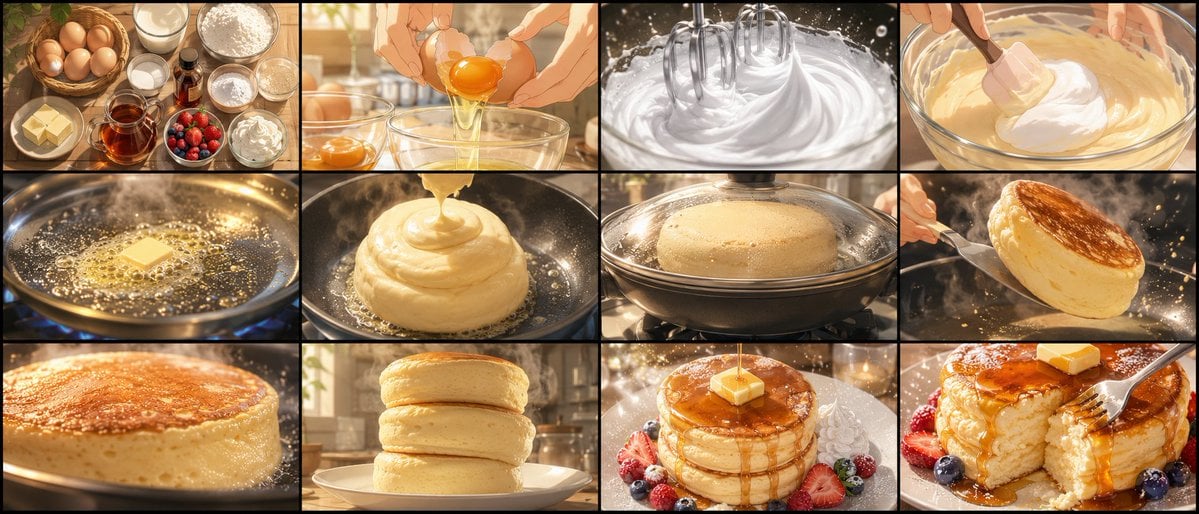
Soufflé Pancake Anime Storyboard

Cherry Blossom Kimono Portrait Grid
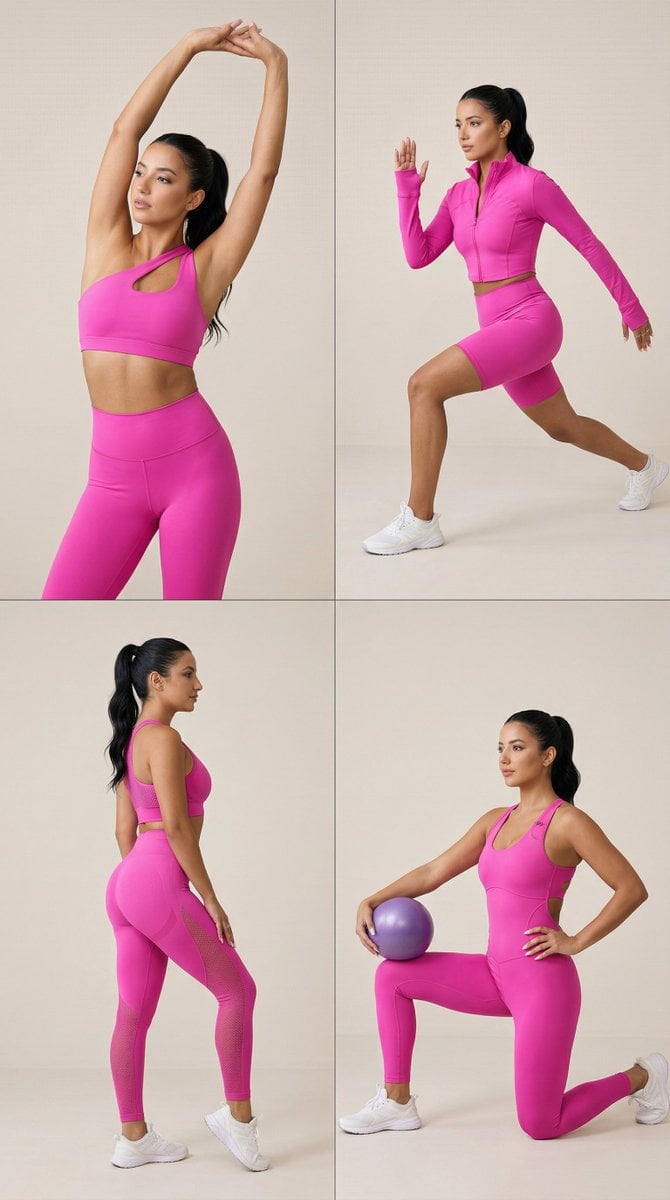
Nano Banana Pro Fitness Editorial Grid Prompt (Pink Activewear)

Tropical Bohemian Fashion
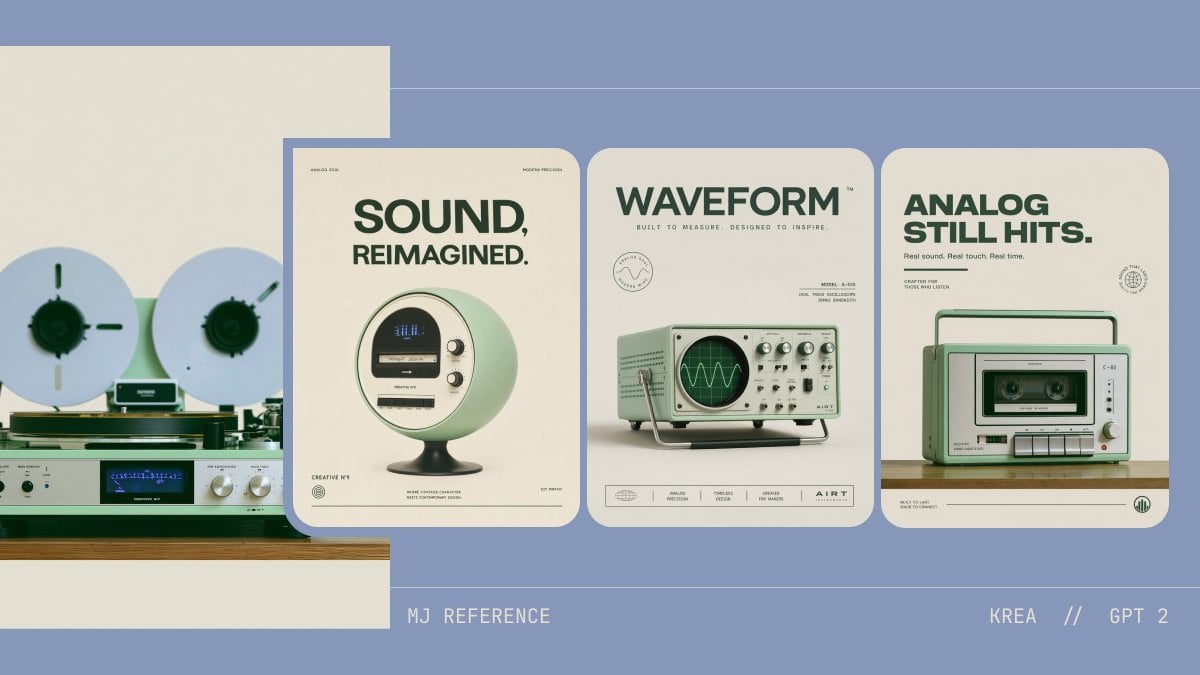
Retro Audio Concept Poster Board

Fantasy Dragon and Warrior Image Prompt

Whimsical Folk Art Transformation

Cinematic Film Roll Archive
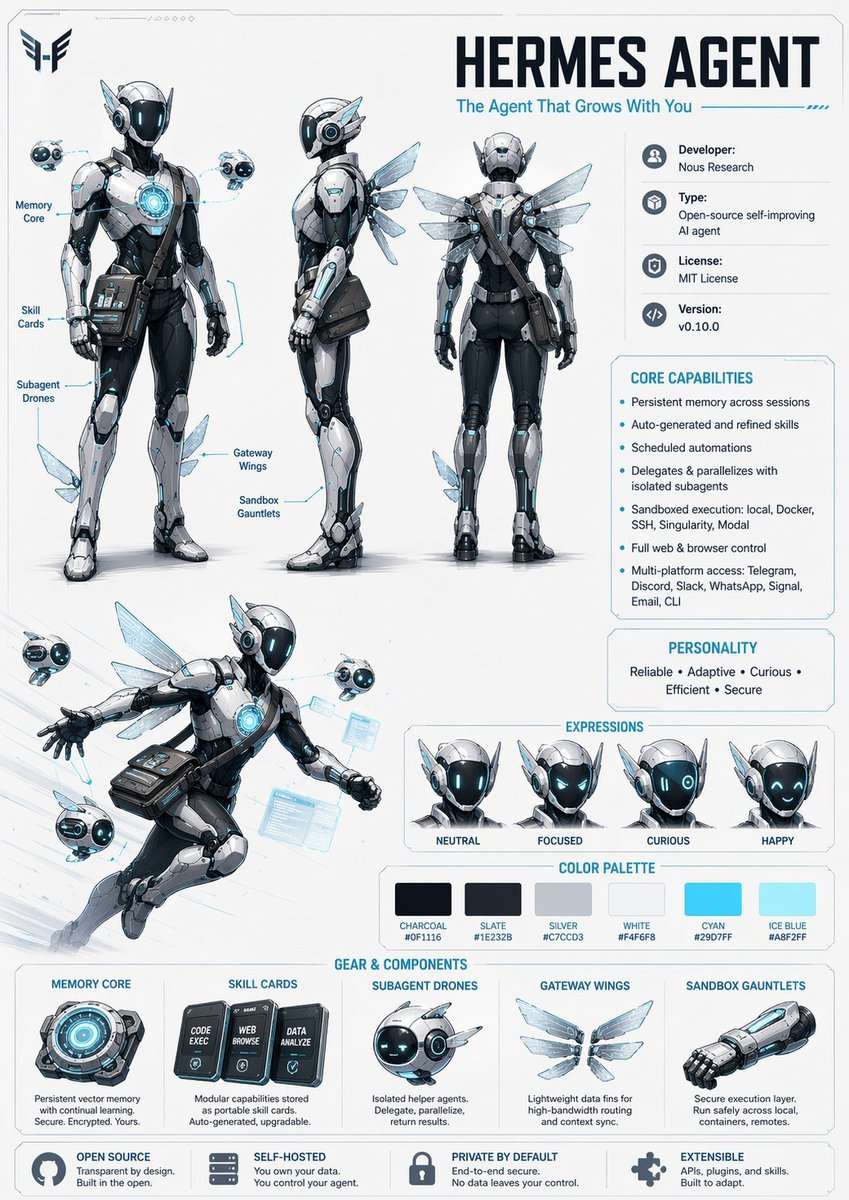
Character Design Sheet Prompt
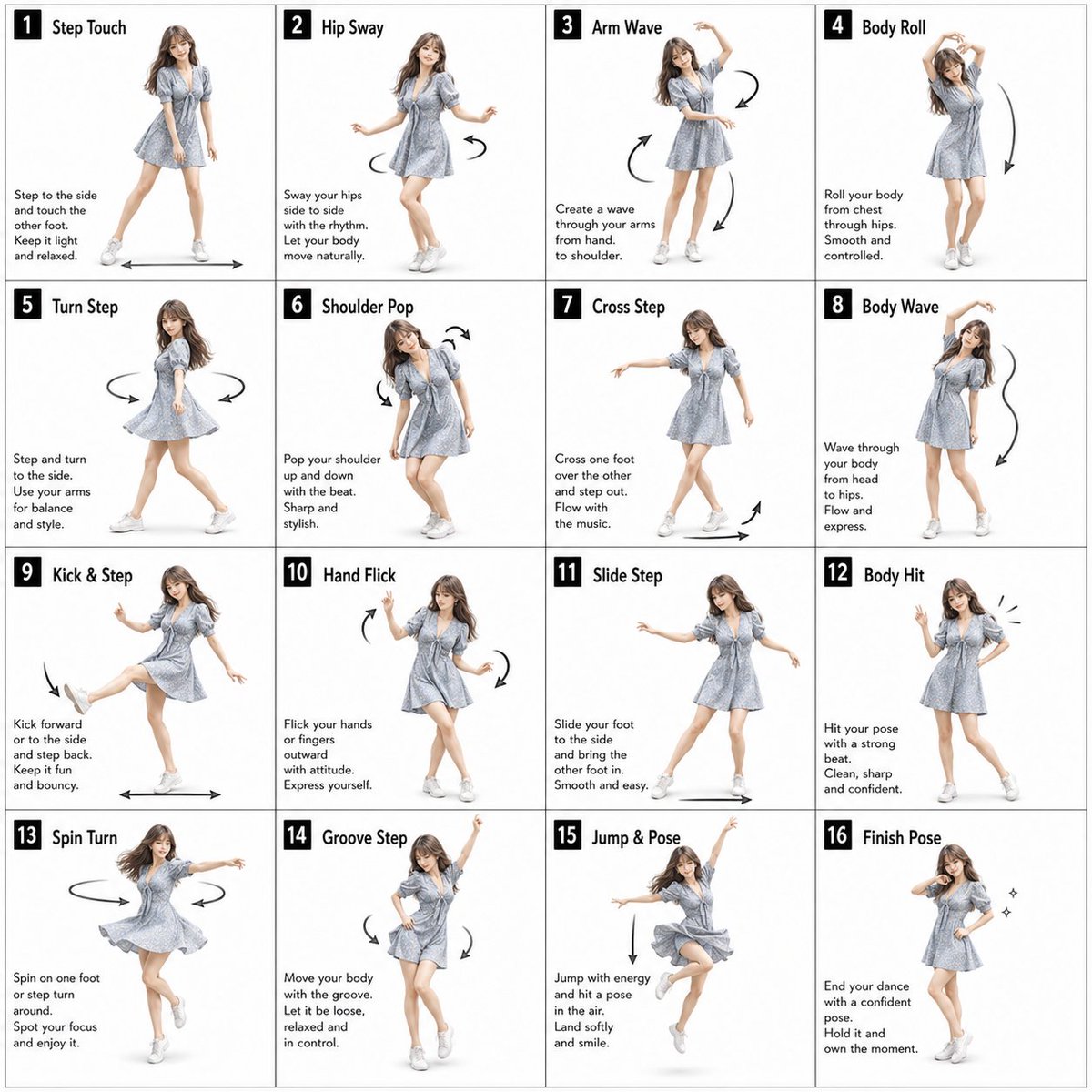
Pose Dance Instruction Sheet
Browse template categories
IT Architecture Knowledge Infographic questions
How do I use the IT Architecture Knowledge Infographic template?
Add your photo if the template asks for one, edit the prompt if you like — the template's model and format are already selected — and press Generate. Your version opens in PicX Studio.
Can I customize the IT Architecture Knowledge Infographic template?
Yes. You can change the subject, setting, lighting, mood, format, and available model controls before creating your image.
Is the IT Architecture Knowledge Infographic template free?
Opening and editing this template is free. Generating uses credits, shown on the Generate button when you are signed in.
Which AI model should I use?
Start with GPT Image 2, which is the model associated with this template. You can compare another compatible model for a different finish.
Looking for something else? Browse all templates.

Your photo, any look
Thousands of ready templates for every top image and video model, from one credit balance.