
Windows 11 Focus UI Showcase
A polished Windows 11-style promotional desktop mockup with multiple widgets and panels, ideal for recreating a modern operating system marketing visual.
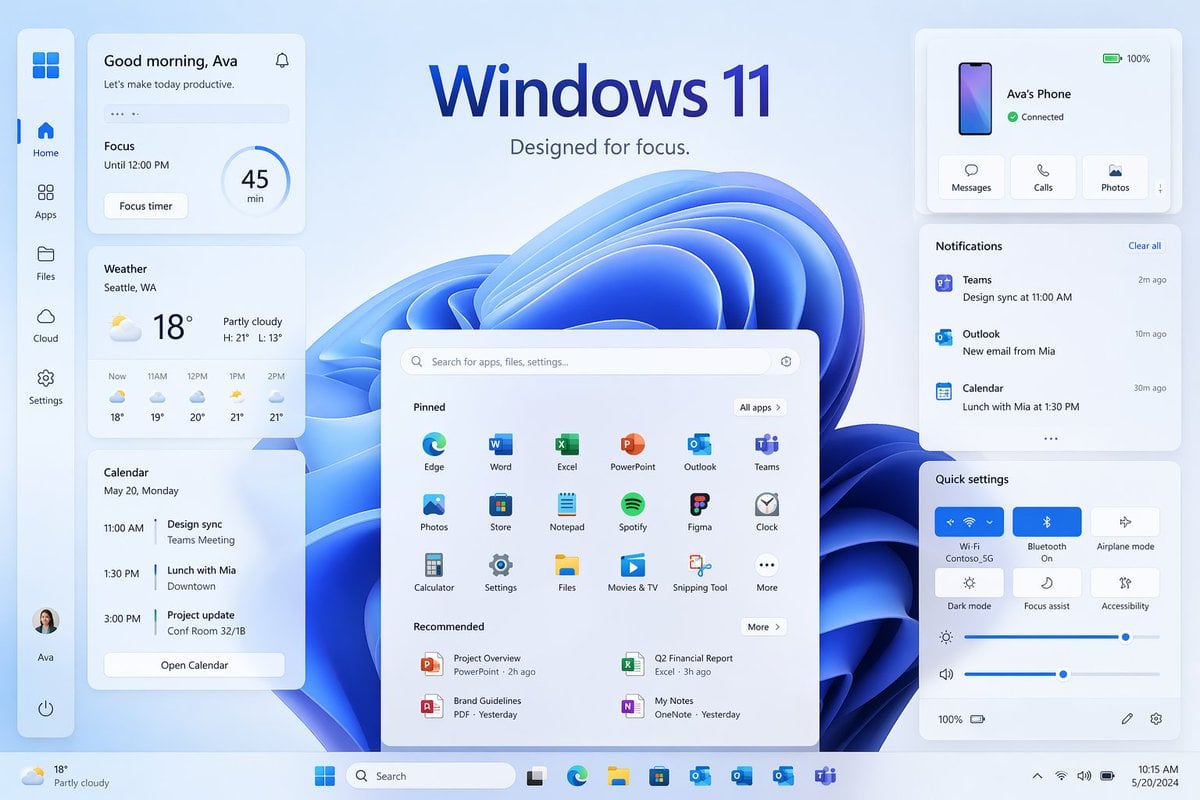
- Prompt included
- Model and format preset
- Free template
The prompt behind this image
Copy the exact prompt behind Windows 11 Focus UI Showcase, or open it in the studio and make it yours.
- Type
- Windows 11 promotional UI mockup
- Style
- clean modern product marketing render, soft glassmorphism cards, subtle shadows, rounded corners, light blue and white palette, crisp vector-like interface, polished presentation slide aesthetic
- Scene › Background
- pale icy blue gradient background with a large abstract Windows 11 blue ribbon swirl wallpaper centered behind the interface
- Scene › Headline › Text
- {argument name="headline text" default="Windows 11"}
- Scene › Headline › Subtext
- {argument name="tagline" default="Designed for focus."}
- Scene › Headline › Position
- top center
- Layout › Type
- desktop UI showcase
- Layout › Sections › 0 › Title
- left sidebar
- Layout › Sections › 0 › Position
- far left vertical dock
- Layout › Sections › 0 › Count
- 8
- Layout › Sections › 0 › Labels
- Windows logo, Home, Apps, Files, Cloud, Settings, Ava profile, Power
- Layout › Sections › 1 › Title
- productivity widgets
- Layout › Sections › 1 › Position
- left column cards
- Layout › Sections › 1 › Count
- 3
- Layout › Sections › 1 › Labels
- Good morning, Ava, Weather, Calendar
- Layout › Sections › 2 › Title
- center start menu
- Layout › Sections › 2 › Position
- lower center
- Layout › Sections › 2 › Count
- 3
- Layout › Sections › 2 › Labels
- Search bar, Pinned, Recommended
- Layout › Sections › 3 › Title
- right column cards
- Layout › Sections › 3 › Position
- upper and middle and lower right
- Layout › Sections › 3 › Count
- 3
- Layout › Sections › 3 › Labels
- Ava's Phone, Notifications, Quick settings
- Layout › Sections › 4 › Title
- taskbar
Raw JSON
{"type":"Windows 11 promotional UI mockup","style":"clean modern product marketing render, soft glassmorphism cards, subtle shadows, rounded corners, light blue and white palette, crisp vector-like interface, polished presentation slide aesthetic","scene":{"background":"pale icy blue gradient background with a large abstract Windows 11 blue ribbon swirl wallpaper centered behind the interface","headline":{"text":"{argument name=\"headline text\" default=\"Windows 11\"}","subtext":"{argument name=\"tagline\" default=\"Designed for focus.\"}","position":"top center"}},"layout":{"type":"desktop UI showcase","sections":[{"title":"left sidebar","position":"far left vertical dock","count":8,"labels":["Windows logo","Home","Apps","Files","Cloud","Settings","Ava profile","Power"]},{"title":"productivity widgets","position":"left column cards","count":3,"labels":["Good morning, Ava","Weather","Calendar"]},{"title":"center start menu","position":"lower center","count":3,"labels":["Search bar","Pinned","Recommended"]},{"title":"right column cards","position":"upper and middle and lower right","count":3,"labels":["Ava's Phone","Notifications","Quick settings"]},{"title":"taskbar","position":"bottom full width","count":10,"labels":["Weather summary","Start","Search","Task View","Microsoft Edge","File Explorer","Microsoft Store","Outlook","OneDrive","Teams"]}],"centerpiece":"large Windows 11 Start menu floating in front of the blue abstract wallpaper"},"widgets":{"greeting_card":{"title":"Good morning, Ava","subtitle":"Let's make today productive.","focus_block":{"label":"Focus","time":"Until 12:00 PM","timer":"45 min","button":"Focus timer"}},"weather_card":{"location":"{argument name=\"weather location\" default=\"Seattle, WA\"}","temperature":"18°","condition":"Partly cloudy","range":"H: 21° L: 13°","forecast_count":5,"forecast_labels":["Now 18°","11AM 19°","12PM 20°","1PM 21°","2PM 21°"]},"calendar_card":{"date":"May 20, Monday","events_count":3,"event_labels":["11:00 AM Design sync, Teams Meeting","1:30 PM Lunch with Mia, Downtown","3:00 PM Project update, Conf Room 32/1B"],"button":"Open Calendar"},"phone_card":{"device_name":"{argument name=\"device name\" default=\"Ava's Phone\"}","status":"Connected","actions_count":3,"action_labels":["Messages","Calls","Photos"],"battery":"100%"},"notifications_card":{"title":"Notifications","action":"Clear all","items_count":3,"item_labels":["Teams — Design sync at 11:00 AM — 2m ago","Outlook — New email from Mia — 10m ago","Calendar — Lunch with Mia at 1:30 PM — 30m ago"]},"quick_settings_card":{"title":"Quick settings","toggles_count":6,"toggle_labels":["Wi‑Fi","Bluetooth","Airplane mode","Dark mode","Focus assist","Accessibility"],"active_toggles":["Wi‑Fi","Bluetooth"],"sliders_count":2,"slider_labels":["Brightness","Volume"],"wifi_network":"Contoso_5G"},"start_menu":{"search_placeholder":"Search for apps, files, settings...","pinned_count":18,"pinned_labels":["Edge","Word","Excel","PowerPoint","Outlook","Teams","Photos","Store","Notepad","Spotify","Figma","Clock","Calculator","Settings","Files","Movies & TV","Snipping Tool","More"],"recommended_count":4,"recommended_labels":["Project Overview","Q2 Financial Report","Brand Guidelines","My Notes"]}},"composition":"symmetrical product showcase with the Start menu centered, three stacked cards on the left, three cards on the right, generous spacing, all elements floating slightly above the background, bottom taskbar spanning edge to edge","rendering":"high-resolution UI concept art for a desktop operating system launch page, immaculate typography, Microsoft-inspired iconography without extra branding clutter"}How to use Windows 11 Focus UI Showcase in 3 steps
- 1Upload ImagePNG, JPG or paste
Add your photo
Upload the photo the template builds on. The prompt, model and format are already set.
- 2…a portrait of your subject in softgolden-hour light, 85mm…
Personalize
Edit the subject and creative details for your destination.
- 3Generate
Generate
Press Generate — your image is created in PicX Studio, so you can compare it with the original and refine one variable at a time.
More like this
Templates with the same subject, style or setup. Open one to see its prompt.
Four-Panel AI Visual Showcase

Black-and-White Windowsill Portrait

LIGHTING each element still lit by its original source, windows casting
Detailed product showcase image of a table design with multiple
Sharp focus on central package, slightly softer on background elements
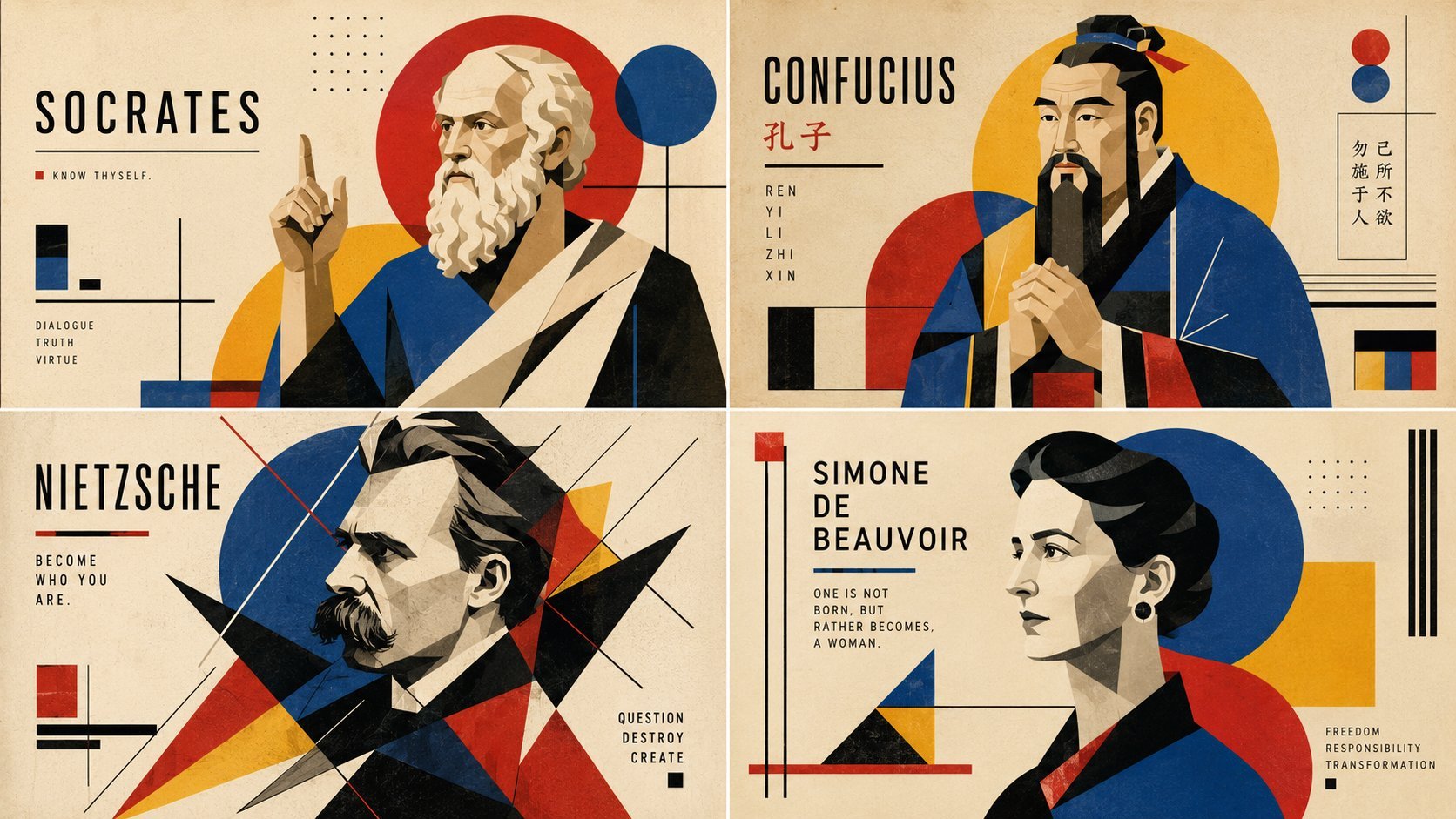
Readable AI Agent Prompt Showcase

Calico Cat AI Focus Poster

Futuristic AI Windows Login Poster
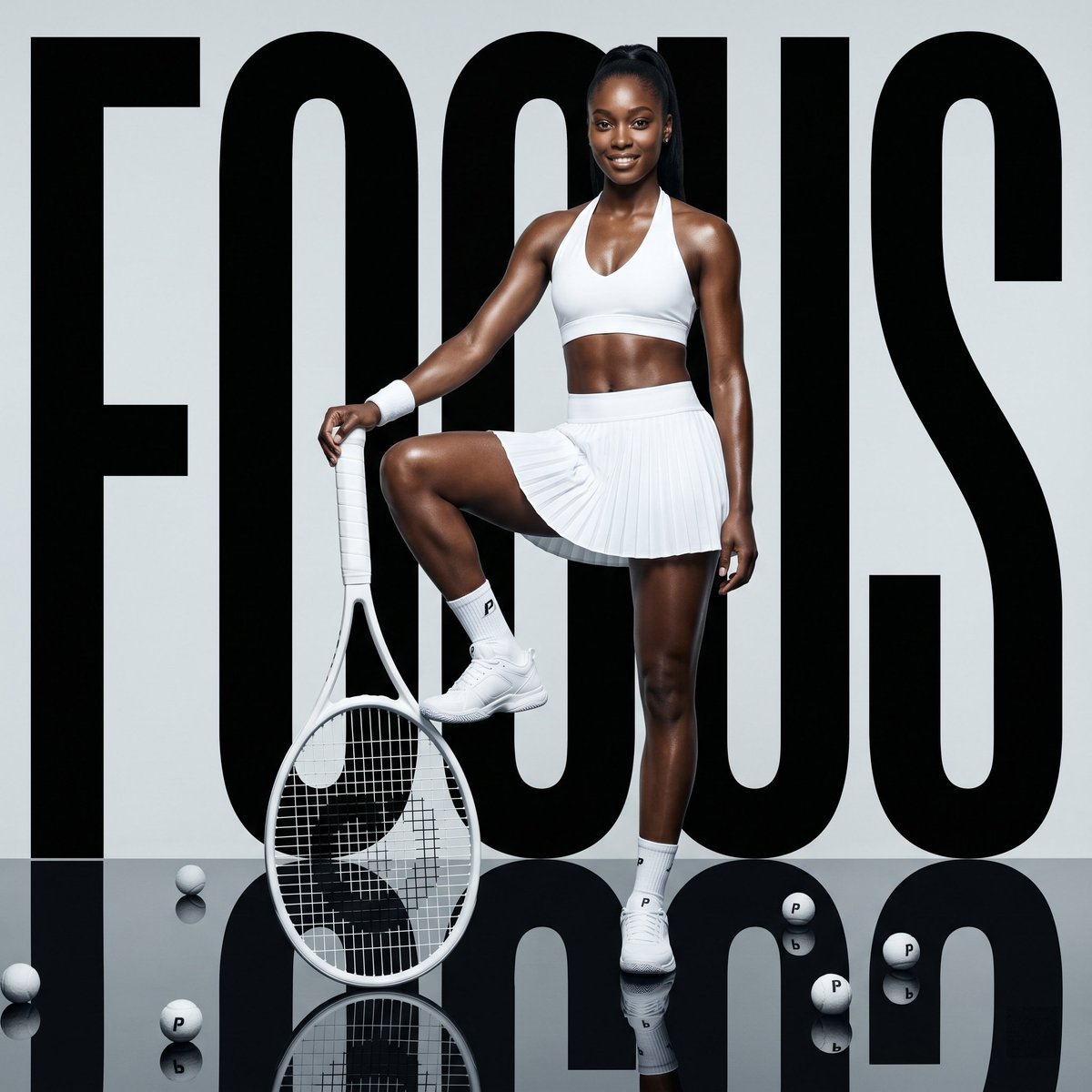
Fashion Tennis Focus Poster
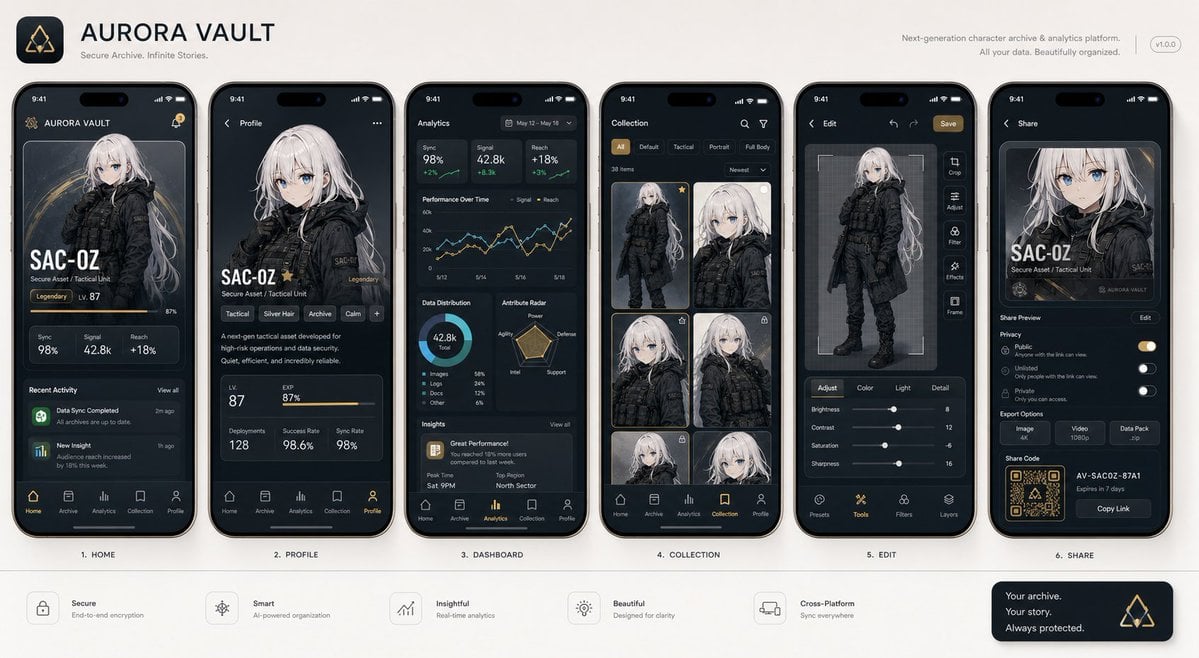
Next-Gen Mobile App UI Showcase
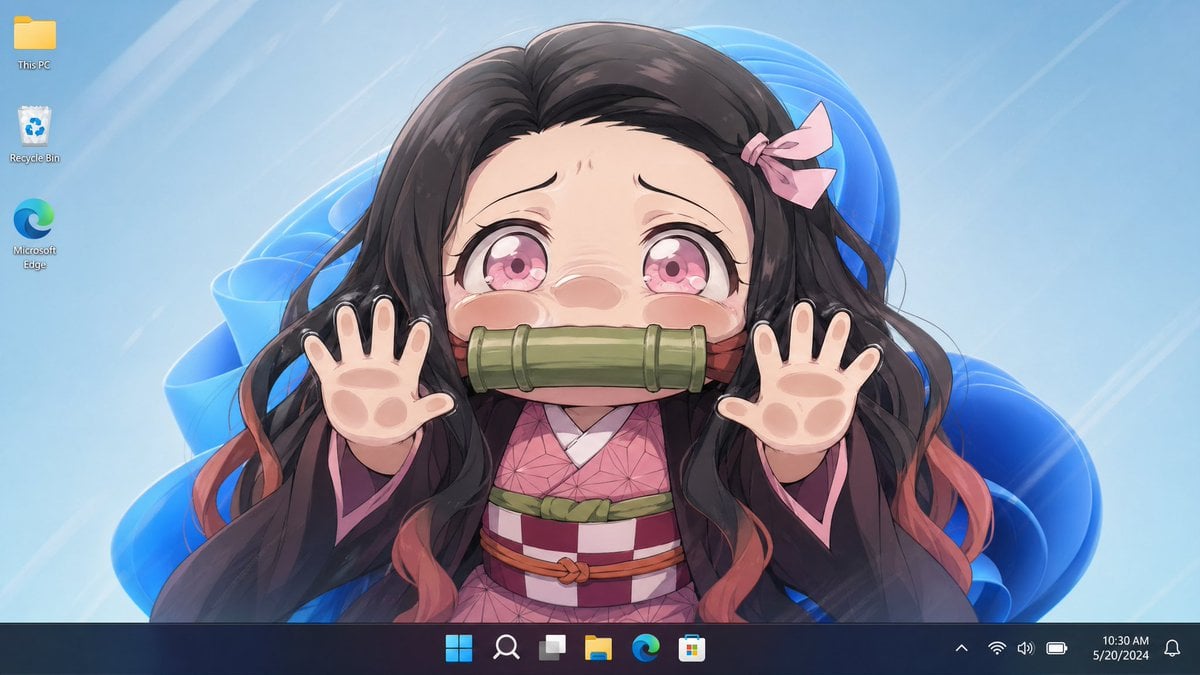
Anime Girl Windows 11 Desktop Wallpaper
Dramatic Stone Corridor With Arched Windows
Make it yours
Windows 11 Focus UI Showcase works as-is. These are the safest ways to change it without losing the look.
Swap the setting
Keep the rest of the prompt and replace the location block. The current setting is “pale icy blue gradient background with a large abstract Windows 11 blue ribbon s”.
Change one field
Copy a single group, rewrite it, and generate again so you can see what that field is doing.
Keep the frame, change the subject
Hold the composition and light of Windows 11 Focus UI Showcase, then swap wardrobe, props or the person for a new take.
| If the result… | Why | Fix |
|---|---|---|
| The result drifts from the preview | Too many fields changed at once. | Reuse Windows 11 Focus UI Showcase as-is first, then change one group — subject, light, or setting. |
| GPT Image 2 ignores part of the JSON | Some models flatten or skip nested keys. | Keep the same values and paste them as a short paragraph instead. |
More GPT Image 2 templates
Other prompts made for GPT Image 2.

Six VTuber Japanese Logo Sheet

Realistic Portrait of Woman and Deer

The Vista Modular Condo Poster

AI Model Routing Comparison Infographic

2.5D Anime Art Board

Isometric Productivity Desk Scene

New York Double Exposure Poster

Four-Panel AI Landscape Comparison

Japanese Tatami Lifestyle Magazine Cover

NESCAFÉ Coffee Map Poster
More image prompts
Fresh picks from across the catalog.
Seedance - Smooth Vlog
Japanese Variety Show Quiz Screen
Overhead Nightclub Staircase Portrait

Surreal Miniature Tesla Showroom

untitled
Desert-Chic Fashion in a Stone Alleyway
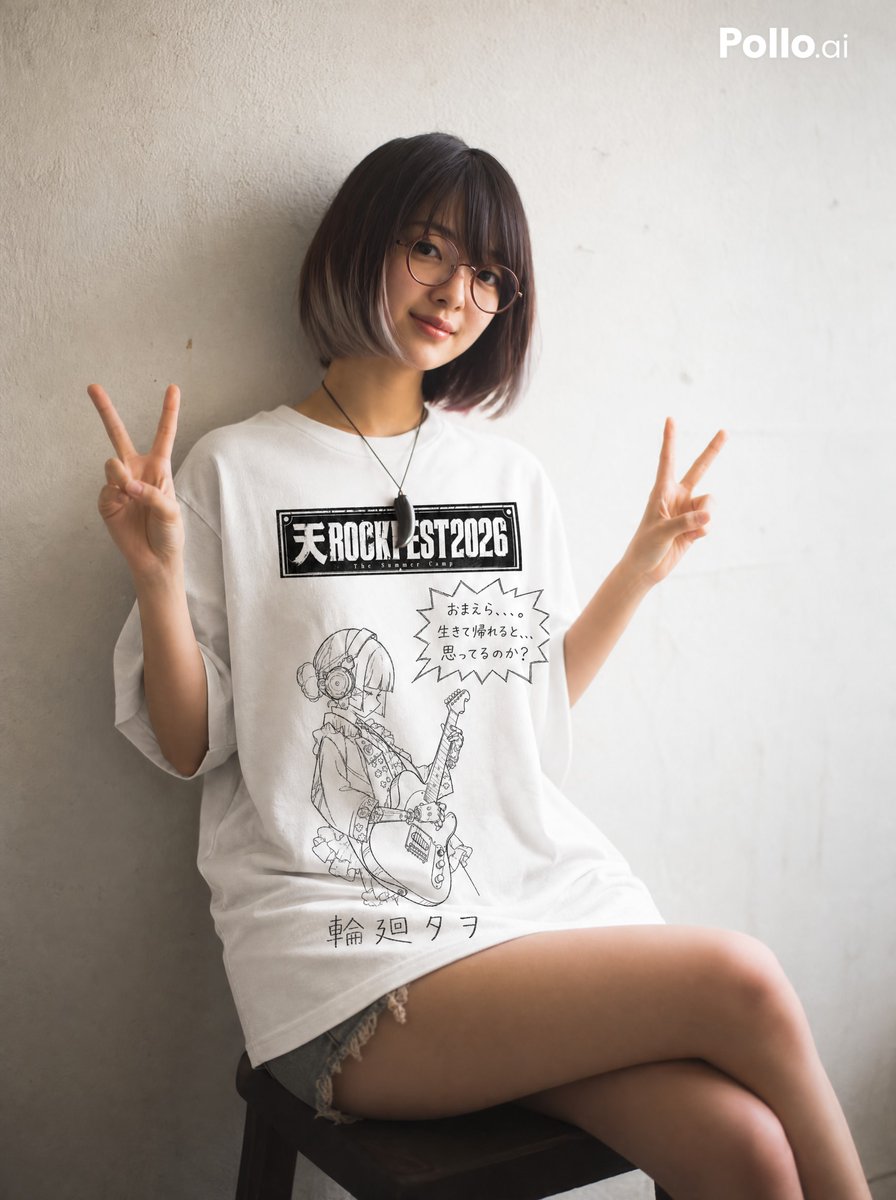
Hand-drawn Yuru-kyara T-shirt Mockup
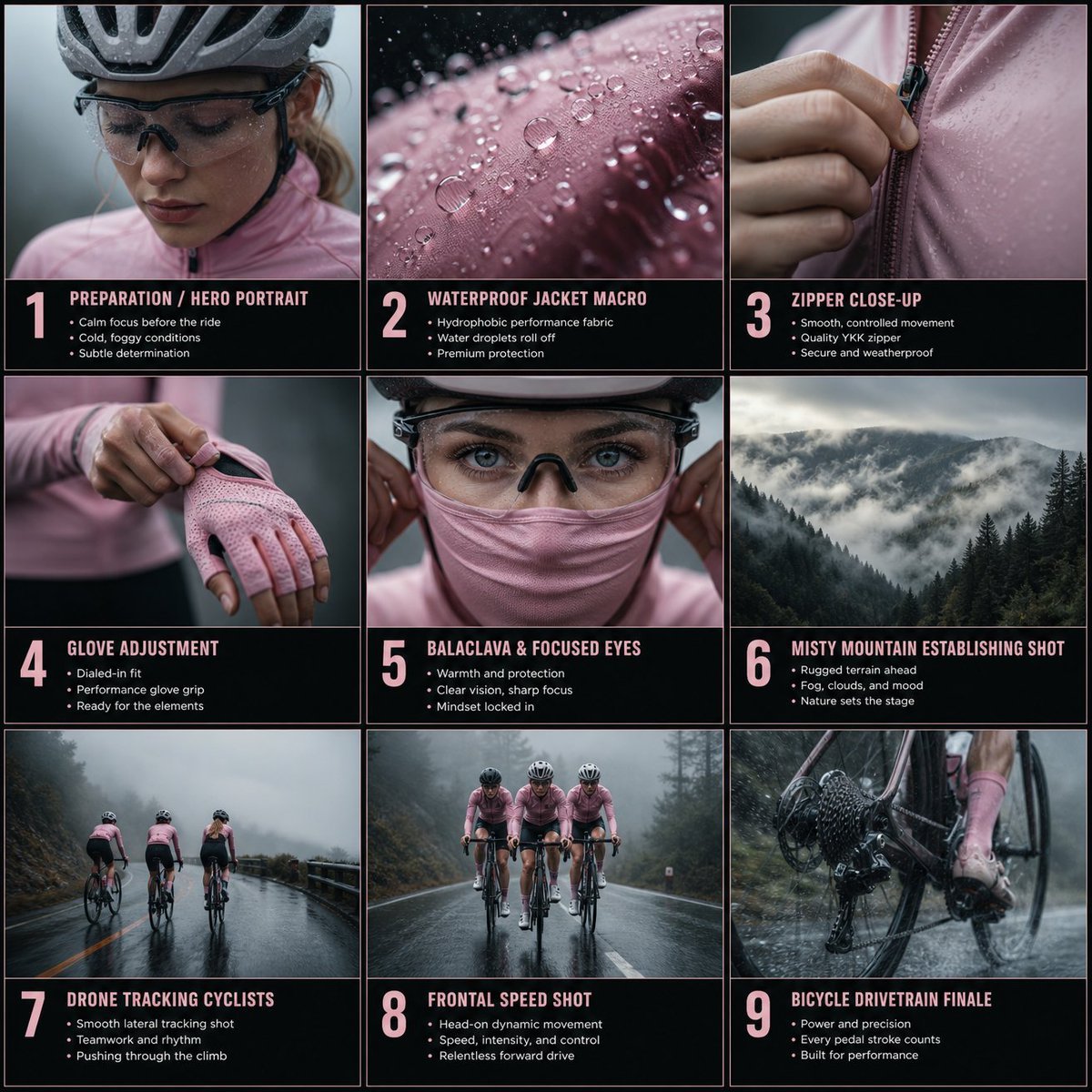
Cinematic Cycling Storyboard
photography
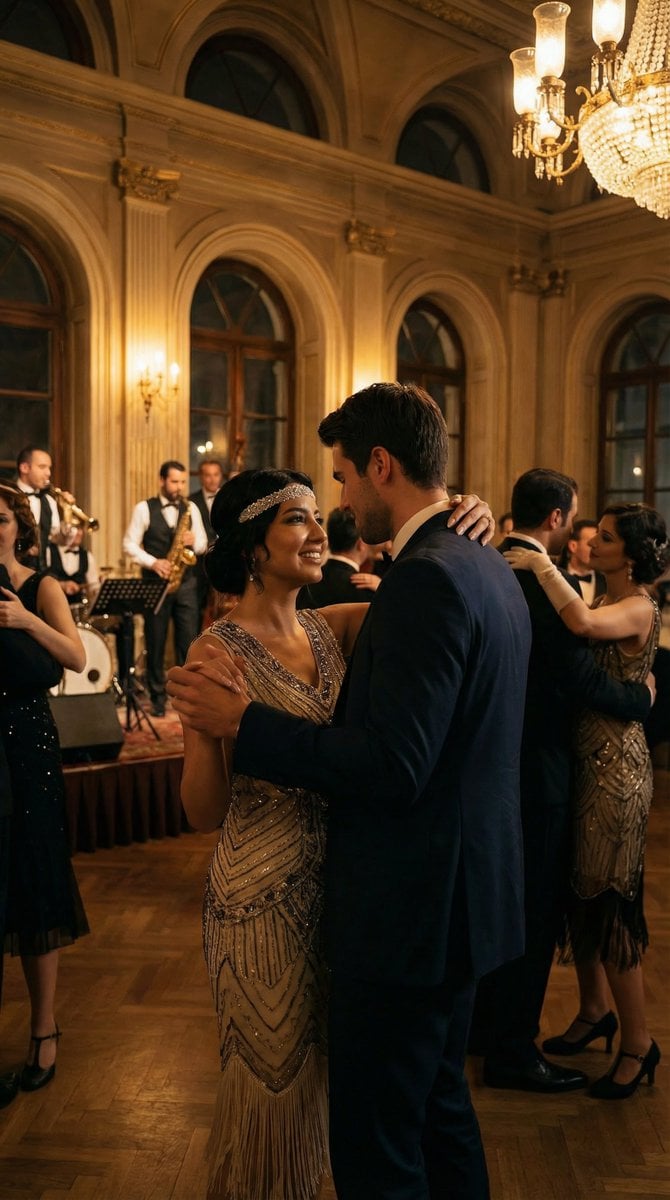
Historical romantic editorial of a couple dancing in 1920s Istanbul
Browse template categories
Windows 11 Focus UI Showcase questions
How do I use the Windows 11 Focus UI Showcase template?
Add your photo if the template asks for one, edit the prompt if you like — the template's model and format are already selected — and press Generate. Your version opens in PicX Studio.
Can I customize the Windows 11 Focus UI Showcase template?
Yes. You can change the subject, setting, lighting, mood, format, and available model controls before creating your image.
Is the Windows 11 Focus UI Showcase template free?
Opening and editing this template is free. Generating uses credits, shown on the Generate button when you are signed in.
Which AI model should I use?
Start with GPT Image 2, which is the model associated with this template. You can compare another compatible model for a different finish.
Looking for something else? Browse all templates.

Your photo, any look
Thousands of ready templates for every top image and video model, from one credit balance.