
Hybrid Photo-Comic Illustration
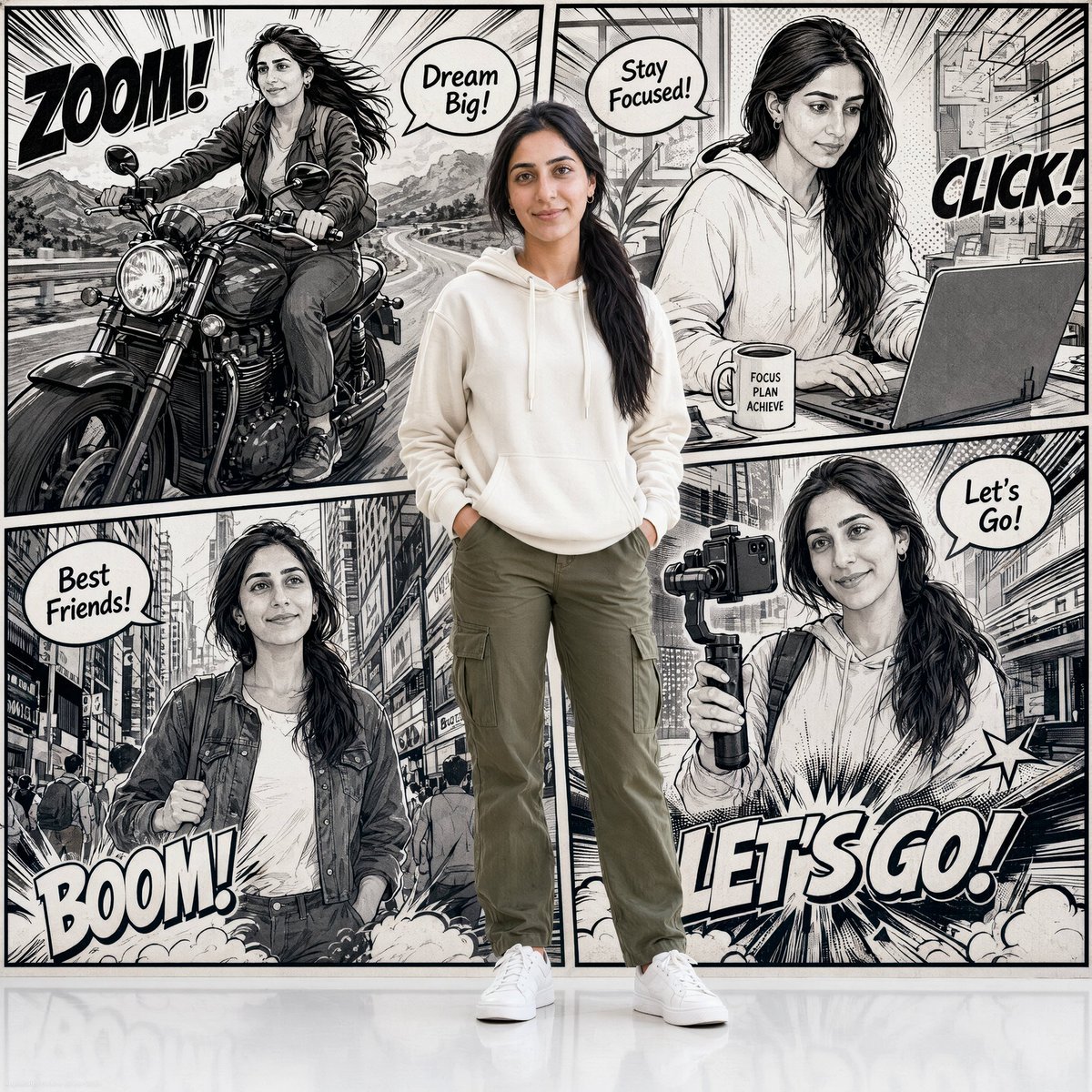
A creative prompt that seamlessly blends a realistic photograph of a woman with a comic book illustration background featuring various action scenes.
- Prompt included
- Model and format preset
- Free template
The prompt behind this image
Copy the exact prompt behind Hybrid Photo-Comic Illustration, or open it in the studio and make it yours.
A real photograph of a {argument name="subject appearance" default="young woman standing confidently in the center, wearing a casual outfit — white sneakers, olive cargo pants, and a cream hoodie"}. She has a warm smile and straight hair tied in a low ponytail. Behind her is a full-page comic panel background in black and white ink art style, divided into multiple panels showing her illustrated alter-ego in different scenes: riding a motorcycle on an open highway, working at a desk with a laptop and coffee mug, walking through a busy city street, and filming content with a camera gimbal. Each panel has bold comic sound effects like 'ZOOM!', 'CLICK!', 'BOOM!', 'LET'S GO!' in stylized bold typography, all in English. Speech bubbles with English phrases like 'Dream Big!', 'Stay Focused!', and 'Best Friends!' scattered across panels. Speed lines, halftone dots, and dramatic comic shading fill the background. The overall image blends realistic photography with comic book illustration seamlessly, clean white studio floor reflection visible at the bottom.
How to use Hybrid Photo-Comic Illustration in 3 steps
- 1
Open
The prompt is already in the box next to the preview, with the template's model and format selected.
- 2…a portrait of your subject in softgolden-hour light, 85mm…
Personalize
Edit the subject and creative details for your destination.
- 3Generate
Generate
Press Generate — your image is created in PicX Studio, so you can compare it with the original and refine one variable at a time.
More like this
Templates with the same subject, style or setup. Open one to see its prompt.
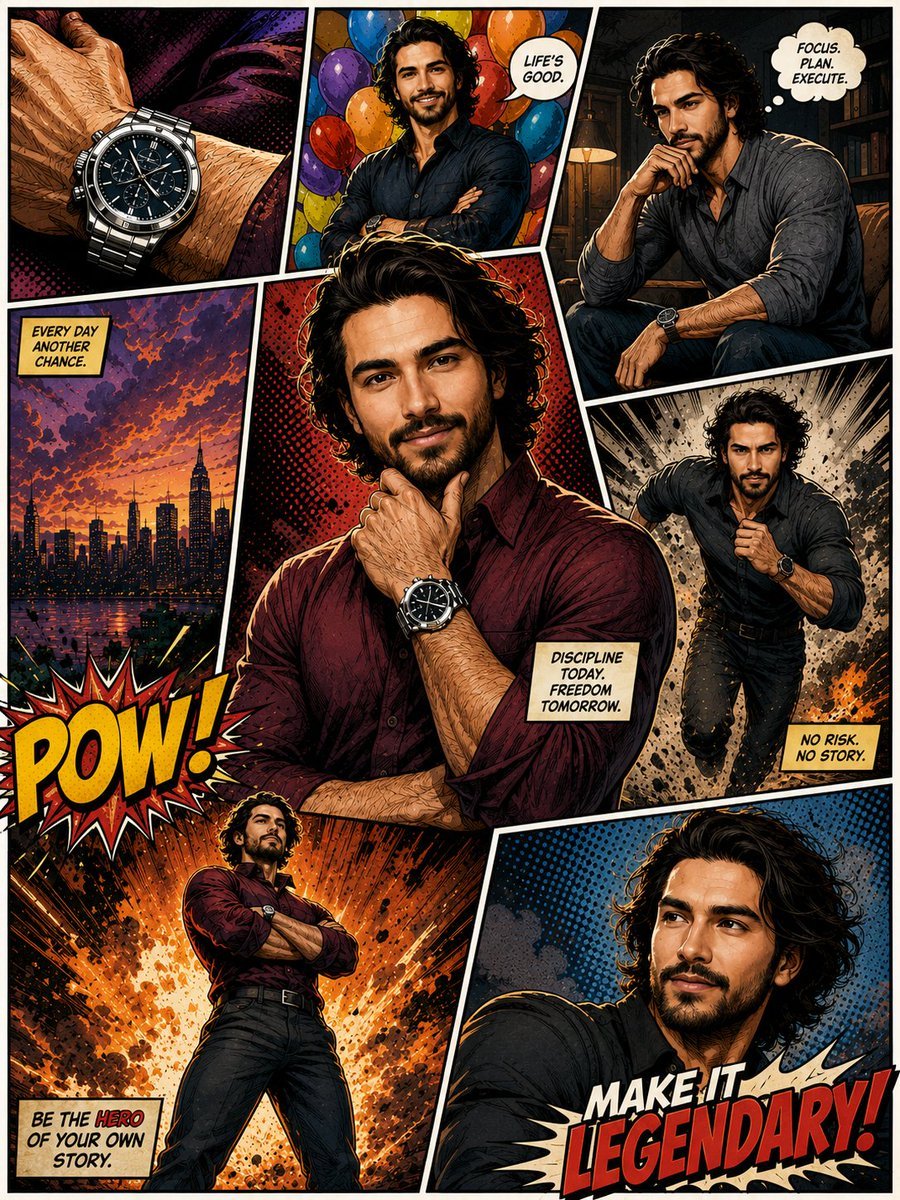
Hero Portrait Comic Multi-Panel Poster
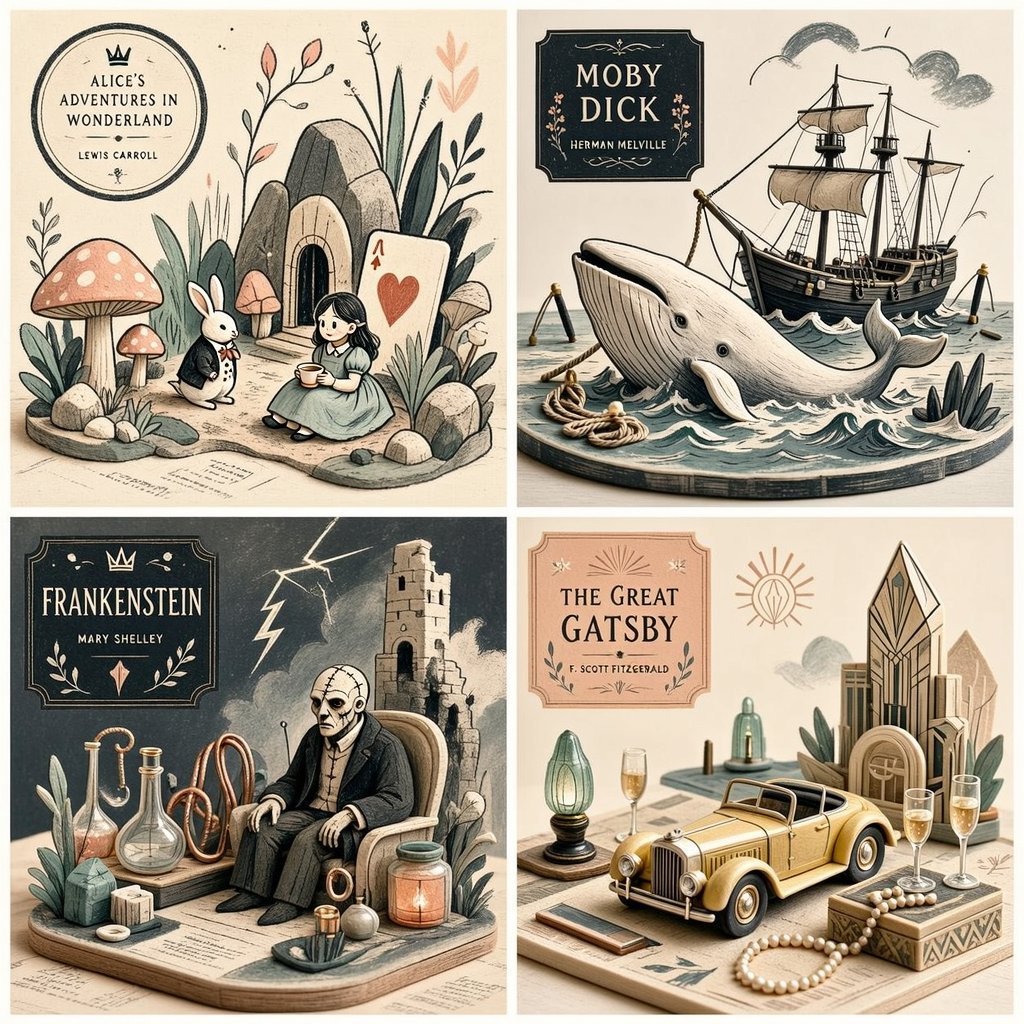
Editorial Miniature Hybrid Illustration Style
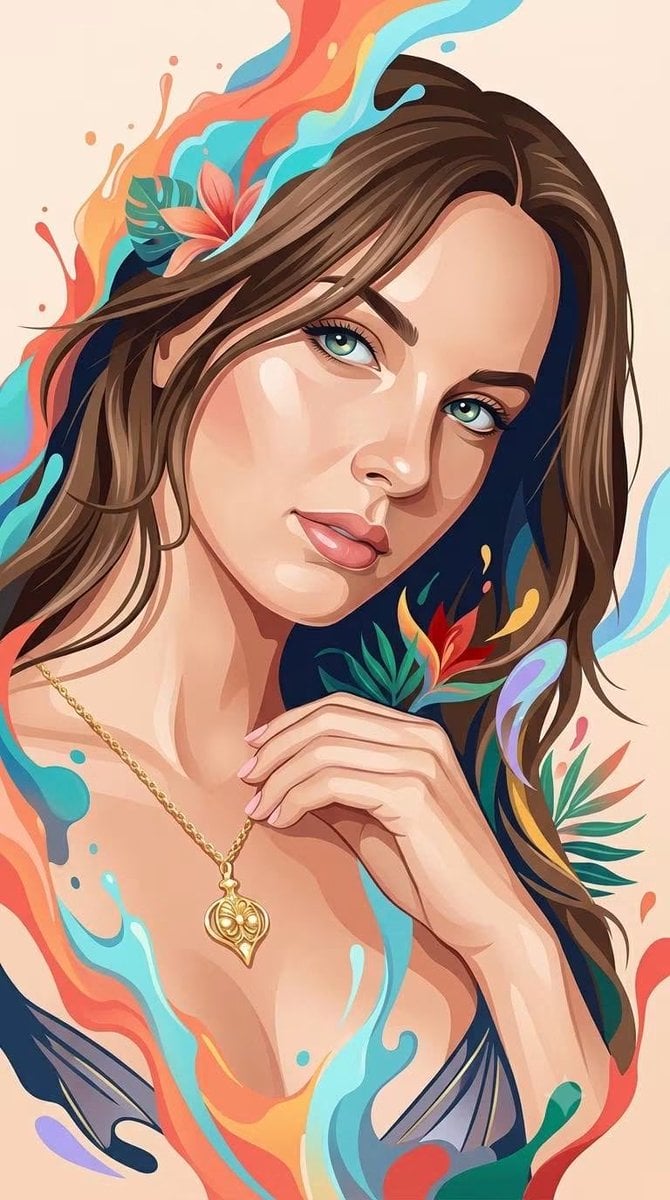
Hybrid 3D Vector Illustration Style
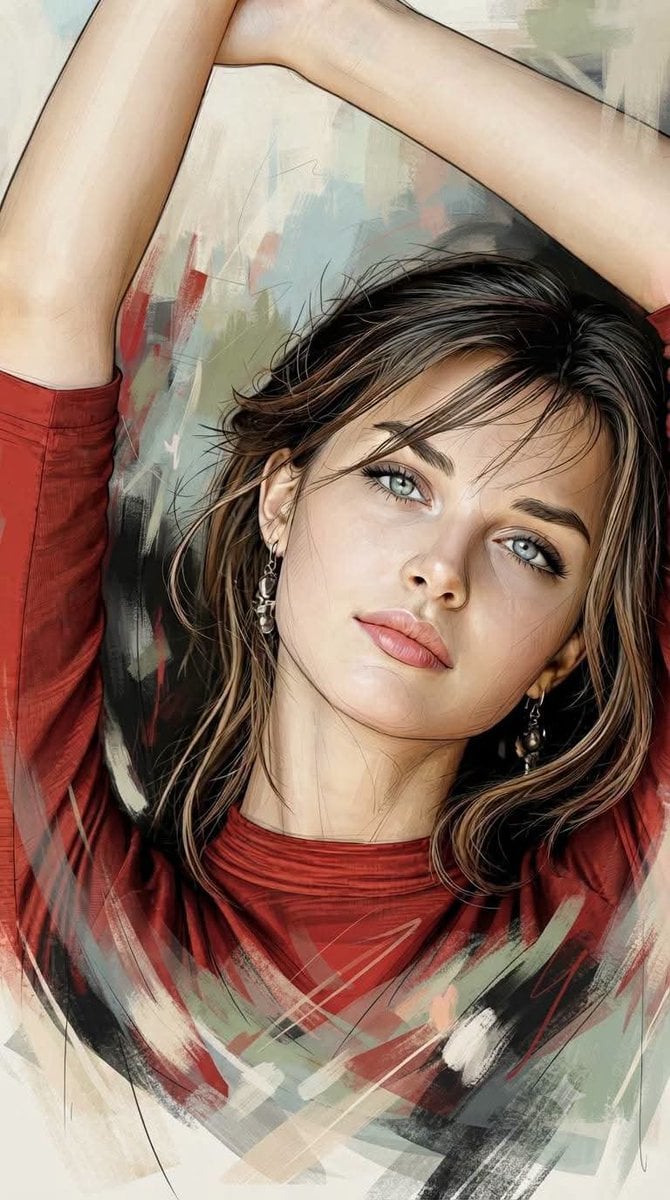
Editorial Hybrid Portrait Illustration
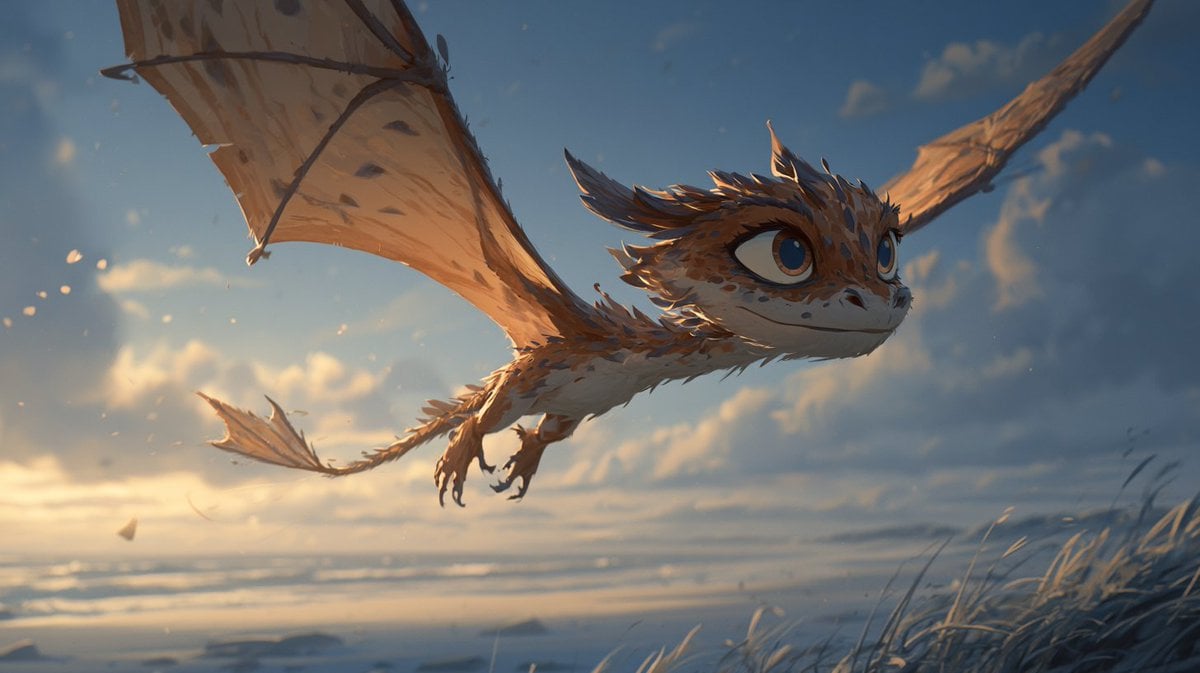
Multi-Panel Comic Illustration
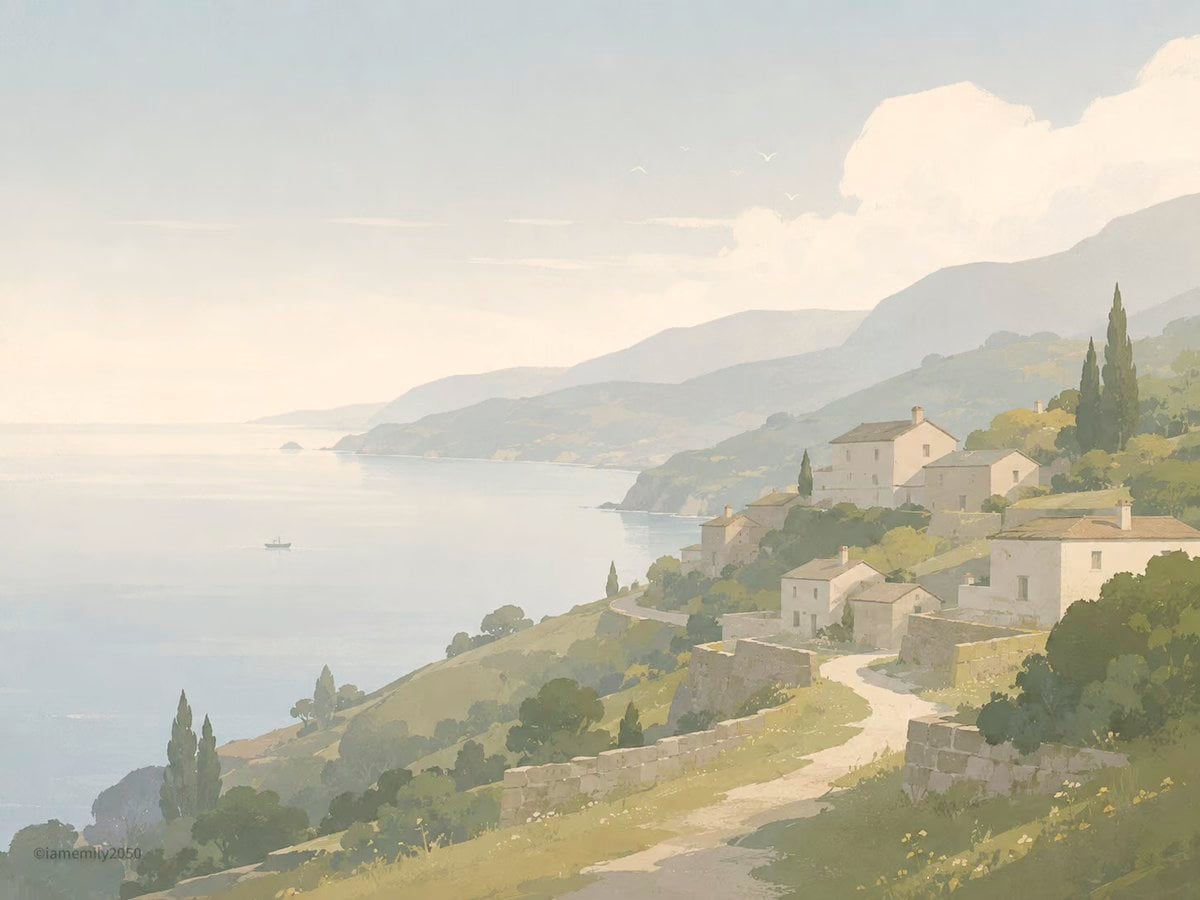
Quiet Minimalist Anime Style Guide
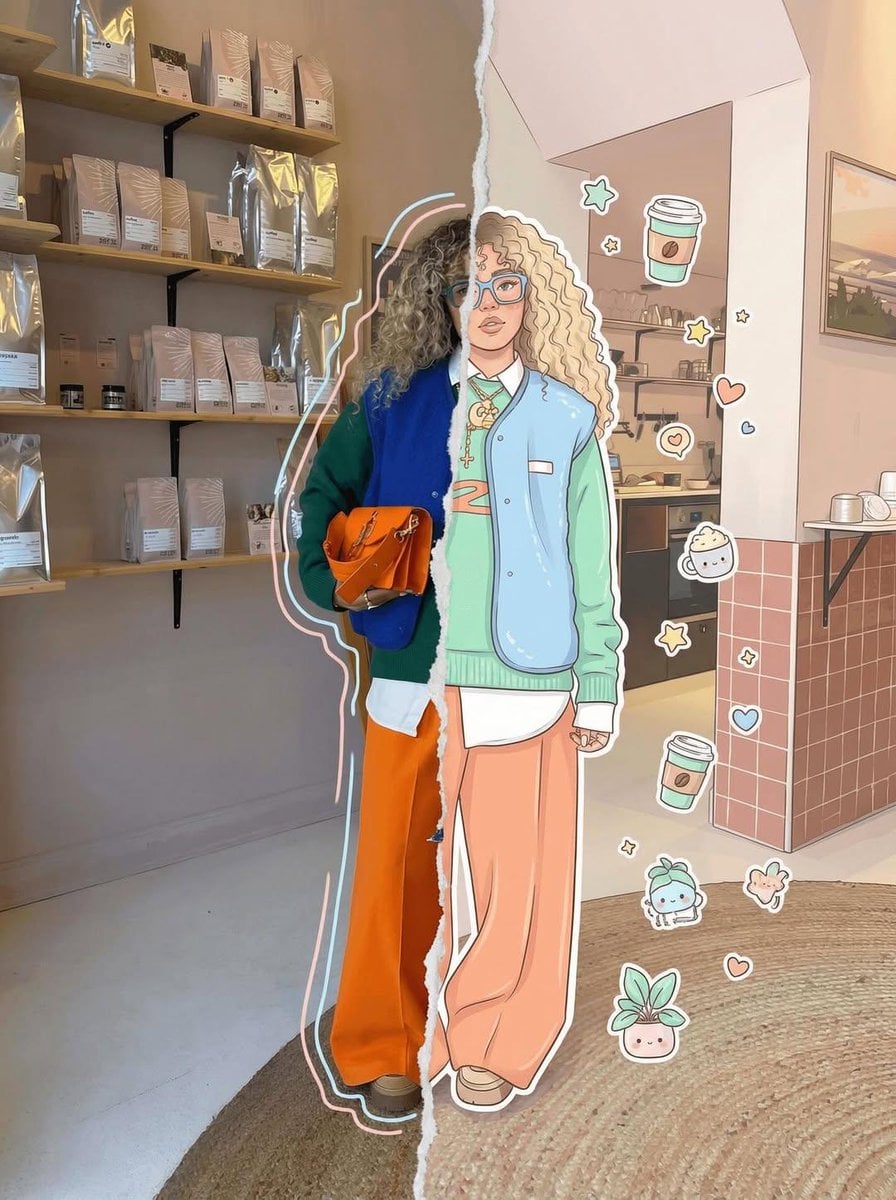
Real Illustration Split Portrait Transition
Quiet Minimalist Anime Style Guide
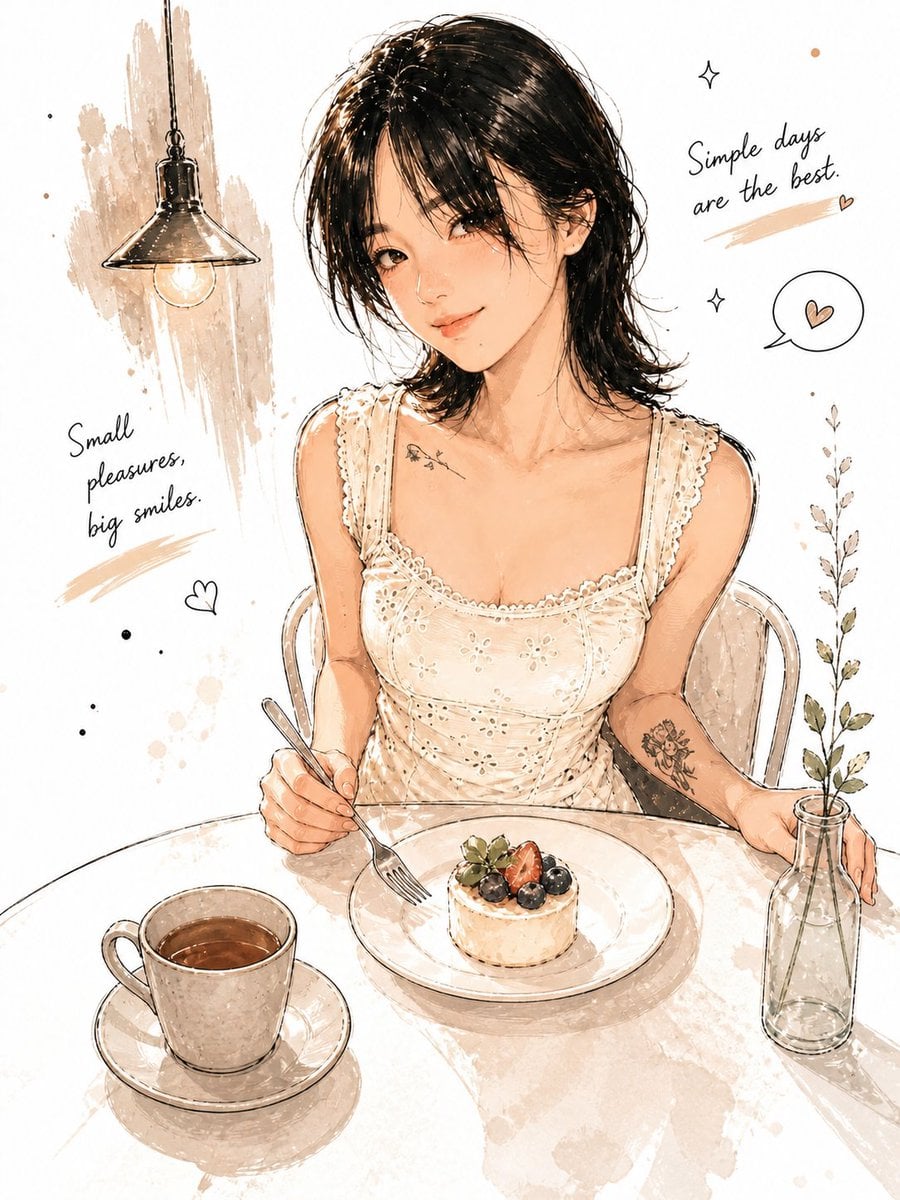
Watercolor Café Cheesecake Editorial Illustration
Real Illustration Split Portrait Transition
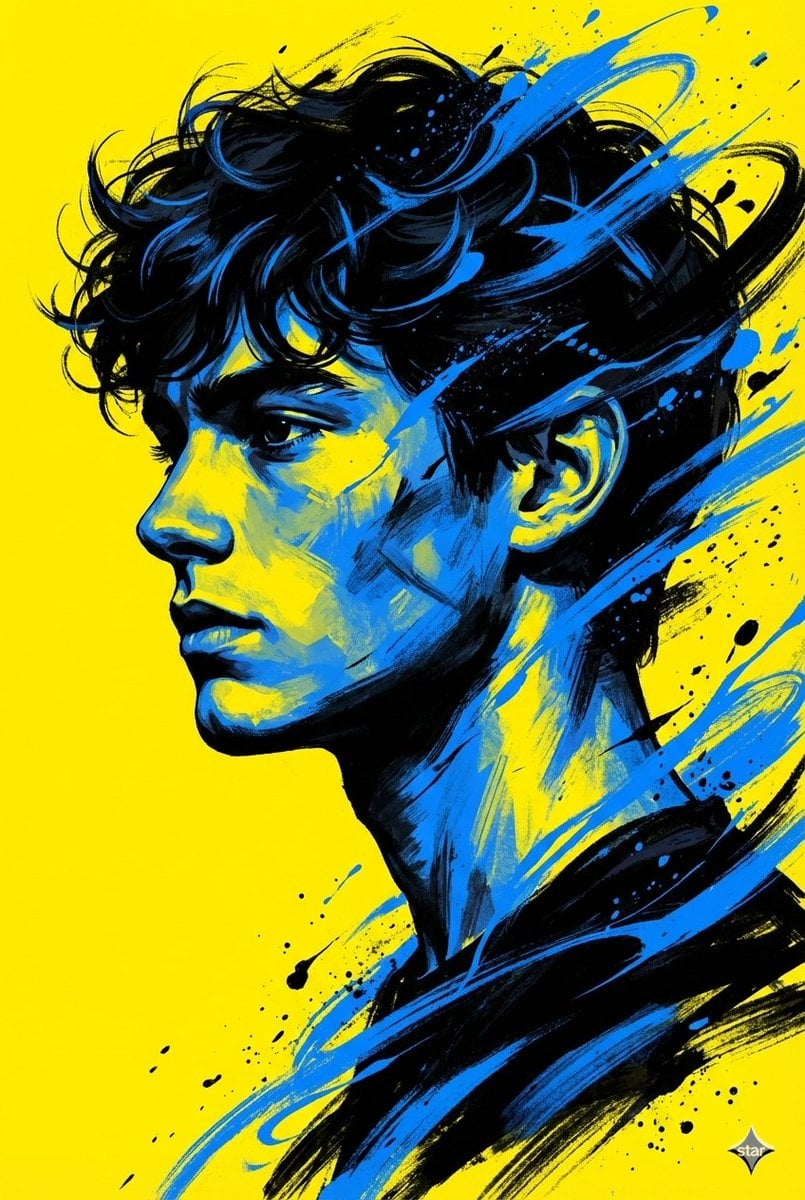
Bold Side Profile Superhero Poster
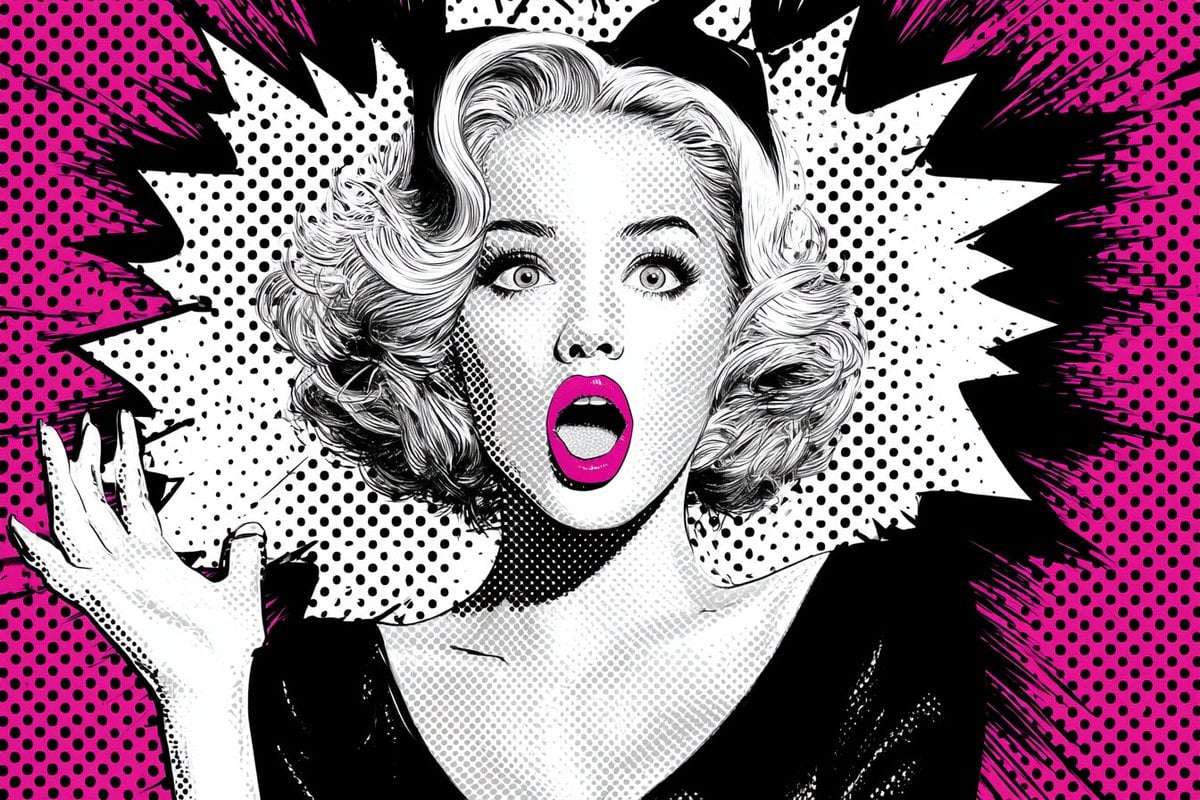
Pop Art Superhero Explosion Poster
Make it yours
Hybrid Photo-Comic Illustration works as-is. These are the safest ways to change it without losing the look.
Change one field
Copy a single group, rewrite it, and generate again so you can see what that field is doing.
Keep the frame, change the subject
Hold the composition and light of Hybrid Photo-Comic Illustration, then swap wardrobe, props or the person for a new take.
| If the result… | Why | Fix |
|---|---|---|
| The result drifts from the preview | Too many fields changed at once. | Reuse Hybrid Photo-Comic Illustration as-is first, then change one group — subject, light, or setting. |
| The model over-stylizes the scene | The prose prompt leaves finish and camera underspecified. | Add one camera or lighting sentence and stay on GPT Image 2. |
More GPT Image 2 templates
Other prompts made for GPT Image 2.

Six VTuber Japanese Logo Sheet

Realistic Portrait of Woman and Deer

The Vista Modular Condo Poster

AI Model Routing Comparison Infographic

2.5D Anime Art Board

Isometric Productivity Desk Scene

New York Double Exposure Poster

Four-Panel AI Landscape Comparison

Japanese Tatami Lifestyle Magazine Cover

NESCAFÉ Coffee Map Poster
More image prompts
Fresh picks from across the catalog.
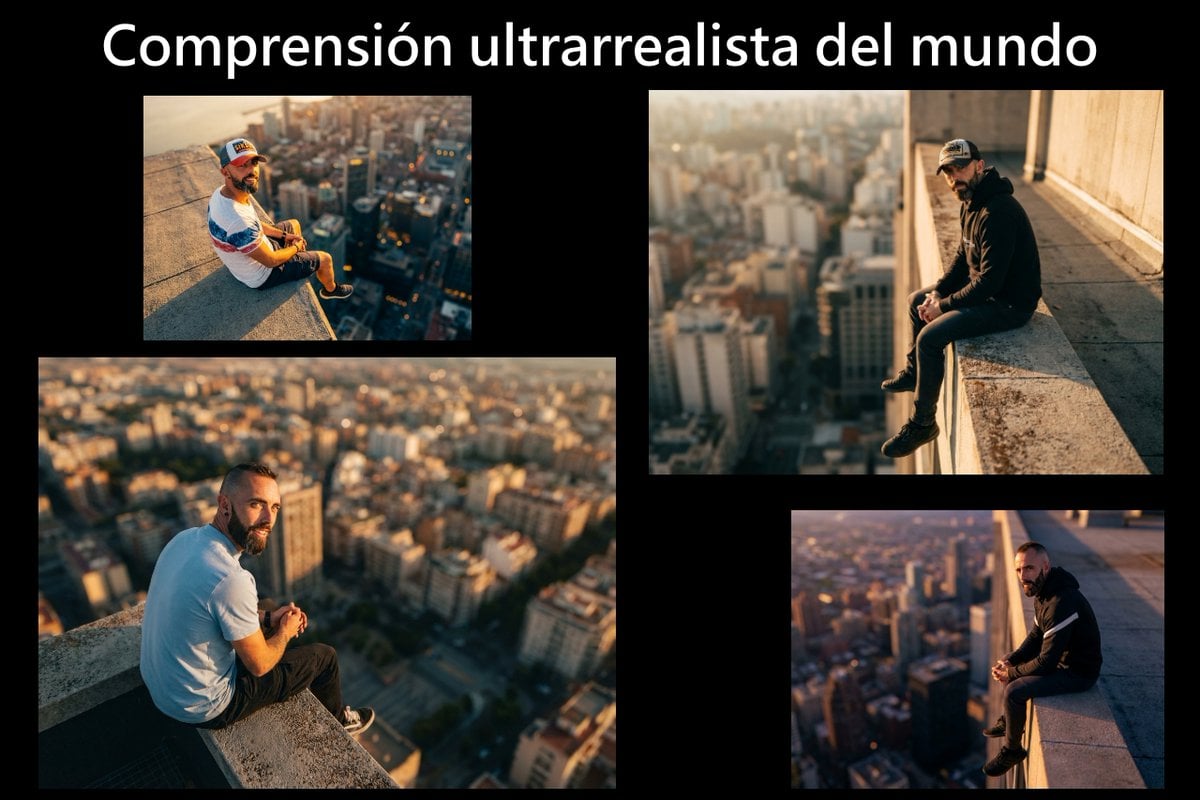
Cinematic rooftop portrait from reference photos
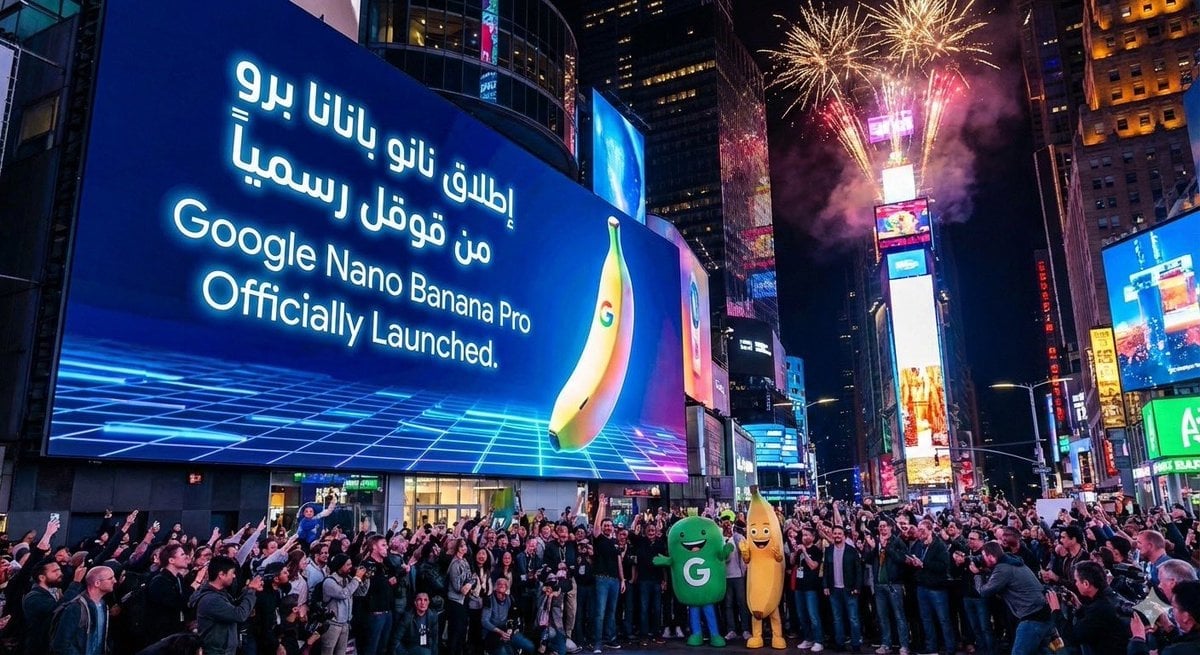
Announcement design image about Nano Banana Pro launch
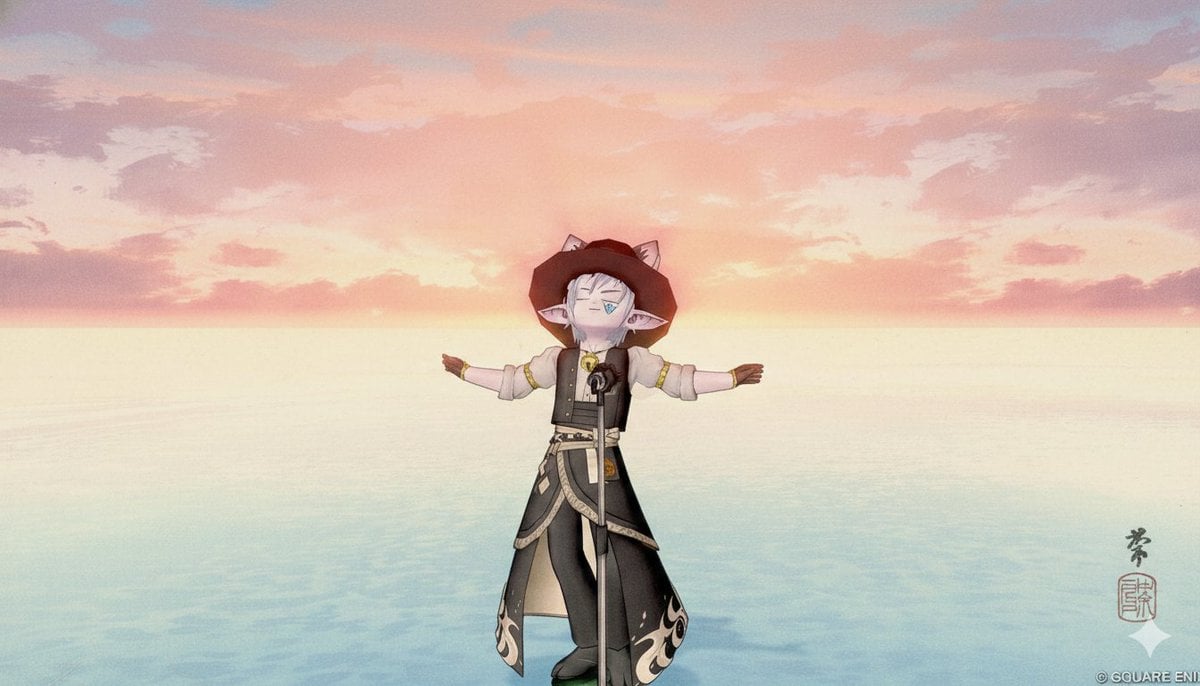
Image-to-Image Style Transfer to Ukiyo-e Style
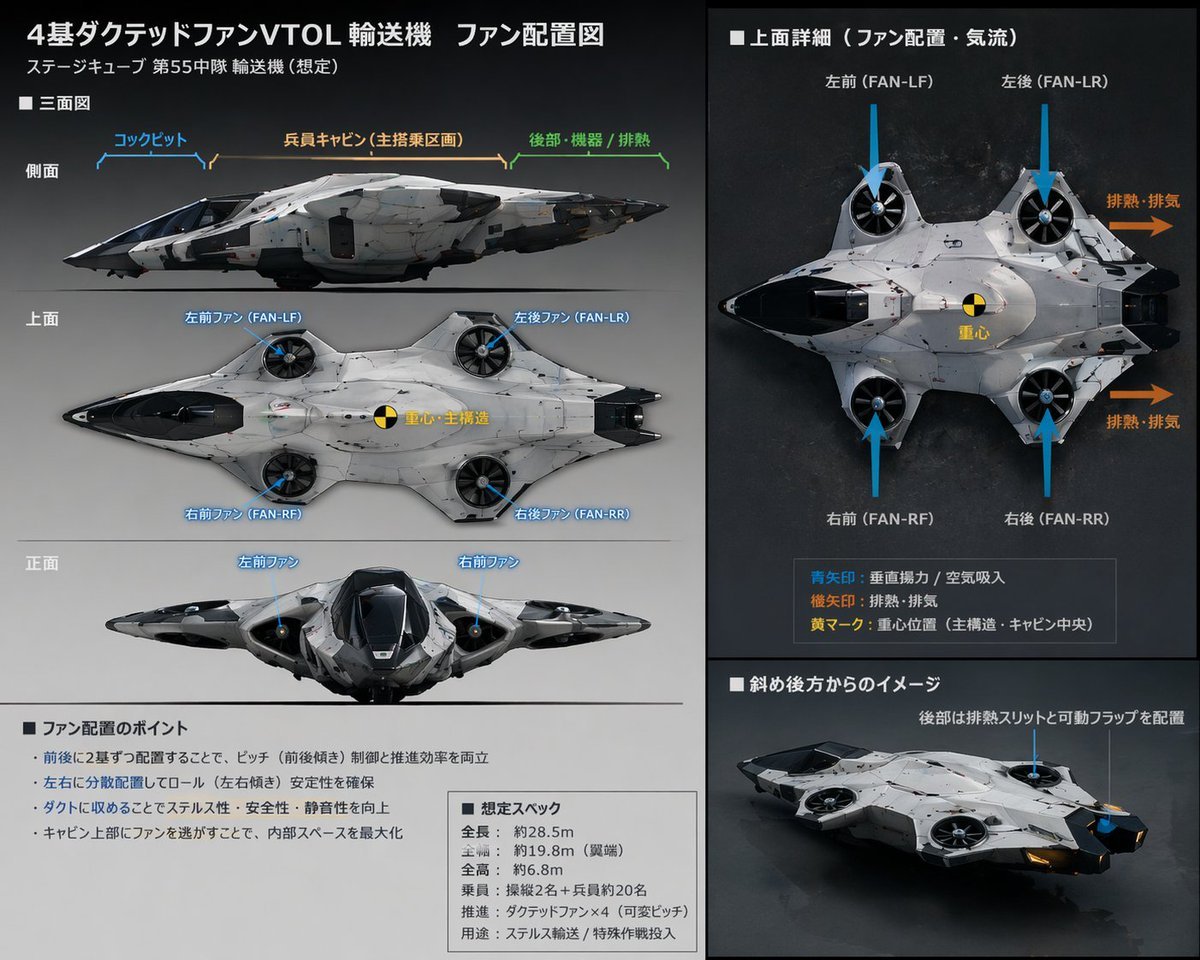
Sci-Fi VTOL Aircraft Technical Spec Sheet
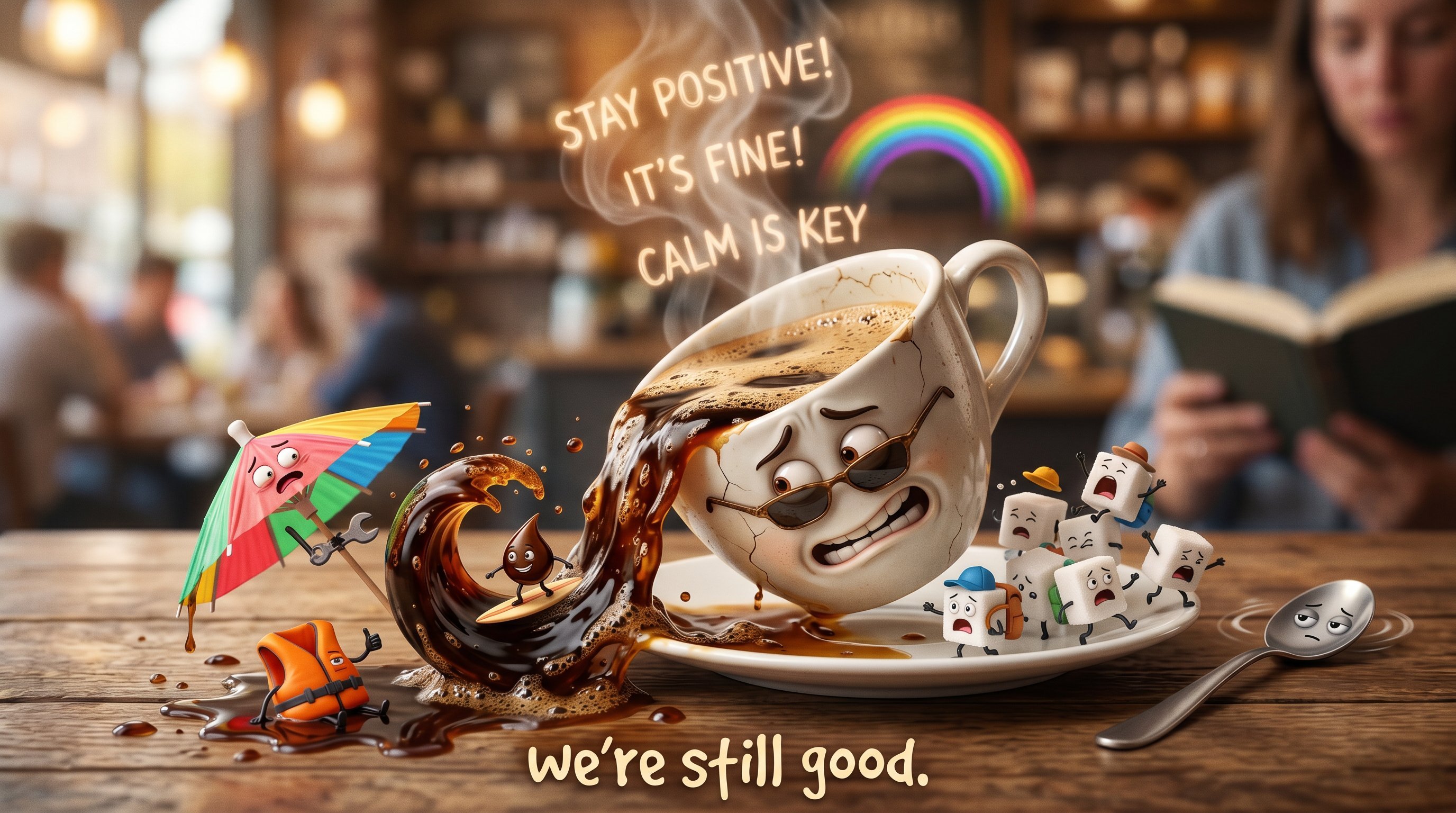
Firefly Pixar Spill — Nano Banana Pro
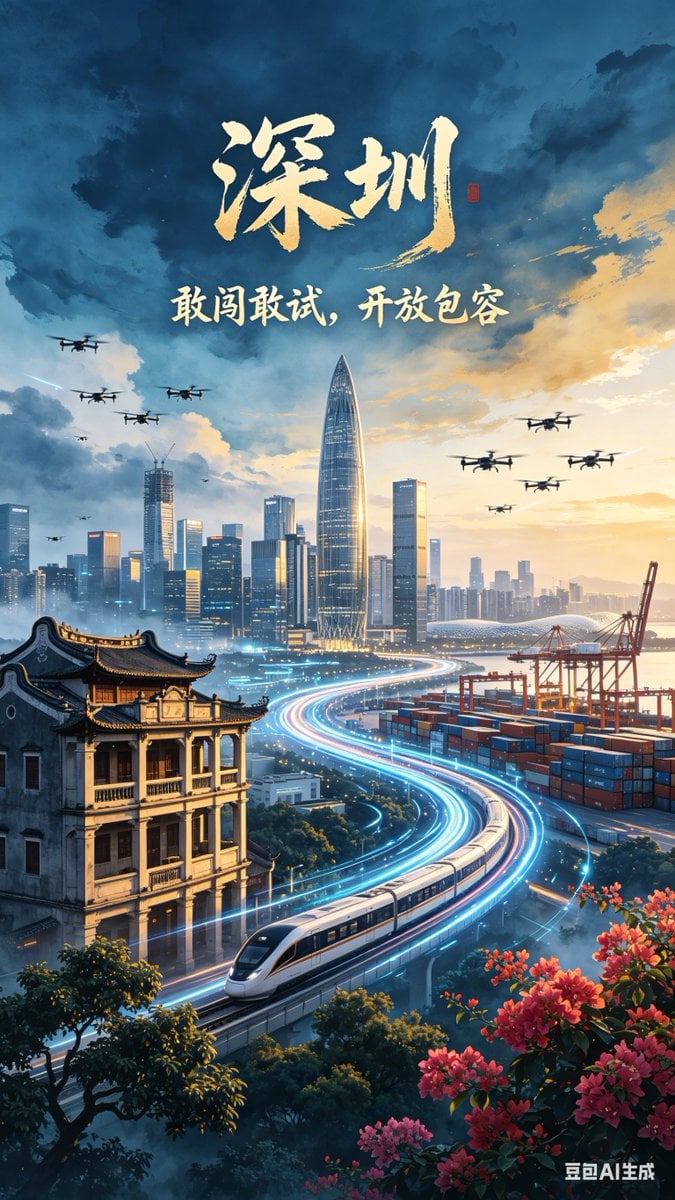
Futuristic Shenzhen City Poster
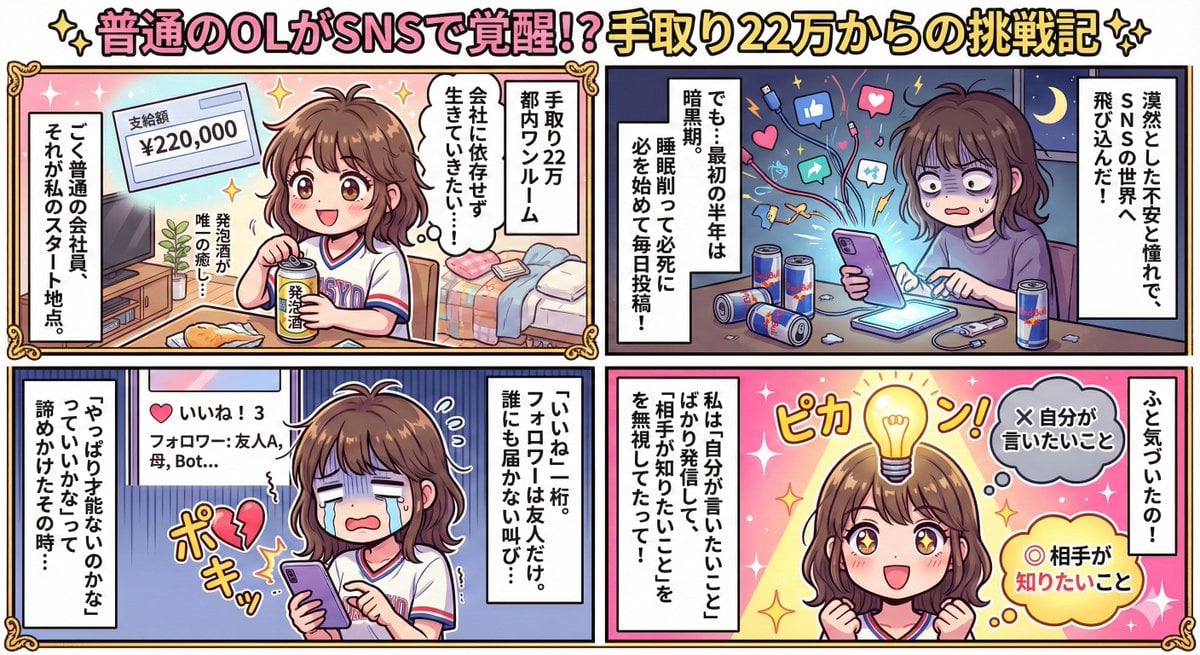
Generating Rich 4-Panel Manga with NanoBanana Pro
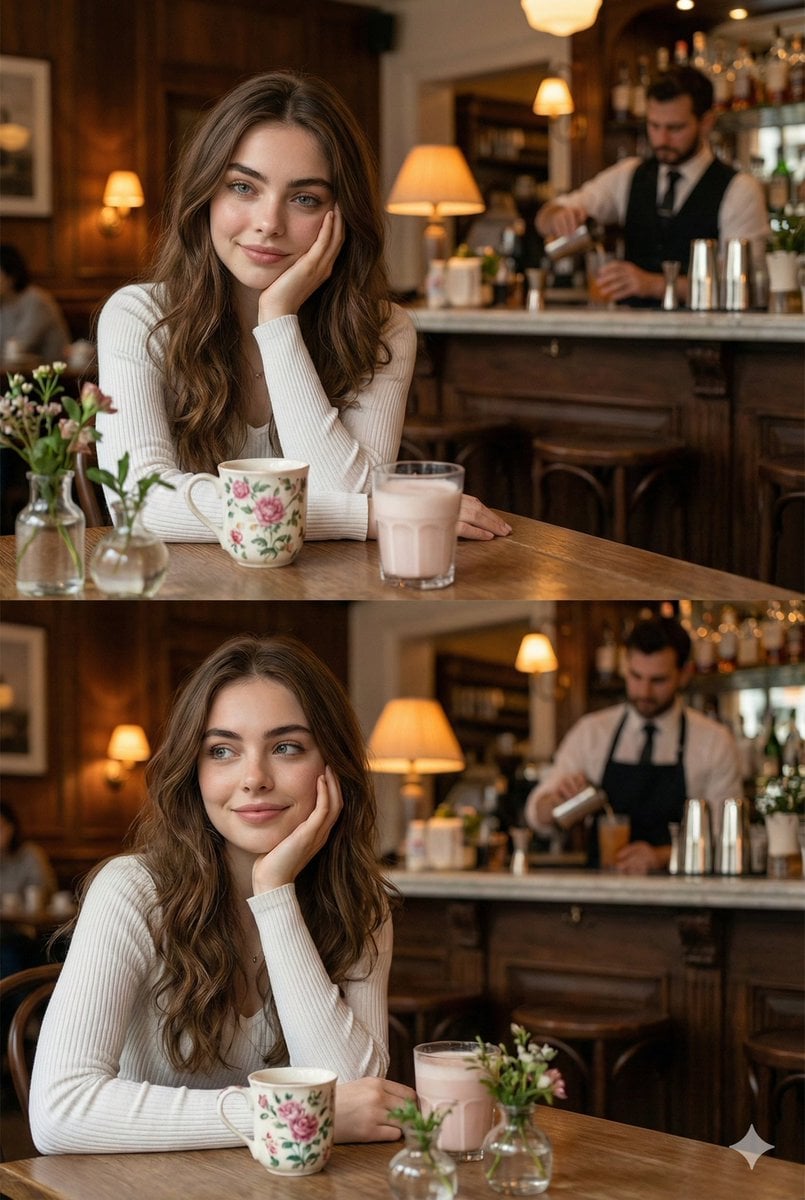
Hyper-realistic photo of a young woman in a cozy café
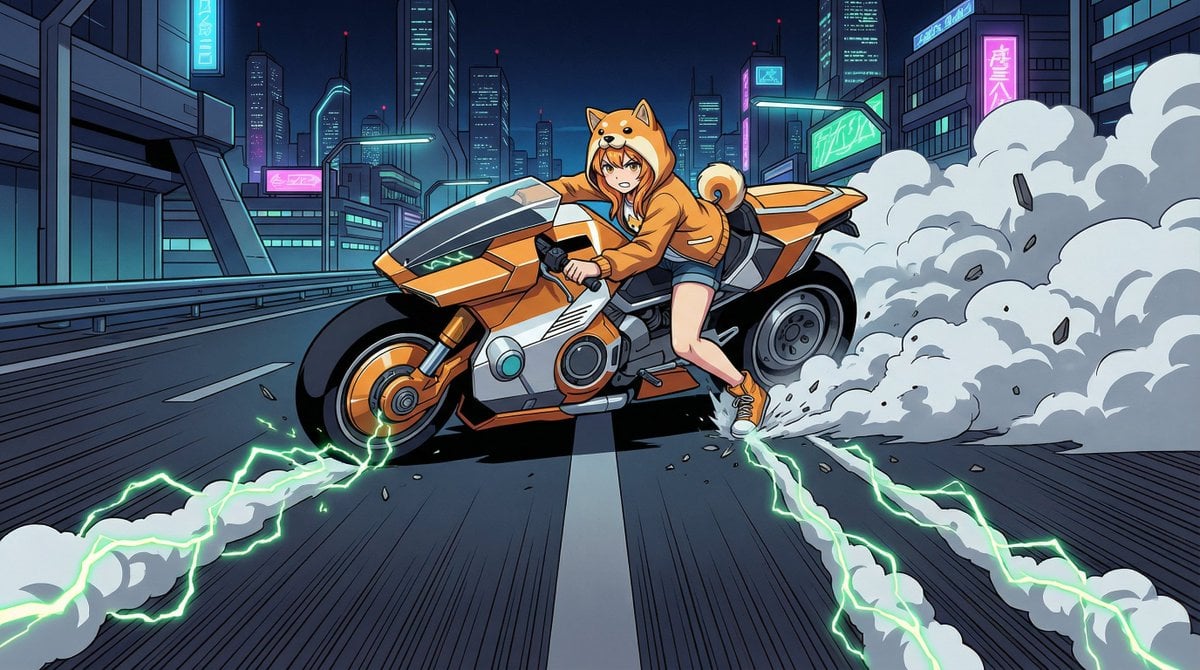
AKIRA 'Slide Brake Scene' Recreation Prompt
Minimal Isometric 3D Perspective
Browse template categories
Hybrid Photo-Comic Illustration questions
How do I use the Hybrid Photo-Comic Illustration template?
Add your photo if the template asks for one, edit the prompt if you like — the template's model and format are already selected — and press Generate. Your version opens in PicX Studio.
Can I customize the Hybrid Photo-Comic Illustration template?
Yes. You can change the subject, setting, lighting, mood, format, and available model controls before creating your image.
Is the Hybrid Photo-Comic Illustration template free?
Opening and editing this template is free. Generating uses credits, shown on the Generate button when you are signed in.
Which AI model should I use?
Start with GPT Image 2, which is the model associated with this template. You can compare another compatible model for a different finish.
Looking for something else? Browse all templates.

Your photo, any look
Thousands of ready templates for every top image and video model, from one credit balance.