
Fictional Band Group Photo
A cinematic full-body studio portrait prompt for creating a consistent four-member alternative synth-rock band with edgy fashion and colored stage lighting.
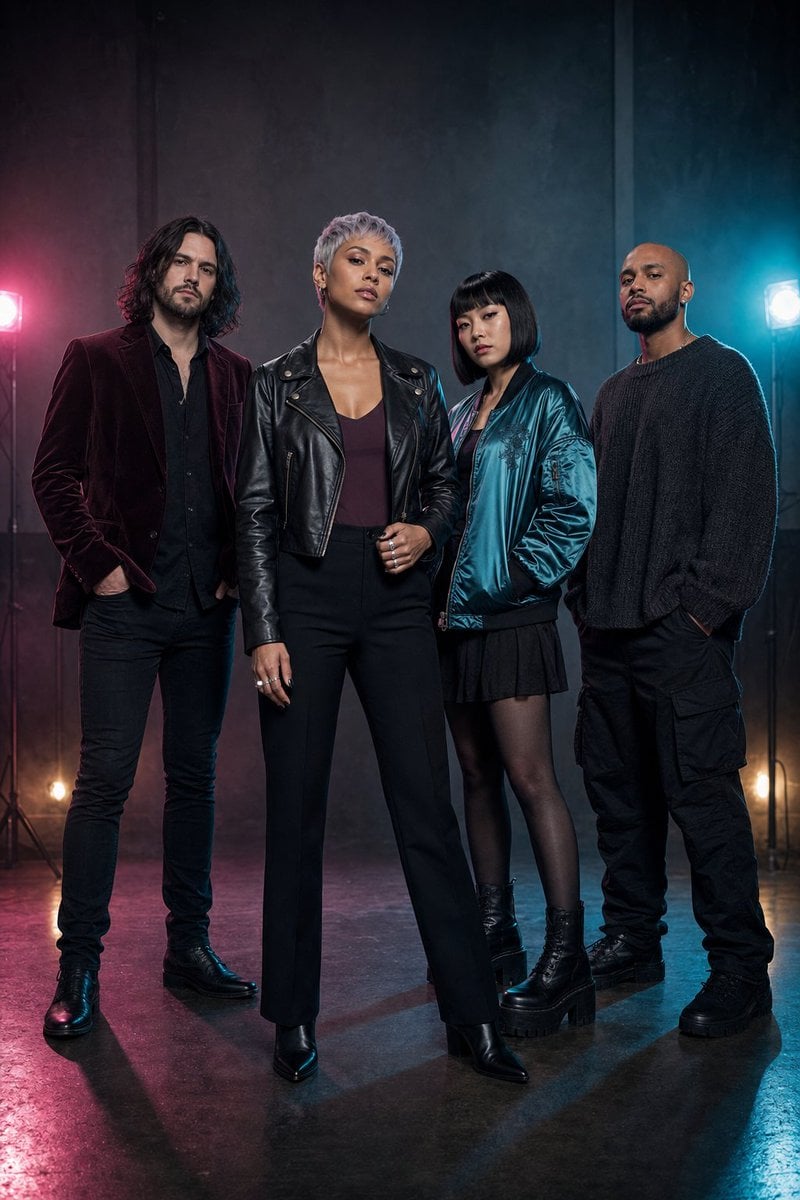
- Prompt included
- Model and format preset
- Premium template
The prompt behind this image
Copy the exact prompt behind Fictional Band Group Photo, or open it in the studio and make it yours.
Create a cinematic full-body studio group photo of a fictional four-member alternative synth-rock band named {argument name="band name" default="Neon Nocturne"}. The lineup has exactly 4 people standing shoulder-to-shoulder in a moody industrial photo studio: 1) far left, a tall slim man with shoulder-length wavy dark hair, wearing a deep burgundy velvet blazer over a black button-up shirt, black skinny jeans, and black leather boots, hands in pockets; 2) front center, the lead singer, a tall confident woman with short platinum-silver hair, wearing a cropped black leather motorcycle jacket, dark burgundy tank top, high-waisted black tailored trousers, pointed black ankle boots, and silver rings, standing slightly forward with one hand near the jacket; 3) right-center, a petite woman with a sleek black bob haircut, wearing a shiny teal satin bomber jacket over a dark top, short black pleated skirt, sheer black tights, and chunky black platform combat boots, standing close behind the lead singer; 4) far right, a tall broad man with a shaved head, wearing a loose charcoal knit sweater, black cargo pants, chunky black boots, and a small hoop earring, hands in pockets. Use a dark concrete wall and glossy concrete floor, with visible colored stage lights on stands: magenta/pink light glowing from the left and cyan/blue light glowing from the right, plus small warm floor lights near the background. The lighting should create dramatic rim highlights, haze, soft smoke, reflections on the floor, and a high-end music promo photography look. Keep the wardrobe mostly black with burgundy and teal accents, edgy but polished. Vertical 2:3 composition, full bodies visible, realistic photography, sharp clothing detail, shallow atmospheric depth, no text, no logo, no album cover typography.
How to use Fictional Band Group Photo in 3 steps
- 1Upload ImagePNG, JPG or paste
Add your photo
Upload the photo the template builds on. The prompt, model and format are already set.
- 2…a portrait of your subject in softgolden-hour light, 85mm…
Personalize
Edit the subject and creative details for your destination.
- 3Generate
Generate
Press Generate — your image is created in PicX Studio, so you can compare it with the original and refine one variable at a time.
More like this
Templates with the same subject, style or setup. Open one to see its prompt.
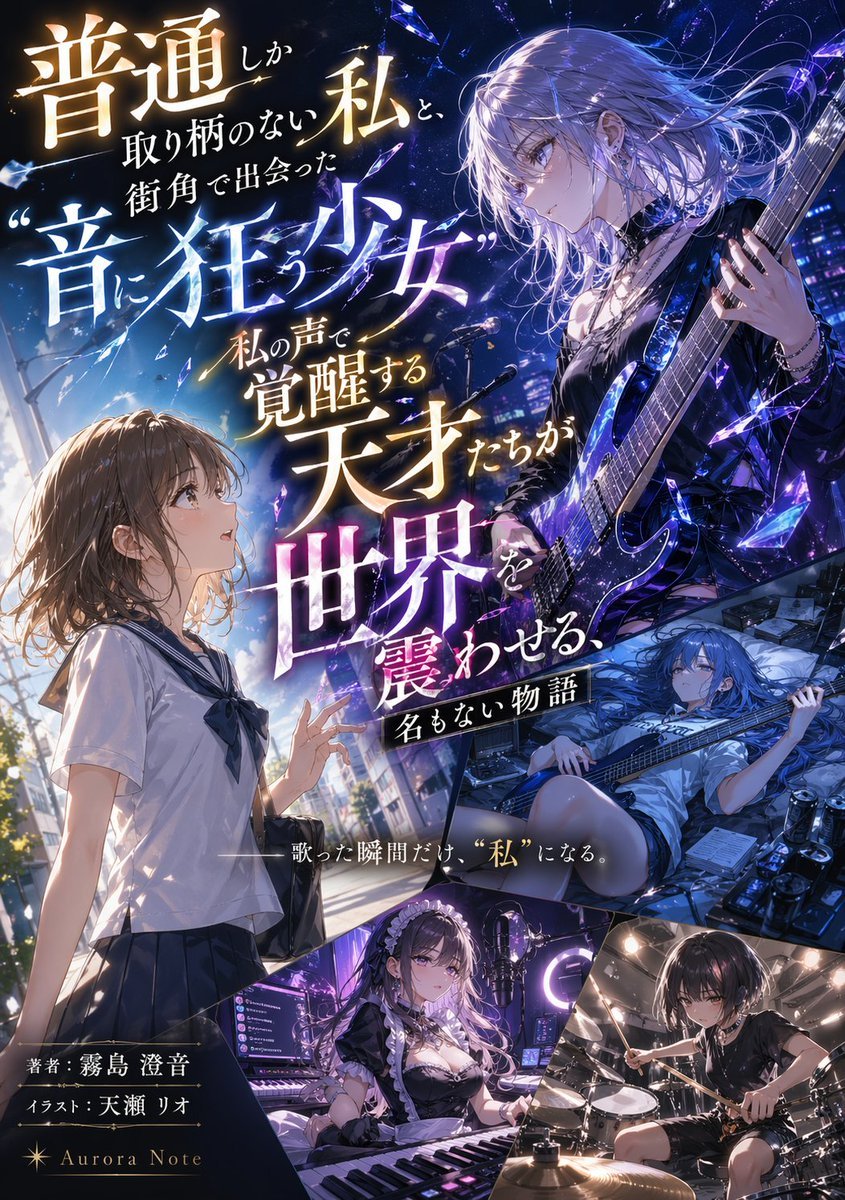
Light Novel Cover with Multi-Character Band Layout
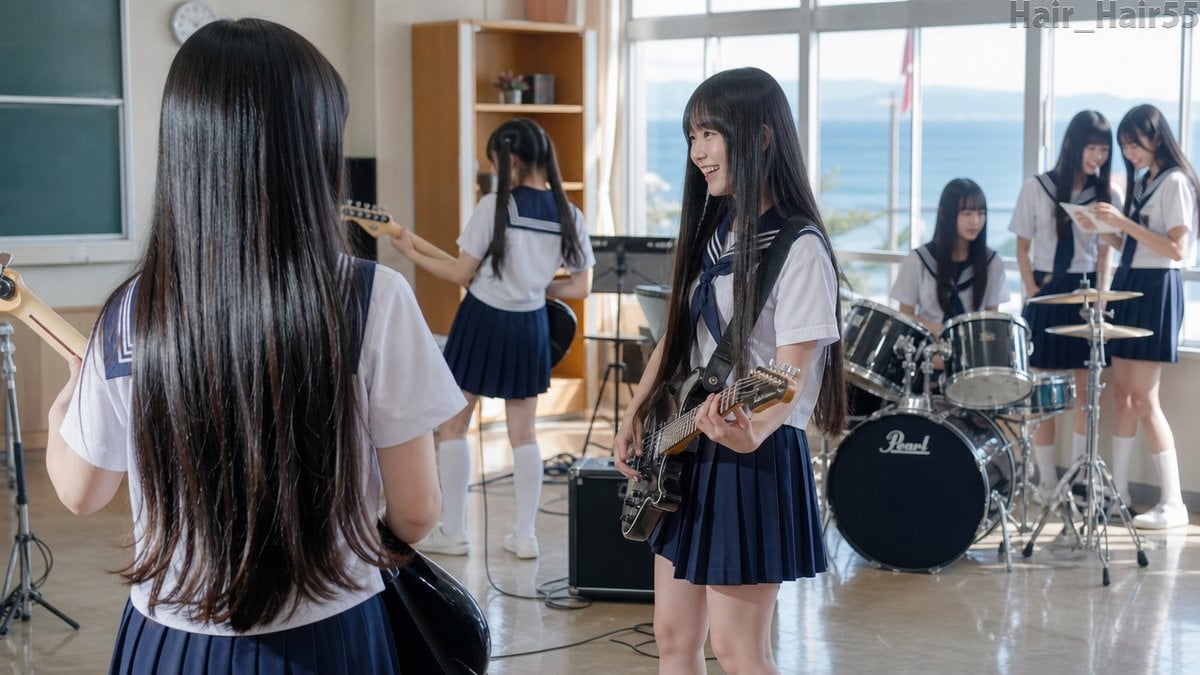
Seaside School Band Rehearsal
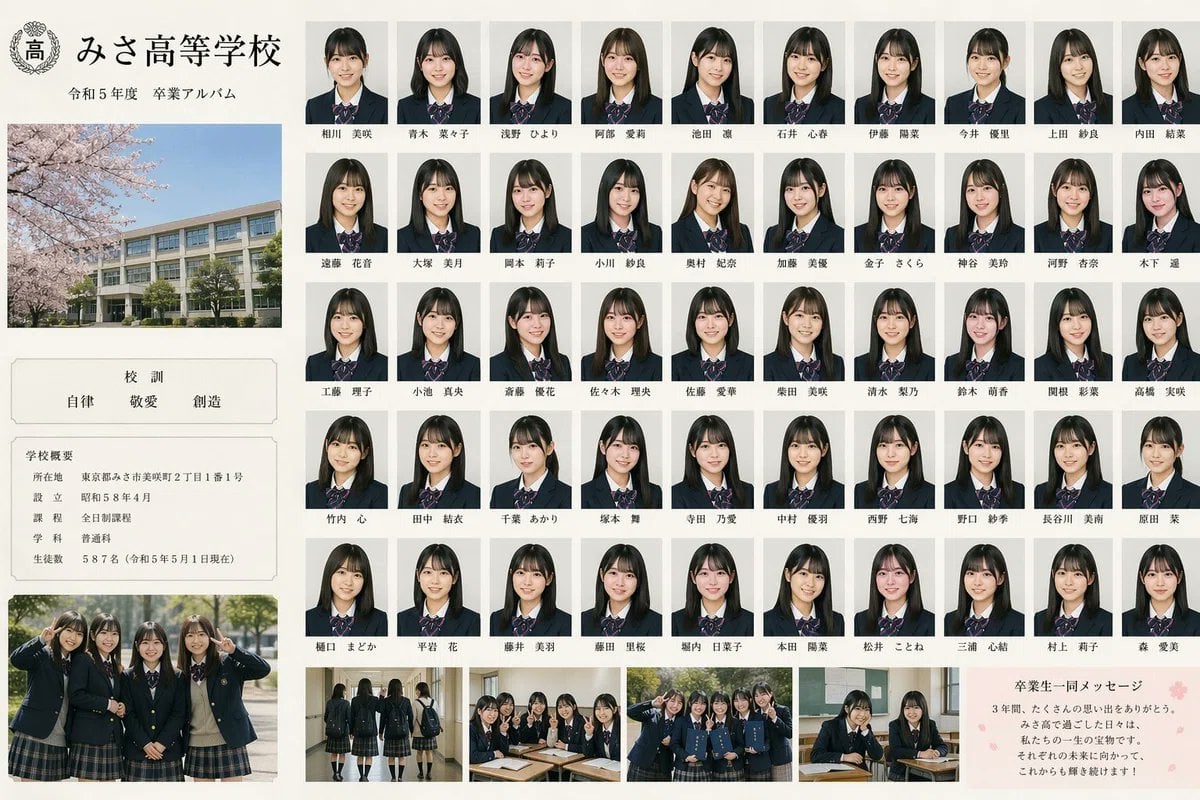
Fictional High School Yearbook Portrait
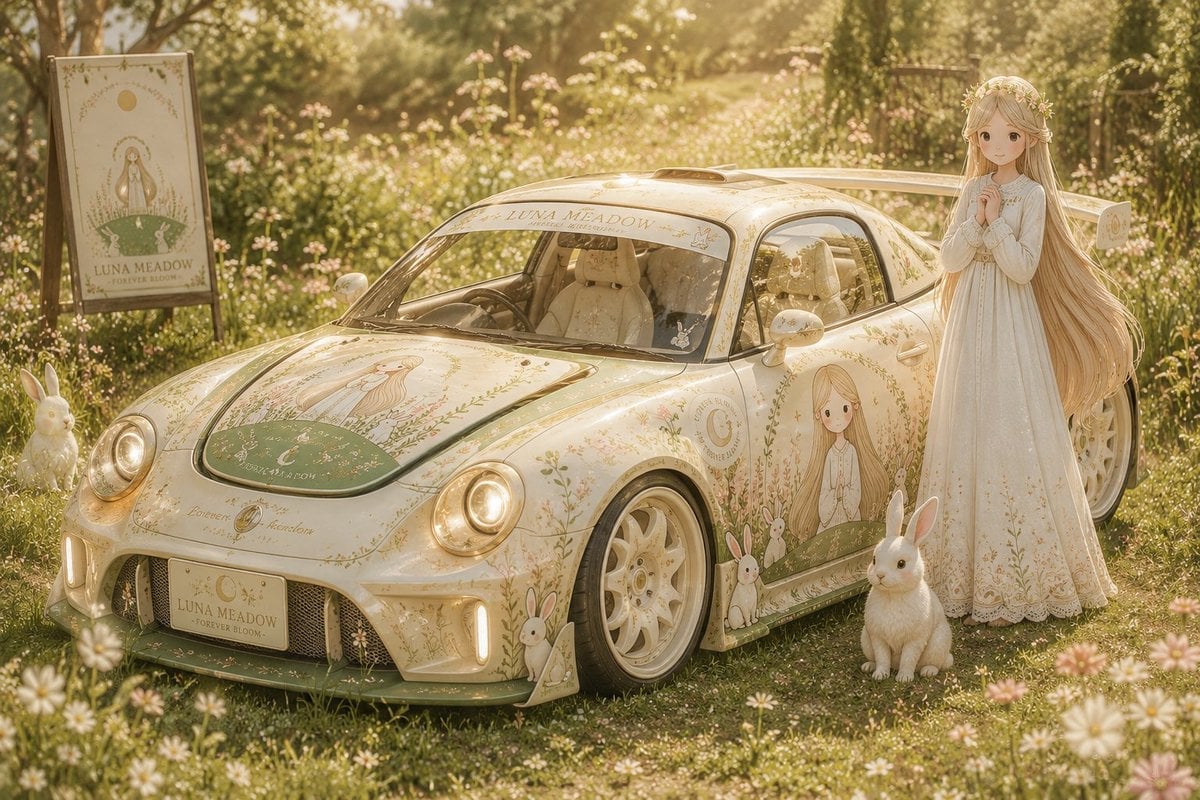
Fictional Japanese Itasha Vehicle Generator
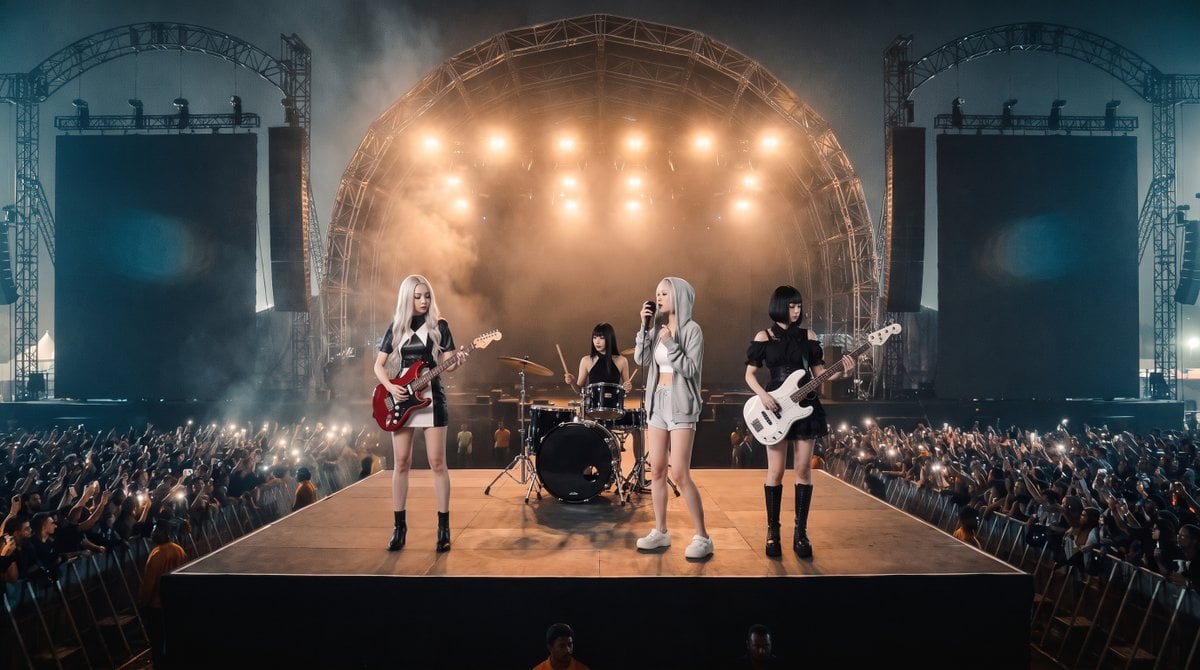
Photorealistic Festival Band Performance
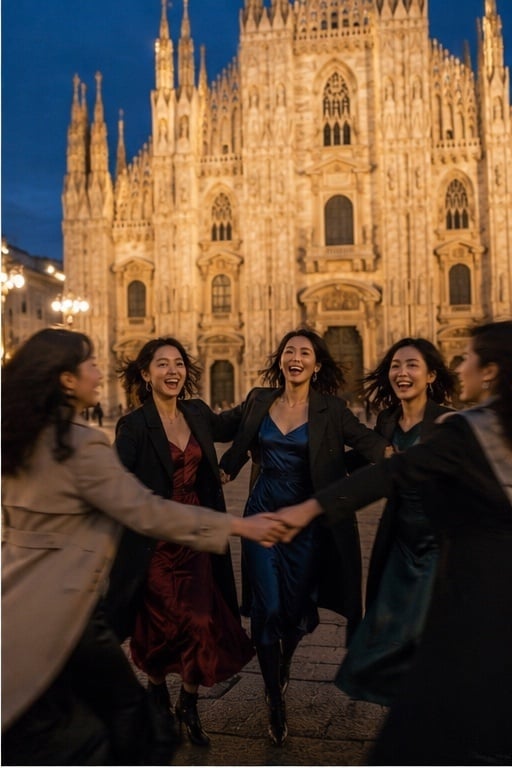
Cinematic Group Portrait in Milan
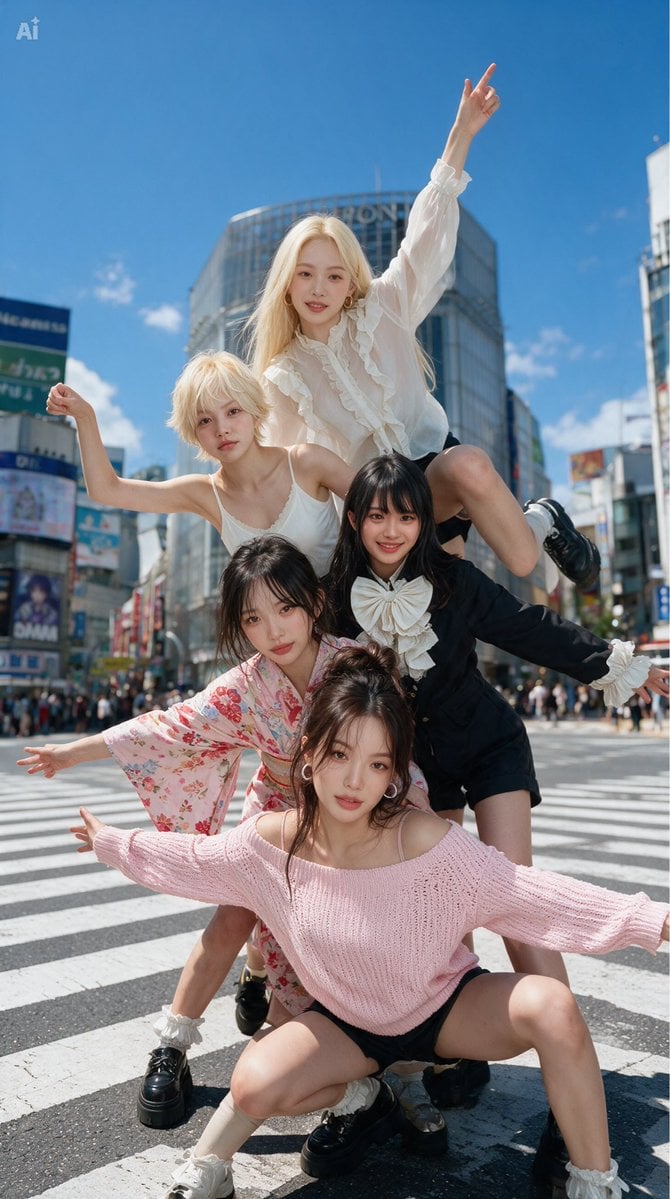
Stick Figure Group to Fashion Photo
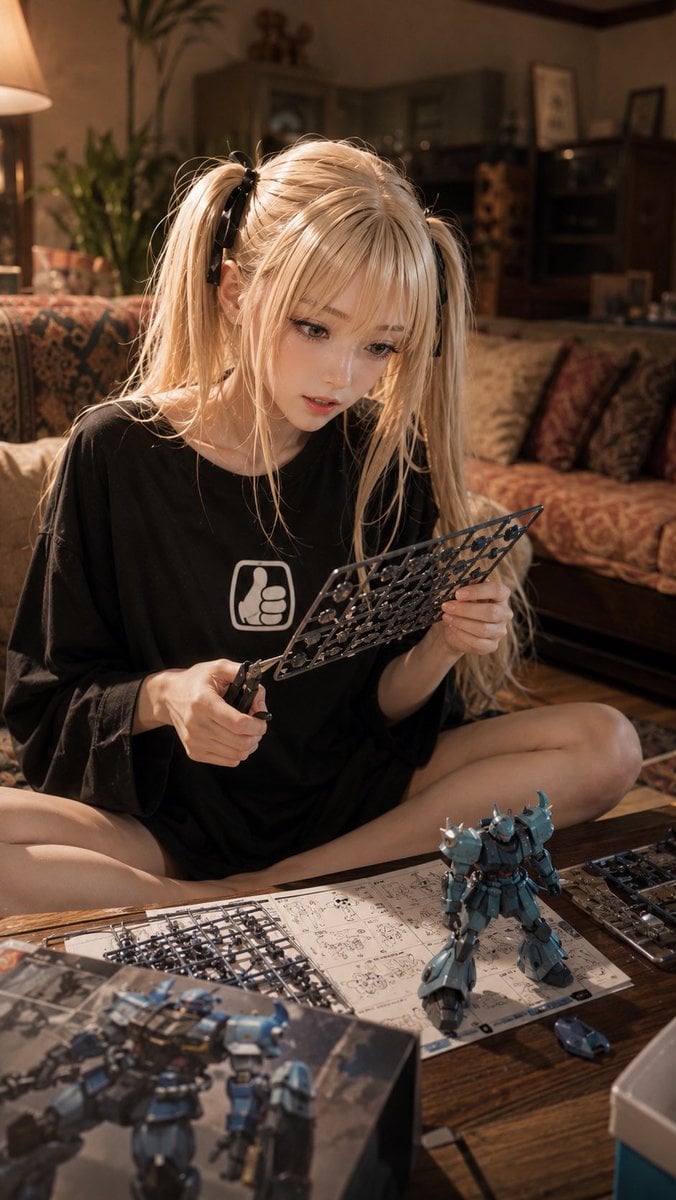
Anime Girl Building Fictional Mecha Model
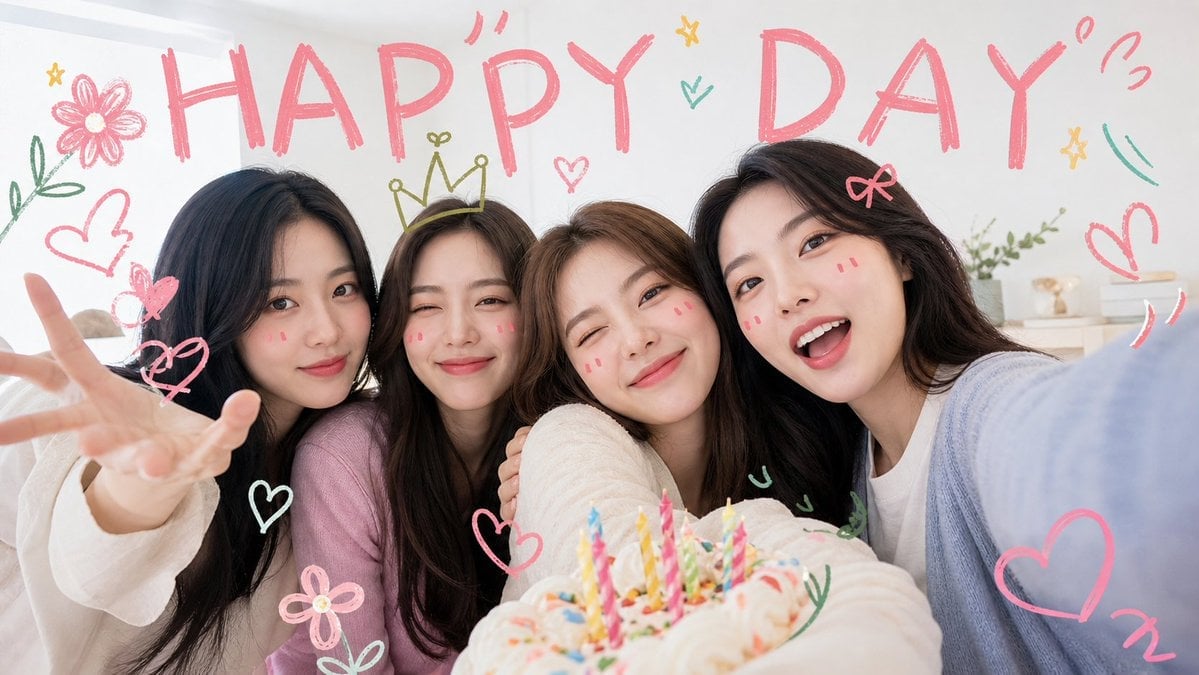
Kawaii Birthday Group Selfie

Fictional Soccer Snack Trading Card Product Photo

Fictional Triple Crown Horse Poster
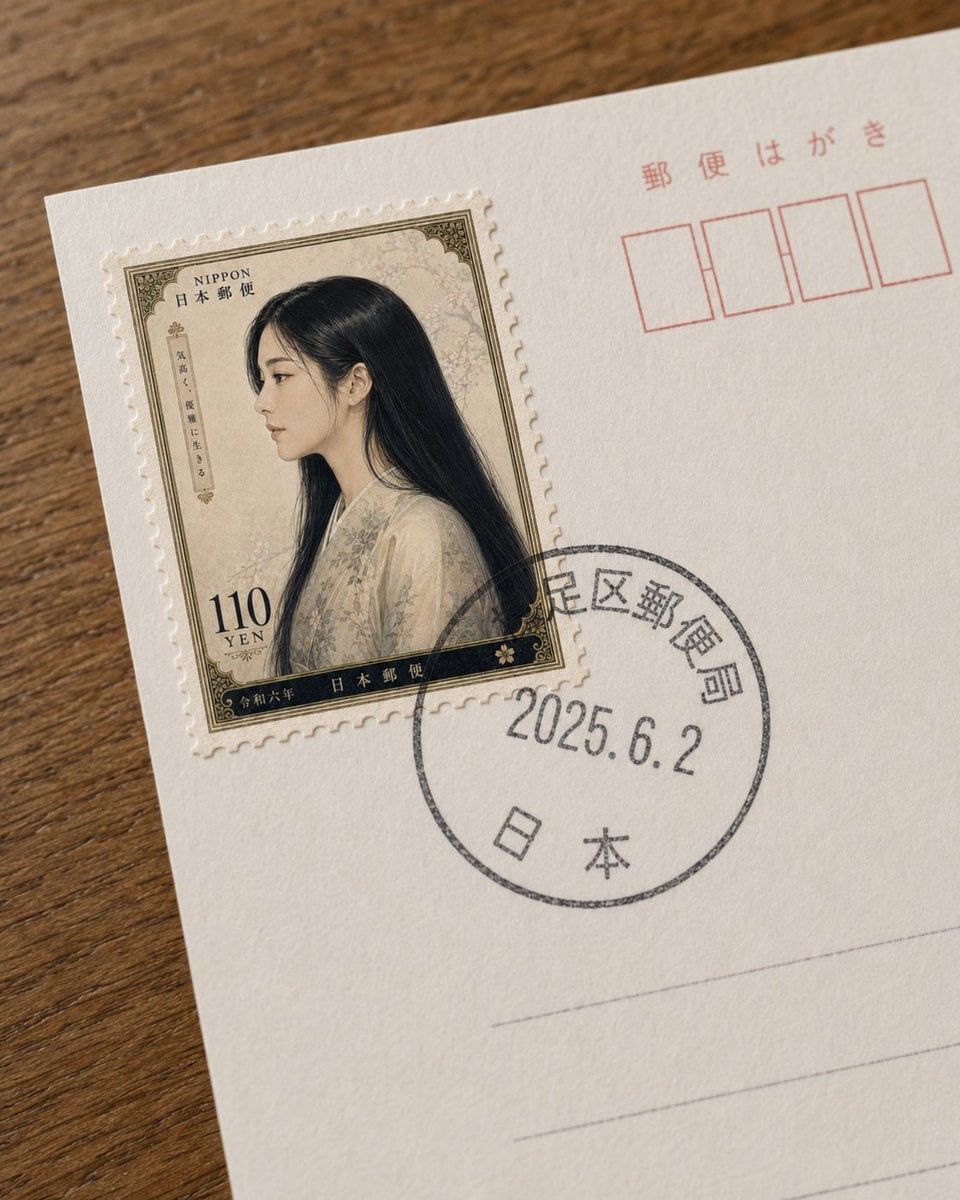
Fictional Japanese Stamp on Postcard
Make it yours
Fictional Band Group Photo works as-is. These are the safest ways to change it without losing the look.
Change one field
Copy a single group, rewrite it, and generate again so you can see what that field is doing.
Keep the frame, change the subject
Hold the composition and light of Fictional Band Group Photo, then swap wardrobe, props or the person for a new take.
| If the result… | Why | Fix |
|---|---|---|
| The result drifts from the preview | Too many fields changed at once. | Reuse Fictional Band Group Photo as-is first, then change one group — subject, light, or setting. |
| The model over-stylizes the scene | The prose prompt leaves finish and camera underspecified. | Add one camera or lighting sentence and stay on GPT Image 2. |
More GPT Image 2 templates
Other prompts made for GPT Image 2.

Six VTuber Japanese Logo Sheet

Realistic Portrait of Woman and Deer

The Vista Modular Condo Poster

AI Model Routing Comparison Infographic

2.5D Anime Art Board

Isometric Productivity Desk Scene

New York Double Exposure Poster

Four-Panel AI Landscape Comparison

Japanese Tatami Lifestyle Magazine Cover

NESCAFÉ Coffee Map Poster
More image prompts
Fresh picks from across the catalog.
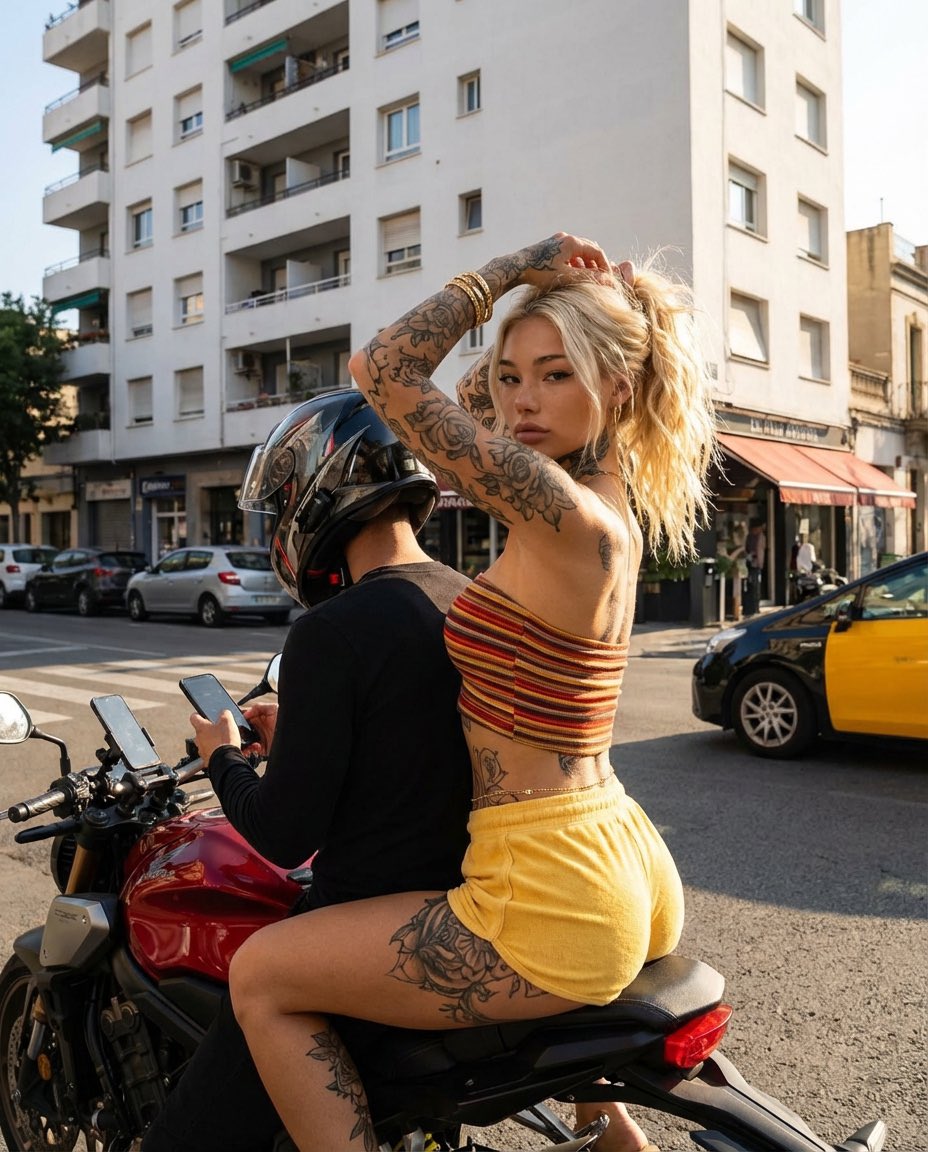
Photorealistic Street Photography of Tattooed Woman on Motorcycle
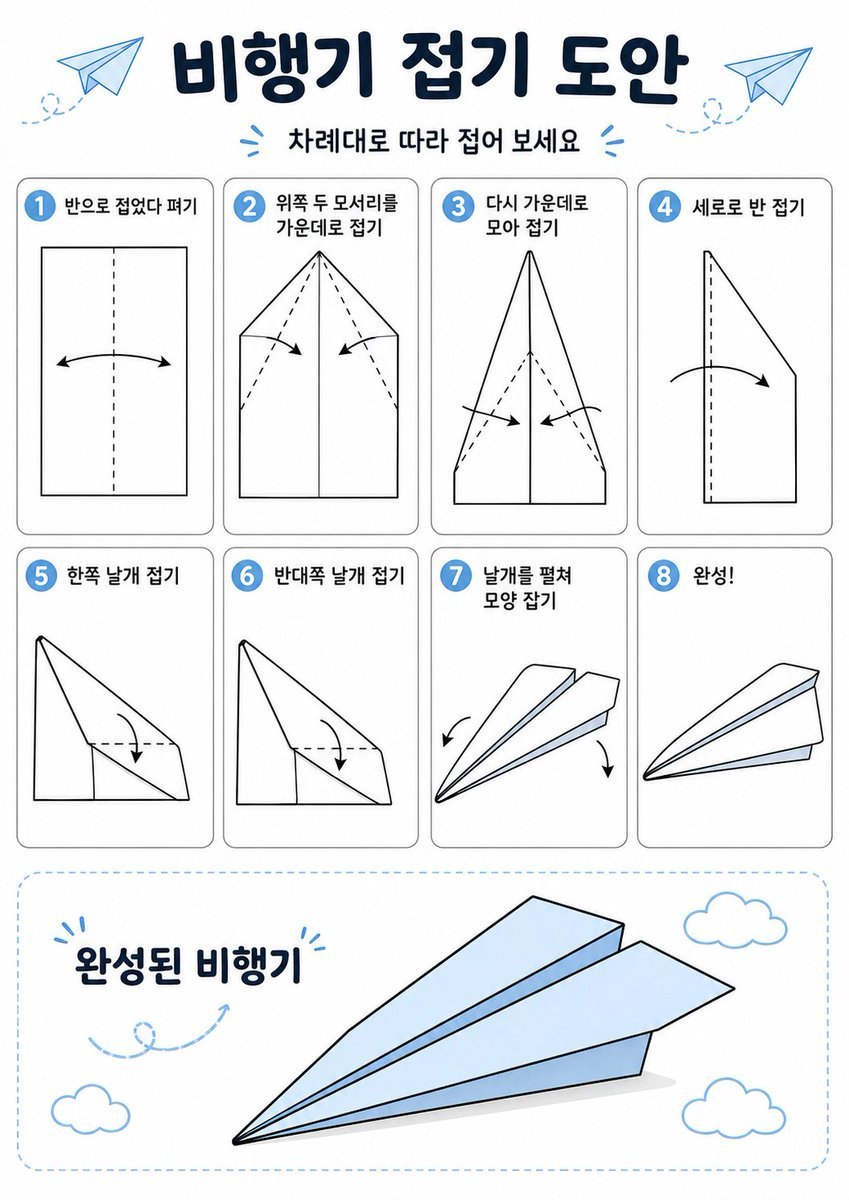
Korean Paper Airplane Folding Poster
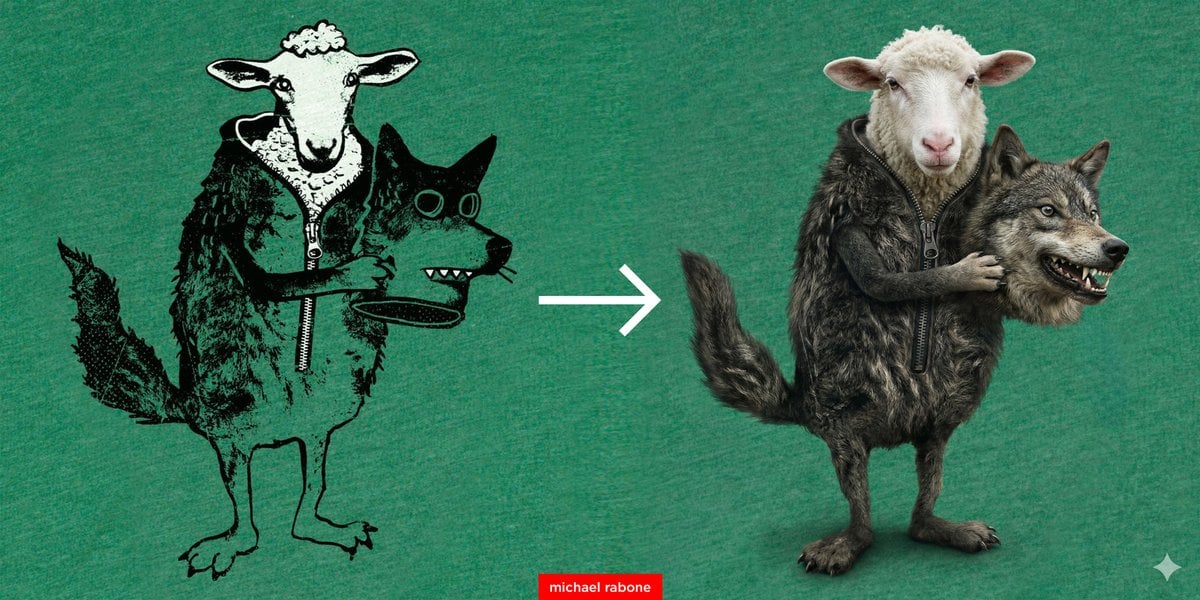
Artwork to 4K Photo Transformation Prompt
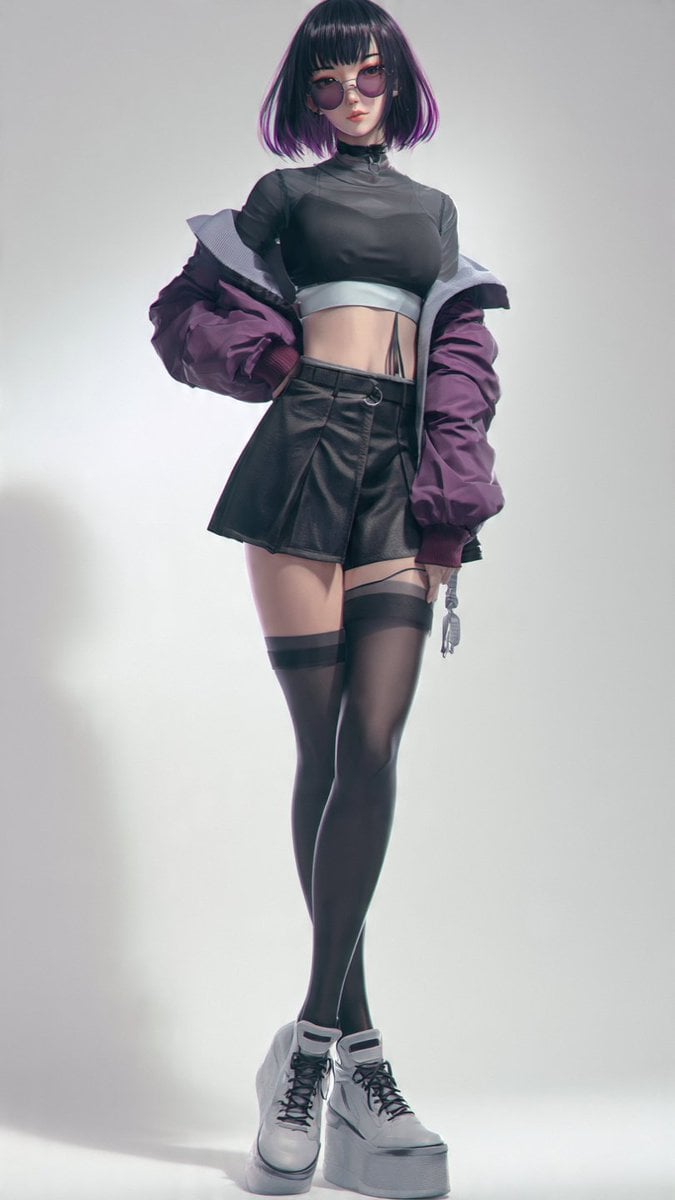
Anime Cyber Streetwear Full-Body Portrait
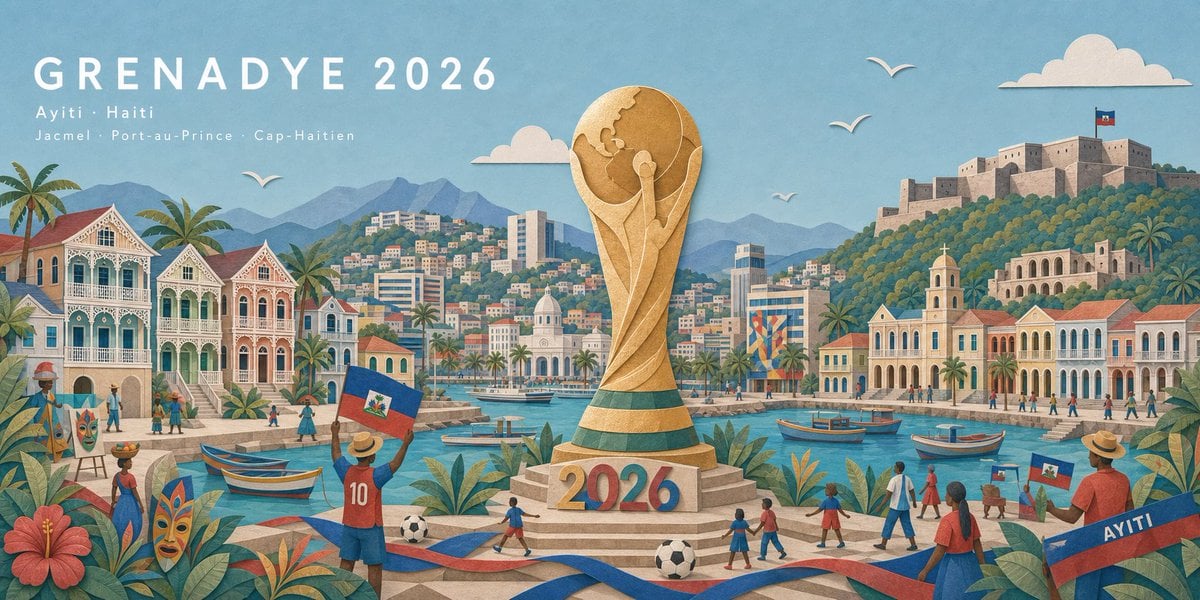
Haitian Football Poster Panorama
Cyber-Poetic Futuristic Noir Portrait
VTuber-style street-fashion thumbnail from a city photo
Michelin-Star Chef Fantasy Food Re-imagination Grid

Christmas Surprise Box Dynamic Action Shot
Minimal Interior Studio Website
Browse template categories
Fictional Band Group Photo questions
How do I use the Fictional Band Group Photo template?
Add your photo if the template asks for one, edit the prompt if you like — the template's model and format are already selected — and press Generate. Your version opens in PicX Studio.
Can I customize the Fictional Band Group Photo template?
Yes. You can change the subject, setting, lighting, mood, format, and available model controls before creating your image.
Is the Fictional Band Group Photo template free?
Opening and editing this template is free. Generating uses credits, shown on the Generate button when you are signed in.
Which AI model should I use?
Start with GPT Image 2, which is the model associated with this template. You can compare another compatible model for a different finish.
Looking for something else? Browse all templates.

Your photo, any look
Thousands of ready templates for every top image and video model, from one credit balance.