
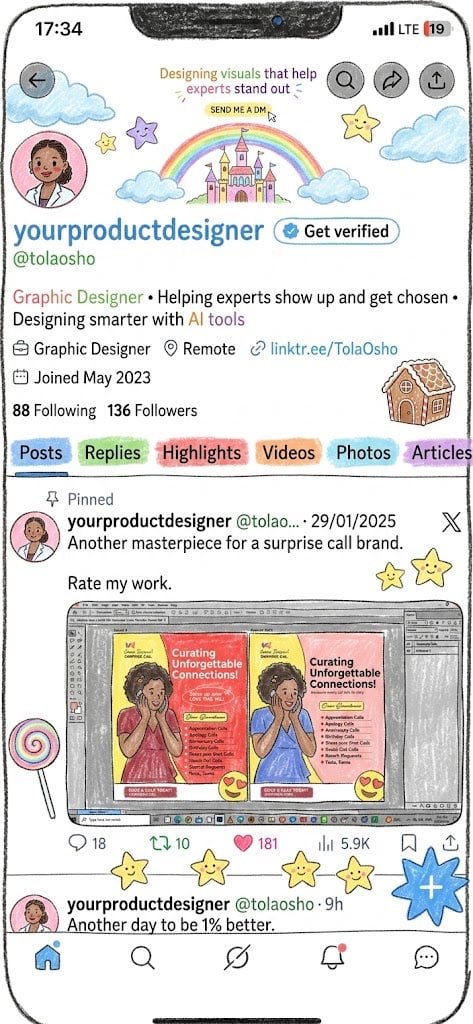
Hand-Drawn Designer Profile Screen
Generates a playful colored-pencil X/Twitter profile mockup for a product or graphic designer, useful for social media concept art and creator branding visuals.
- Prompt included
- Model and format preset
- Free template
The prompt behind this image
Copy the exact prompt behind Hand-Drawn Designer Profile Screen, or open it in the studio and make it yours.
- Type
- hand-drawn social media profile screen illustration
- Format
- vertical smartphone screenshot mockup
- Style
- playful sketchbook aesthetic, colored-pencil outlines, pastel watercolor doodles, slightly imperfect hand-drawn UI, rounded phone frame, white background, black ink linework
- Platform
- X/Twitter-style profile page
- Parameters › Display Name
- {argument name="display name" default="yourproductdesigner"}
- Parameters › Handle
- {argument name="handle" default="@tolaosho"}
- Parameters › Bio
- {argument name="bio" default="Graphic Designer • Helping experts show up and get chosen • Designing smarter with AI tools"}
- Parameters › Banner Text
- {argument name="banner text" default="Designing visuals that help experts stand out"}
- Parameters › Pinned Post Text
- {argument name="pinned post text" default="Another masterpiece for a surprise call brand. Rate my work."}
- Phone UI › Top Status Bar
- time 17:34 at top left, centered black speaker notch, LTE signal and low battery icon showing 19 at top right
- Phone UI › Top Buttons › Count
- 4
- Phone UI › Top Buttons › Items
- back arrow in a grey circle at upper left, search icon in grey circle, share arrow icon in grey circle, upload/share tray icon in grey circle
- Phone UI › Bottom Navigation › Count
- 5
- Phone UI › Bottom Navigation › Items
- home icon highlighted blue, search icon, Grok-like slash swirl icon, notifications bell with small red dot, messages bubble
- Profile Header › Banner
- pastel doodle banner with two blue clouds, rainbow, pink castle, small stars, and a tiny yellow label reading SEND ME A DM under the banner text
- Profile Header › Profile Avatar
- round pink avatar at left, illustrated woman in blazer, face intentionally blurred
- Profile Header › Name Row
- large blue display name with blue verified badge and a white Get verified pill button
- Profile Header › Metadata › Count
- 4
- Profile Header › Metadata › Items
- briefcase icon Graphic Designer, location pin Remote, link icon linktr.ee/TolaOsho, calendar icon Joined May 2023
- Profile Header › Social Stats
- 88 Following and 136 Followers
- Tabs › Count
- 6
- Tabs › Labels
- Posts, Replies, Highlights, Videos, Photos, Articles
- Tabs › Appearance
- pastel marker-highlight tabs, Posts selected with blue underline, each tab has a different soft color highlight
- Timeline › Posts Visible Count
- 2
Raw JSON
{"type":"hand-drawn social media profile screen illustration","format":"vertical smartphone screenshot mockup","style":"playful sketchbook aesthetic, colored-pencil outlines, pastel watercolor doodles, slightly imperfect hand-drawn UI, rounded phone frame, white background, black ink linework","platform":"X/Twitter-style profile page","parameters":{"display name":"{argument name=\"display name\" default=\"yourproductdesigner\"}","handle":"{argument name=\"handle\" default=\"@tolaosho\"}","bio":"{argument name=\"bio\" default=\"Graphic Designer • Helping experts show up and get chosen • Designing smarter with AI tools\"}","banner text":"{argument name=\"banner text\" default=\"Designing visuals that help experts stand out\"}","pinned post text":"{argument name=\"pinned post text\" default=\"Another masterpiece for a surprise call brand. Rate my work.\"}"},"phone UI":{"top status bar":"time 17:34 at top left, centered black speaker notch, LTE signal and low battery icon showing 19 at top right","top buttons":{"count":4,"items":["back arrow in a grey circle at upper left","search icon in grey circle","share arrow icon in grey circle","upload/share tray icon in grey circle"]},"bottom navigation":{"count":5,"items":["home icon highlighted blue","search icon","Grok-like slash swirl icon","notifications bell with small red dot","messages bubble"]}},"profile header":{"banner":"pastel doodle banner with two blue clouds, rainbow, pink castle, small stars, and a tiny yellow label reading SEND ME A DM under the banner text","profile avatar":"round pink avatar at left, illustrated woman in blazer, face intentionally blurred","name row":"large blue display name with blue verified badge and a white Get verified pill button","metadata":{"count":4,"items":["briefcase icon Graphic Designer","location pin Remote","link icon linktr.ee/TolaOsho","calendar icon Joined May 2023"]},"social stats":"88 Following and 136 Followers"},"tabs":{"count":6,"labels":["Posts","Replies","Highlights","Videos","Photos","Articles"],"appearance":"pastel marker-highlight tabs, Posts selected with blue underline, each tab has a different soft color highlight"},"timeline":{"posts visible count":2,"pinned post":{"position":"main visible post","label":"Pinned","author":"yourproductdesigner","handle and date":"@tolao... · 29/01/2025","body":"Another masterpiece for a surprise call brand. Rate my work.","embedded image":"a hand-drawn desktop design software screenshot showing two colorful book or cover designs side by side, both titled Curating Unforgettable Connections!, one warm red/yellow and one blue/yellow, with toolbars and panels around the canvas","engagement metrics":{"count":5,"items":["reply 18","repost 10","heart 181","views 5.9K","bookmark icon with no number"]}},"second post preview":{"position":"bottom partially visible","author":"yourproductdesigner @tolaosho · 9h","body":"Another day to be 1% better."}},"decorative doodles":{"count":14,"items":["large blue cloud at upper left","small yellow star near avatar","purple star above banner","cloud below rainbow left","cloud below rainbow right","large yellow star near upper right","large blue cloud at upper right","gingerbread-house doodle at right of profile stats","yellow star beside pinned post","yellow star pair to right of pinned post body","rainbow lollipop at lower left of pinned image","three yellow stars along engagement row","large blue hashtag sticker at lower right","pink heart-eyes emoji over embedded image"]},"composition":"crop like a full phone screen, slight black hand-drawn outline around the phone, dense but readable social profile layout, cheerful creator/designer branding"}How to use Hand-Drawn Designer Profile Screen in 3 steps
- 1Upload ImagePNG, JPG or paste
Add your photo
Upload the photo the template builds on. The prompt, model and format are already set.
- 2…a portrait of your subject in softgolden-hour light, 85mm…
Personalize
Edit the subject and creative details for your destination.
- 3Generate
Generate
Press Generate — your image is created in PicX Studio, so you can compare it with the original and refine one variable at a time.
More like this
Templates with the same subject, style or setup. Open one to see its prompt.
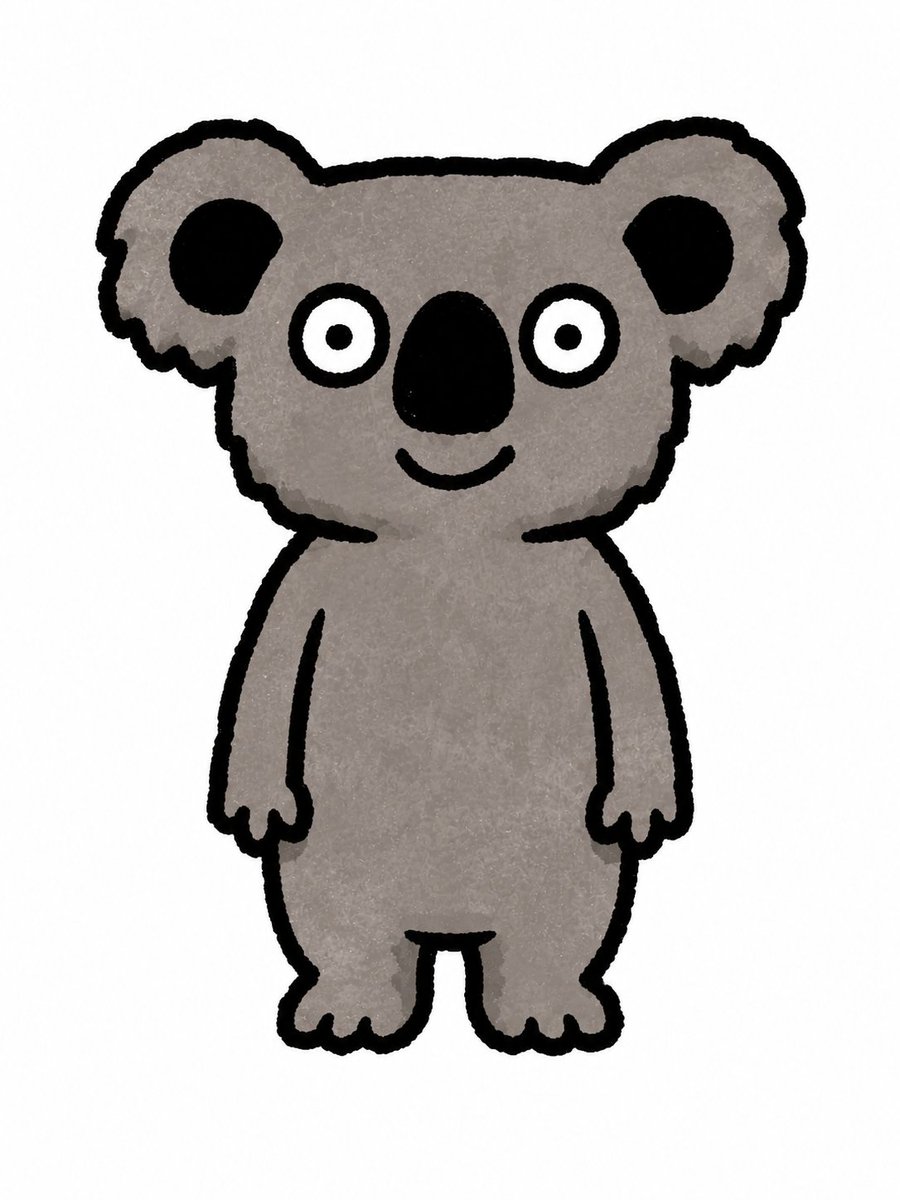
Simple Hand-Drawn Koala Mascot
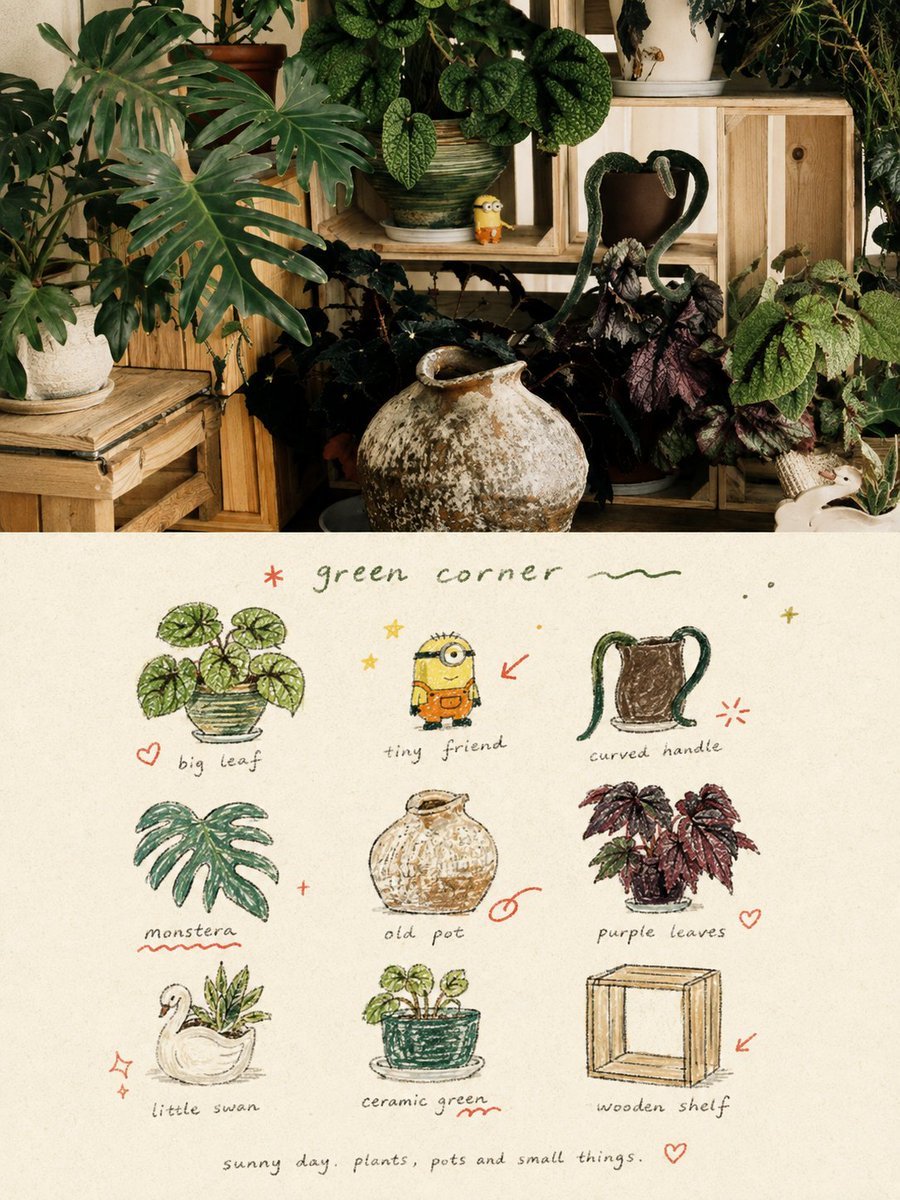
Hand-Drawn Doodle Grid Poster
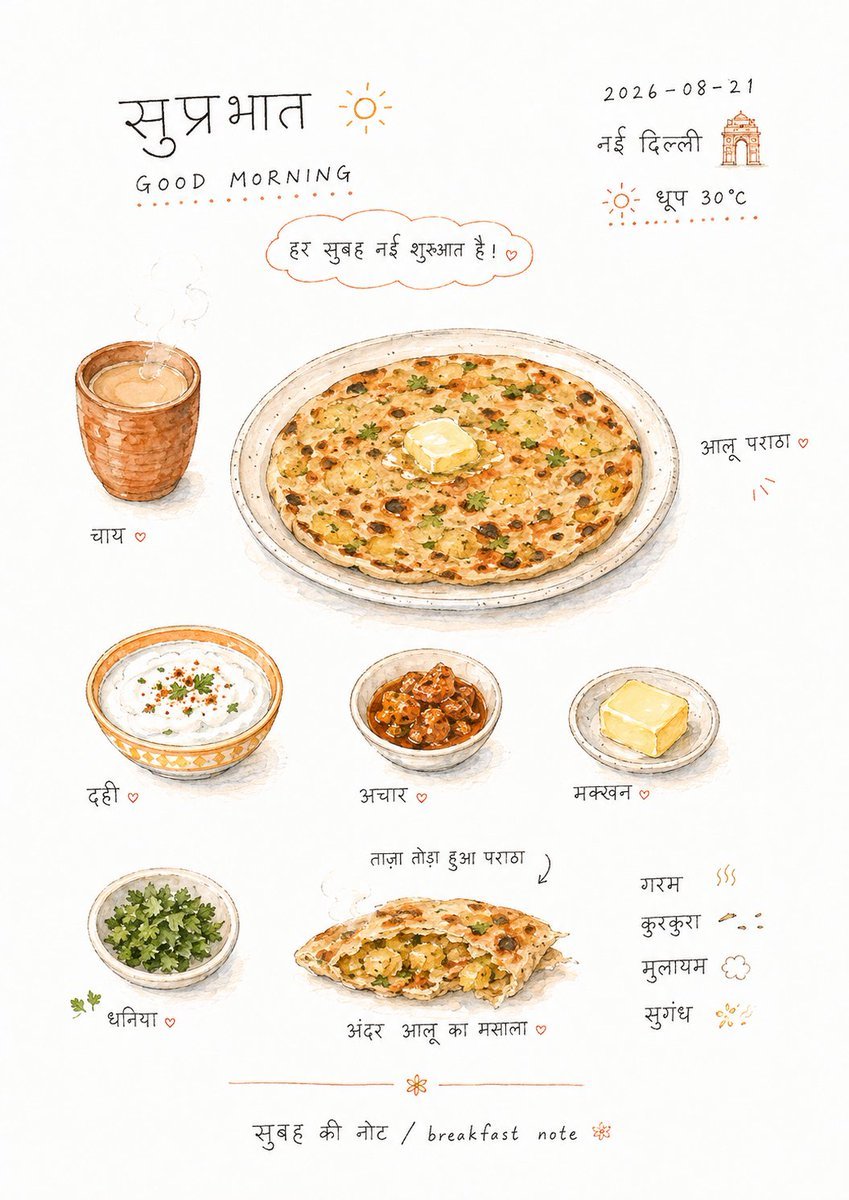
Hand-drawn Breakfast Journal Aesthetic Poster
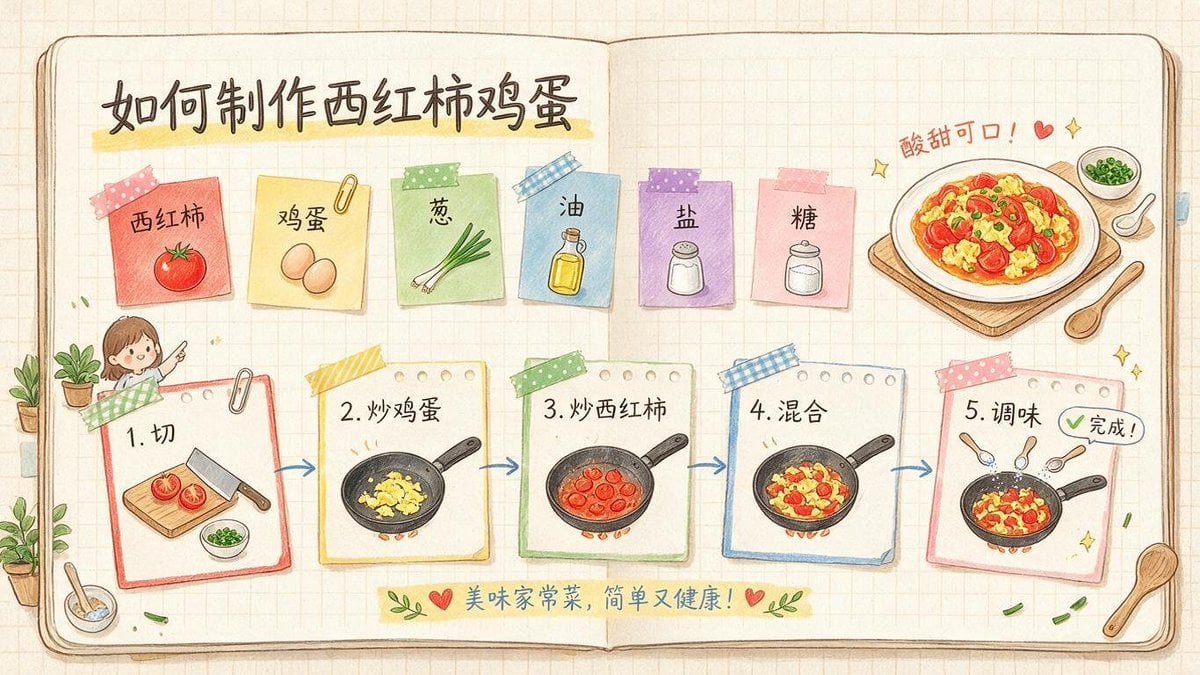
Hand-Drawn Tomato Egg Recipe Infographic
Surreal Studio Photography with Hand-Drawn Doodle
Minimal Hand-Drawn Sketch Watercolor Portrait
Whimsical Hand-Drawn Teacups

Cyberpunk Neon Profile Fashion Portrait
Low-Angle Cyberpunk Neon Profile Portrait
Hand-Drawn Izakaya Manga Page
Hand-drawn Hermes Agent Poster
Hand-drawn Infographic Card Prompt
Make it yours
Hand-Drawn Designer Profile Screen works as-is. These are the safest ways to change it without losing the look.
Change one field
Copy a single group, rewrite it, and generate again so you can see what that field is doing.
Keep the frame, change the subject
Hold the composition and light of Hand-Drawn Designer Profile Screen, then swap wardrobe, props or the person for a new take.
| If the result… | Why | Fix |
|---|---|---|
| The result drifts from the preview | Too many fields changed at once. | Reuse Hand-Drawn Designer Profile Screen as-is first, then change one group — subject, light, or setting. |
| GPT Image 2 ignores part of the JSON | Some models flatten or skip nested keys. | Keep the same values and paste them as a short paragraph instead. |
More GPT Image 2 templates
Other prompts made for GPT Image 2.

Six VTuber Japanese Logo Sheet

Realistic Portrait of Woman and Deer

The Vista Modular Condo Poster

AI Model Routing Comparison Infographic

2.5D Anime Art Board

Isometric Productivity Desk Scene

New York Double Exposure Poster

Four-Panel AI Landscape Comparison

Japanese Tatami Lifestyle Magazine Cover

NESCAFÉ Coffee Map Poster
More image prompts
Fresh picks from across the catalog.
Gritty Boxer Leaning on Ring Ropes

Dreamlike Double Exposure Montage
Lifestyle Photo Dump Grid Collage
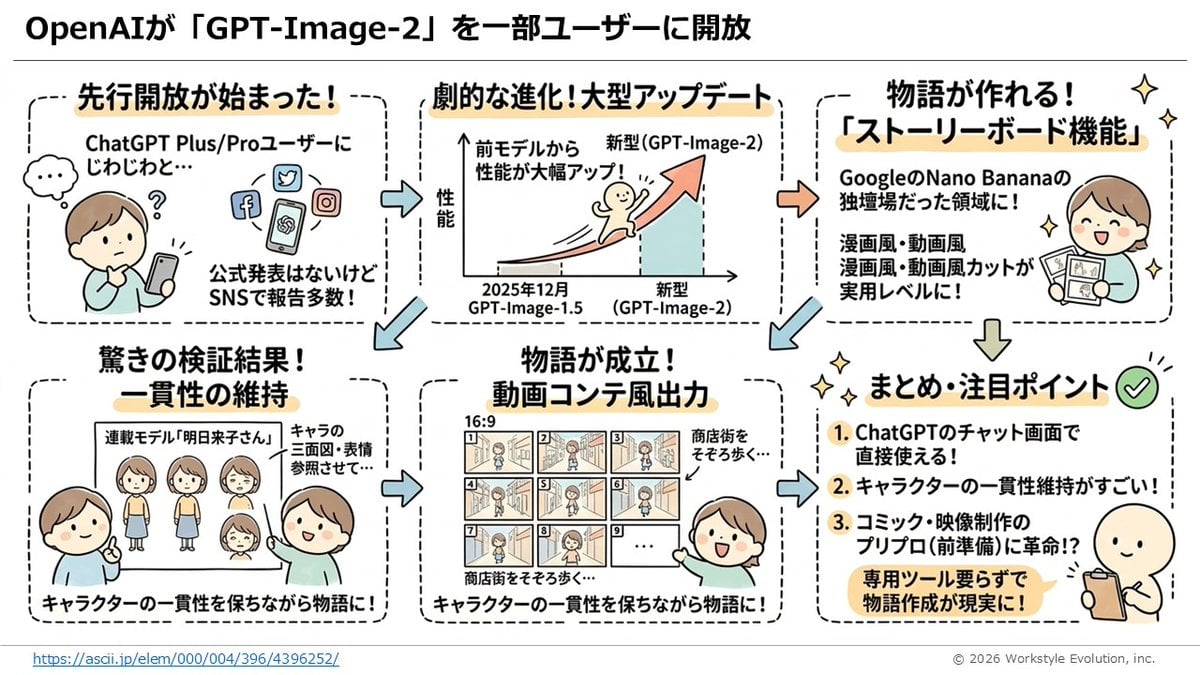
Storyboard Grid Generator
Needle-Felt Country Diorama
Anonymous Pink Hoodie Skater
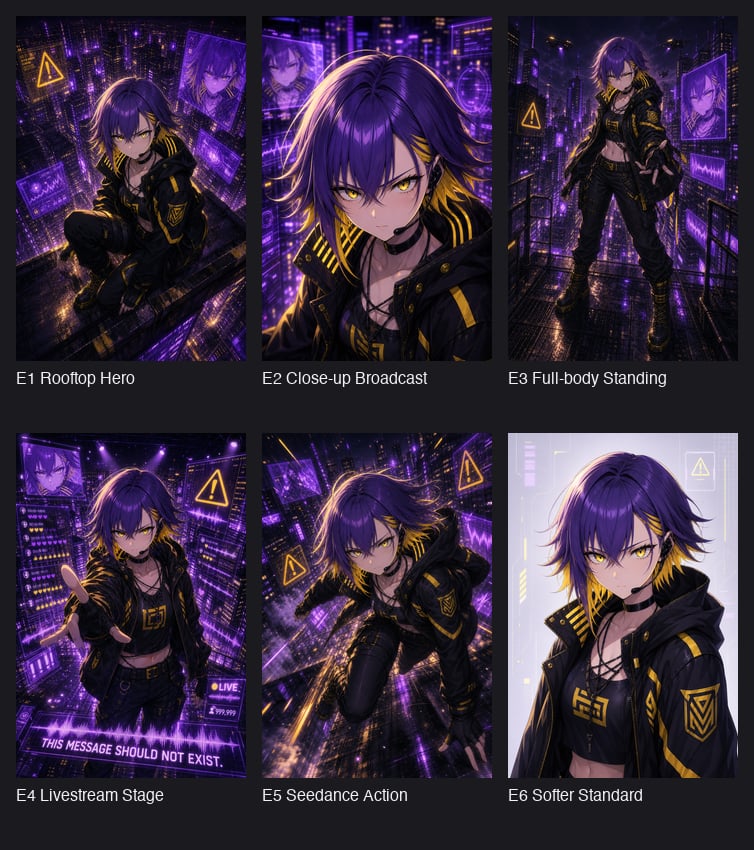
Cyberpunk Anime Hero Contact Sheet

Software Workflow Infographic

Luis Miguel as K-Pop Star in Gangnam
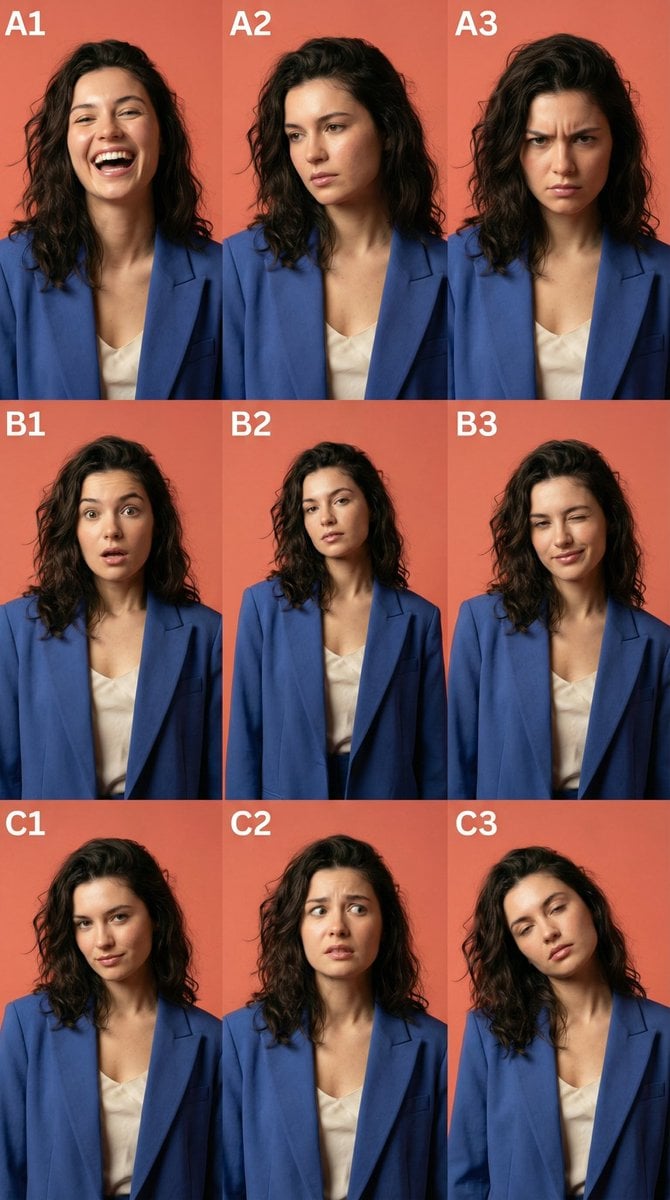
3x3 Character Emotional Expression Grid Prompt
Browse template categories
Hand-Drawn Designer Profile Screen questions
How do I use the Hand-Drawn Designer Profile Screen template?
Add your photo if the template asks for one, edit the prompt if you like — the template's model and format are already selected — and press Generate. Your version opens in PicX Studio.
Can I customize the Hand-Drawn Designer Profile Screen template?
Yes. You can change the subject, setting, lighting, mood, format, and available model controls before creating your image.
Is the Hand-Drawn Designer Profile Screen template free?
Opening and editing this template is free. Generating uses credits, shown on the Generate button when you are signed in.
Which AI model should I use?
Start with GPT Image 2, which is the model associated with this template. You can compare another compatible model for a different finish.
Looking for something else? Browse all templates.

Your photo, any look
Thousands of ready templates for every top image and video model, from one credit balance.