
Pastel Anime Cherry Blossom Portrait
Generates a luminous widescreen anime close-up with flowing hair, cherry blossoms, petals, and a central pastel square overlay for stylized concealment.
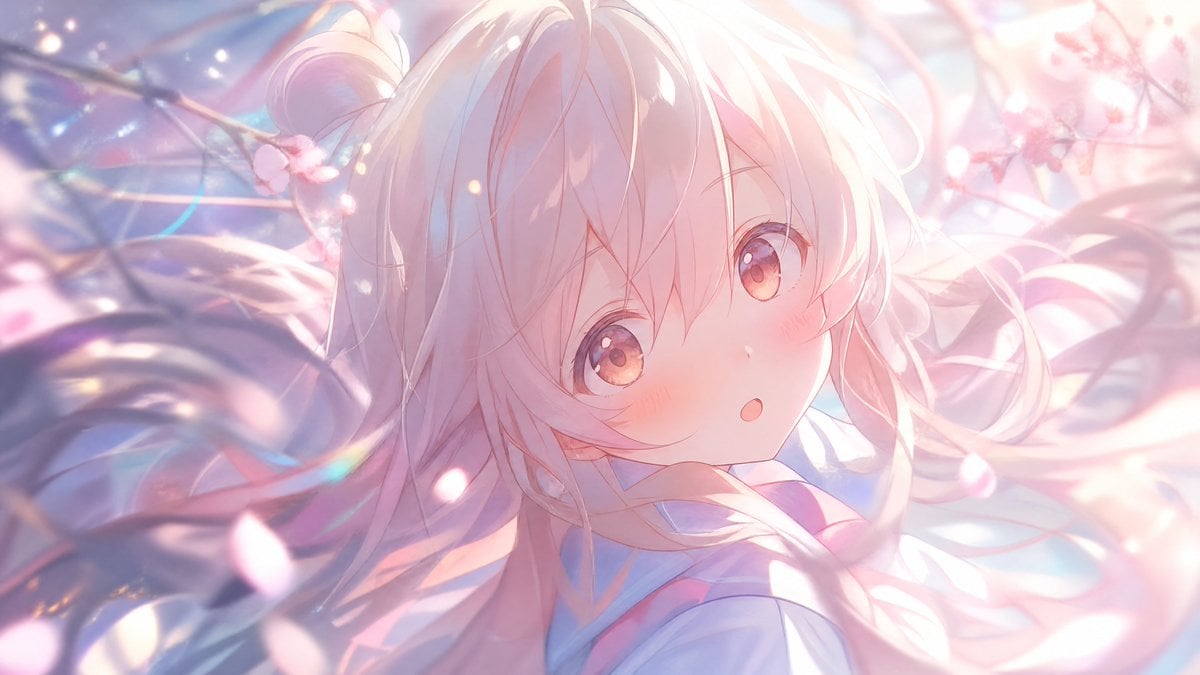
- Prompt included
- Model and format preset
- Premium template
The prompt behind this image
Copy the exact prompt behind Pastel Anime Cherry Blossom Portrait, or open it in the studio and make it yours.
Create a dreamy widescreen anime illustration in a soft pastel palette, showing a close-up portrait of a young girl with {argument name="hair color" default="silvery white with pale pink and lavender highlights"} long flowing hair, loose twin-tail-like locks, and delicate strands blowing across the frame. The scene is filled with {argument name="flower type" default="cherry blossoms"}: count 2 visible blossom branches crossing the upper left and upper right background, with many glowing petals drifting through the foreground and background. Use strong backlighting from the upper right, pearly bloom, lens flare, bokeh sparkles, translucent ribbons of light, and a shallow depth of field for an ethereal spring atmosphere. The composition is an intimate over-the-shoulder or three-quarter close-up, with the girl’s face mostly hidden by exactly 1 large opaque square overlay centered on the image, colored {argument name="overlay color" default="muted pastel pink"}, covering the facial features from forehead to chin. Add hints of a pale blue-white school-uniform-style collar and soft pink accent near the lower center. Render in high-detail modern anime key visual style, luminous painterly shading, delicate linework, cinematic lighting, romantic and serene mood, 16:9 aspect ratio.
How to use Pastel Anime Cherry Blossom Portrait in 3 steps
- 1Upload ImagePNG, JPG or paste
Add your photo
Upload the photo the template builds on. The prompt, model and format are already set.
- 2…a portrait of your subject in softgolden-hour light, 85mm…
Personalize
Edit the subject and creative details for your destination.
- 3Generate
Generate
Press Generate — your image is created in PicX Studio, so you can compare it with the original and refine one variable at a time.
More like this
Templates with the same subject, style or setup. Open one to see its prompt.
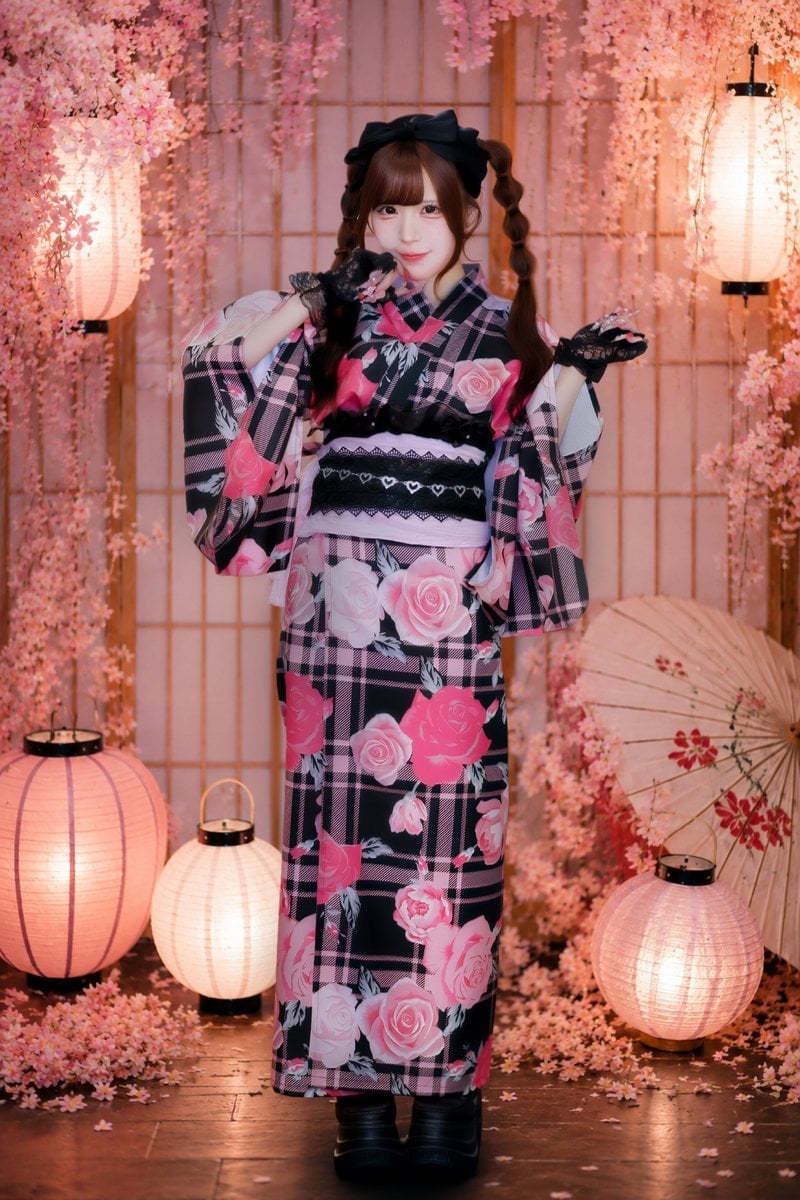
Cherry Blossom Yukata Idol Portrait
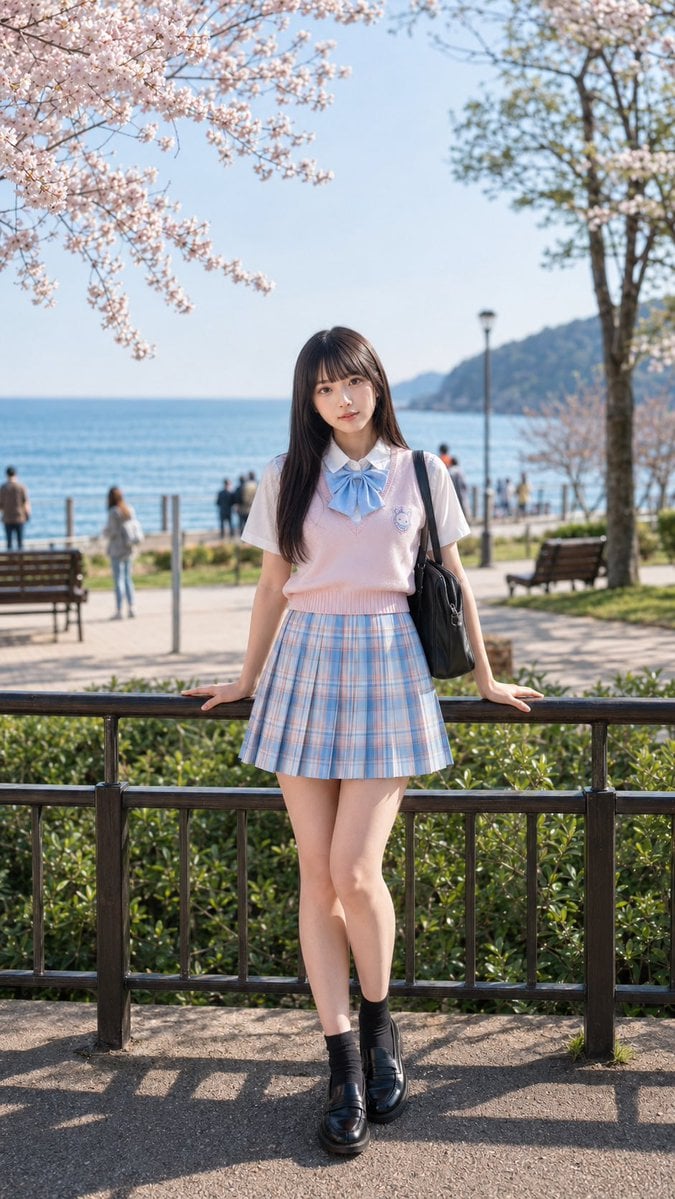
Spring Seaside Cherry Blossom Portrait
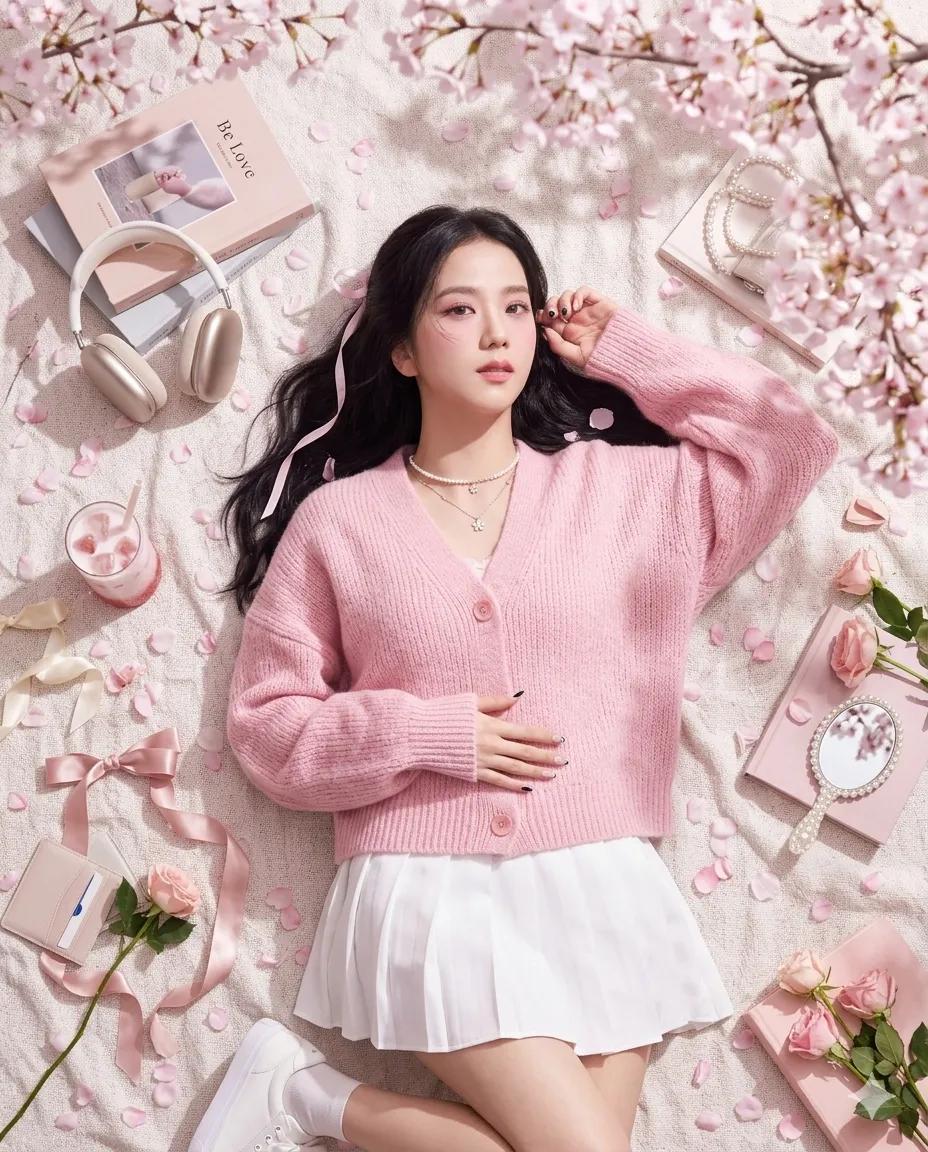
Dreamy Cherry Blossom Portrait
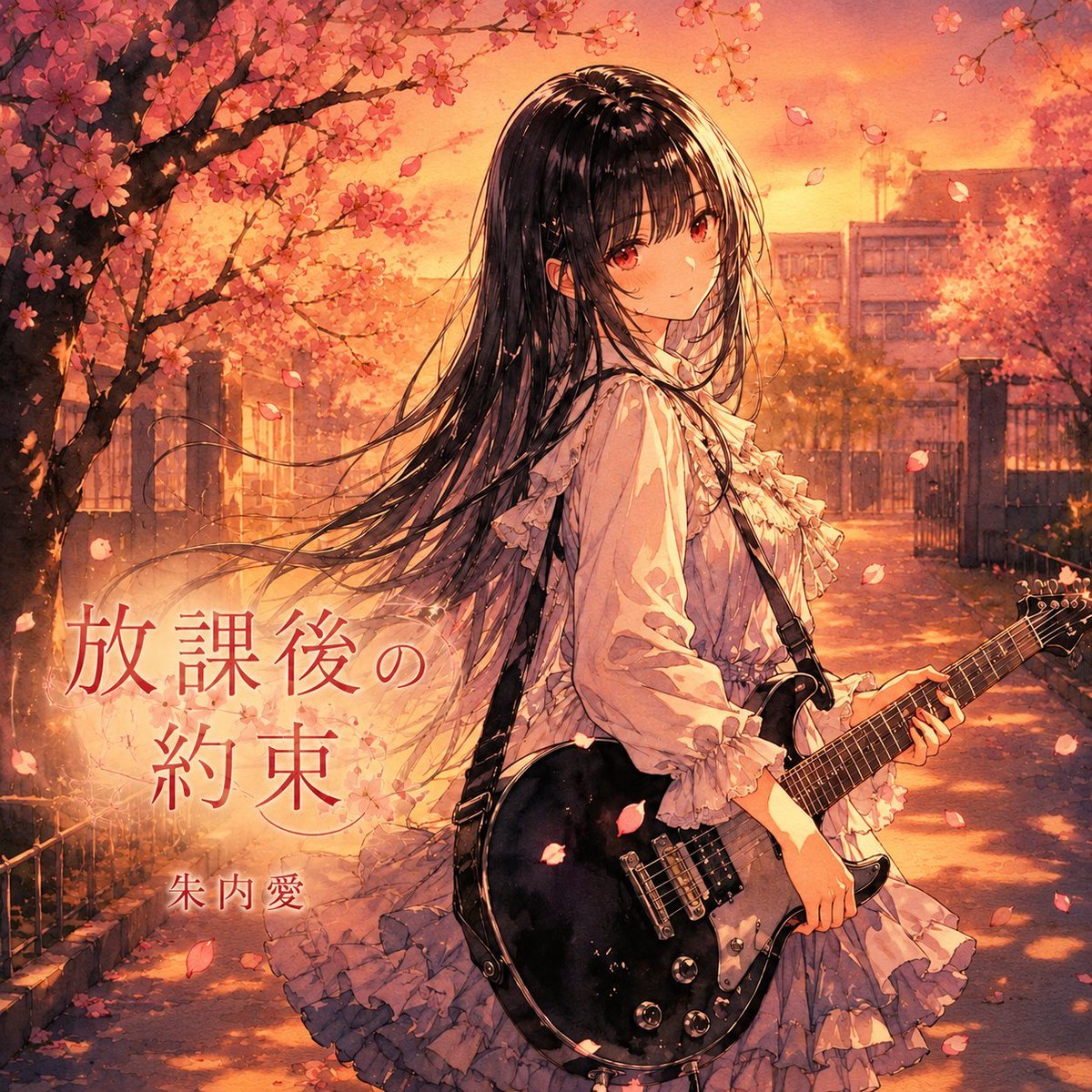
Anime Cherry Blossom Rock Album Cover
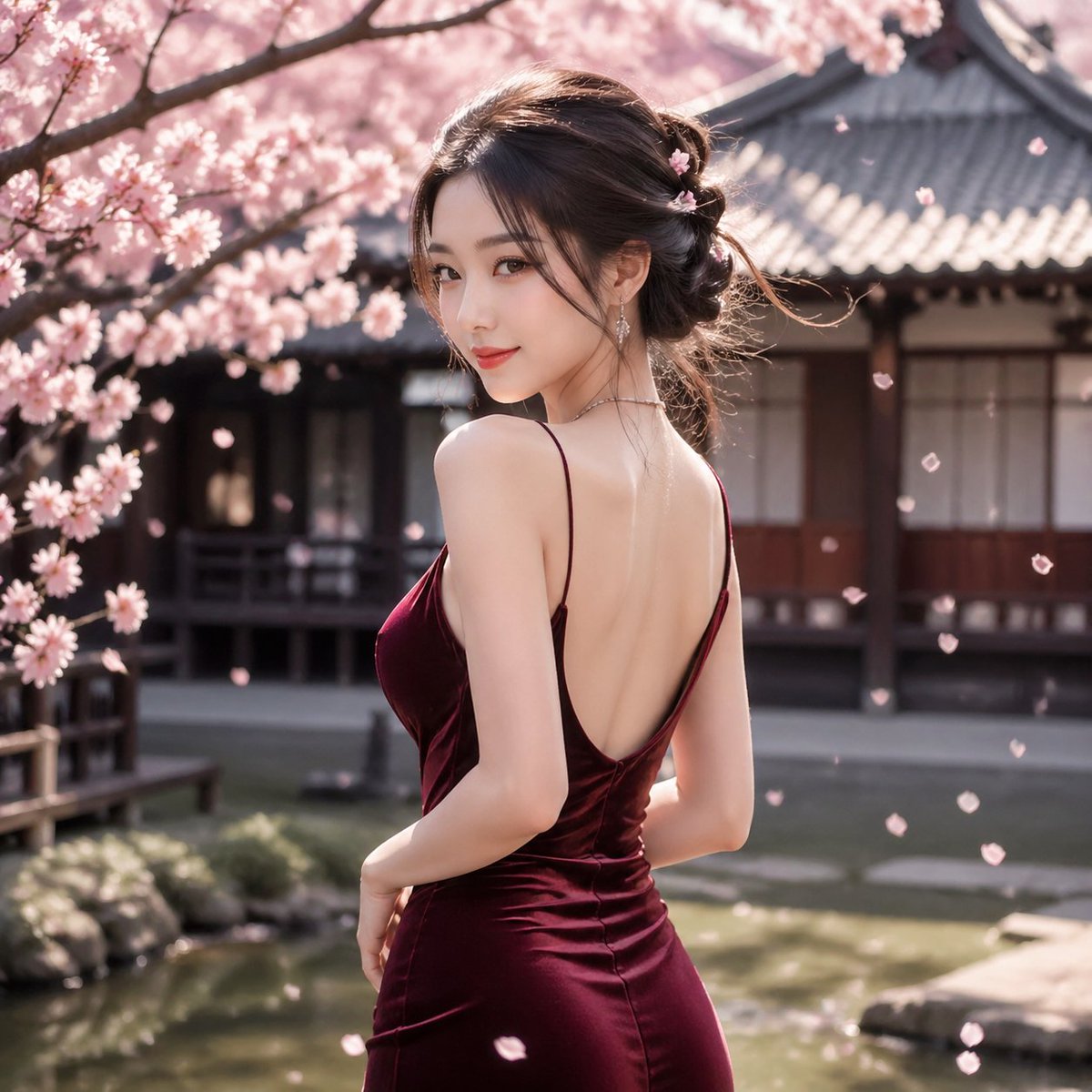
Cherry Blossom Garden Evening Portrait
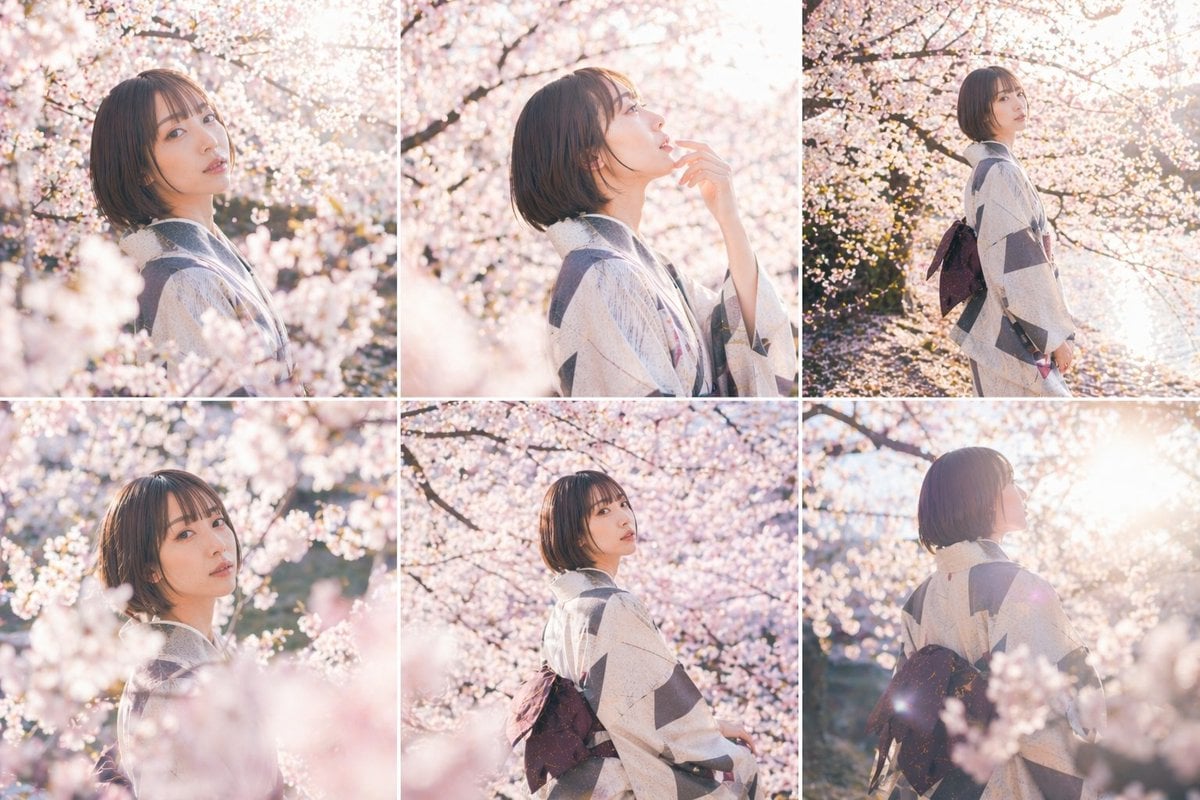
Cherry Blossom Kimono Portrait Grid
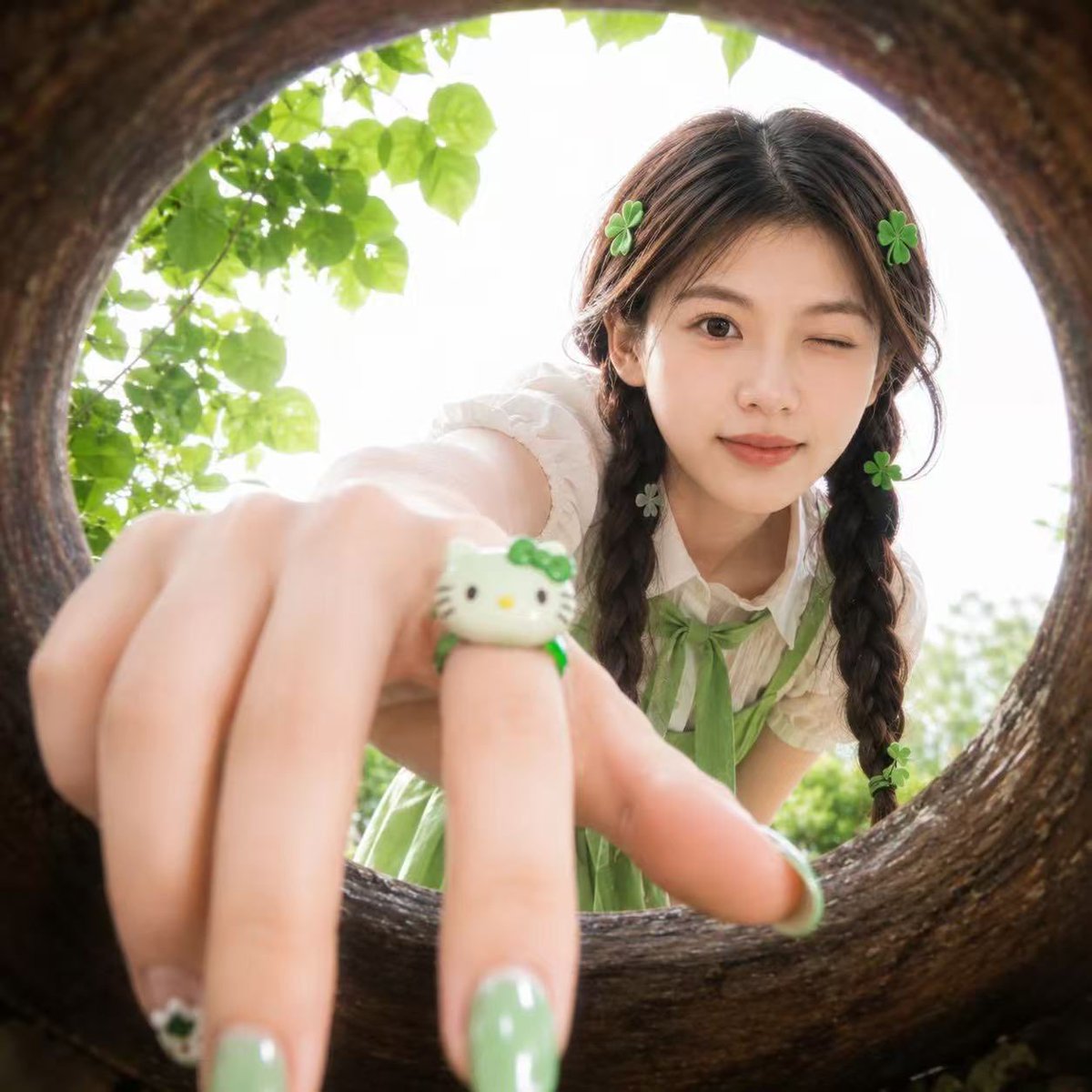
Soft Spring Cherry Blossom POV Portrait
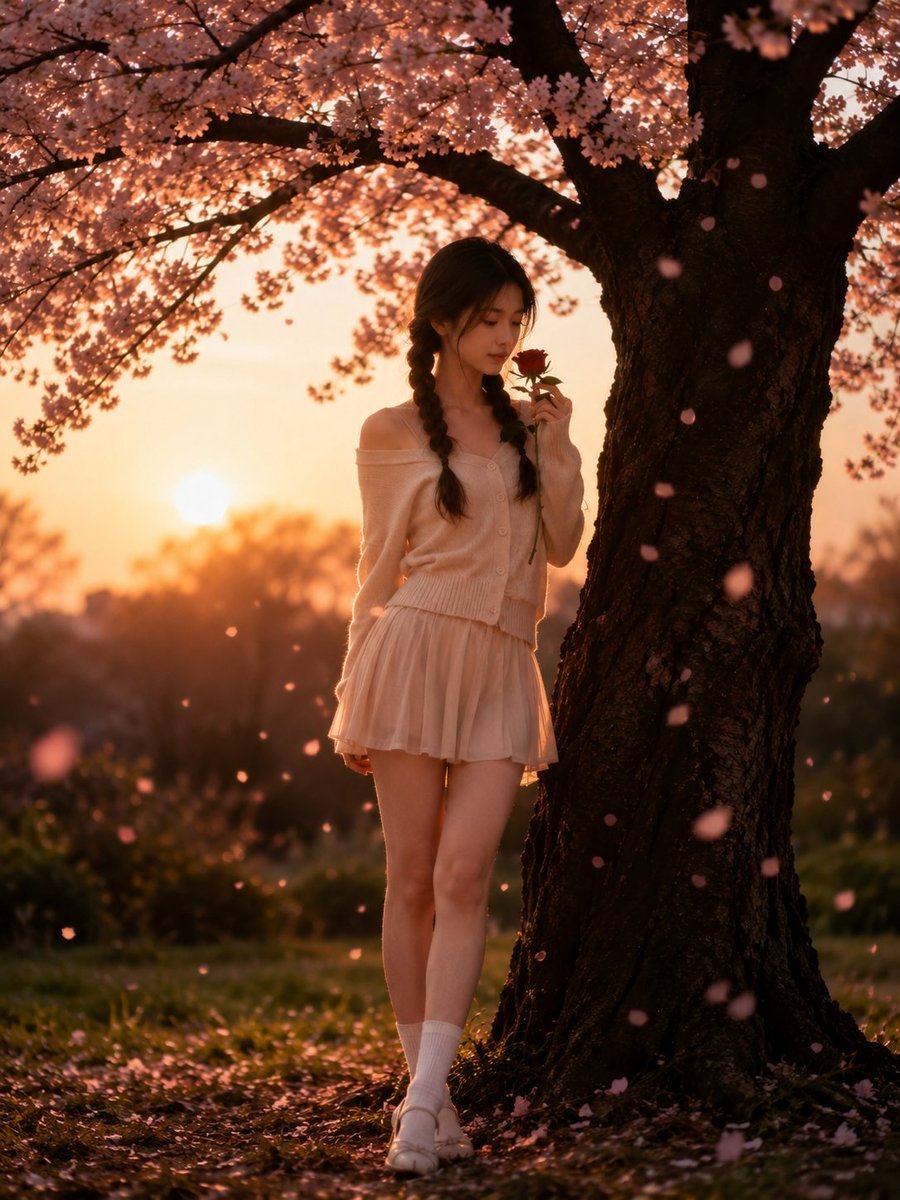
Cinematic Cherry Blossom Portrait
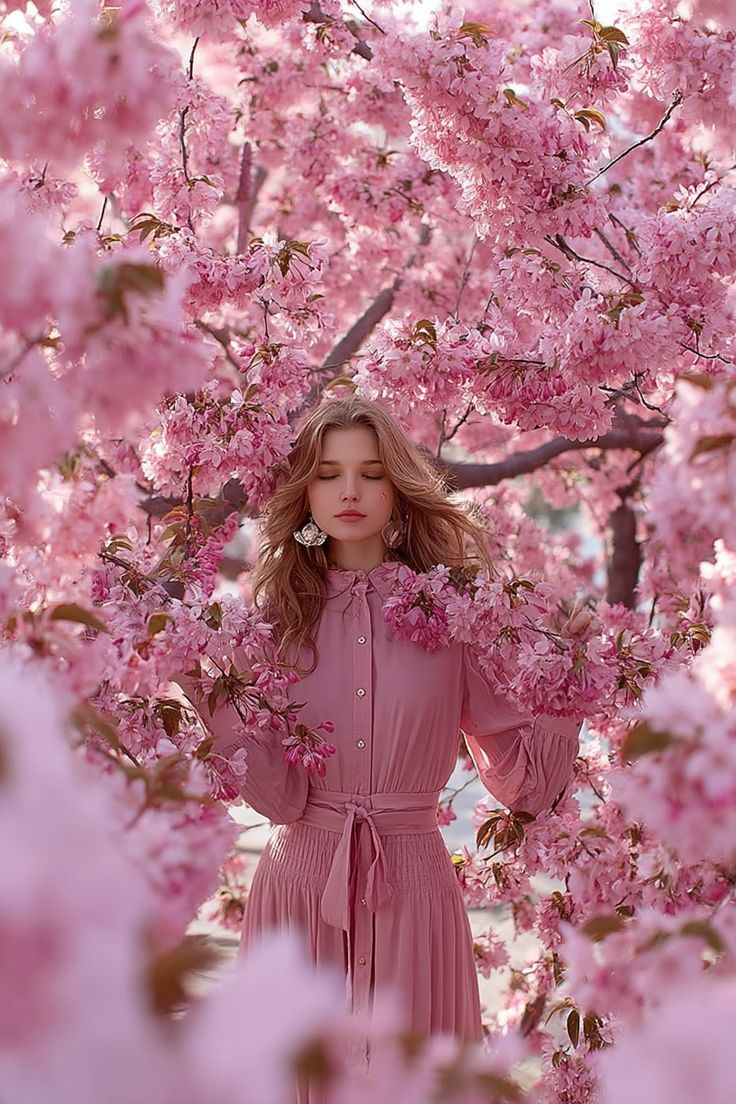
Dreamy Cinematic Portrait under Cherry Blossoms
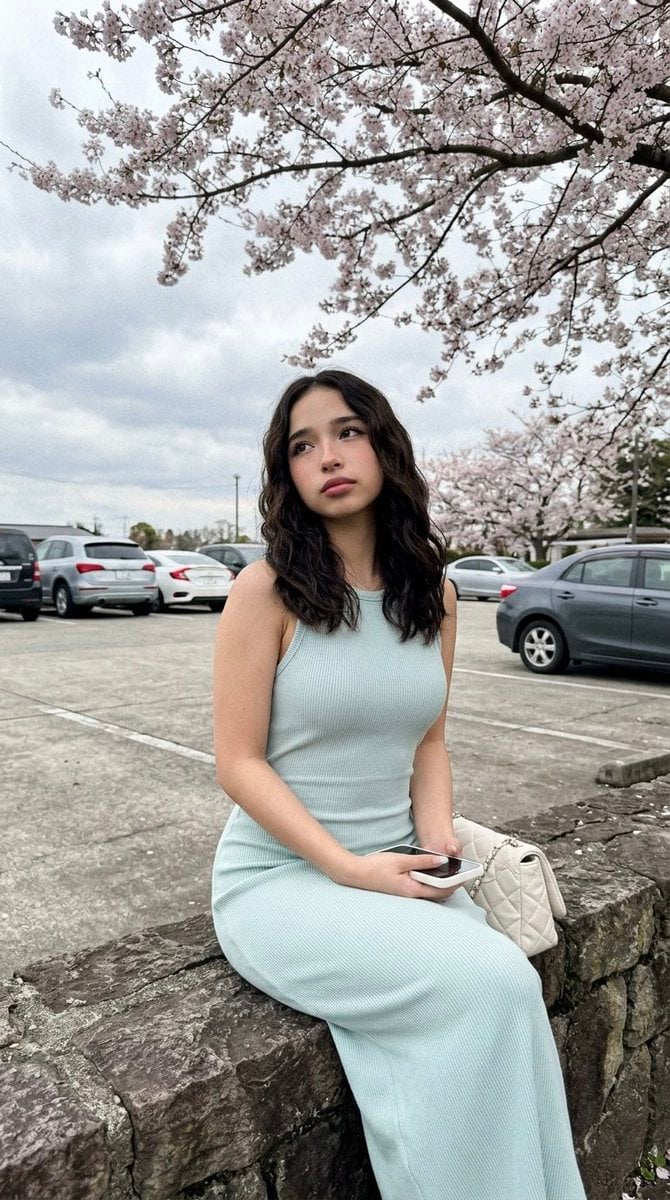
Cherry Blossom Parking Lot Portrait Prompt
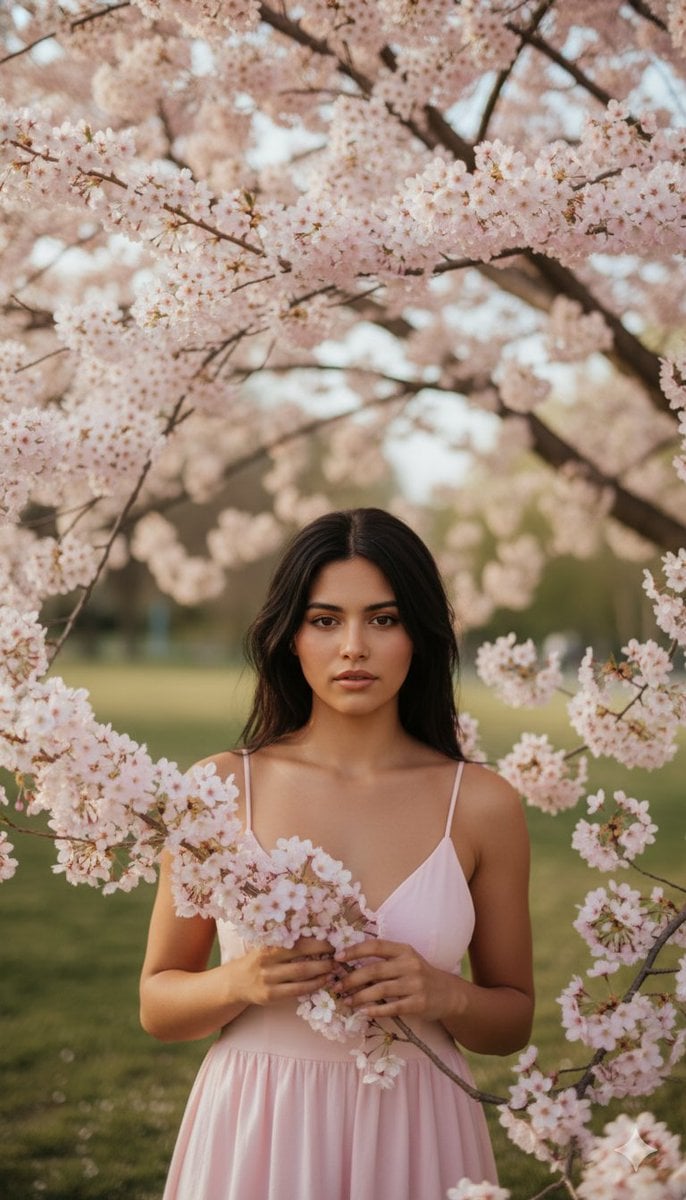
Springtime Cherry Blossom Portrait Recreation Prompt
Gpt2 Profile Avatar Pastel Ai Assistant Anime Portrait
Make it yours
Pastel Anime Cherry Blossom Portrait works as-is. These are the safest ways to change it without losing the look.
Change one field
Copy a single group, rewrite it, and generate again so you can see what that field is doing.
Keep the frame, change the subject
Hold the composition and light of Pastel Anime Cherry Blossom Portrait, then swap wardrobe, props or the person for a new take.
| If the result… | Why | Fix |
|---|---|---|
| The result drifts from the preview | Too many fields changed at once. | Reuse Pastel Anime Cherry Blossom Portrait as-is first, then change one group — subject, light, or setting. |
| The model over-stylizes the scene | The prose prompt leaves finish and camera underspecified. | Add one camera or lighting sentence and stay on GPT Image 2. |
More GPT Image 2 templates
Other prompts made for GPT Image 2.

Six VTuber Japanese Logo Sheet

Realistic Portrait of Woman and Deer

The Vista Modular Condo Poster

AI Model Routing Comparison Infographic

2.5D Anime Art Board

Isometric Productivity Desk Scene

New York Double Exposure Poster

Four-Panel AI Landscape Comparison

Japanese Tatami Lifestyle Magazine Cover

NESCAFÉ Coffee Map Poster
More image prompts
Fresh picks from across the catalog.
Pixar-Style 3D Chibi Boy Character
Professional Photo Editor HUD Prompt
Dark Fantasy Crimson Samurai Warlord
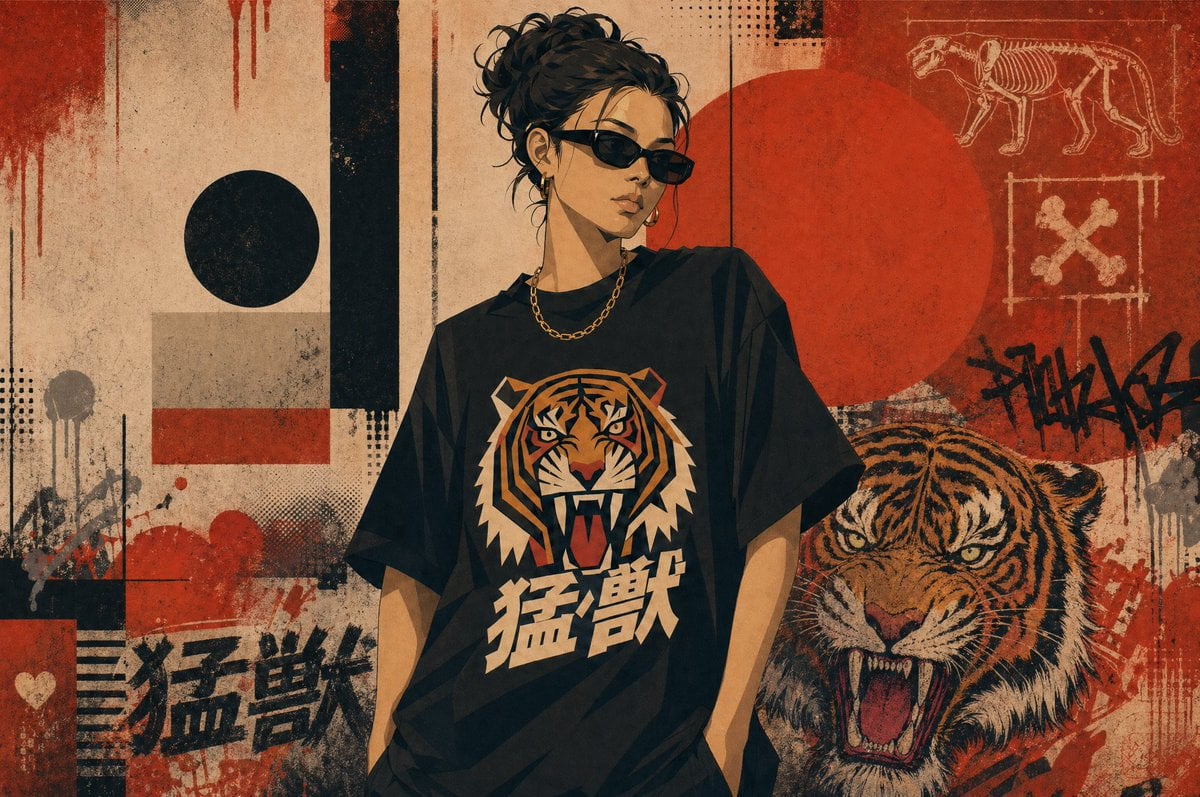
Grunge Tiger Streetwear Poster
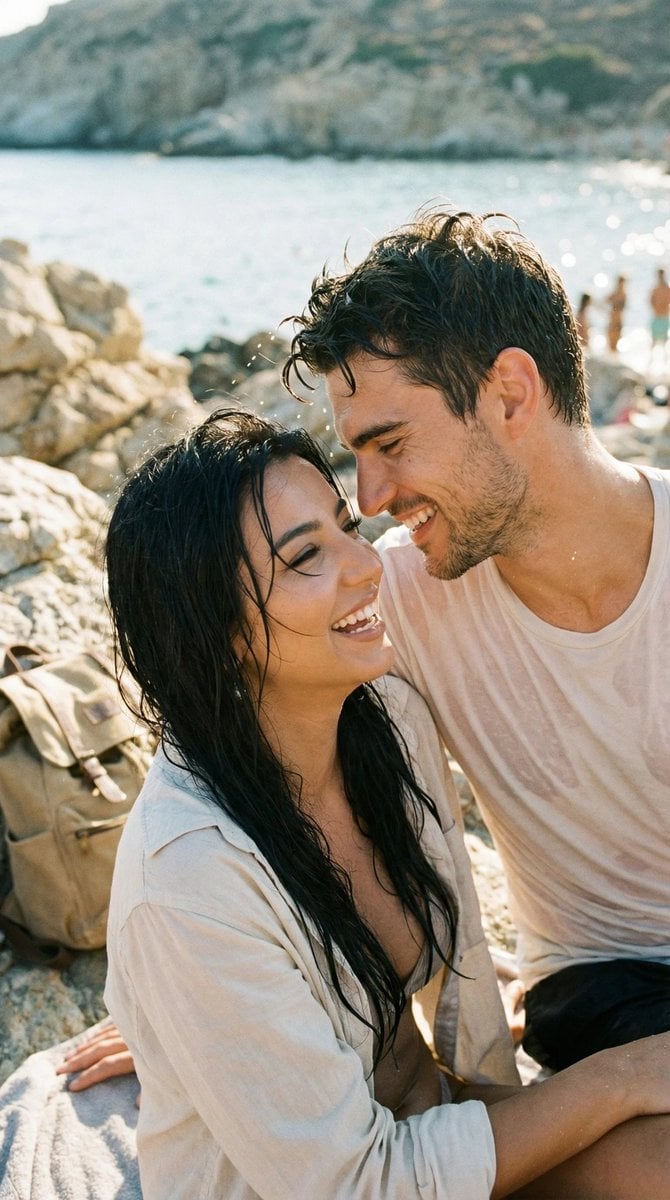
Photorealistic Candid Travel Romance Film Still
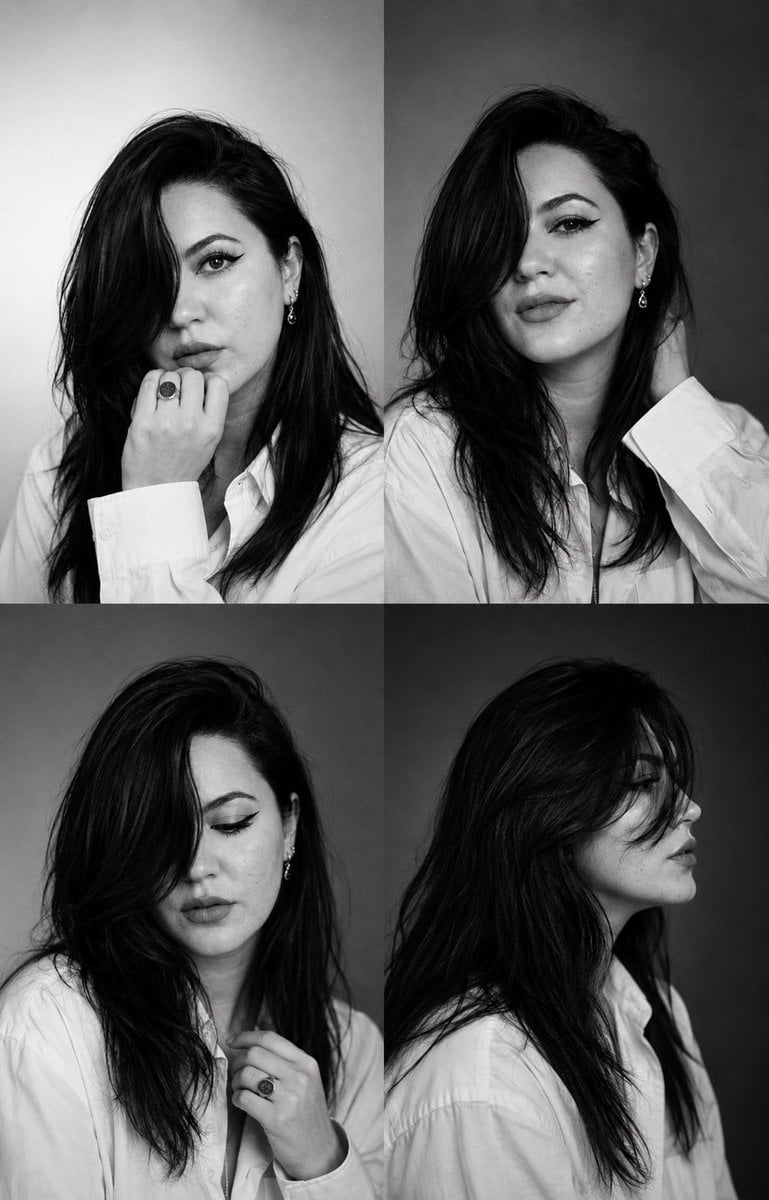
Monochrome Fashion Casting Contact Sheet
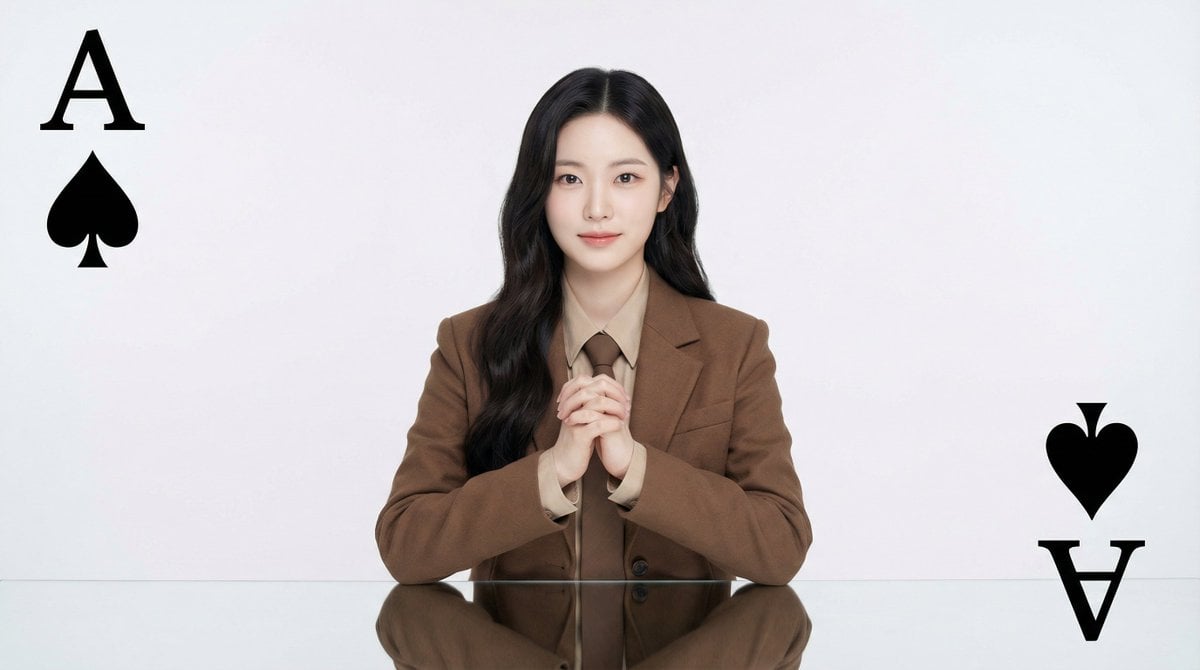
Conceptual Fashion Portrait Prompt
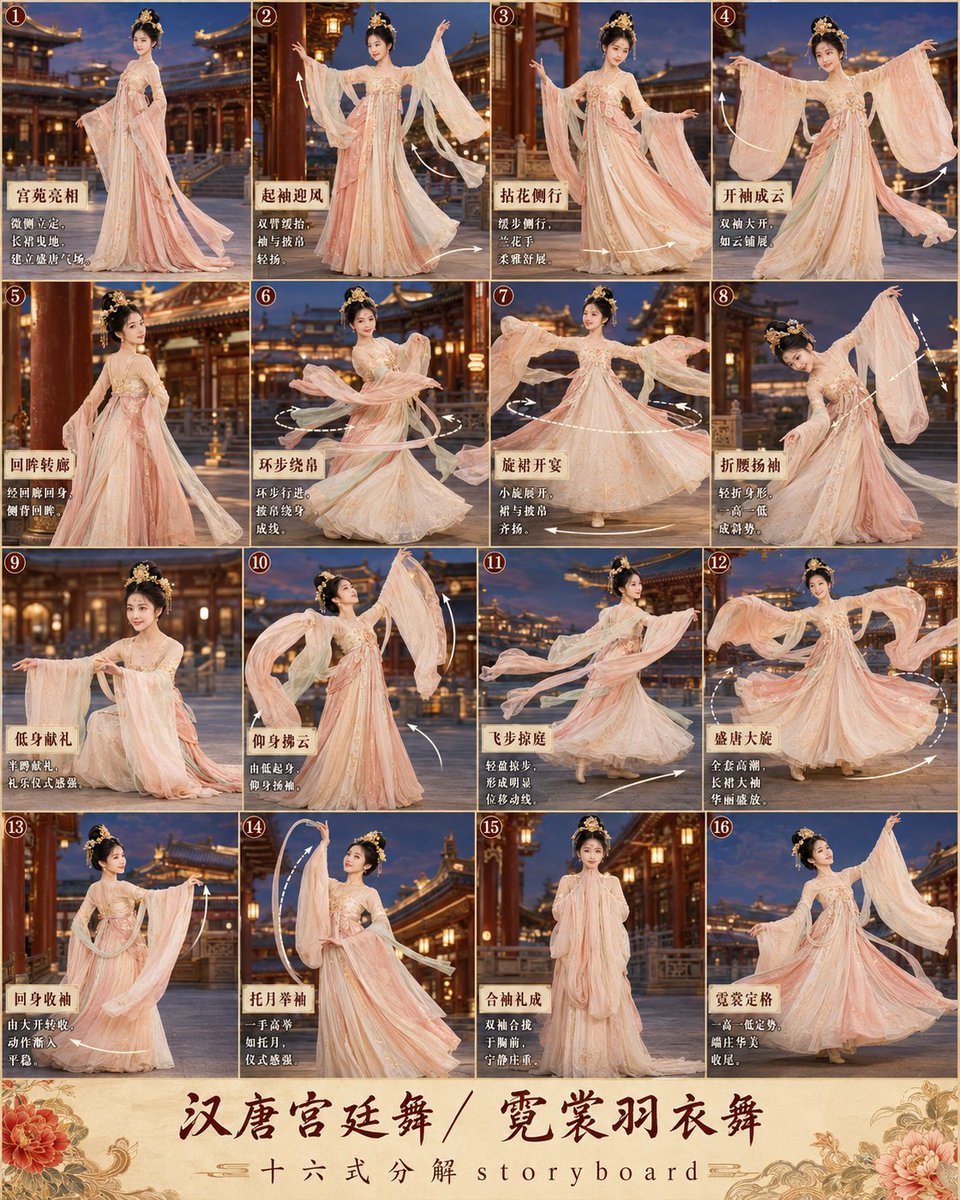
第3张分镜图提示词: 请创作一张高完成度、高清晰度的「汉唐宫廷舞 / 霓裳羽衣舞 · 16宫格分镜图
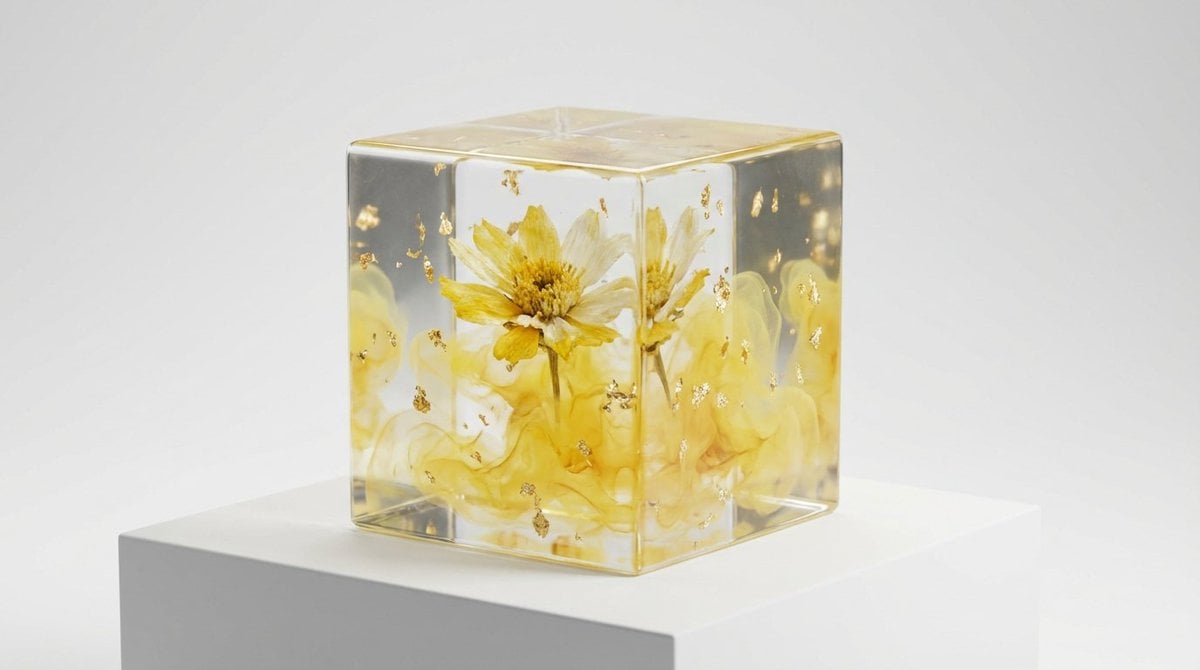
Epoxy Resin Art Cube Generation
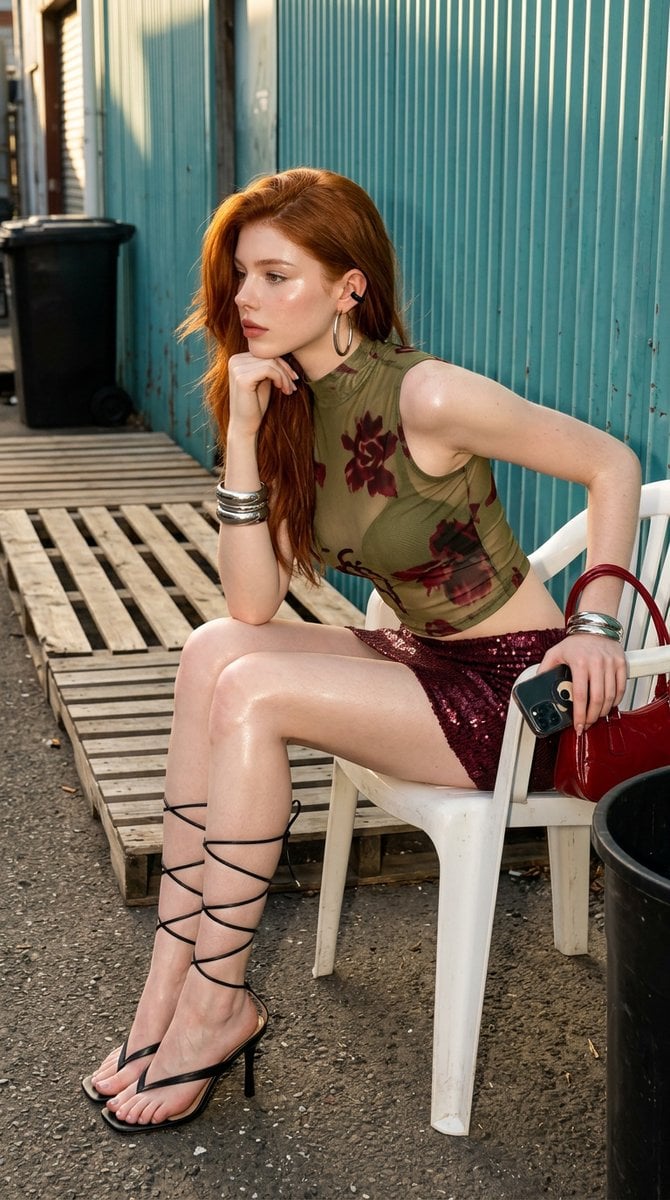
Urban Chic Fashion Editorial in an Alleyway
Browse template categories
Pastel Anime Cherry Blossom Portrait questions
How do I use the Pastel Anime Cherry Blossom Portrait template?
Add your photo if the template asks for one, edit the prompt if you like — the template's model and format are already selected — and press Generate. Your version opens in PicX Studio.
Can I customize the Pastel Anime Cherry Blossom Portrait template?
Yes. You can change the subject, setting, lighting, mood, format, and available model controls before creating your image.
Is the Pastel Anime Cherry Blossom Portrait template free?
Opening and editing this template is free. Generating uses credits, shown on the Generate button when you are signed in.
Which AI model should I use?
Start with GPT Image 2, which is the model associated with this template. You can compare another compatible model for a different finish.
Looking for something else? Browse all templates.

Your photo, any look
Thousands of ready templates for every top image and video model, from one credit balance.