
Pop-Up World Map City Collage
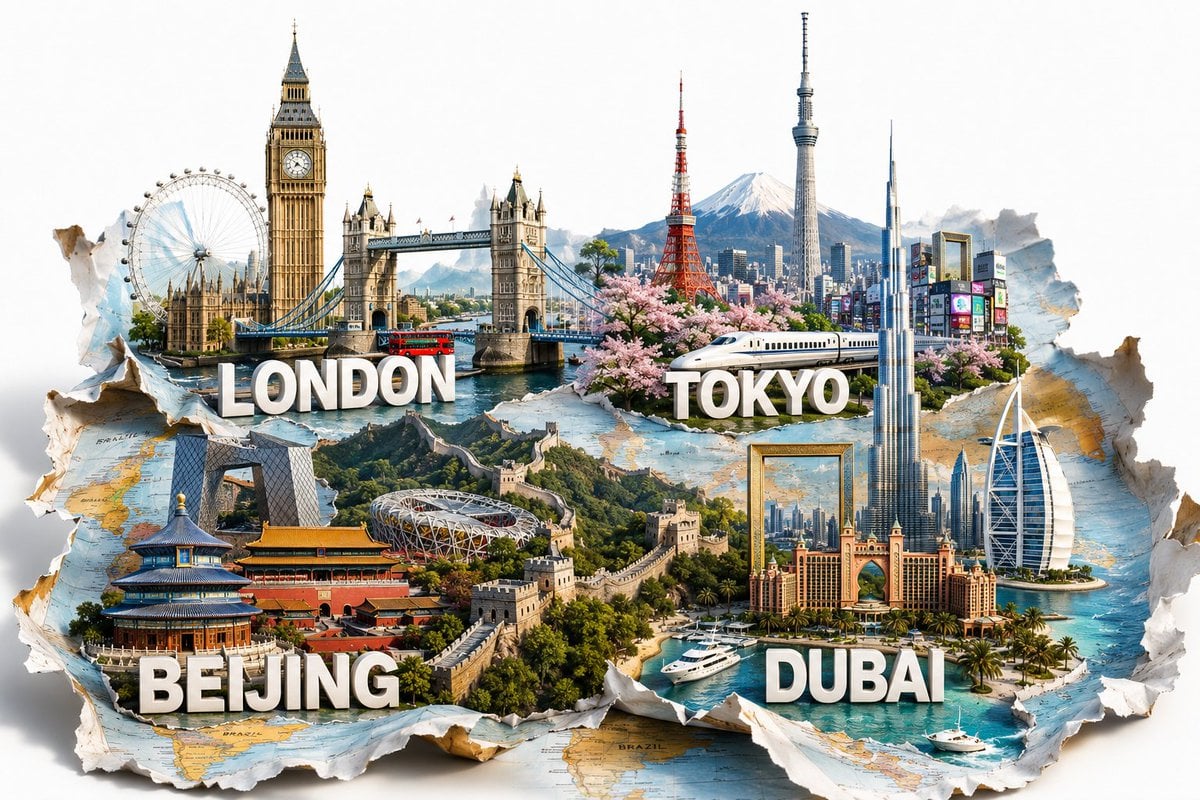
A detailed prompt for generating a photorealistic travel diorama where London, Tokyo, Beijing, and Dubai burst from a torn world map.
- Prompt included
- Model and format preset
- Free template
The prompt behind this image
Copy the exact prompt behind Pop-Up World Map City Collage, or open it in the studio and make it yours.
Goal: Create a highly detailed 3D travel collage where famous global cities appear to burst upward from a torn, folded world map, as if the map has transformed into a miniature pop-up diorama of travel destinations. Canvas: Wide horizontal 3:2 composition, bright clean white background, photorealistic CGI with cinematic lighting, crisp depth, realistic paper texture, shadows, and layered torn-map edges curling upward around the scene. Main concept: A single large ripped world map lies across the bottom half of the image, with jagged paper tears and curled edges revealing four pop-up city environments. The cities blend into one continuous panoramic collage with water, greenery, architecture, roads, and skyline elements. Add subtle map labels and ocean coloring on the paper surface, but keep them secondary. City sections: Include exactly 4 labeled city sections, each with bold white extruded 3D uppercase text with gray drop shadow placed in front of its miniature city scene: 1) {argument name="London label" default="LONDON"}, 2) {argument name="Tokyo label" default="TOKYO"}, 3) {argument name="Beijing label" default="BEIJING"}, 4) {argument name="Dubai label" default="DUBAI"}. London section: Place it in the upper left. Show a detailed London skyline emerging from the map with Big Ben / Elizabeth Tower as the tallest landmark, the London Eye to the far left, the Houses of Parliament behind it, Tower Bridge spanning blue water in the center, and a red double-decker bus crossing the bridge. Use warm stone architecture, realistic reflections, and soft daylight. Tokyo section: Place it in the upper center to upper right. Show a vibrant Tokyo scene with Tokyo Tower in red and white, Tokyo Skytree tall and slender, Mount Fuji snow-capped in the background, blooming pink cherry blossoms in the foreground, a white Shinkansen bullet train crossing horizontally, and a dense neon city district with colorful signs. Make the Tokyo label sit over the train and blossoms. Beijing section: Place it in the lower left. Show Beijing landmarks emerging from the map with the Temple of Heaven in the front left, Tiananmen-style traditional red-and-gold palace architecture in the middle, the CCTV Headquarters tower in the background, the Bird's Nest stadium, and the Great Wall of China winding dramatically across green hills into the center of the image. Use rich greens, traditional reds, and stone textures. Dubai section: Place it in the lower right. Show Dubai rising from a turquoise coastal map area with Burj Khalifa towering high near the center-right, Burj Al Arab sail-shaped hotel on the far right, Atlantis-style resort architecture in the middle foreground, modern marina skyscrapers, palm-lined waterfront, luxury white yachts and speedboats on clear blue water. Make the Dubai label large in the front over the water. Visual style: Ultra-detailed photorealistic 3D render, polished travel advertising aesthetic, bright daylight, high contrast, clean composition, realistic scale-model look, crisp architectural details, saturated but natural colors, soft ambient shadows cast by buildings and curled paper. The map should look physically torn, with visible fibers, creases, folds, and layered paper thickness. Composition constraints: Keep all four city sections visible and balanced in one unified pop-up map scene. Use exactly 4 city name labels and no additional large headline. Avoid people as primary subjects. No logos, no watermark, no frame. The image should feel like {argument name="theme phrase" default="the world map coming alive as a luxury travel diorama"}.
How to use Pop-Up World Map City Collage in 3 steps
- 1Upload ImagePNG, JPG or paste
Add your photo
Upload the photo the template builds on. The prompt, model and format are already set.
- 2…a portrait of your subject in softgolden-hour light, 85mm…
Personalize
Edit the subject and creative details for your destination.
- 3Generate
Generate
Press Generate — your image is created in PicX Studio, so you can compare it with the original and refine one variable at a time.
More like this
Templates with the same subject, style or setup. Open one to see its prompt.
Paper Cut City Chase
Fictional World Map Attempts Collage
Gpt2 Illustrated City Food Map

Satellite Map Medieval City
Cozy Knit Sweater Window Portrait
Minimalist Hand-Drawn Doodle Portrait
Retro 80s City Pop Anime Illustration

Paper Cut Finale Fireworks
Paper Cut Garden Maze
Paper Cut Rooftop Concert

Paper Cut Bicycle Coast
Paper Cut Castle Gate
Make it yours
Pop-Up World Map City Collage works as-is. These are the safest ways to change it without losing the look.
Change one field
Copy a single group, rewrite it, and generate again so you can see what that field is doing.
Keep the frame, change the subject
Hold the composition and light of Pop-Up World Map City Collage, then swap wardrobe, props or the person for a new take.
| If the result… | Why | Fix |
|---|---|---|
| The result drifts from the preview | Too many fields changed at once. | Reuse Pop-Up World Map City Collage as-is first, then change one group — subject, light, or setting. |
| The model over-stylizes the scene | The prose prompt leaves finish and camera underspecified. | Add one camera or lighting sentence and stay on GPT Image 2. |
More GPT Image 2 templates
Other prompts made for GPT Image 2.

Six VTuber Japanese Logo Sheet

Realistic Portrait of Woman and Deer

The Vista Modular Condo Poster

AI Model Routing Comparison Infographic

2.5D Anime Art Board

Isometric Productivity Desk Scene

New York Double Exposure Poster

Four-Panel AI Landscape Comparison

Japanese Tatami Lifestyle Magazine Cover

NESCAFÉ Coffee Map Poster
More image prompts
Fresh picks from across the catalog.
Anime Countryside iPhone Lock Screen
Black-and-White Studio Portrait of a Couple with Identity Lock
Trash Polka Urban Digital Painting
Candid Train Photo to Studio Portrait
Premium Studio Ad Visual for Starbucks Frappuccino

Anime Promotional Poster
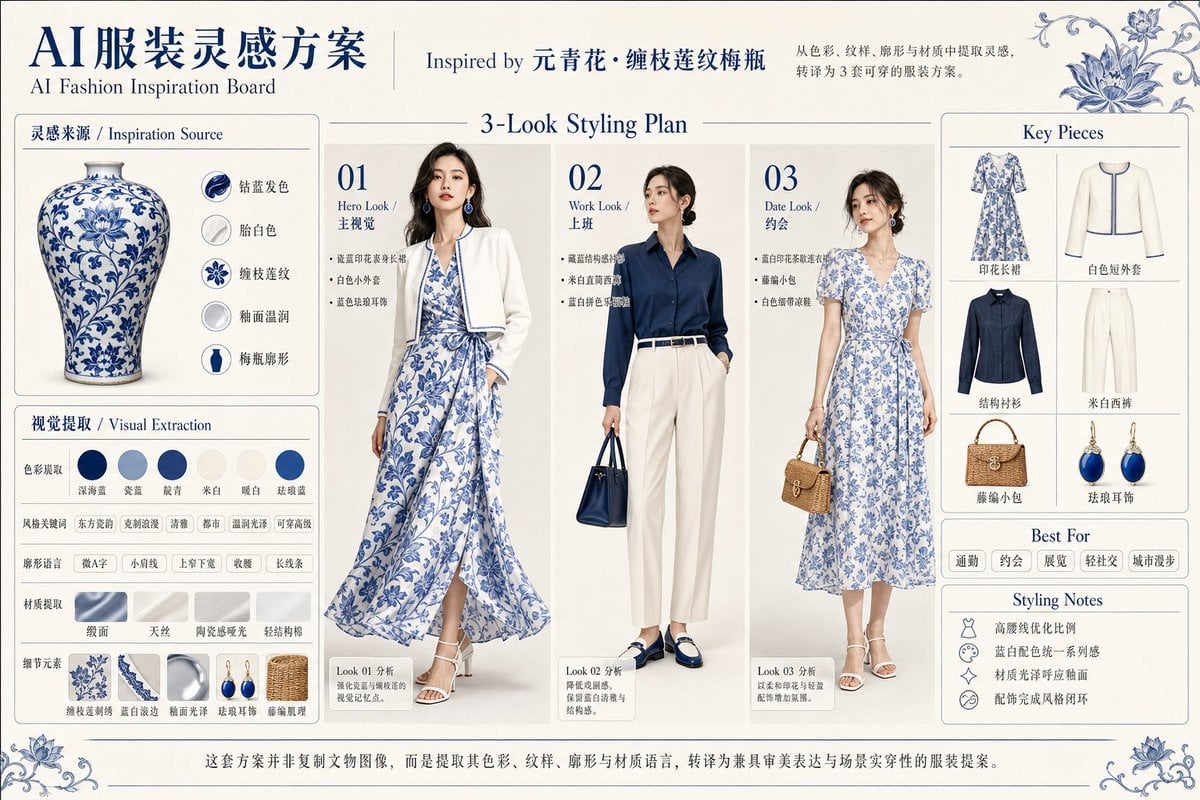
Blue Porcelain Fashion Inspiration Board
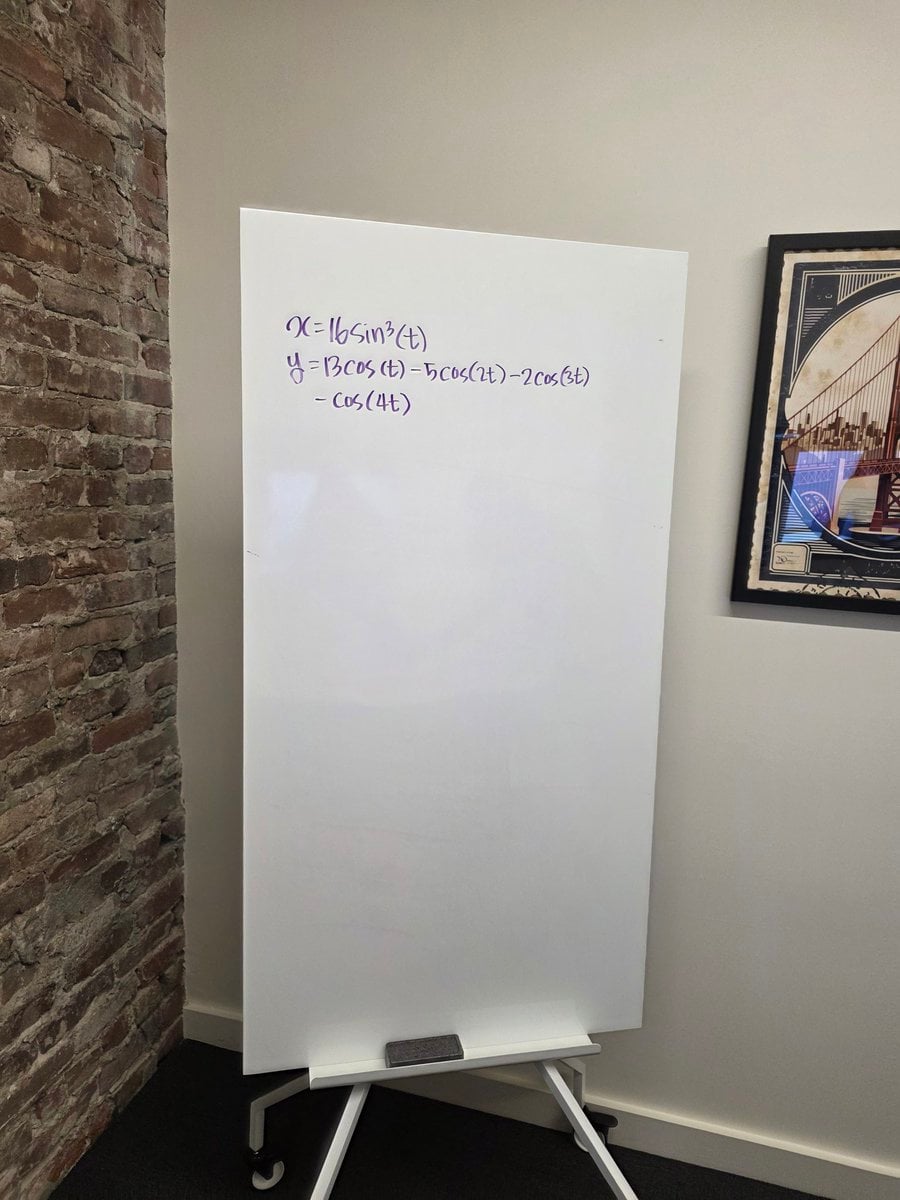
Formula graph on whiteboard
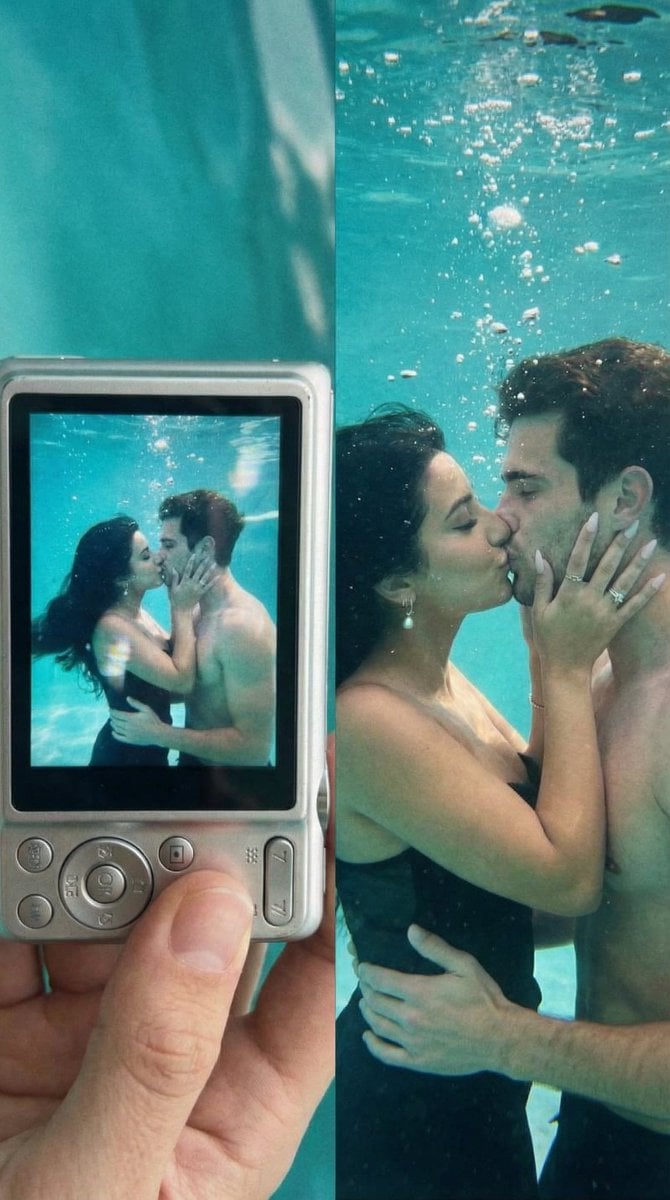
Underwater Kiss Diptych with Digital Camera Screen
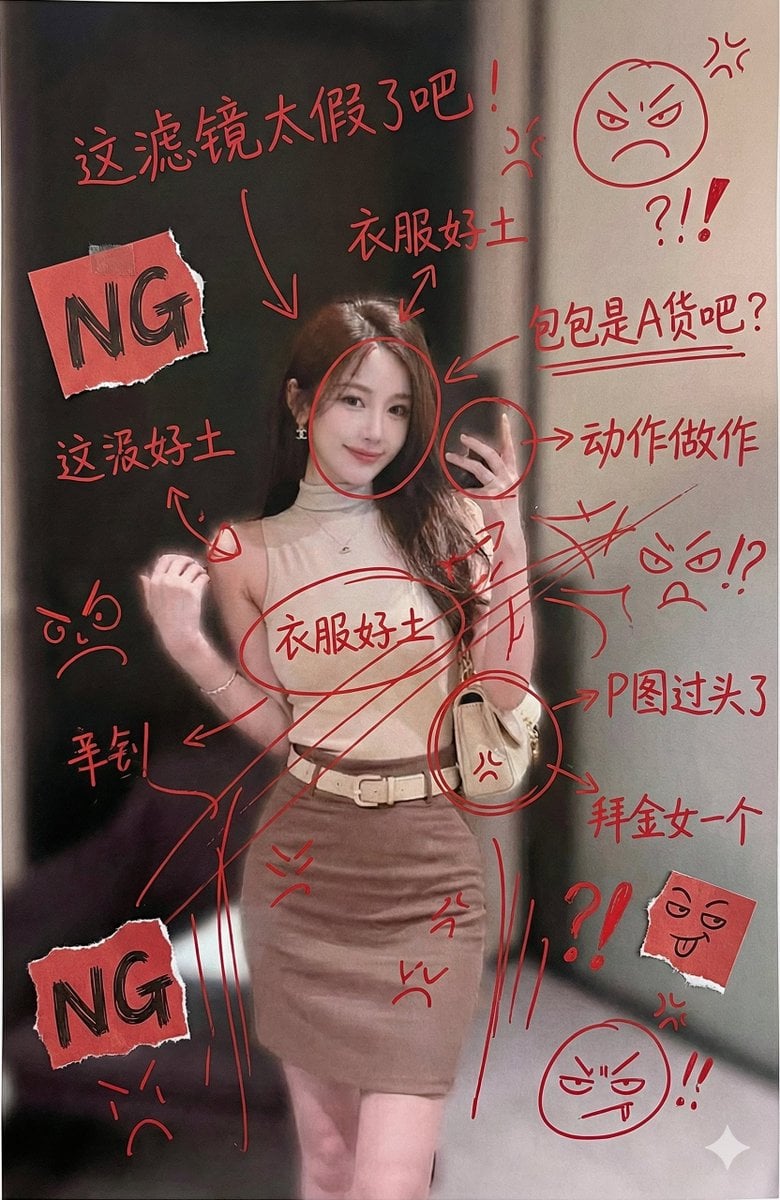
Image Generation with Handwritten Chinese Annotations and Trolling
Browse template categories
Pop-Up World Map City Collage questions
How do I use the Pop-Up World Map City Collage template?
Add your photo if the template asks for one, edit the prompt if you like — the template's model and format are already selected — and press Generate. Your version opens in PicX Studio.
Can I customize the Pop-Up World Map City Collage template?
Yes. You can change the subject, setting, lighting, mood, format, and available model controls before creating your image.
Is the Pop-Up World Map City Collage template free?
Opening and editing this template is free. Generating uses credits, shown on the Generate button when you are signed in.
Which AI model should I use?
Start with GPT Image 2, which is the model associated with this template. You can compare another compatible model for a different finish.
Looking for something else? Browse all templates.

Your photo, any look
Thousands of ready templates for every top image and video model, from one credit balance.