
Double Exposure Sunset Beach Portrait
A complex prompt for a cinematic double-exposure portrait that preserves the identity of an uploaded photo while placing them in a dreamy sunset beach setting.
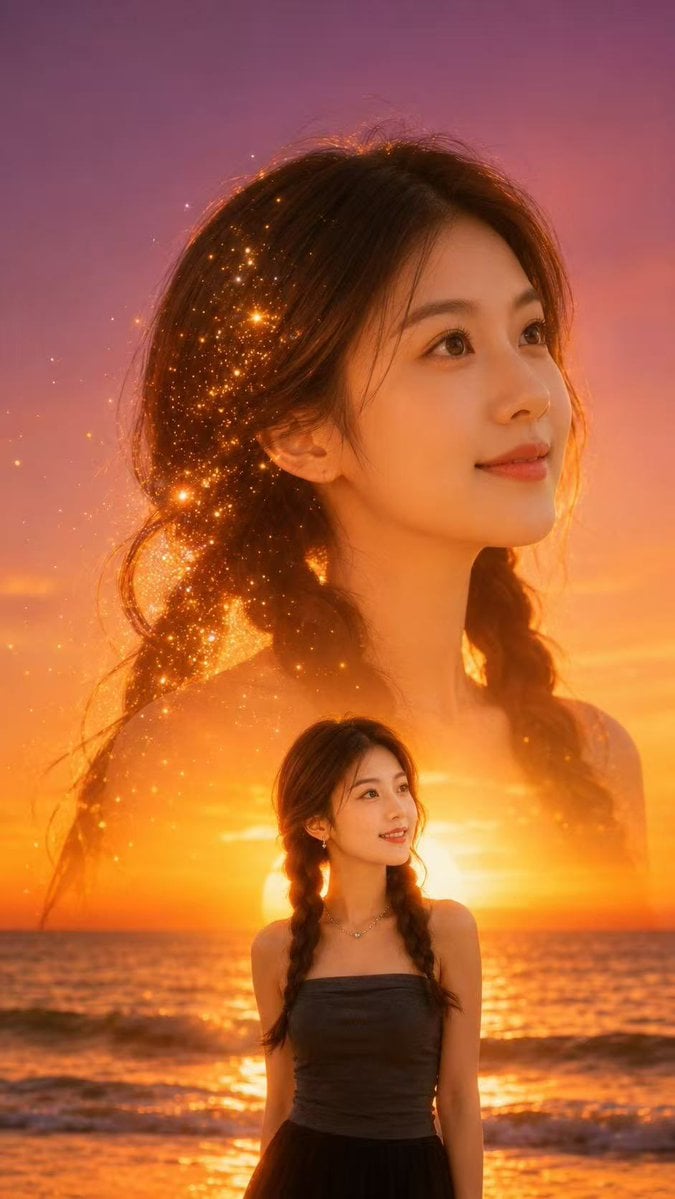
- Prompt included
- Model and format preset
- Free template
The prompt behind this image
Copy the exact prompt behind Double Exposure Sunset Beach Portrait, or open it in the studio and make it yours.
Use the {argument name="reference photo" default="uploaded portrait"} only as the identity and hairstyle reference. Accurately preserve the person’s real facial identity, face shape, facial features, skin tone, hairstyle, hair volume, and natural real-life appearance. Do not copy the original clothes, background, lighting, pose, or image quality from the uploaded portrait. Create a highly realistic cinematic double-exposure portrait in a vertical 9:16 composition. The scene is set at a {argument name="location" default="golden sunset beach"} with a calm ocean horizon, glowing orange sunlight, soft waves, and a dreamy purple-pink sky. The final image should have two layers of the same person. The main layer is a large transparent side-profile portrait occupying the upper and middle part of the image, facing slightly upward with a soft natural smile, elegant facial expression, realistic skin texture, and long flowing hair. The face should blend naturally into the sunset sky and ocean light, creating a poetic cinematic double-exposure effect. The second layer shows the same person as a smaller realistic half-body portrait near the lower center of the frame, standing or sitting in front of the ocean sunset. She wears an {argument name="outfit" default="elegant dark gray off-shoulder / strapless top"} with simple jewelry, natural makeup, soft glossy lips, and a calm romantic expression. The clothing should be tasteful, refined, and cinematic. Add glowing golden particles and sparkling light dust flowing through the hair area of the large portrait, like tiny fireflies or stardust, blending into the warm sunset glow. The particles should look magical but still realistic, not cartoonish. Use soft cinematic lighting, warm golden rim light, gentle shadows, natural skin texture, high dynamic range, realistic ocean reflections, subtle film grain, premium editorial photography style. Make the image dreamy, romantic, cinematic, elegant, and high-end. No text, no logo, no watermark, no Chinese characters, no random letters. Negative Prompt: watermark, logo, text, Chinese characters, random letters, low quality, blurry face, distorted face, fake skin, plastic skin, over-smoothed skin, anime, cartoon, illustration, AI-looking face, bad anatomy, deformed hands, extra fingers, duplicate face, messy composition, harsh outline, overexposure, oversaturated colors, unnatural smile, broken double exposure, bad hair detail, noisy artifacts, pixelated image.
How to use Double Exposure Sunset Beach Portrait in 3 steps
- 1Upload ImagePNG, JPG or paste
Add your photo
Upload the photo the template builds on. The prompt, model and format are already set.
- 2…a portrait of your subject in softgolden-hour light, 85mm…
Personalize
Edit the subject and creative details for your destination.
- 3Generate
Generate
Press Generate — your image is created in PicX Studio, so you can compare it with the original and refine one variable at a time.
More like this
Templates with the same subject, style or setup. Open one to see its prompt.
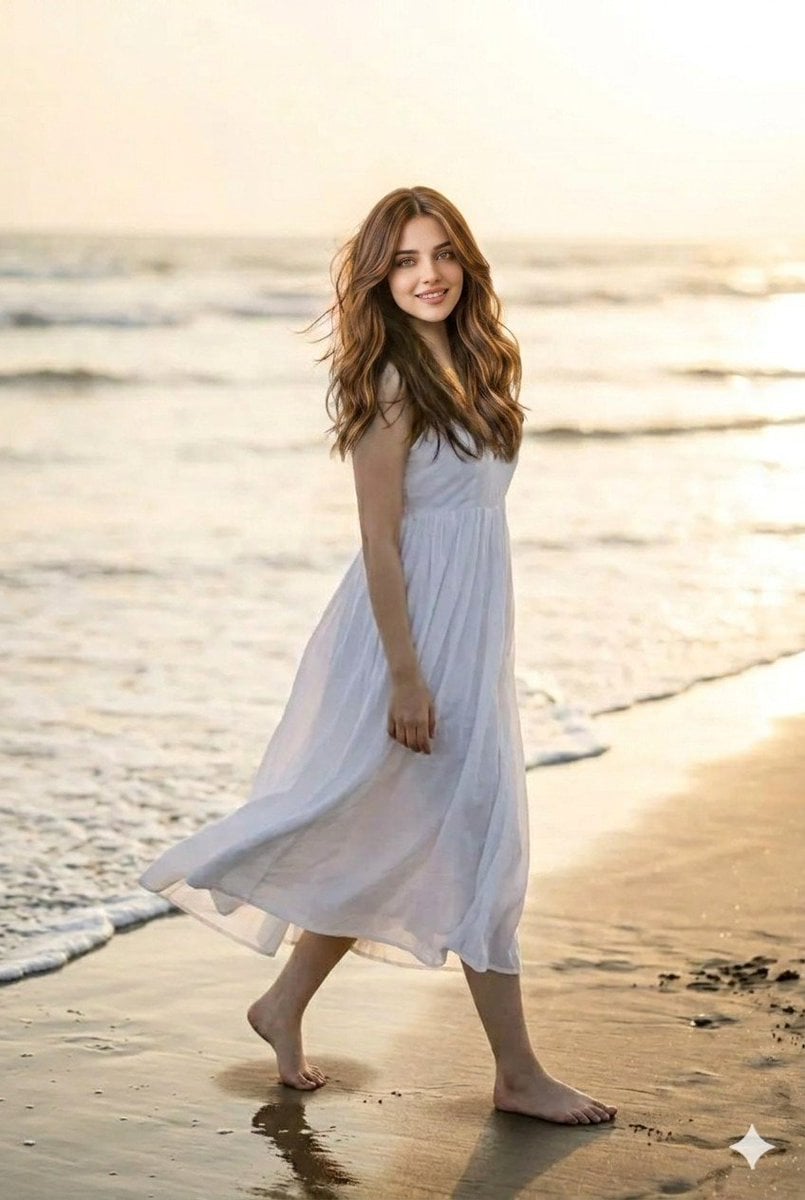
Sunset Beach Walk Portrait
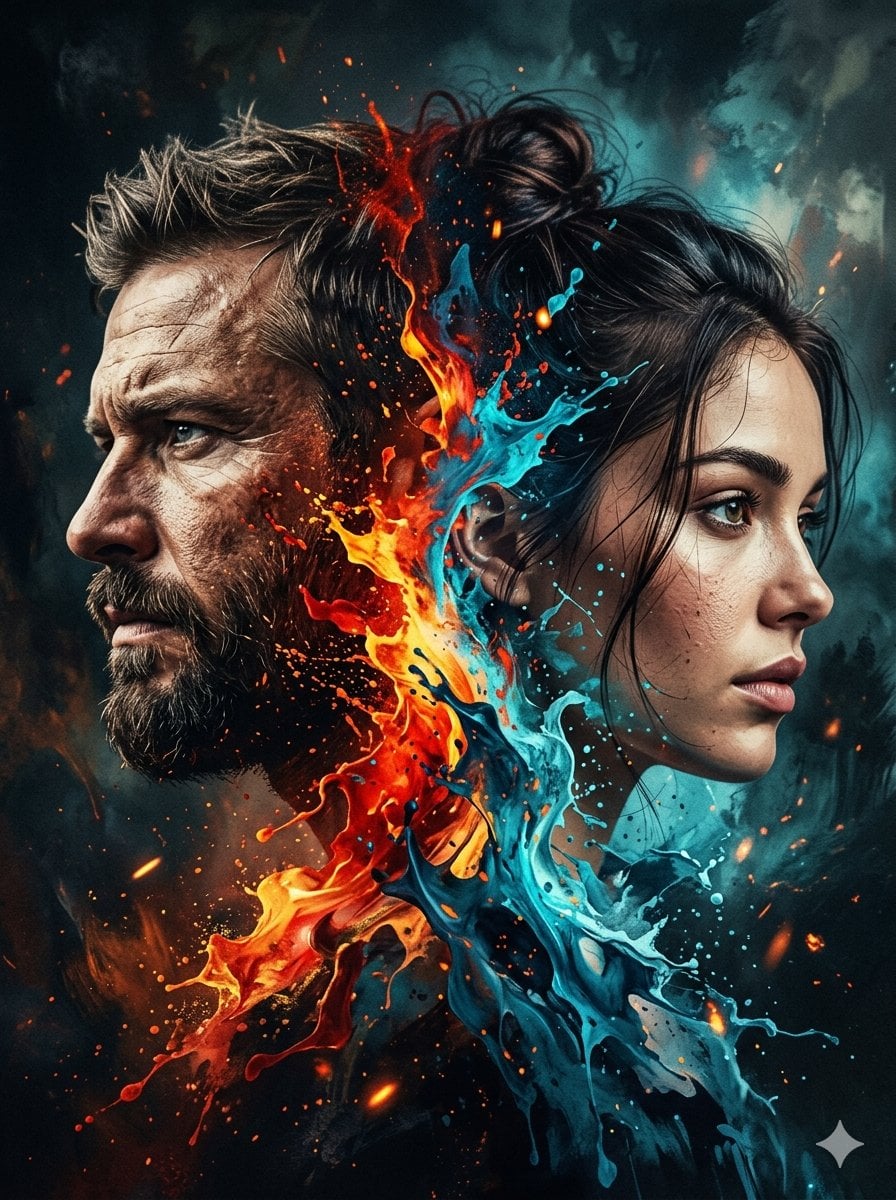
Dynamic Double-Exposure Artistic Portrait
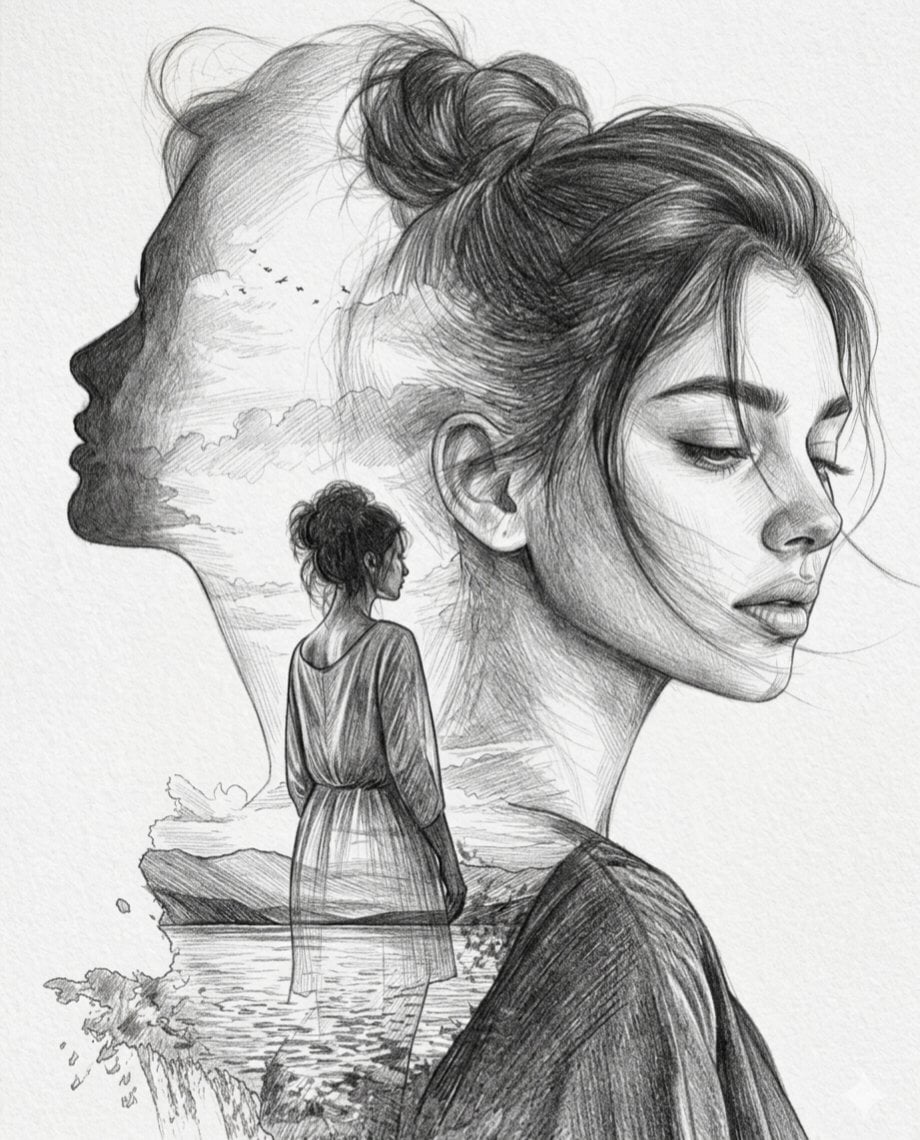
Double Exposure Pencil Sketch Portrait
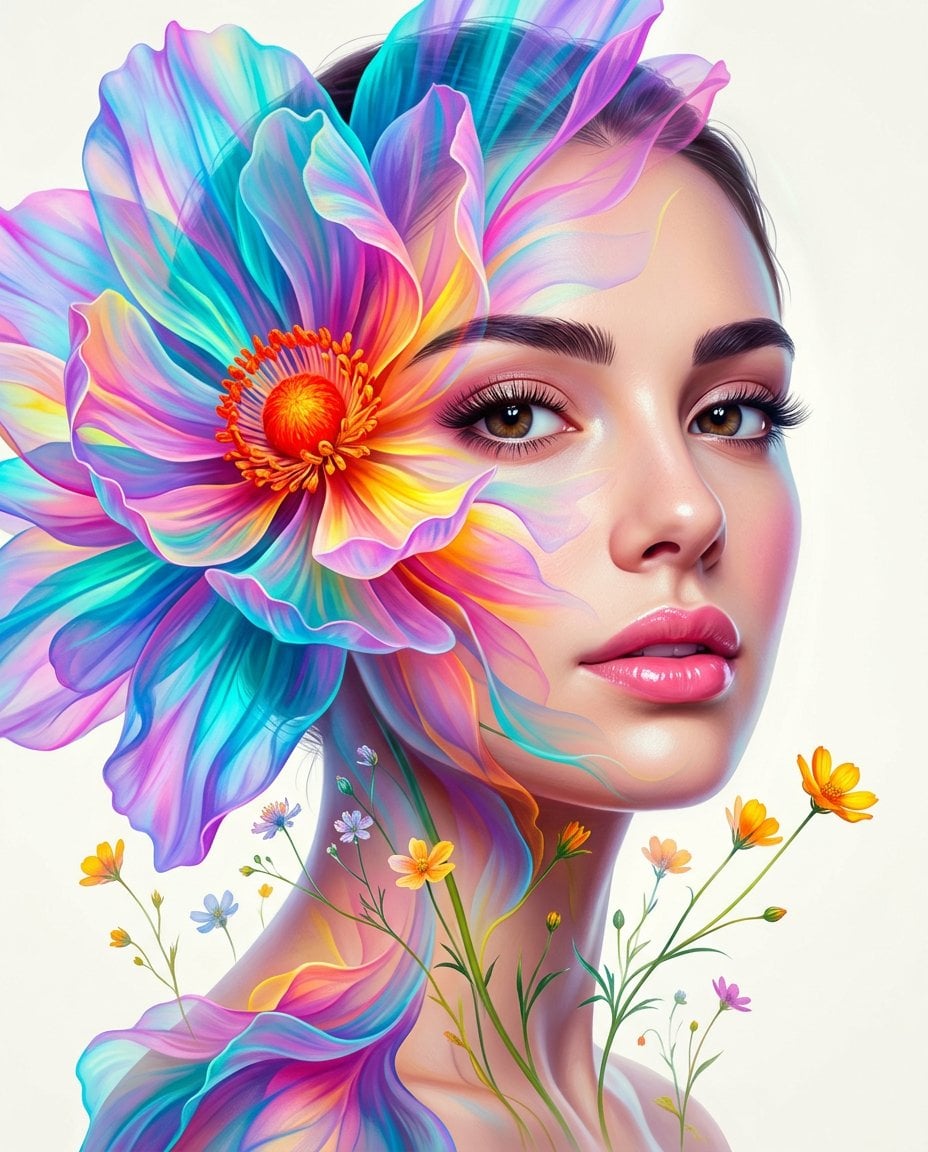
Surreal Double-Exposure Floral Portrait
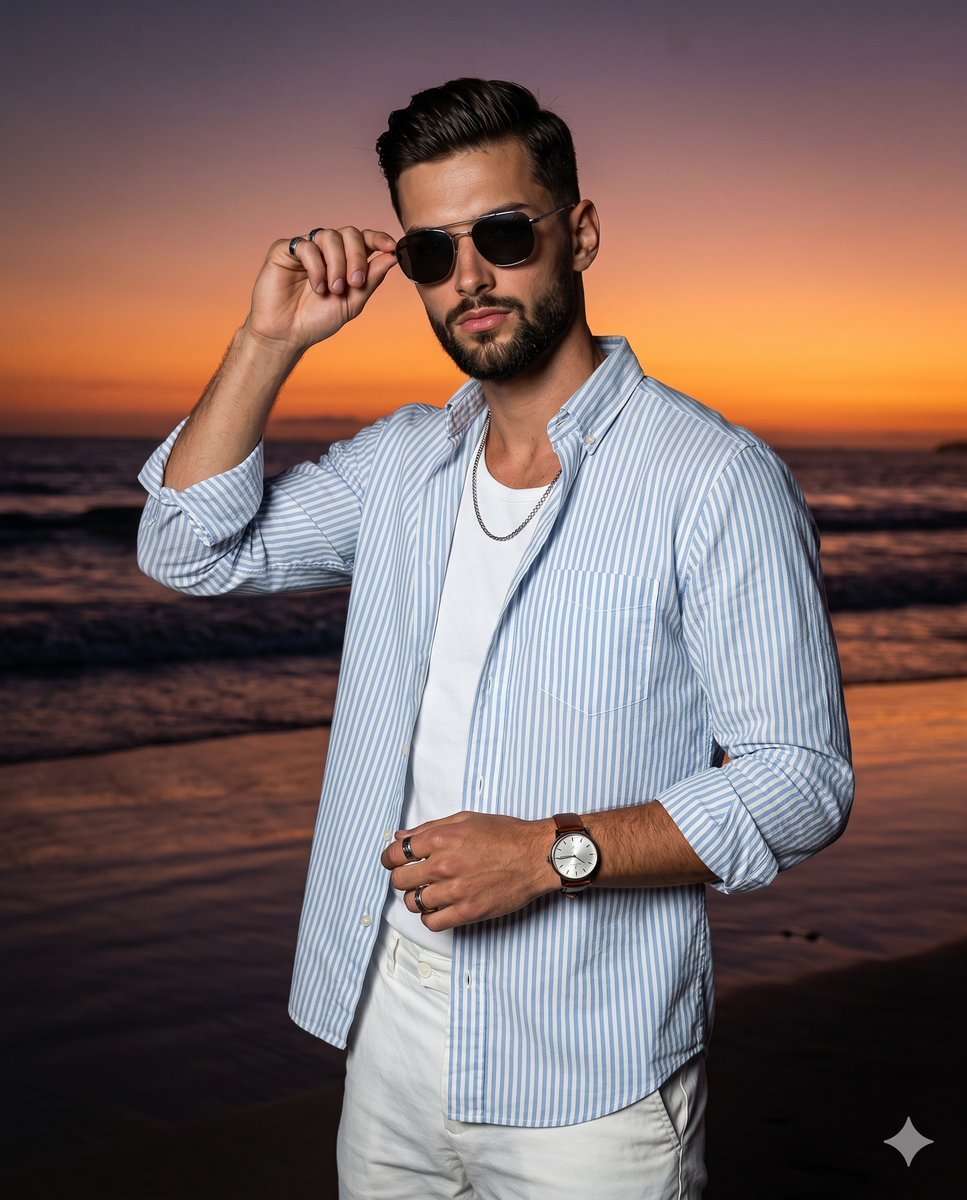
Confident Sunset Beach Portrait
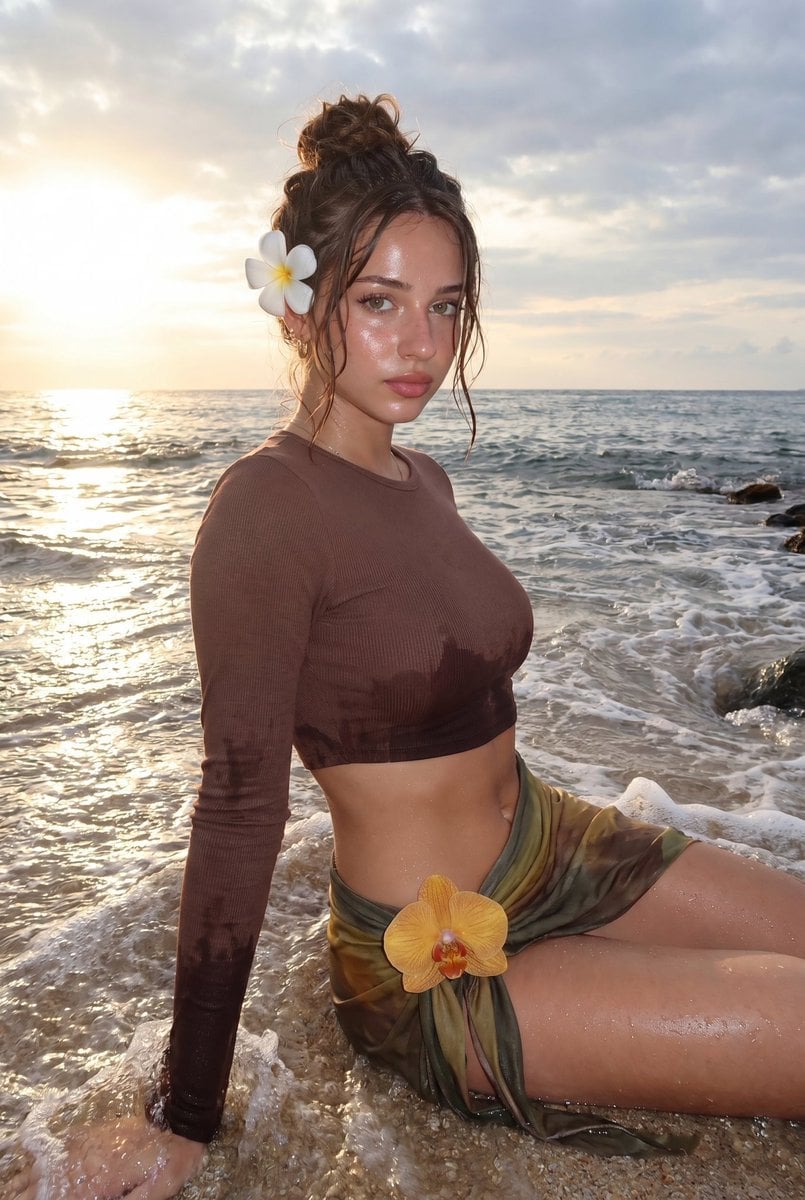
Tropical Beach Sunset Fashion Portrait
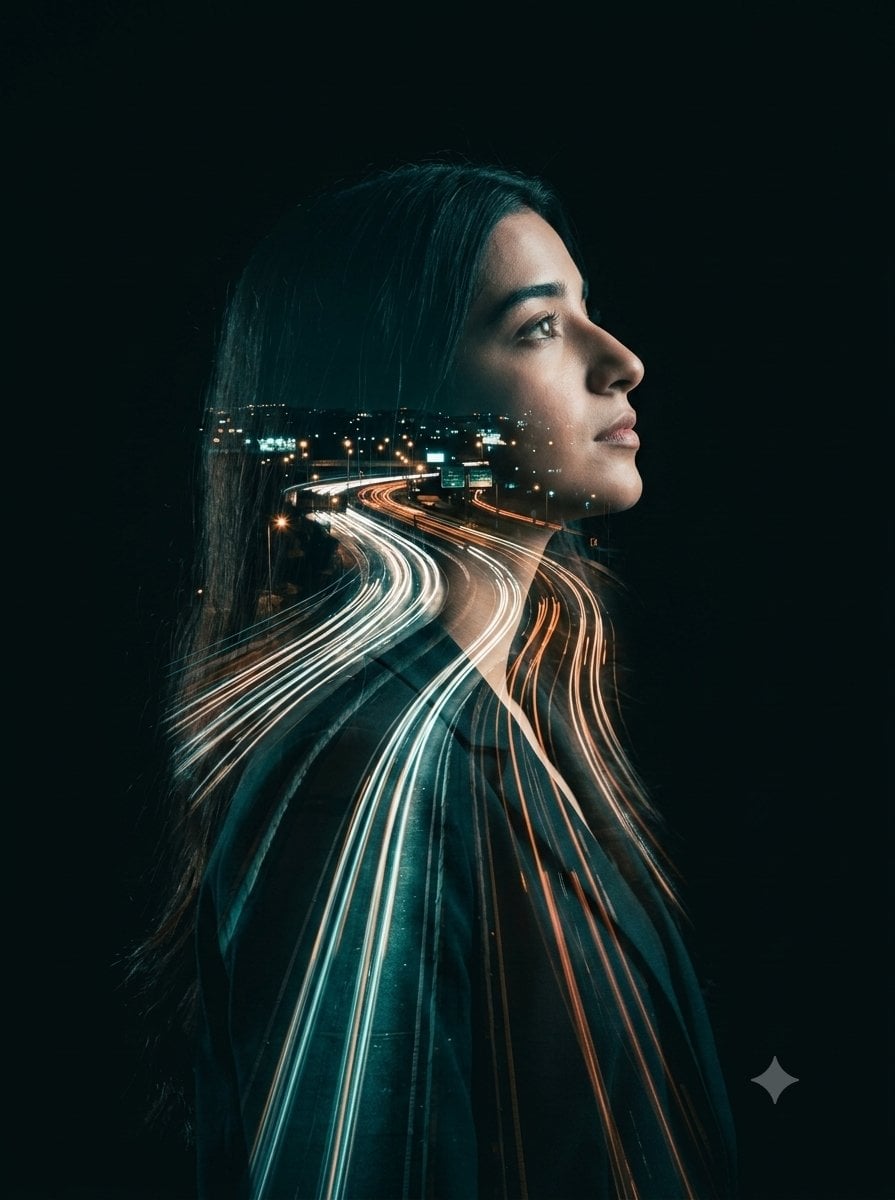
Double-Exposure Highway Portrait
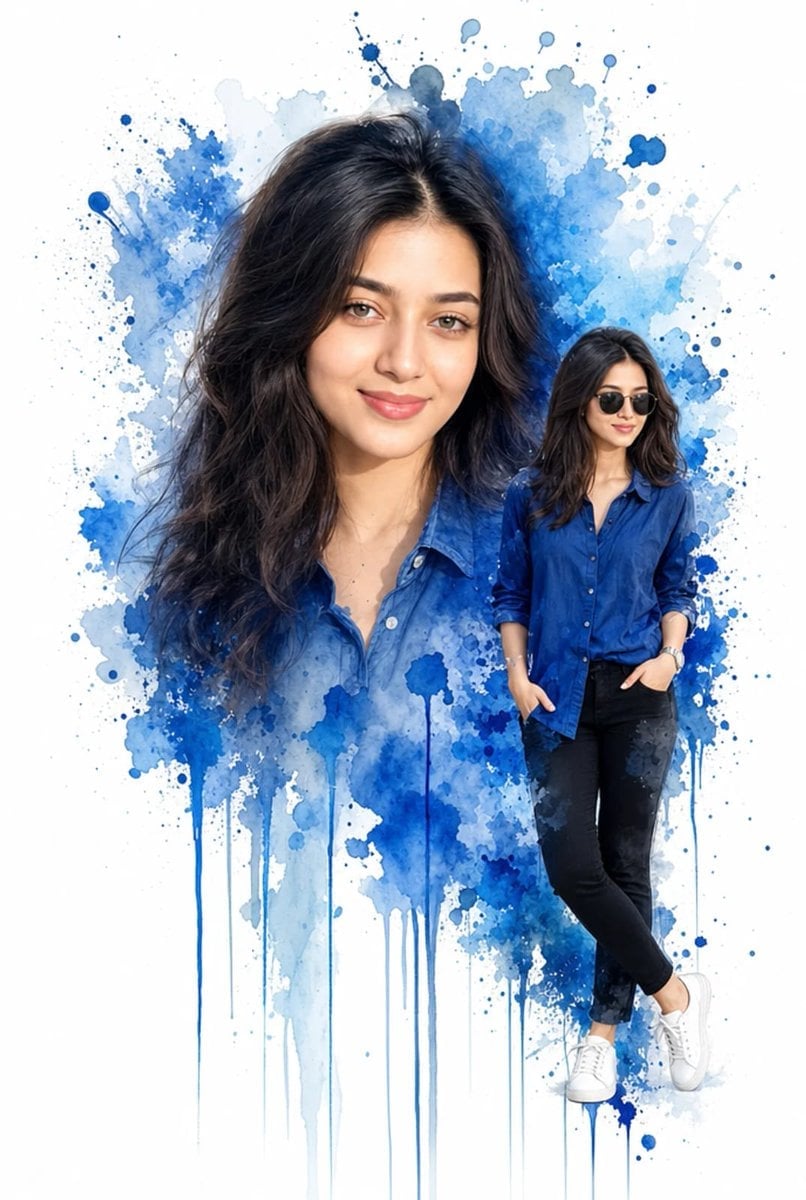
Double Exposure Watercolor Portrait Art
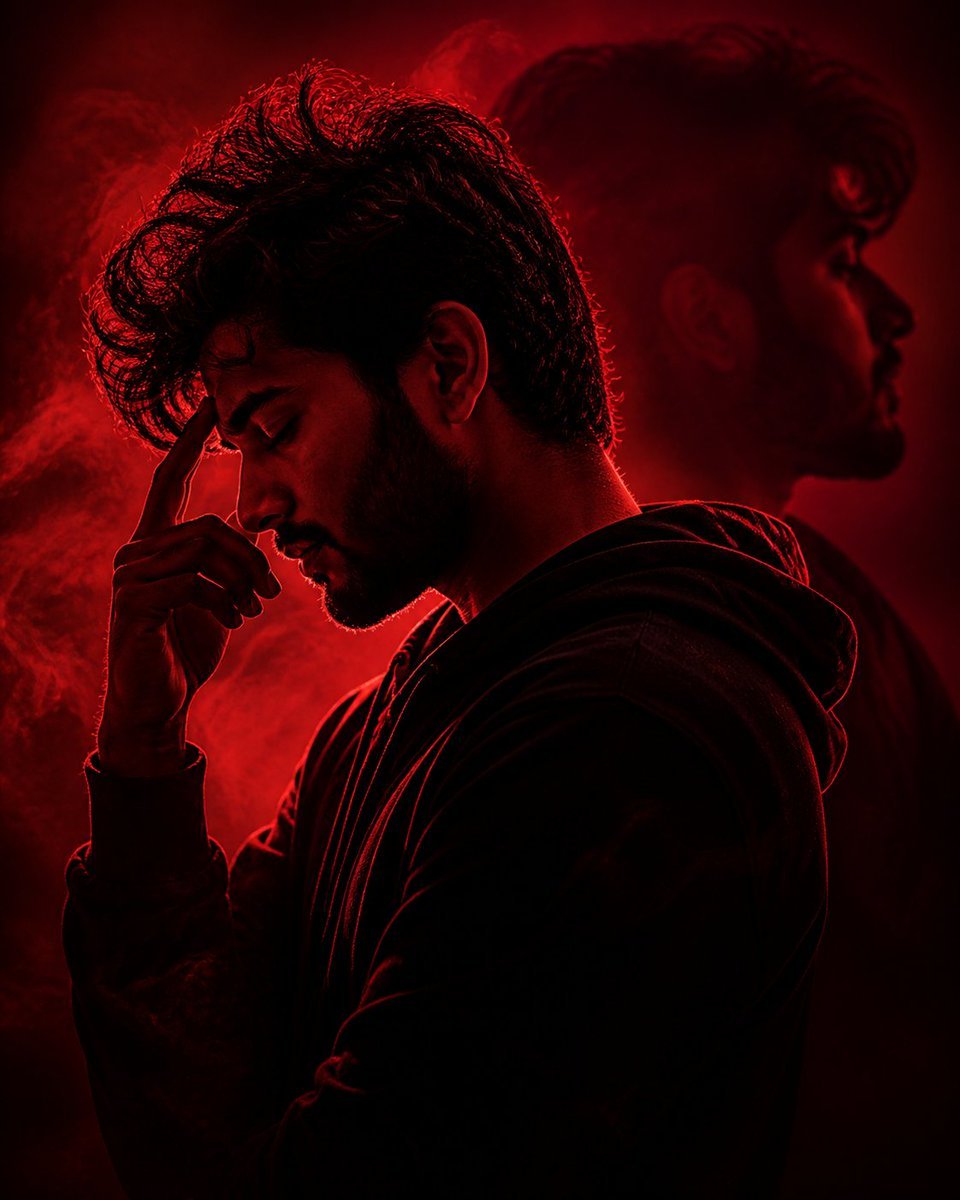
Crimson Moody Double Exposure Portrait
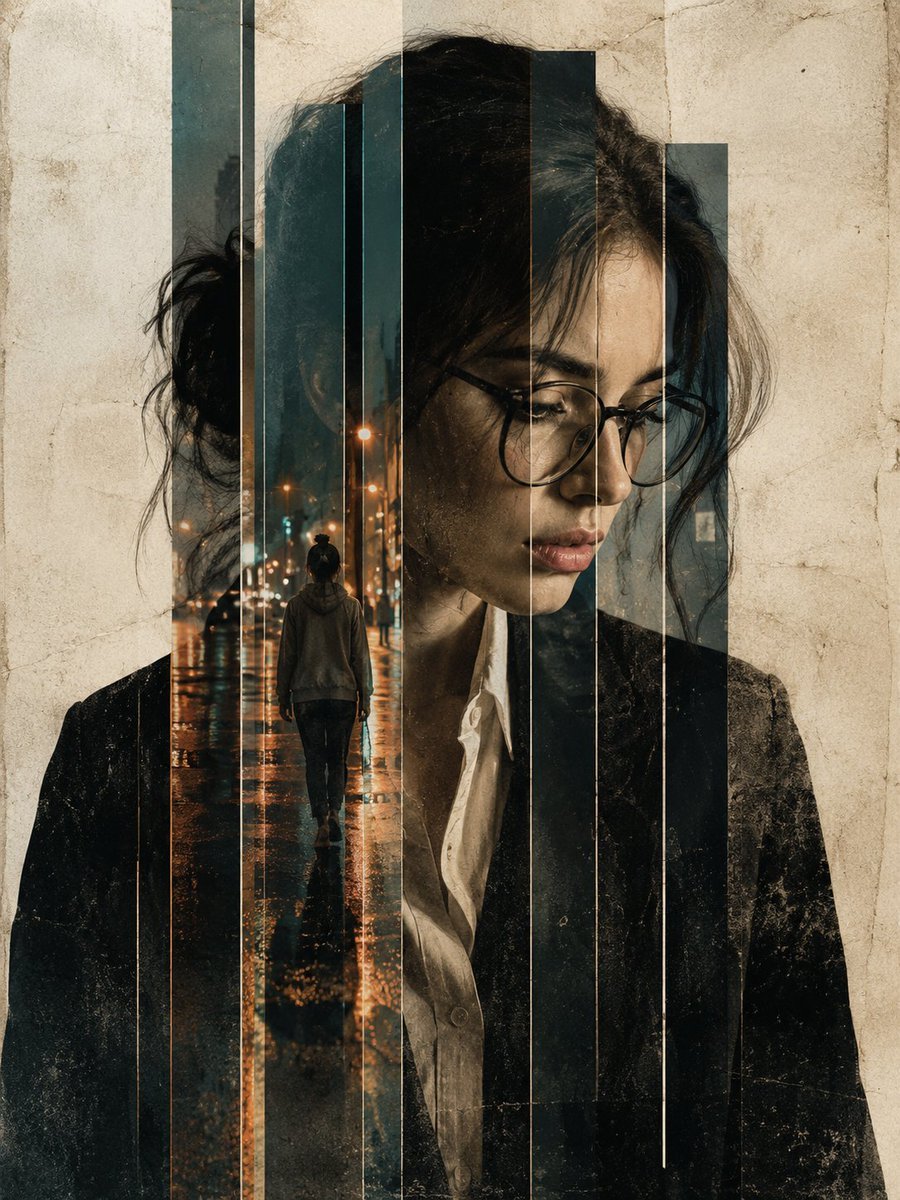
Double Exposure Editorial Portrait
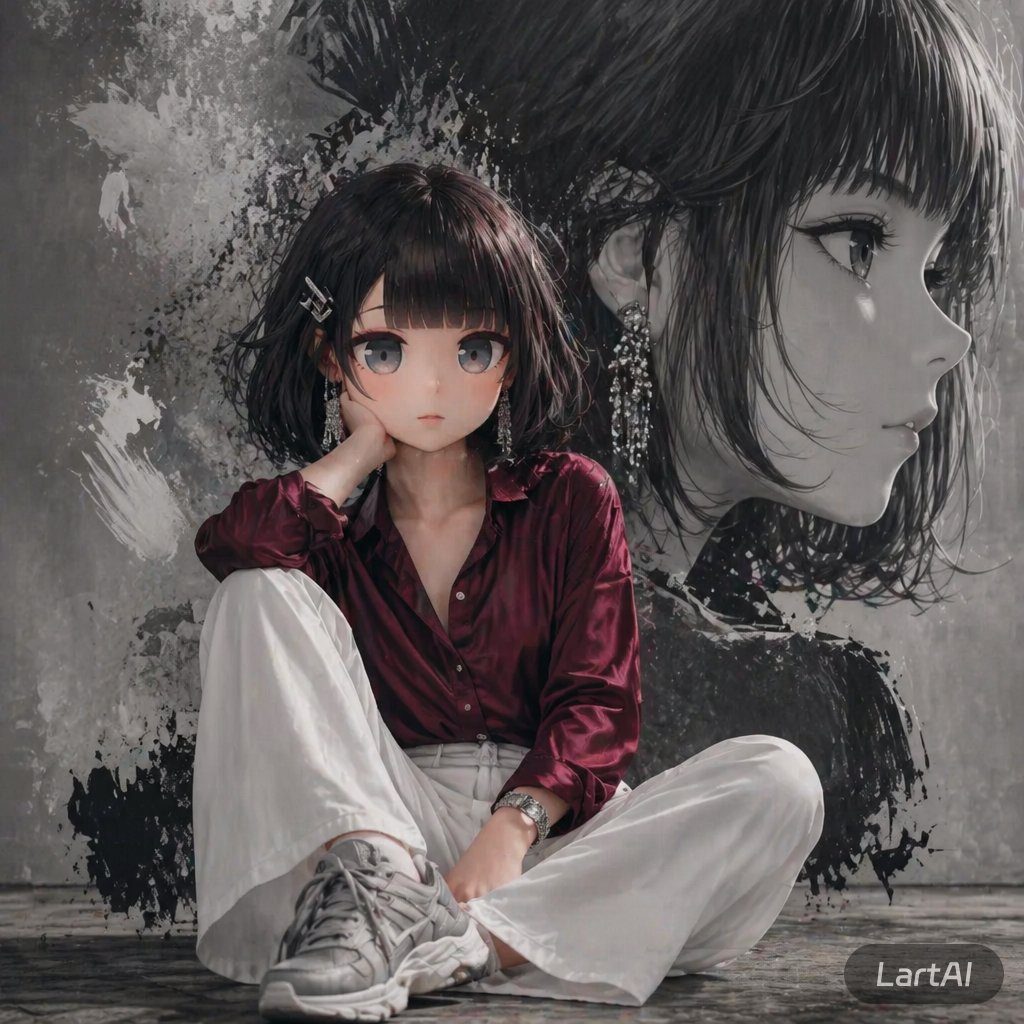
Double Exposure High-Fashion Portrait
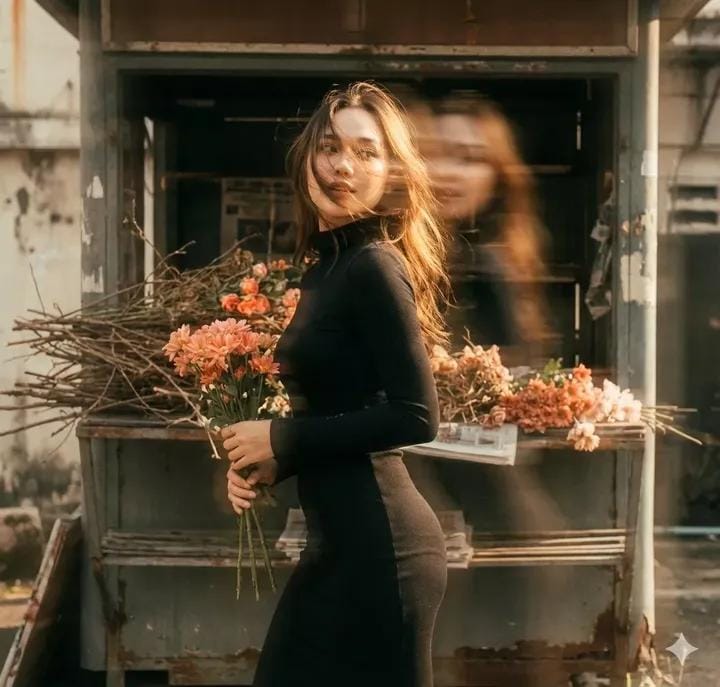
Vintage Film Double-Exposure Portrait
Make it yours
Double Exposure Sunset Beach Portrait works as-is. These are the safest ways to change it without losing the look.
Change one field
Copy a single group, rewrite it, and generate again so you can see what that field is doing.
Keep the frame, change the subject
Hold the composition and light of Double Exposure Sunset Beach Portrait, then swap wardrobe, props or the person for a new take.
| If the result… | Why | Fix |
|---|---|---|
| The result drifts from the preview | Too many fields changed at once. | Reuse Double Exposure Sunset Beach Portrait as-is first, then change one group — subject, light, or setting. |
| The model over-stylizes the scene | The prose prompt leaves finish and camera underspecified. | Add one camera or lighting sentence and stay on GPT Image 2. |
More GPT Image 2 templates
Other prompts made for GPT Image 2.

Six VTuber Japanese Logo Sheet

Realistic Portrait of Woman and Deer

The Vista Modular Condo Poster

AI Model Routing Comparison Infographic

2.5D Anime Art Board

Isometric Productivity Desk Scene

New York Double Exposure Poster

Four-Panel AI Landscape Comparison

Japanese Tatami Lifestyle Magazine Cover

NESCAFÉ Coffee Map Poster
More image prompts
Fresh picks from across the catalog.
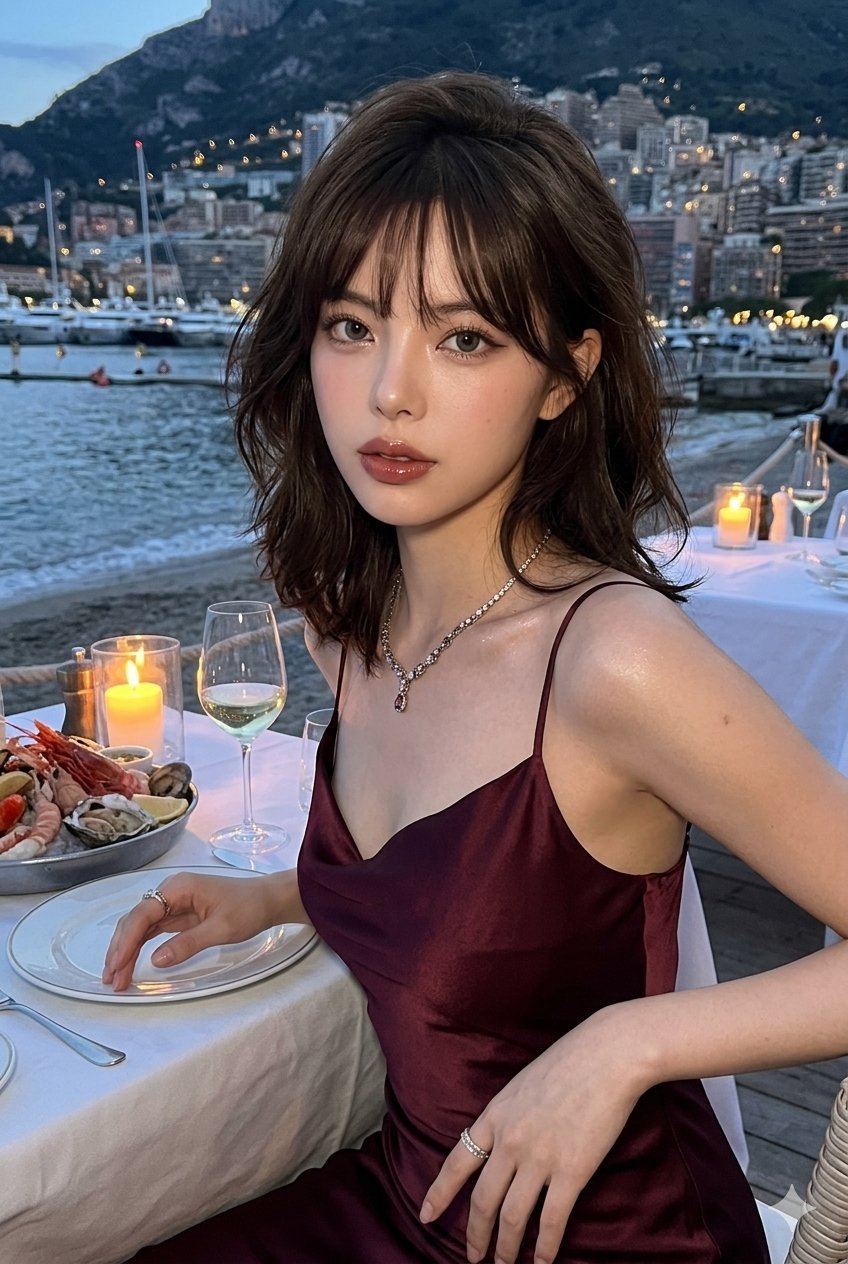
untitled
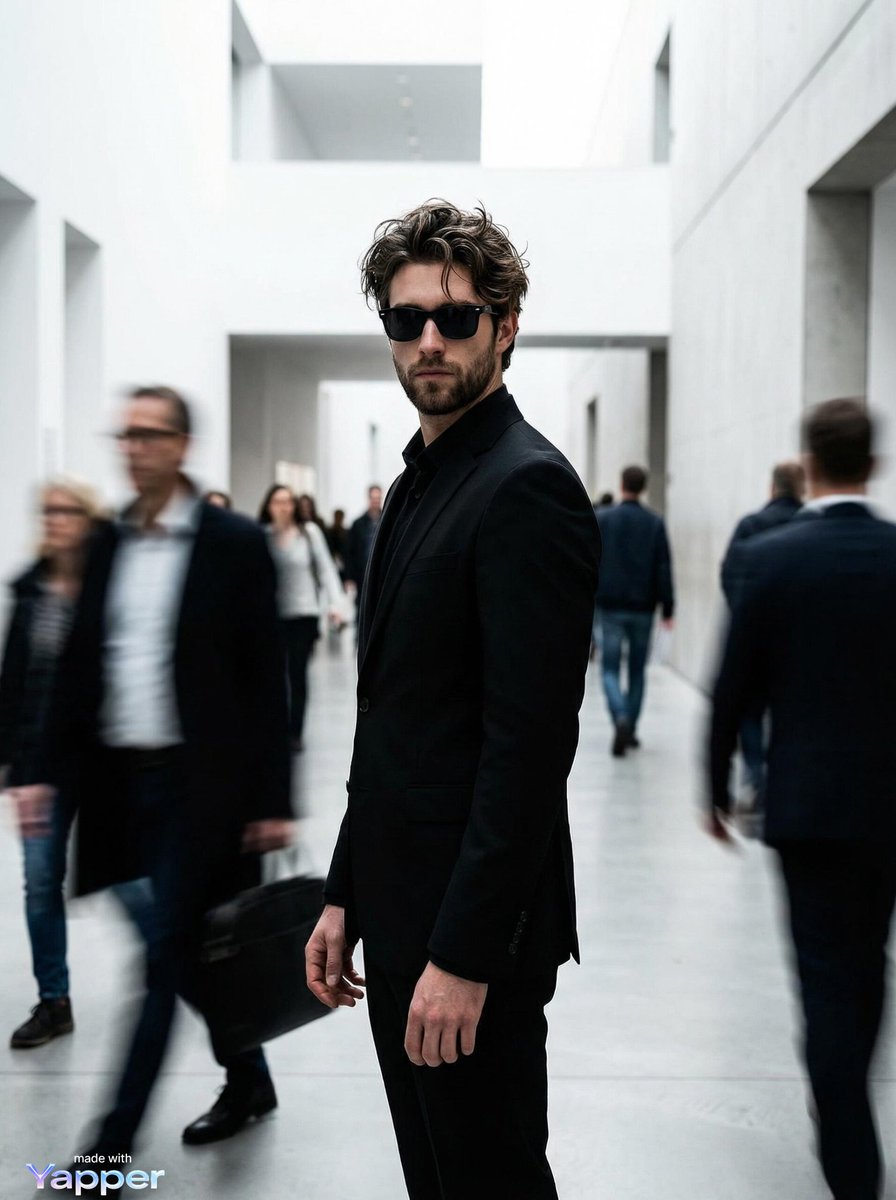
High Fashion Editorial Prompt for Nano Banana Pro
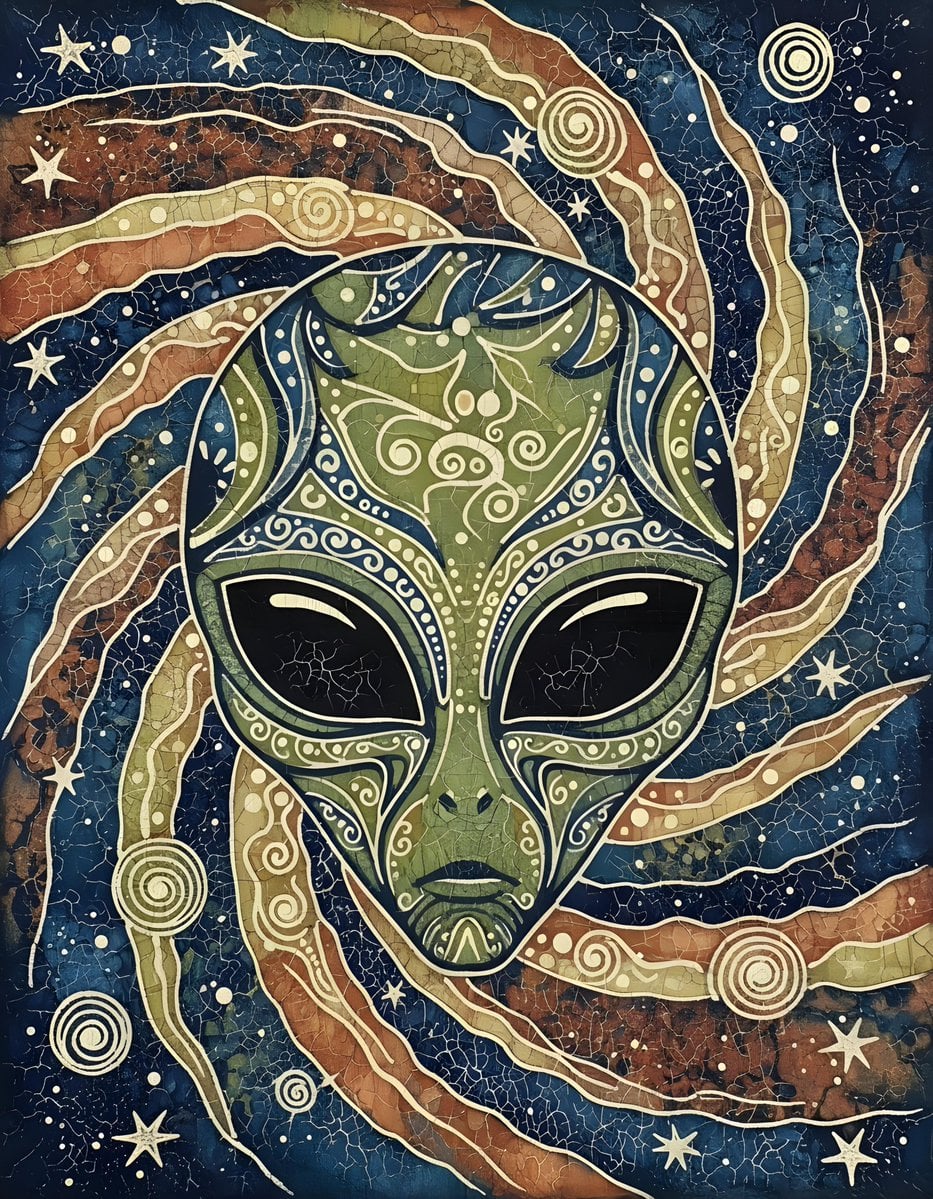
Batik Style Image Generation Prompt
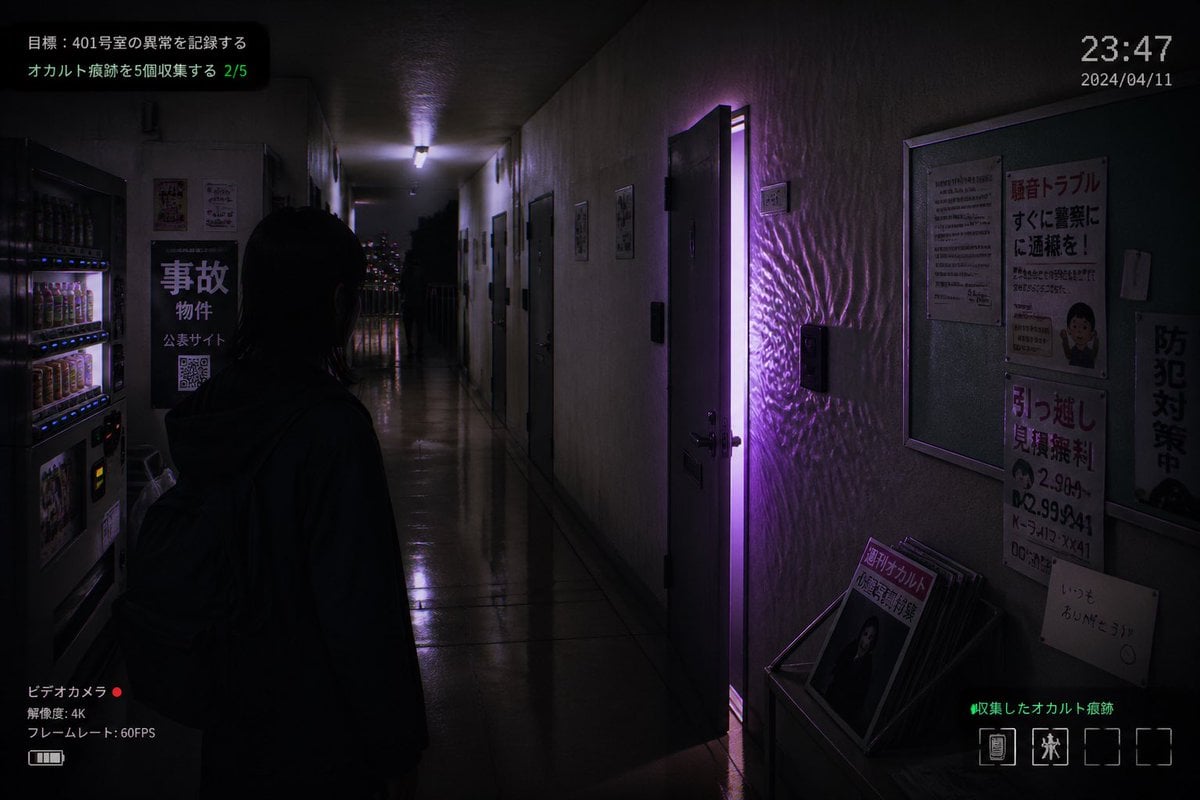
Japanese Apartment Horror Game Screenshot

Thai Restaurant Brand Identity Document
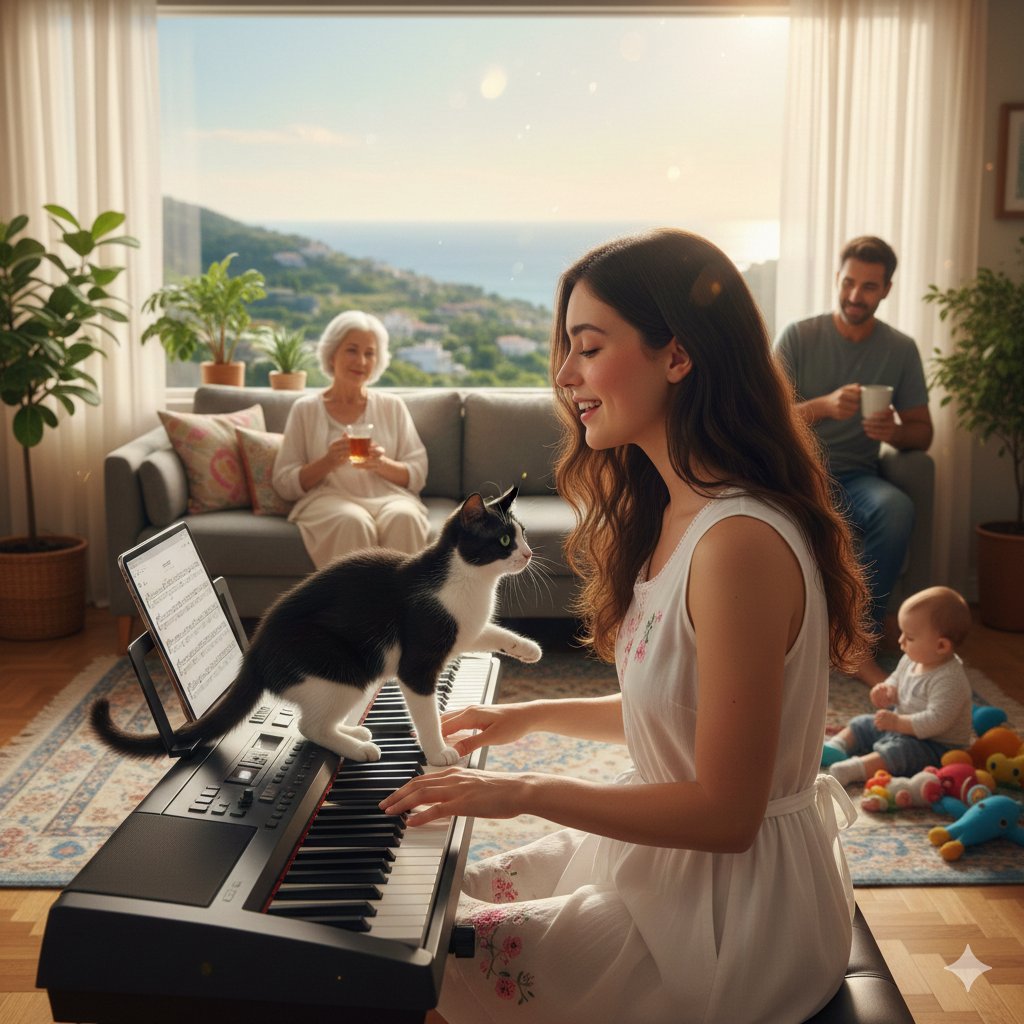
Cinematic Family Gathering Scene
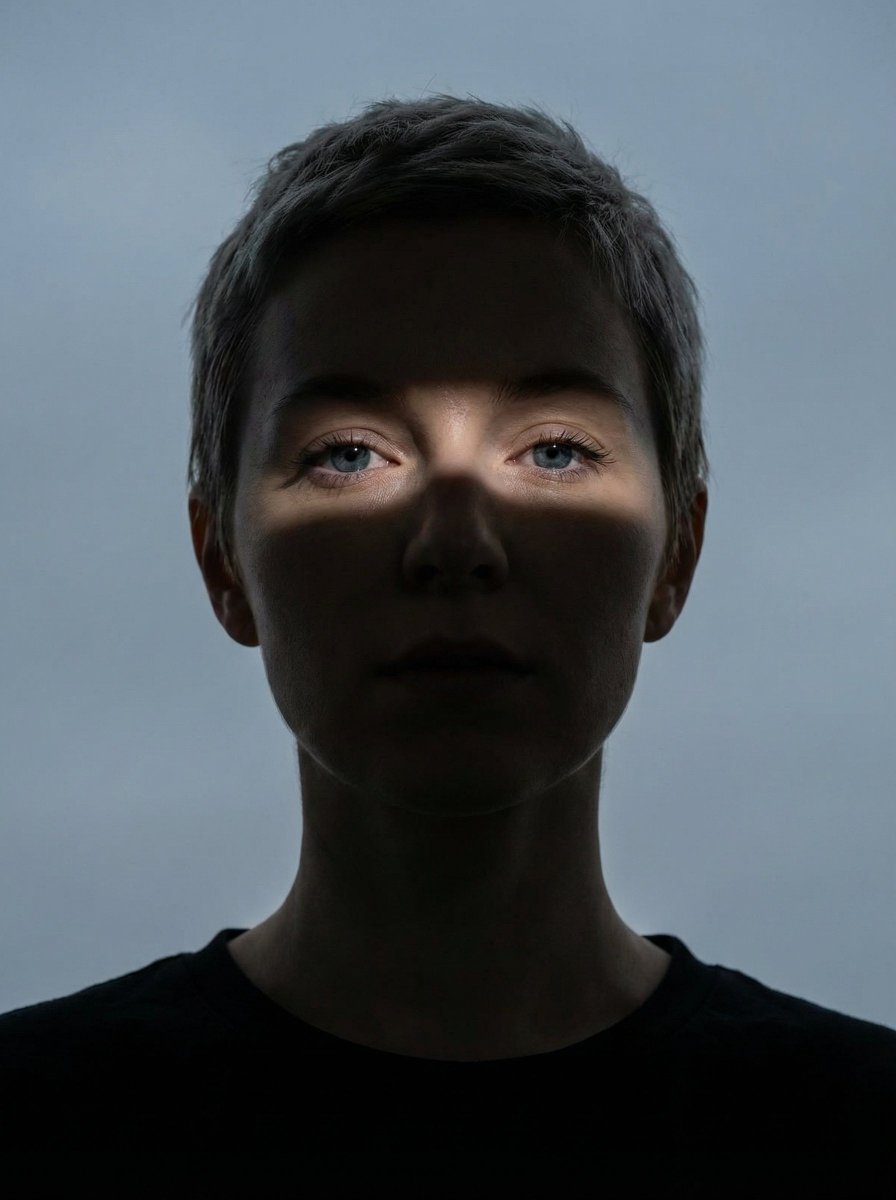
High Contrast Shadow Band Portrait
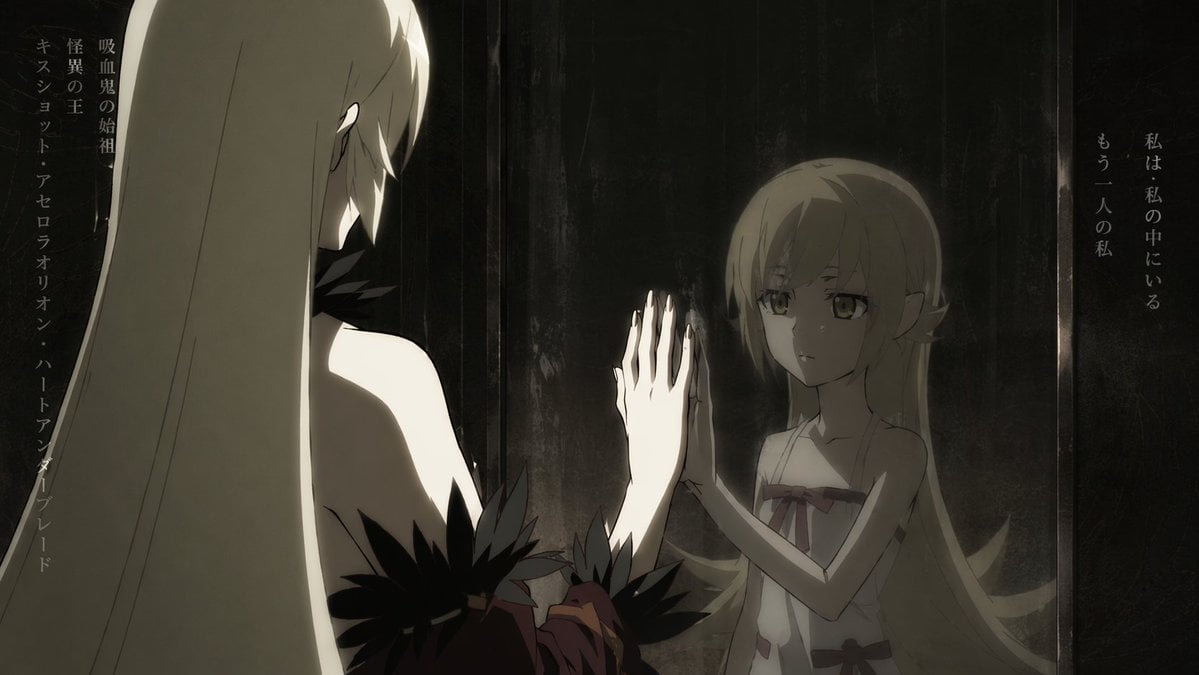
Anime Mirror Reflection of Younger Self
Poetic Cinematic Portrait with Pink Blossoms Prompt
Bubbly Cheeseburger Still Life Prompt
Browse template categories
Double Exposure Sunset Beach Portrait questions
How do I use the Double Exposure Sunset Beach Portrait template?
Add your photo if the template asks for one, edit the prompt if you like — the template's model and format are already selected — and press Generate. Your version opens in PicX Studio.
Can I customize the Double Exposure Sunset Beach Portrait template?
Yes. You can change the subject, setting, lighting, mood, format, and available model controls before creating your image.
Is the Double Exposure Sunset Beach Portrait template free?
Opening and editing this template is free. Generating uses credits, shown on the Generate button when you are signed in.
Which AI model should I use?
Start with GPT Image 2, which is the model associated with this template. You can compare another compatible model for a different finish.
Looking for something else? Browse all templates.

Your photo, any look
Thousands of ready templates for every top image and video model, from one credit balance.