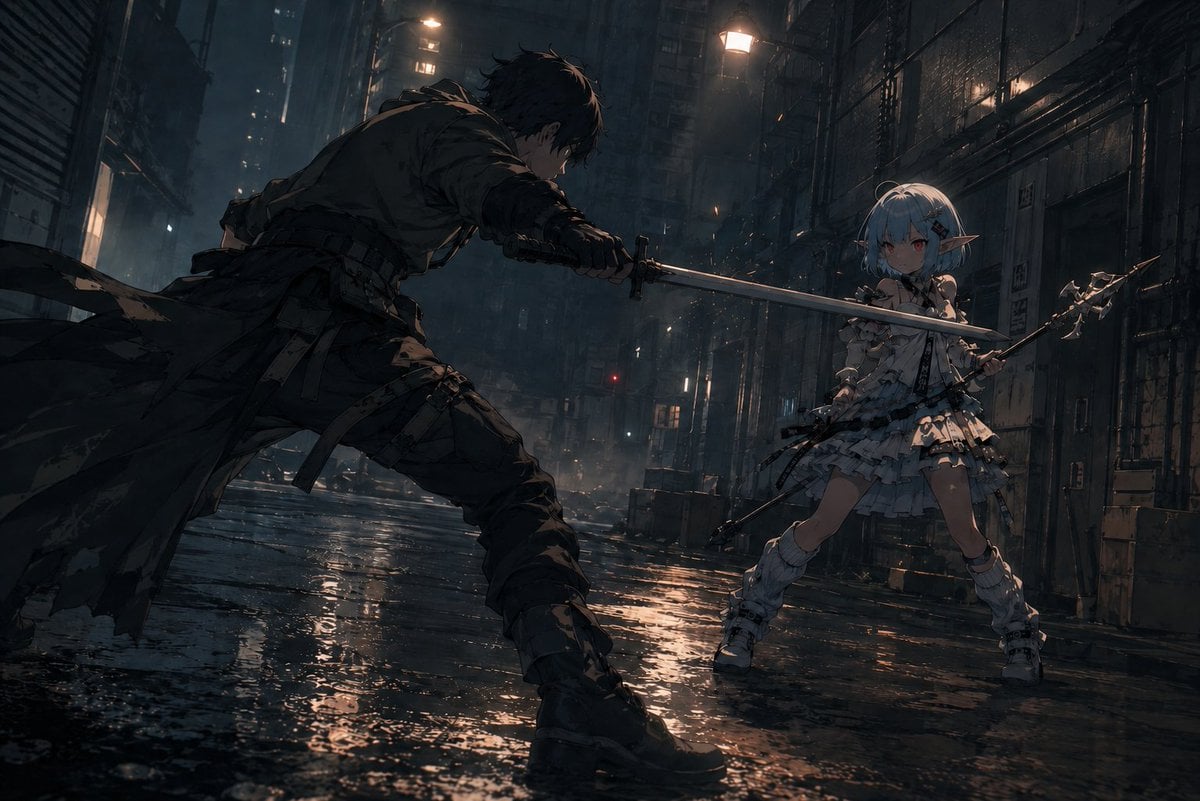
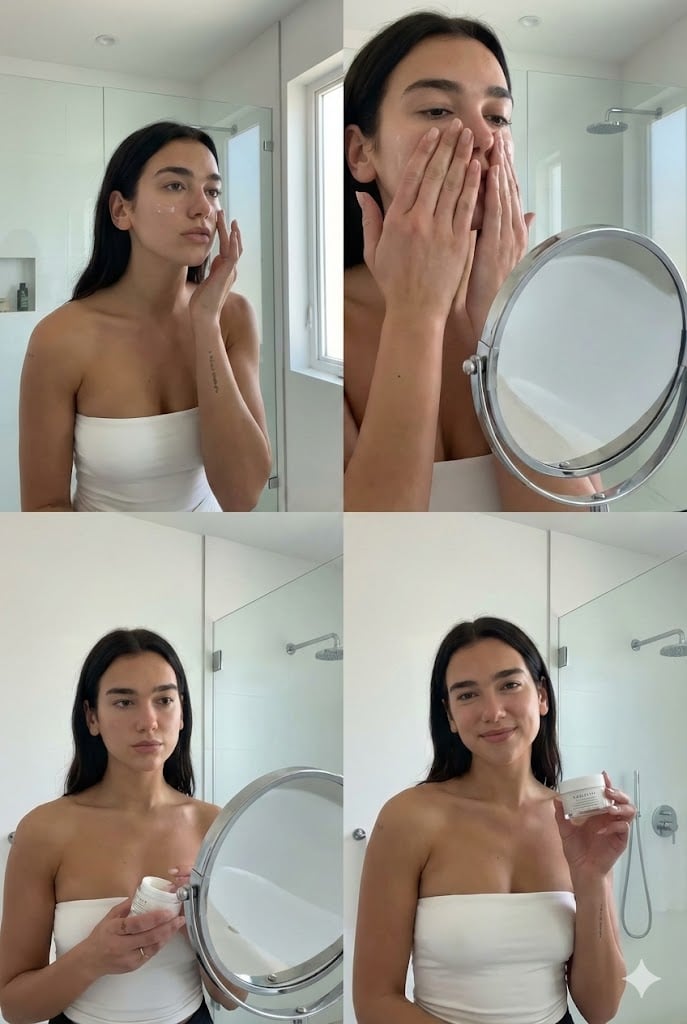
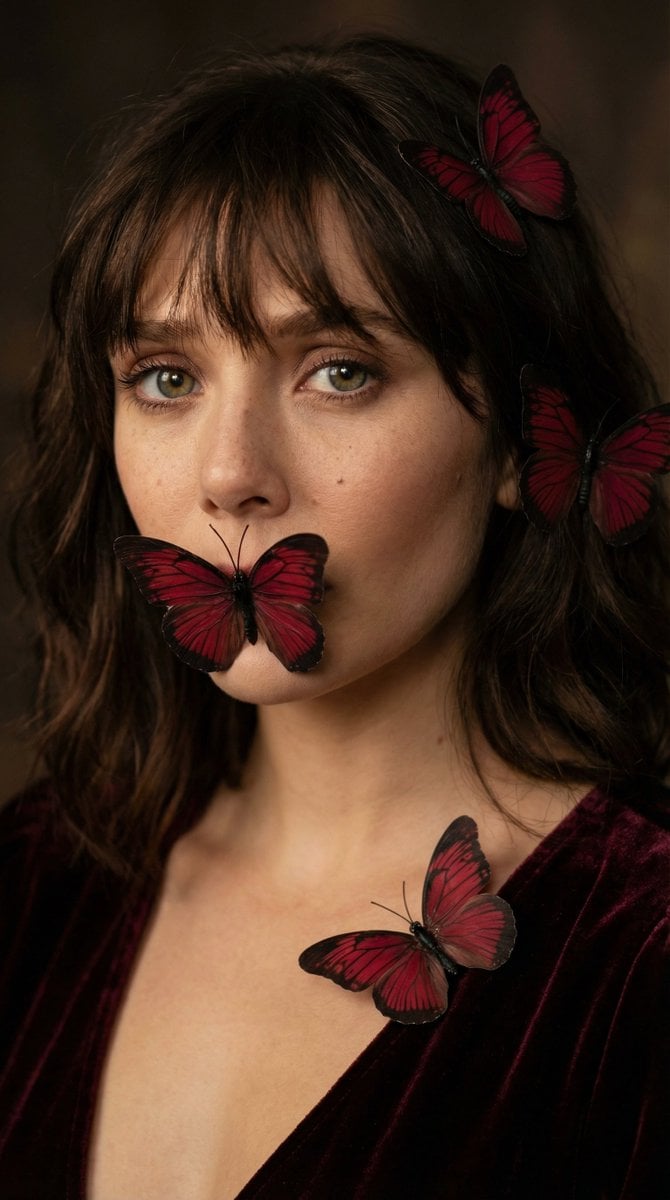
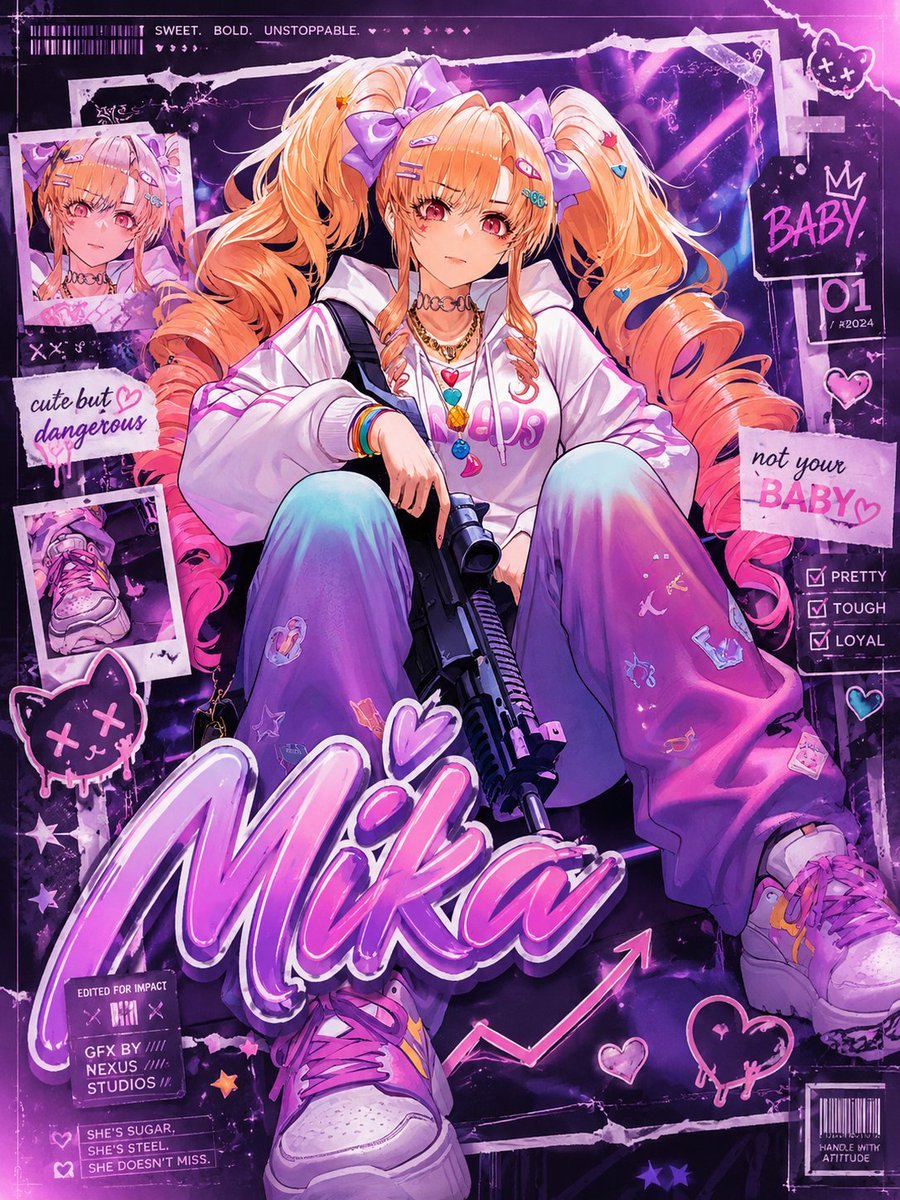
How do I use the Cyberpunk Neon Alley Portrait template?
Edit the prompt in the box under the preview — the template's model and format are already selected — and press Generate. Your version appears right on this page.
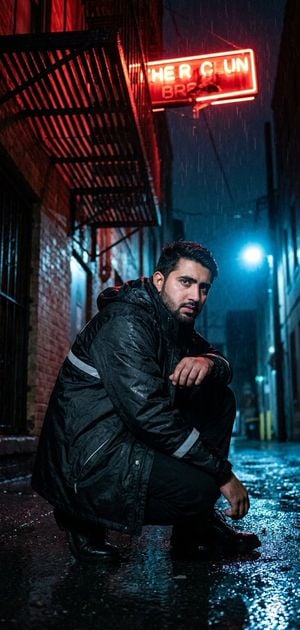
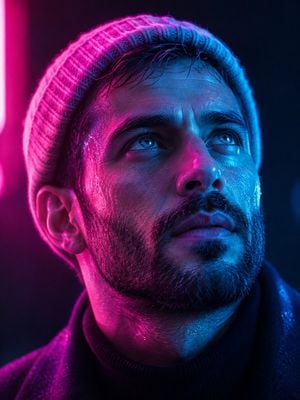
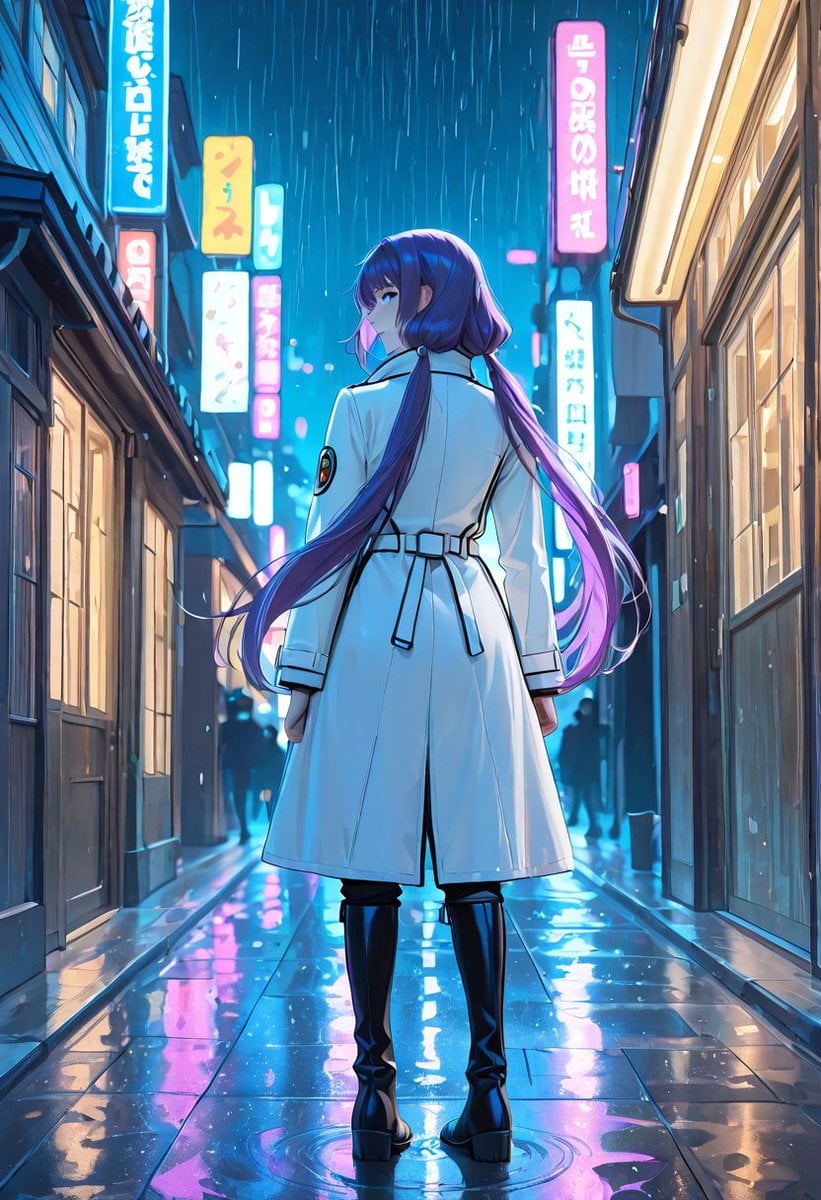
This prompt generates a moody cinematic cyberpunk character portrait for sci-fi key art, social posts, or futuristic concept imagery.

This template uses your photo — add one with the + button.
A cinematic cyberpunk portrait of a futuristic street warrior standing in the center of a narrow neon-lit alley at night in a rain-soaked Asian megacity. Medium close-up framing from the chest up, subject facing forward, with the face partially obscured by a large centered rectangular censor block in muted teal-green. The character has messy glowing {argument name="hair color" default="bright cyan"} hair, a visible cybernetic right eye area with metallic facial implants, cables and mechanical details around the neck and jaw, and a rugged high-tech armored jacket with straps, buckles, tubes, segmented plating, and luminous cyan and orange light accents. Use a dramatic teal-and-orange color palette, glossy wet pavement reflections, soft rain in the air, dense atmospheric haze, and heavy bokeh from neon signage in the background. The alley should contain 8 visible glowing sign clusters, mostly vertical and horizontal signs with Chinese characters, plus futuristic storefront lights and industrial wall details. Make the mood gritty, stylish, dystopian, and ultra-detailed, with sharp focus on the subject and a blurred background, as if from a high-end sci-fi film still.
A cinematic cyberpunk portrait of a futuristic street warrior standing in the center of a narrow neon-lit alley at night in a rain-soaked Asian megacity. Medium close-up framing from the chest up, subject facing forward, with the face partially obscured by a large centered rectangular censor block in muted teal-green. The character has messy glowing {argument name="hair color" default="bright cyan"} hair, a visible cybernetic right eye area with metallic facial implants, cables and mechanical details around the neck and jaw, and a rugged high-tech armored jacket with straps, buckles, tubes, segmented plating, and luminous cyan and orange light accents. Use a dramatic teal-and-orange color palette, glossy wet pavement reflections, soft rain in the air, dense atmospheric haze, and heavy bokeh from neon signage in the background. The alley should contain 8 visible glowing sign clusters, mostly vertical and horizontal signs with Chinese characters, plus futuristic storefront lights and industrial wall details. Make the mood gritty, stylish, dystopian, and ultra-detailed, with sharp focus on the subject and a blurred background, as if from a high-end sci-fi film still.
Edit the prompt in the box under the preview — the template's model and format are already selected — and press Generate. Your version appears right on this page.
Yes. You can change the subject, setting, lighting, mood, format, and available model controls before creating your image.
Opening and editing this template is free. Generating uses credits, shown on the Generate button when you are signed in.
Start with GPT Image 2, which is the model associated with this template. You can compare another compatible model for a different finish.
Follow a topic to a crawlable collection of related PicX Studio templates.