
Claude Opus 4.8 Hero Slide
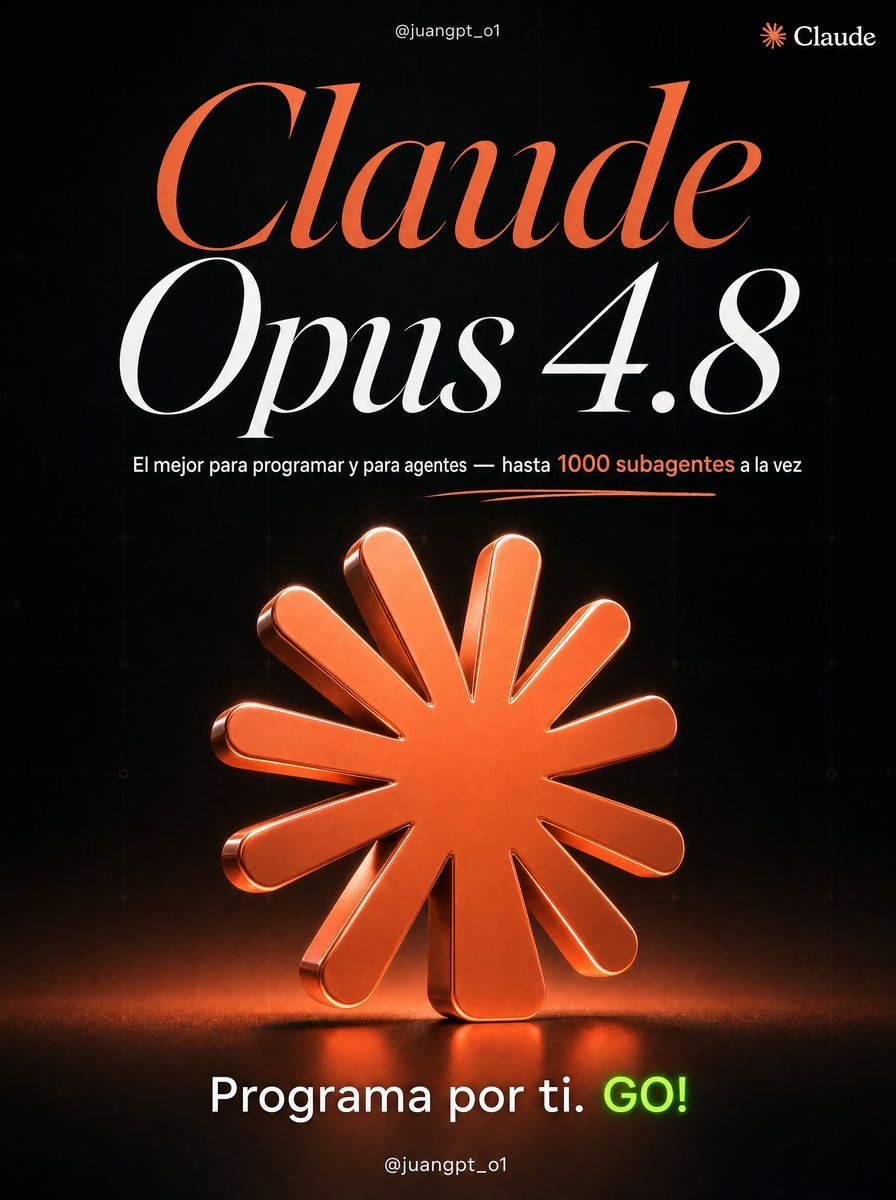
Creates a premium 4:5 social media carousel slide focused on Claude Opus 4.8 using the reference poster’s dark glossy AI-brand style.
- Prompt included
- Model and format preset
- Free template
The prompt behind this image
Copy the exact prompt behind Claude Opus 4.8 Hero Slide, or open it in the studio and make it yours.
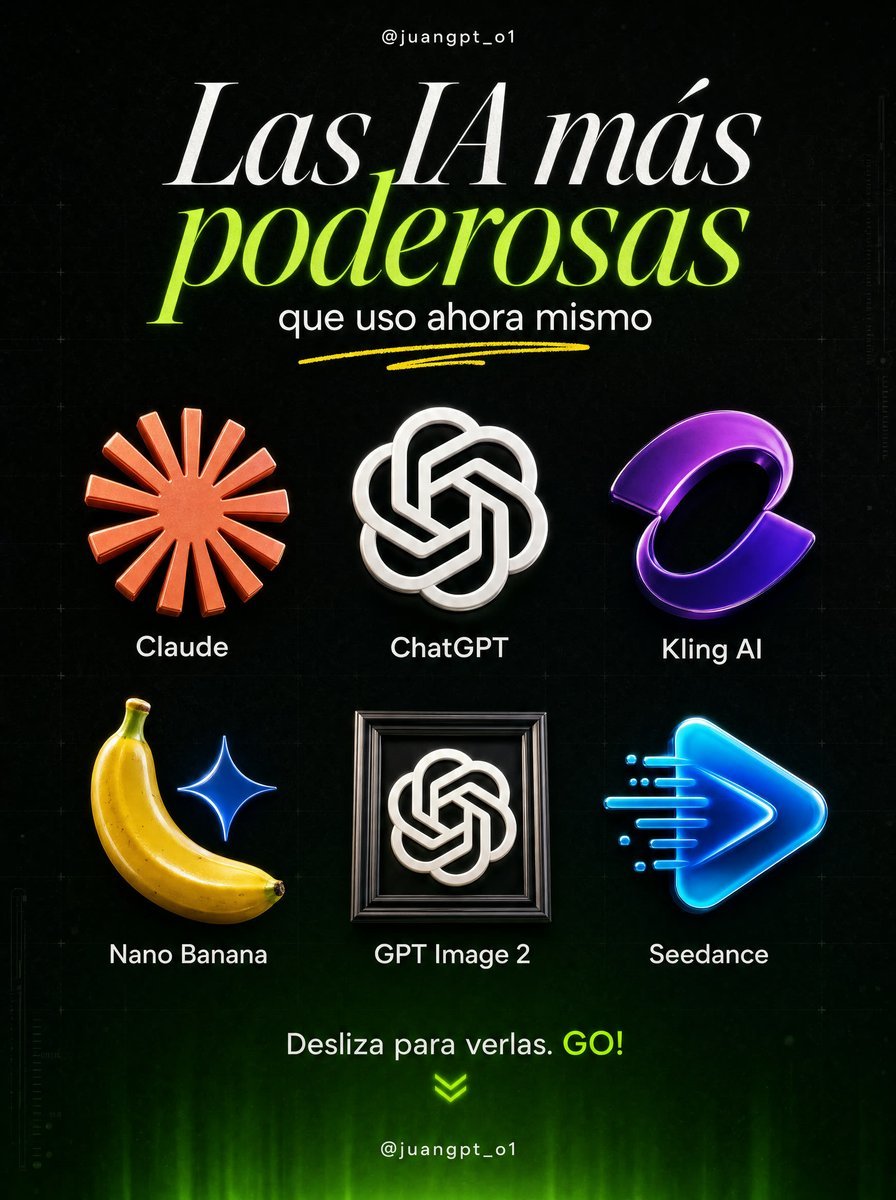
Using REFERENCE_0 as the visual style and layout inspiration, create a single focused carousel slide for {argument name="AI tool" default="Claude Opus 4.8"} instead of the six-tool overview. Keep the same premium black background, subtle technical grid texture, glossy 3D icon rendering, dramatic studio lighting, elegant high-contrast serif typography, neon accent color, handwritten underline flourish, and bottom social-handle placement. Transform the composition into one hero page: place the handle “@juangpt_o1” centered at the top, add a small Claude logo mark and wordmark in the top-right corner, and replace the original headline with a huge two-line title reading “Claude” in orange and “Opus 4.8” in white. Under the title, add one concise Spanish subtitle: {argument name="subtitle text" default="El mejor para programar y para agentes — hasta 1000 subagentes a la vez"}, with “1000 subagentes” emphasized in orange. Add a thin orange hand-drawn underline beneath the subtitle. Replace the six-icon grid with exactly 1 large central glossy 3D icon: the orange Claude sunburst/asterisk logo, enlarged as the main object, standing on a dark reflective floor with orange glow, rim light, shadow, and subtle volumetric haze. Remove all other tool icons and labels from the reference. Bottom call to action: replace the original bottom CTA with {argument name="bottom call to action" default="Programa por ti. GO!"}, keeping “GO!” in bright neon green and the rest in white. Keep “@juangpt_o1” centered at the very bottom. Use a vertical 4:5 social media poster format, crisp 4K detail, no extra logos, no added text beyond the specified items.
Reference images included
Claude Opus 4.8 Hero Slide needs input media to work. They load alongside the prompt when you open it in the studio.
How to use Claude Opus 4.8 Hero Slide in 3 steps
- 1Upload ImagePNG, JPG or paste
Add your photo
Upload the photo the template builds on. The prompt, model and format are already set.
- 2…a portrait of your subject in softgolden-hour light, 85mm…
Personalize
Edit the subject and creative details for your destination.
- 3Generate
Generate
Press Generate — your image is created in PicX Studio, so you can compare it with the original and refine one variable at a time.
More like this
Templates with the same subject, style or setup. Open one to see its prompt.

Japanese PowerPoint Claude Opus 5 Screenshot

Claude Code Japanese Hero Ad
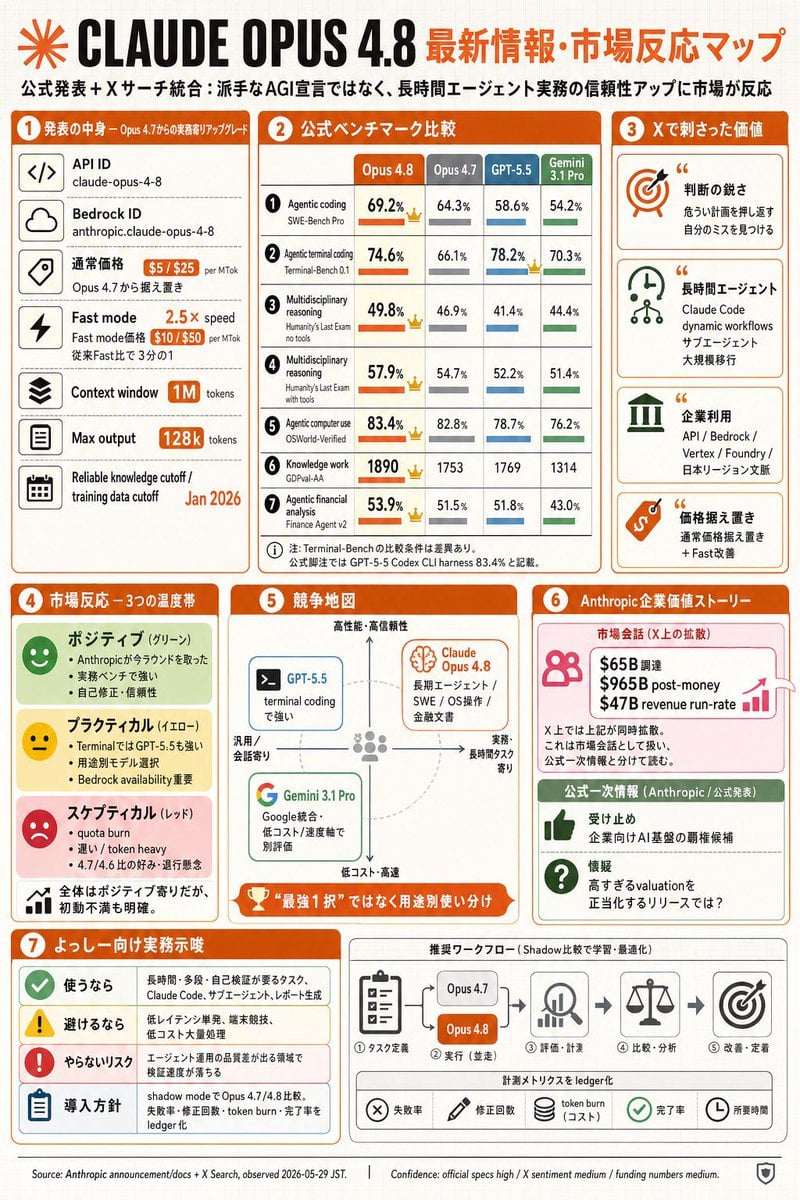
Claude Opus 4.8 Market Infographic

Premium 4 3 presentation cover slide introducing Chronicle

Cinematic Hero Movie Poster

Anime Hero Leaping Through City Sky
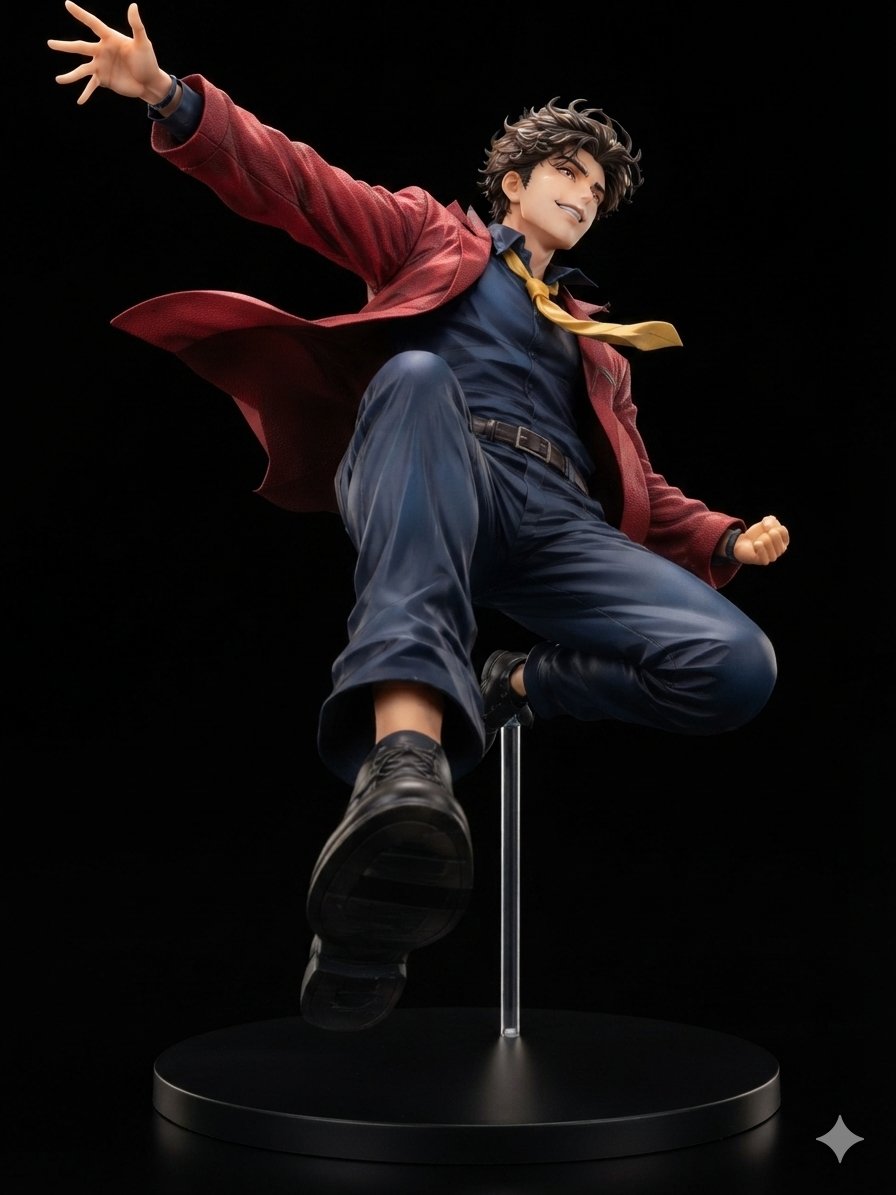
Dynamic Anime Hero Figure Render
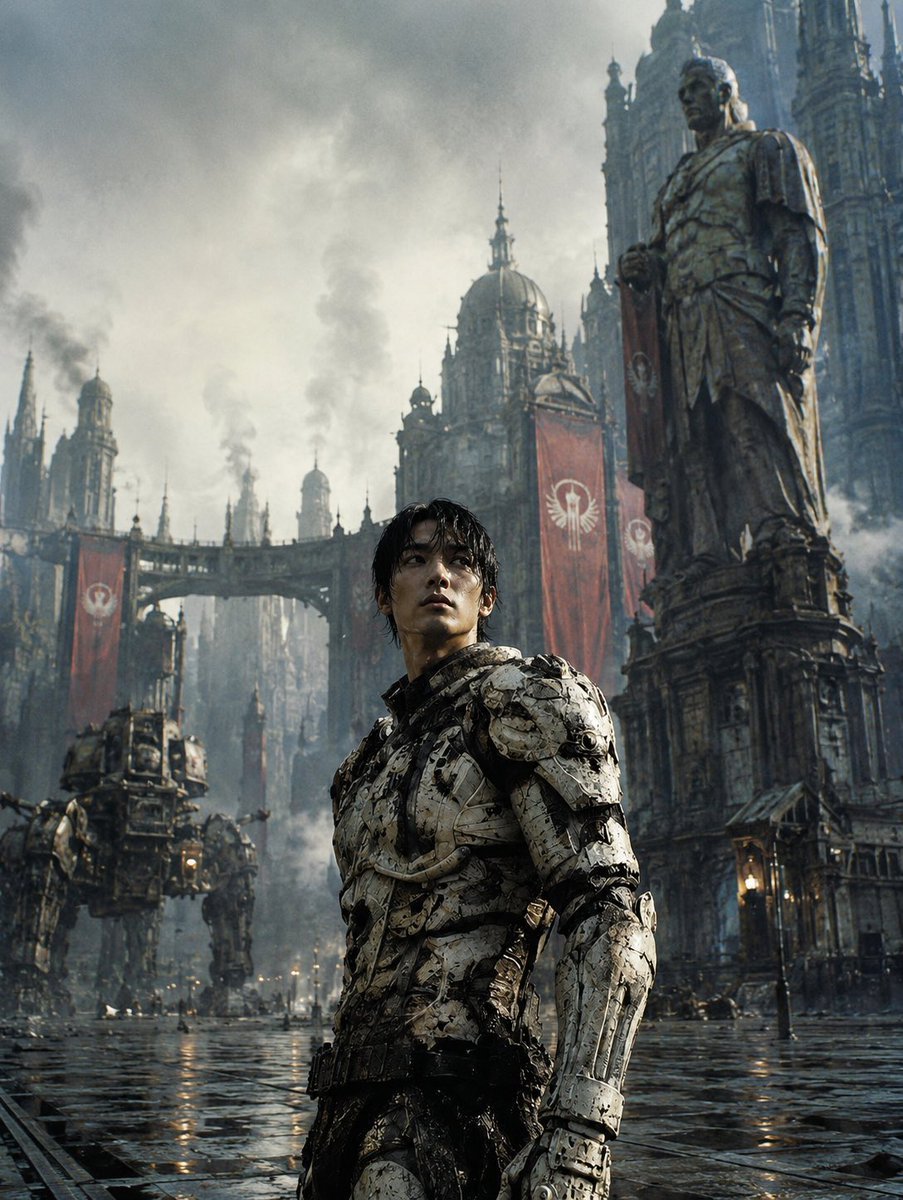
Dystopian Casshern-Style Hero
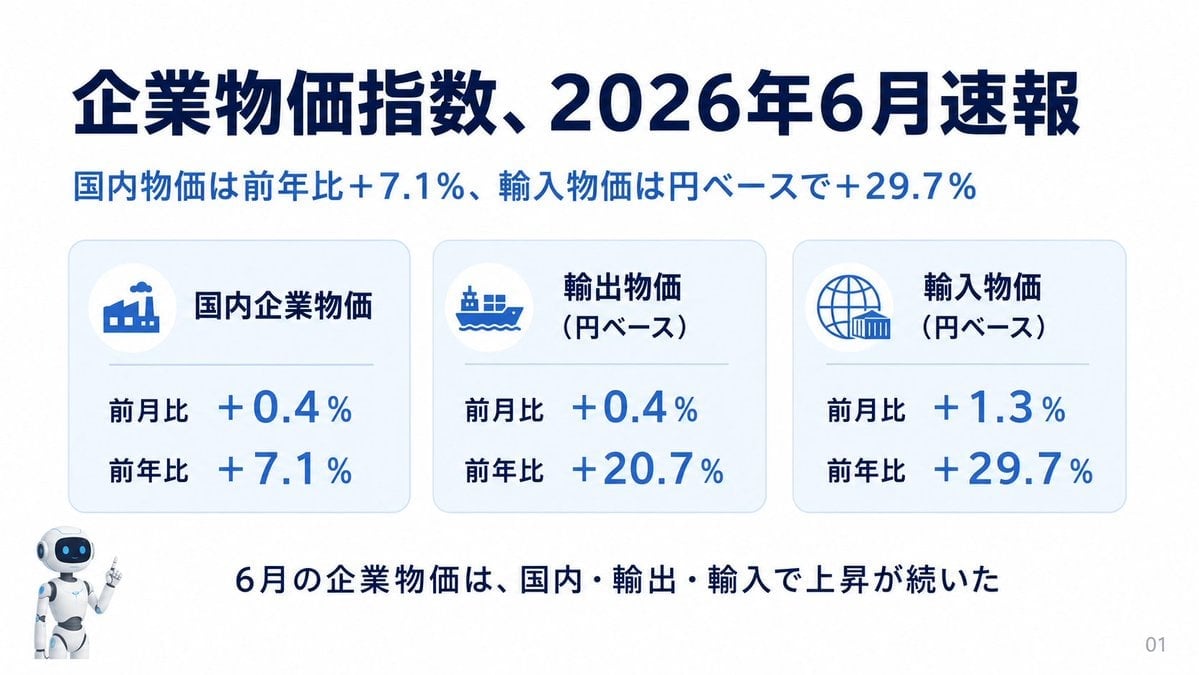
Japanese Corporate Price Index Slide
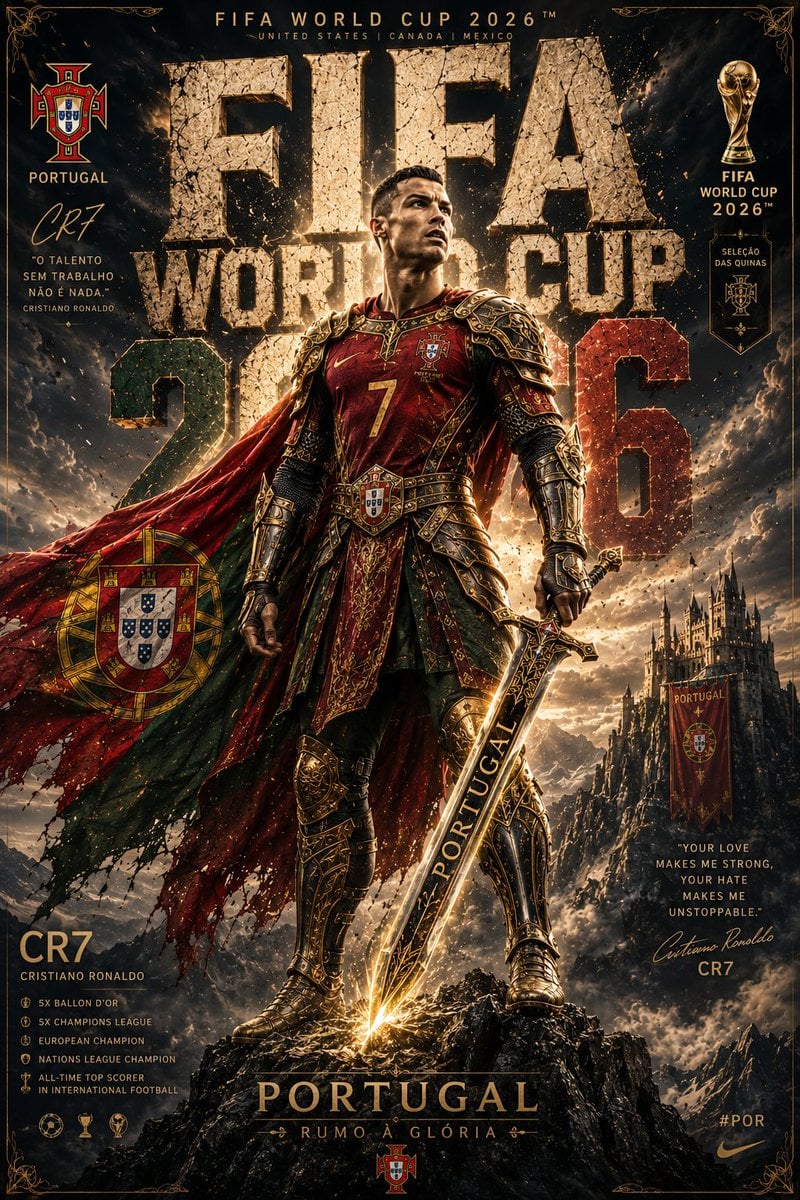
Knight Armor FIFA Hero Poster
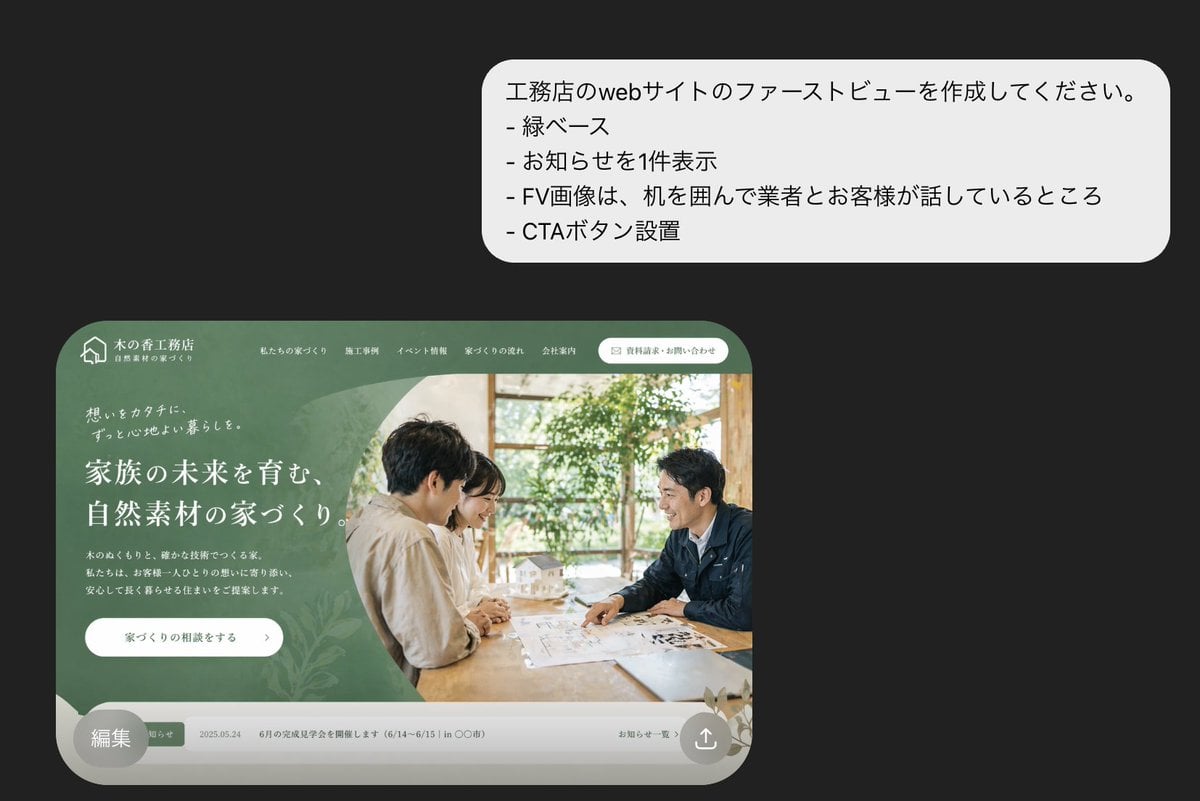
Japanese Builder Website Hero Mockup
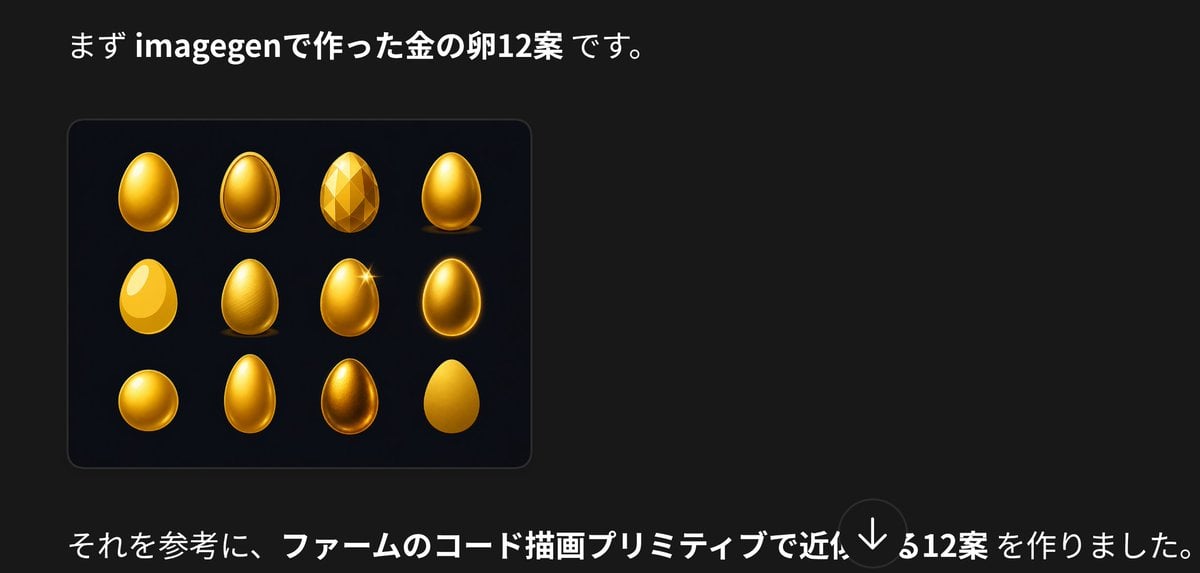
Japanese Golden Egg Design Slide
Make it yours
Claude Opus 4.8 Hero Slide works as-is. These are the safest ways to change it without losing the look.
Change one field
Copy a single group, rewrite it, and generate again so you can see what that field is doing.
Keep the frame, change the subject
Hold the composition and light of Claude Opus 4.8 Hero Slide, then swap wardrobe, props or the person for a new take.
| If the result… | Why | Fix |
|---|---|---|
| The result drifts from the preview | Too many fields changed at once. | Reuse Claude Opus 4.8 Hero Slide as-is first, then change one group — subject, light, or setting. |
| The model over-stylizes the scene | The prose prompt leaves finish and camera underspecified. | Add one camera or lighting sentence and stay on GPT Image 2. |
More GPT Image 2 templates
Other prompts made for GPT Image 2.

Six VTuber Japanese Logo Sheet

Realistic Portrait of Woman and Deer

The Vista Modular Condo Poster

AI Model Routing Comparison Infographic

2.5D Anime Art Board

Isometric Productivity Desk Scene

New York Double Exposure Poster

Four-Panel AI Landscape Comparison

Japanese Tatami Lifestyle Magazine Cover

NESCAFÉ Coffee Map Poster
More image prompts
Fresh picks from across the catalog.

ASMR YouTuber Thumbnail

Candid Street Photography with Documentary Realism

90s Indie Studio Portrait Grid
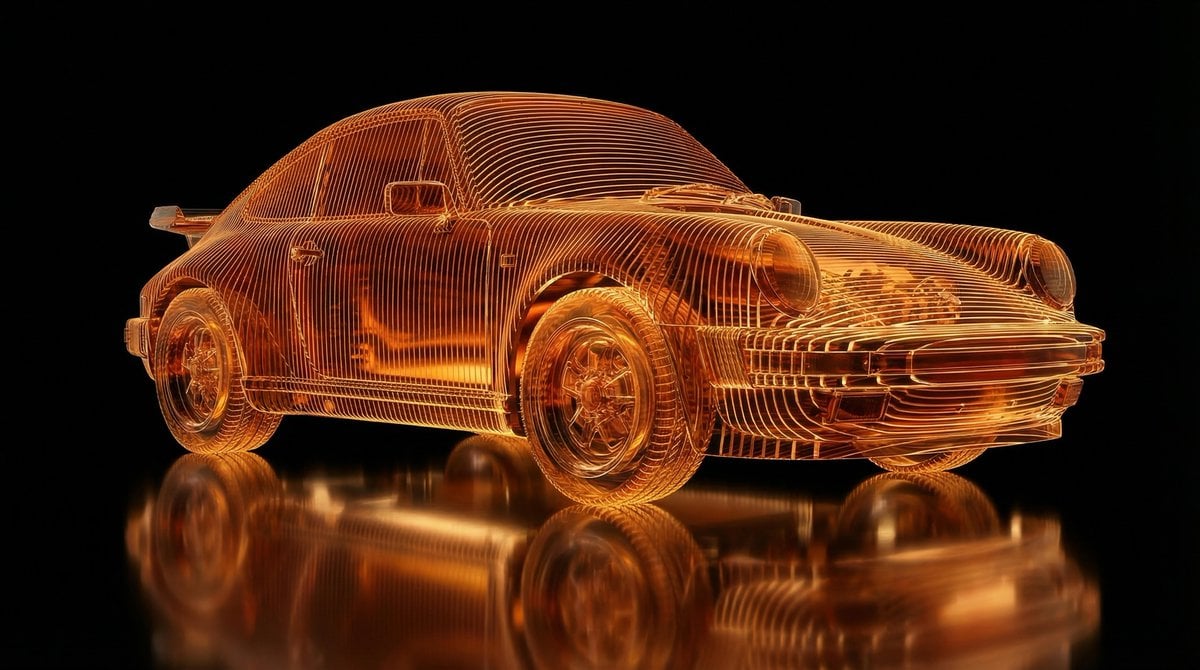
Transparent Layered Glass Supercar Sculpture Prompt
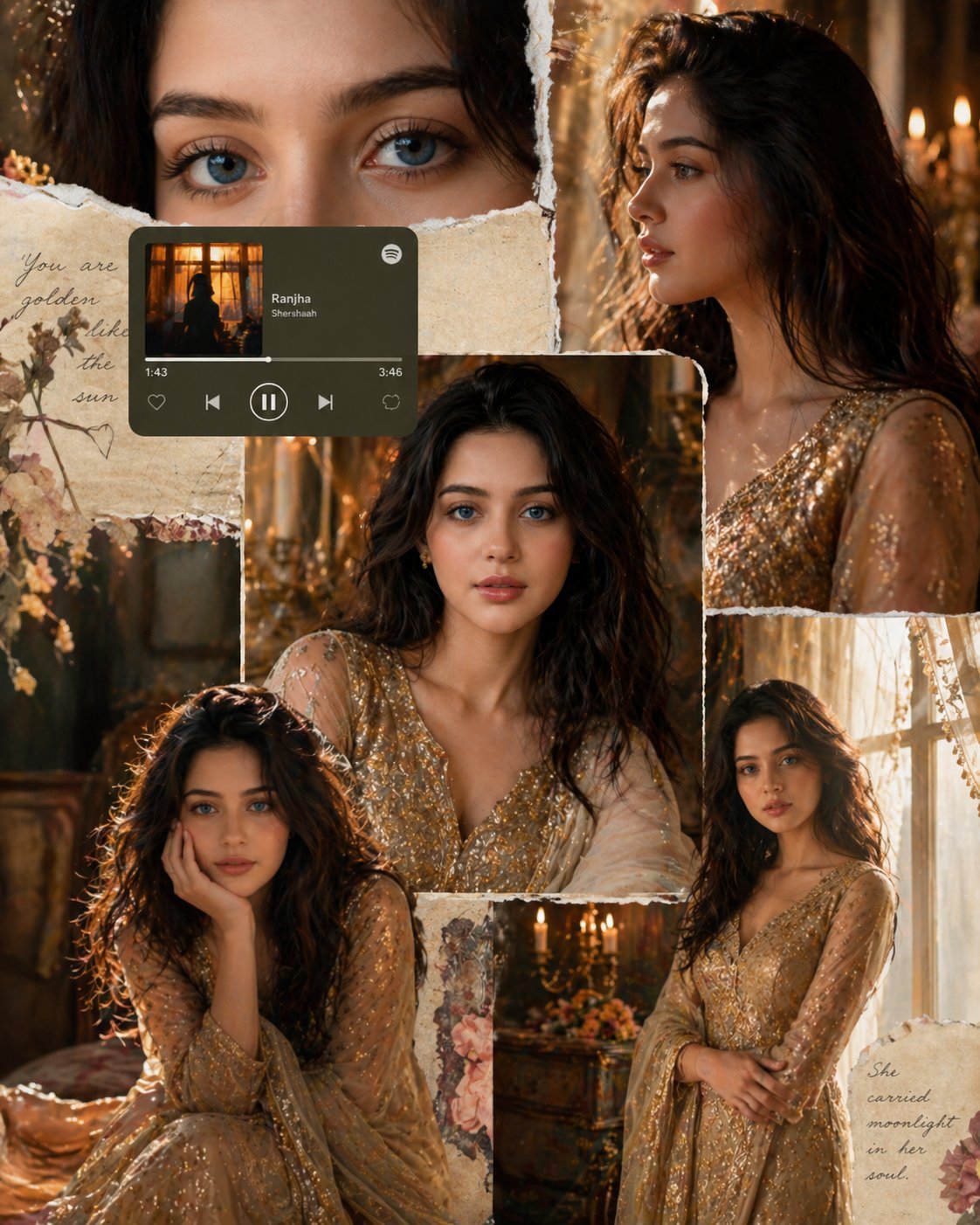
X Imgopaltiwari Golden Memories in Soft Light Chatgptapp
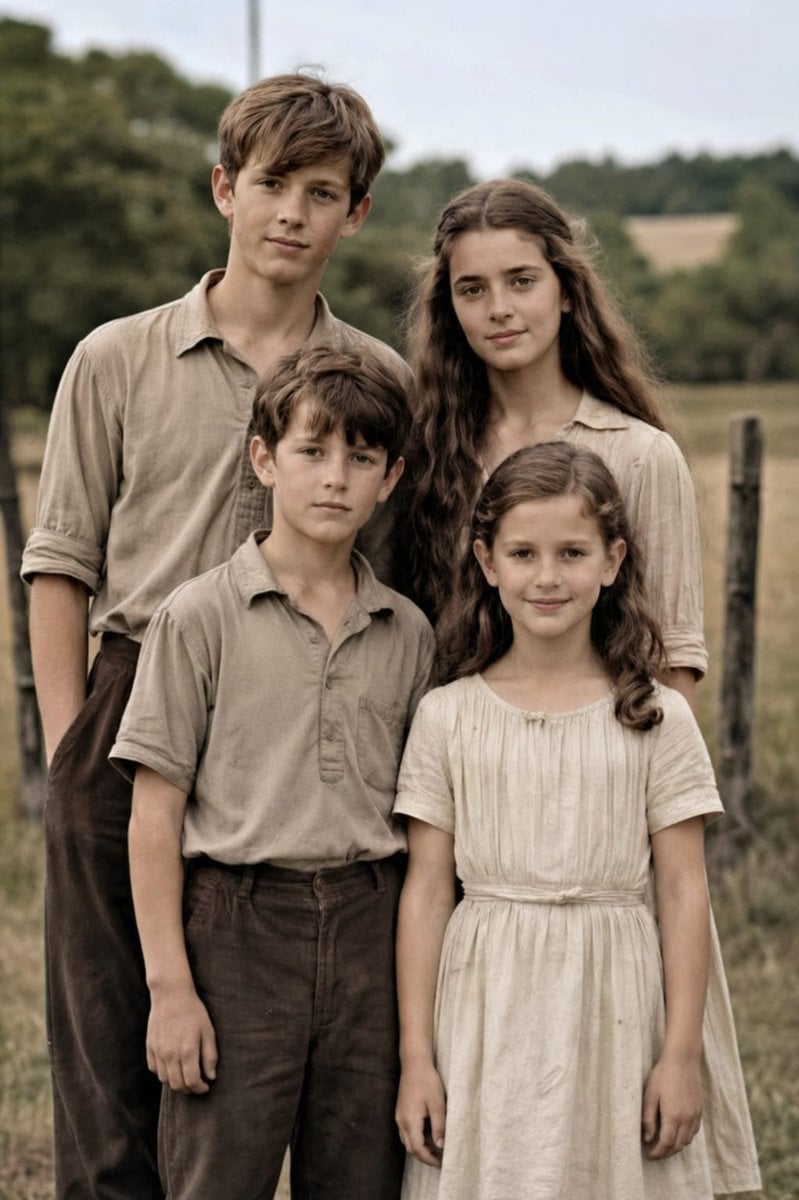
Professional Old Photo Restoration

Whimsical 3D Character Interaction Portrait

Stylized Grid of Whimsical Cat Faces

Four Japanese Travel Ad Panels

Surreal Avant-Garde Beauty Portrait
Browse template categories
Claude Opus 4.8 Hero Slide questions
How do I use the Claude Opus 4.8 Hero Slide template?
Add your photo if the template asks for one, edit the prompt if you like — the template's model and format are already selected — and press Generate. Your version opens in PicX Studio.
Can I customize the Claude Opus 4.8 Hero Slide template?
Yes. You can change the subject, setting, lighting, mood, format, and available model controls before creating your image.
Is the Claude Opus 4.8 Hero Slide template free?
Opening and editing this template is free. Generating uses credits, shown on the Generate button when you are signed in.
Which AI model should I use?
Start with GPT Image 2, which is the model associated with this template. You can compare another compatible model for a different finish.
Looking for something else? Browse all templates.

Your photo, any look
Thousands of ready templates for every top image and video model, from one credit balance.