
Claude Code Japanese Hero Ad
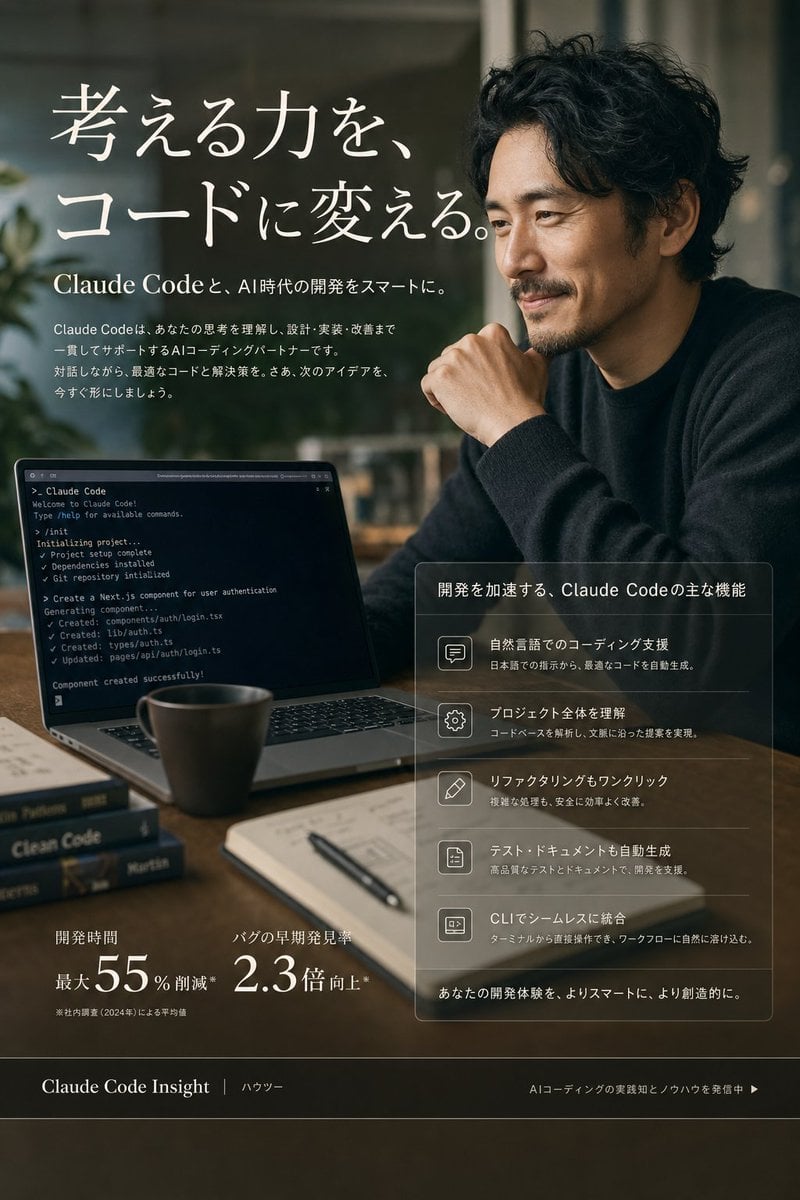
A polished Japanese marketing hero image for Claude Code with a cinematic developer workspace, feature panel, and performance metrics.
- Prompt included
- Model and format preset
- Free template
The prompt behind this image
Copy the exact prompt behind Claude Code Japanese Hero Ad, or open it in the studio and make it yours.
Goal: Create a premium vertical Japanese landing-page hero visual for {argument name="product name" default="Claude Code"}, presenting AI coding support as smart, calm, and professional. Canvas: Portrait 3:4 composition, approximately 768×1152. Photorealistic editorial advertising style with subtle UI overlay elements, cinematic shallow depth of field, warm dark green and brown tones, soft window light, elegant contrast, no cartoon look. Main scene: A modern work desk in a dim cafe or studio office. On the right, show one Japanese or East Asian adult man in a dark knit sweater, seated in a thoughtful pose with one hand near his chin; his face is covered by a flat square anonymizing blur block. On the left foreground, show an open laptop angled toward the viewer displaying a dark terminal screen with Claude Code-style command output. Include exactly 5 visible desk objects: 1 ceramic coffee mug, 1 open notebook, 1 black pen, and 2 stacked programming books. The background should be softly blurred with plants and window reflections. Hero text: Large elegant white Japanese serif headline in the upper left: 「考える力を、コードに変える。」 Beneath it, add a smaller subheadline: 「Claude Codeと、AI時代の開発をスマートに。」 Add a short Japanese paragraph below explaining that Claude Code understands thinking and supports design, implementation, and improvement as an AI coding partner. Laptop detail: The terminal should show small readable English command-line lines suggesting project creation, dependency installation, git repository initialization, and generated components, ending with “Component created successfully!” Keep it realistic but not overly dominant. Right feature panel: Place a translucent glassmorphism rectangular panel in the lower right with thin white borders. Title: 「開発を加速する、Claude Codeの主な機能」 Include exactly 5 feature rows, each with a simple outlined icon on the left and Japanese text on the right: 1) speech bubble icon, 「自然言語でのコーディング支援」 with a note about generating optimal code from Japanese instructions; 2) gear icon, 「プロジェクト全体を理解」 with a note about analyzing codebases and proposing context-aware changes; 3) pencil icon, 「リファクタリングもワンクリック」 with a note about safely improving complex processes; 4) document icon, 「テスト・ドキュメントも自動生成」 with a note about supporting development through high-quality tests and documentation; 5) terminal icon, 「CLIでシームレスに統合」 with a note about integrating naturally into terminal workflows. At the bottom of the panel add: 「あなたの開発体験を、よりスマートに、より創造的に。」 Lower metrics: In the lower left, show exactly 2 statistic blocks in white: 1) 「開発時間」 with large “最大55%削減” and a tiny footnote; 2) 「バグの早期発見率」 with large “2.3倍向上*”. Footer bar: Add a dark translucent horizontal footer across the bottom. Left text: 「Claude Code Insight」 followed by 「ハウツー」. Right text: 「AIコーディングの実践知とノウハウを発信中 ▶」. Visual constraints: Use refined Japanese typography, large white headline, thin dividers, glass panels, and realistic reflections. Keep all visible text clean and aligned. Avoid extra logos, watermarks, random UI clutter, or additional feature rows.
How to use Claude Code Japanese Hero Ad in 3 steps
- 1Upload ImagePNG, JPG or paste
Add your photo
Upload the photo the template builds on. The prompt, model and format are already set.
- 2…a portrait of your subject in softgolden-hour light, 85mm…
Personalize
Edit the subject and creative details for your destination.
- 3Generate
Generate
Press Generate — your image is created in PicX Studio, so you can compare it with the original and refine one variable at a time.
More like this
Templates with the same subject, style or setup. Open one to see its prompt.
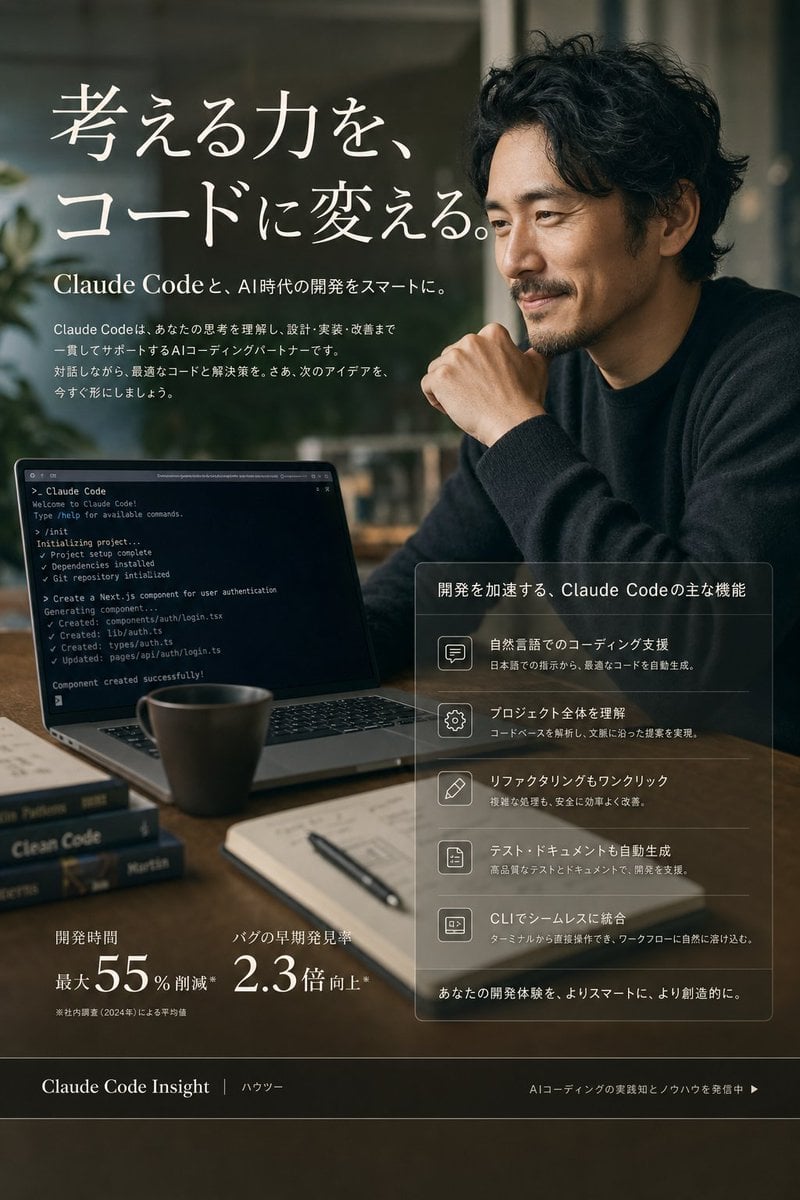
Claude Code Japanese SaaS Poster

Minecraft Japanese Research Lab Exploration
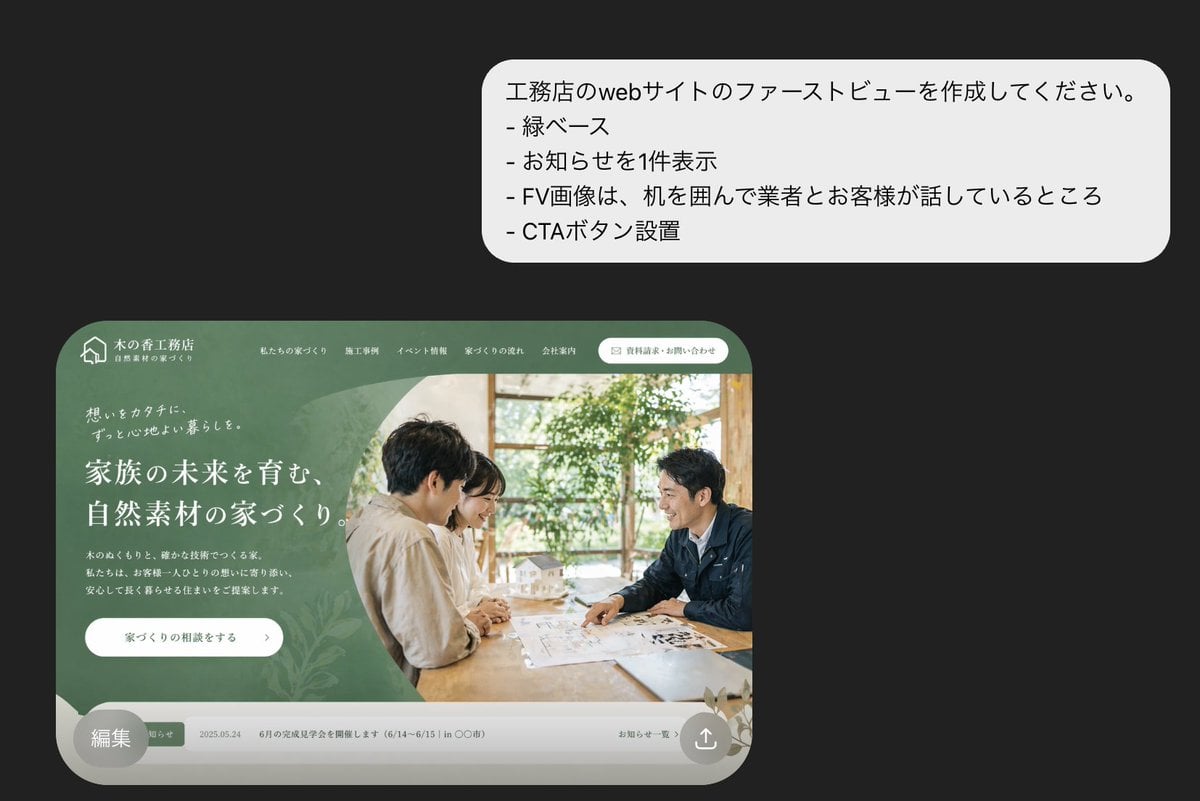
Japanese Builder Website Hero Mockup
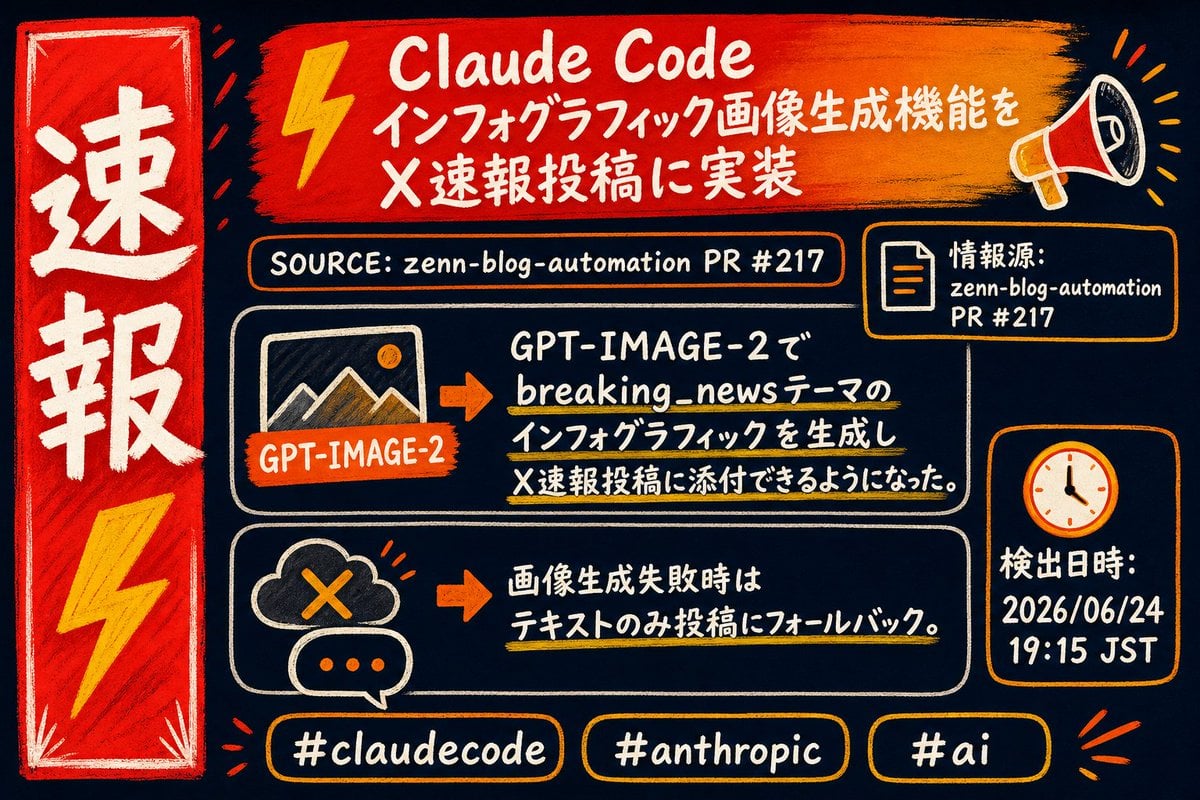
Claude Code Breaking News Infographic
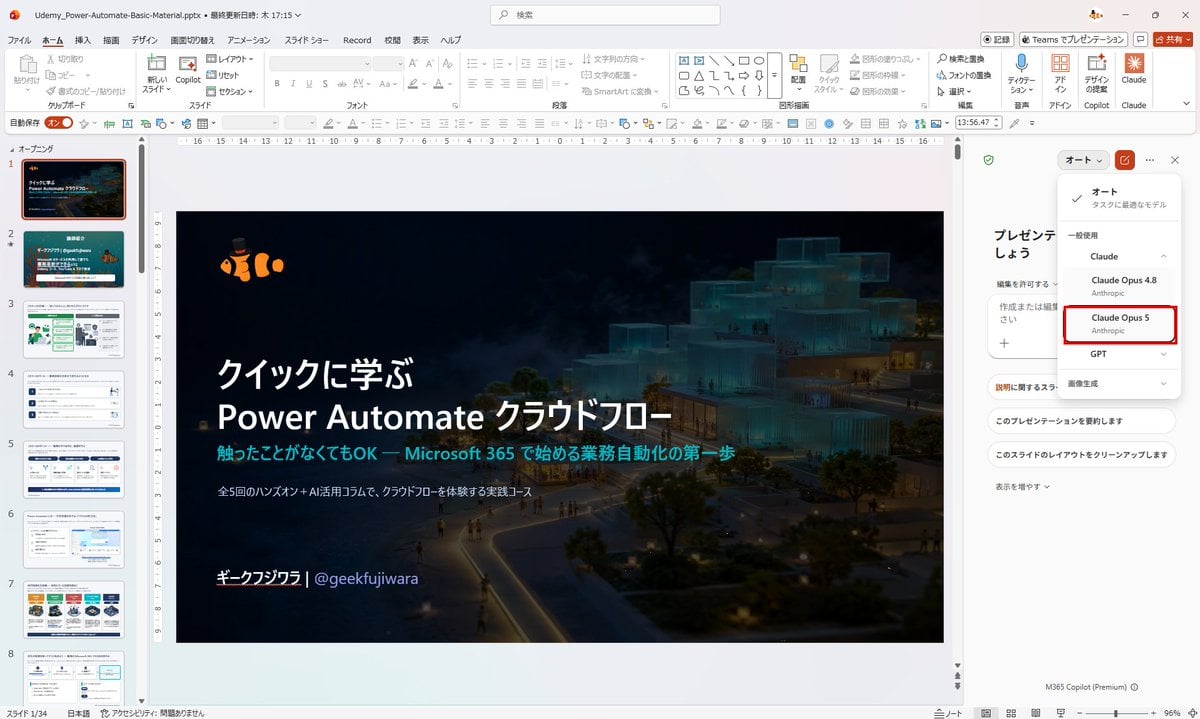
Japanese PowerPoint Claude Opus 5 Screenshot

Japanese Architectural Concrete Studio Fashion Campaign

Japanese Minimalist Concrete Studio Fashion Editorial

Blue Backdrop Luxury Fashion Portrait Campaign
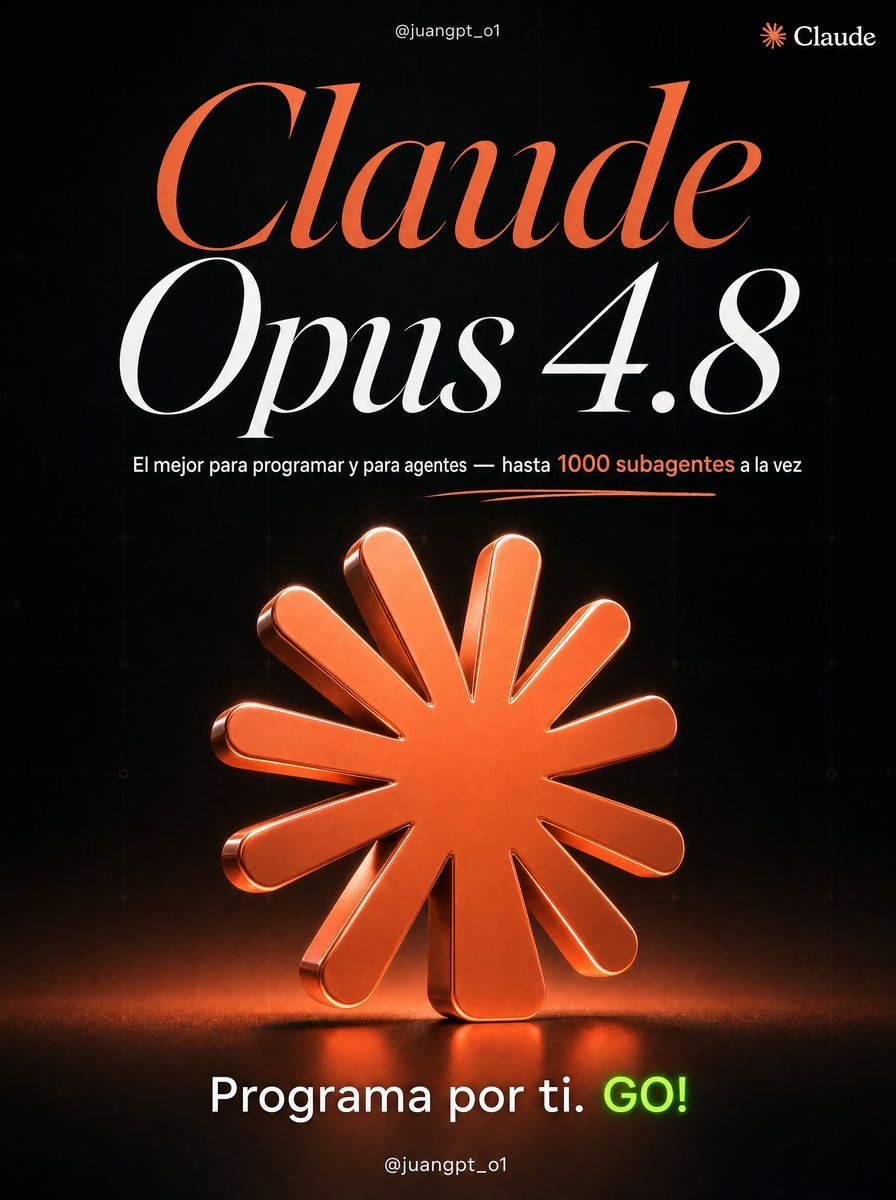
Claude Opus 4.8 Hero Slide
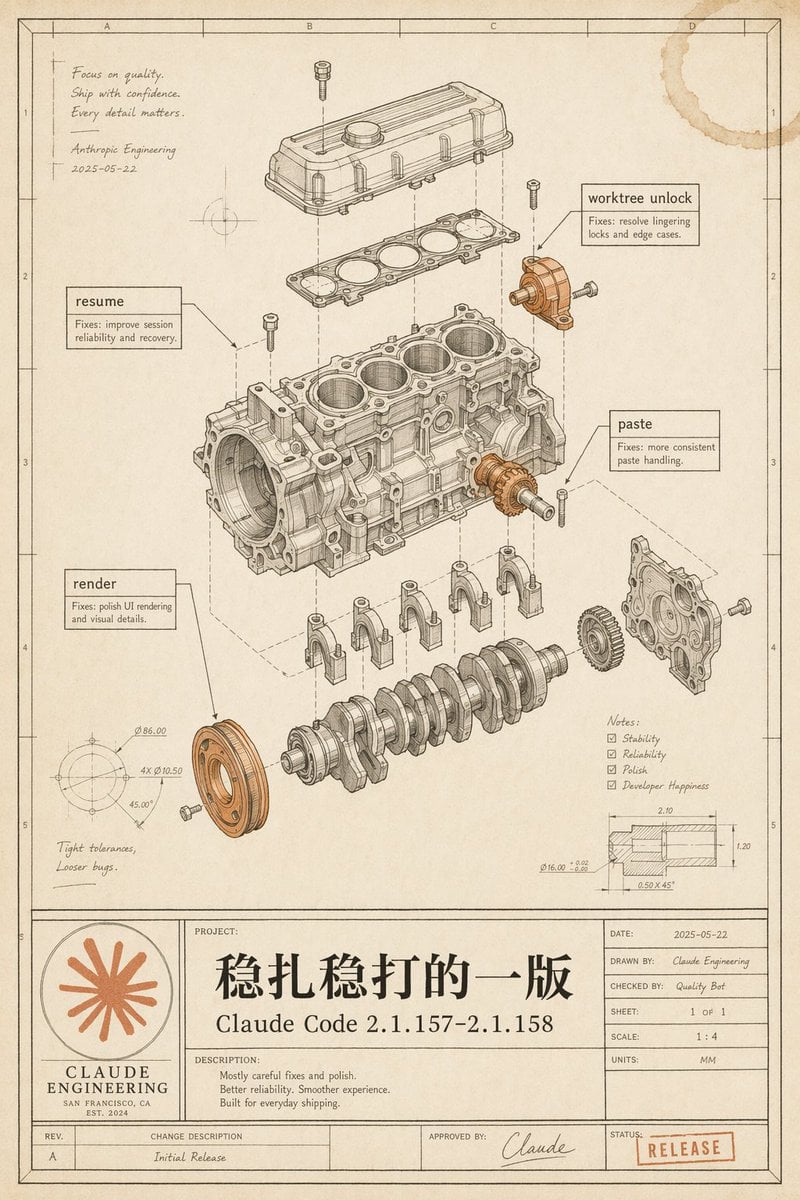
Vintage Claude Code Release Blueprint

Japanese Claude Future Infographic
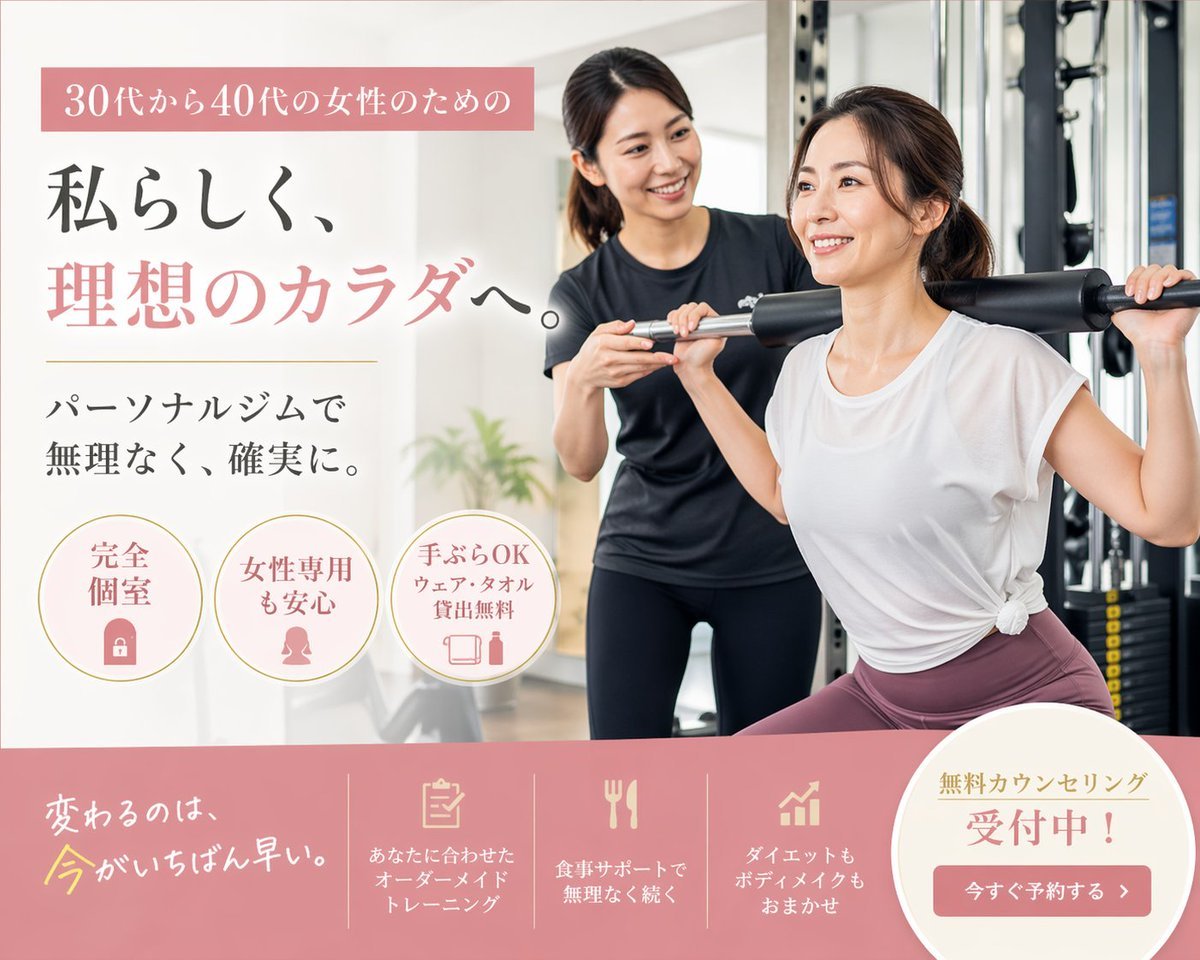
Japanese Women's Gym Hero Banner
Make it yours
Claude Code Japanese Hero Ad works as-is. These are the safest ways to change it without losing the look.
Change one field
Copy a single group, rewrite it, and generate again so you can see what that field is doing.
Keep the frame, change the subject
Hold the composition and light of Claude Code Japanese Hero Ad, then swap wardrobe, props or the person for a new take.
| If the result… | Why | Fix |
|---|---|---|
| The result drifts from the preview | Too many fields changed at once. | Reuse Claude Code Japanese Hero Ad as-is first, then change one group — subject, light, or setting. |
| The model over-stylizes the scene | The prose prompt leaves finish and camera underspecified. | Add one camera or lighting sentence and stay on GPT Image 2. |
More GPT Image 2 templates
Other prompts made for GPT Image 2.

Realistic Portrait of Woman and Deer

The Vista Modular Condo Poster

AI Model Routing Comparison Infographic

2.5D Anime Art Board

Isometric Productivity Desk Scene

New York Double Exposure Poster

Four-Panel AI Landscape Comparison

Japanese Tatami Lifestyle Magazine Cover

NESCAFÉ Coffee Map Poster

Brutalist Cogito Chinese Typography Poster
More image prompts
Fresh picks from across the catalog.

Poem-Based Ulzzang Aesthetic Portrait Prompt
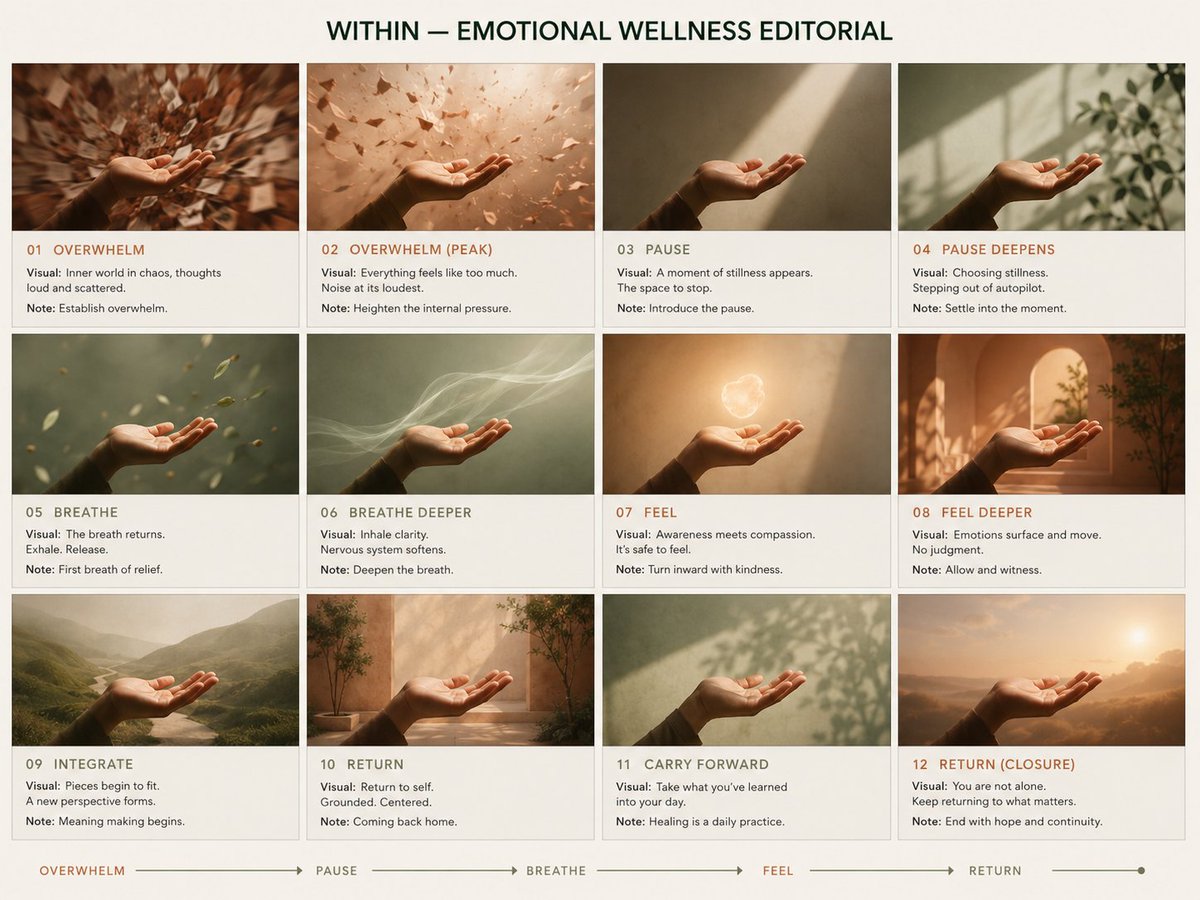
Premium Pitch Deck Storyboard
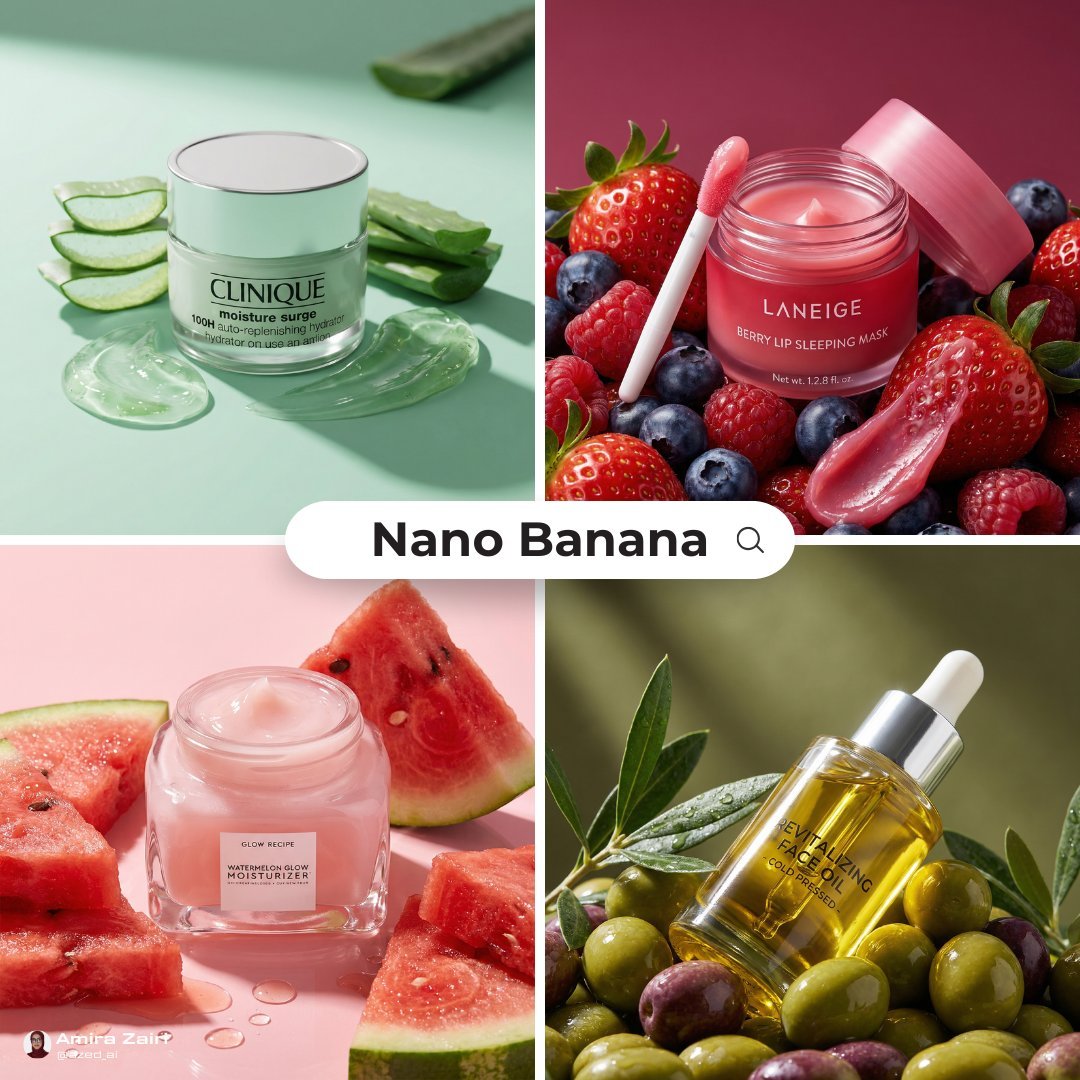
Luxury Ad Style Prompt
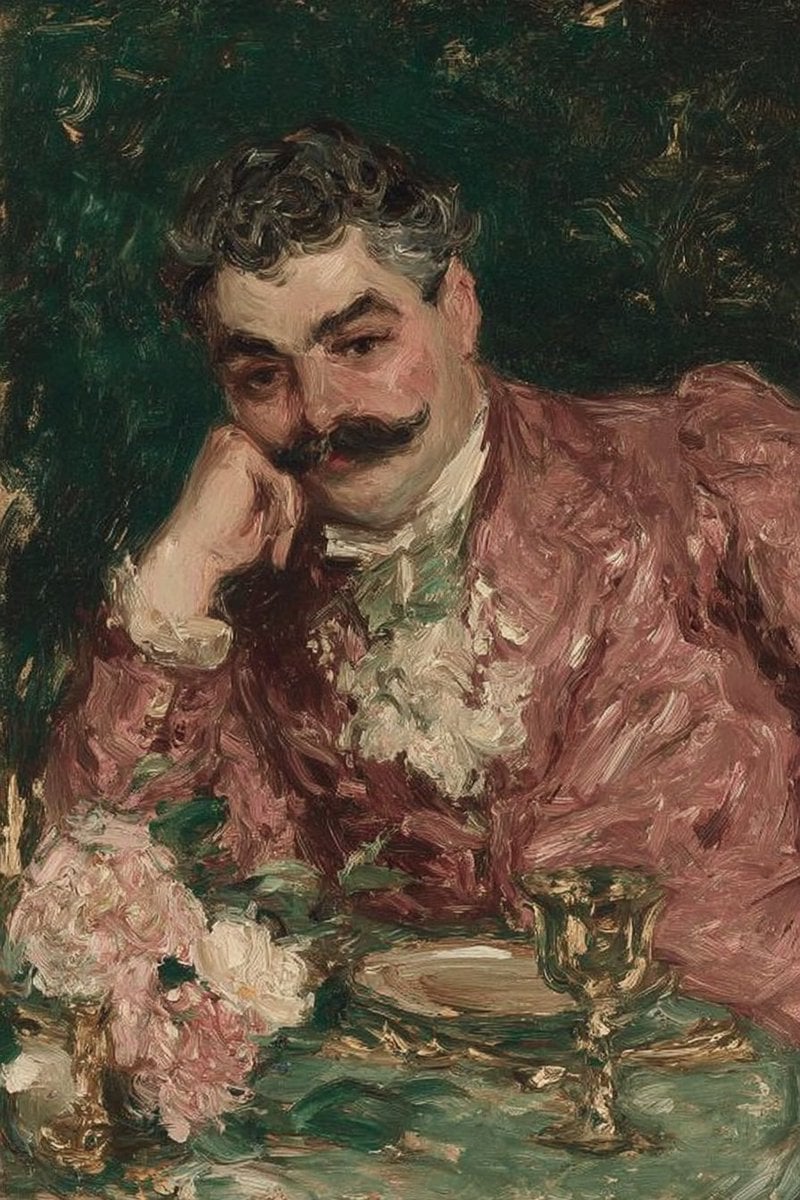
Image-to-Photorealistic Scene Conversion

Professional Fashion Shot on Yacht Deck

Realistic Group Selfie with Smartphone Flash Effect
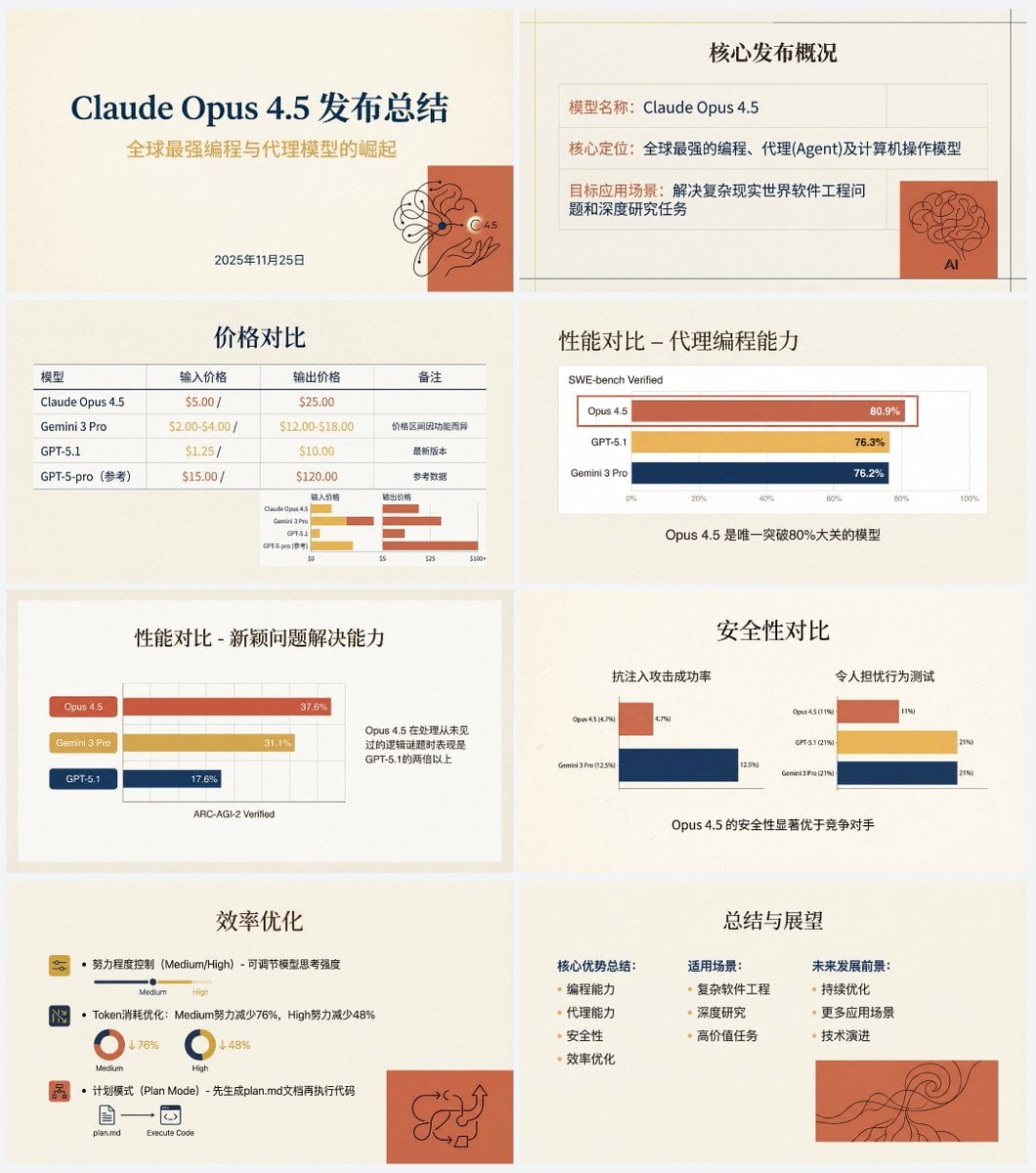
Anthropic-style warm academic PPT workflow prompt

Vintage Studio Portrait with Identity Preservation Prompt
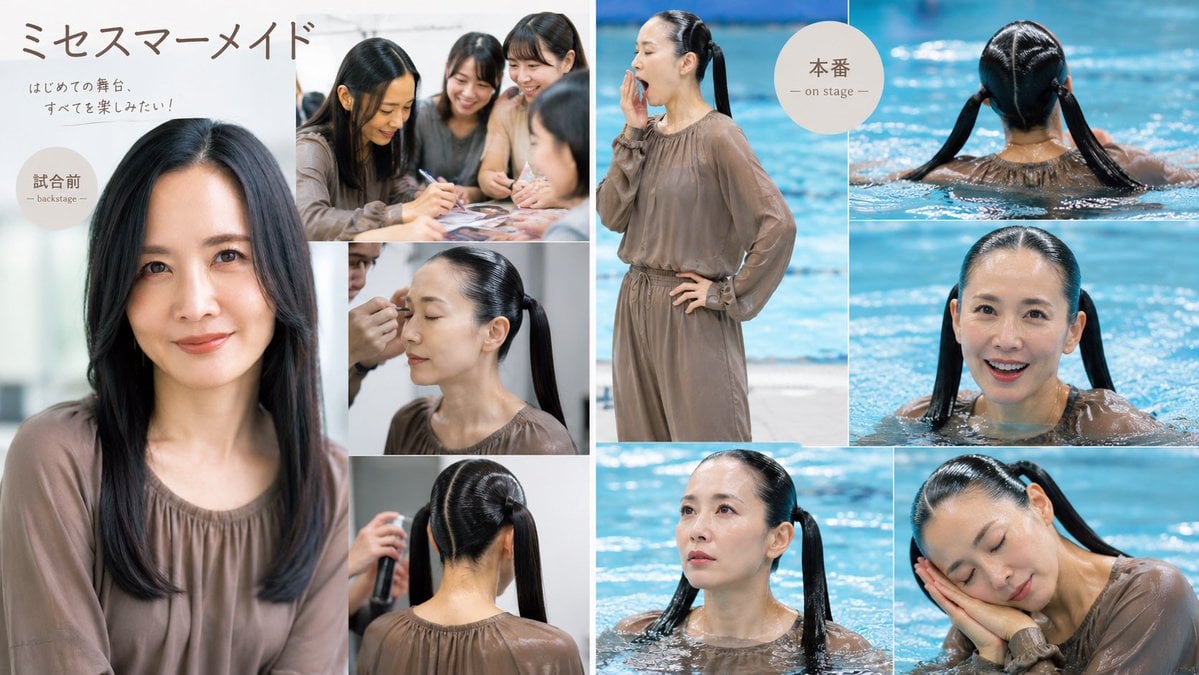
Japanese Mermaid Stage Collage
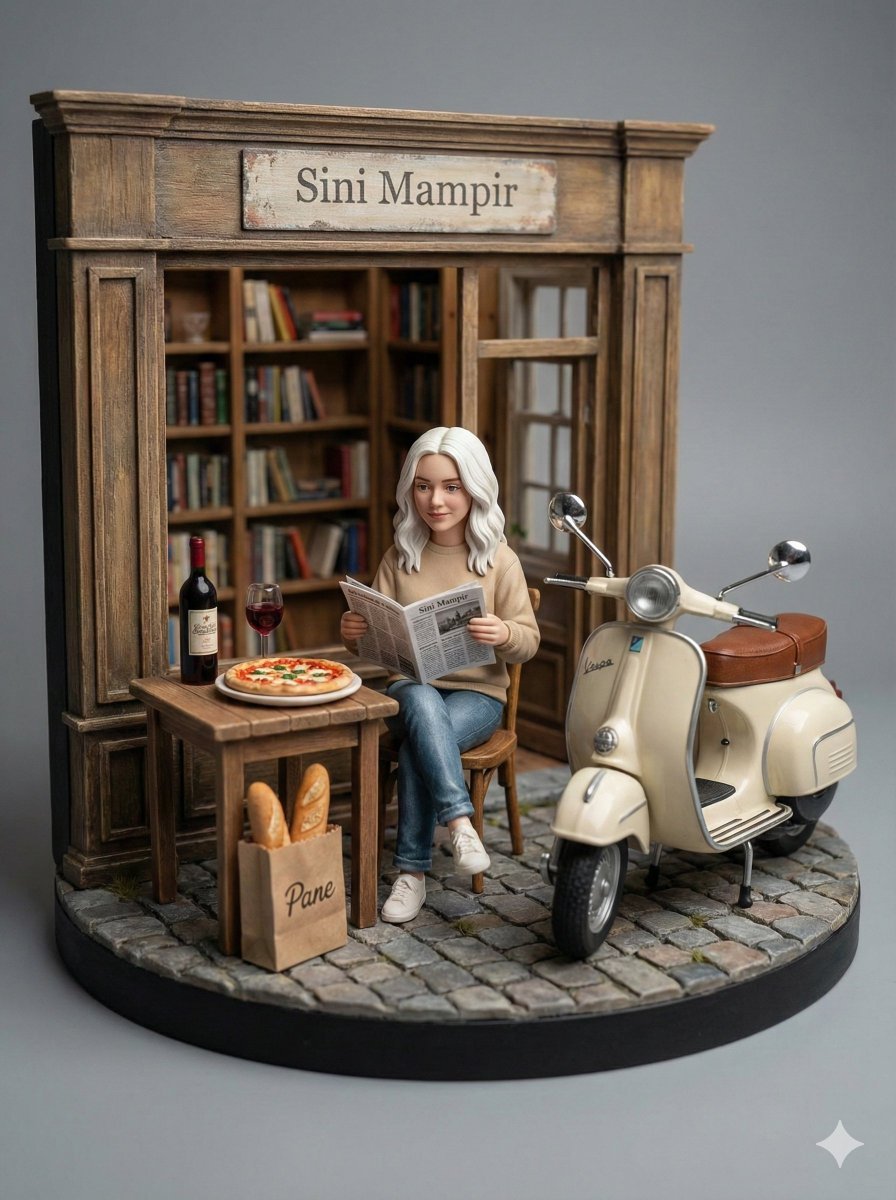
Ultra-Realistic Macro Diorama Product Photography Prompt
Browse template categories
Claude Code Japanese Hero Ad questions
How do I use the Claude Code Japanese Hero Ad template?
Add your photo if the template asks for one, edit the prompt if you like — the template's model and format are already selected — and press Generate. Your version opens in PicX Studio.
Can I customize the Claude Code Japanese Hero Ad template?
Yes. You can change the subject, setting, lighting, mood, format, and available model controls before creating your image.
Is the Claude Code Japanese Hero Ad template free?
Opening and editing this template is free. Generating uses credits, shown on the Generate button when you are signed in.
Which AI model should I use?
Start with GPT Image 2, which is the model associated with this template. You can compare another compatible model for a different finish.
Looking for something else? Browse all templates.

Your photo, any look
Thousands of ready templates for every top image and video model, from one credit balance.