How do I use the Realistic Indian Beauty Portrait template?
Edit the prompt in the box under the preview — the template's model and format are already selected — and press Generate. Your version appears right on this page.
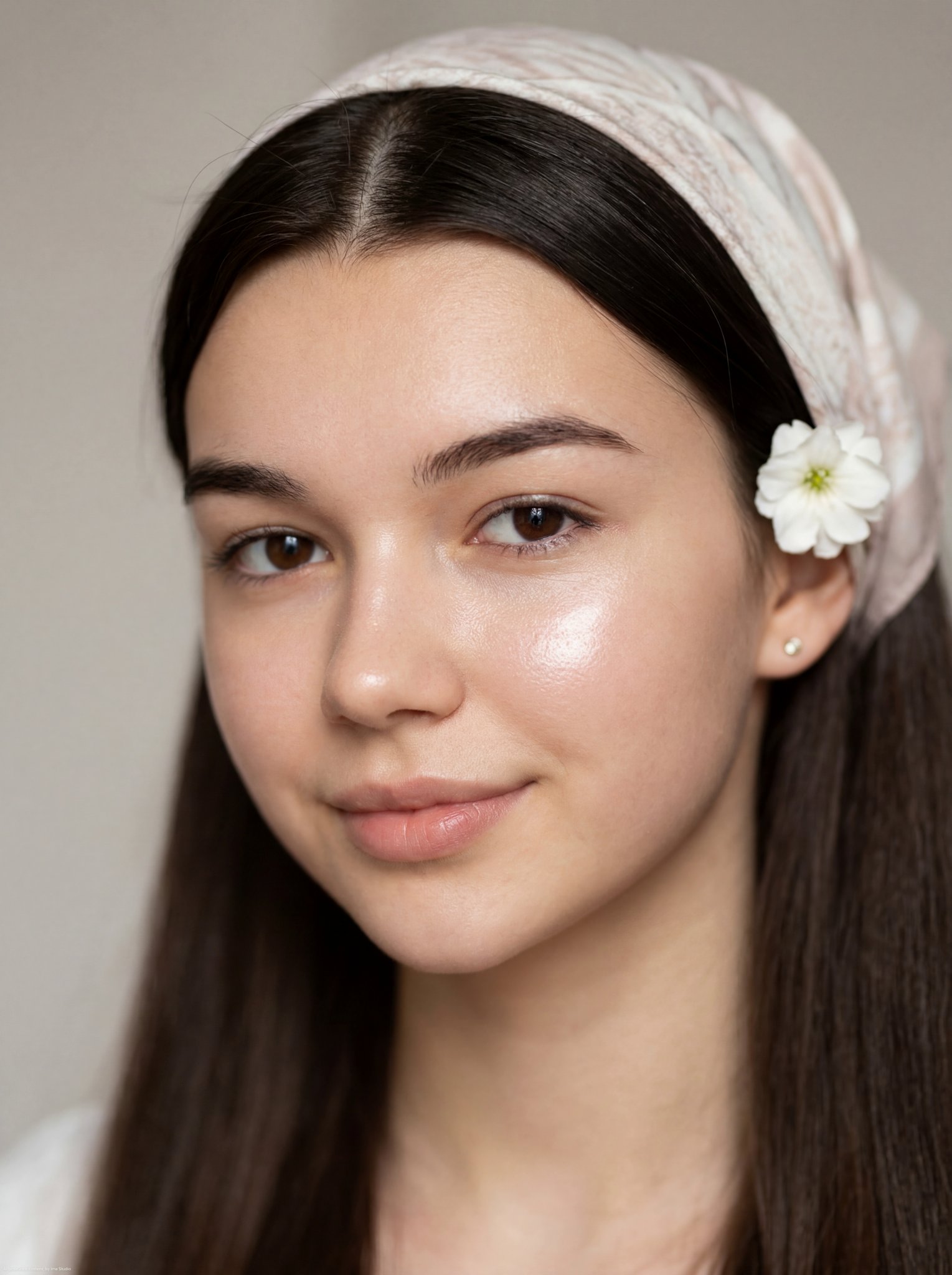
A detailed beauty portrait prompt featuring a stunning woman in traditional gold jewelry, captured in soft golden-hour lighting.

Ultra-realistic close-up beauty portrait of a {argument name="subject" default="stunning young woman"} with long, naturally voluminous dark brown wavy-curly hair parted in the center, luminous fair skin with a soft natural blush, subtle freckles, mesmerizing hazel-green eyes with realistic catchlights, long eyelashes, thick well-defined eyebrows, soft pink glossy lips, delicate facial features, and an elegant, calm expression. She is wearing a flowing {argument name="outfit" default="ivory-white textured dress"} with a modest neckline and {argument name="accessories" default="intricate traditional gold jhumka earrings"}. Warm golden-hour lighting mixed with soft on-camera flash creates a dreamy glow and gentle highlights on the skin. Cinematic editorial photography, luxurious minimal background with creamy beige tones, shallow depth of field, ultra-fine skin texture, natural makeup, soft romantic mood, premium fashion magazine quality, highly detailed 8K, DSLR look, 85mm lens, f/1.4, realistic hair strands, subtle film grain, balanced composition, sophisticated elegance, timeless beauty, photorealistic, ultra high quality, refined and graceful aesthetic.
Ultra-realistic close-up beauty portrait of a {argument name="subject" default="stunning young woman"} with long, naturally voluminous dark brown wavy-curly hair parted in the center, luminous fair skin with a soft natural blush, subtle freckles, mesmerizing hazel-green eyes with realistic catchlights, long eyelashes, thick well-defined eyebrows, soft pink glossy lips, delicate facial features, and an elegant, calm expression. She is wearing a flowing {argument name="outfit" default="ivory-white textured dress"} with a modest neckline and {argument name="accessories" default="intricate traditional gold jhumka earrings"}. Warm golden-hour lighting mixed with soft on-camera flash creates a dreamy glow and gentle highlights on the skin. Cinematic editorial photography, luxurious minimal background with creamy beige tones, shallow depth of field, ultra-fine skin texture, natural makeup, soft romantic mood, premium fashion magazine quality, highly detailed 8K, DSLR look, 85mm lens, f/1.4, realistic hair strands, subtle film grain, balanced composition, sophisticated elegance, timeless beauty, photorealistic, ultra high quality, refined and graceful aesthetic.
Edit the prompt in the box under the preview — the template's model and format are already selected — and press Generate. Your version appears right on this page.
Yes. You can change the subject, setting, lighting, mood, format, and available model controls before creating your image.
Opening and editing this template is free. Generating uses credits, shown on the Generate button when you are signed in.
Start with Nano Banana 2, which is the model associated with this template. You can compare another compatible model for a different finish.
Follow a topic to a crawlable collection of related PicX Studio templates.