How do I use the Photorealistic Tattooed Woman by Lake at Dusk template?
Choose the primary action to open PicX Studio with the available template settings. Review the model and format, personalize the creative direction, and generate when ready.
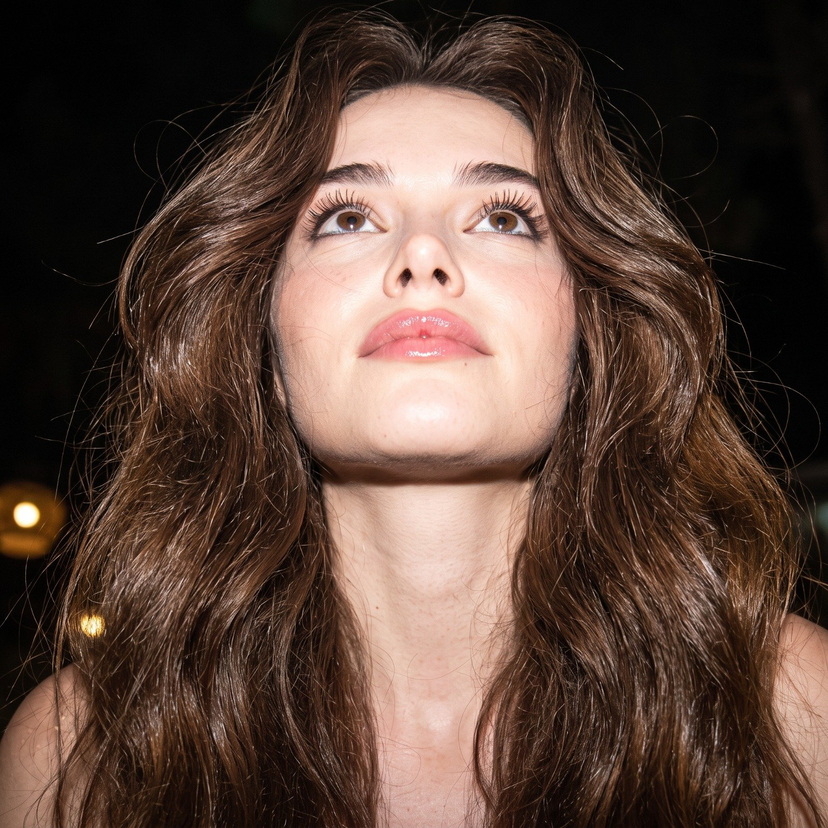
A highly detailed JSON prompt for generating a photorealistic image of a tattooed young woman by a lake, styled as an amateur outdoor snapshot taken on an iPhone 16 Pro. Change the subject, setting, or lighting one variable at a time.

{ "photo_type": "Amateur outdoor snapshot captured on an {argument name="camera model" default="iPhone 16 Pro"}", "subject": { "age": "Early 20s", "body_type": "Well Endowed Young Woman (From Uploaded refrence Image),", "description": "Well Endowed Young Woman (From Uploaded refrence Image), with thick wavy dark hair and extensive black ink tattoos on her arms and leg.", "ethnicity": "NA", "expression": "Slight pout with a confident, direct gaze", "gender": "Female", "mirror_rules": "Not a mirror selfie; direct handheld capture", "pose_description": "Sitting or crouching outdoors at dusk, looking directly at the camera while her left hand pulls at the strap of her dress", "tattoos": "Numerous black ink illustrations: handcuffs, a fanged mouth with the word 'RIOT', a large butterfly on the shoulder, and gothic script on the upper right thigh." }, "clothing": { "bottom": { "color": "White", "details": "Part of a flowing sundress", "fabric": "Lightweight cotton", "type": "Dress skirt" }, "fit_and_physics": "The white dress features a smocked, gathered bodice that is strained over the bust; one strap is pulled down to the arm, creating asymmetrical bunching and realistic fabric tension.", "outerwear": { "color": "None", "details": "None", "fabric": "None", "type": "None" }, "shoes": { "color": "None", "details": "Not visible", "fabric": "None", "type": "None" }, "top": { "color": "White", "details": "Smocked bodice with thin spaghetti straps", "fabric": "Cotton linen blend", "type": "Sundress top" } }, "hair": { "color": "Dark brown-to-black", "interaction": "Loose strands of hair are casually blowing across her face and eyes", "style": "Thick, wavy terminal hair, parted in the middle and flowing over her shoulders" }, "face": { "description": "Use the uploaded character reference image, keep all facial details 100% unchanged", "eyebrows": "Thick and well-defined", "eyes": "Almond-shaped with dark brown irises", "lips": "Full and well-defined", "makeup": "Natural with dense eyelashes" }, "skin_texture": "Olive/tan complexion with natural smoothness and visible pores", "biological_features": { "eye_complexity": "Sharp corneal reflections with visible moisture in the tear ducts", "hair_strand_physics": "Individual fine strands catching the light, with some frizz from humidity", "skin_micro_texture": "Visible vellus hair along the jawline and realistic skin grain under flash lighting", "subsurface_scattering": "Natural dermal translucency around the ears and fingertips", "vascularity_and_pigment": "Subtle tan lines and faint redness on the knuckles" }, "texture_details": { "environment": "Rippling water surface with dark reflections, silhouette of trees against a twilight sky", "fab"
Choose the primary action to open PicX Studio with the available template settings. Review the model and format, personalize the creative direction, and generate when ready.
Yes. You can change the subject, setting, lighting, mood, format, and available model controls before creating your image.
This template is free to open and customize. Generation usage is shown in PicX Studio before you create.
Start with Nano Banana 2, which is the model associated with this template. You can compare another compatible model for a different finish.
© 2026 PicX Studio. All rights reserved.

Follow a topic to a crawlable collection of related PicX Studio templates.
43,474 public templates available. Verified via the PicX Studio public templates API; refreshed hourly.
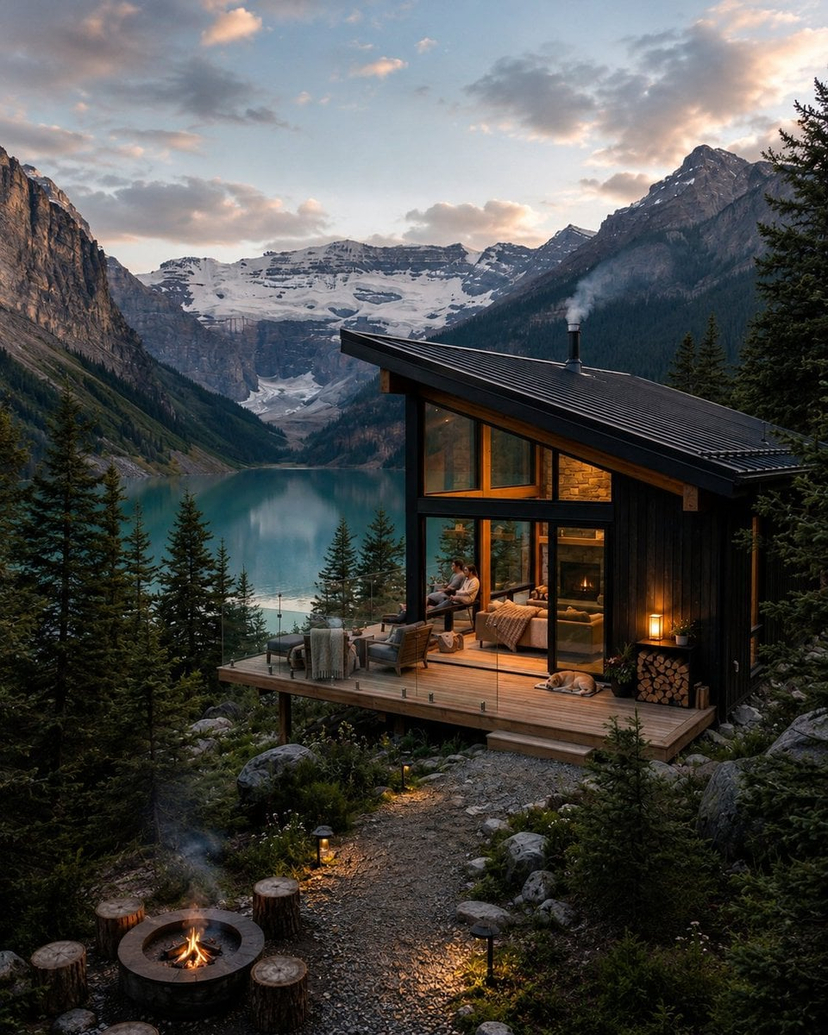










![Naive doodle-style subject illustration — A doodle-style {argument name="subject" default="[subject]"}, naive lines, humorous shape exaggeration](https://pbs.twimg.com/media/G6Wl2YxbsAARB2b.jpg)