How do I use the Topless Boudoir Portrait in Antique Armchair template?
Choose the primary action to open PicX Studio with the available template settings. Review the model and format, personalize the creative direction, and generate when ready.
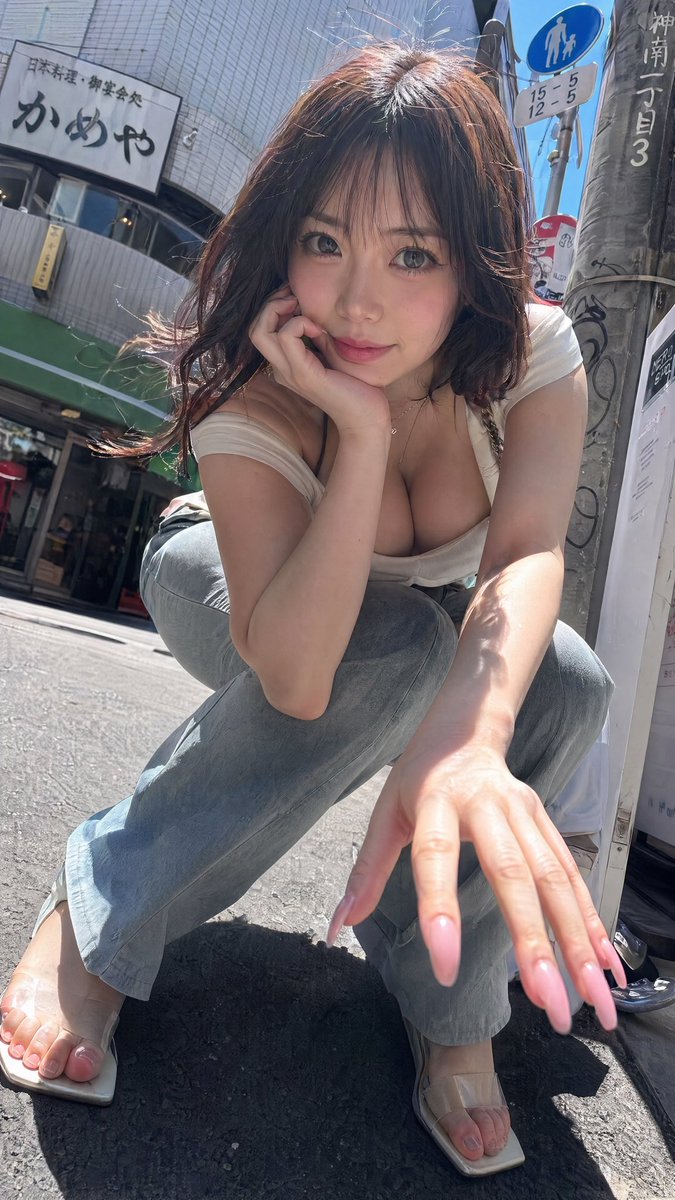
A highly explicit prompt for Nano Banana Pro describing a photorealistic image of a voluptuous blonde woman reclining topless in an antique ornate wooden armchair, emphasizing natural lighting, realistic skin texture, and an elegant vintage boudoir atmosphere. (free to use) — Free AI image template on PicX Studio.
{ "prompt": "A stunningly beautiful young Caucasian woman with long wavy blonde hair, seductive blue eyes with detailed makeup, full glossy lips, perfect symmetrical face, flawless glowing skin, voluptuous natural figure with large firm breasts, toned body, reclining seductively in an antique ornate wooden armchair with red patterned velvet upholstery in a luxurious classic interior room, completely topless with bare breasts and erect nipples fully exposed, wearing very short frayed denim cutoff shorts unbuttoned and low on hips, delicate silver bracelet on wrist, bare feet with toes visible, one hand touching her hair, legs spread casually over armrests, soft natural window light illuminating her skin with warm tones, subtle smile looking directly at camera, realistic skin texture with natural imperfections, highly detailed, photorealistic, ultra high resolution, elegant vintage boudoir atmosphere" }
Use Topless Boudoir Portrait in Antique Armchair to plan an AI image around nano-banana-2 generation. Match the preview's composition first, then personalize the subject, setting, and mood for your own project.
Use the primary action to load the template settings in PicX Studio.
Adjust the subject and creative details for your destination.
Create the image, compare the result with the preview, and refine one variable at a time.
A continuous mix — similar concepts first, woven with same-model prompts and fresh picks from the catalog.
Choose the primary action to open PicX Studio with the available template settings. Review the model and format, personalize the creative direction, and generate when ready.
Yes. You can change the subject, setting, lighting, mood, format, and available model controls before creating your image.
This template is free to open and customize. Generation usage is shown in PicX Studio before you create.
Start with nano-banana-2, which is the model associated with this template. You can compare another compatible model for a different finish.
Follow a topic to a crawlable collection of related PicX Studio templates.
39,155 public templates available. Verified via the PicX Studio public templates API; refreshed hourly.
A continuous mix — similar concepts first, woven with same-model prompts and fresh picks from the catalog.