
Fictional Summer Manga Magazine Cover
Generates a vibrant fictional Japanese weekly manga magazine cover with a beach heroine, bold masthead, feature panels, and dense shonen-style cover typography.
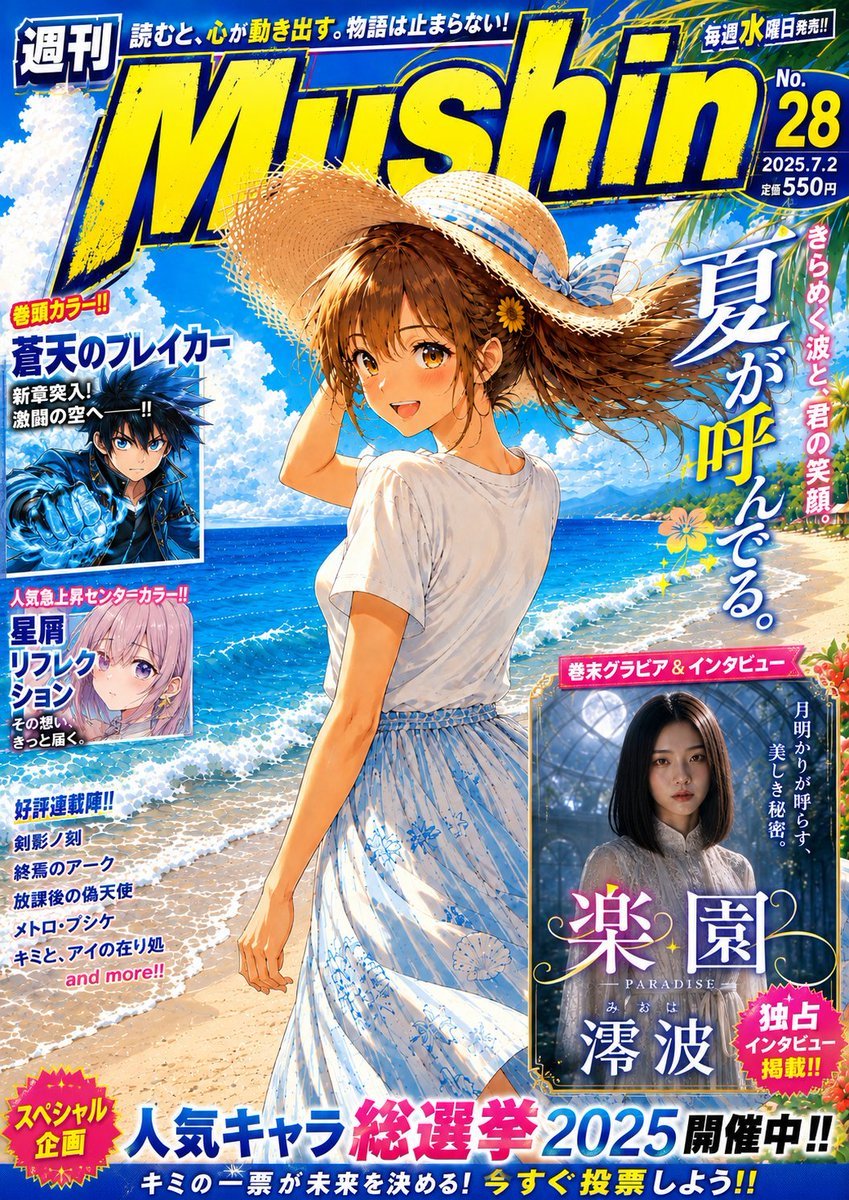
- Prompt included
- Model and format preset
- Premium template
The prompt behind this image
Copy the exact prompt behind Fictional Summer Manga Magazine Cover, or open it in the studio and make it yours.
Goal: Create a fictional weekly Japanese manga magazine cover in a bright summer shonen style, like a glossy newsstand issue, featuring an ocean-beach illustration as the main cover art and many energetic cover lines. Canvas: Portrait magazine cover, approximately 2:3 aspect ratio, full bleed, saturated cyan-blue sky and sea, bold yellow-and-blue typography, high-density print layout. Main cover art: A single anime-style teenage girl stands on a sunny tropical beach, seen from behind and slightly turned, holding a wide straw hat with a blue ribbon as wind blows her medium brown hair to the right. She wears a plain white short-sleeve T-shirt tucked into a high-waisted white summer skirt with pale blue floral patterns. Her face is obscured by a rectangular censor-like blur. The background shows sparkling turquoise ocean waves, white foam on sand, distant green island cliffs, a bright blue sky, puffy summer clouds, and palm leaves entering from the top right. Magazine masthead and top area: Huge distressed italic masthead {argument name="magazine title" default="Mushin"} across the top in bright yellow with dark navy outline and rough halftone texture. Add a small weekly label at top left, a short Japanese-style tagline across the top, and a small release-day badge at top right. Issue information on the upper right should show {argument name="issue number" default="No. 28"}, {argument name="issue date" default="2025.7.2"}, and a price line of 550 yen. Large main headline: On the right side, place a tall vertical Japanese summer headline reading {argument name="main cover headline" default="夏が呼んでる。"} in large white characters with blue shadow, plus a smaller pink vertical side phrase suggesting the dazzling smile of summer. Inset feature boxes: Include exactly 3 inset feature panels. Panel 1 is on the left upper-middle: a dark blue action manga hero with spiky hair and a glowing blue fist, face blurred, framed in white, with bold blue Japanese feature text. Panel 2 is on the left middle: a pastel lavender-haired anime girl portrait with purple eyes, framed in white, with pink and blue Japanese feature text. Panel 3 is on the lower right: a faux gravure/interview promo showing a young woman in a white dress inside a glasshouse or garden setting, face blurred, with ornate serif title styling and floral decorations; include text implying an exclusive interview. Other cover text: Add a left column with exactly 5 smaller serialized-title blurbs in stacked blue Japanese text, ending with a small pink “and more!!” style line. At the bottom, create a large campaign banner with a pink starburst badge on the left and the headline {argument name="bottom campaign text" default="人気キャラ総選挙2025 開催中!!"} in big blue, pink, and black lettering, followed by a smaller yellow-and-white voting call-to-action strip. Visual style: High-resolution polished anime magazine art, energetic shonen cover design, bright summer palette, thick outlines, halftone print textures, glossy highlights, dramatic overlapping typography, sticker-like badges, drop shadows, and dense editorial layout. Keep the composition crowded but readable, with the central beach girl dominating the page. Constraints: Use exactly 1 main character and exactly 3 inset panels; blur or obscure all visible faces in the main character and inset panels; do not use real manga titles, real publisher logos, or real celebrity names; make all Japanese text look professionally typeset and magazine-like.
How to use Fictional Summer Manga Magazine Cover in 3 steps
- 1Upload ImagePNG, JPG or paste
Add your photo
Upload the photo the template builds on. The prompt, model and format are already set.
- 2…a portrait of your subject in softgolden-hour light, 85mm…
Personalize
Edit the subject and creative details for your destination.
- 3Generate
Generate
Press Generate — your image is created in PicX Studio, so you can compare it with the original and refine one variable at a time.
More like this
Templates with the same subject, style or setup. Open one to see its prompt.

Off Duty Fashion Magazine Cover

Japanese Tatami Lifestyle Magazine Cover

Ethereal Bloom Magazine Cover

Tropical Macaw Magazine Cover
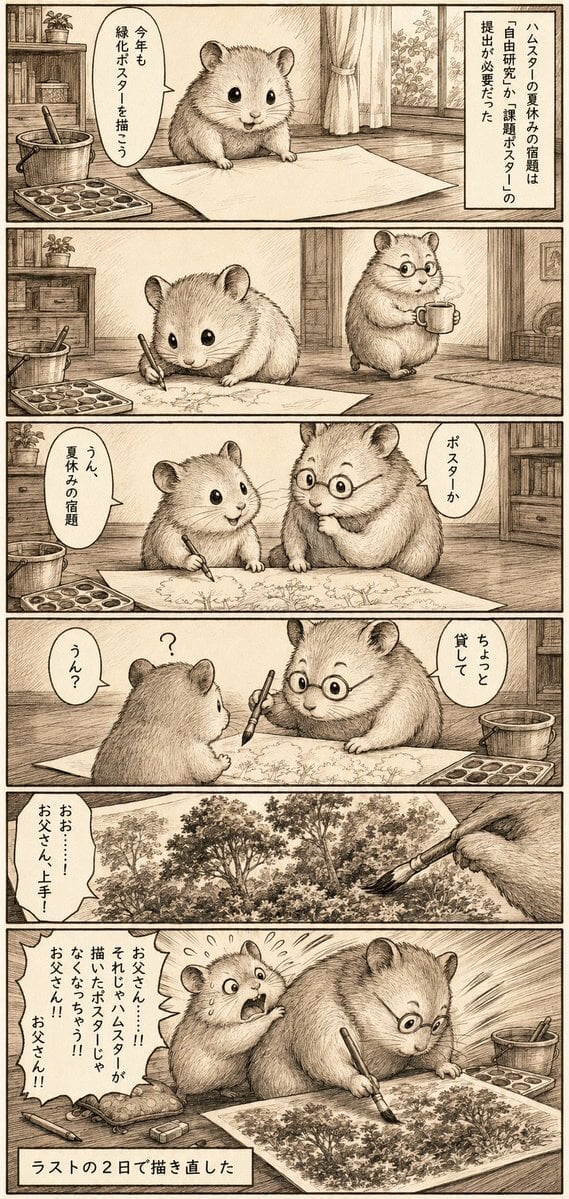
Sepia Hamster Summer Homework Manga

Anime Mahjong Magazine Cover

Neon Anime Fireworks Magazine Cover
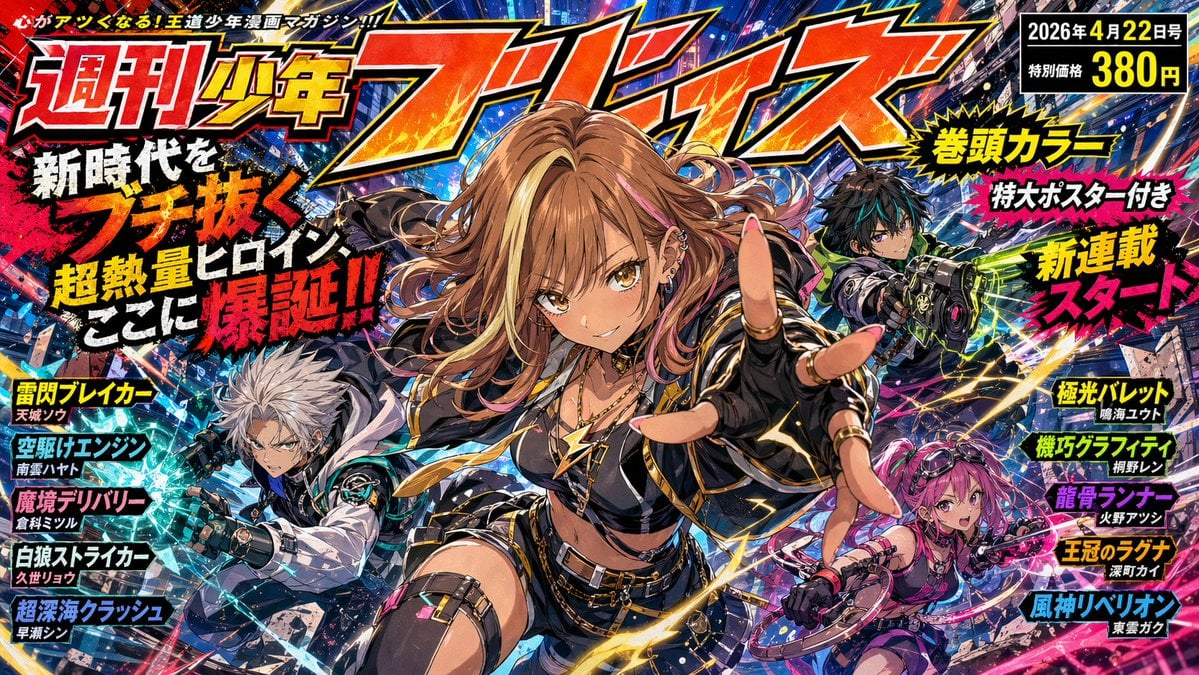
Explosive Shonen Manga Cover

High-Fashion Magazine Cover Portrait

Editorial Magazine Cover Design

Open Magazine Luxury Fashion Editorial Layout

Monochrome Halftone Editorial Fashion Poster
Make it yours
Fictional Summer Manga Magazine Cover works as-is. These are the safest ways to change it without losing the look.
Change one field
Copy a single group, rewrite it, and generate again so you can see what that field is doing.
Keep the frame, change the subject
Hold the composition and light of Fictional Summer Manga Magazine Cover, then swap wardrobe, props or the person for a new take.
| If the result… | Why | Fix |
|---|---|---|
| The result drifts from the preview | Too many fields changed at once. | Reuse Fictional Summer Manga Magazine Cover as-is first, then change one group — subject, light, or setting. |
| The model over-stylizes the scene | The prose prompt leaves finish and camera underspecified. | Add one camera or lighting sentence and stay on GPT Image 2. |
More GPT Image 2 templates
Other prompts made for GPT Image 2.

Six VTuber Japanese Logo Sheet

Realistic Portrait of Woman and Deer

The Vista Modular Condo Poster

AI Model Routing Comparison Infographic

2.5D Anime Art Board

Isometric Productivity Desk Scene

New York Double Exposure Poster

Four-Panel AI Landscape Comparison

NESCAFÉ Coffee Map Poster

Brutalist Cogito Chinese Typography Poster
More image prompts
Fresh picks from across the catalog.
Sharpening and Text Insertion Prompt

Meme Rewriting Prompt: Friendship Ended

Antique Chinese Noblewoman Poster
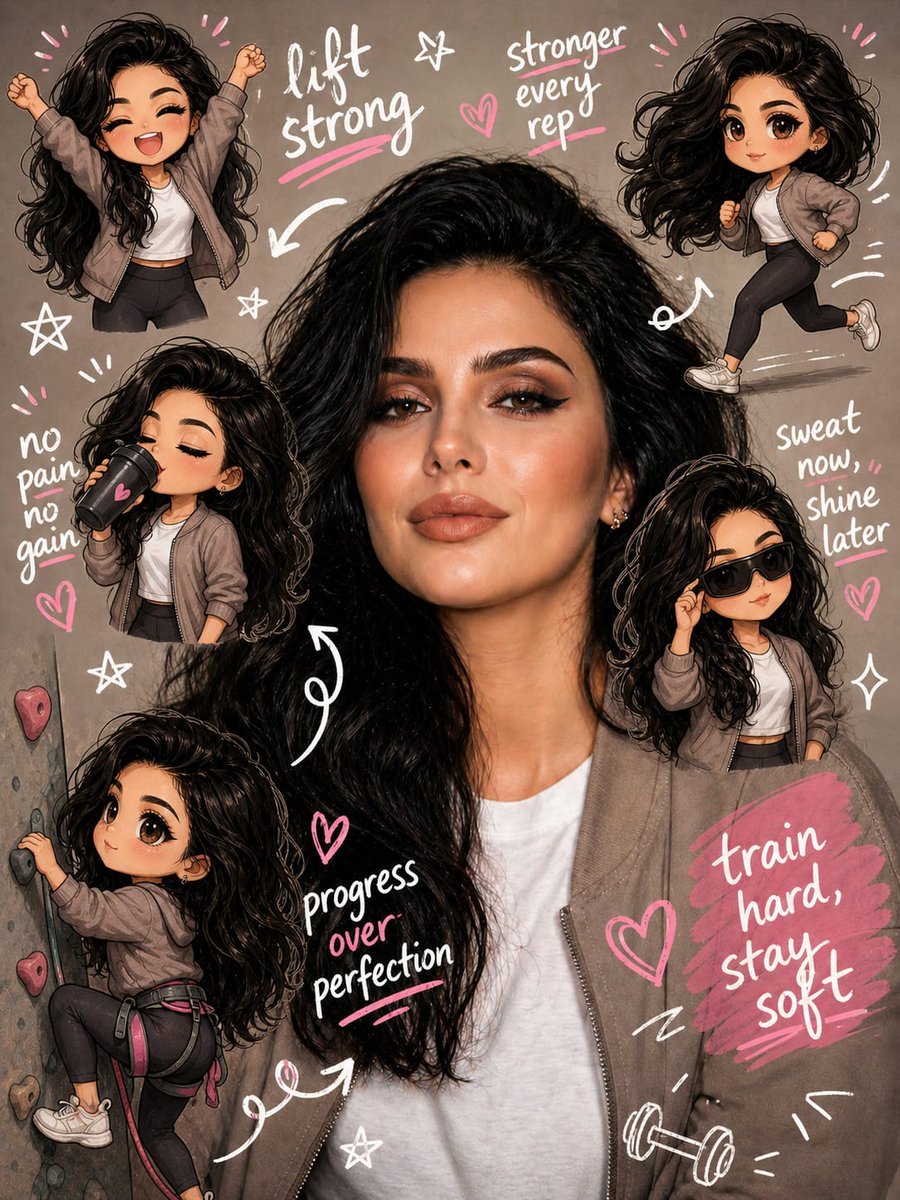
Gym Chibi Sticker Overlay
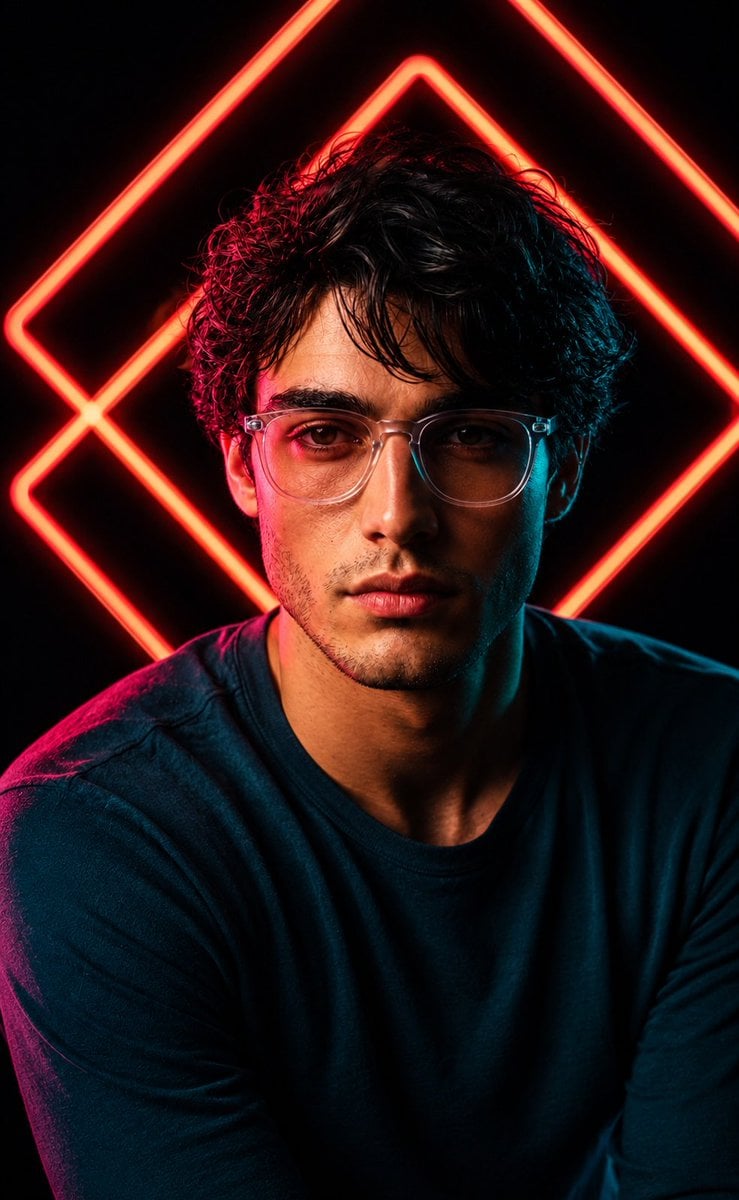
Red Neon Geometric Portrait
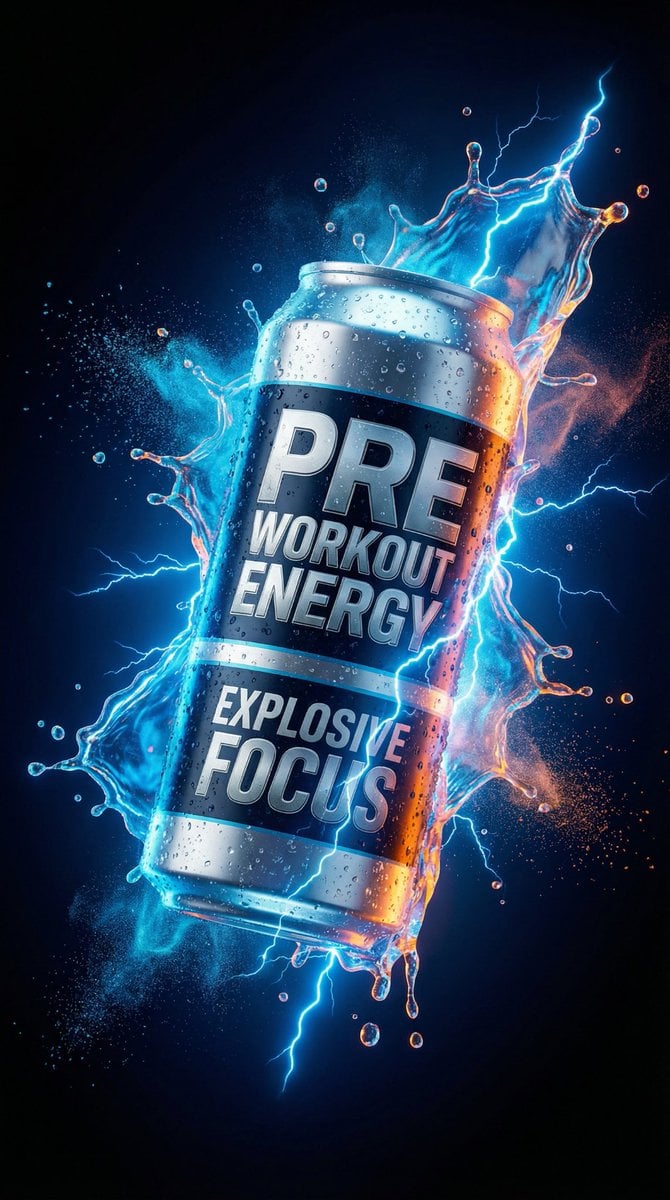
Energy Drink Product Explosion Commercial Prompt Template

Penguin Martial Arts Dojo Duel

Nano Banana 2 Higgsfield
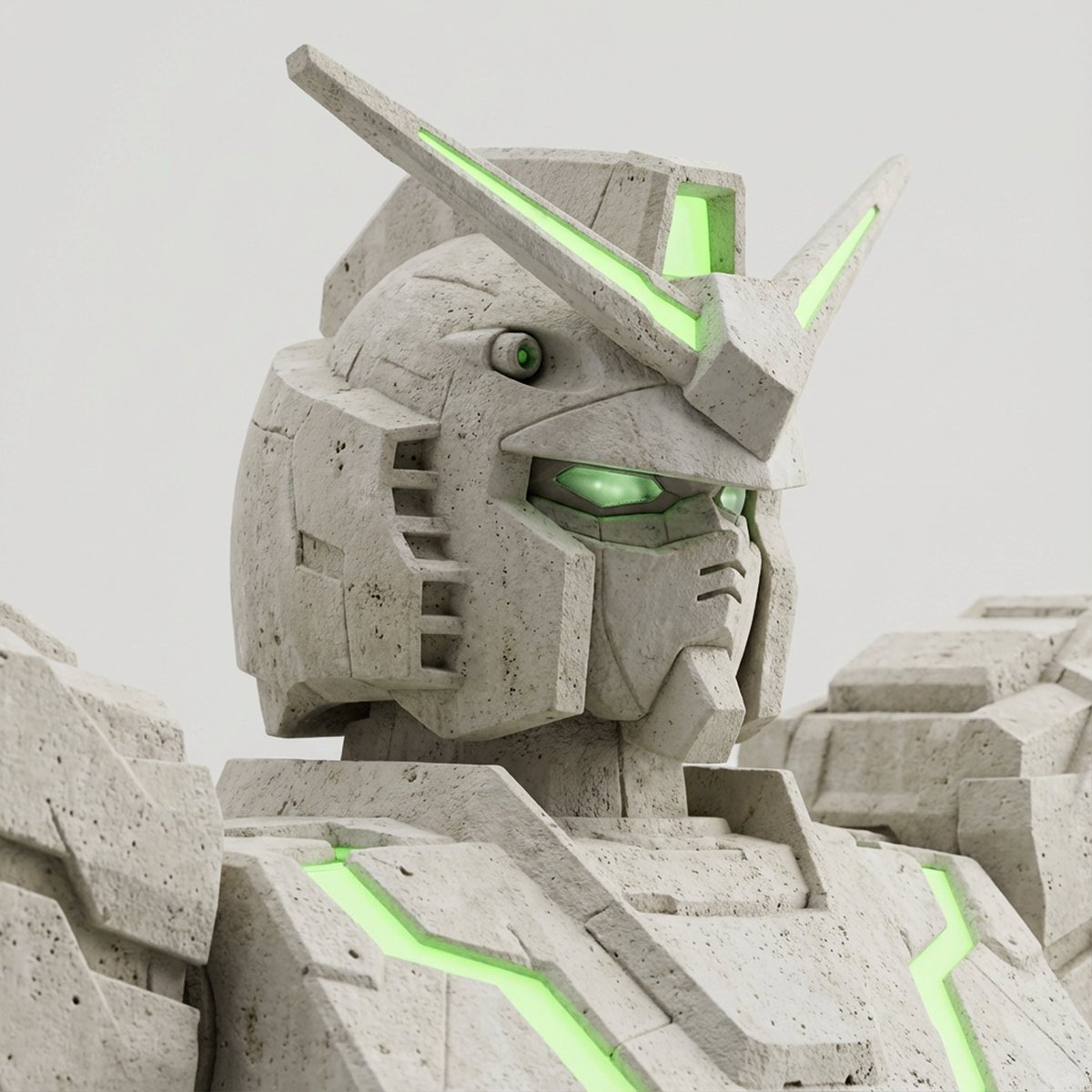
Limestone Sculpture with Neon Glow Prompt
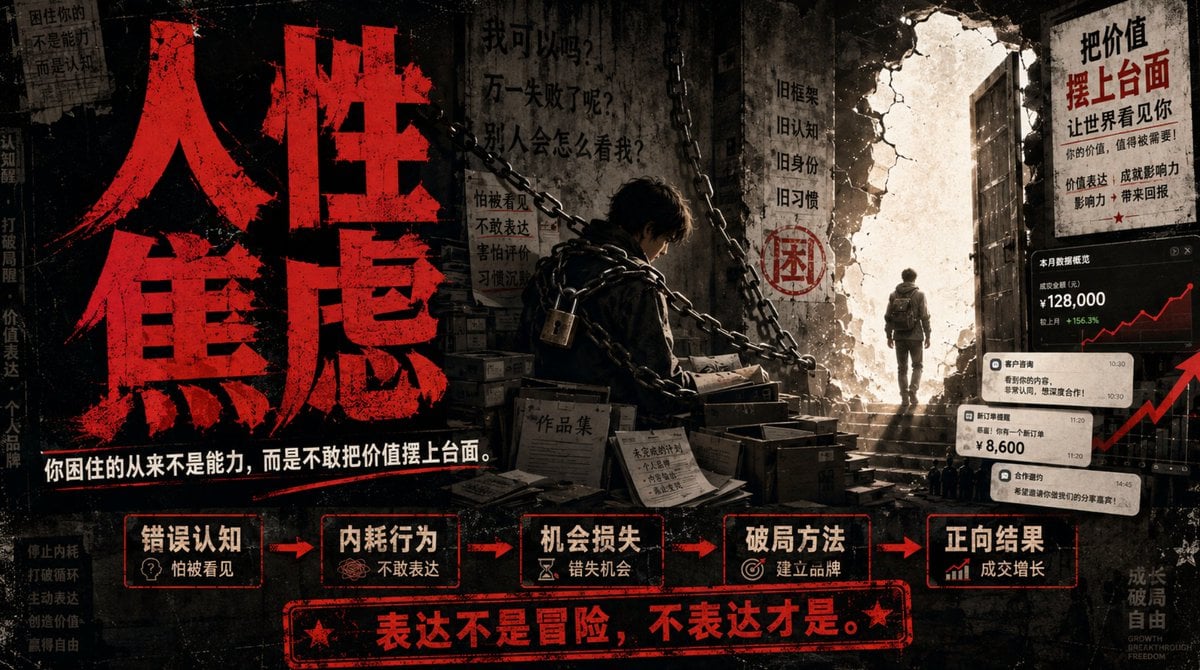
Human Anxiety Dark Business Poster
Browse template categories
Fictional Summer Manga Magazine Cover questions
How do I use the Fictional Summer Manga Magazine Cover template?
Add your photo if the template asks for one, edit the prompt if you like — the template's model and format are already selected — and press Generate. Your version opens in PicX Studio.
Can I customize the Fictional Summer Manga Magazine Cover template?
Yes. You can change the subject, setting, lighting, mood, format, and available model controls before creating your image.
Is the Fictional Summer Manga Magazine Cover template free?
Opening and editing this template is free. Generating uses credits, shown on the Generate button when you are signed in.
Which AI model should I use?
Start with GPT Image 2, which is the model associated with this template. You can compare another compatible model for a different finish.
Looking for something else? Browse all templates.

Your photo, any look
Thousands of ready templates for every top image and video model, from one credit balance.