
Chibi Beach Ponytail Comic
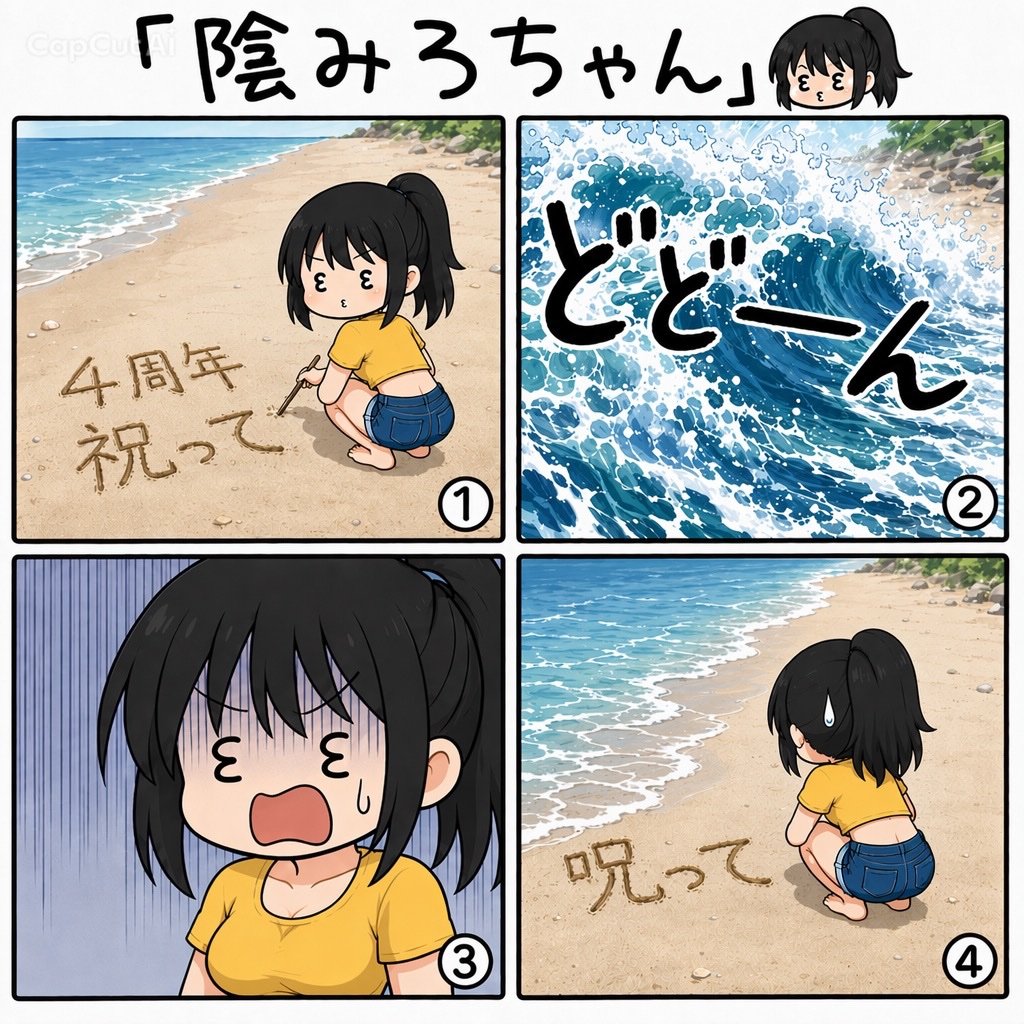
A four-panel Japanese manga-style beach comic featuring a ponytail chibi girl, a crashing wave, and humorous sand writing.
- Prompt included
- Model and format preset
- Premium template
The prompt behind this image
Copy the exact prompt behind Chibi Beach Ponytail Comic, or open it in the studio and make it yours.
Goal: Create a square 2x2 manga-style comic announcement about a cute chibi ponytail girl at the beach, titled {argument name="title text" default="「陰みろちゃん」"}, with a small chibi head icon near the title and a faint CapCut watermark in the upper left. Canvas: Square 1:1 image, clean white background, thick black comic panel borders, playful hand-drawn Japanese manga aesthetic with soft watercolor-like beach scenery. Layout: Top header spans the full width with large handwritten black title text and one small chibi head portrait on the right. Below it, place exactly 4 numbered comic panels in a 2x2 grid, each with a white circular number badge at the bottom right: ①, ②, ③, ④. Panel 1: Wide beach view with turquoise ocean and foamy shoreline on the left, pale sand across the foreground, rocks and greenery in the distance. A chibi young woman with black ponytail hair kneels on the sand wearing a yellow cropped T-shirt and blue denim shorts, holding a stick and writing a celebratory message in the sand. The sand text reads {argument name="sand celebration text" default="4周年 祝って"}. Cute simplified face with closed sideways eyes and small puckered mouth. Panel 2: A dramatic close-up of a huge blue wave crashing forward with white foam and splash details, filling the entire panel. Overlay large bold handwritten Japanese sound effect text {argument name="wave sound effect" default="どどーん"} in black with white outline, slanted across the wave. Panel 3: Close-up reaction shot of the same chibi girl from the chest up, shocked and distressed, with messy black bangs covering part of her face, vertical blue-purple manga stress lines in the background, sweat drop on her cheek, tiny closed eyes, and wide open red mouth. She still wears the yellow T-shirt. Panel 4: Return to beach scene from behind the girl. She is crouching on the sand, facing away toward the ocean, with a large sweat drop by her head. The previous message is ruined or changed so the visible sand text reads {argument name="ruined sand text" default="呪って"}. Ocean waves roll along the left side; sand and pebbles fill the foreground. Subject details: The character is a cute chibi/anime girl named {argument name="character name" default="Kagemiro-chan"}, with black hair in a high ponytail, pale skin, simple dot/closed-line facial features, short rounded body proportions, yellow top, blue denim shorts, barefoot or minimally detailed feet. Visual style: Bright, clean, humorous Japanese webcomic look; thick black outlines; expressive manga symbols; soft beach colors; lively wave illustration; handwritten calligraphy-like Japanese lettering. Keep the comic readable and cute rather than realistic. Constraints: Use exactly 4 panels and exactly 4 panel number badges. Include exactly 1 small chibi head icon in the header. Do not add extra captions, speech bubbles, or additional characters. Preserve the specified Japanese text exactly where provided.
How to use Chibi Beach Ponytail Comic in 3 steps
- 1Upload ImagePNG, JPG or paste
Add your photo
Upload the photo the template builds on. The prompt, model and format are already set.
- 2…a portrait of your subject in softgolden-hour light, 85mm…
Personalize
Edit the subject and creative details for your destination.
- 3Generate
Generate
Press Generate — your image is created in PicX Studio, so you can compare it with the original and refine one variable at a time.
More like this
Templates with the same subject, style or setup. Open one to see its prompt.
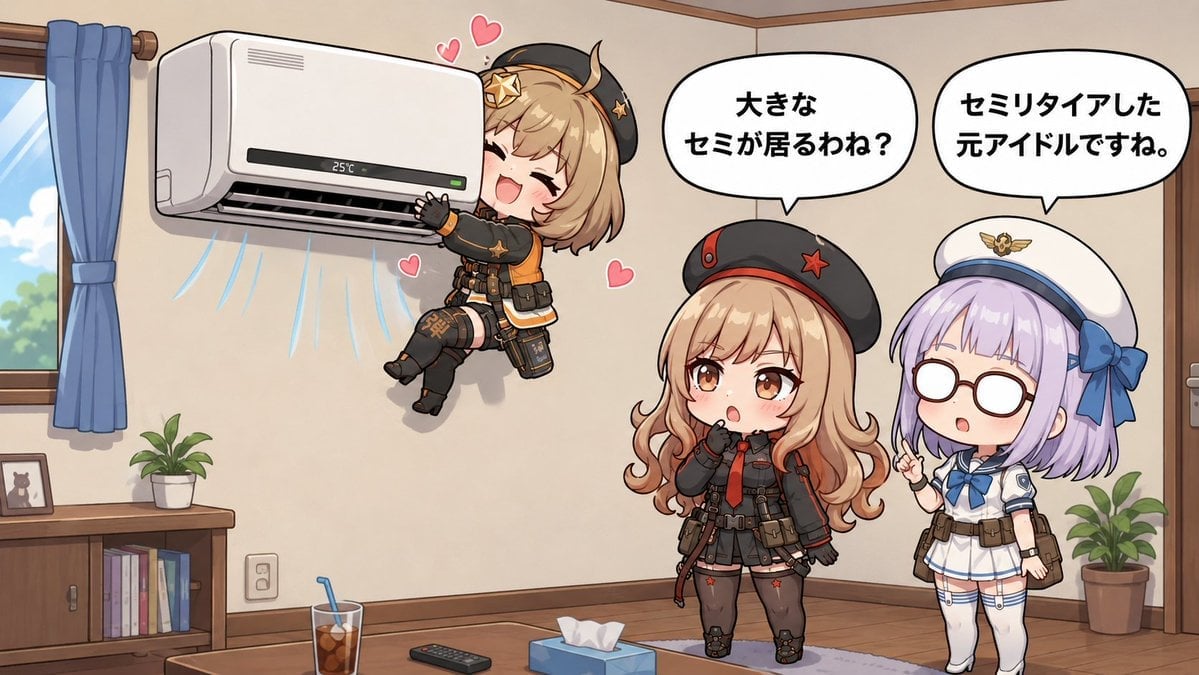
Chibi Girls Hugging Air Conditioner Comic
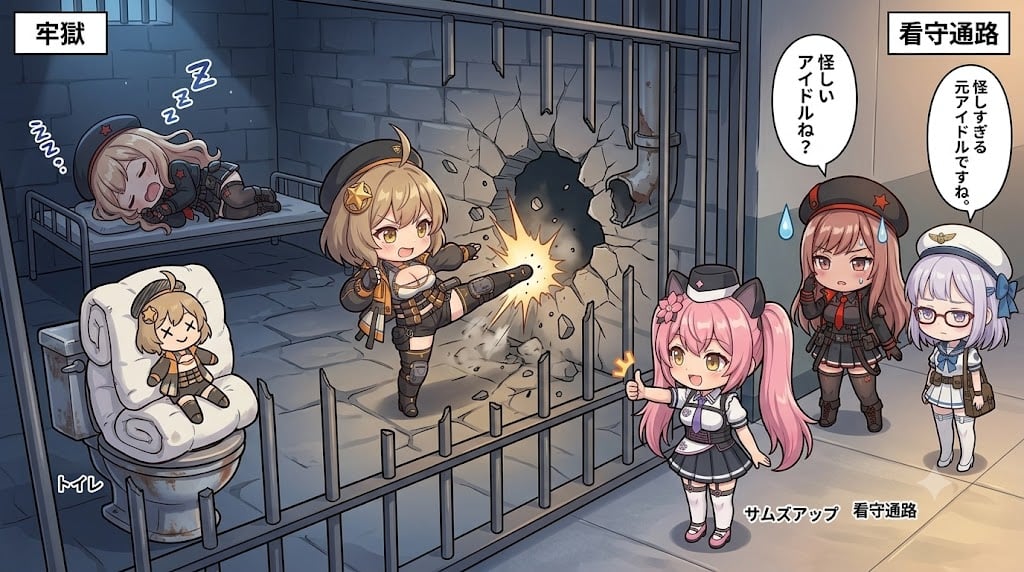
Chibi Prison Break Comic Scene

Cute Layered Paper Cut Chibi Girl

Pixar-Style Chibi Café Morning Scene

Pop Art Superhero Explosion Poster

Hero Portrait Comic Multi-Panel Poster

Spider-Man Noir Detective Rain Alley

Gpt2 E Commerce Main Image 9 Panel Product Tvc Storyboard

Nano Banana Pro Pink Office Chibi

Coastal Bench Portrait — Navy Floral Sundress

Chibi Anime Ninja Sticker Sheet
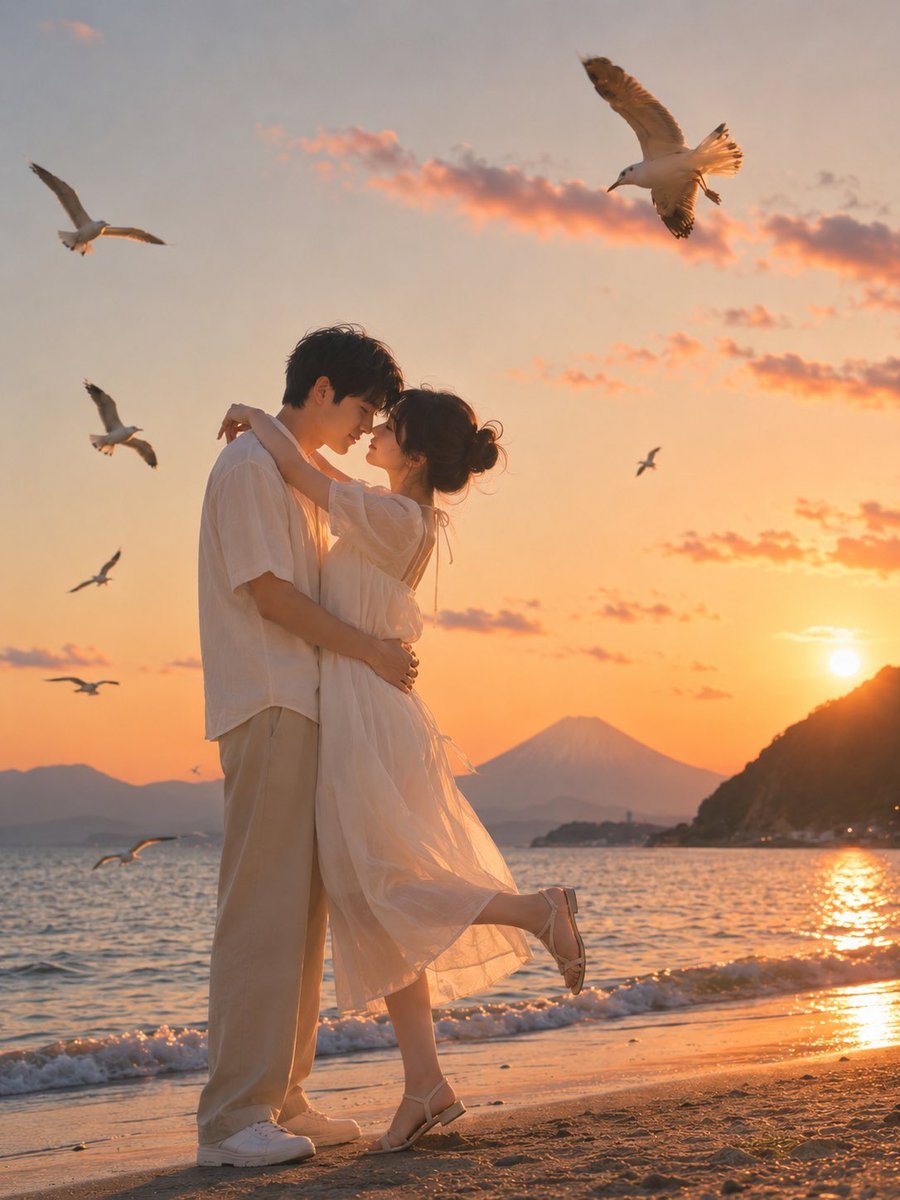
Romantic Zushi Beach Sunset Couple
Make it yours
Chibi Beach Ponytail Comic works as-is. These are the safest ways to change it without losing the look.
Change one field
Copy a single group, rewrite it, and generate again so you can see what that field is doing.
Keep the frame, change the subject
Hold the composition and light of Chibi Beach Ponytail Comic, then swap wardrobe, props or the person for a new take.
| If the result… | Why | Fix |
|---|---|---|
| The result drifts from the preview | Too many fields changed at once. | Reuse Chibi Beach Ponytail Comic as-is first, then change one group — subject, light, or setting. |
| The model over-stylizes the scene | The prose prompt leaves finish and camera underspecified. | Add one camera or lighting sentence and stay on GPT Image 2. |
More GPT Image 2 templates
Other prompts made for GPT Image 2.

Six VTuber Japanese Logo Sheet

Realistic Portrait of Woman and Deer

The Vista Modular Condo Poster

AI Model Routing Comparison Infographic

2.5D Anime Art Board

Isometric Productivity Desk Scene

New York Double Exposure Poster

Four-Panel AI Landscape Comparison

Japanese Tatami Lifestyle Magazine Cover

NESCAFÉ Coffee Map Poster
More image prompts
Fresh picks from across the catalog.
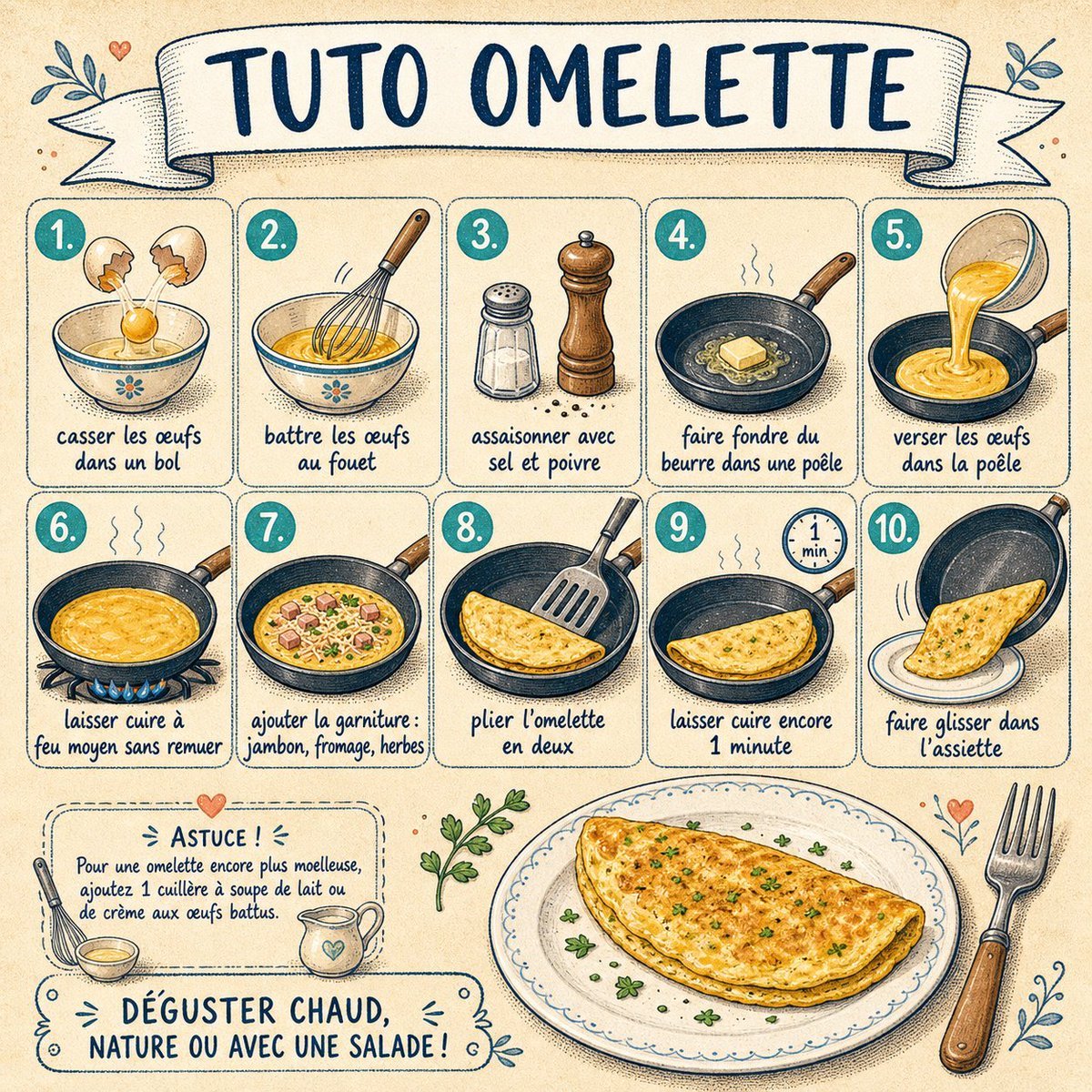
French Omelette Tutorial Poster
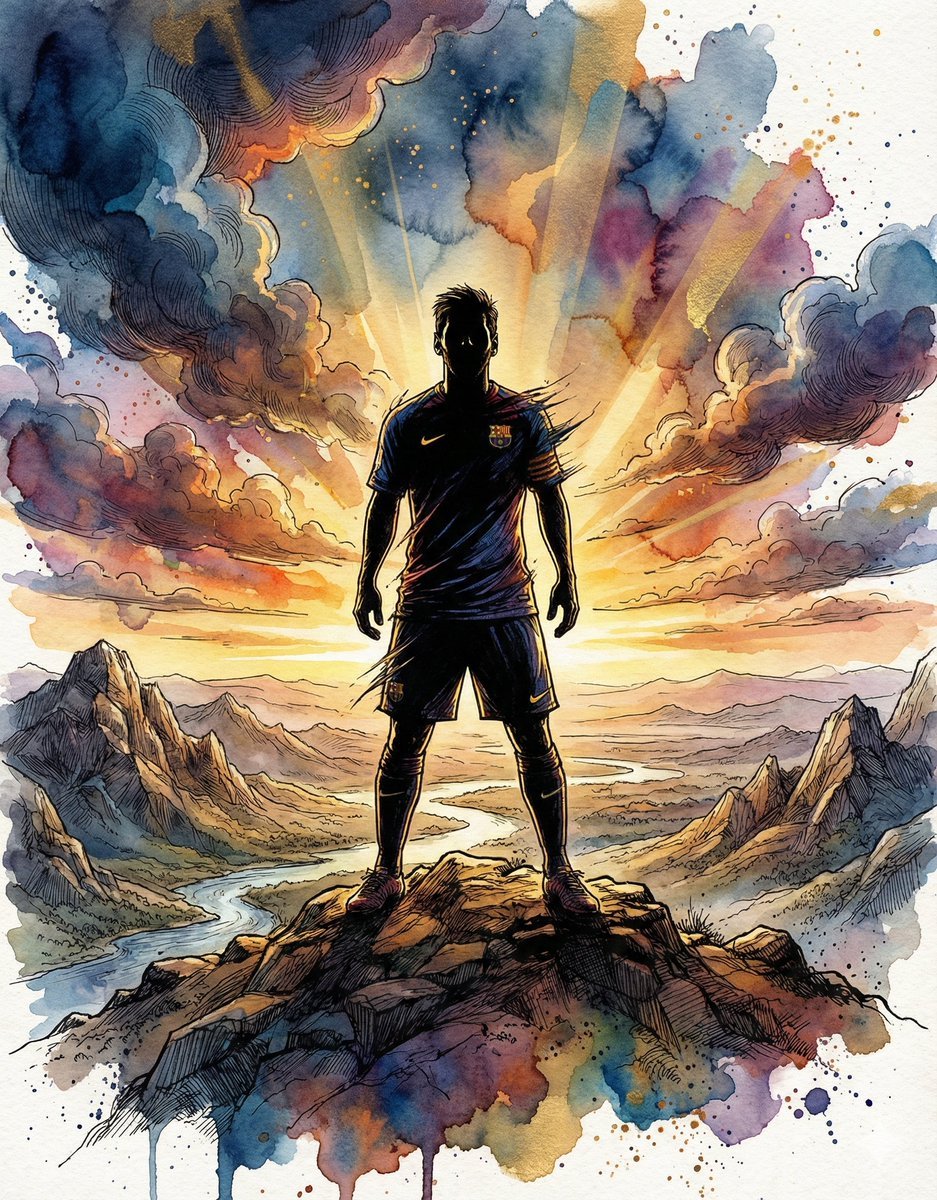
Epic Athlete/Artist Poster Design Prompt

Streetwear Man on Lamborghini at Sunset
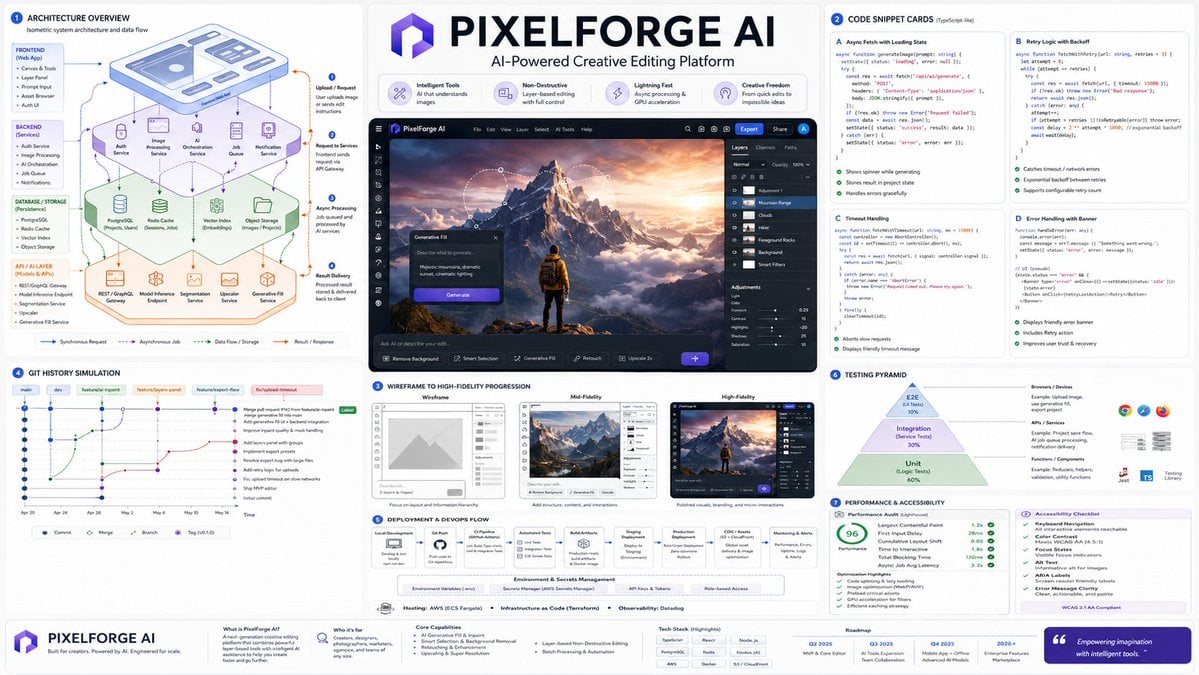
Software Architecture Visualization Diagram
Harsh Flash Nightclub Sidewalk Snap
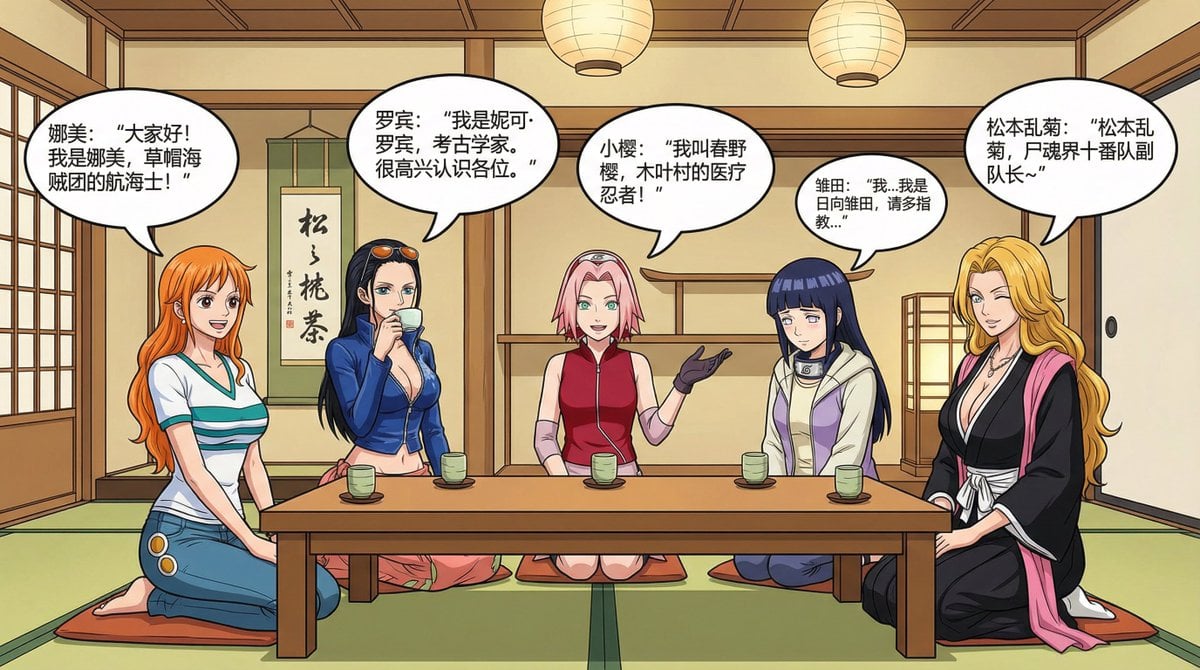
Anime female character compilation story in Chinese comic style
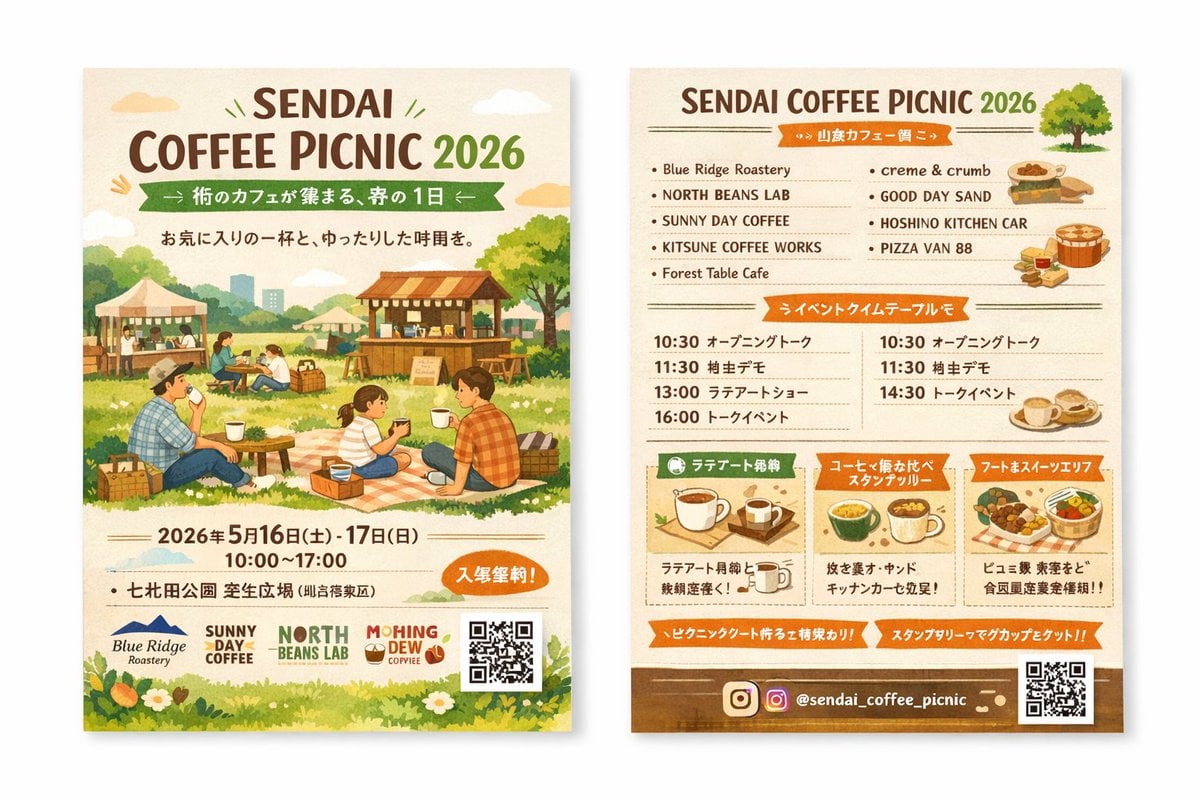
Two-Sided Watercolor Event Flyer Mockup
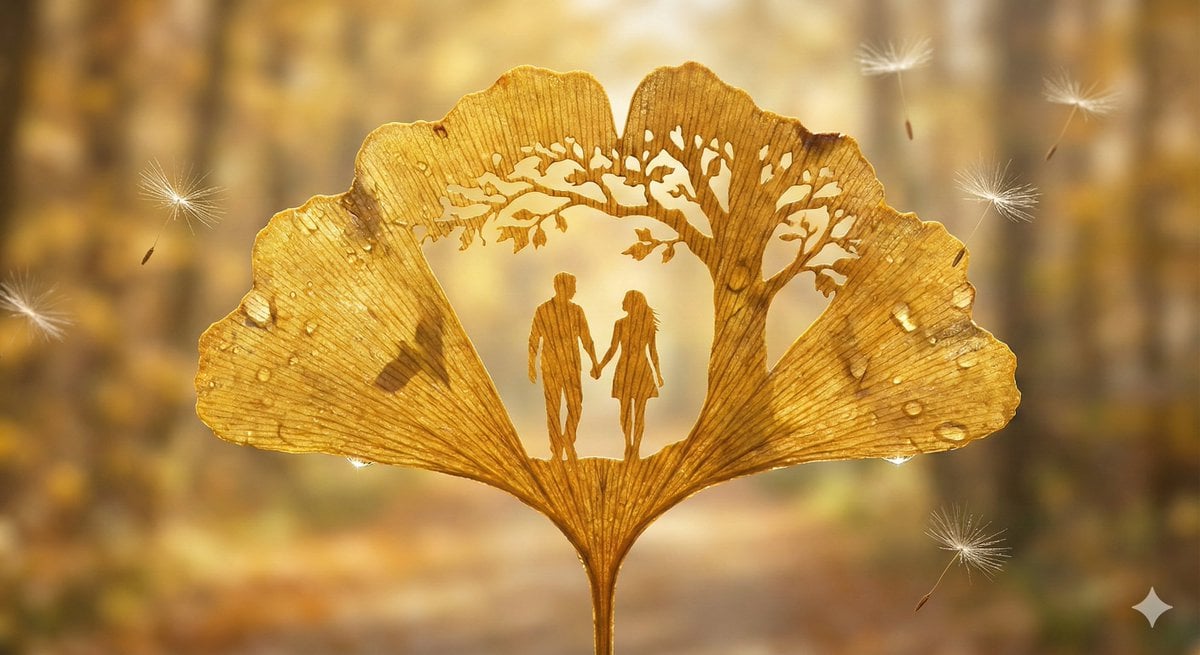
Leaf-Cutout Art Prompt Template and Examples
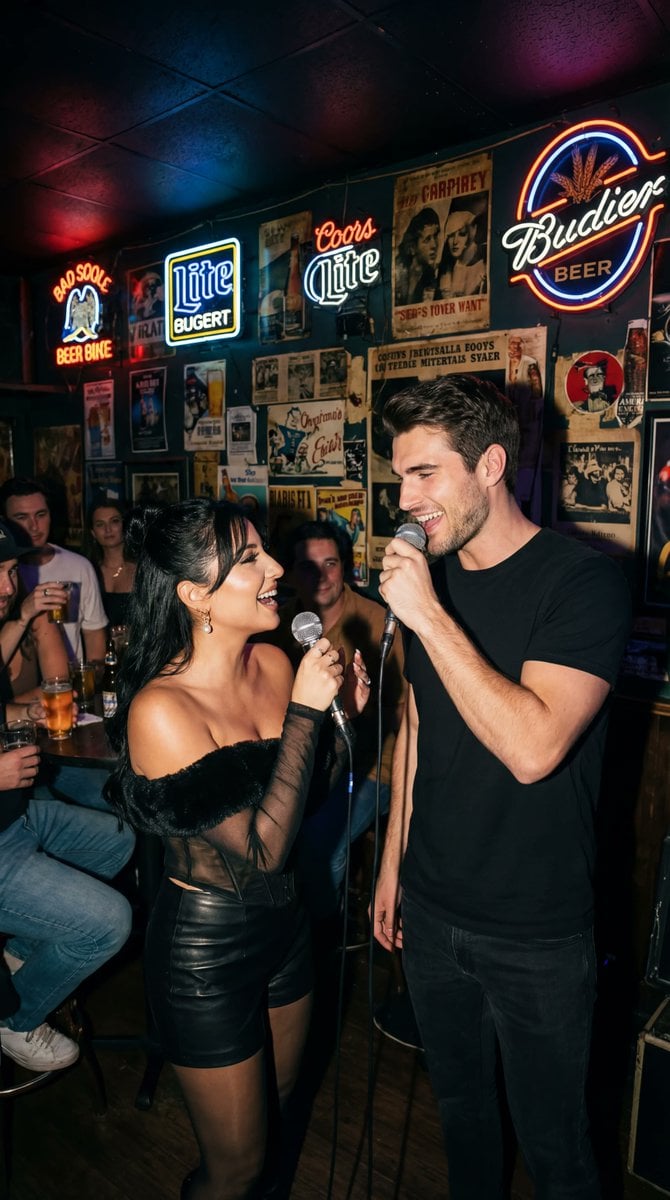
Photorealistic Flash Karaoke Duet Prompt

GPT Image 2 Comparison Poster
Browse template categories
Chibi Beach Ponytail Comic questions
How do I use the Chibi Beach Ponytail Comic template?
Add your photo if the template asks for one, edit the prompt if you like — the template's model and format are already selected — and press Generate. Your version opens in PicX Studio.
Can I customize the Chibi Beach Ponytail Comic template?
Yes. You can change the subject, setting, lighting, mood, format, and available model controls before creating your image.
Is the Chibi Beach Ponytail Comic template free?
Opening and editing this template is free. Generating uses credits, shown on the Generate button when you are signed in.
Which AI model should I use?
Start with GPT Image 2, which is the model associated with this template. You can compare another compatible model for a different finish.
Looking for something else? Browse all templates.

Your photo, any look
Thousands of ready templates for every top image and video model, from one credit balance.