
Streetwear Magazine Cover Design
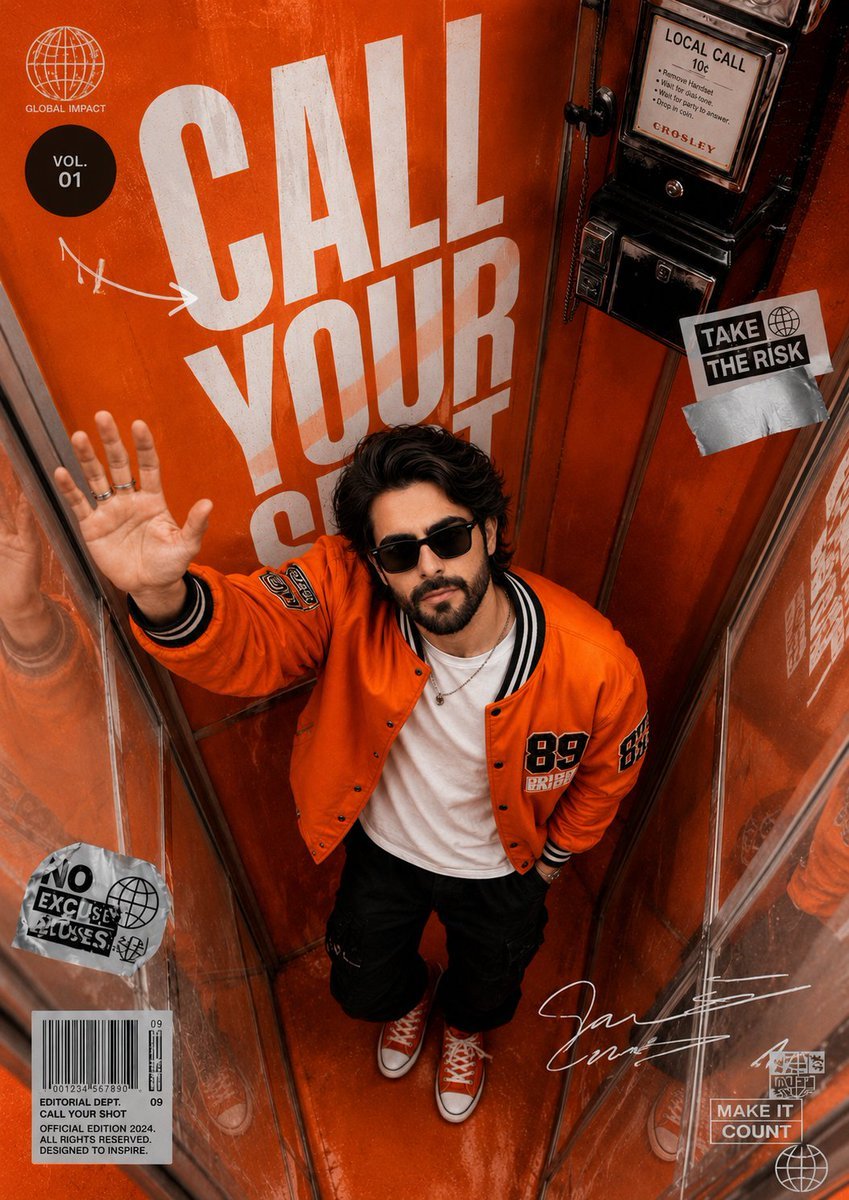
A high-end editorial streetwear magazine cover prompt featuring a stylish subject inside a vintage orange telephone booth with a dramatic bird's-eye perspective.
- Prompt included
- Model and format preset
- Premium template
The prompt behind this image
Copy the exact prompt behind Streetwear Magazine Cover Design, or open it in the studio and make it yours.
Ultra-realistic editorial streetwear magazine cover shot inside a {argument name="location" default="vintage orange telephone booth"}, photographed from a dramatic top-down bird’s-eye perspective. A stylish young man with wavy medium-length dark hair, trimmed beard, and black rectangular sunglasses stands confidently in the center, looking directly at the camera. He wears a vibrant {argument name="jacket" default="orange varsity bomber jacket"} with embroidered patches, a clean white t-shirt, black cargo pants, layered silver necklaces, and orange high-top canvas sneakers. The phone booth interior is fully wrapped in bold orange tones with glossy reflections and worn textures. Large oversized white typography reading "{argument name="headline" default="CALL YOUR SHOT"}" dominates the background wall behind him. His left hand is raised toward the camera, creating depth and perspective. A retro black payphone is mounted on the wall. Modern editorial graphic elements, motivational stickers, handwritten doodles, barcode label, signature mark, and magazine-style layout details are integrated throughout the composition. Luxury fashion campaign aesthetic, premium magazine cover design, cinematic storytelling, urban Gen-Z energy, creative branding, high-end streetwear advertisement, dramatic depth, strong leading lines, reflective glass walls, symmetrical framing, photorealistic skin texture, realistic fabric details, subtle film grain, soft diffused lighting, rich orange color grading, sharp focus, ultra-detailed, HDR, 8K resolution. Camera Settings: Sony A7R V, 24mm wide-angle lens, f/2.8, ISO 100, top-down overhead shot, professional editorial photography, shallow depth of field, natural reflections, ultra-sharp details. Style Keywords: editorial fashion photography, streetwear campaign, magazine cover, creative advertising, luxury branding, urban lifestyle, cinematic realism, premium poster design, modern typography, high-fashion commercial photography. Negative Prompt: blurry, low resolution, cartoon, anime, CGI, distorted anatomy, extra fingers, duplicated limbs, bad hands, overexposed highlights, washed colors, text artifacts, watermark, low detail, noisy image, plastic skin, deformed face, incorrect perspective, cropped body, poor lighting, unrealistic reflections.
How to use Streetwear Magazine Cover Design in 3 steps
- 1
Open
The prompt is already in the box next to the preview, with the template's model and format selected.
- 2…a portrait of your subject in softgolden-hour light, 85mm…
Personalize
Edit the subject and creative details for your destination.
- 3Generate
Generate
Press Generate — your image is created in PicX Studio, so you can compare it with the original and refine one variable at a time.
More like this
Templates with the same subject, style or setup. Open one to see its prompt.

1988 Mall Style
Off Duty Fashion Magazine Cover

Japanese Tatami Lifestyle Magazine Cover
Ethereal Bloom Magazine Cover
Tropical Macaw Magazine Cover
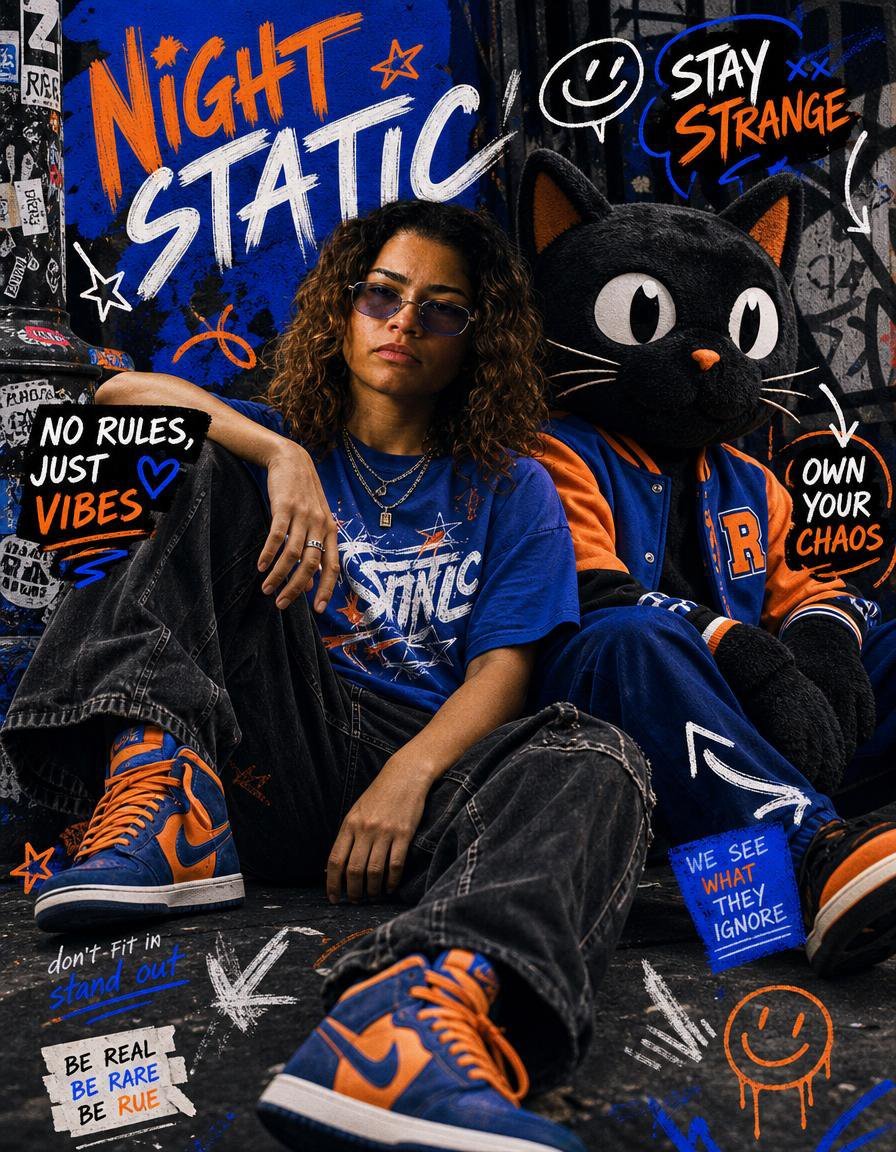
Night Static Streetwear Cover

Anime Mahjong Magazine Cover

Neon Anime Fireworks Magazine Cover
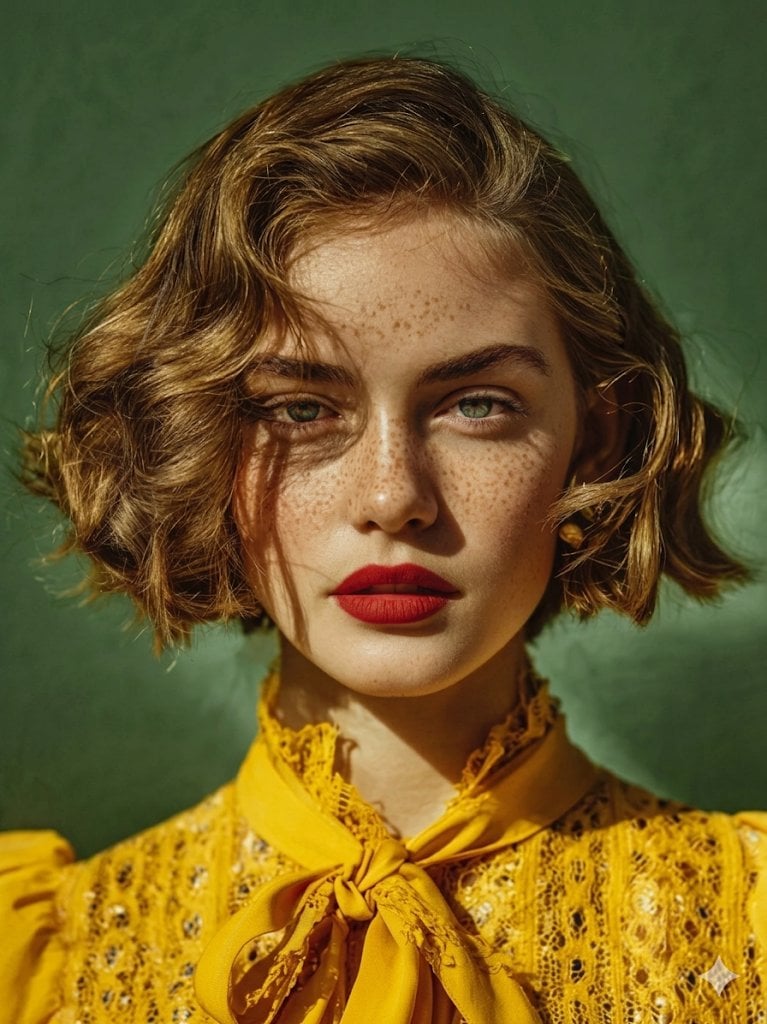
High-Fashion Magazine Cover Portrait
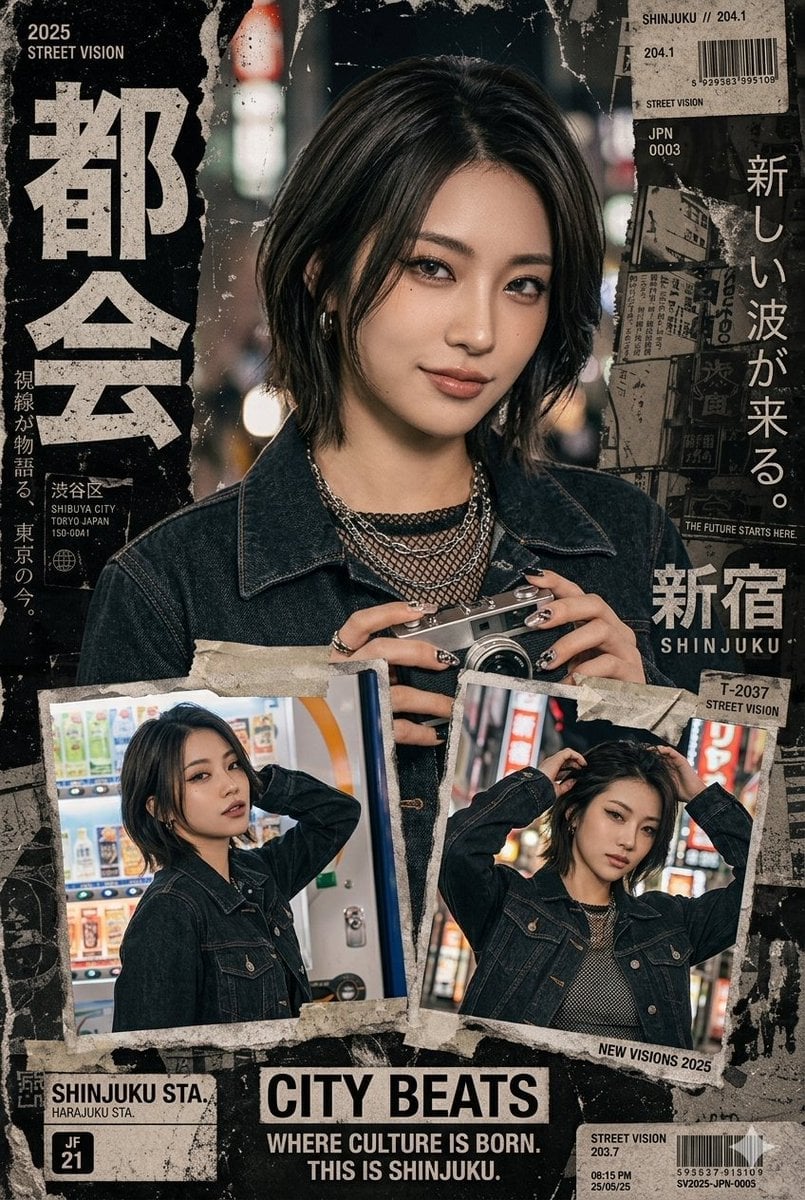
Japanese Streetwear Magazine Collage
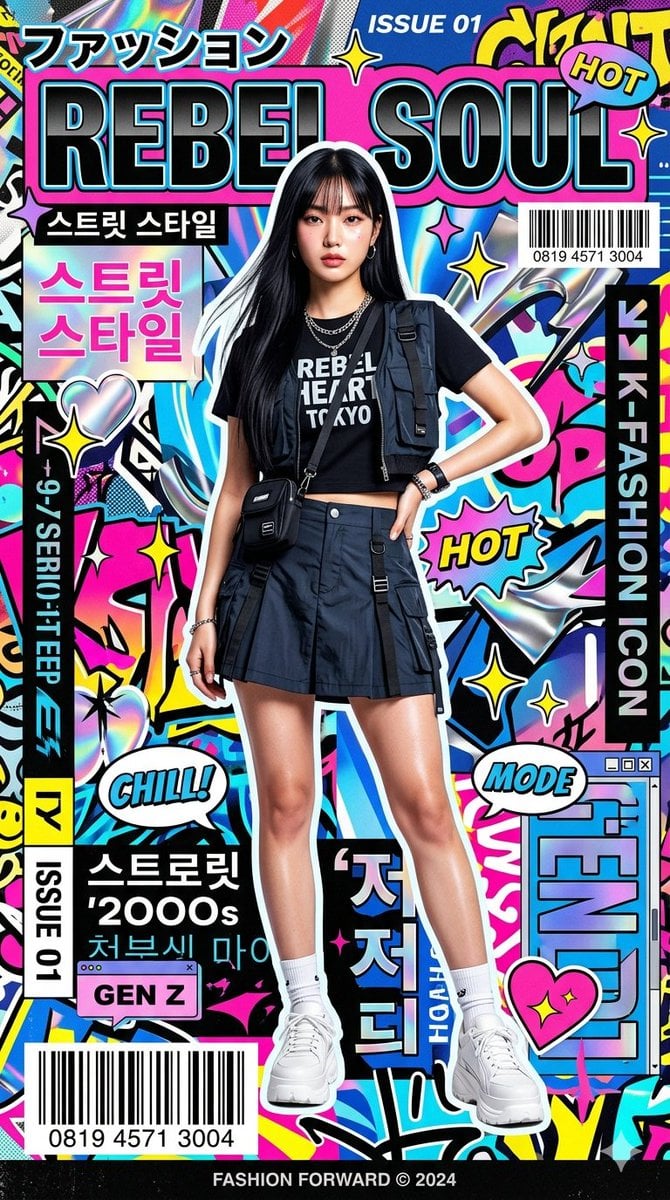
Retro Pop-Art K-Fashion Ultraluxury Campaign Poster

Urban Fashion Editorial Collage Streetwear Poster
Make it yours
Streetwear Magazine Cover Design works as-is. These are the safest ways to change it without losing the look.
Change one field
Copy a single group, rewrite it, and generate again so you can see what that field is doing.
Keep the frame, change the subject
Hold the composition and light of Streetwear Magazine Cover Design, then swap wardrobe, props or the person for a new take.
| If the result… | Why | Fix |
|---|---|---|
| The result drifts from the preview | Too many fields changed at once. | Reuse Streetwear Magazine Cover Design as-is first, then change one group — subject, light, or setting. |
| The model over-stylizes the scene | The prose prompt leaves finish and camera underspecified. | Add one camera or lighting sentence and stay on GPT Image 2. |
More GPT Image 2 templates
Other prompts made for GPT Image 2.

Six VTuber Japanese Logo Sheet

Realistic Portrait of Woman and Deer

The Vista Modular Condo Poster

AI Model Routing Comparison Infographic

2.5D Anime Art Board

Isometric Productivity Desk Scene

New York Double Exposure Poster

Four-Panel AI Landscape Comparison

NESCAFÉ Coffee Map Poster

Brutalist Cogito Chinese Typography Poster
More image prompts
Fresh picks from across the catalog.
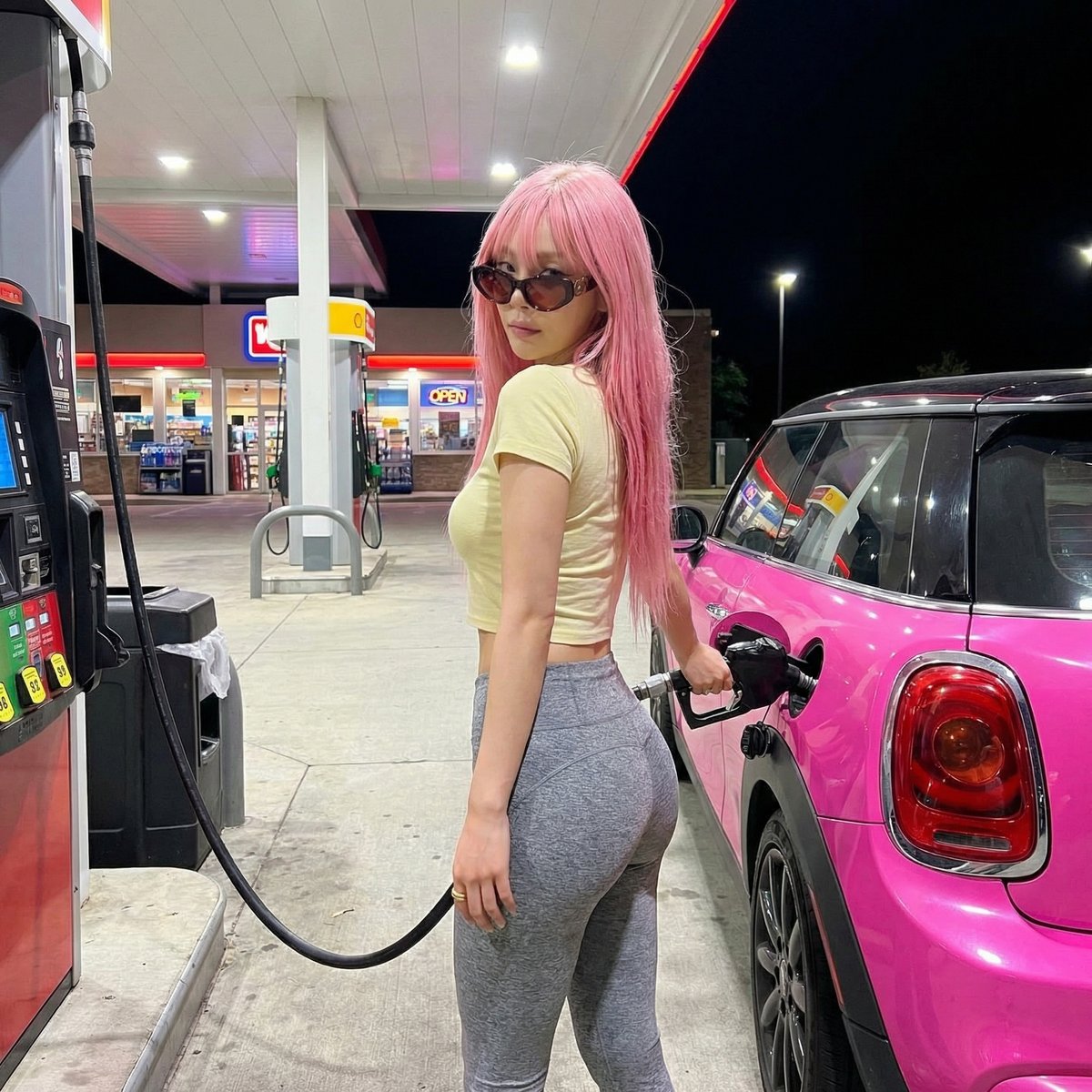
Exaggerated Curvy Figure at Gas Station
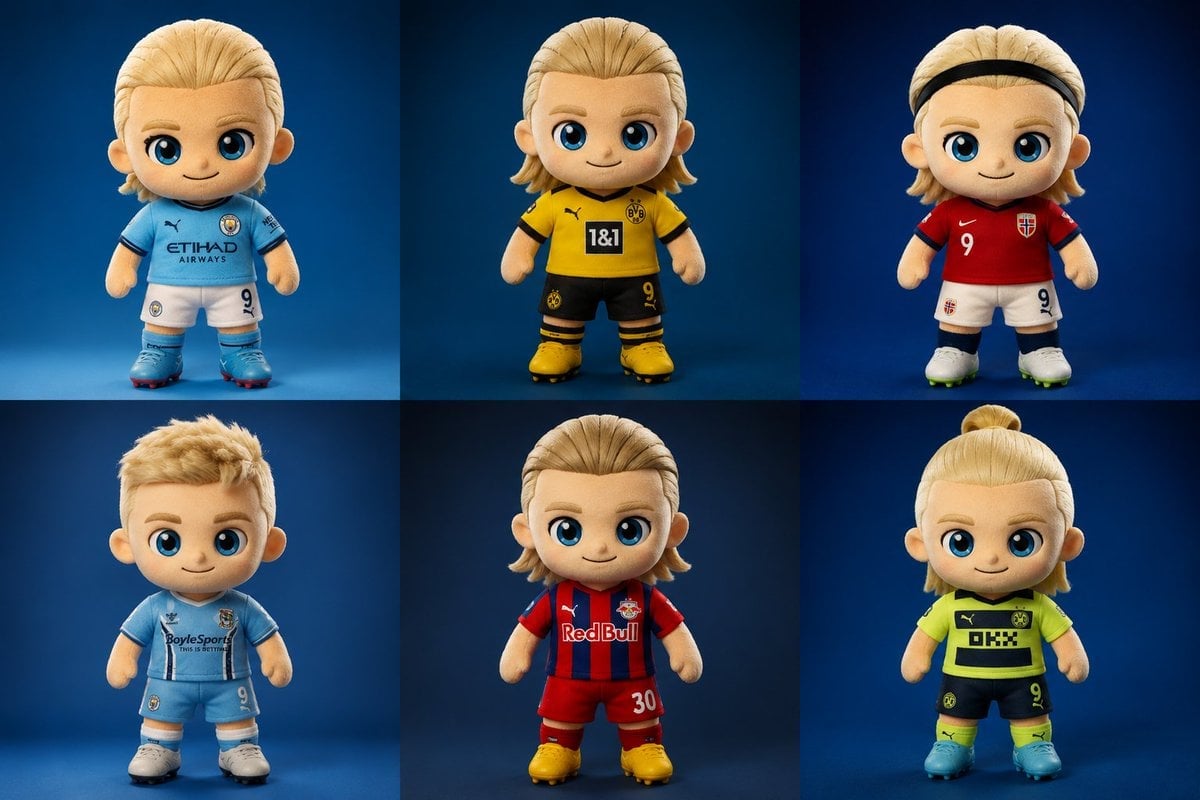
Plush Chibi Soccer Mascot
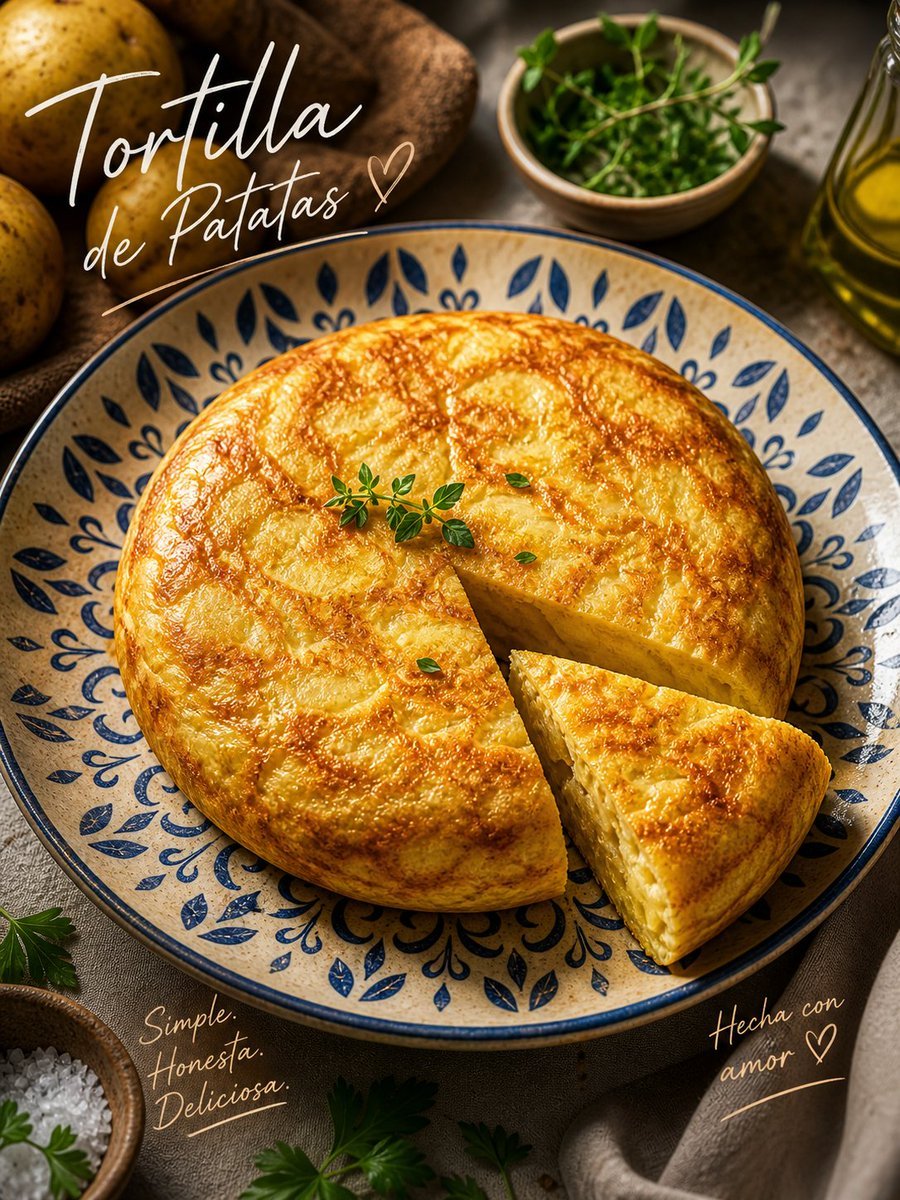
Rustic Tortilla de Patatas Poster
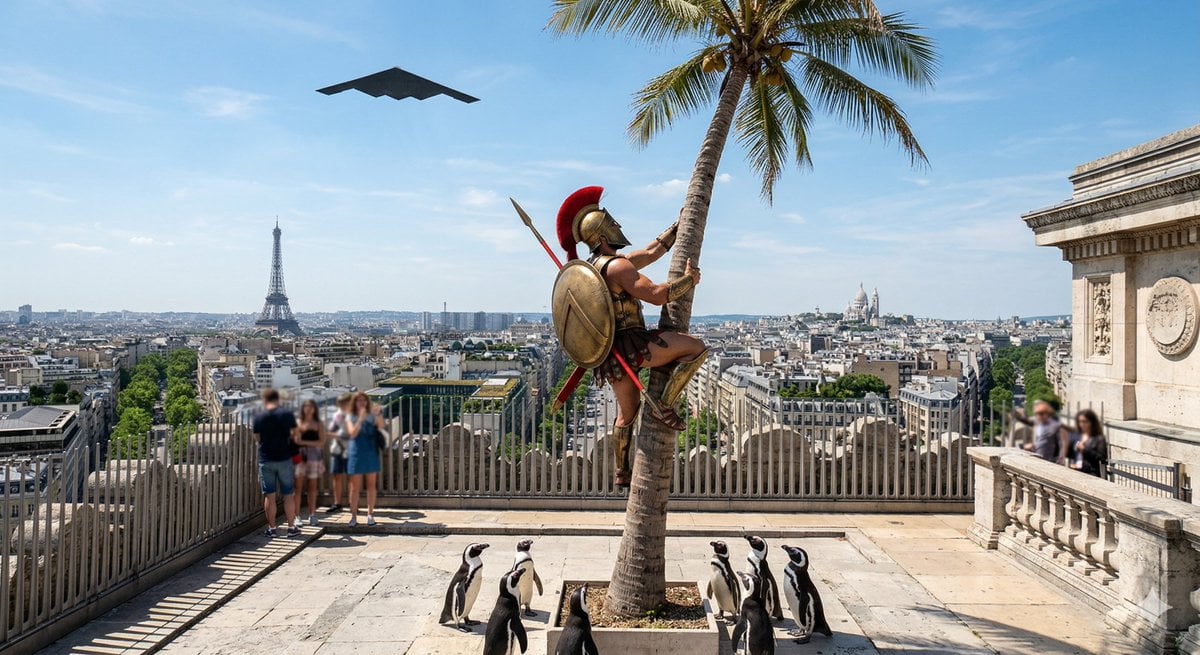
Penguins vs Coconut Tree Battle
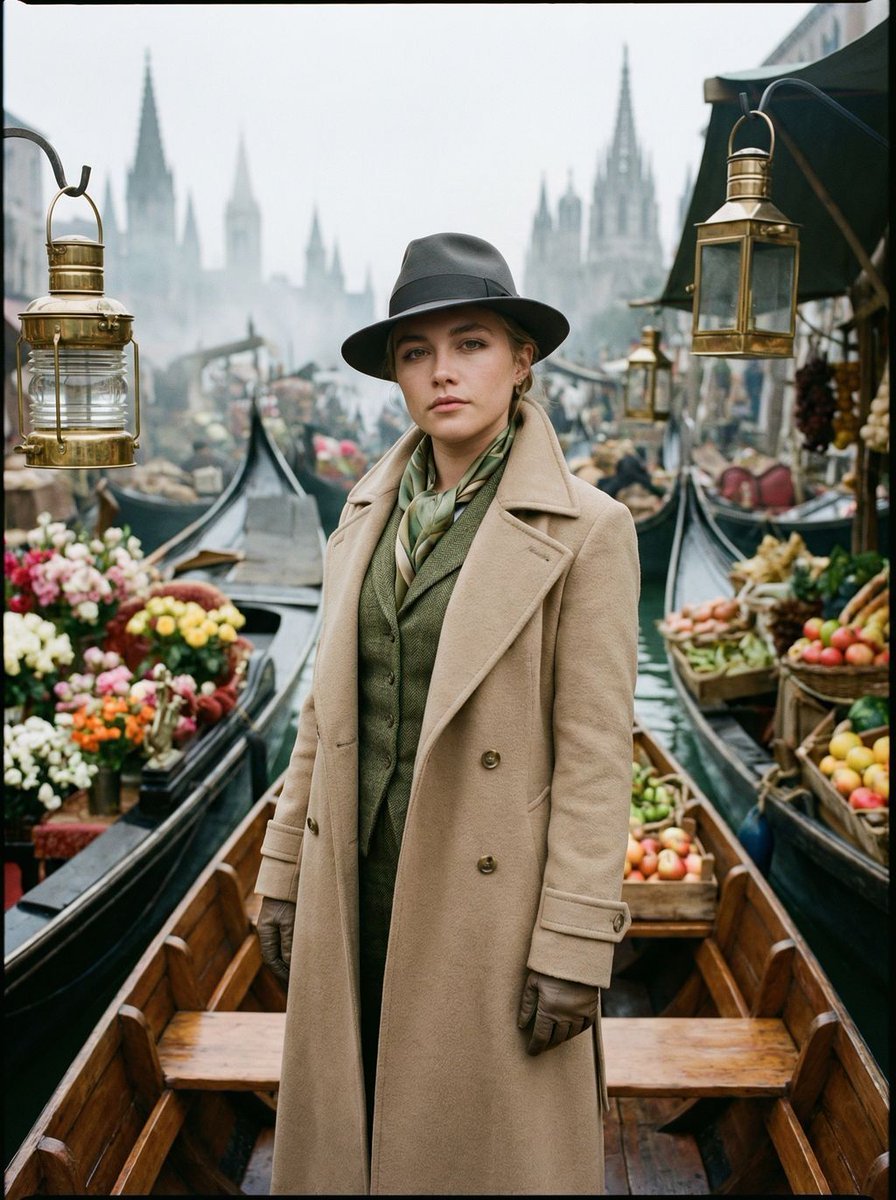
Surreal Floating Market Cinematic Editorial
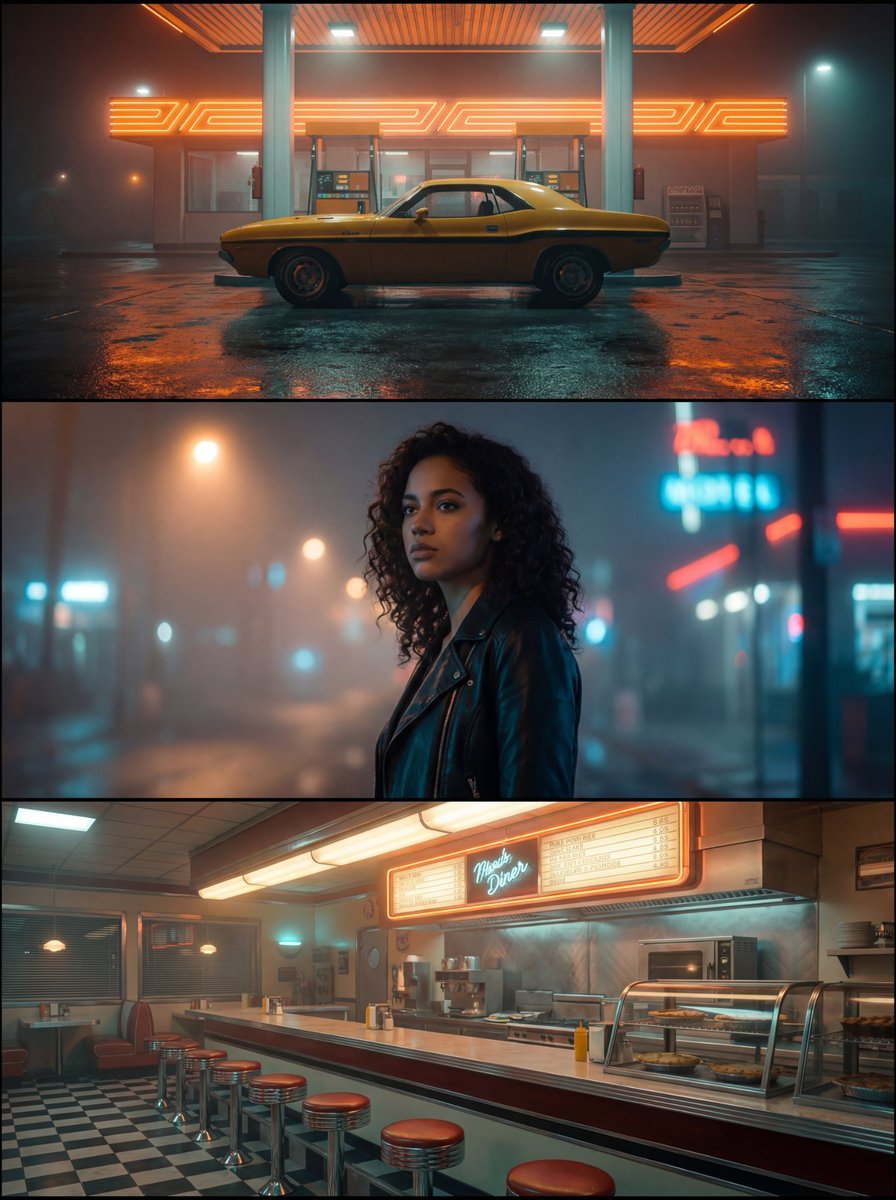
Neo-Noir Synthwave Triptych Montage
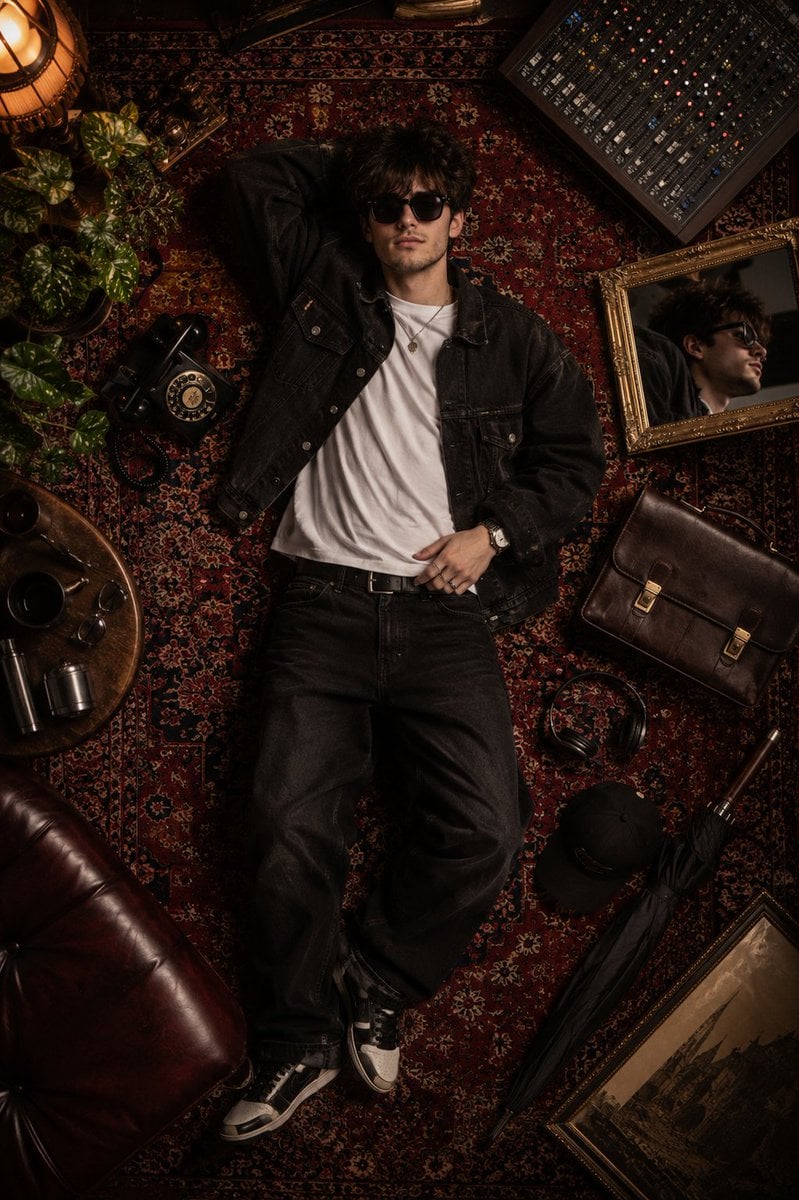
Luxury Fashion Editorial Flat Lay
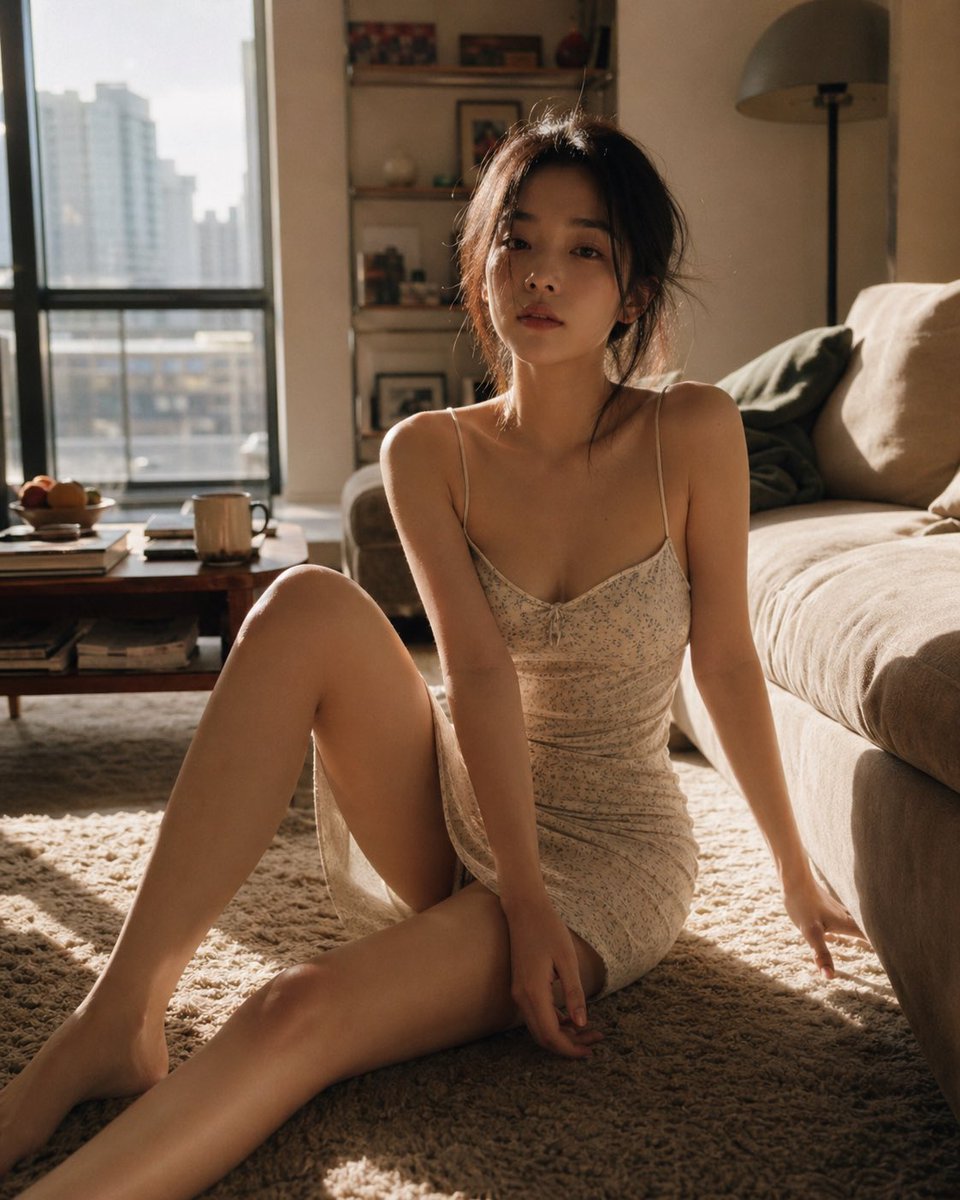
Cozy Living Room Afternoon Scene
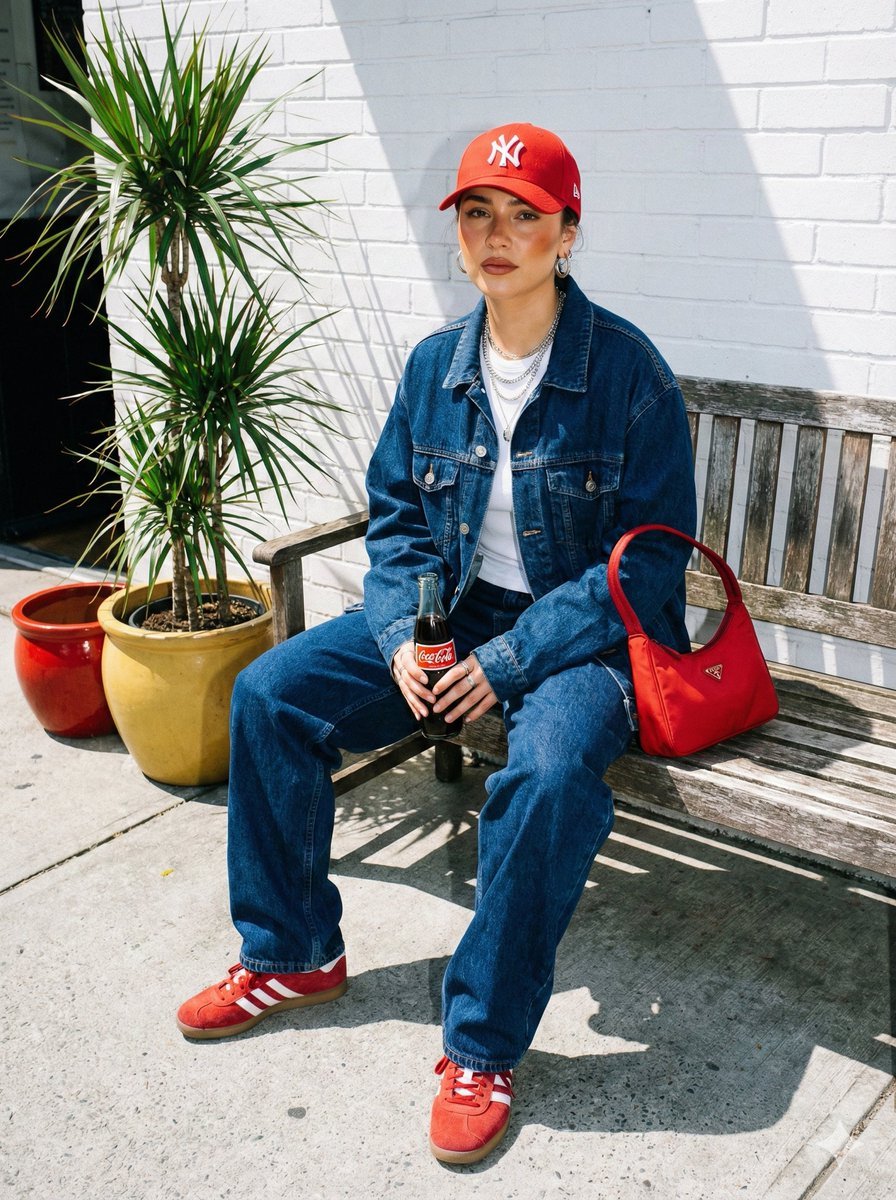
Urban Street Fashion Portrait with Vintage Accents
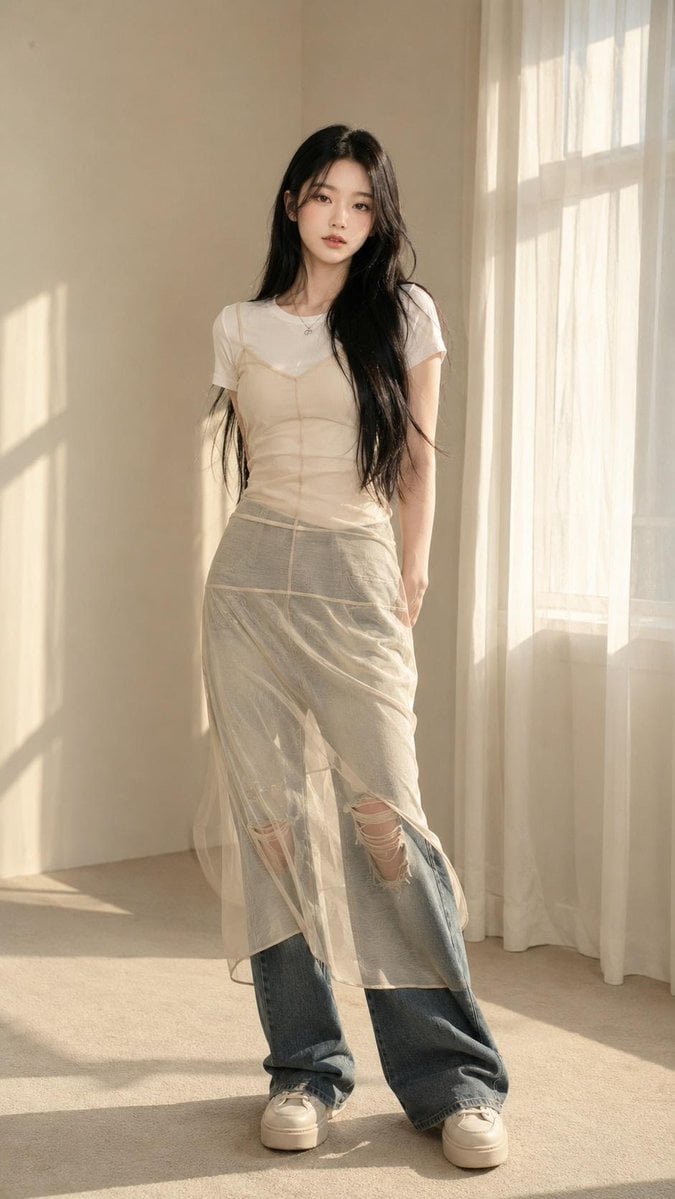
Korean Editorial Fashion Portrait
Browse template categories
Streetwear Magazine Cover Design questions
How do I use the Streetwear Magazine Cover Design template?
Add your photo if the template asks for one, edit the prompt if you like — the template's model and format are already selected — and press Generate. Your version opens in PicX Studio.
Can I customize the Streetwear Magazine Cover Design template?
Yes. You can change the subject, setting, lighting, mood, format, and available model controls before creating your image.
Is the Streetwear Magazine Cover Design template free?
Opening and editing this template is free. Generating uses credits, shown on the Generate button when you are signed in.
Which AI model should I use?
Start with GPT Image 2, which is the model associated with this template. You can compare another compatible model for a different finish.
Looking for something else? Browse all templates.

Your photo, any look
Thousands of ready templates for every top image and video model, from one credit balance.