
Summer Anime Collage Poster
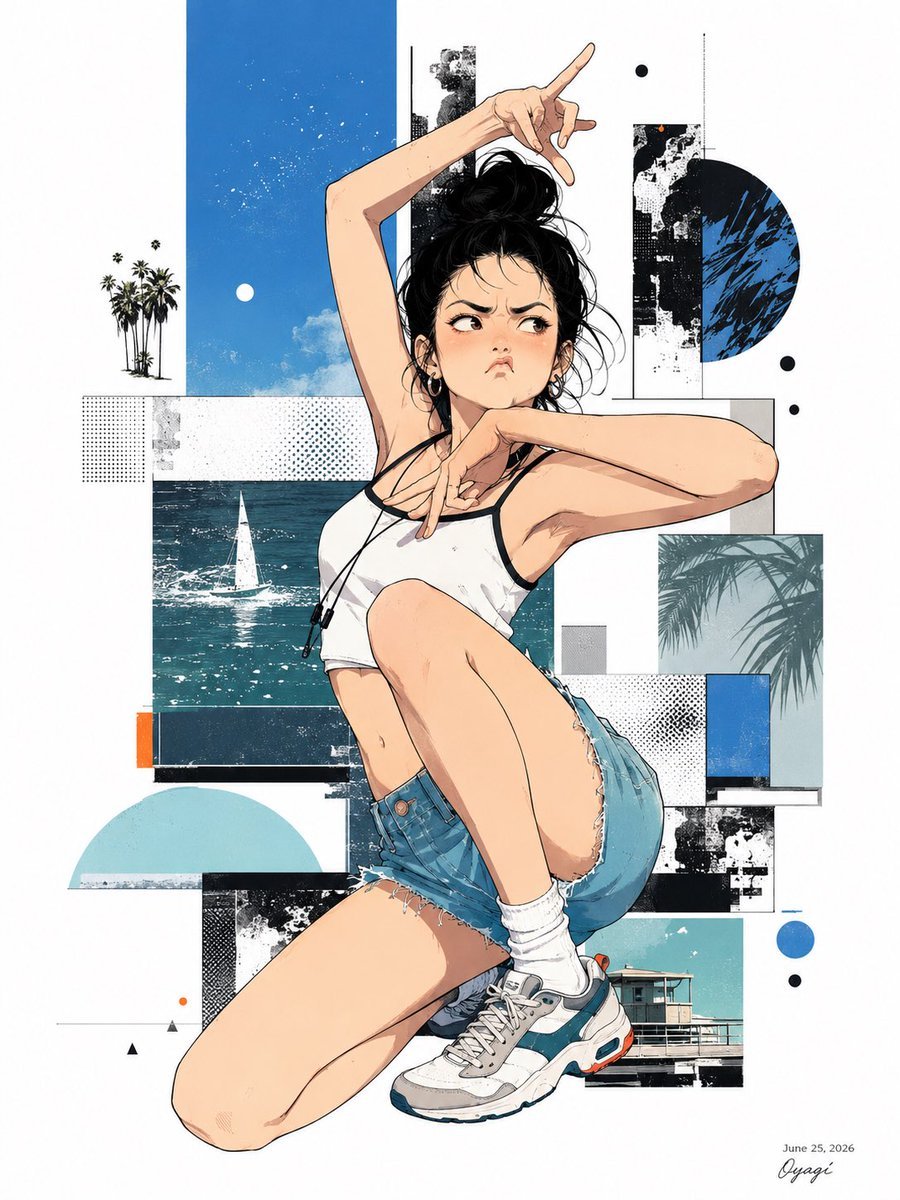
A dynamic anime fashion illustration prompt for creating a stylish kneeling summer character over an abstract blue mixed-media collage background.
- Prompt included
- Model and format preset
- Premium template
The prompt behind this image
Copy the exact prompt behind Summer Anime Collage Poster, or open it in the studio and make it yours.
Create a vertical fashion anime illustration poster of {argument name="character name" default="a young woman"} posing dynamically in the center, kneeling with one leg folded under her and the other knee raised, torso twisting, one arm stretched high above her head with fingers forming a playful gesture and the other arm crossing in front of her face. Her face should be intentionally obscured as a soft rectangular blur with no facial features. She has messy black hair tied in a loose bun with stray strands, warm light skin, a white cropped athletic tank top with black trim, black earbud cords hanging around her neck, high-waisted distressed denim short shorts with frayed hems, white scrunched socks, and chunky retro running sneakers in gray, white, teal, and small orange accents. Use crisp manga line art with realistic anatomy, clean cel shading, subtle skin texture, and a stylish contemporary editorial feel. The background is an abstract summer collage on a white canvas: include exactly 12 distinct graphic elements behind and around the figure: 1 tall cobalt-blue vertical rectangle with sky texture and speckles at upper left, 1 small white sun/moon dot inside it, 1 tiny black palm-tree silhouette cluster on the far left, 1 teal ocean photo panel with a white sailboat behind the torso, 1 black-and-white grunge vertical rectangle behind the raised arm, 1 large black-and-blue half-circle at upper right, 1 pale gray outlined rectangle behind the right arm, 1 pale cyan palm-shadow photo square at mid right, 1 pale aqua semicircle at lower left, 1 small turquoise beach-house photo rectangle at lower right, 1 narrow orange vertical accent rectangle at lower left, and 1 collection of small black and blue circular dots scattered mainly on the right. Add halftone dot patterns, black ink splatter textures, thin geometric lines, and layered rectangular cutout shapes for a mixed-media magazine-cover composition. Color palette: white, black, cobalt blue, teal, aqua, denim blue, and small orange accents. Add a tiny handwritten signature and date text in the bottom-right corner reading {argument name="date text" default="June 25, 2026"}. Keep the image clean, high-resolution, no watermark, no extra characters, no readable text except the date/signature.
How to use Summer Anime Collage Poster in 3 steps
- 1Upload ImagePNG, JPG or paste
Add your photo
Upload the photo the template builds on. The prompt, model and format are already set.
- 2…a portrait of your subject in softgolden-hour light, 85mm…
Personalize
Edit the subject and creative details for your destination.
- 3Generate
Generate
Press Generate — your image is created in PicX Studio, so you can compare it with the original and refine one variable at a time.
More like this
Templates with the same subject, style or setup. Open one to see its prompt.
Nano Banana Apple Orchard Collage
Pastel Anime Summer Beach Collage
Anime Summer Street Poster
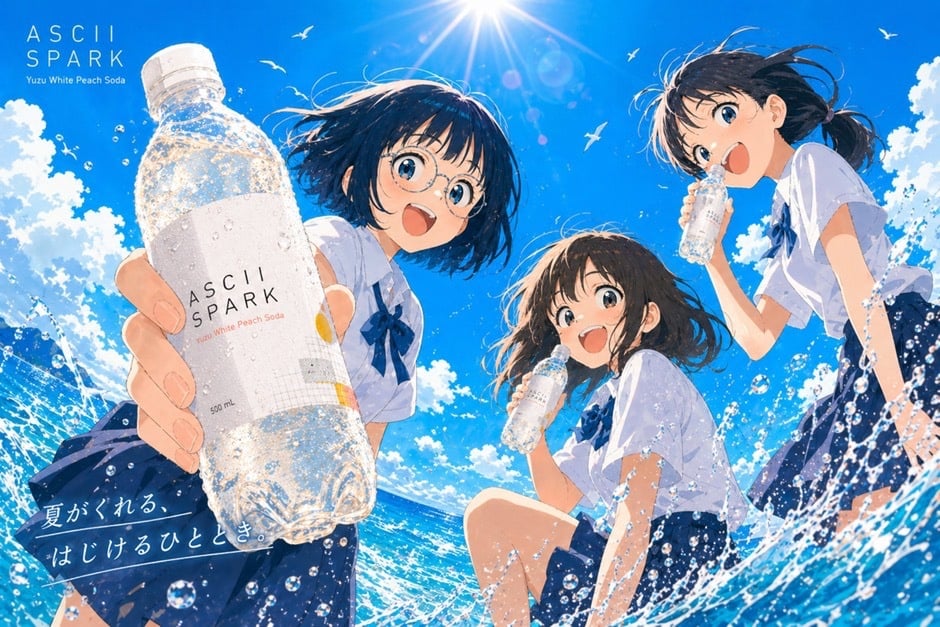
Anime Summer Soda Ad Poster
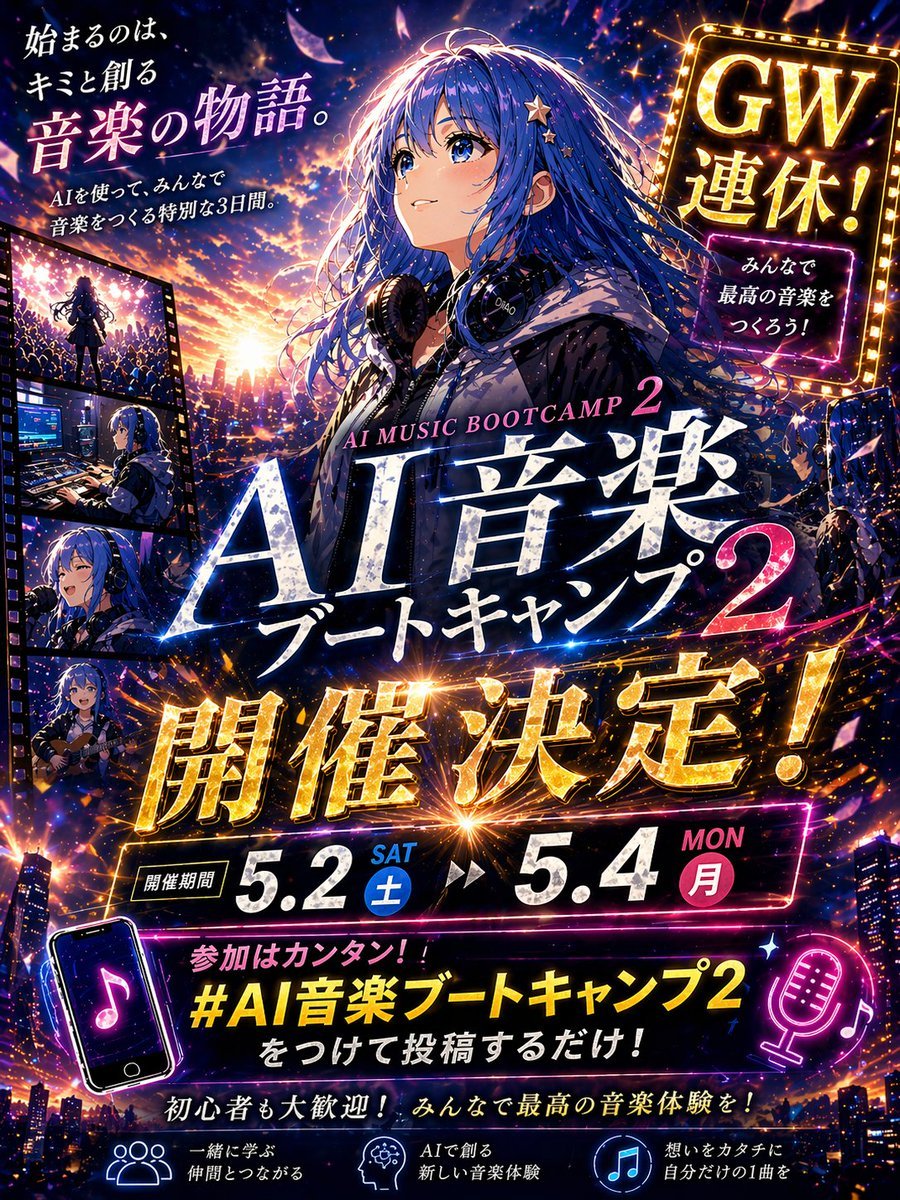
Gpt2 Youtube Thumbnail Anime Music Bootcamp Promo Poster

Japan Travel Brochure Poster
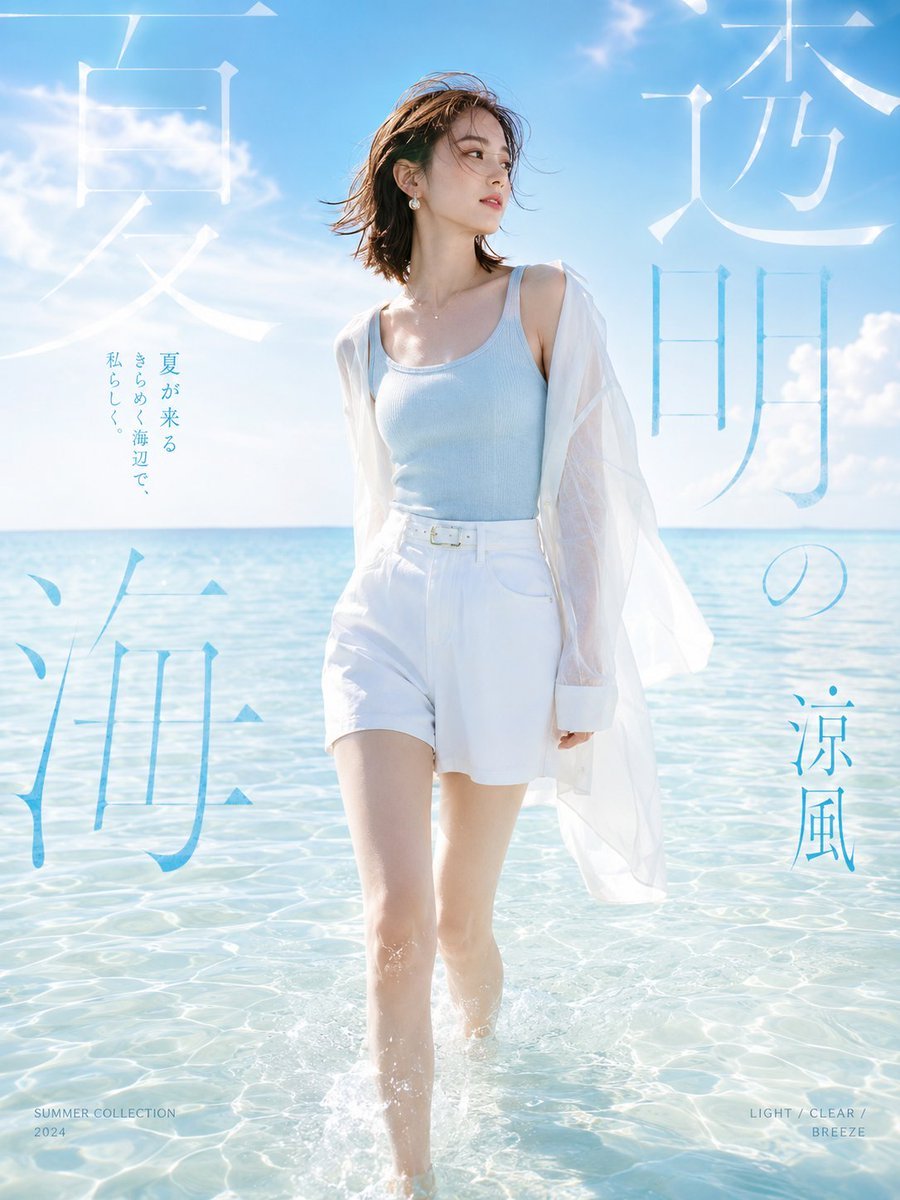
Japanese Summer Beach Fashion Poster
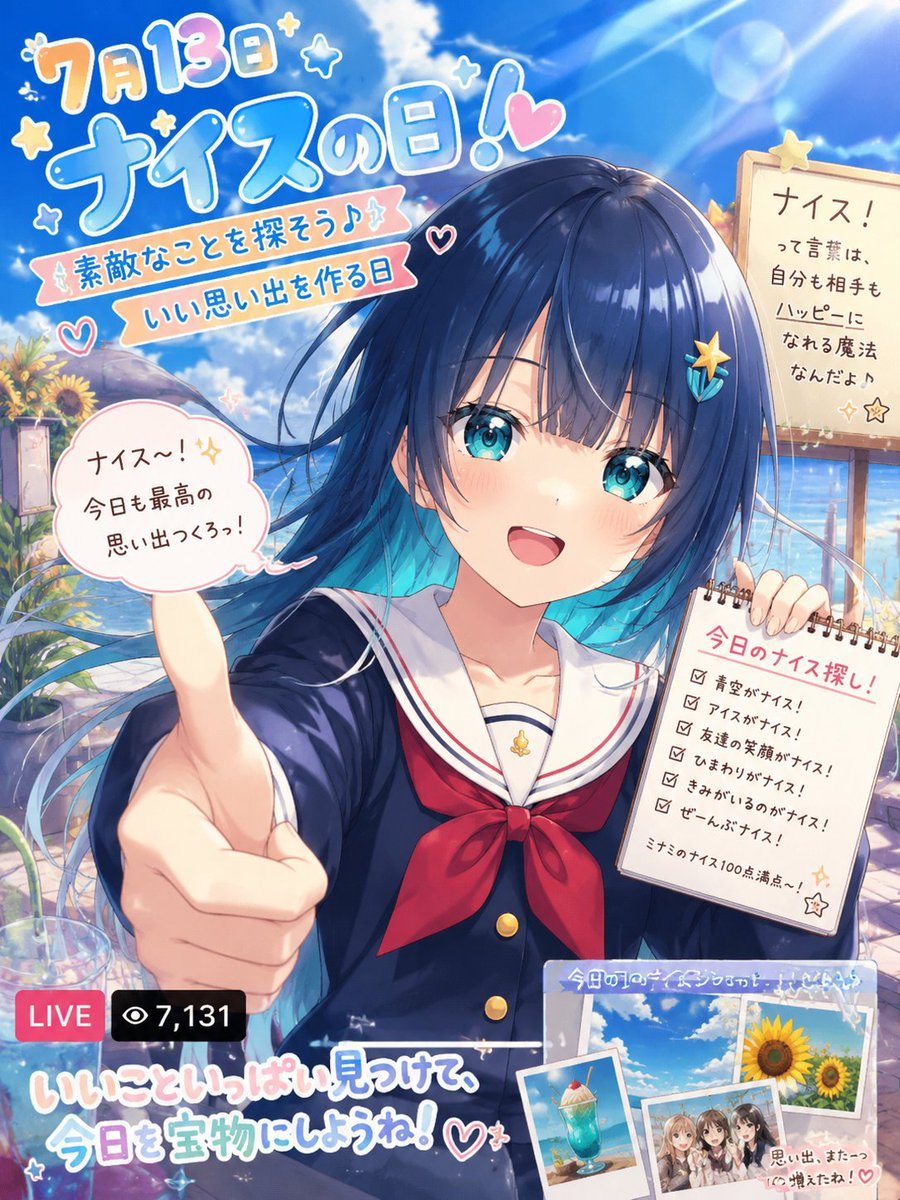
Nice Day Anime Poster
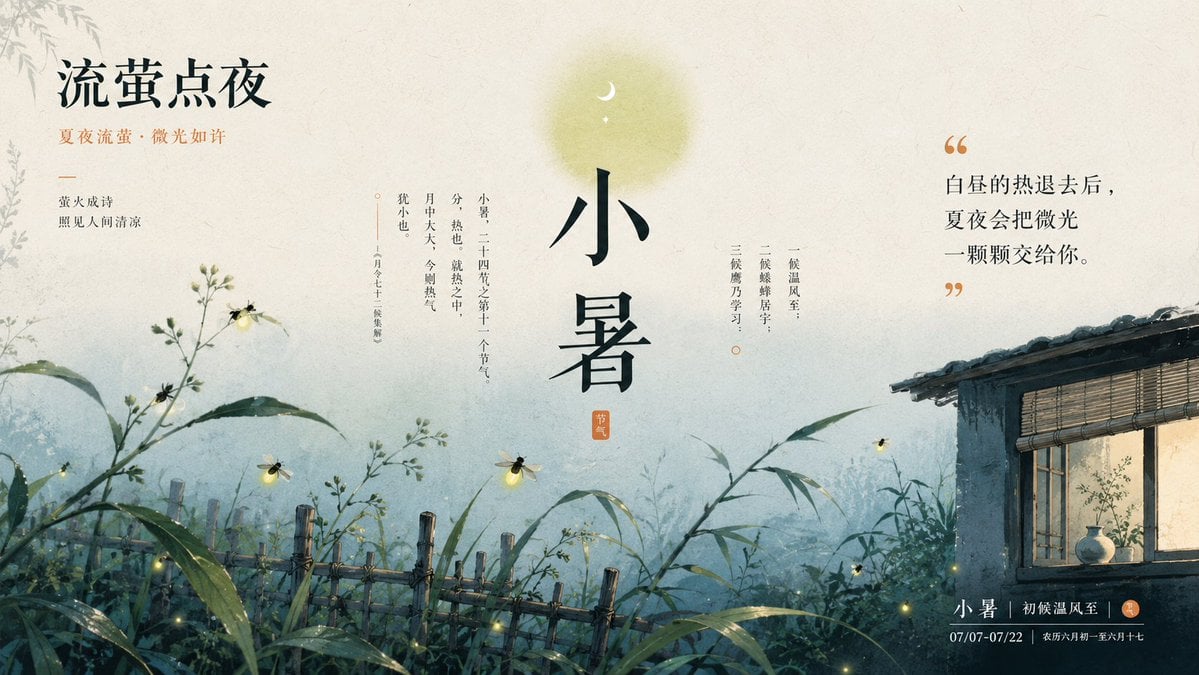
Chinese Firefly Summer Night Poster
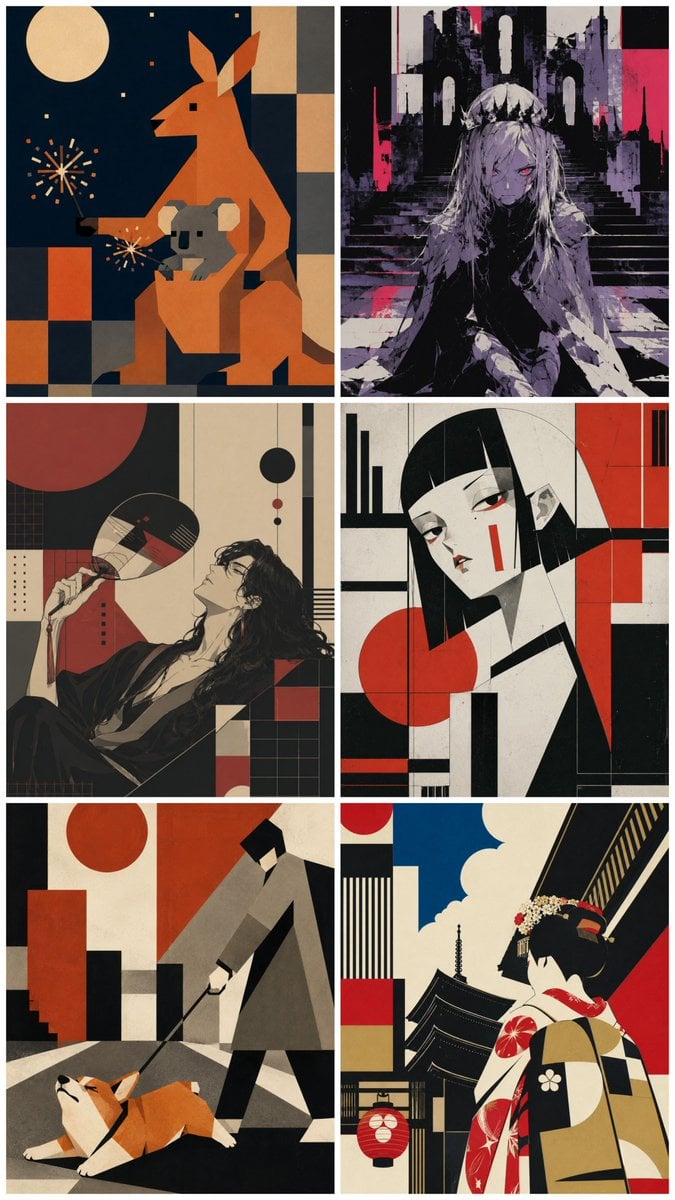
Six-Panel Retro Japanese Poster Collage
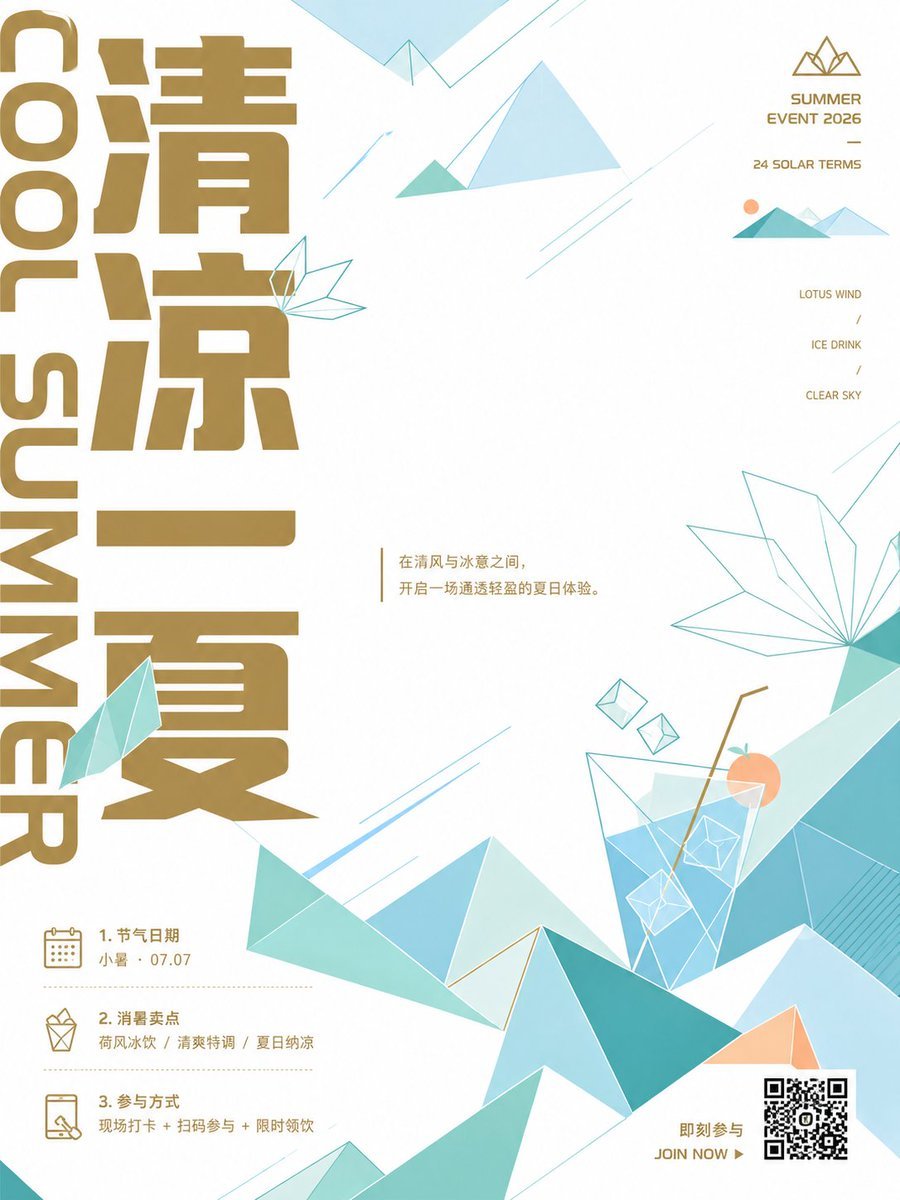
Minimalist Chinese Summer Solar Term Poster
Paper Cut Finale Fireworks
Make it yours
Summer Anime Collage Poster works as-is. These are the safest ways to change it without losing the look.
Change one field
Copy a single group, rewrite it, and generate again so you can see what that field is doing.
Keep the frame, change the subject
Hold the composition and light of Summer Anime Collage Poster, then swap wardrobe, props or the person for a new take.
| If the result… | Why | Fix |
|---|---|---|
| The result drifts from the preview | Too many fields changed at once. | Reuse Summer Anime Collage Poster as-is first, then change one group — subject, light, or setting. |
| The model over-stylizes the scene | The prose prompt leaves finish and camera underspecified. | Add one camera or lighting sentence and stay on GPT Image 2. |
More GPT Image 2 templates
Other prompts made for GPT Image 2.

Six VTuber Japanese Logo Sheet

Realistic Portrait of Woman and Deer

The Vista Modular Condo Poster

AI Model Routing Comparison Infographic

2.5D Anime Art Board

Isometric Productivity Desk Scene

New York Double Exposure Poster

Four-Panel AI Landscape Comparison

Japanese Tatami Lifestyle Magazine Cover

NESCAFÉ Coffee Map Poster
More image prompts
Fresh picks from across the catalog.
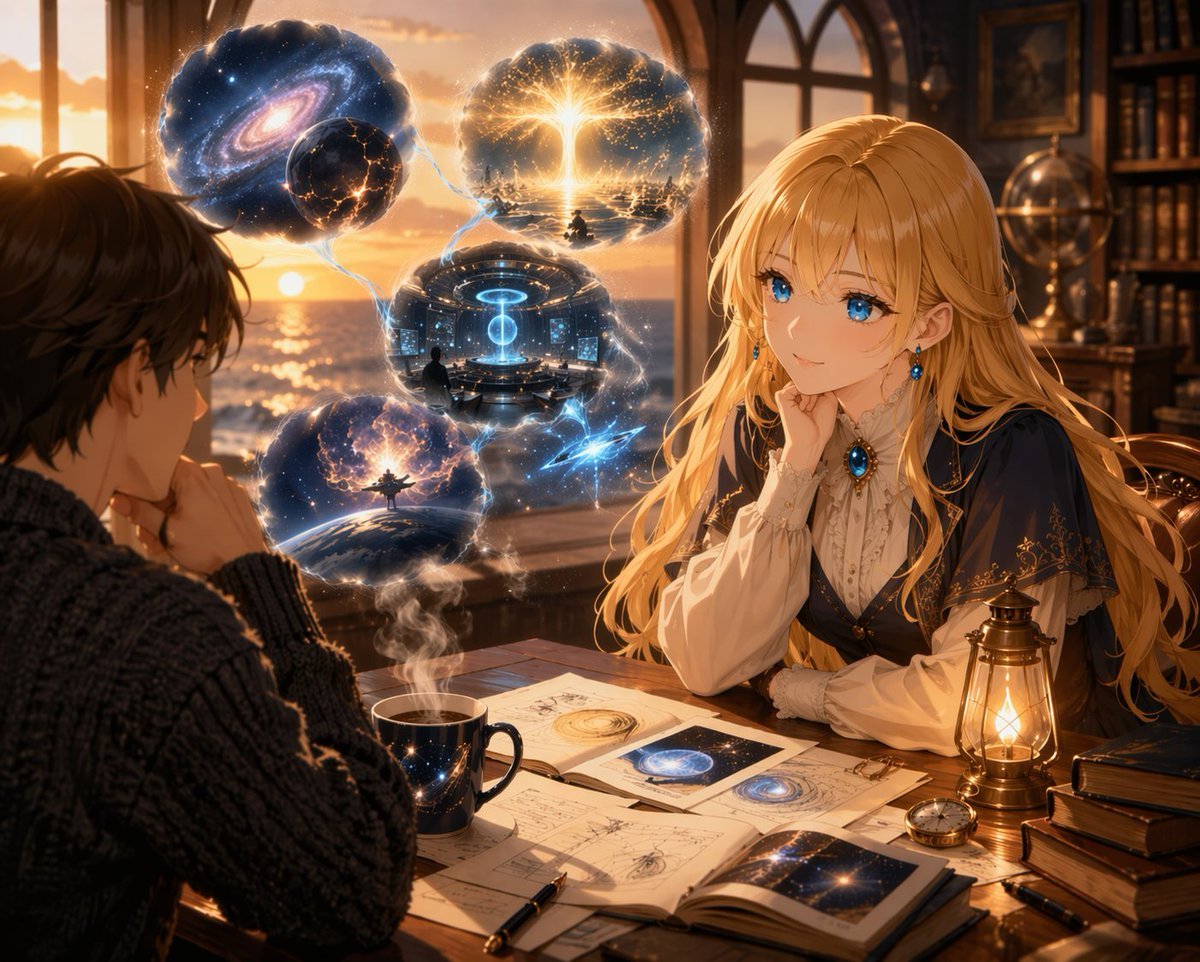
Anime Scholars with Cosmic Holograms
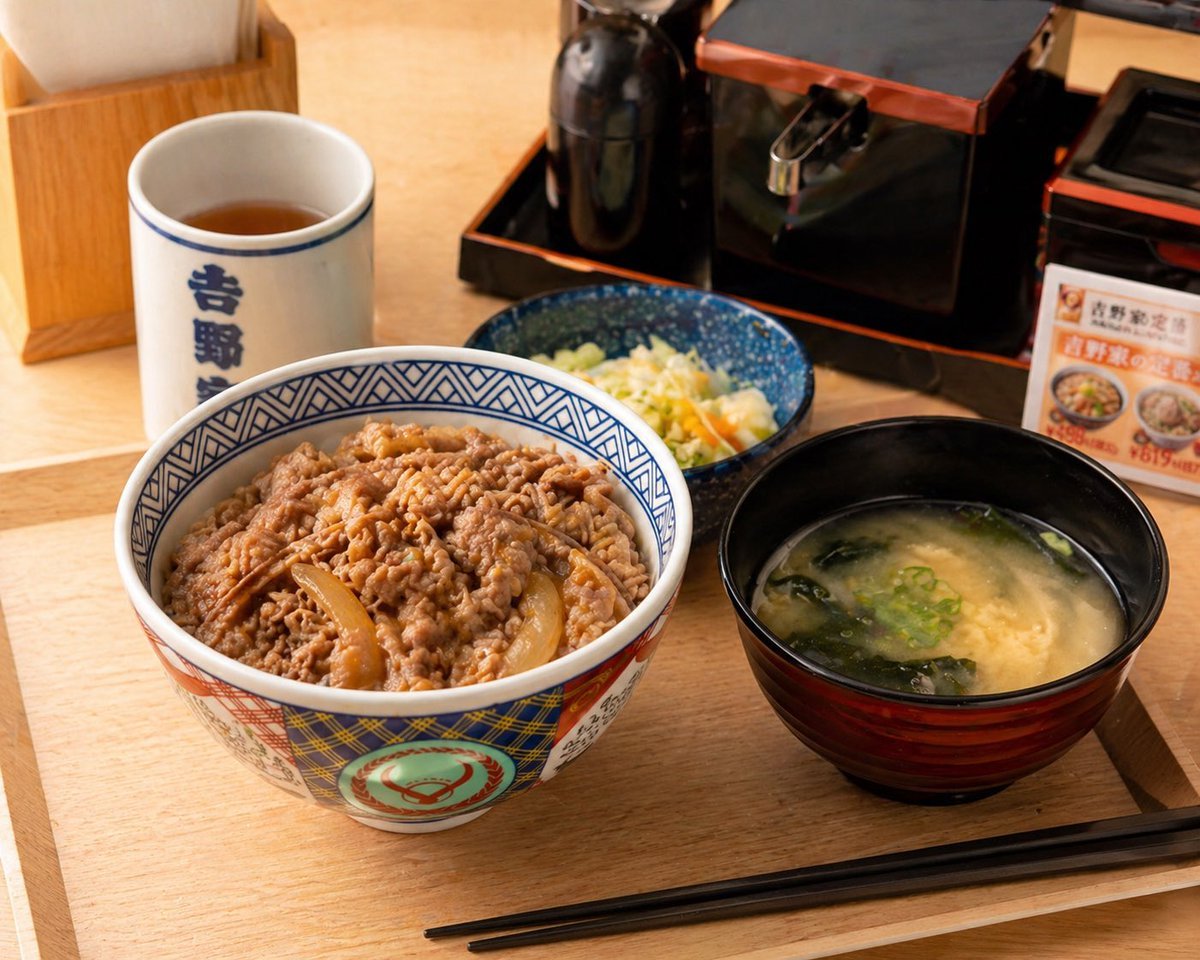
Food Image Professional Retouching Prompt
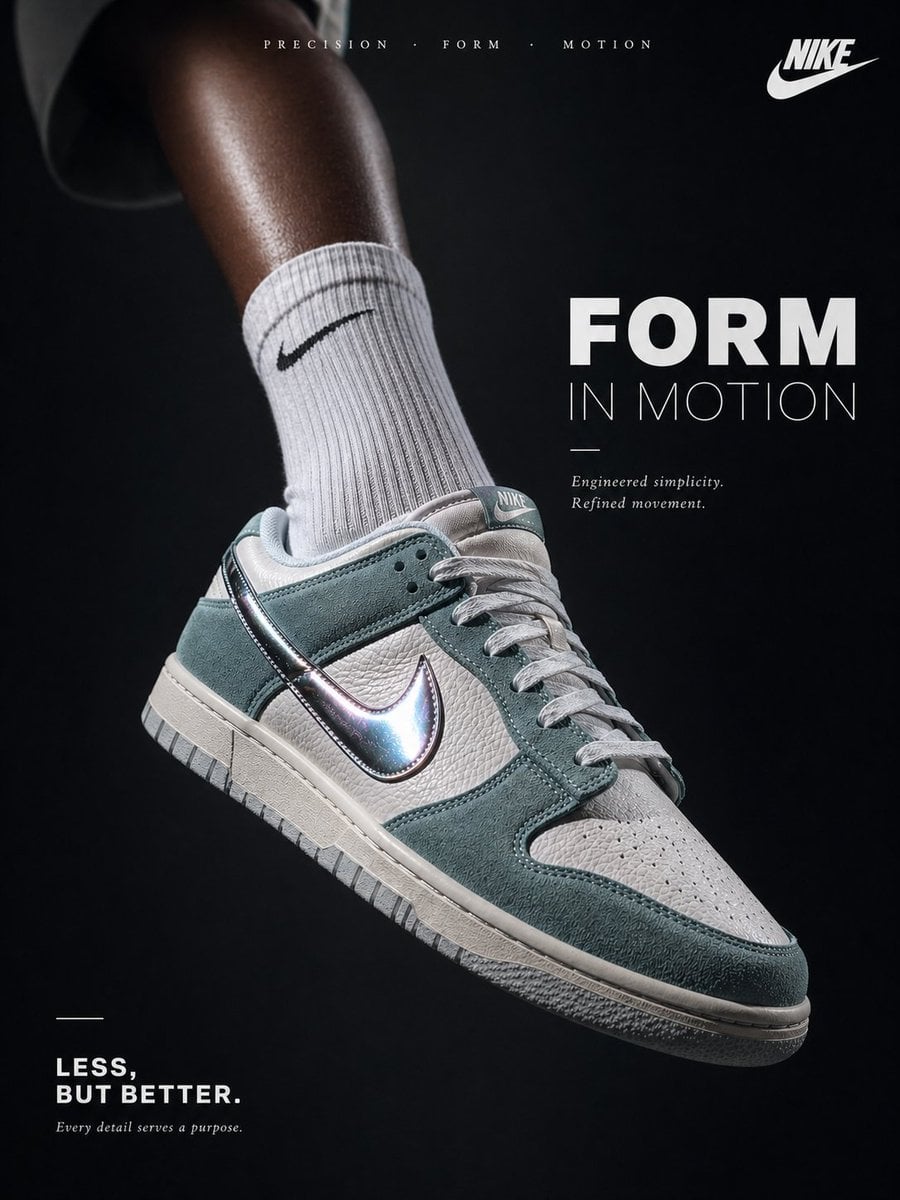
Luxury Minimalist Footwear Ad
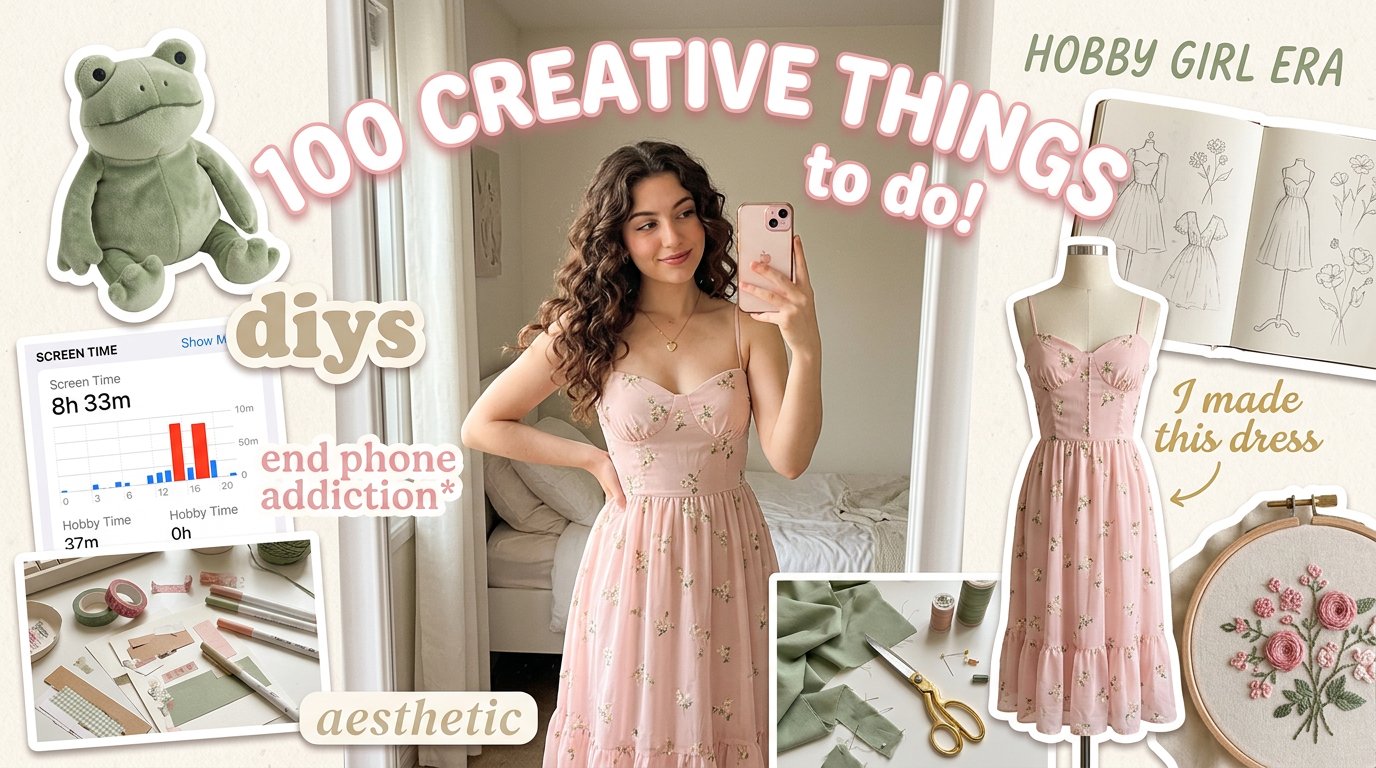
Aesthetic Hobby Girl Collage Youtube Thumbnail
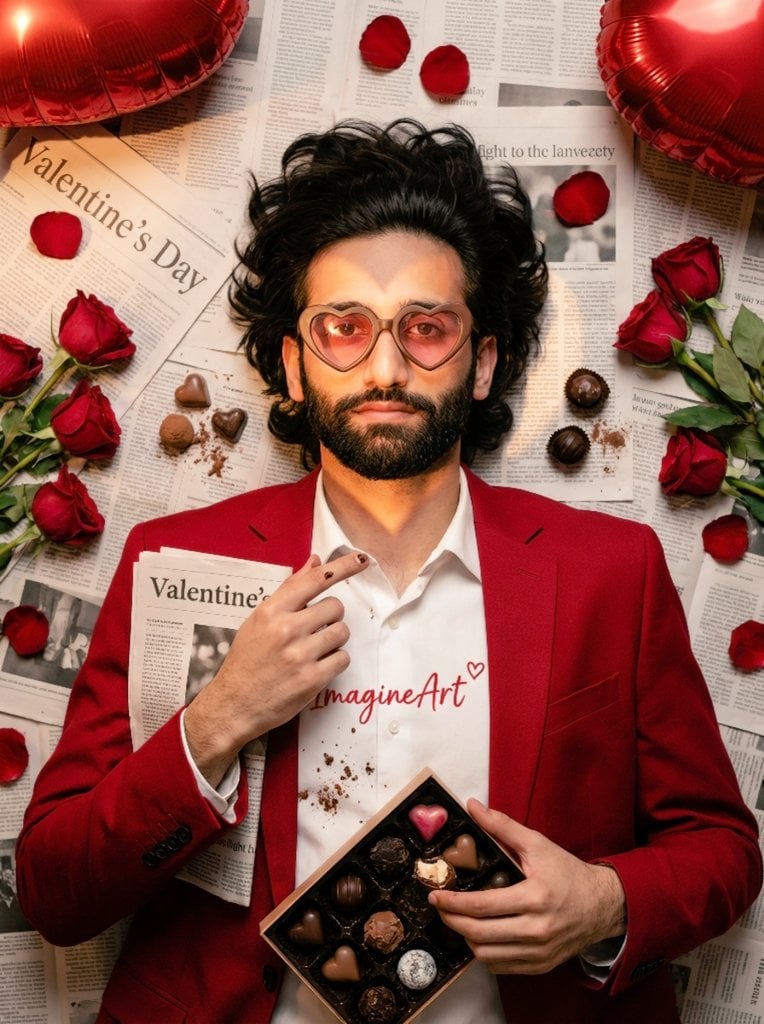
Valentine's Day Chocolate and Roses Editorial Portrait
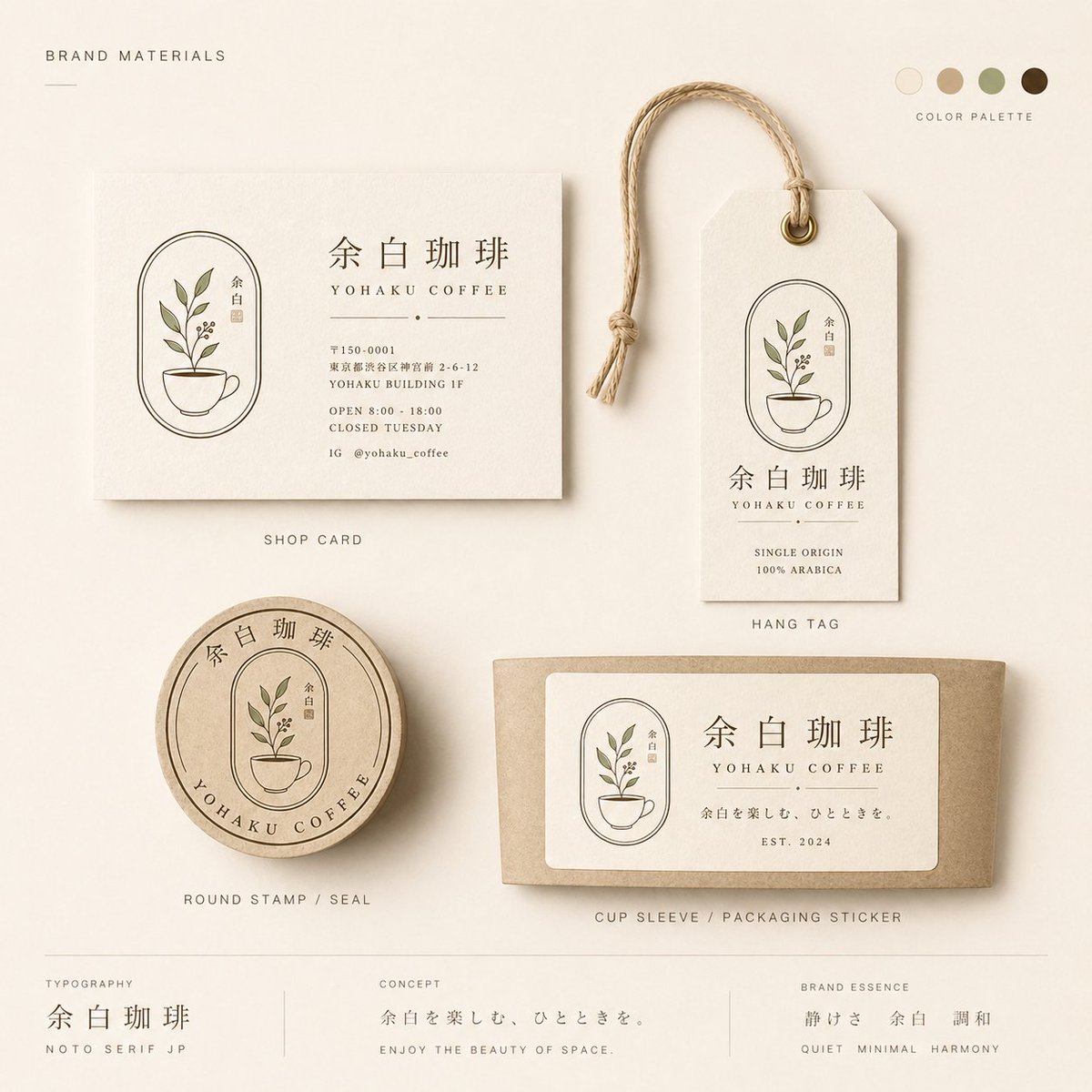
Yohaku Coffee Brand Materials Board
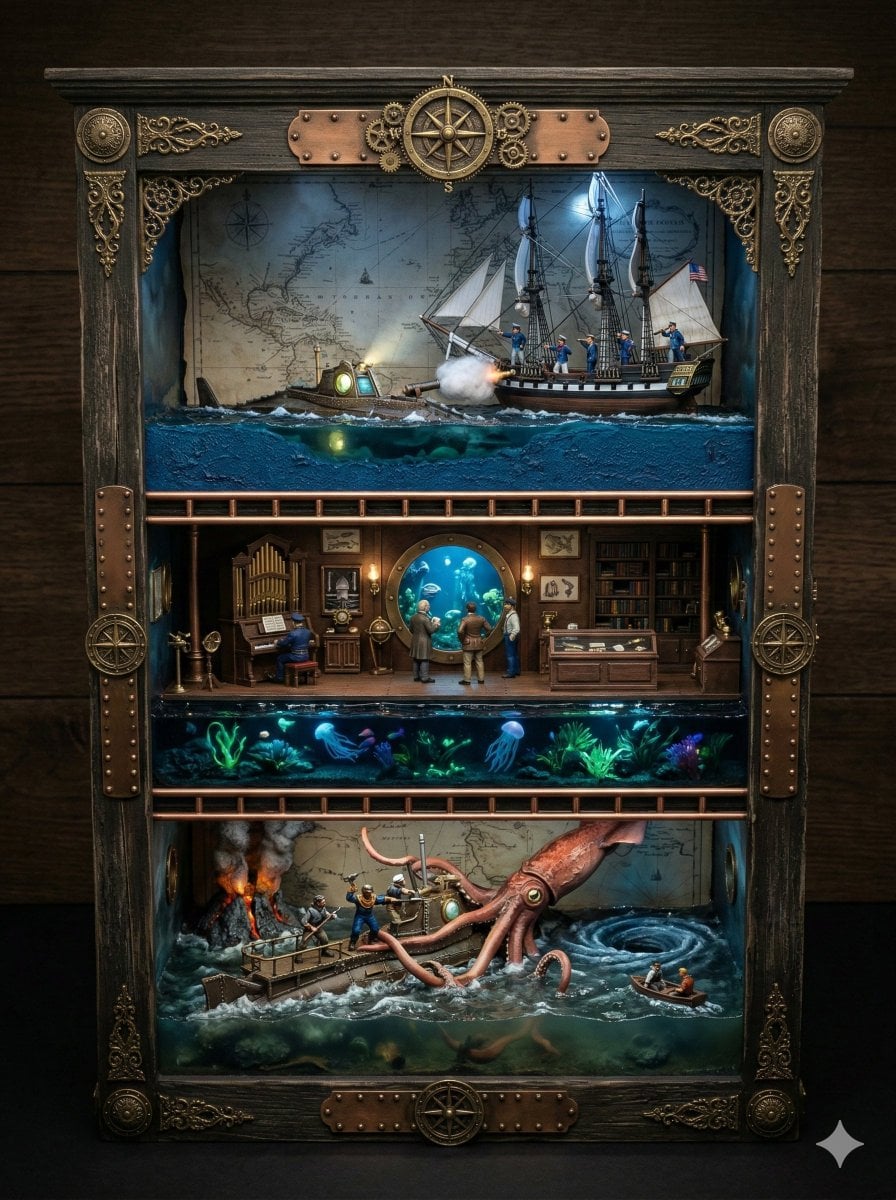
Ornate Box Diorama Prompt for Twenty Thousand Leagues Under the Sea
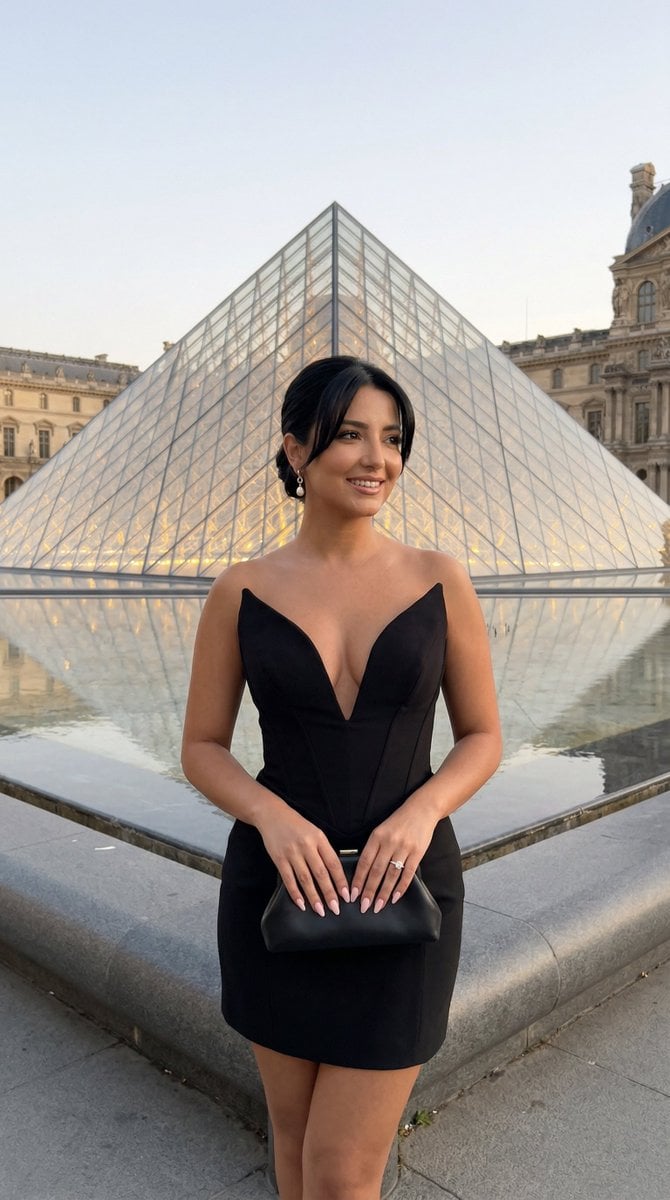
Louvre Pyramid Luxury Editorial Campaign
Spider-Symbiote Mirror Selfie Prompt
Feisty Gothic Lolita Girl
Browse template categories
Summer Anime Collage Poster questions
How do I use the Summer Anime Collage Poster template?
Add your photo if the template asks for one, edit the prompt if you like — the template's model and format are already selected — and press Generate. Your version opens in PicX Studio.
Can I customize the Summer Anime Collage Poster template?
Yes. You can change the subject, setting, lighting, mood, format, and available model controls before creating your image.
Is the Summer Anime Collage Poster template free?
Opening and editing this template is free. Generating uses credits, shown on the Generate button when you are signed in.
Which AI model should I use?
Start with GPT Image 2, which is the model associated with this template. You can compare another compatible model for a different finish.
Looking for something else? Browse all templates.

Your photo, any look
Thousands of ready templates for every top image and video model, from one credit balance.