
Anime Twin Chibi Portrait
Generates a cute chibi anime twin portrait with a small realistic source-photo inset, ideal for social media avatar transformation concepts.
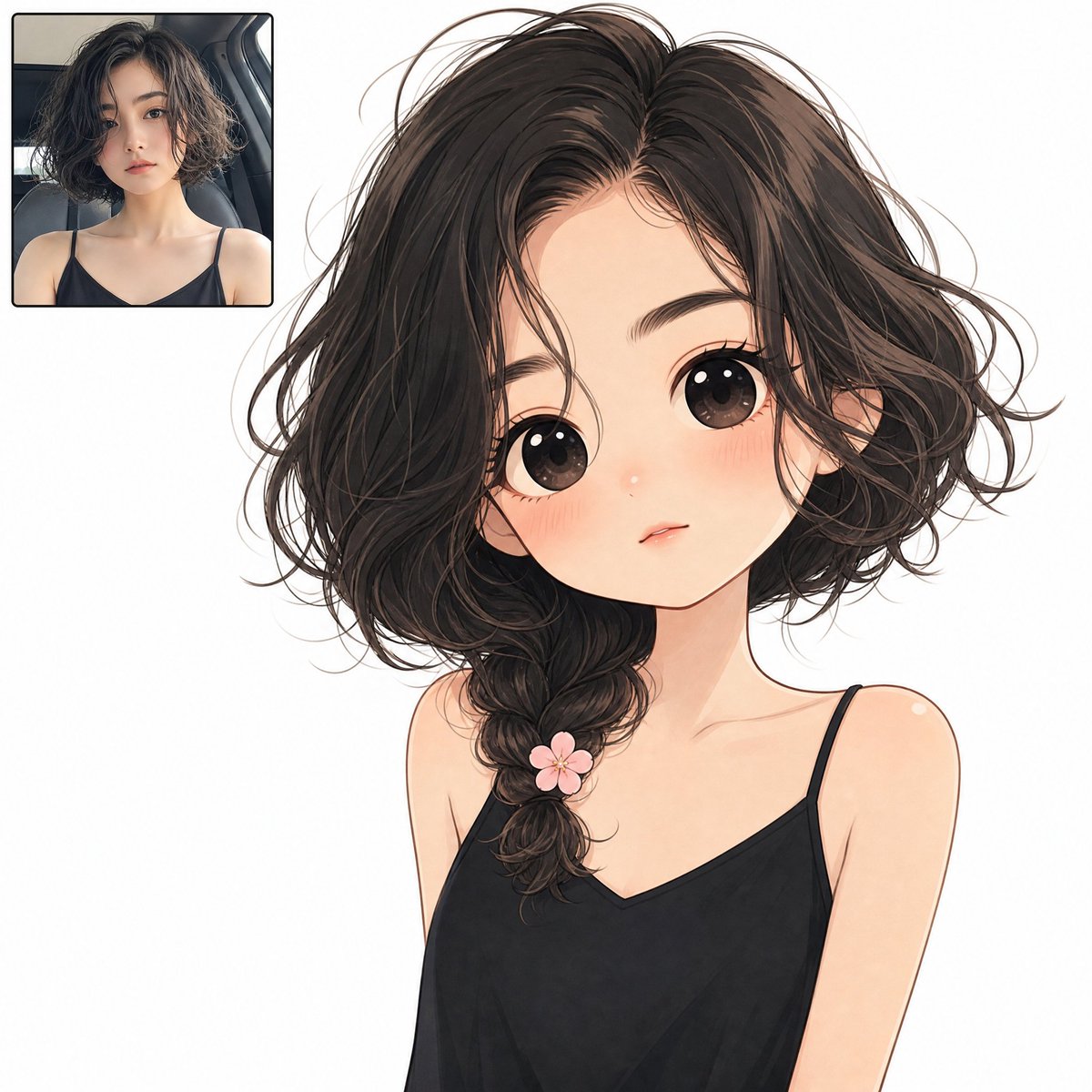
- Prompt included
- Model and format preset
- Free template
The prompt behind this image
Copy the exact prompt behind Anime Twin Chibi Portrait, or open it in the studio and make it yours.
Create a square full-bleed digital illustration on a plain solid white background showing an anime twin transformation layout. The main subject is a cute minimalist chibi anime girl occupying the center and right side of the canvas from head to upper torso, with an oversized head, tiny shoulders, very large glossy dark brown eyes, soft peach skin, rosy blushing cheeks, a small nose highlight, and a tiny slightly parted neutral mouth. She has {argument name="hair color" default="dark brown almost black"} messy short wavy bob hair with loose flyaway strands, parted near the center, with one thick loose side braid falling over her left shoulder. Add exactly 1 small pink five-petal flower clip attached near the lower part of the braid. She wears {argument name="top color" default="black"} minimalist spaghetti-strap camisole top with exactly 2 thin shoulder straps and a shallow V neckline. The expression should feel shy, calm, and doll-like, with delicate clean line art, soft watercolor-like shading, subtle blush gradients, and polished anime rendering. In the upper-left corner, include exactly 1 small rounded-rectangle inset photo frame with a thin dark border, showing a realistic portrait of the same young woman as the source look: short tousled dark wavy hair, natural makeup, black spaghetti-strap top, seated in a car interior, facing the camera with a neutral expression. The inset should be about one quarter of the canvas width, placed with a small margin from the top and left edges. Keep the background completely white, with no text, no watermark, no extra accessories, and no additional characters. Use a clean high-resolution social-media avatar style that makes the realistic inset and the larger anime version visually match in hairstyle, outfit, and mood.
How to use Anime Twin Chibi Portrait in 3 steps
- 1Upload ImagePNG, JPG or paste
Add your photo
Upload the photo the template builds on. The prompt, model and format are already set.
- 2…a portrait of your subject in softgolden-hour light, 85mm…
Personalize
Edit the subject and creative details for your destination.
- 3Generate
Generate
Press Generate — your image is created in PicX Studio, so you can compare it with the original and refine one variable at a time.
More like this
Templates with the same subject, style or setup. Open one to see its prompt.

Found Photograph: Us, 1970

80s Couple Studio Portrait

80s Bollywood Star

80s Golden Hour Cinema

Me in 1985

1985 Studio Portrait
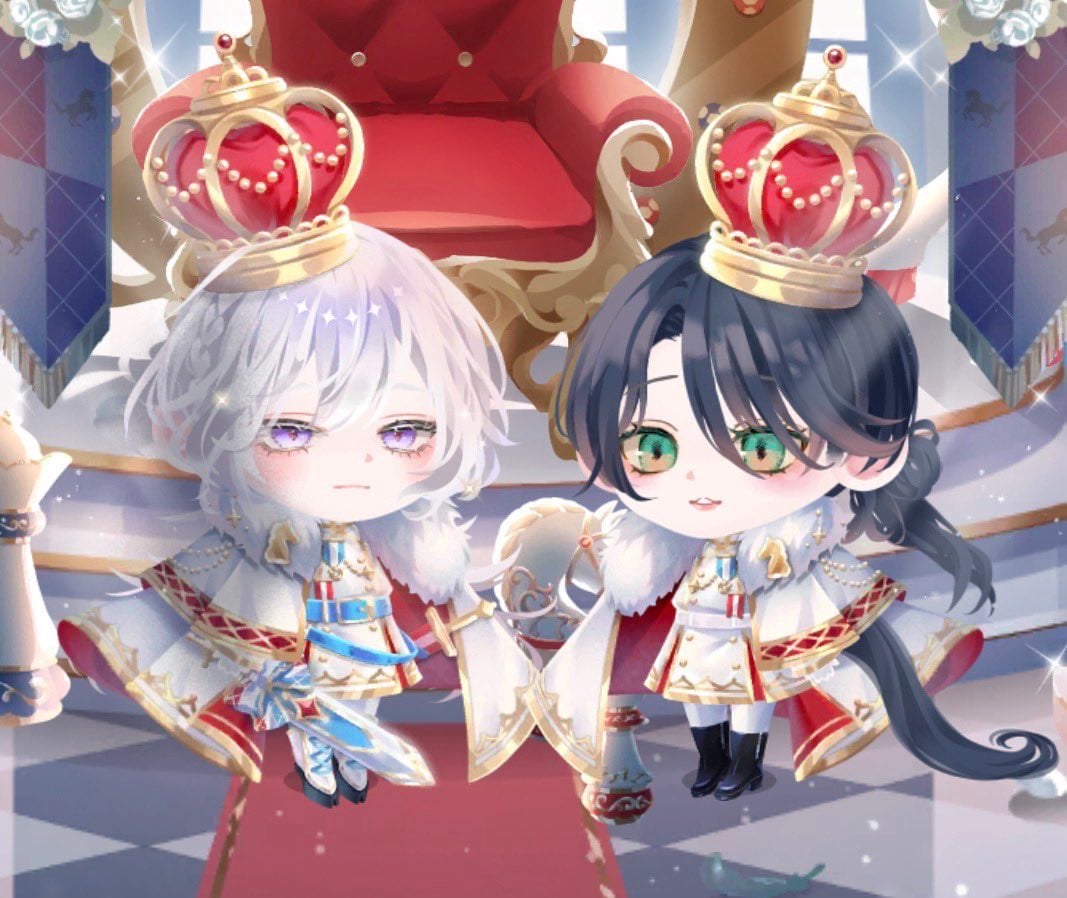
Chibi Royal Horse Twin Princes
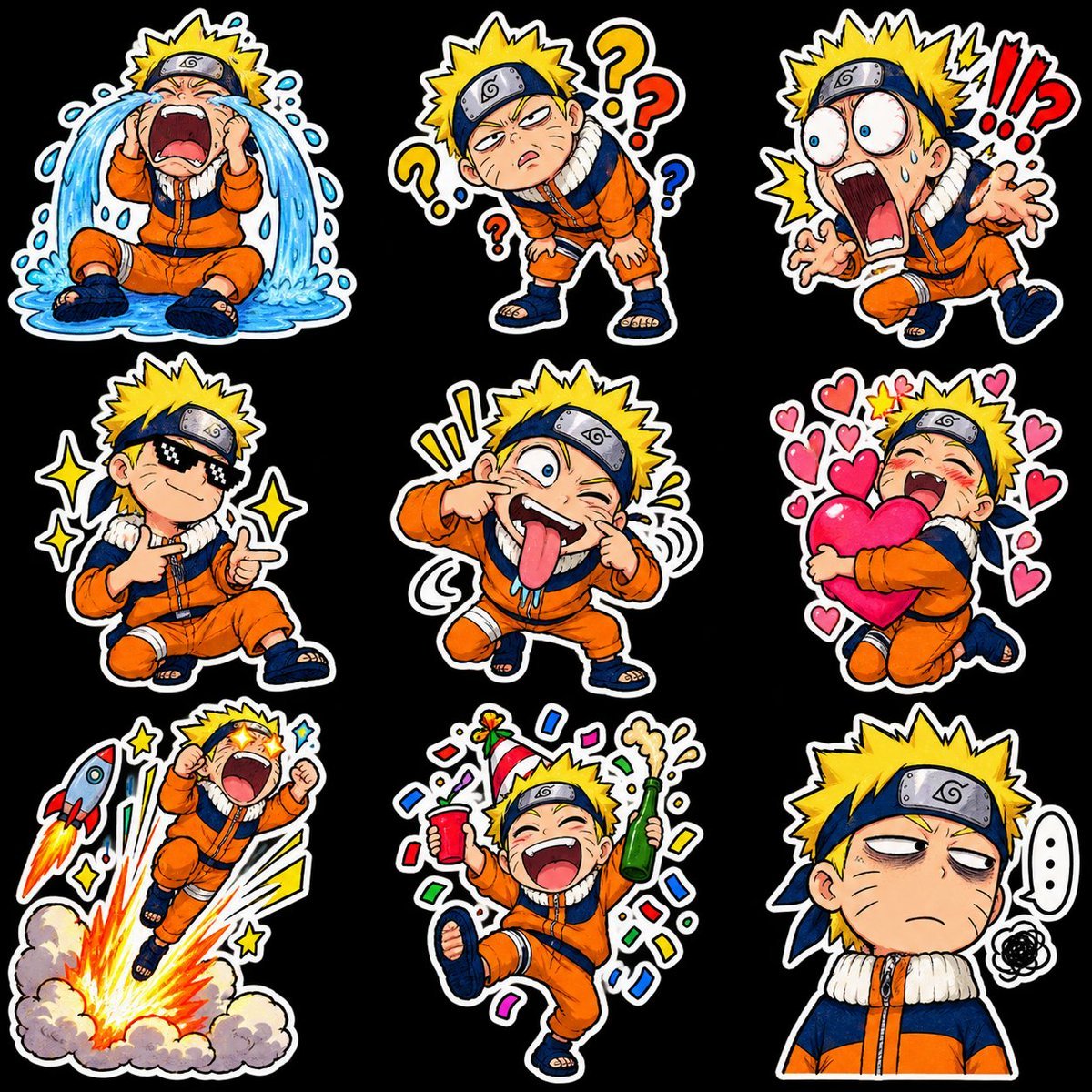
Chibi Anime Ninja Sticker Sheet

Hyper-Realistic Minecraft POV Portrait
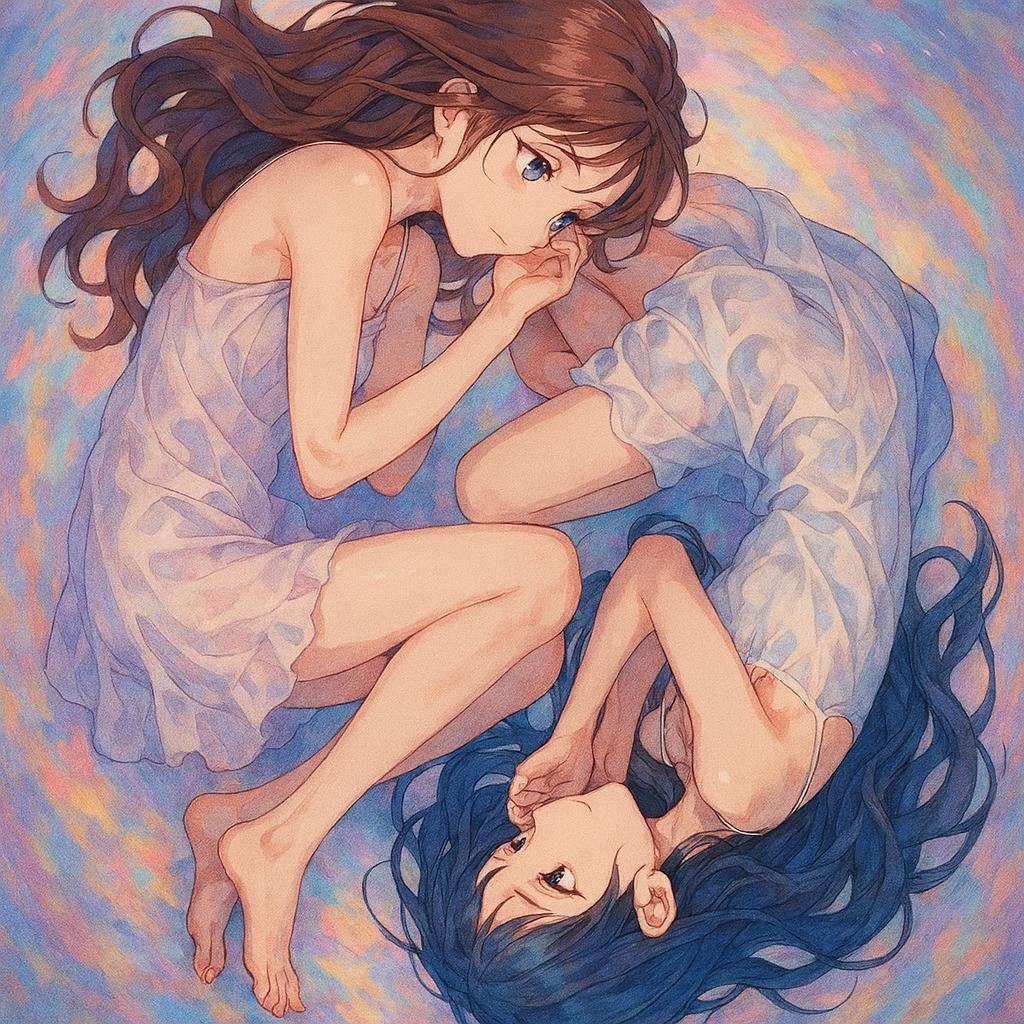
Anime Yin-Yang Twin Girls
Monochrome Gothic Twin Portrait
Twin Deity Anime Calligraphy Art
Make it yours
Anime Twin Chibi Portrait works as-is. These are the safest ways to change it without losing the look.
Change one field
Copy a single group, rewrite it, and generate again so you can see what that field is doing.
Keep the frame, change the subject
Hold the composition and light of Anime Twin Chibi Portrait, then swap wardrobe, props or the person for a new take.
| If the result… | Why | Fix |
|---|---|---|
| The result drifts from the preview | Too many fields changed at once. | Reuse Anime Twin Chibi Portrait as-is first, then change one group — subject, light, or setting. |
| The model over-stylizes the scene | The prose prompt leaves finish and camera underspecified. | Add one camera or lighting sentence and stay on GPT Image 2. |
More GPT Image 2 templates
Other prompts made for GPT Image 2.

Six VTuber Japanese Logo Sheet

Realistic Portrait of Woman and Deer

The Vista Modular Condo Poster

AI Model Routing Comparison Infographic

2.5D Anime Art Board

Isometric Productivity Desk Scene

New York Double Exposure Poster

Four-Panel AI Landscape Comparison

Japanese Tatami Lifestyle Magazine Cover

NESCAFÉ Coffee Map Poster
More image prompts
Fresh picks from across the catalog.
Medium Shot of Character Interacting with Floating Interface
Japanese Train Comic Ad
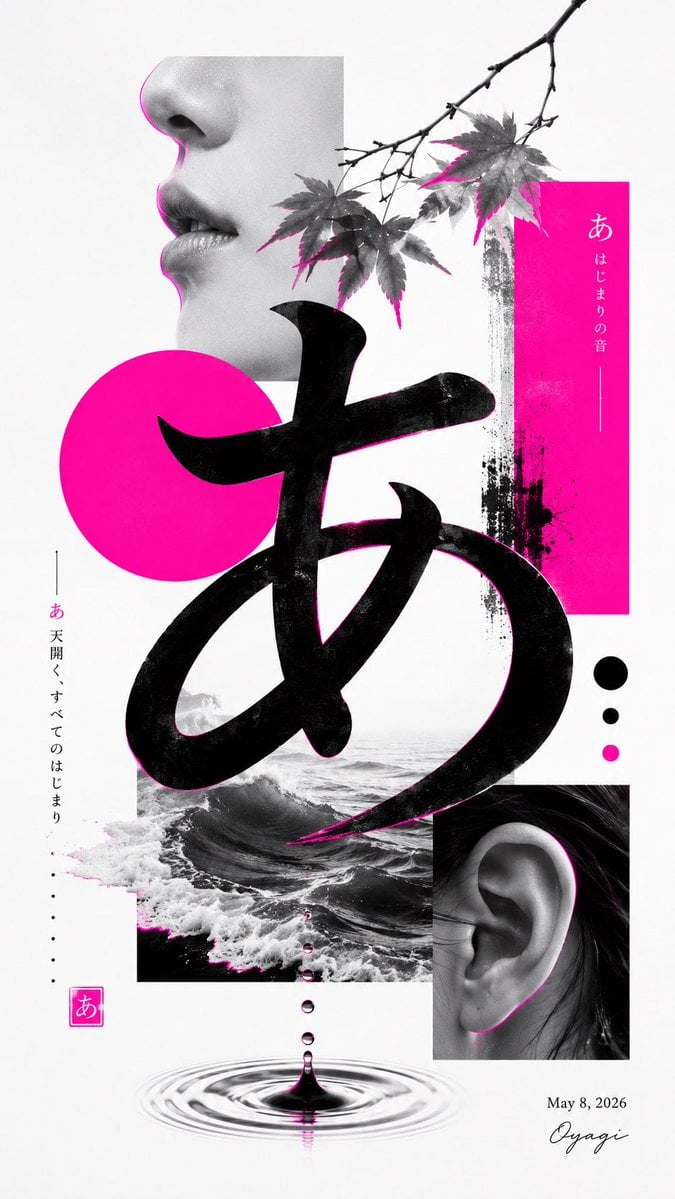
Minimalist Contemporary Typography Art
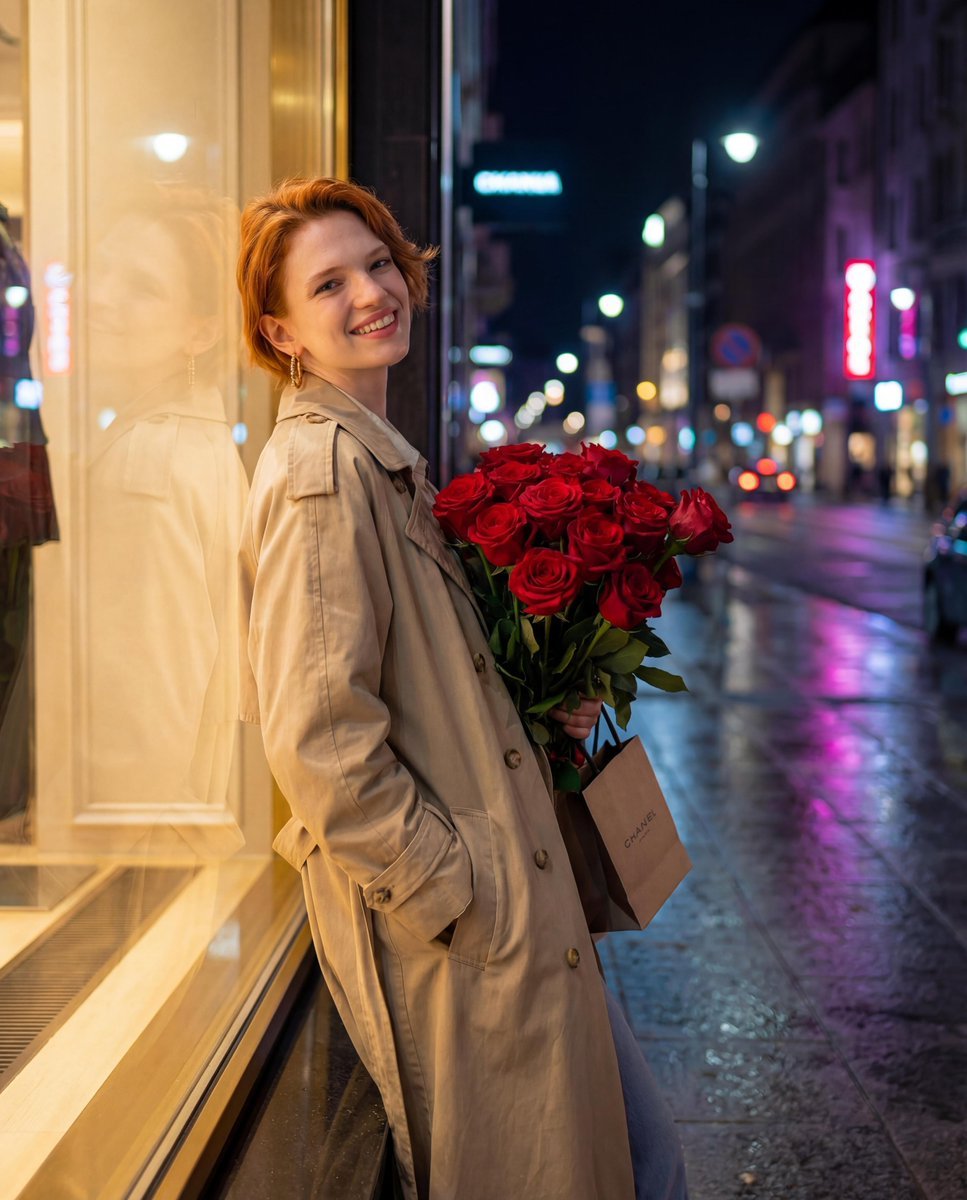
Candid Night-Time Street Style Photo with Roses
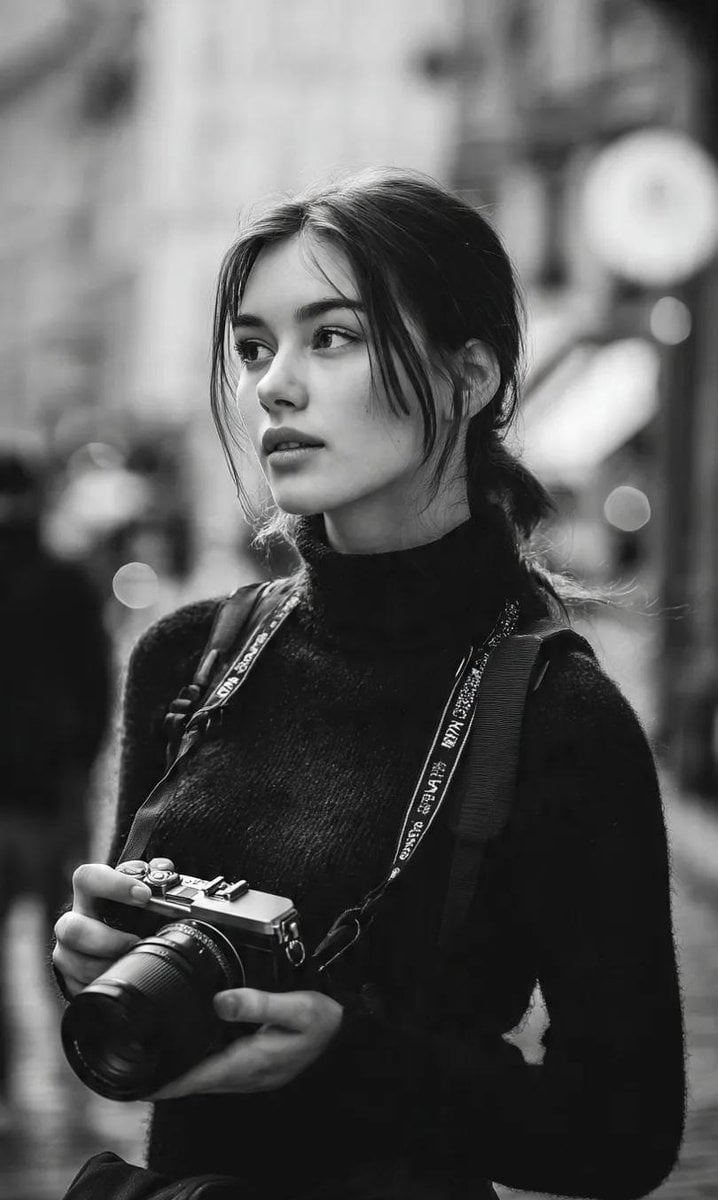
Monochrome Street Photographer Portrait
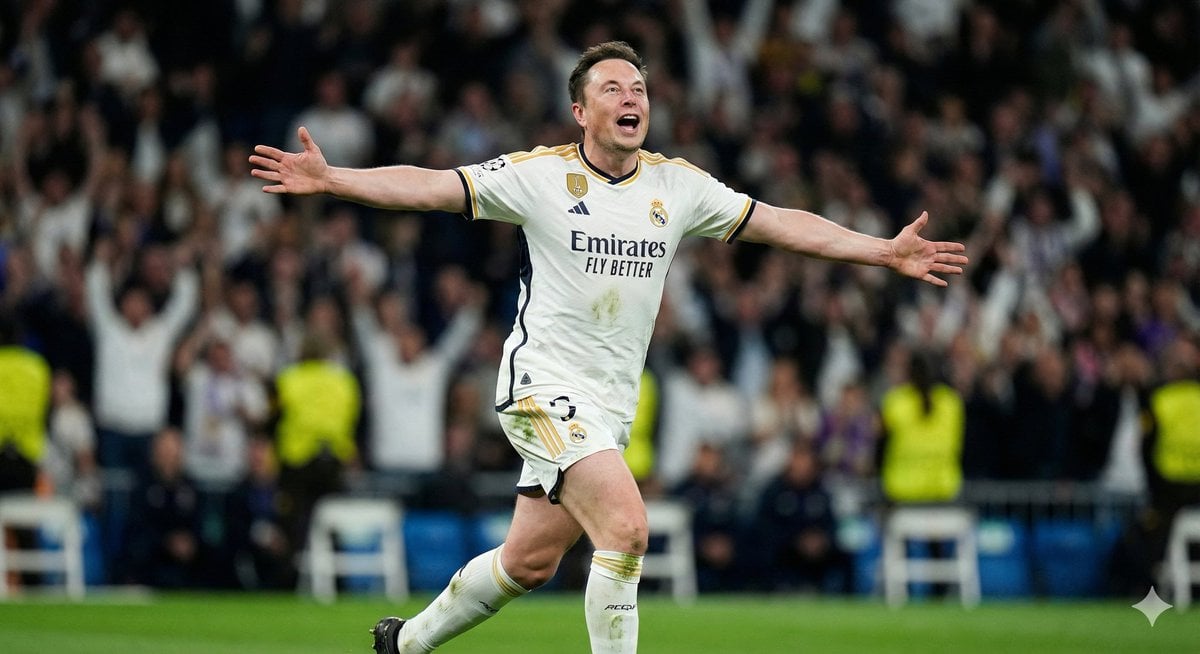
AI Footballer Goal Celebration Generation
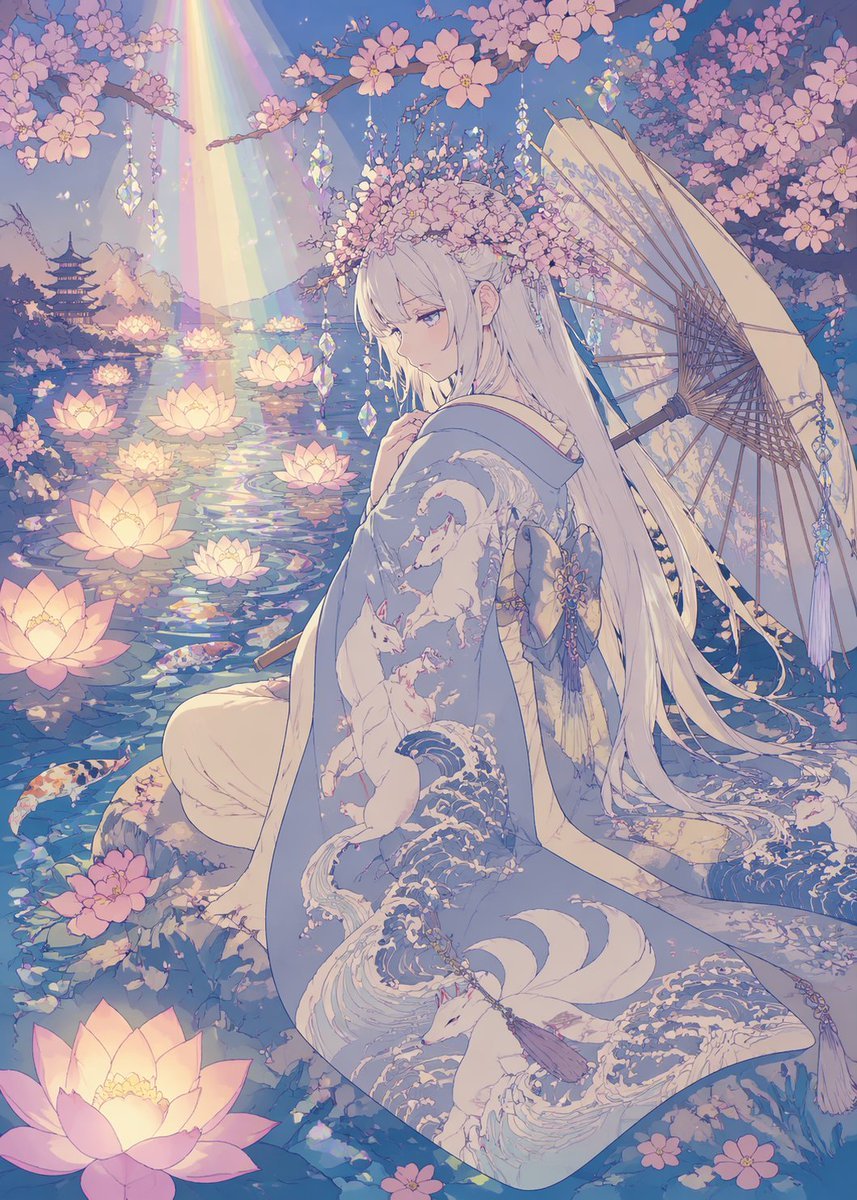
Pastel Anime Kimono by Lotus Pond
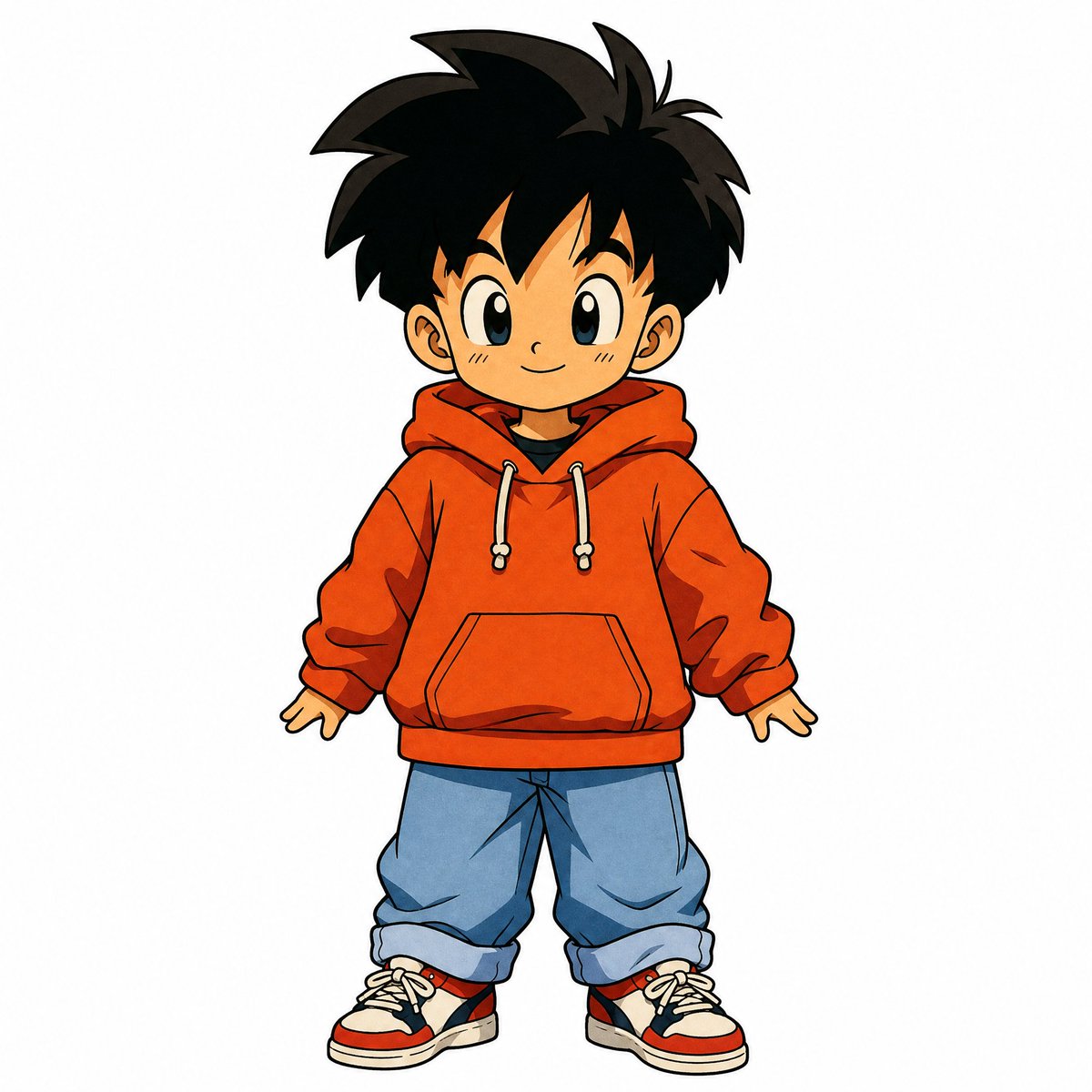
90s Japanese Retro Anime Style
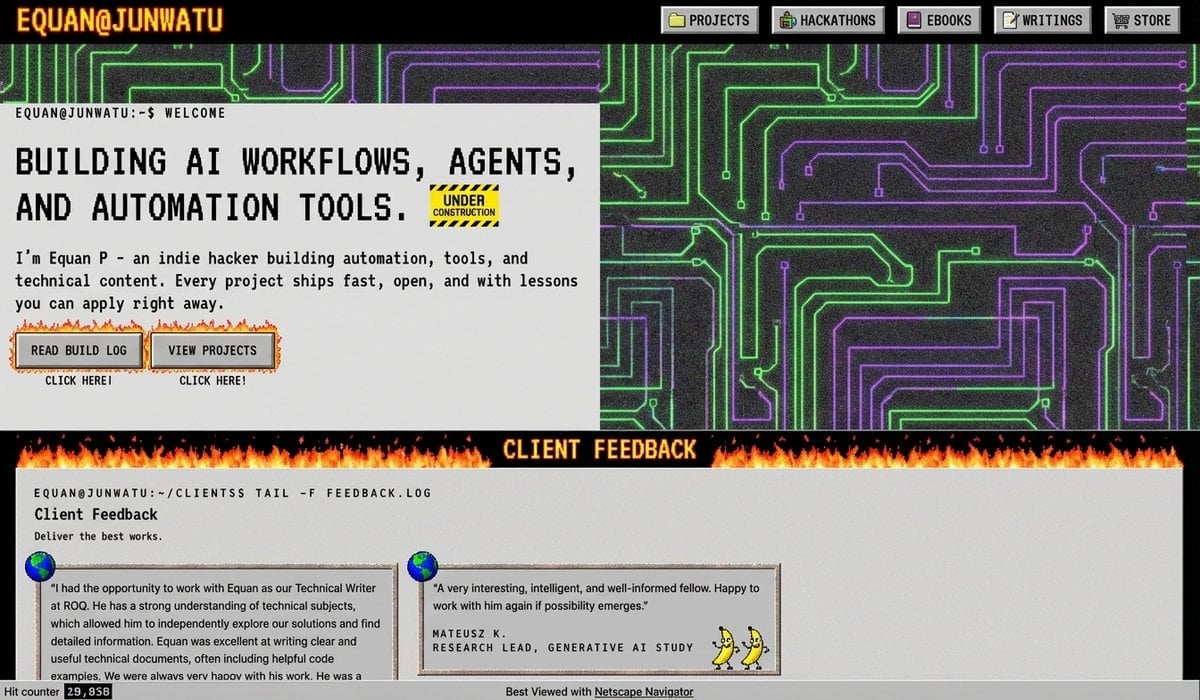
90s version of a website via style transfer
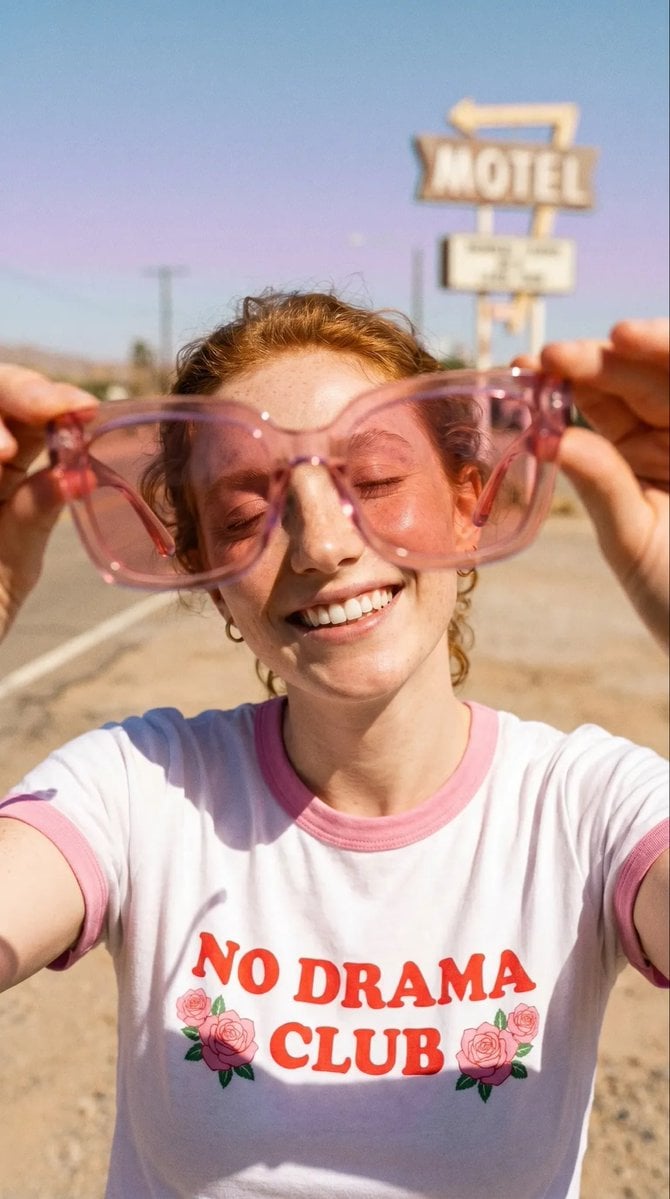
Realistic Desert Lifestyle Portrait
Browse template categories
Anime Twin Chibi Portrait questions
How do I use the Anime Twin Chibi Portrait template?
Add your photo if the template asks for one, edit the prompt if you like — the template's model and format are already selected — and press Generate. Your version opens in PicX Studio.
Can I customize the Anime Twin Chibi Portrait template?
Yes. You can change the subject, setting, lighting, mood, format, and available model controls before creating your image.
Is the Anime Twin Chibi Portrait template free?
Opening and editing this template is free. Generating uses credits, shown on the Generate button when you are signed in.
Which AI model should I use?
Start with GPT Image 2, which is the model associated with this template. You can compare another compatible model for a different finish.
Looking for something else? Browse all templates.

Your photo, any look
Thousands of ready templates for every top image and video model, from one credit balance.