
Fantasy Academy Knight Cosplay
A realistic vertical cosplay portrait of two fantasy academy characters in navy-and-gold knight uniforms, ideal for anime-inspired character photography.
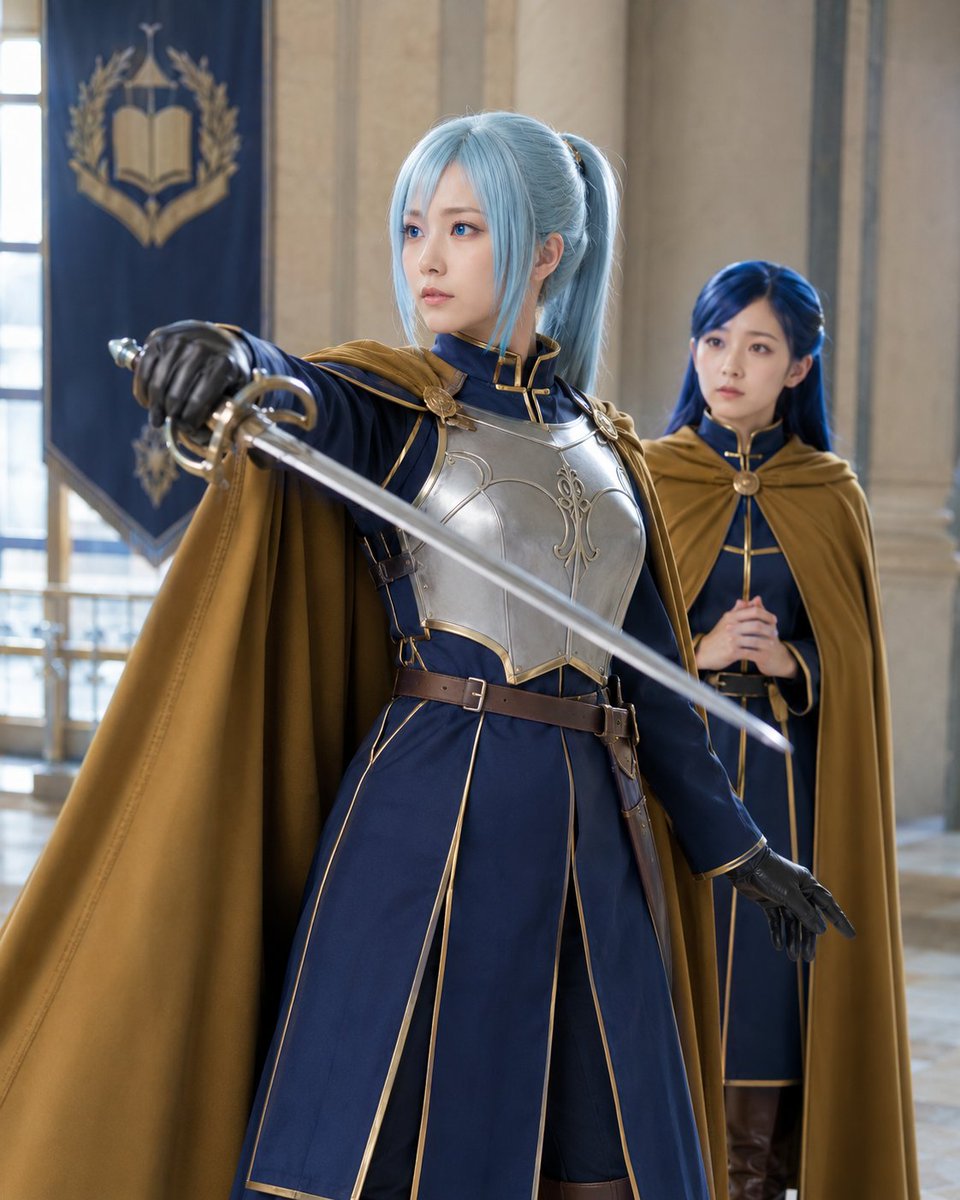
- Prompt included
- Model and format preset
- Free template
The prompt behind this image
Copy the exact prompt behind Fantasy Academy Knight Cosplay, or open it in the studio and make it yours.
Create a realistic high-quality cosplay photograph in a grand medieval academy hall inspired by fantasy anime. Show exactly two young women in matching noble knight uniforms: the foreground character is {argument name="foreground character" default="Angelica"}, a slim young woman with pale skin, light blue hair in a high ponytail with long face-framing bangs, blue eyes, and a calm serious expression; she stands in a heroic fencing pose, body turned three-quarters left, right arm extended toward the camera holding one polished rapier diagonally across the frame, left gloved hand lowered. Her costume is a navy blue long military-style dress with gold piping, black gloves, brown leather belt and side straps, a gold-brown cloak flowing over her shoulders, and a shiny silver chest breastplate with ornate filigree. Behind her stands exactly one second character, {argument name="background character" default="Rozemyne"}, slightly out of focus, a petite young woman with long deep blue hair, wearing a similar navy dress with gold trim and a gold-brown cloak, hands clasped at her chest, watching with a gentle concerned expression. The setting is a bright stone cathedral-like library or academy corridor with tall columns, large soft window light, and one dark blue hanging banner in the background showing a gold open-book emblem surrounded by laurel leaves. Use cinematic shallow depth of field, natural skin texture, realistic fabric and metal reflections, soft daylight, elegant composition, vertical 4:5 framing, no text overlay, no watermark, no extra characters, and no extra weapons.
How to use Fantasy Academy Knight Cosplay in 3 steps
- 1Upload ImagePNG, JPG or paste
Add your photo
Upload the photo the template builds on. The prompt, model and format are already set.
- 2…a portrait of your subject in softgolden-hour light, 85mm…
Personalize
Edit the subject and creative details for your destination.
- 3Generate
Generate
Press Generate — your image is created in PicX Studio, so you can compare it with the original and refine one variable at a time.
More like this
Templates with the same subject, style or setup. Open one to see its prompt.
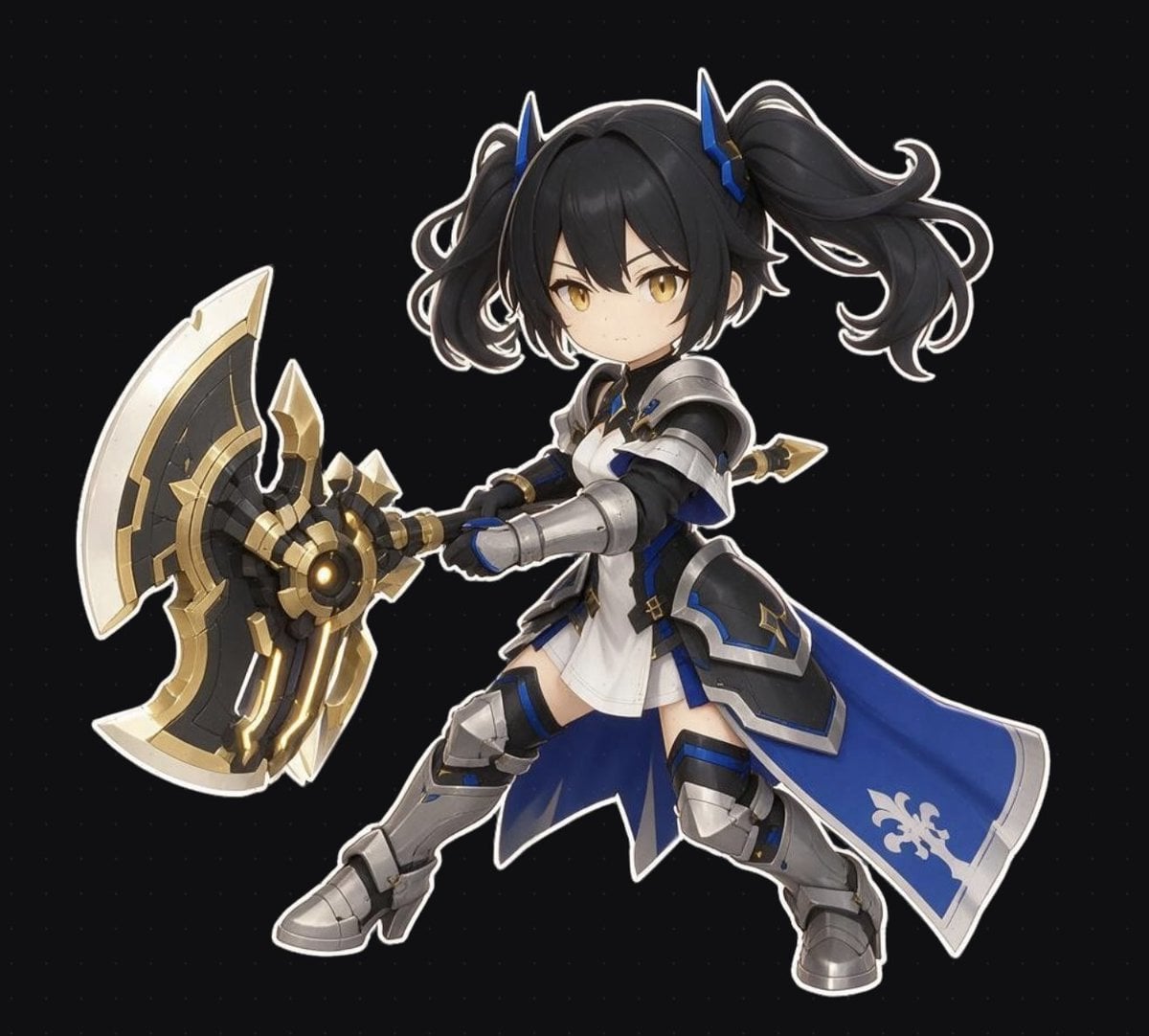
Chibi Fantasy Axe Knight
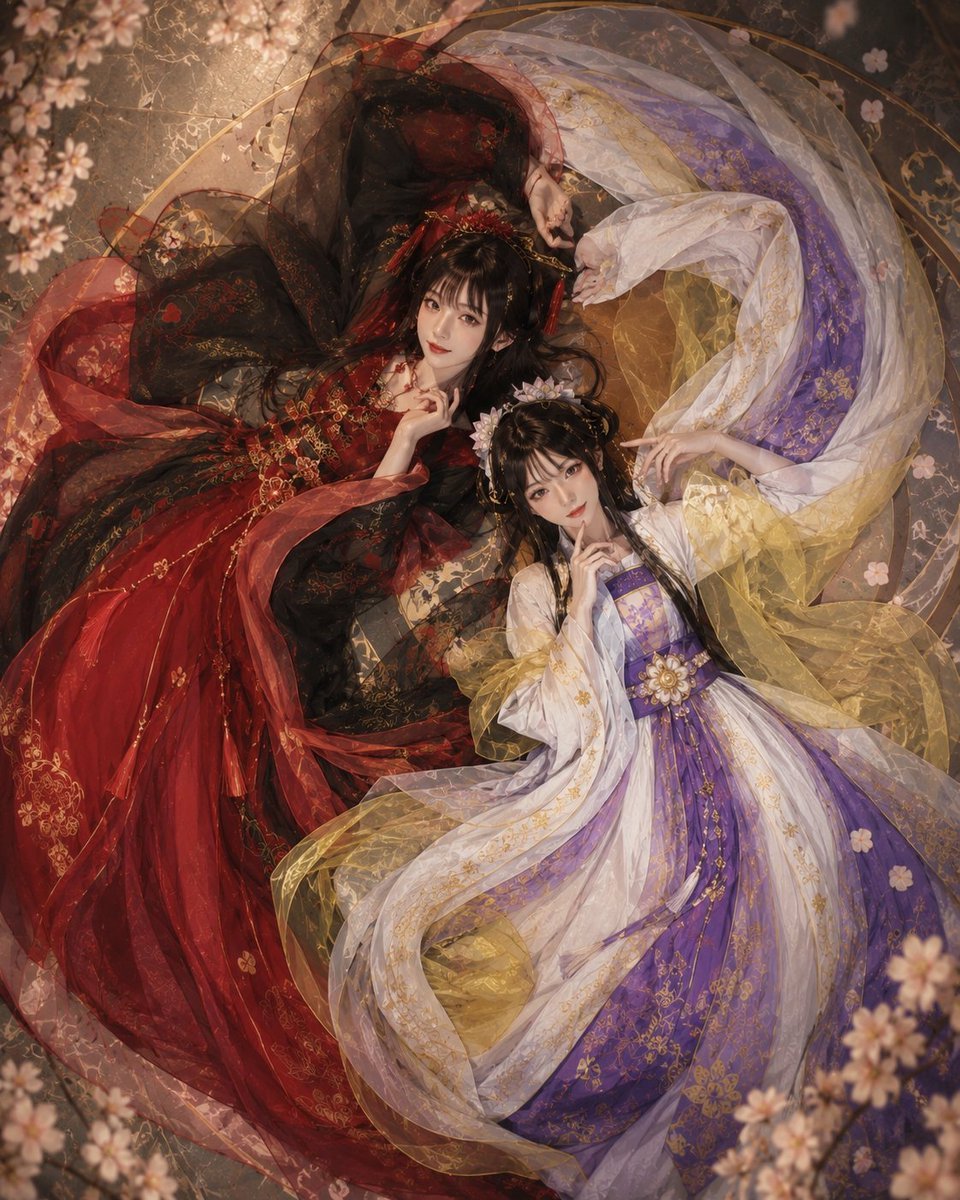
Overhead Fantasy Hanfu Cosplay Duo
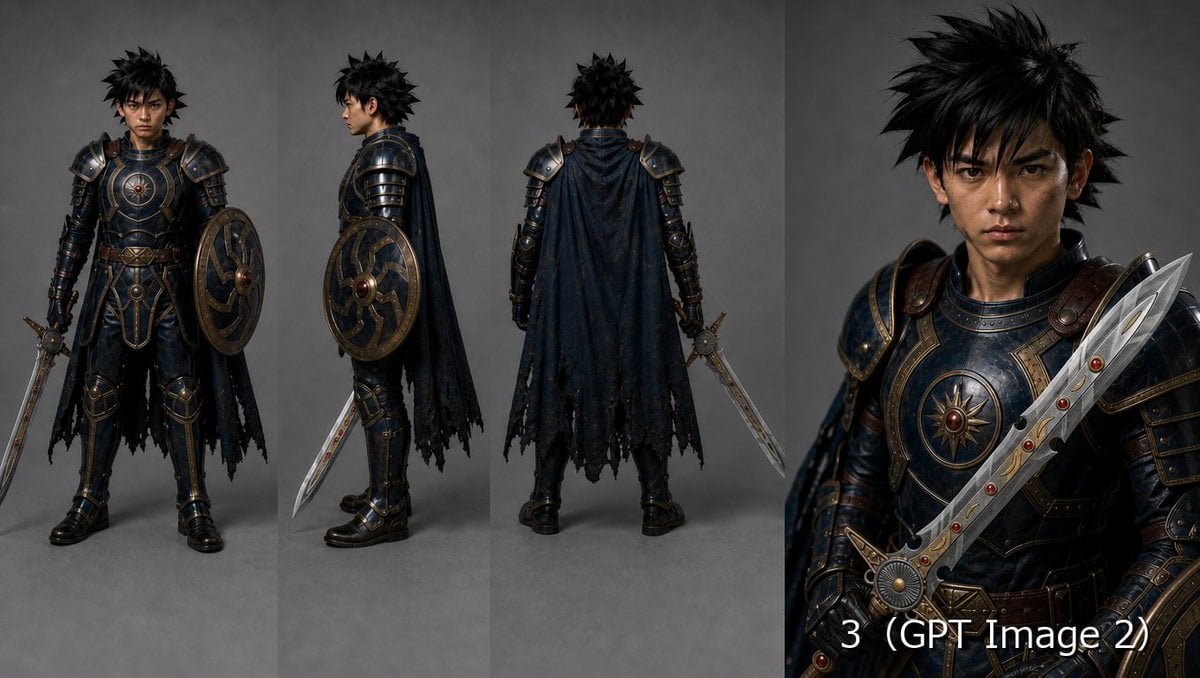
Fantasy Knight Character Turnaround Sheet

Anime Fantasy Celestial Movie Poster
Anime Fantasy Celestial Movie Poster

Minecraft Fantasy Kingdom Voxel Landscape

Unfinished Sketch Comes Alive Portrait

Open Travel Journal Overhead Still Life

Tiny Woman Miniature Fantasy Macro Scene
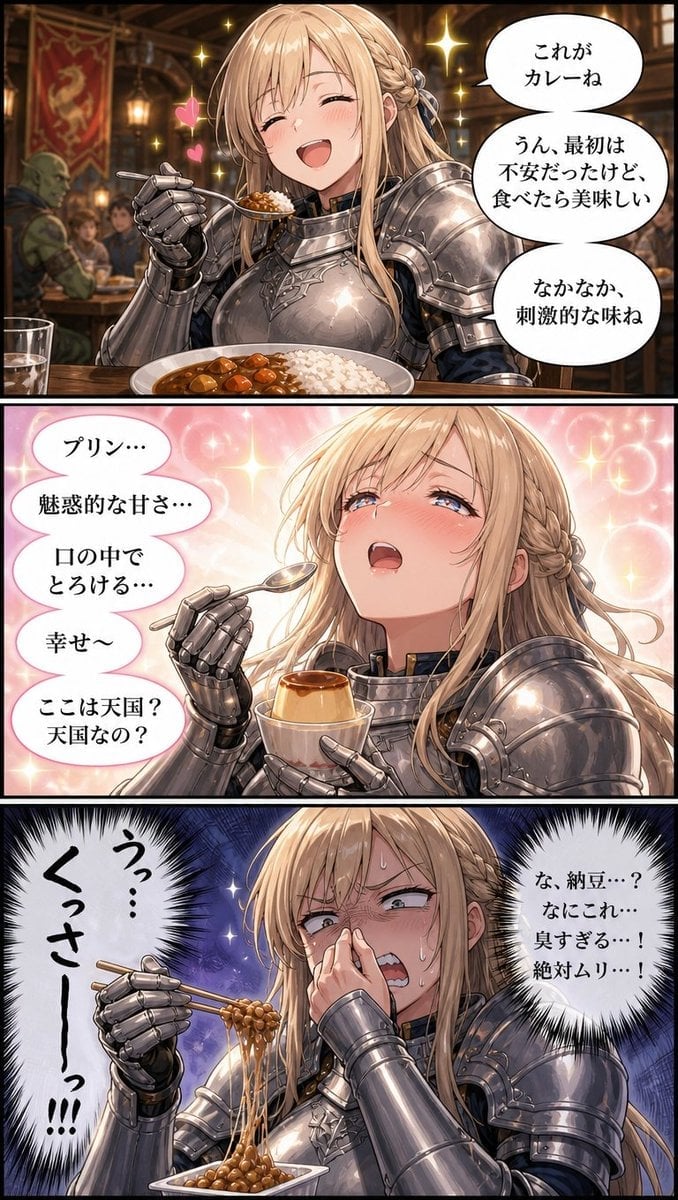
Fantasy Knight Food Reaction Manga
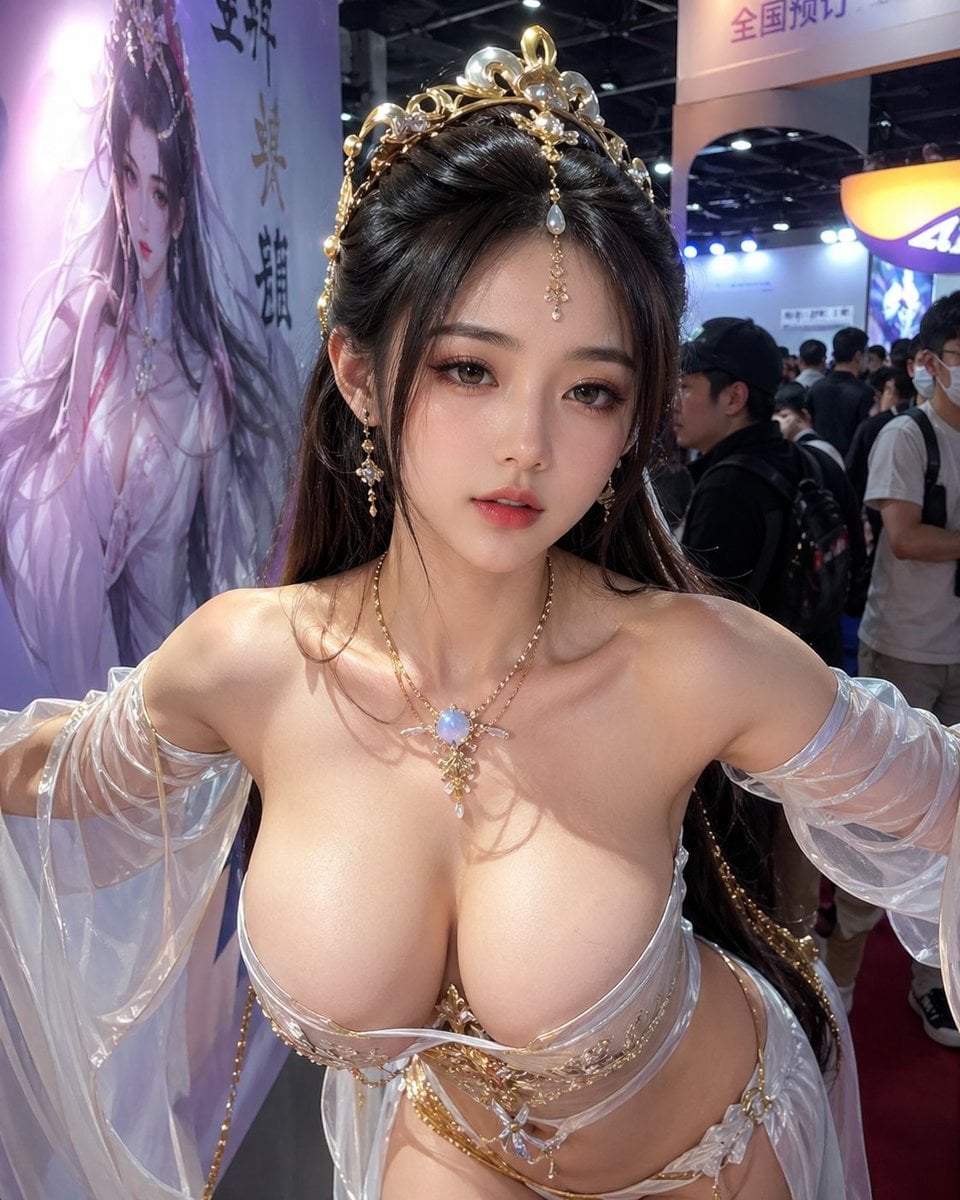
Censored Fantasy Cosplayer at Expo
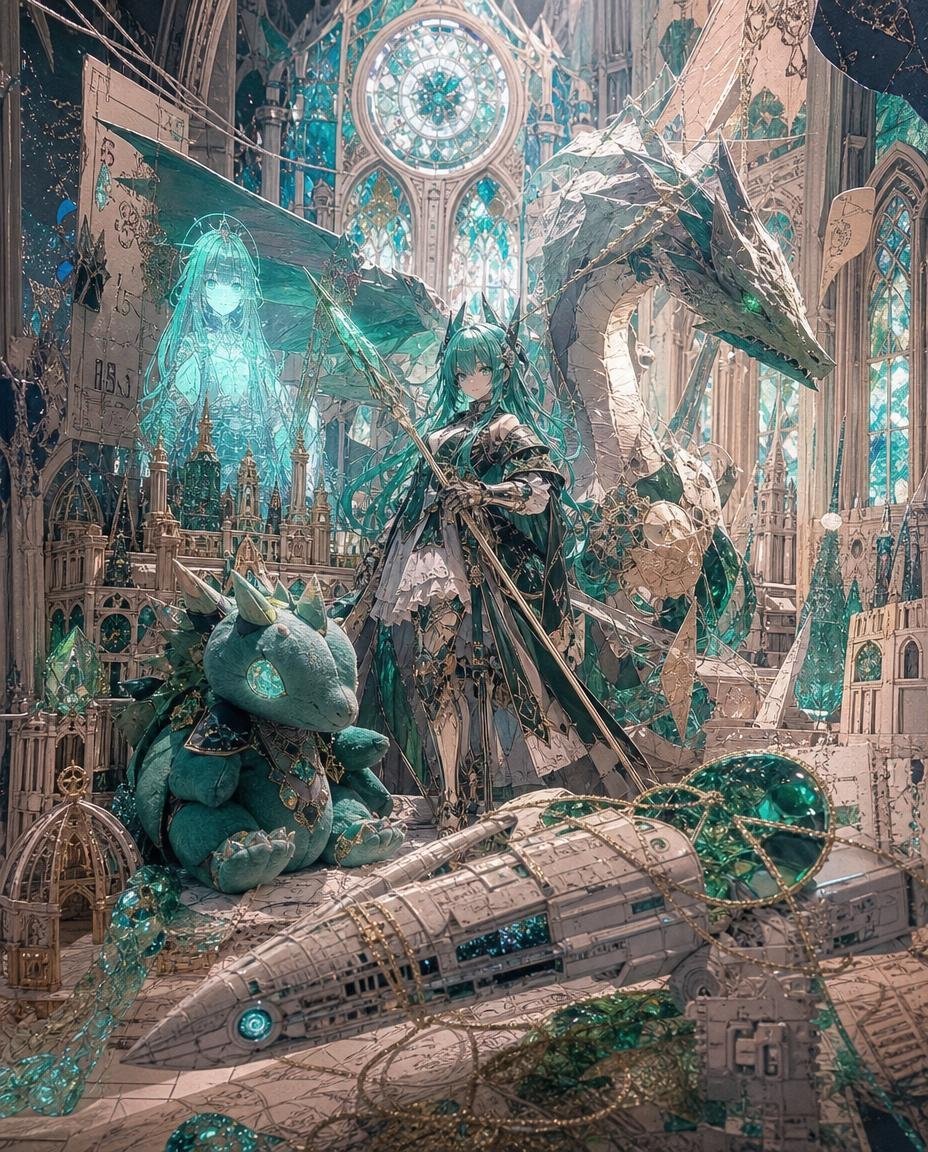
Teal Dragon Knight Cathedral Fantasy
Make it yours
Fantasy Academy Knight Cosplay works as-is. These are the safest ways to change it without losing the look.
Change one field
Copy a single group, rewrite it, and generate again so you can see what that field is doing.
Keep the frame, change the subject
Hold the composition and light of Fantasy Academy Knight Cosplay, then swap wardrobe, props or the person for a new take.
| If the result… | Why | Fix |
|---|---|---|
| The result drifts from the preview | Too many fields changed at once. | Reuse Fantasy Academy Knight Cosplay as-is first, then change one group — subject, light, or setting. |
| The model over-stylizes the scene | The prose prompt leaves finish and camera underspecified. | Add one camera or lighting sentence and stay on GPT Image 2. |
More GPT Image 2 templates
Other prompts made for GPT Image 2.

Six VTuber Japanese Logo Sheet

Realistic Portrait of Woman and Deer

The Vista Modular Condo Poster

AI Model Routing Comparison Infographic

2.5D Anime Art Board

Isometric Productivity Desk Scene

New York Double Exposure Poster

Four-Panel AI Landscape Comparison

Japanese Tatami Lifestyle Magazine Cover

NESCAFÉ Coffee Map Poster
More image prompts
Fresh picks from across the catalog.
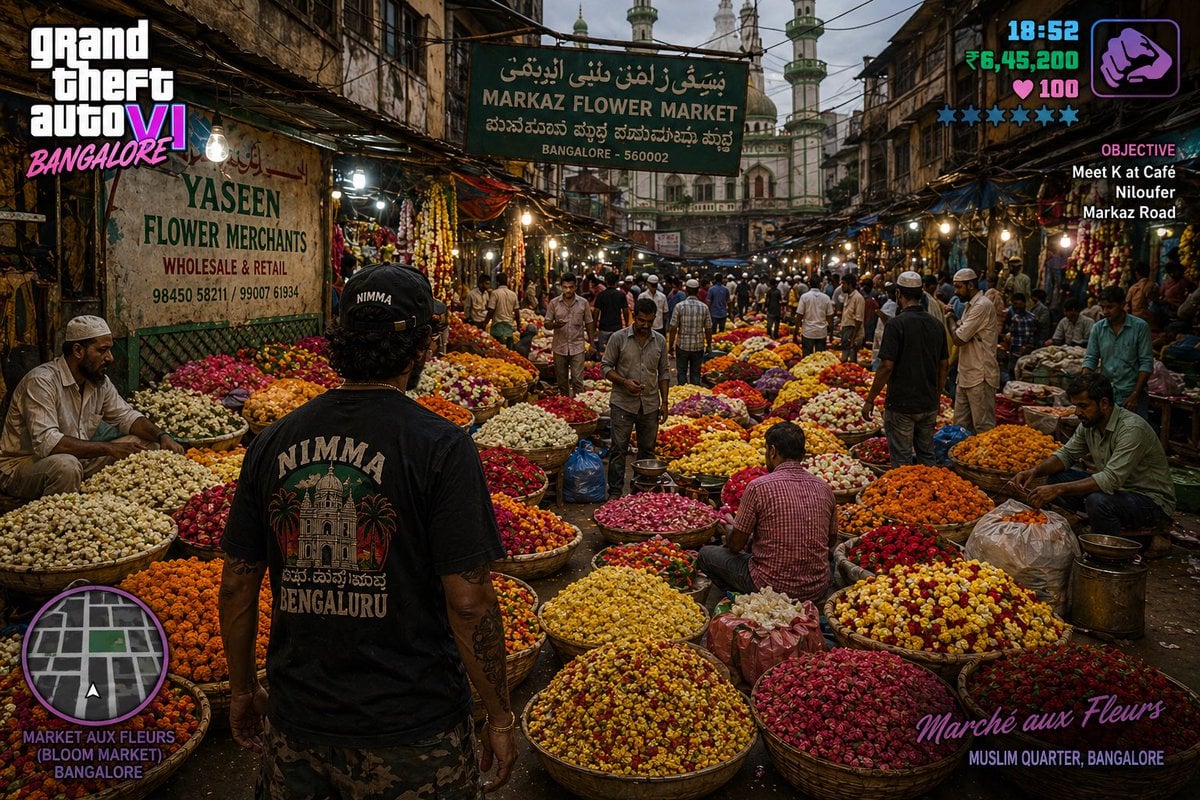
Gpt2 Game Asset Gta 6 in Bangalore Flower Market
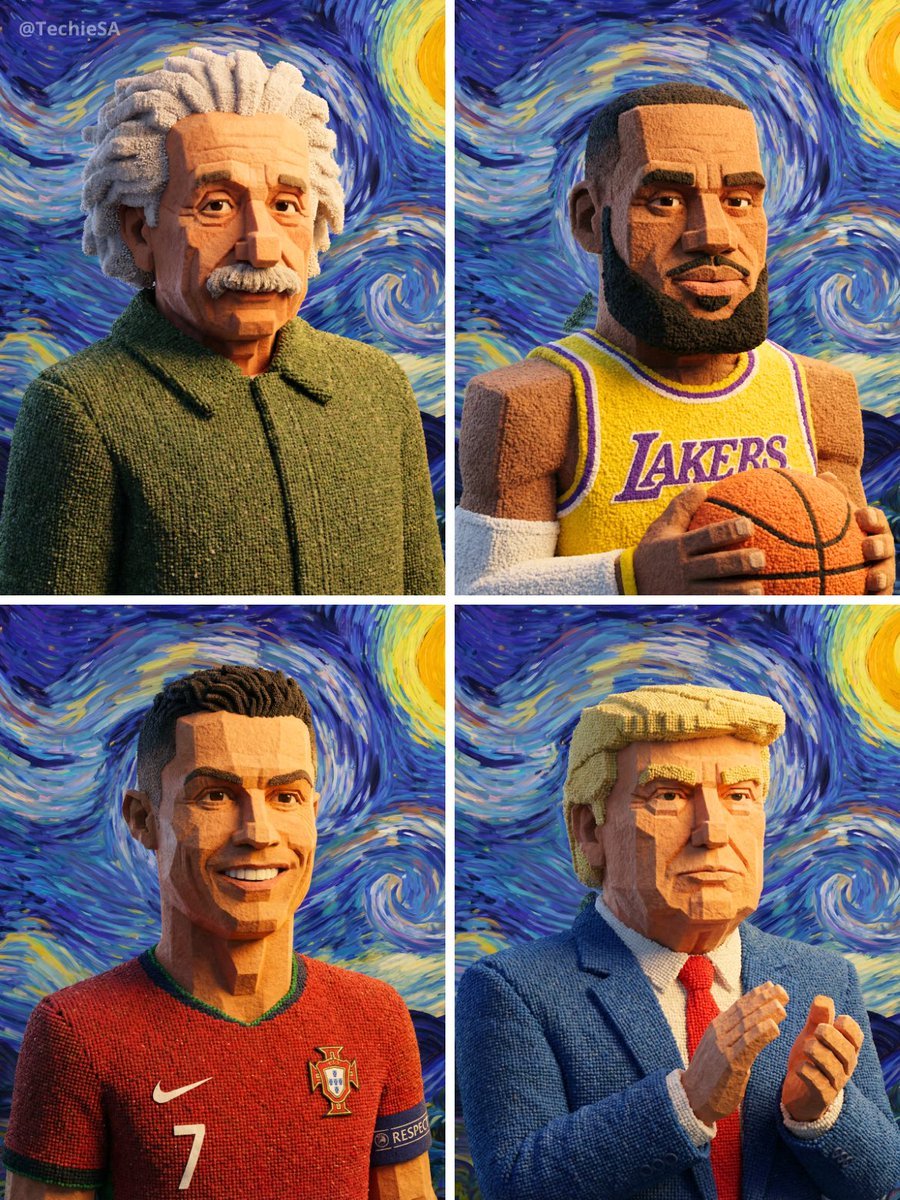
Geometric Clay Figures
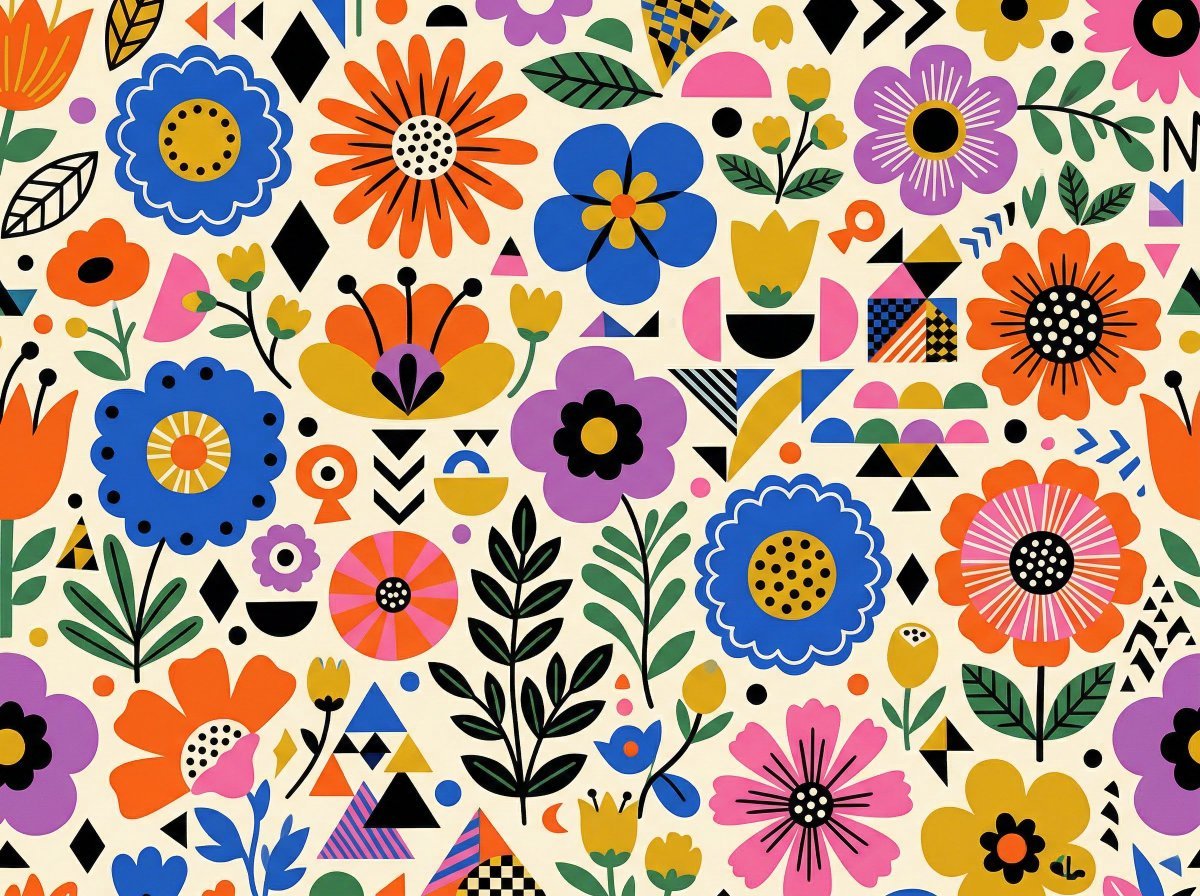
Vibrant Flat Illustration Pattern of Flowers and Shapes
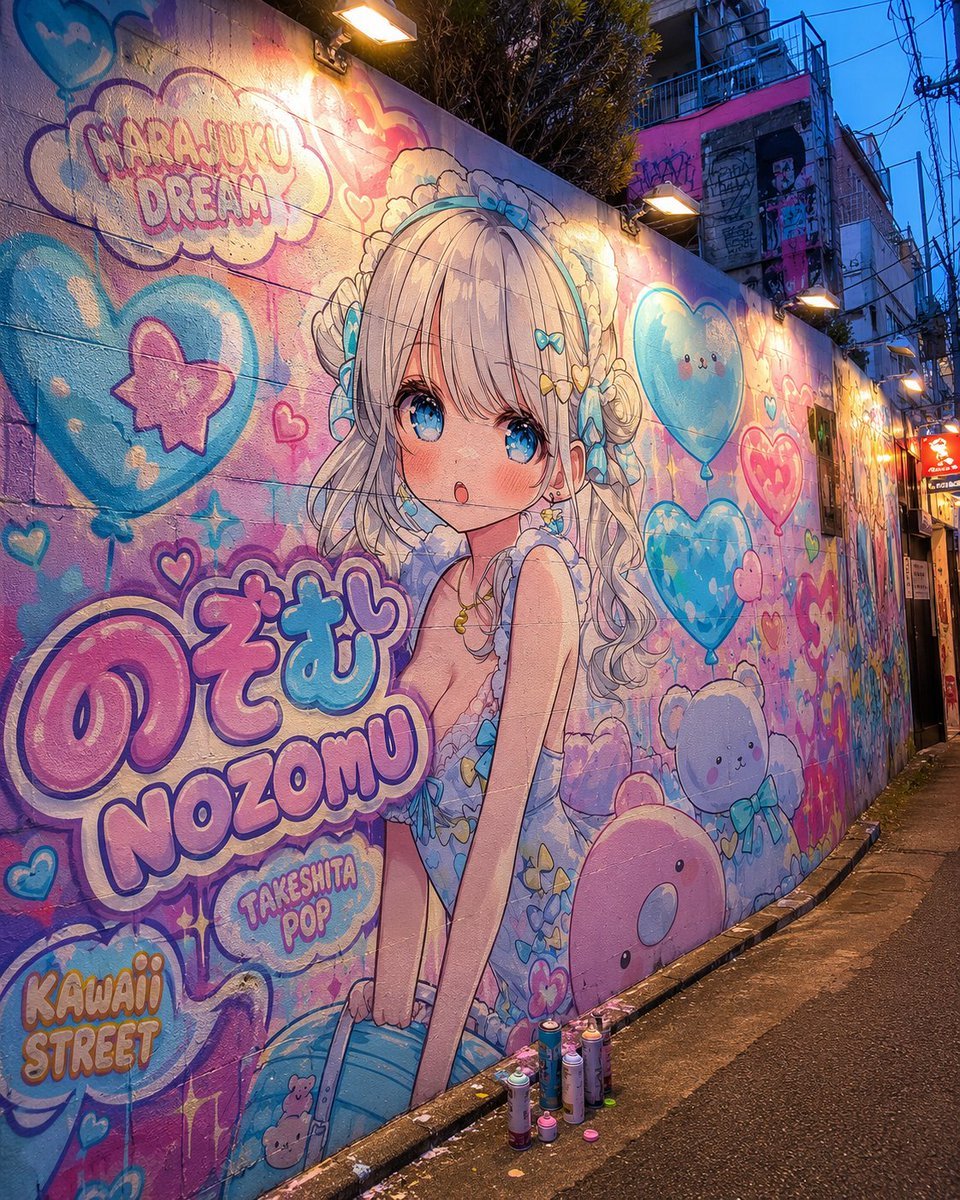
Harajuku Kawaii Graffiti Mural
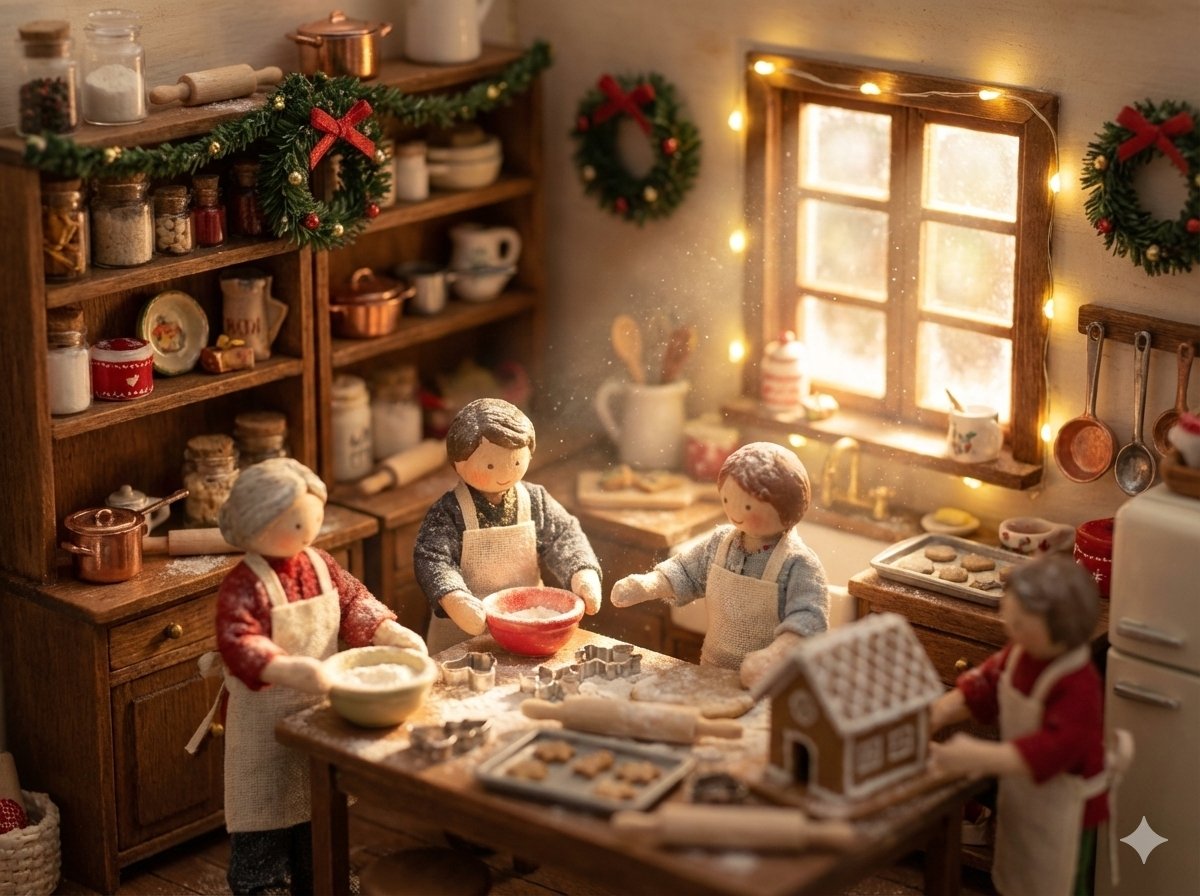
Miniature Diorama Prompt (Tilt-Shift)
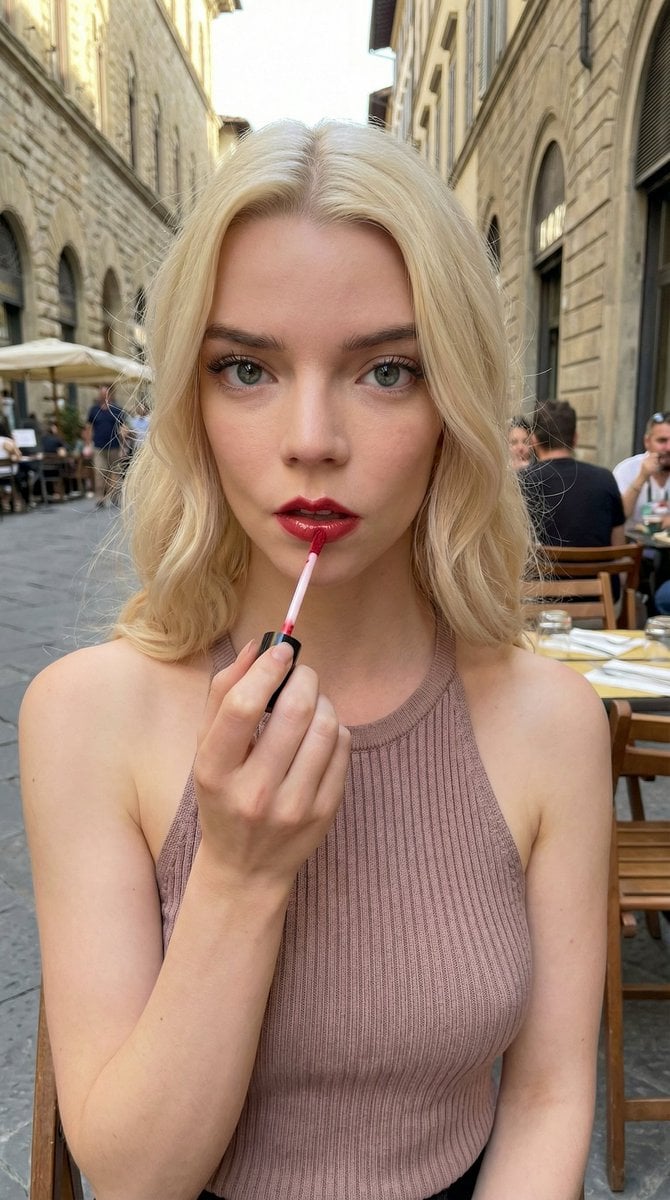
Candid Cafe Beauty Portrait
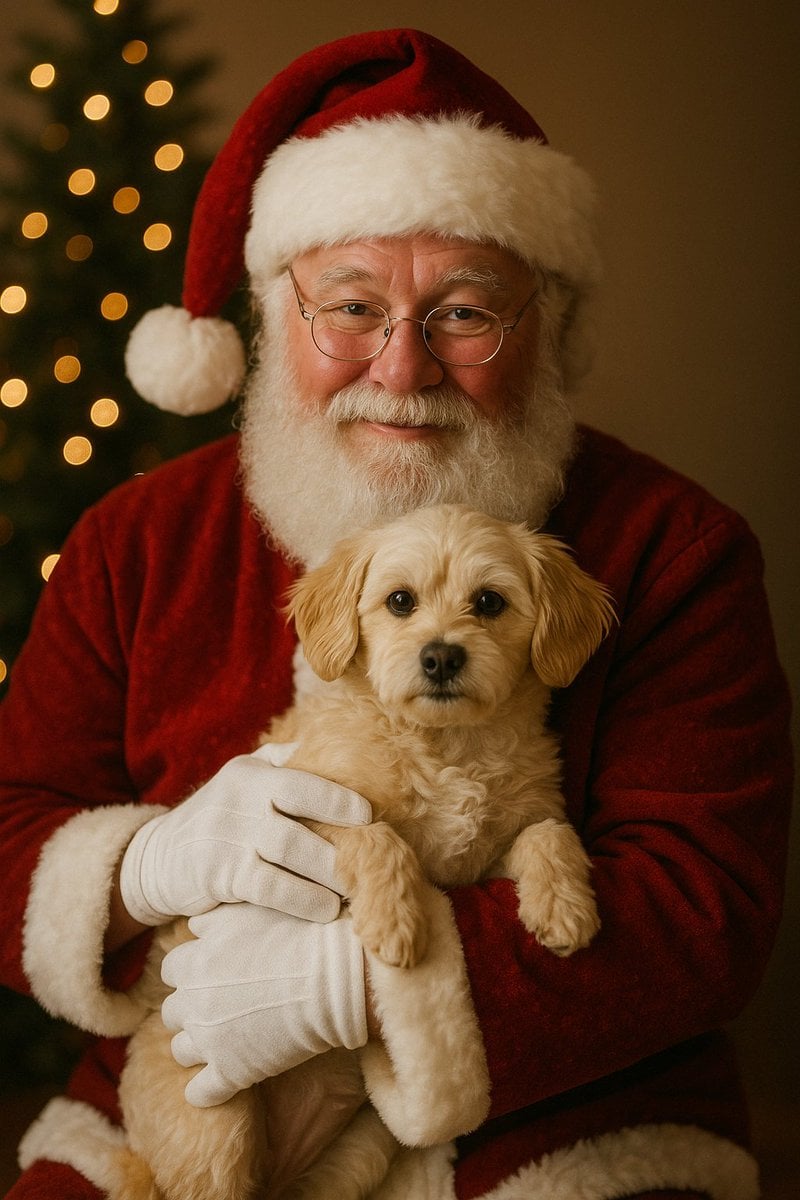
Simple Christmas dog and Santa image prompt
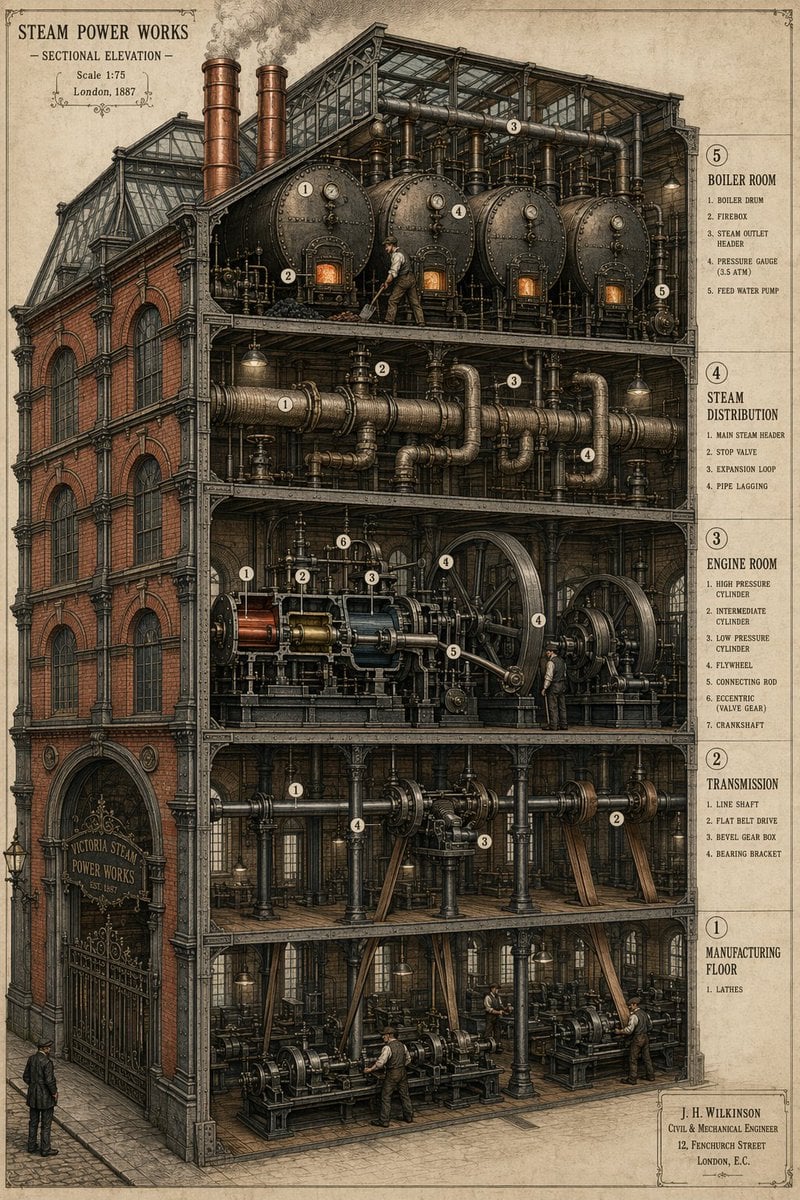
Victorian Steampunk Engineering Diagram
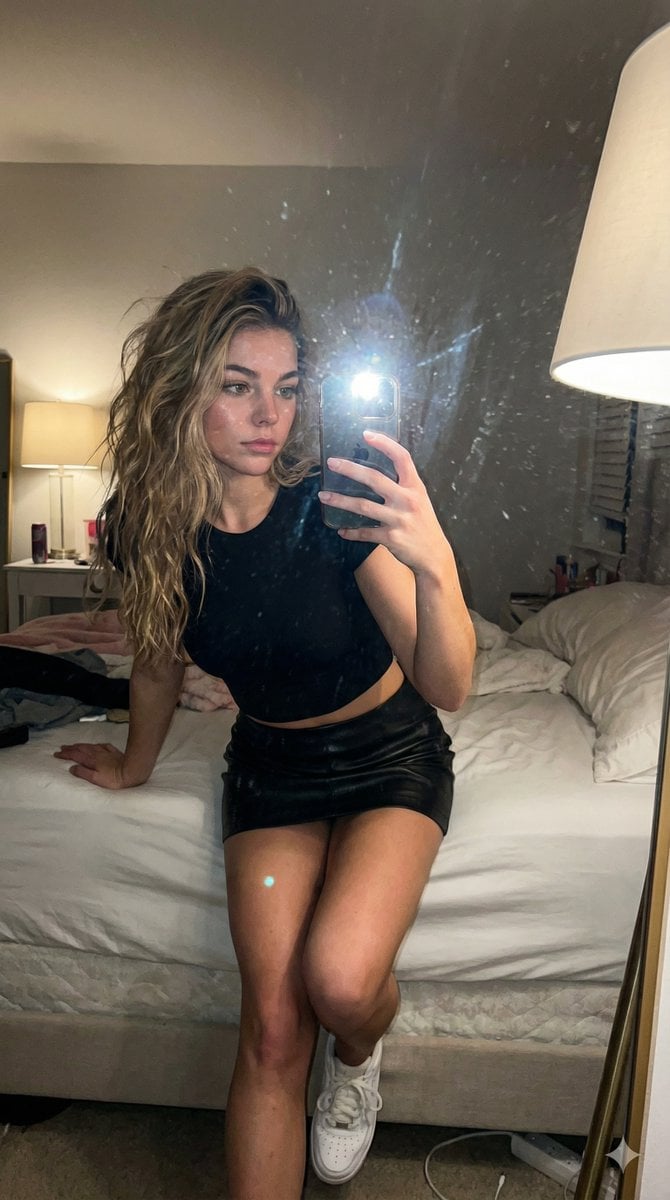
AI Influencer Mirror Selfie Pose Prompt
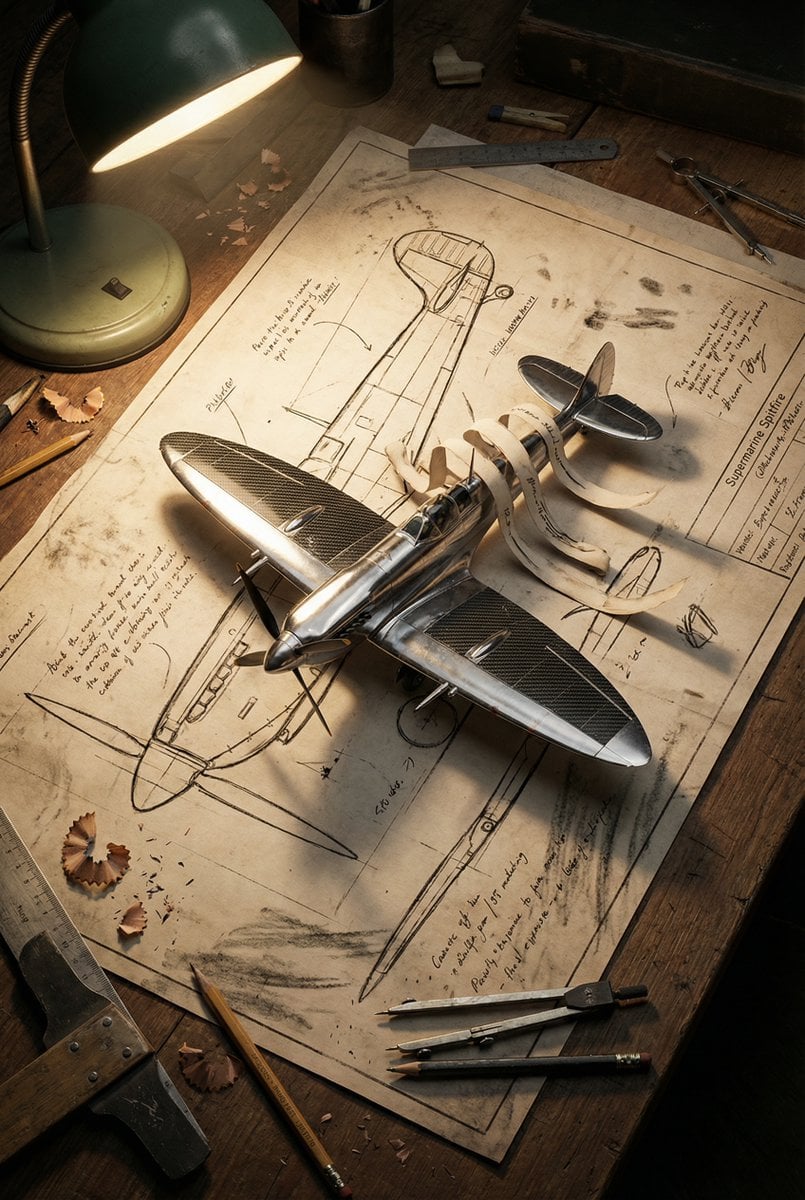
Blueprint to 3D Chrome Manifestation Prompt
Browse template categories
Fantasy Academy Knight Cosplay questions
How do I use the Fantasy Academy Knight Cosplay template?
Add your photo if the template asks for one, edit the prompt if you like — the template's model and format are already selected — and press Generate. Your version opens in PicX Studio.
Can I customize the Fantasy Academy Knight Cosplay template?
Yes. You can change the subject, setting, lighting, mood, format, and available model controls before creating your image.
Is the Fantasy Academy Knight Cosplay template free?
Opening and editing this template is free. Generating uses credits, shown on the Generate button when you are signed in.
Which AI model should I use?
Start with GPT Image 2, which is the model associated with this template. You can compare another compatible model for a different finish.
Looking for something else? Browse all templates.

Your photo, any look
Thousands of ready templates for every top image and video model, from one credit balance.