
Mixed-Media Paper Doll Fashion
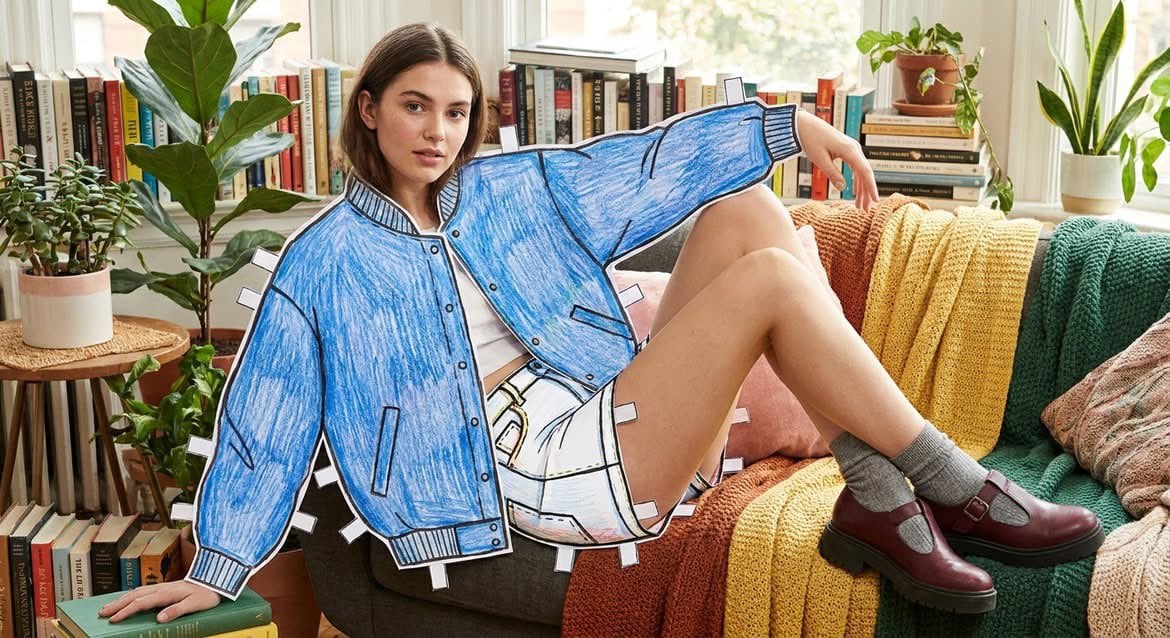
A creative mixed-media prompt blending a photorealistic model with hand-drawn paper cutout fashion illustrations in a modern interior.
- Prompt included
- Model and format preset
- Free template
The prompt behind this image
Copy the exact prompt behind Mixed-Media Paper Doll Fashion, or open it in the studio and make it yours.
A highly creative mixed-media fashion concept in a {argument name="interior setting" default="bright Scandinavian-style living room"}, featuring a {argument name="model" default="realistic person"} seamlessly integrated with oversized hand-drawn paper fashion illustrations. The outfit appears as a life-sized cutout sketch made with colored pencils, crayons, and marker strokes, outlined with bold black lines and attached using visible white paper tabs and tape marks around the edges. The model remains photorealistic while the clothing is illustrated in various styles: {argument name="clothing styles" default="blue varsity jacket and shorts, chic black top with brown trousers, oversized gray blazer with wide-leg jeans, colorful rainbow hoodie and joggers"}. Cozy modern interior with natural daylight streaming through large windows, indoor plants, bookshelves, wooden furniture, soft blankets, neutral decor, minimalist aesthetic. Editorial fashion photography, whimsical paper-doll effect, handmade sketch texture, realistic shadows and depth, ultra-detailed, lifestyle magazine quality, shallow depth of field, soft natural lighting, high realism, playful fashion storytelling, premium commercial campaign, 8K resolution. Style Keywords: paper doll fashion, wearable sketch art, colored pencil texture, mixed media illustration, photorealistic model, Scandinavian interior, editorial fashion campaign, handcrafted cutout aesthetic, cozy home setting, realistic lighting, creative advertising photography, ultra detailed, 8k, masterpiece.
How to use Mixed-Media Paper Doll Fashion in 3 steps
- 1Upload ImagePNG, JPG or paste
Add your photo
Upload the photo the template builds on. The prompt, model and format are already set.
- 2…a portrait of your subject in softgolden-hour light, 85mm…
Personalize
Edit the subject and creative details for your destination.
- 3Generate
Generate
Press Generate — your image is created in PicX Studio, so you can compare it with the original and refine one variable at a time.
More like this
Templates with the same subject, style or setup. Open one to see its prompt.
Mixed Media Editorial Woman Illustration
Mixed Media Fashion Film - Seedance 2.0
Mixed Media Urban Fashion Editorial
Mixed-Media Fashion Editorial and Cartoon Fusion
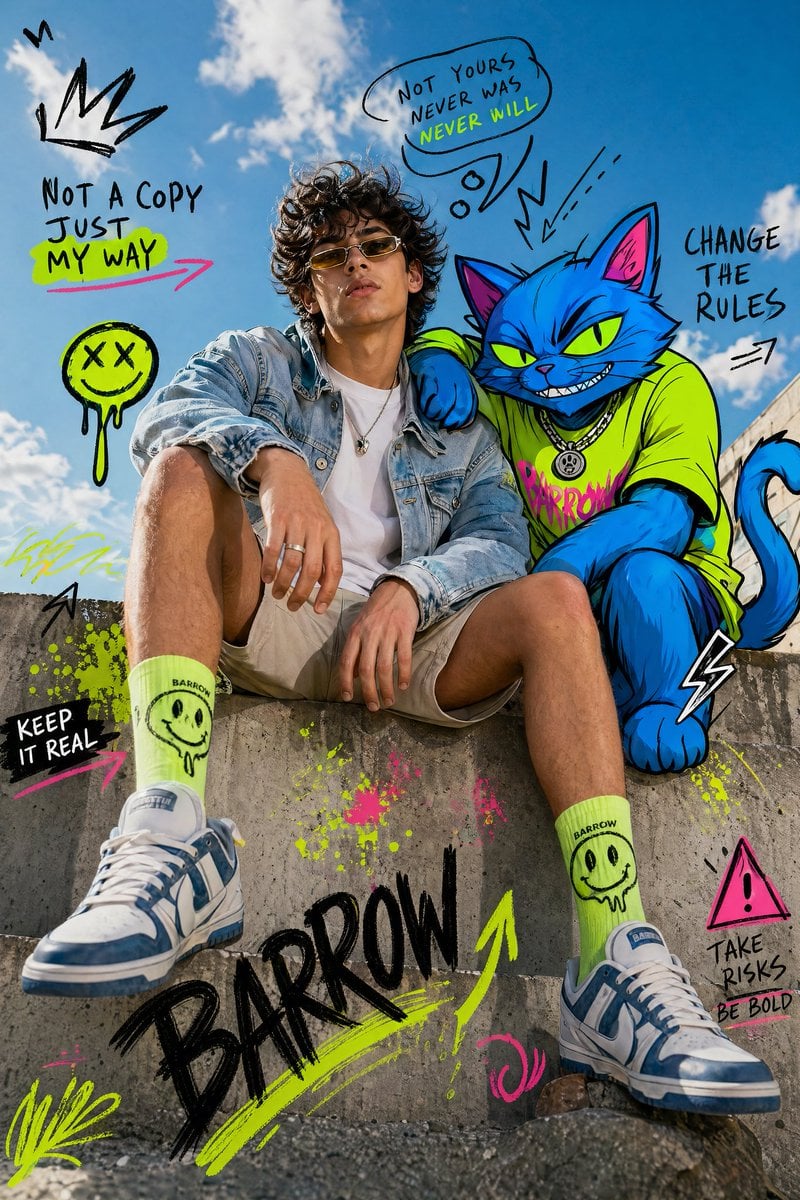
Mixed-Media Fashion Editorial with Neon Cartoon Interaction
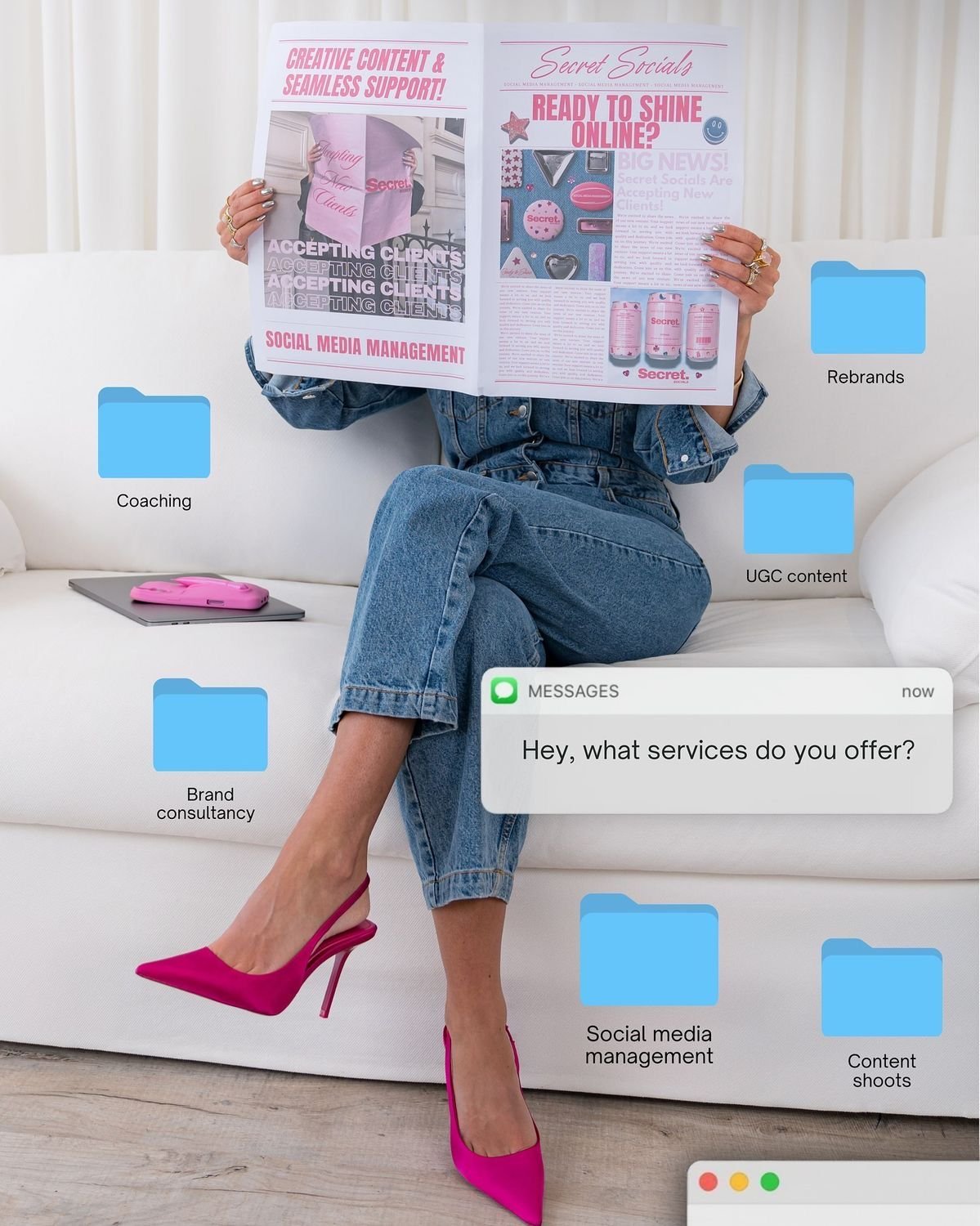
Social Media Manager Desktop Case Study

80s College Gate

1988 Mall Style

80s Polka Dot Saree
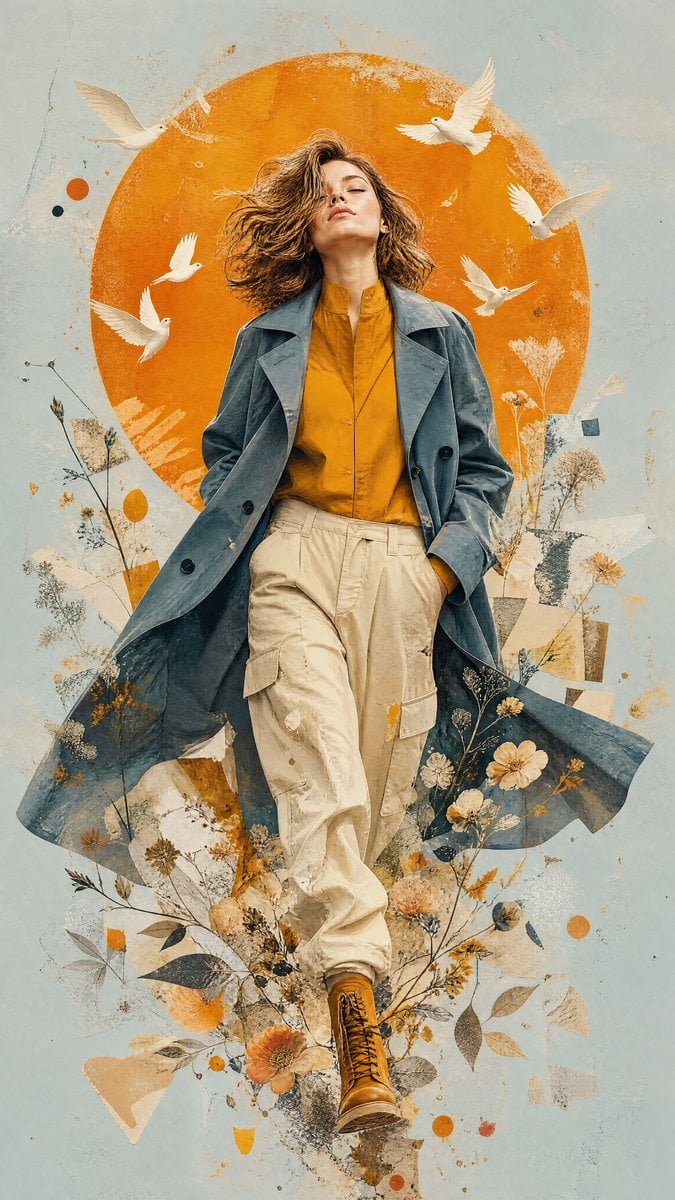
Mixed-Media Editorial Illustration
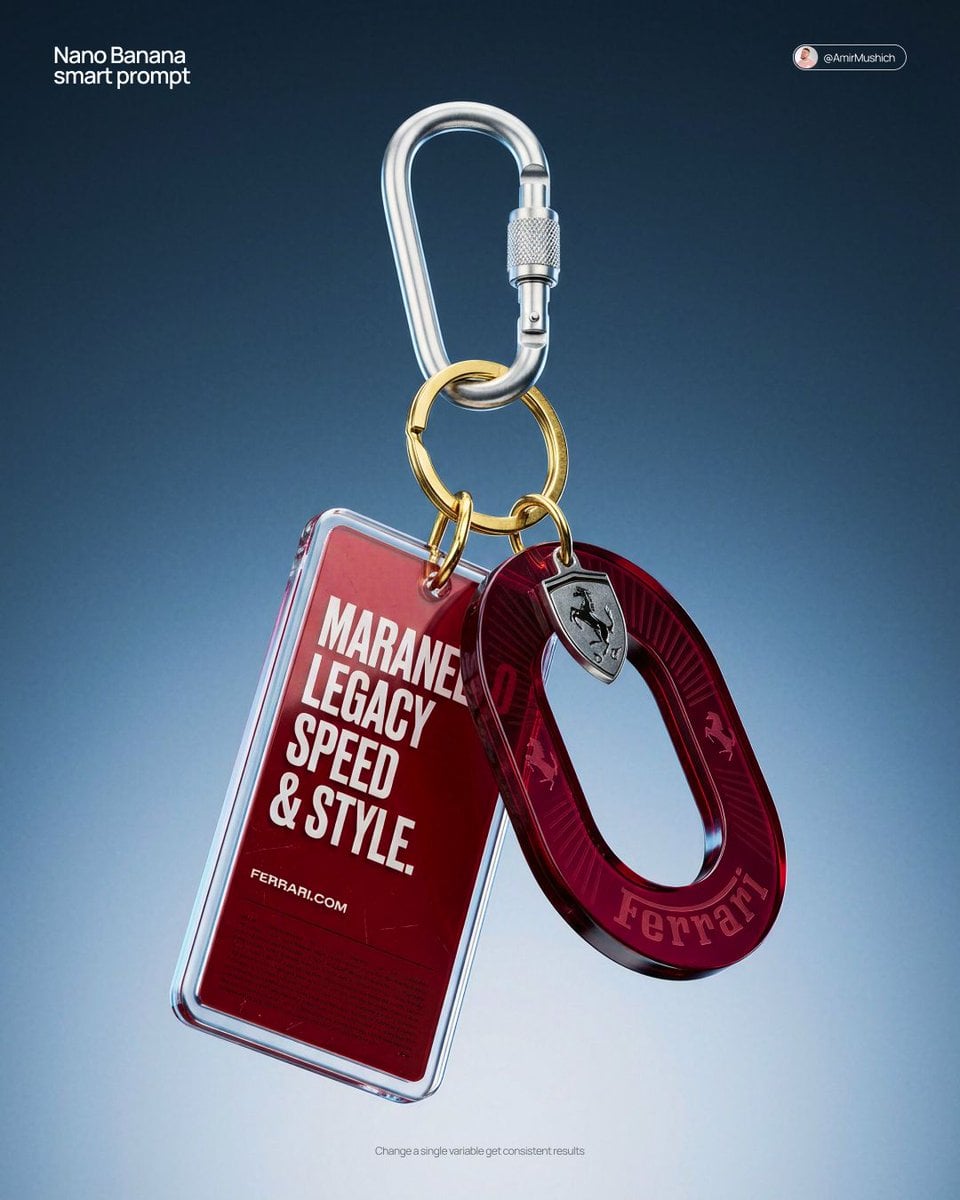
Paper Cut Fashion Editorial
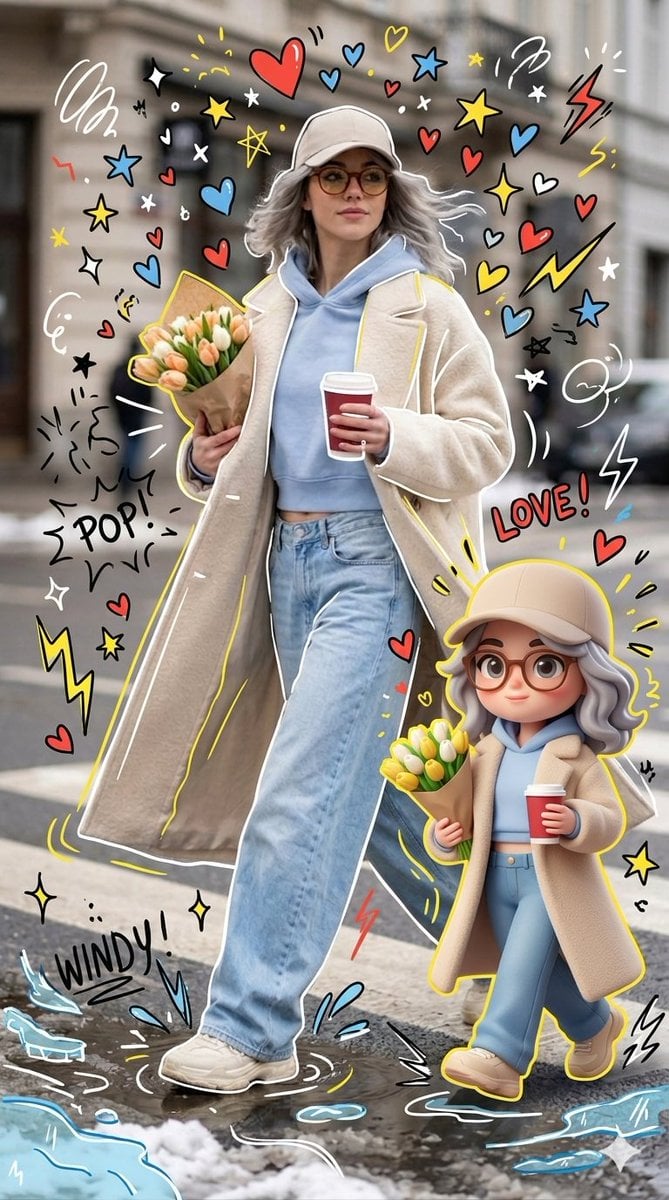
Mixed-media Chibi portrait
Make it yours
Mixed-Media Paper Doll Fashion works as-is. These are the safest ways to change it without losing the look.
Change one field
Copy a single group, rewrite it, and generate again so you can see what that field is doing.
Keep the frame, change the subject
Hold the composition and light of Mixed-Media Paper Doll Fashion, then swap wardrobe, props or the person for a new take.
| If the result… | Why | Fix |
|---|---|---|
| The result drifts from the preview | Too many fields changed at once. | Reuse Mixed-Media Paper Doll Fashion as-is first, then change one group — subject, light, or setting. |
| The model over-stylizes the scene | The prose prompt leaves finish and camera underspecified. | Add one camera or lighting sentence and stay on GPT Image 2. |
More GPT Image 2 templates
Other prompts made for GPT Image 2.

Six VTuber Japanese Logo Sheet

Realistic Portrait of Woman and Deer

The Vista Modular Condo Poster

AI Model Routing Comparison Infographic

2.5D Anime Art Board

Isometric Productivity Desk Scene

New York Double Exposure Poster

Four-Panel AI Landscape Comparison

Japanese Tatami Lifestyle Magazine Cover

NESCAFÉ Coffee Map Poster
More image prompts
Fresh picks from across the catalog.
Neon Luxury Mirror Selfie
Vintage Bicycle Fashion Blueprint Sheet
Cosmic Broken Compact Album Cover
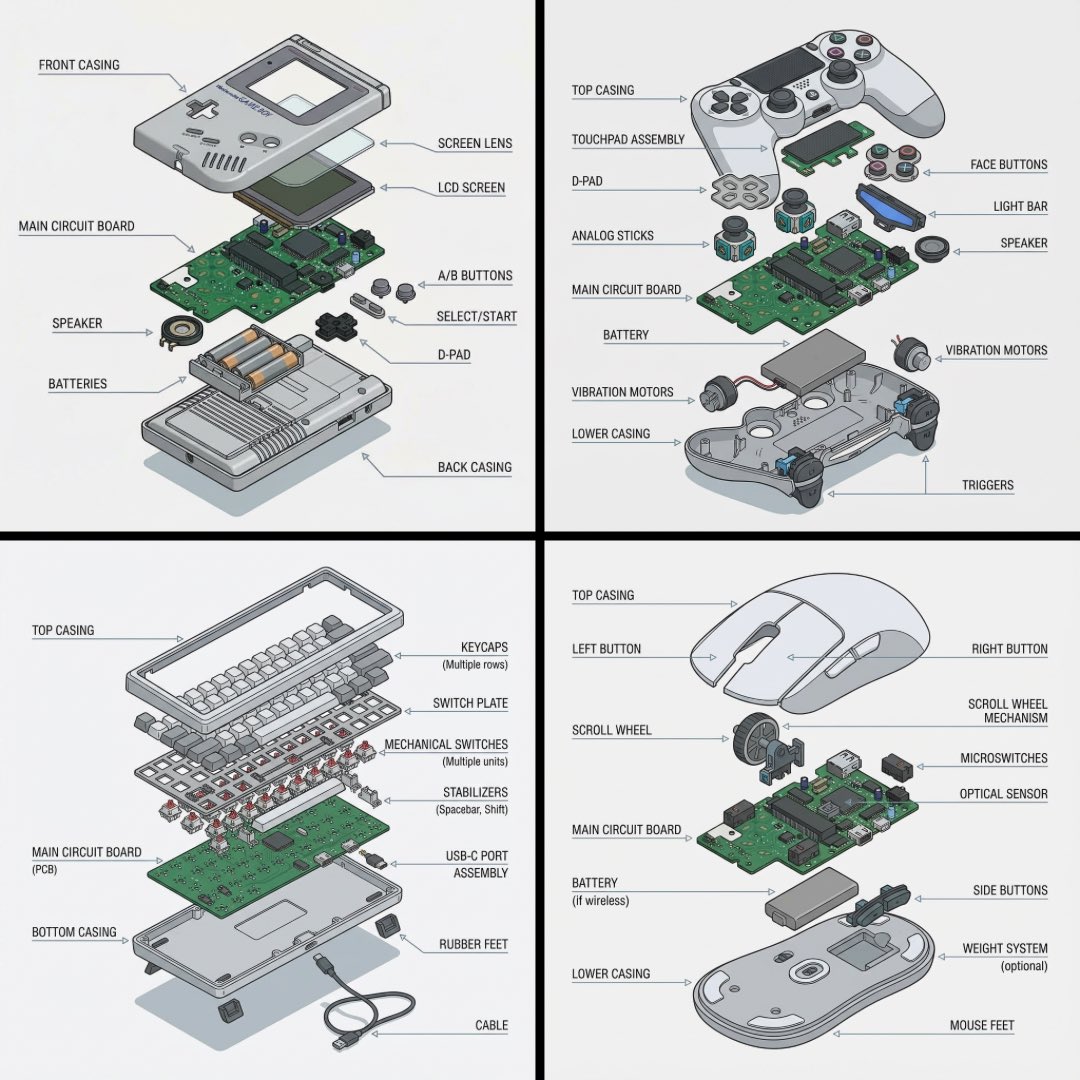
Technical exploded view diagram of a device
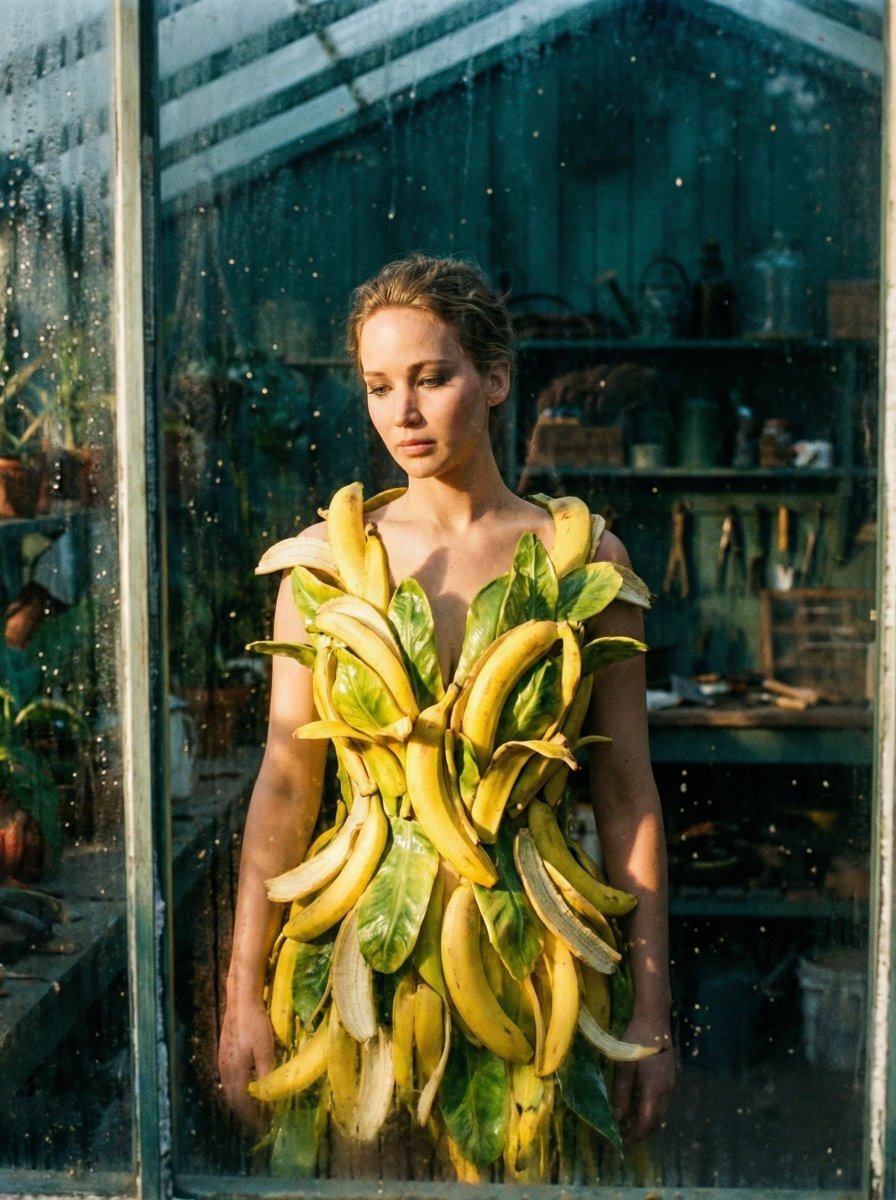
Tropical Melancholy Laboratory Surreal Portrait
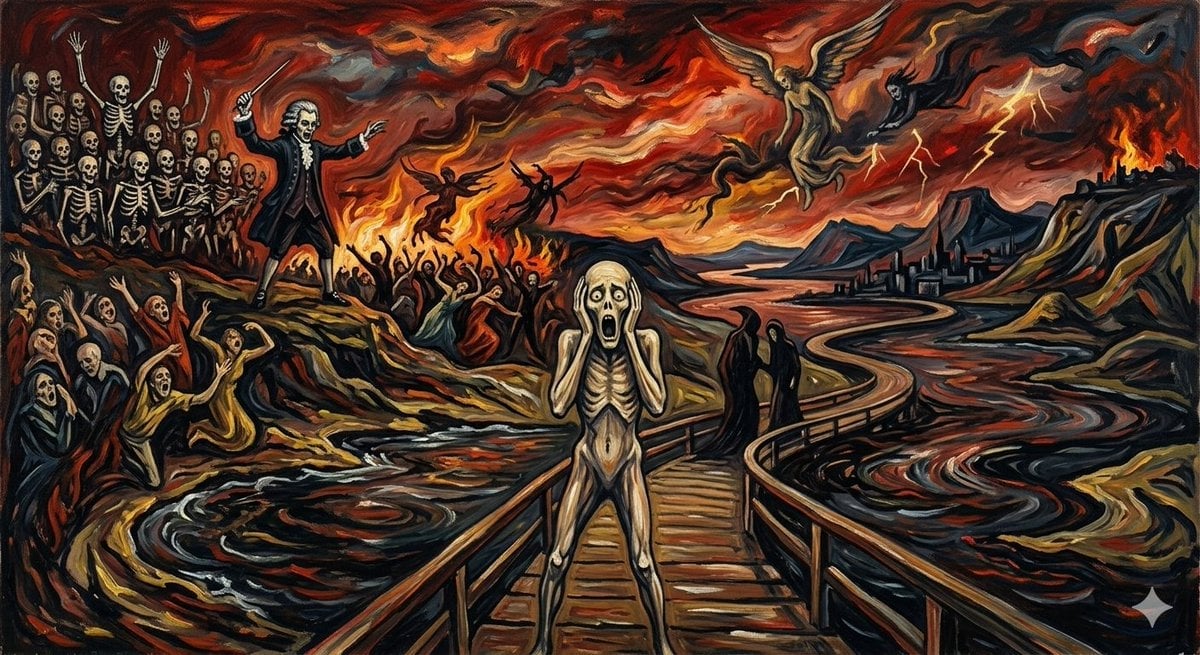
Mozart's Dies Irae in Munch's Scream Style
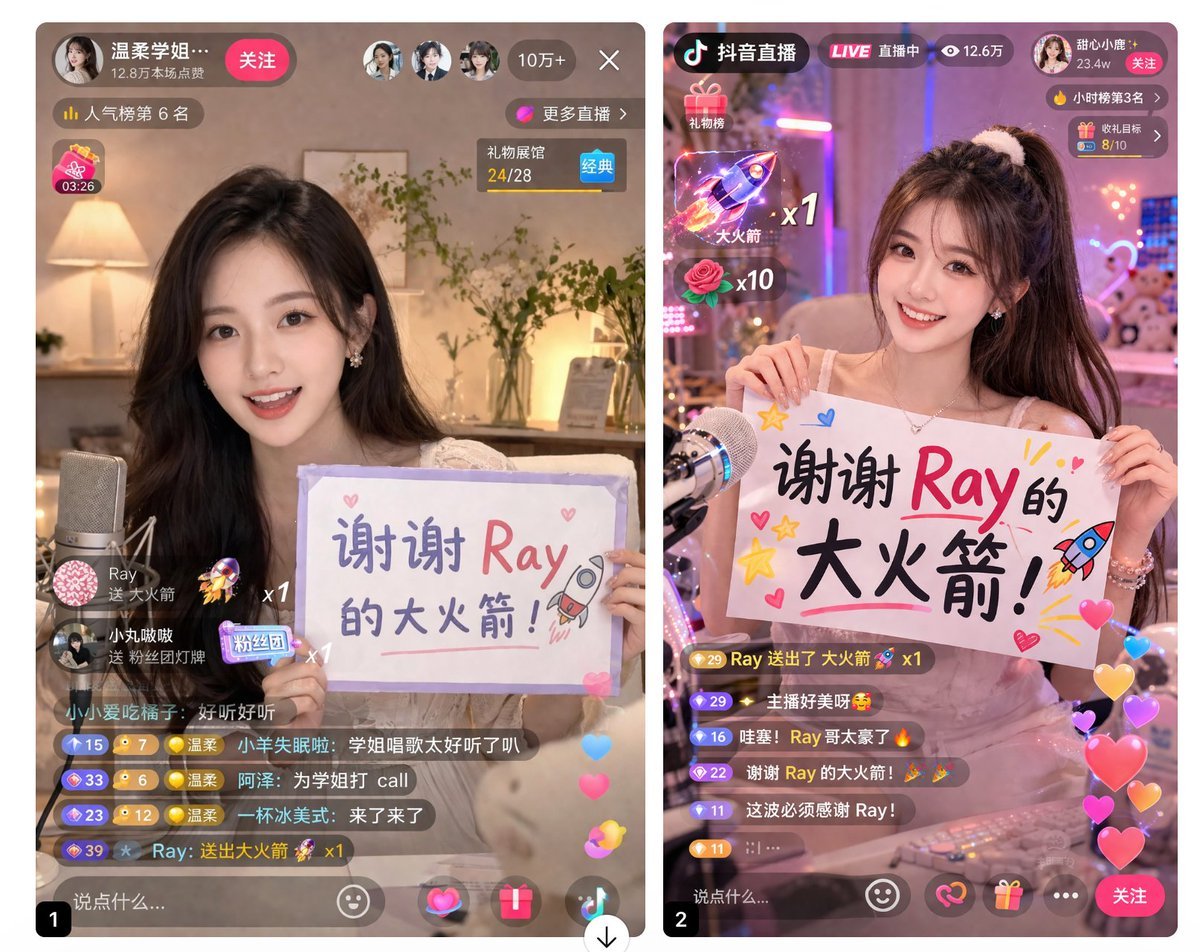
Live Stream App UI Mockup
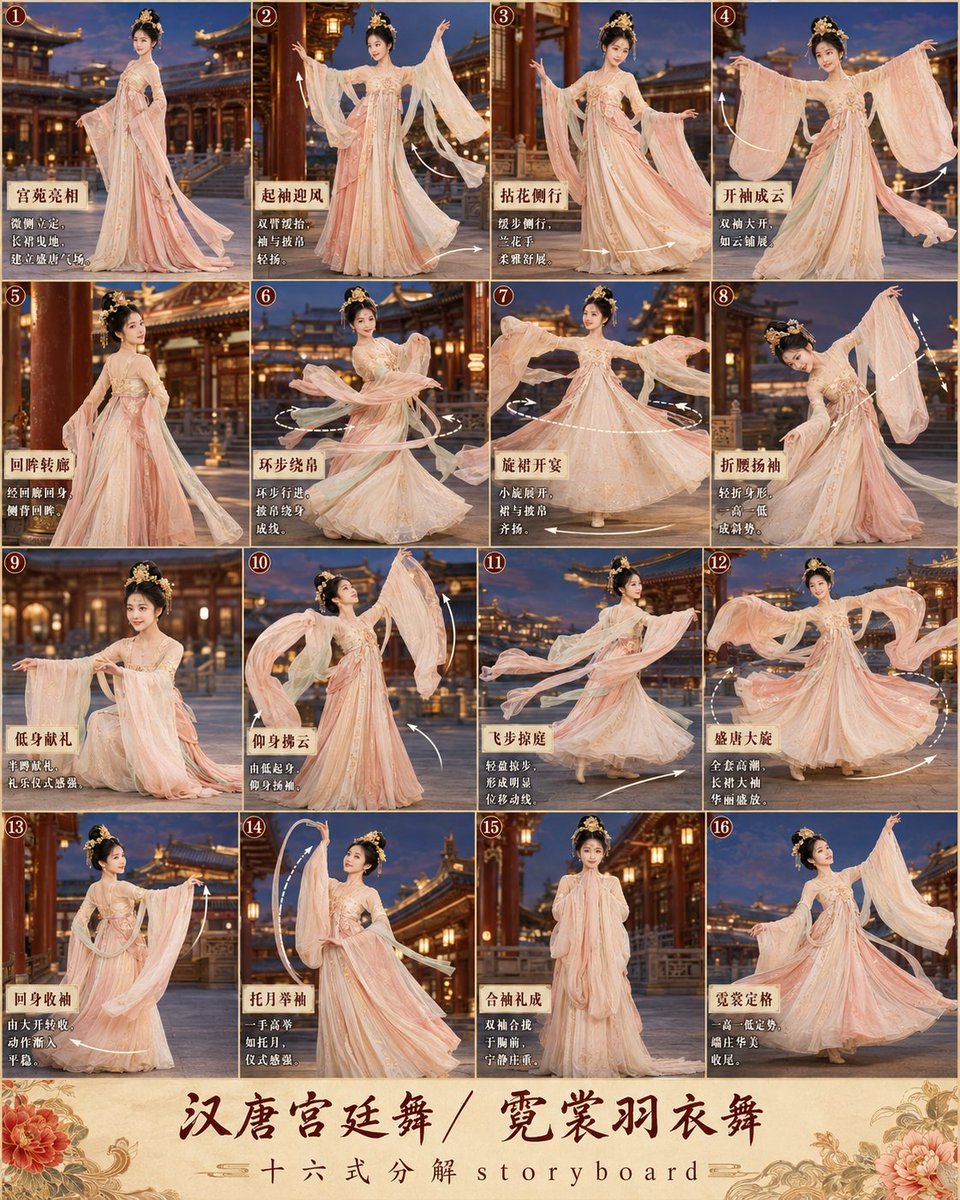
第3张分镜图提示词: 请创作一张高完成度、高清晰度的「汉唐宫廷舞 / 霓裳羽衣舞 · 16宫格分镜图
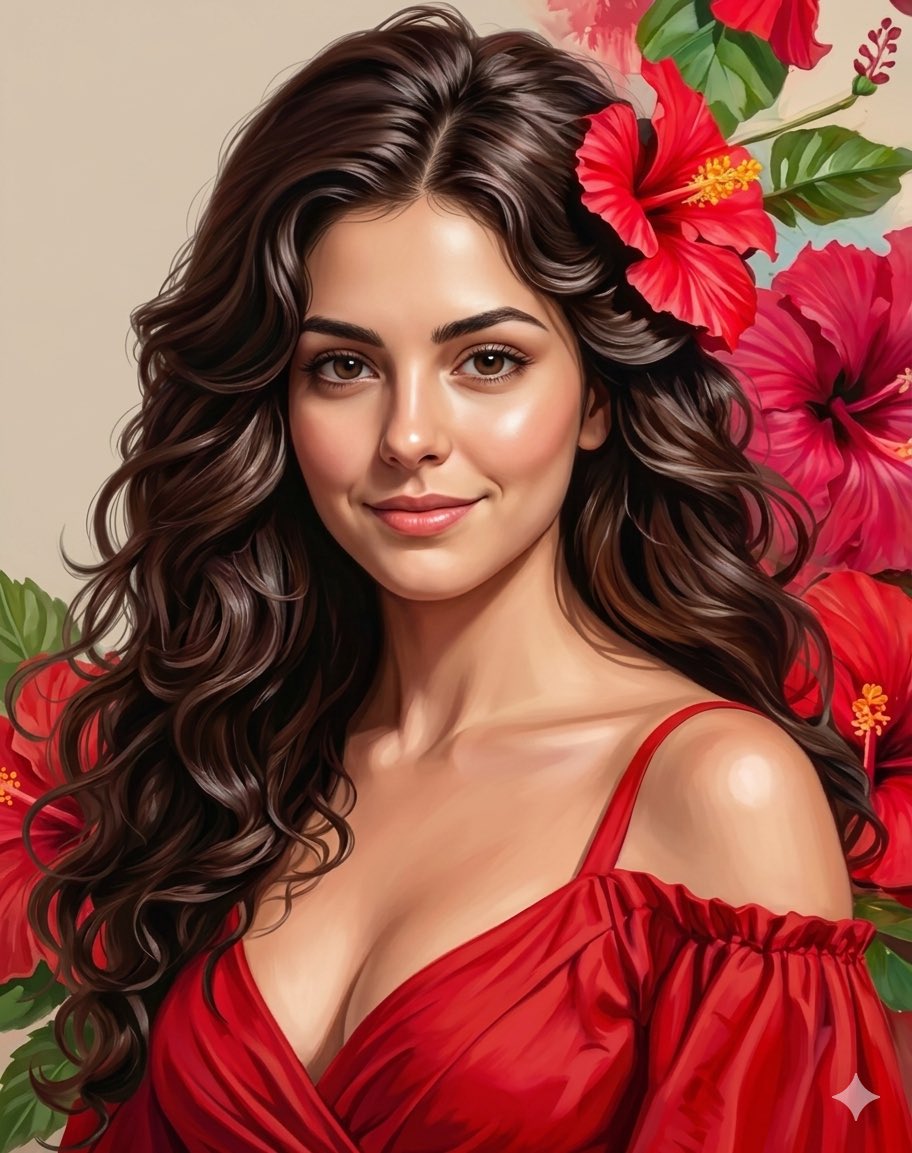
Romantic Digital Portrait with Hibiscus
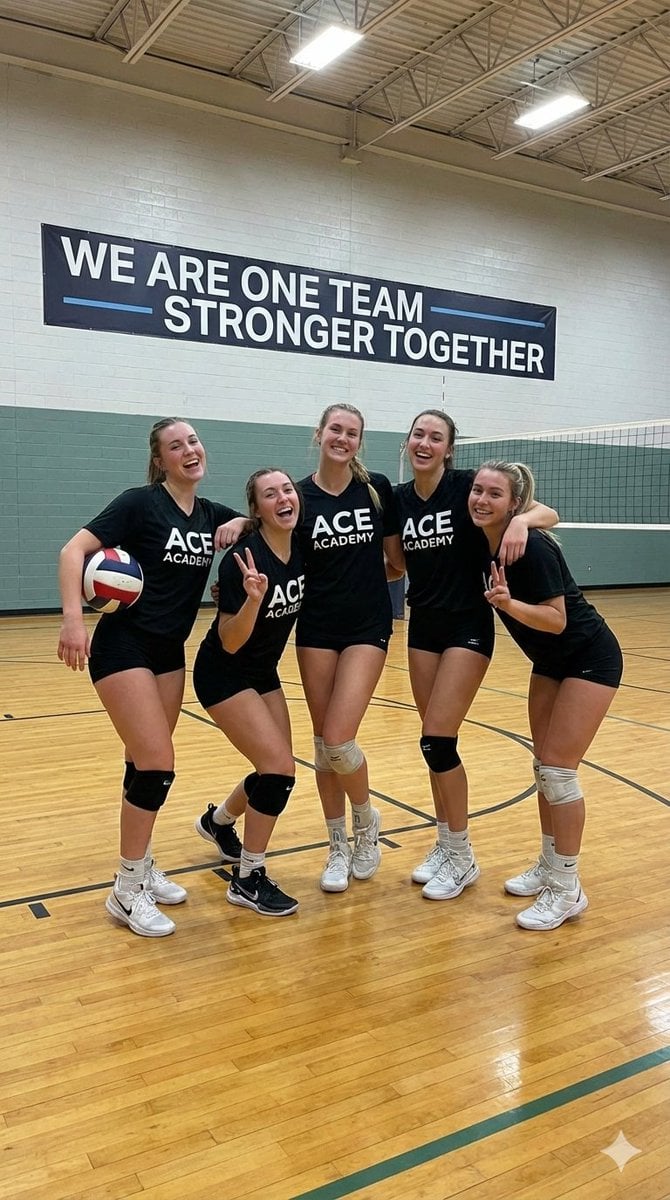
Indoor Female Volleyball Team Photo
Browse template categories
Mixed-Media Paper Doll Fashion questions
How do I use the Mixed-Media Paper Doll Fashion template?
Add your photo if the template asks for one, edit the prompt if you like — the template's model and format are already selected — and press Generate. Your version opens in PicX Studio.
Can I customize the Mixed-Media Paper Doll Fashion template?
Yes. You can change the subject, setting, lighting, mood, format, and available model controls before creating your image.
Is the Mixed-Media Paper Doll Fashion template free?
Opening and editing this template is free. Generating uses credits, shown on the Generate button when you are signed in.
Which AI model should I use?
Start with GPT Image 2, which is the model associated with this template. You can compare another compatible model for a different finish.
Looking for something else? Browse all templates.

Your photo, any look
Thousands of ready templates for every top image and video model, from one credit balance.