
Dark Fantasy Dual Revolver Gunslinger
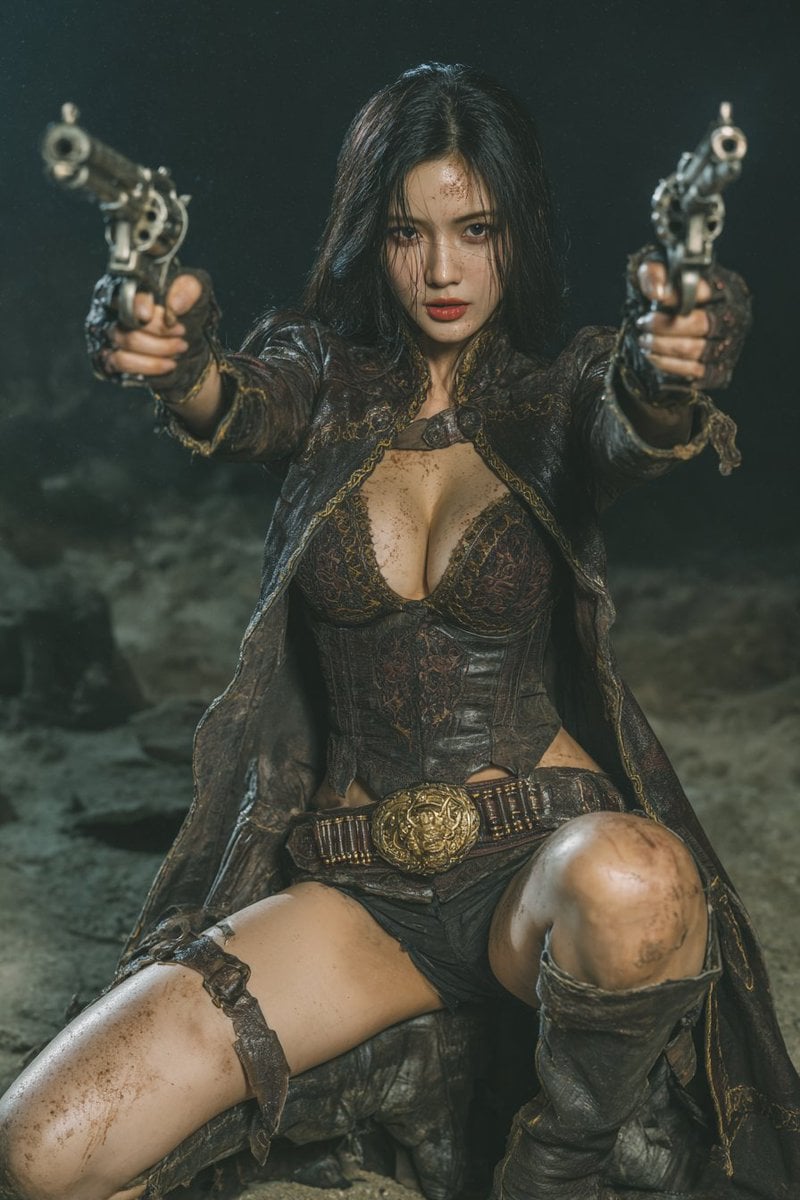
A cinematic photorealistic portrait prompt for creating a gritty dark-fantasy western woman aiming two antique revolvers at the viewer.
- Prompt included
- Model and format preset
- Free template
The prompt behind this image
Copy the exact prompt behind Dark Fantasy Dual Revolver Gunslinger, or open it in the studio and make it yours.
Create a cinematic dark-fantasy western action portrait of an {argument name="character ethnicity and age" default="East Asian woman, about 30 years old"} in a dramatic gunslinger pose, crouched low with knees bent and one leg forward, both arms fully extended toward the viewer while aiming exactly 2 ornate antique revolvers, one in each hand. She has {argument name="hair color and style" default="raven-black hair with cool blue undertones, long, wet, messy, and falling straight past her shoulders"}, intense amber-hazel eyes, muted rose-mauve lips, dirt and sweat on her face and body, and a fierce focused expression staring directly into camera. Dress her in a weathered dark leather-and-lace corset outfit with a deep neckline, tattered long coat or cloak with gold embroidered trim, fingerless gloves, a wide ammunition belt with a large ornate gold buckle, short dark bottoms, and tall worn leather boots; count 7 visible outfit elements: corset, tattered coat, fingerless gloves, ammunition belt, gold buckle, short bottoms, tall boots. Set the scene in a smoky, dim rocky wasteland or cave-like battlefield at night, with dust, grime, and mist in the background. Use shallow depth of field so the revolver barrels are large and slightly blurred in the extreme foreground while her face remains sharp. Lighting should be moody teal-green and warm bronze, high-contrast, gritty, wet, cinematic, photorealistic, highly detailed, 35mm film still aesthetic, vertical 2:3 composition, centered subject, no text, no watermark.
How to use Dark Fantasy Dual Revolver Gunslinger in 3 steps
- 1Upload ImagePNG, JPG or paste
Add your photo
Upload the photo the template builds on. The prompt, model and format are already set.
- 2…a portrait of your subject in softgolden-hour light, 85mm…
Personalize
Edit the subject and creative details for your destination.
- 3Generate
Generate
Press Generate — your image is created in PicX Studio, so you can compare it with the original and refine one variable at a time.
More like this
Templates with the same subject, style or setup. Open one to see its prompt.

Dark Fantasy Sorceress Storyboard

Dark Fantasy Smoke Monster Transformation

Anime Fantasy Celestial Movie Poster
Anime Fantasy Celestial Movie Poster

Selective Color Monochrome Football Poster

Minecraft Fantasy Kingdom Voxel Landscape

Unfinished Sketch Comes Alive Portrait

Open Travel Journal Overhead Still Life

Tiny Woman Miniature Fantasy Macro Scene
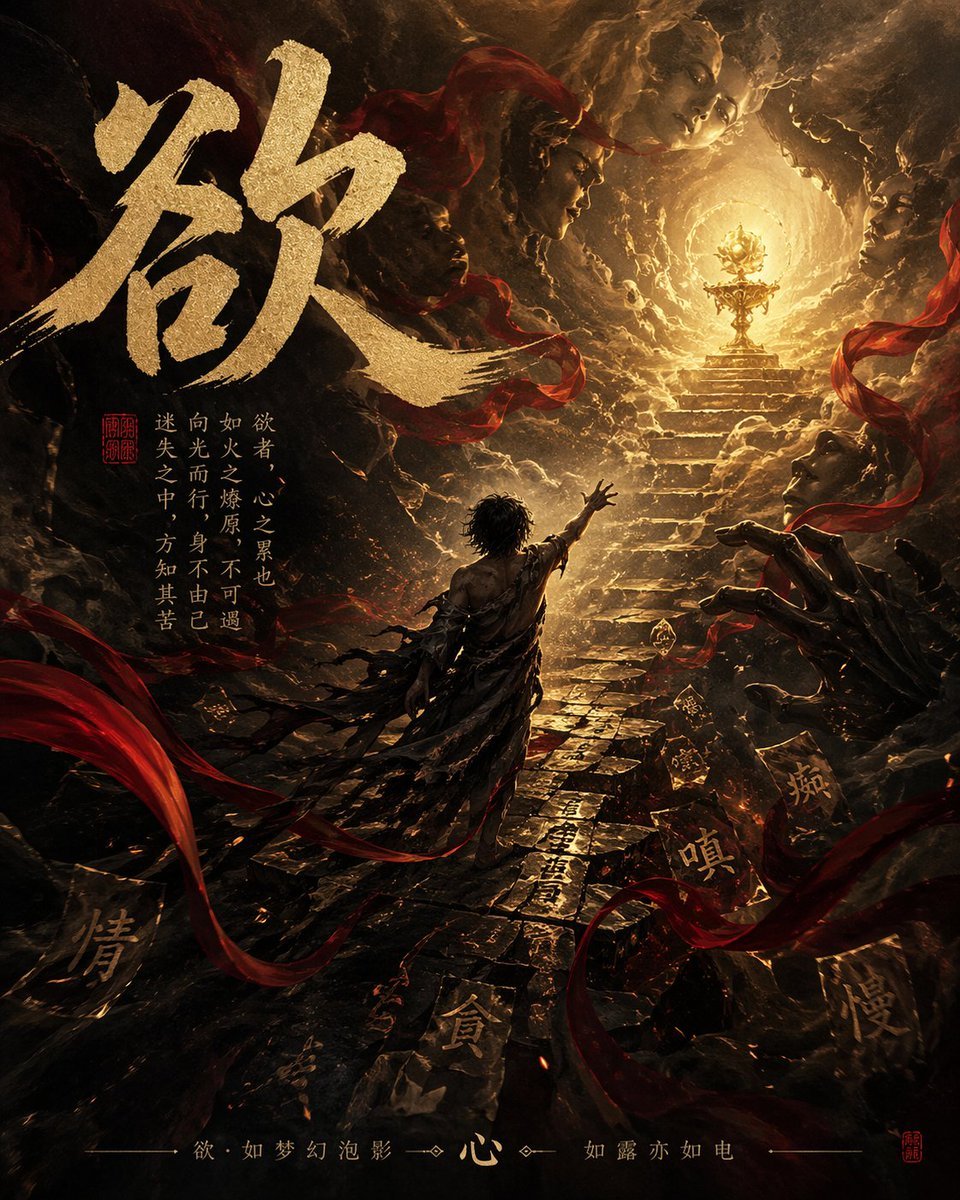
Dark Chinese Fantasy Desire Poster
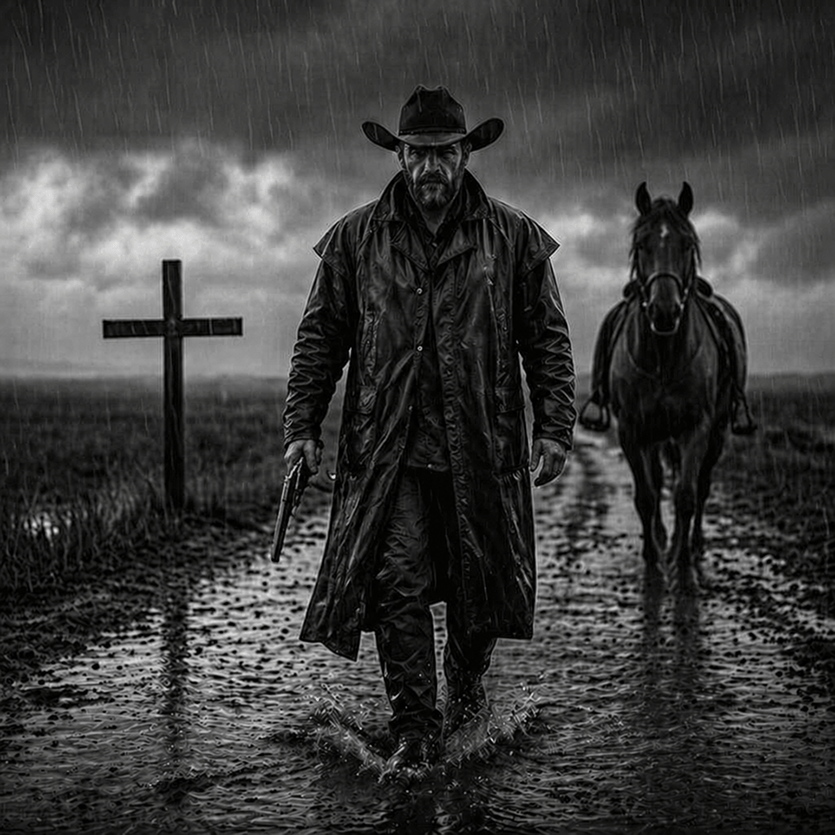
Rain-Soaked Dark Western Gunslinger
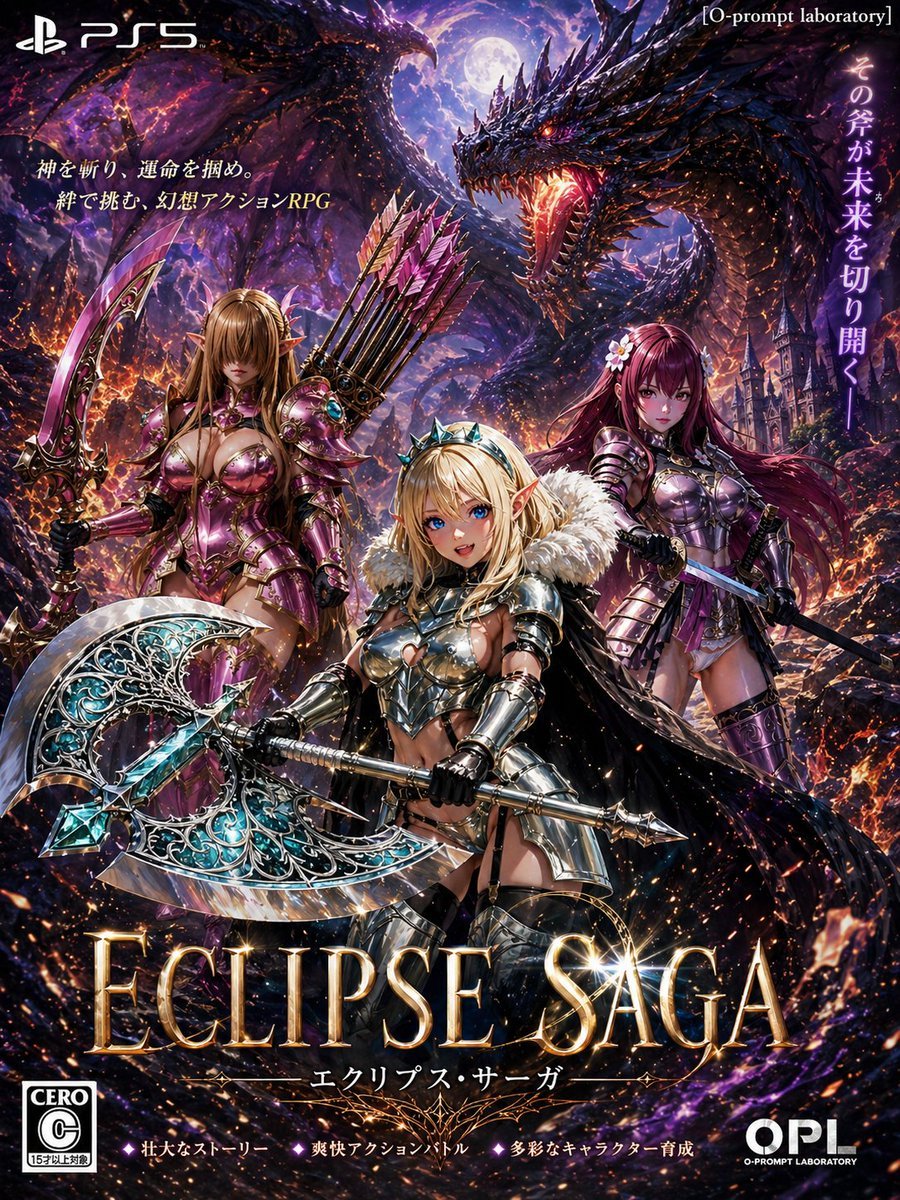
Dark Fantasy PS5 RPG Cover Art
Make it yours
Dark Fantasy Dual Revolver Gunslinger works as-is. These are the safest ways to change it without losing the look.
Change one field
Copy a single group, rewrite it, and generate again so you can see what that field is doing.
Keep the frame, change the subject
Hold the composition and light of Dark Fantasy Dual Revolver Gunslinger, then swap wardrobe, props or the person for a new take.
| If the result… | Why | Fix |
|---|---|---|
| The result drifts from the preview | Too many fields changed at once. | Reuse Dark Fantasy Dual Revolver Gunslinger as-is first, then change one group — subject, light, or setting. |
| The model over-stylizes the scene | The prose prompt leaves finish and camera underspecified. | Add one camera or lighting sentence and stay on GPT Image 2. |
More GPT Image 2 templates
Other prompts made for GPT Image 2.

Six VTuber Japanese Logo Sheet

Realistic Portrait of Woman and Deer

The Vista Modular Condo Poster

AI Model Routing Comparison Infographic

2.5D Anime Art Board

Isometric Productivity Desk Scene

New York Double Exposure Poster

Four-Panel AI Landscape Comparison

Japanese Tatami Lifestyle Magazine Cover

NESCAFÉ Coffee Map Poster
More image prompts
Fresh picks from across the catalog.
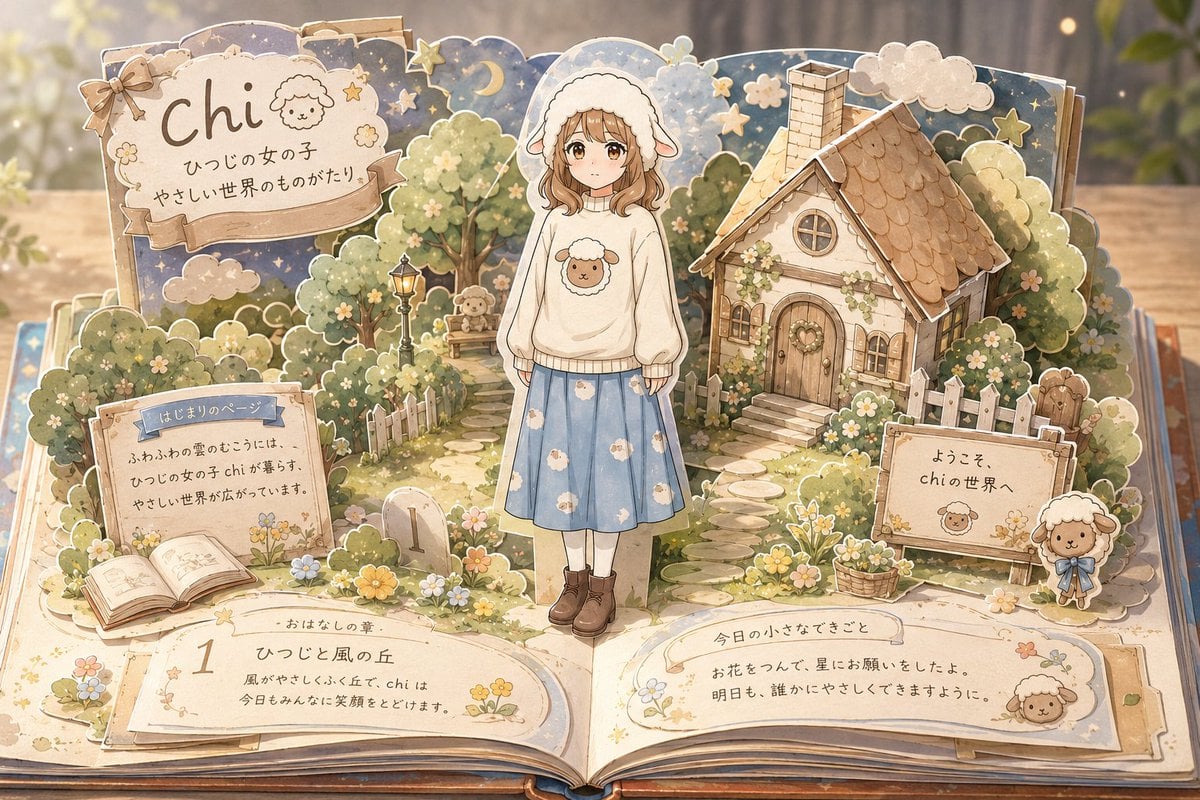
Sheep Girl Pop-Up Storybook

Social Post to Professional Graphic Transformation
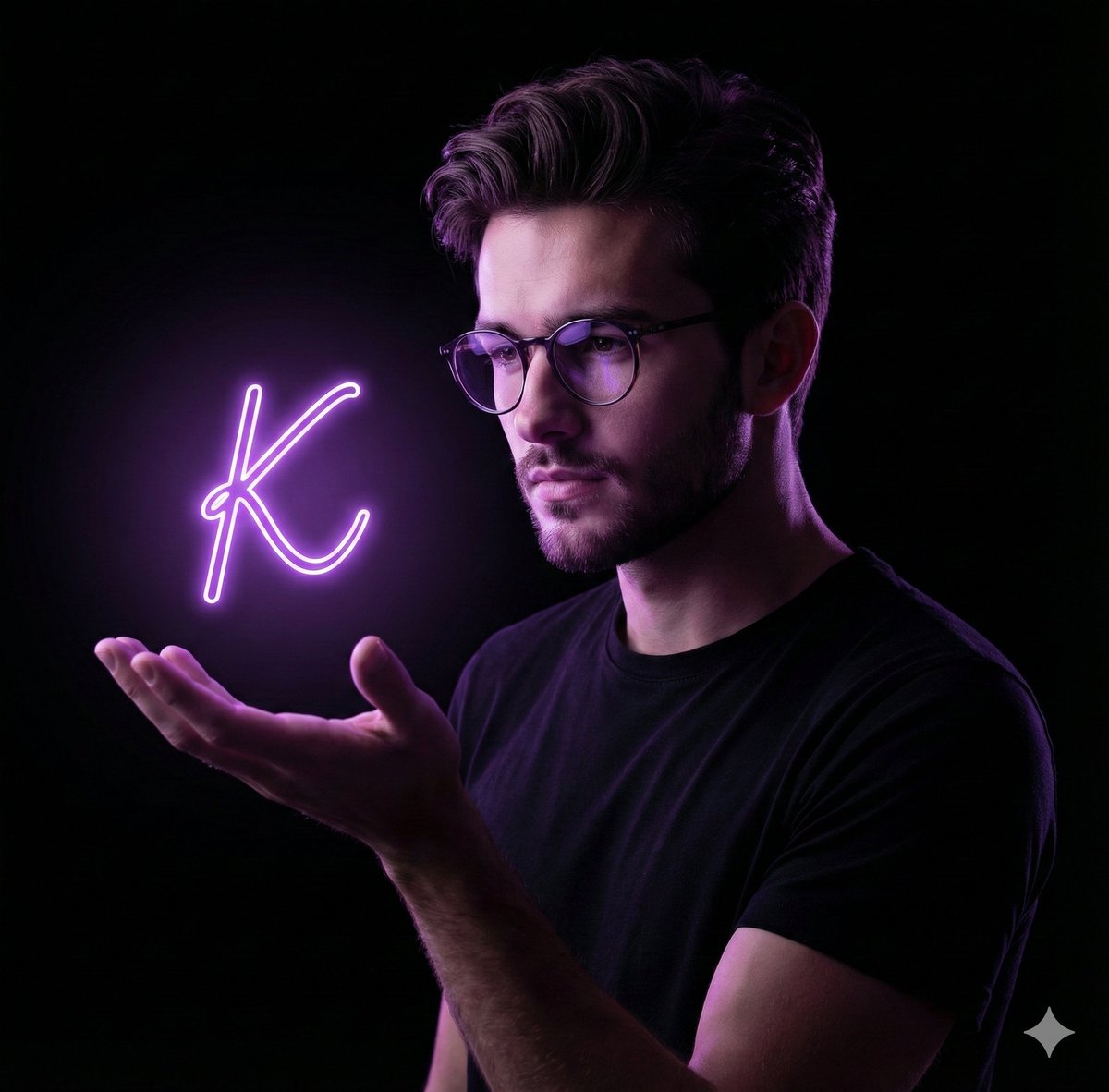
Dramatic Neon Hand-Lettering Portrait
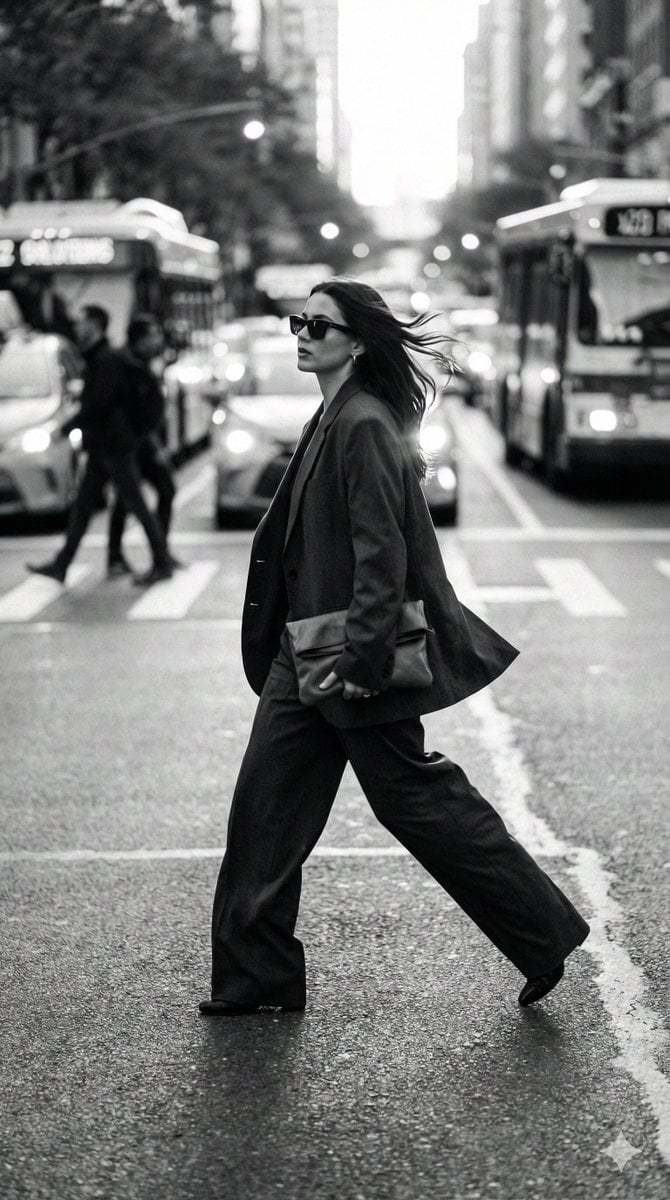
Dynamic Black and White Street Fashion Prompt

Gemini Nano Banana 2
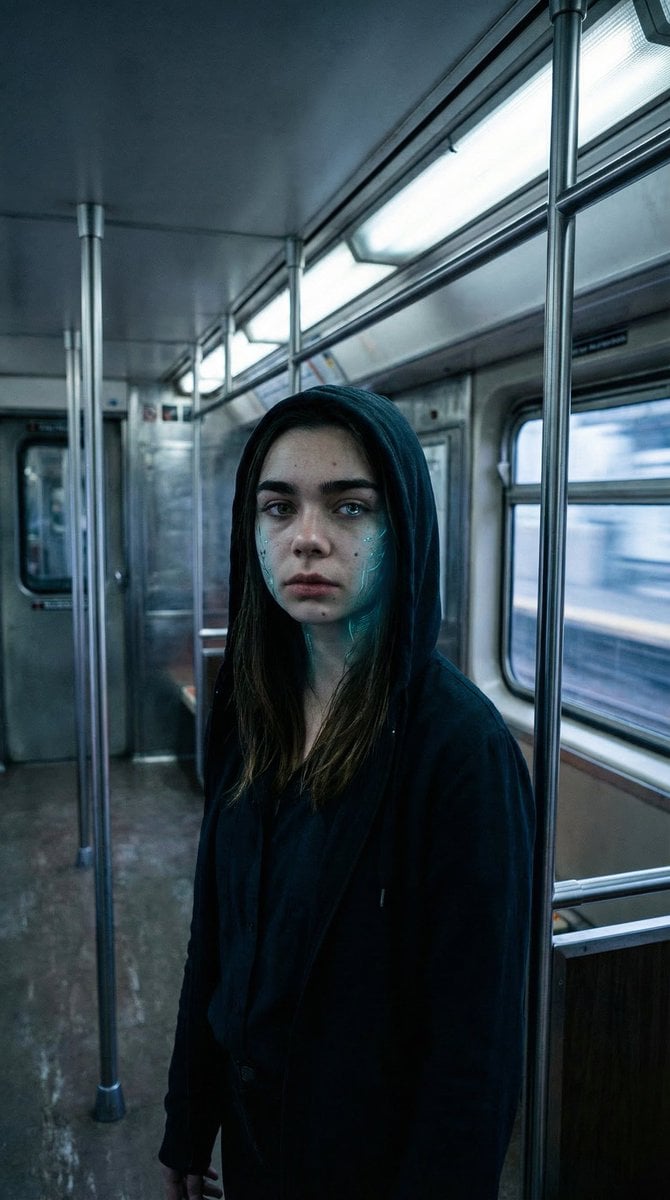
Subtle Cyborg Transformation in Subway
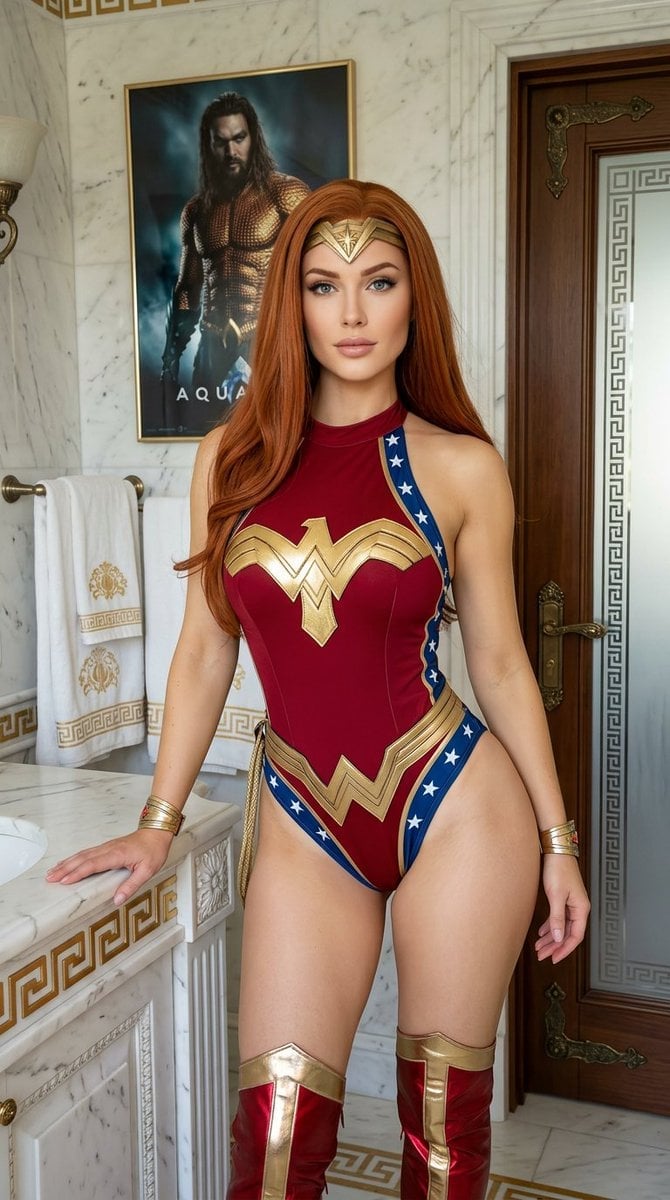
Wonder Woman Cosplay Portrait in Ancient Greek Bathroom
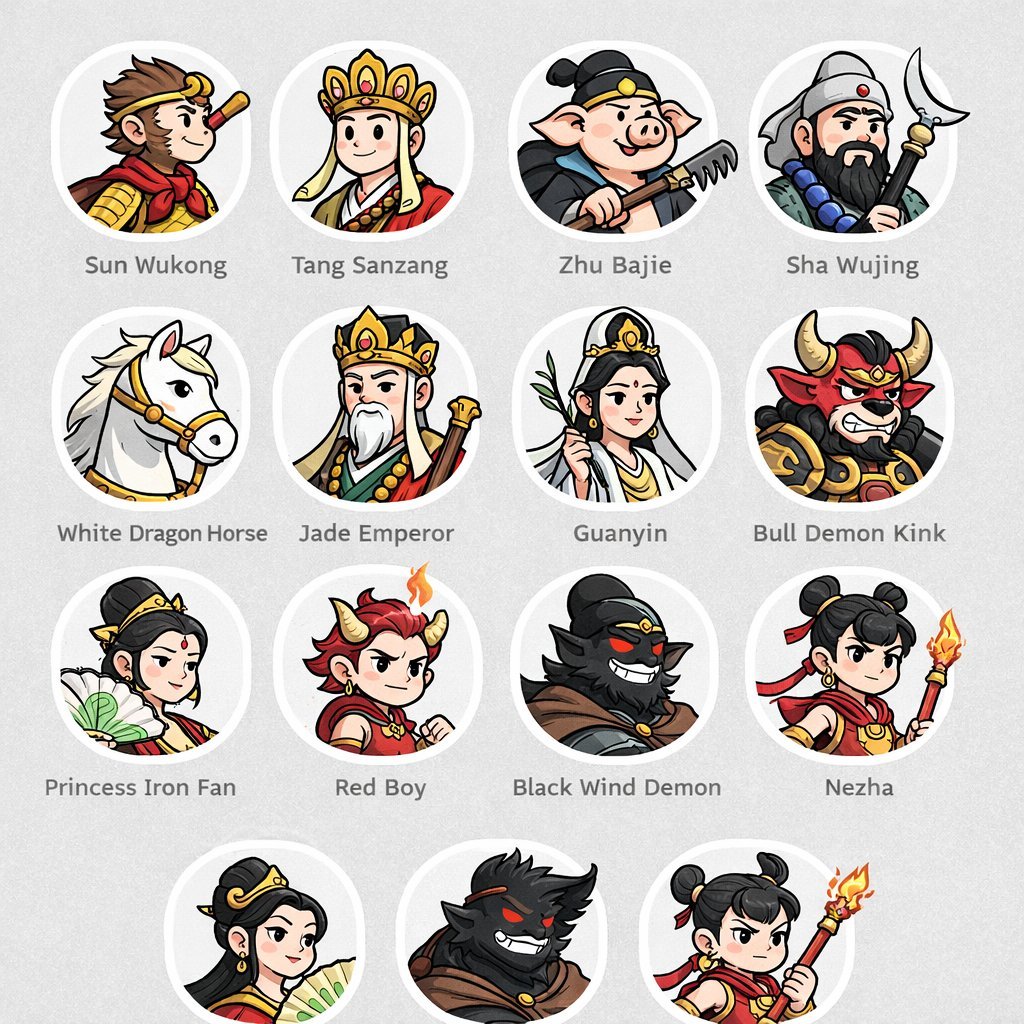
Mythological Character Avatar Grid
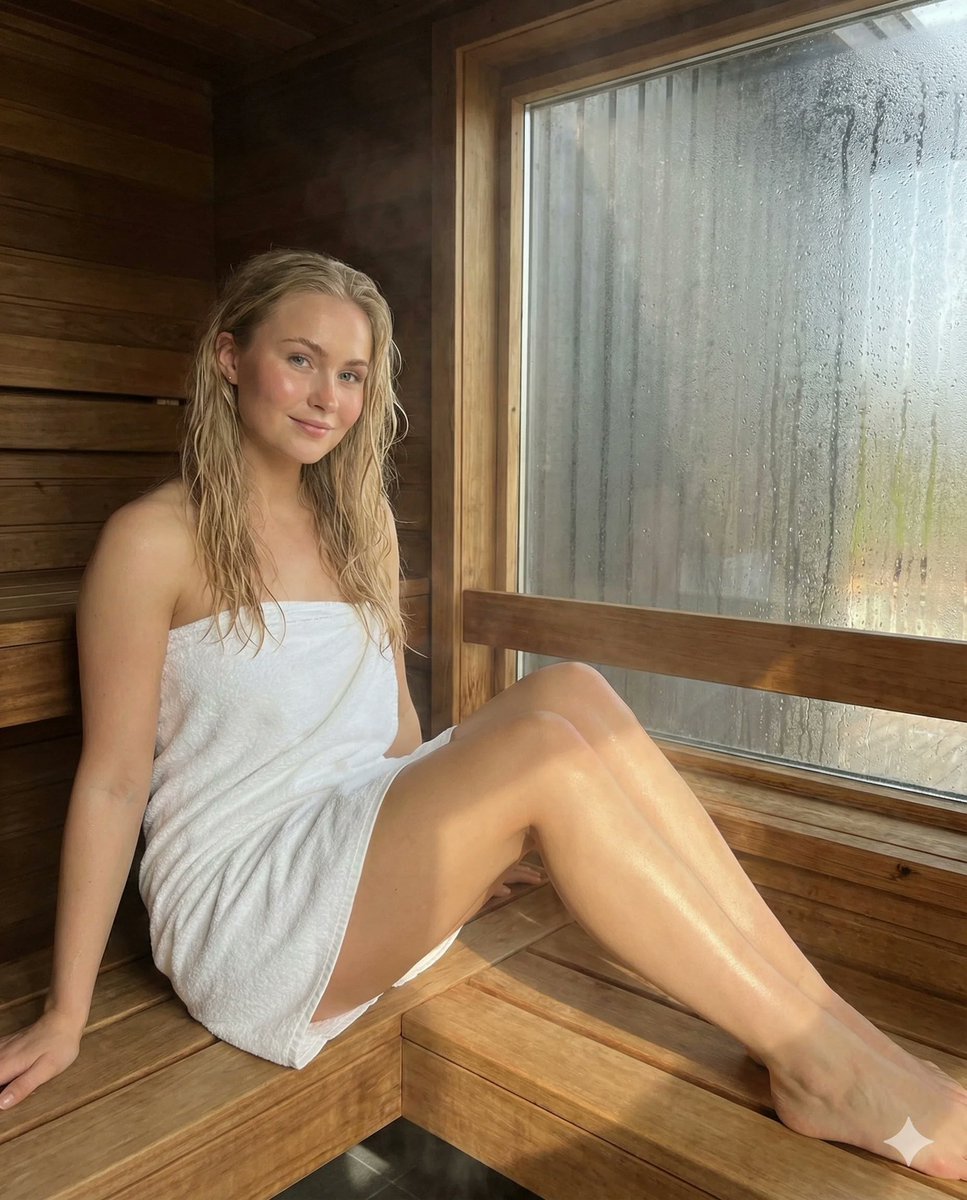
Photorealistic Spa Lifestyle Portrait with Identity Lock
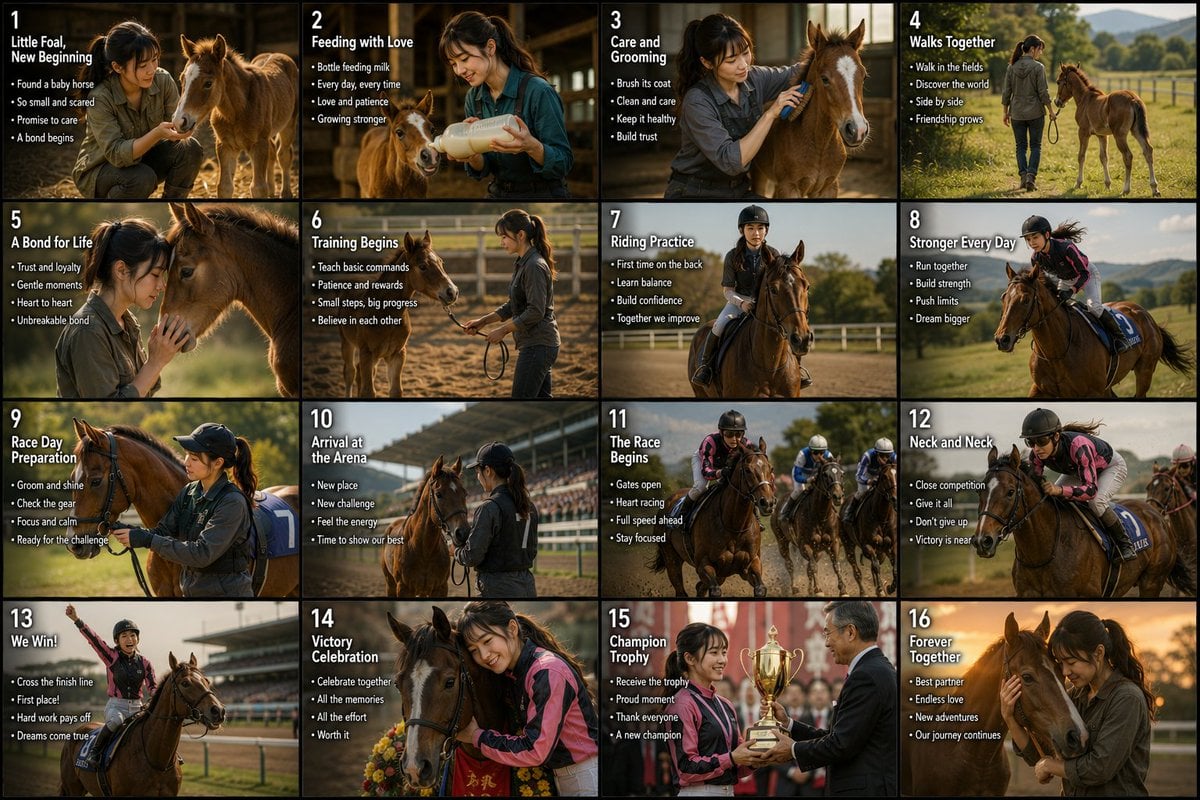
Panel Horse Racing Storyboard
Browse template categories
Dark Fantasy Dual Revolver Gunslinger questions
How do I use the Dark Fantasy Dual Revolver Gunslinger template?
Add your photo if the template asks for one, edit the prompt if you like — the template's model and format are already selected — and press Generate. Your version opens in PicX Studio.
Can I customize the Dark Fantasy Dual Revolver Gunslinger template?
Yes. You can change the subject, setting, lighting, mood, format, and available model controls before creating your image.
Is the Dark Fantasy Dual Revolver Gunslinger template free?
Opening and editing this template is free. Generating uses credits, shown on the Generate button when you are signed in.
Which AI model should I use?
Start with GPT Image 2, which is the model associated with this template. You can compare another compatible model for a different finish.
Looking for something else? Browse all templates.

Your photo, any look
Thousands of ready templates for every top image and video model, from one credit balance.