
Aerial Championship Night Stadium
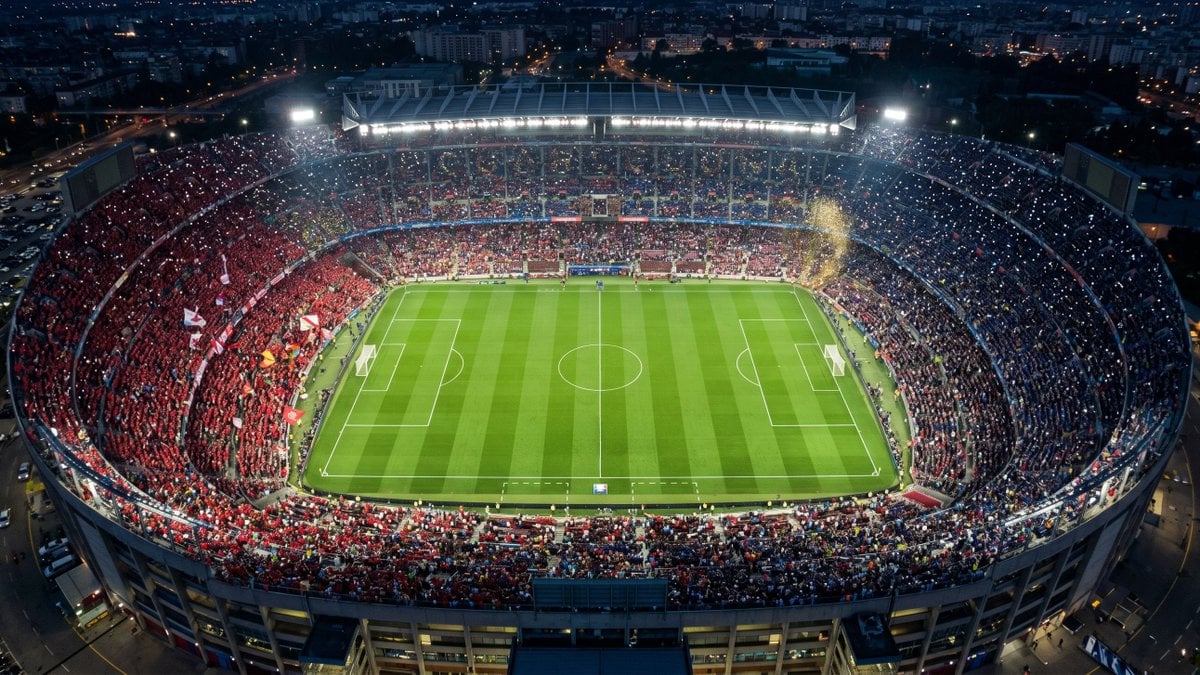
A cinematic photorealistic aerial view of a packed illuminated soccer stadium at night for sports, broadcast, or event visuals.
- Prompt included
- Model and format preset
- Free template
The prompt behind this image
Copy the exact prompt behind Aerial Championship Night Stadium, or open it in the studio and make it yours.
Create a photorealistic aerial top-down wide shot of a packed championship-night soccer stadium in a large city at dusk/night, viewed from high above the near end so the entire oval bowl and full green pitch are visible. The stadium is brightly illuminated by floodlights and roof lighting, with a vivid striped grass field, crisp white soccer markings, two goals, center circle, penalty boxes, and touchlines. The stands are completely filled with fans split into two dominant color sections: a large red crowd on the left side with flags and banners, and a darker blue crowd on the right side, with thousands of tiny phone lights sparkling throughout. Add a burst of golden confetti or smoke near the upper-right stands, glowing floodlight haze, realistic crowd density, stadium architecture, scoreboard screens at both far corners, and surrounding city streets and buildings fading into the dark background. Use a cinematic drone-photography look, ultra-detailed realism, high dynamic range, cool blue night tones contrasted with bright stadium greens and warm city lights, 16:9 landscape composition, no text, no drawn route overlay, no watermark.
How to use Aerial Championship Night Stadium in 3 steps
- 1Upload ImagePNG, JPG or paste
Add your photo
Upload the photo the template builds on. The prompt, model and format are already set.
- 2…a portrait of your subject in softgolden-hour light, 85mm…
Personalize
Edit the subject and creative details for your destination.
- 3Generate
Generate
Press Generate — your image is created in PicX Studio, so you can compare it with the original and refine one variable at a time.
More like this
Templates with the same subject, style or setup. Open one to see its prompt.
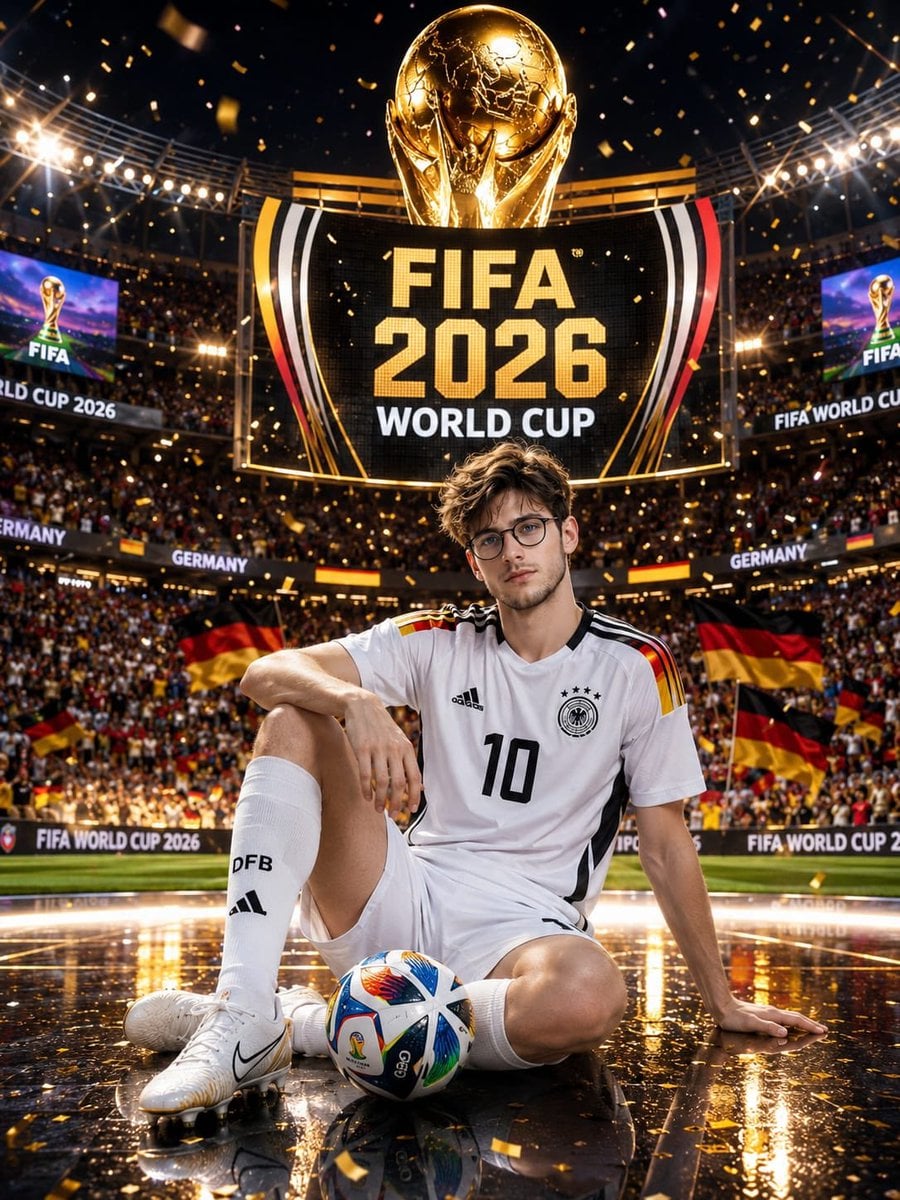
Germany 10 Championship Celebration Poster
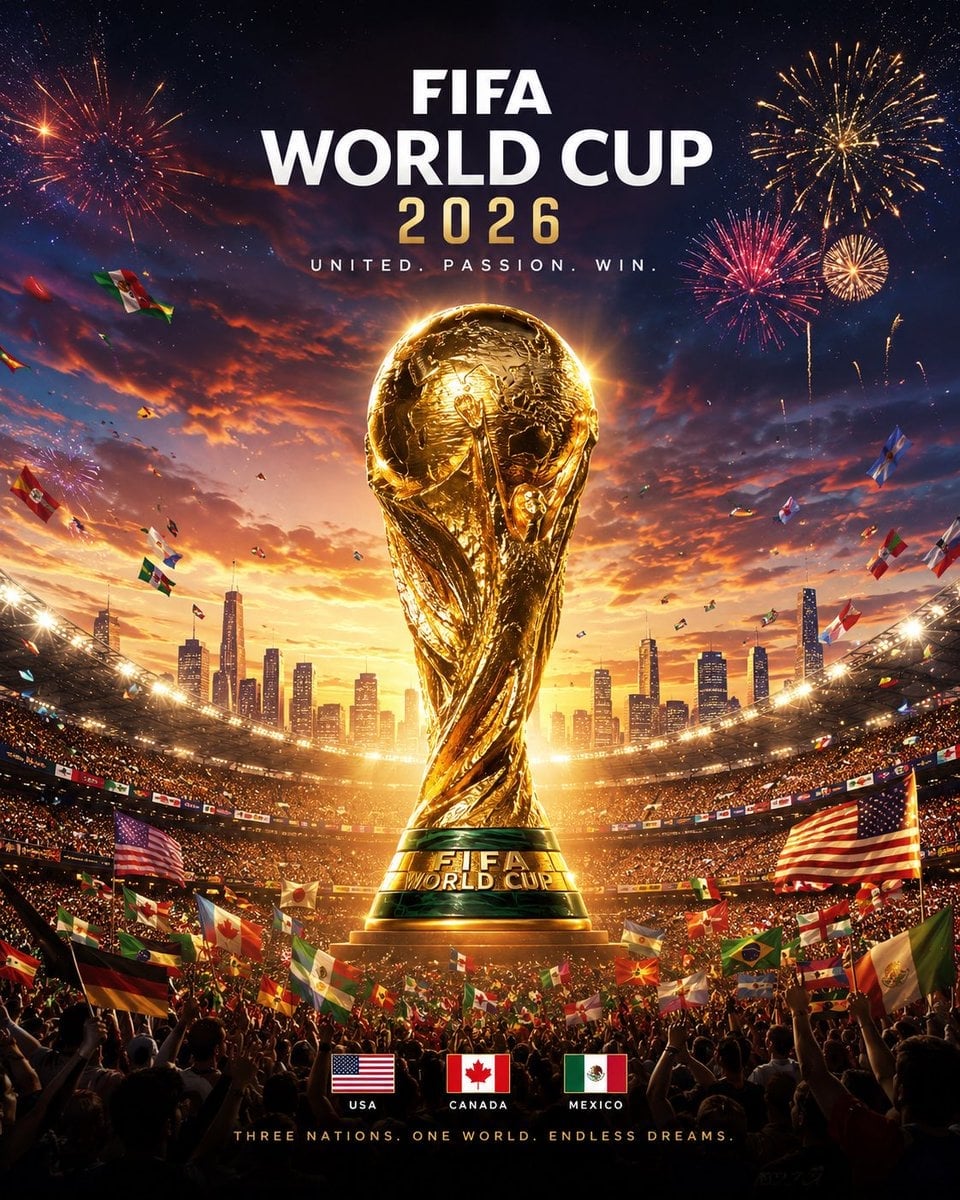
FIFA 2026 — Golden Trophy Stadium Night

Subway Platform Quiet Introspective Portrait
Subway Platform Quiet Introspective Portrait

Spider-Man Night Swing New York Cinematic

Usa Cinematic Hyperreal Collage Poster
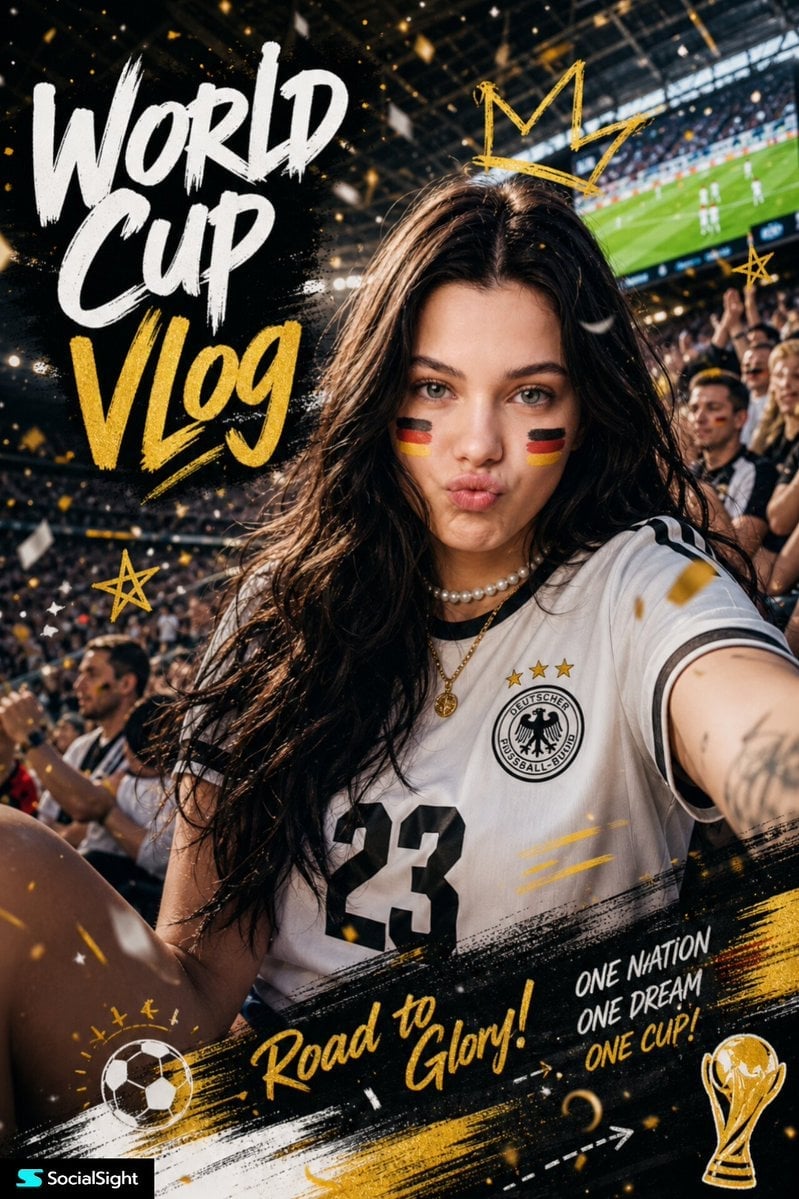
Fifa Stadium Fan Portrait Poster
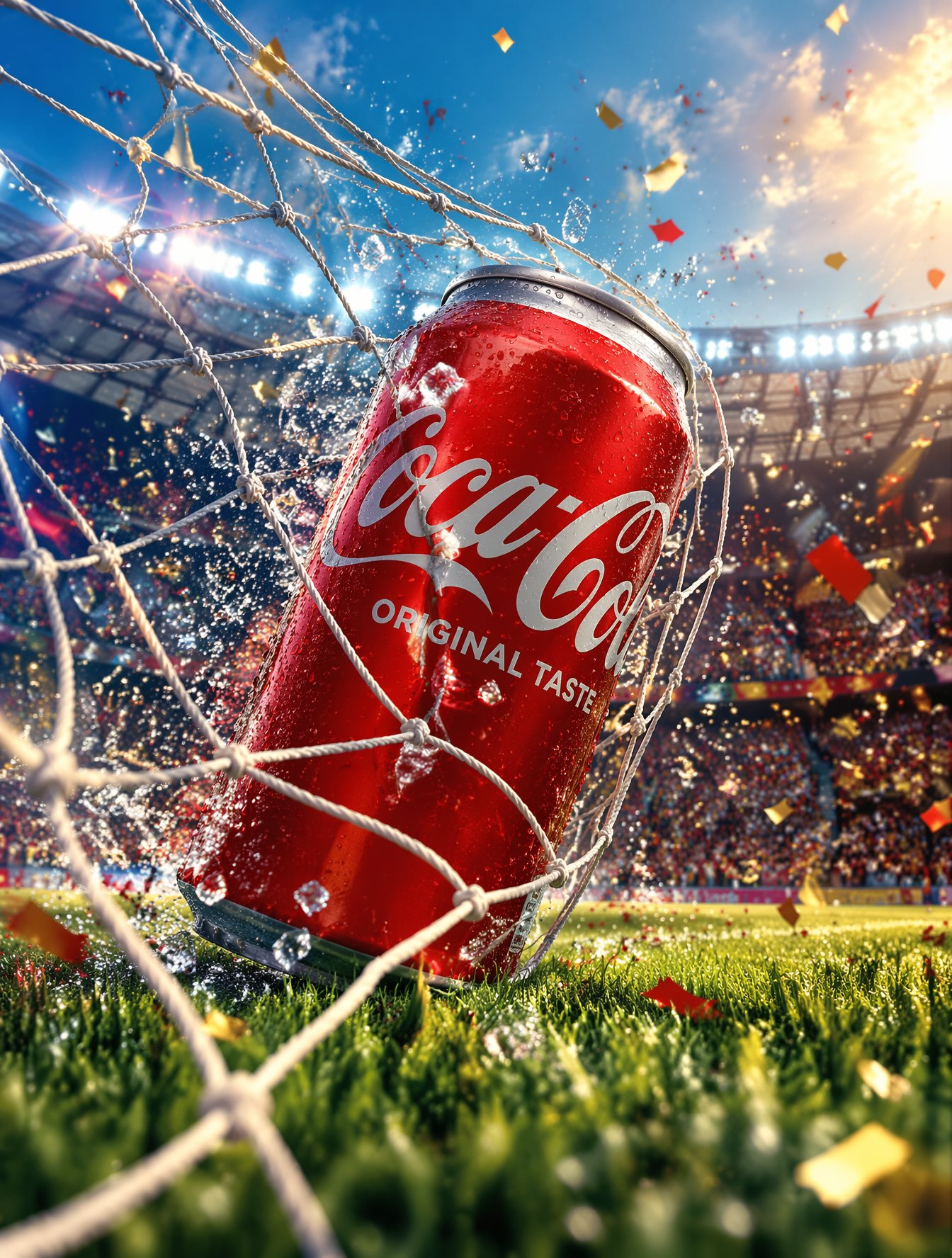
FIFA-Inspired — World Cup Final Goal Net Commercial
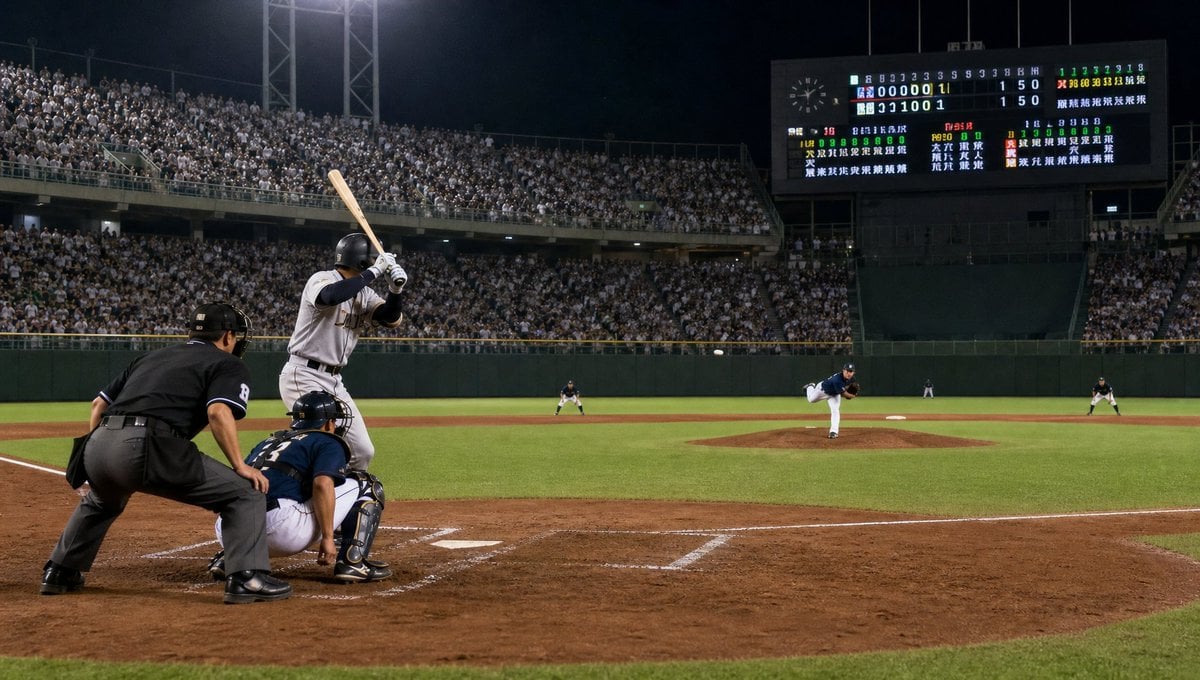
Night Baseball Stadium Pitch

Floating Woman Above Cityscape with Notifications

Night Sports Car Portrait — Cinematic Moody

Nano Banana - Cozy Cafe Night
Make it yours
Aerial Championship Night Stadium works as-is. These are the safest ways to change it without losing the look.
Change one field
Copy a single group, rewrite it, and generate again so you can see what that field is doing.
Keep the frame, change the subject
Hold the composition and light of Aerial Championship Night Stadium, then swap wardrobe, props or the person for a new take.
| If the result… | Why | Fix |
|---|---|---|
| The result drifts from the preview | Too many fields changed at once. | Reuse Aerial Championship Night Stadium as-is first, then change one group — subject, light, or setting. |
| The model over-stylizes the scene | The prose prompt leaves finish and camera underspecified. | Add one camera or lighting sentence and stay on GPT Image 2. |
More GPT Image 2 templates
Other prompts made for GPT Image 2.

Six VTuber Japanese Logo Sheet

Realistic Portrait of Woman and Deer

The Vista Modular Condo Poster

AI Model Routing Comparison Infographic

2.5D Anime Art Board

Isometric Productivity Desk Scene

New York Double Exposure Poster

Four-Panel AI Landscape Comparison

Japanese Tatami Lifestyle Magazine Cover

NESCAFÉ Coffee Map Poster
More image prompts
Fresh picks from across the catalog.
Intoxicated Face 2x2 Grid Generator
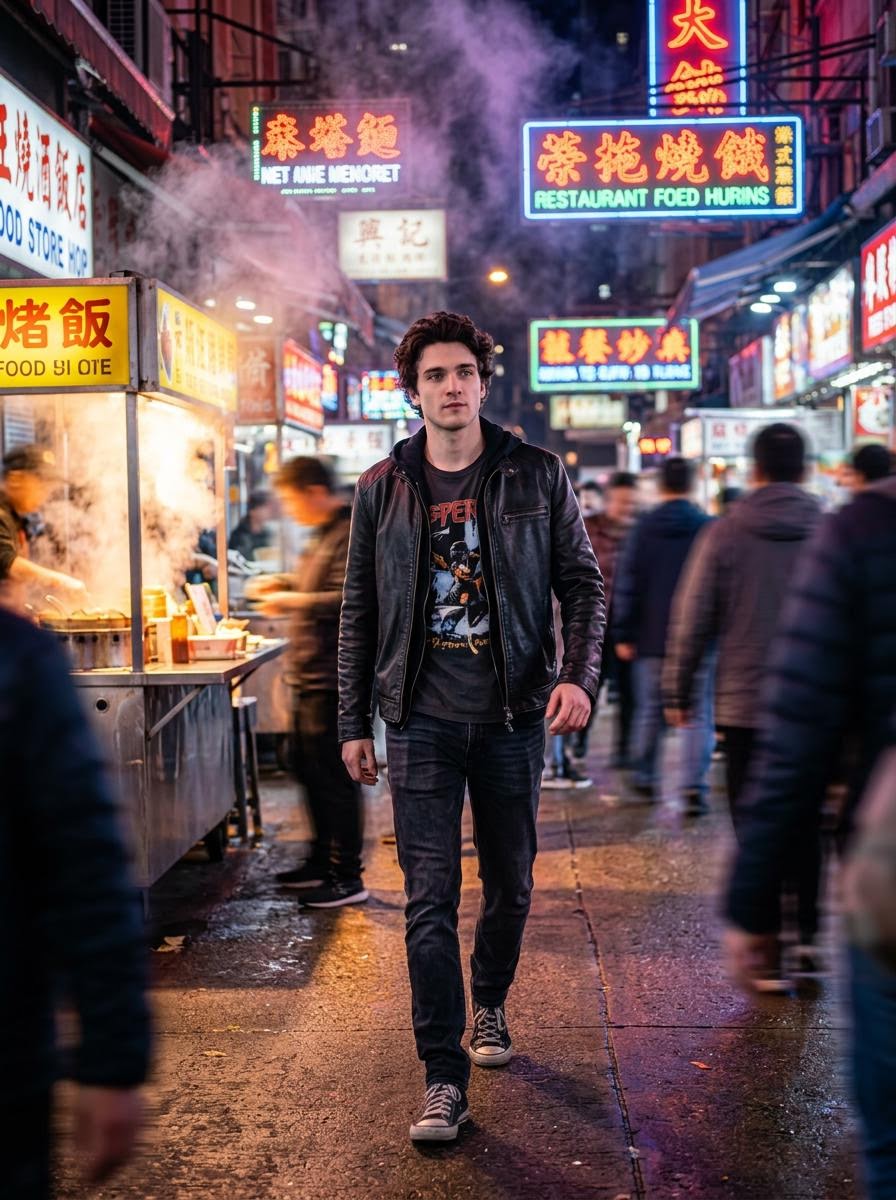
Cinematic Hollywood-Style Street Market Walk
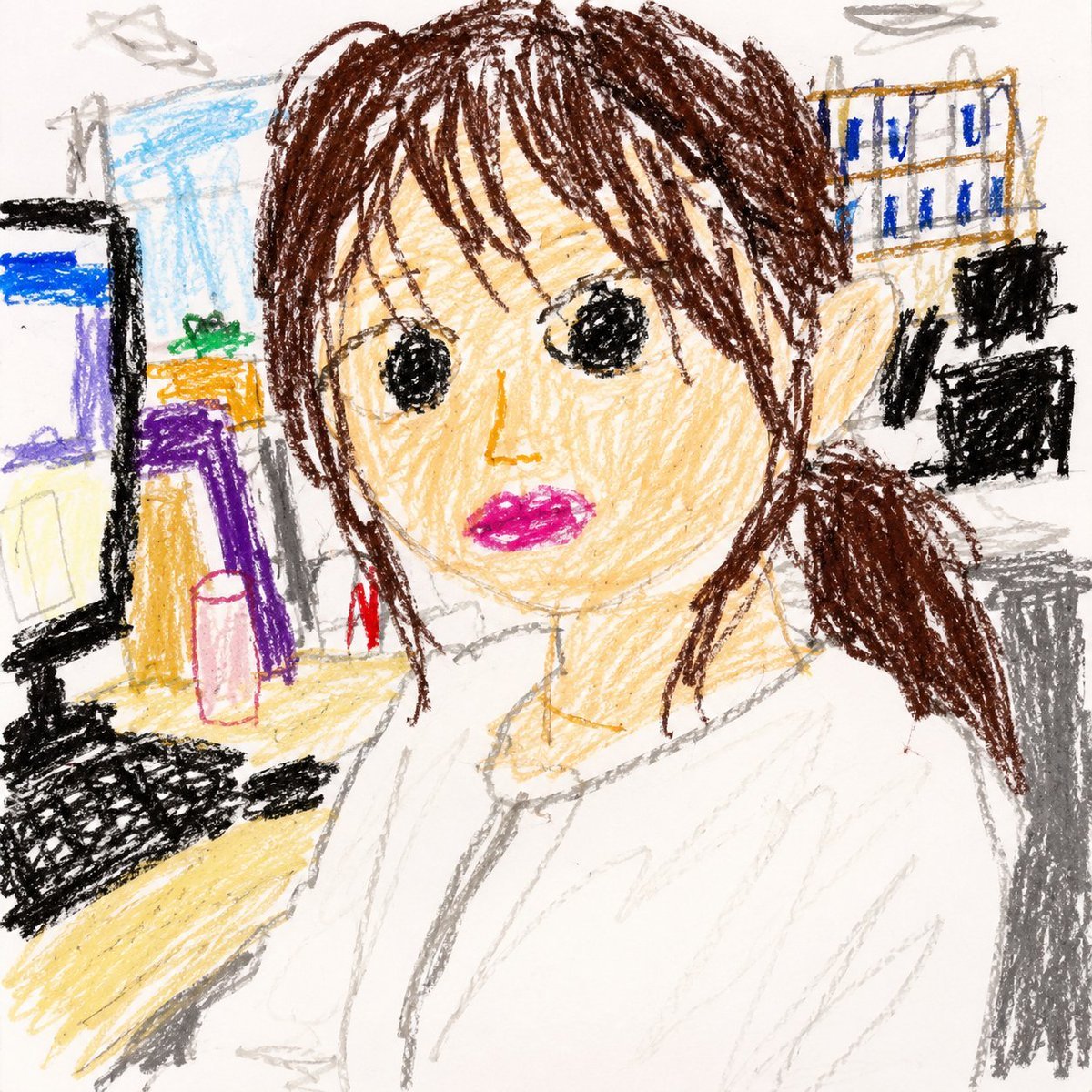
Toddler Crayon Office Selfie
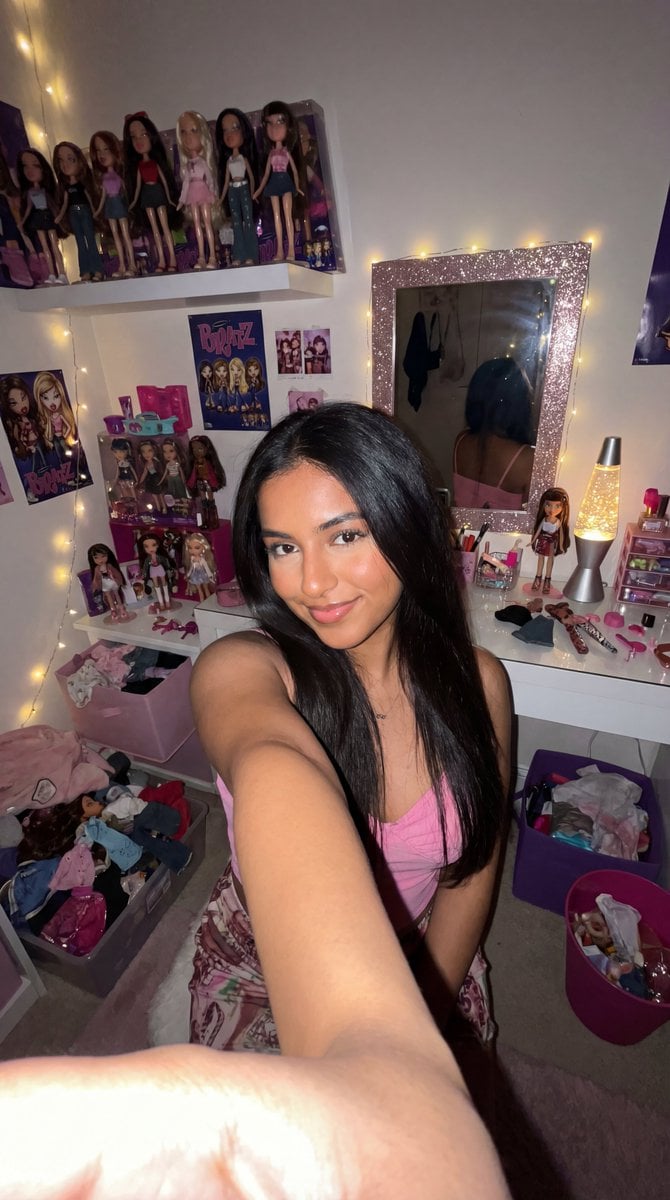
8k Ultra-Photorealistic Bratz Doll Themed Selfie
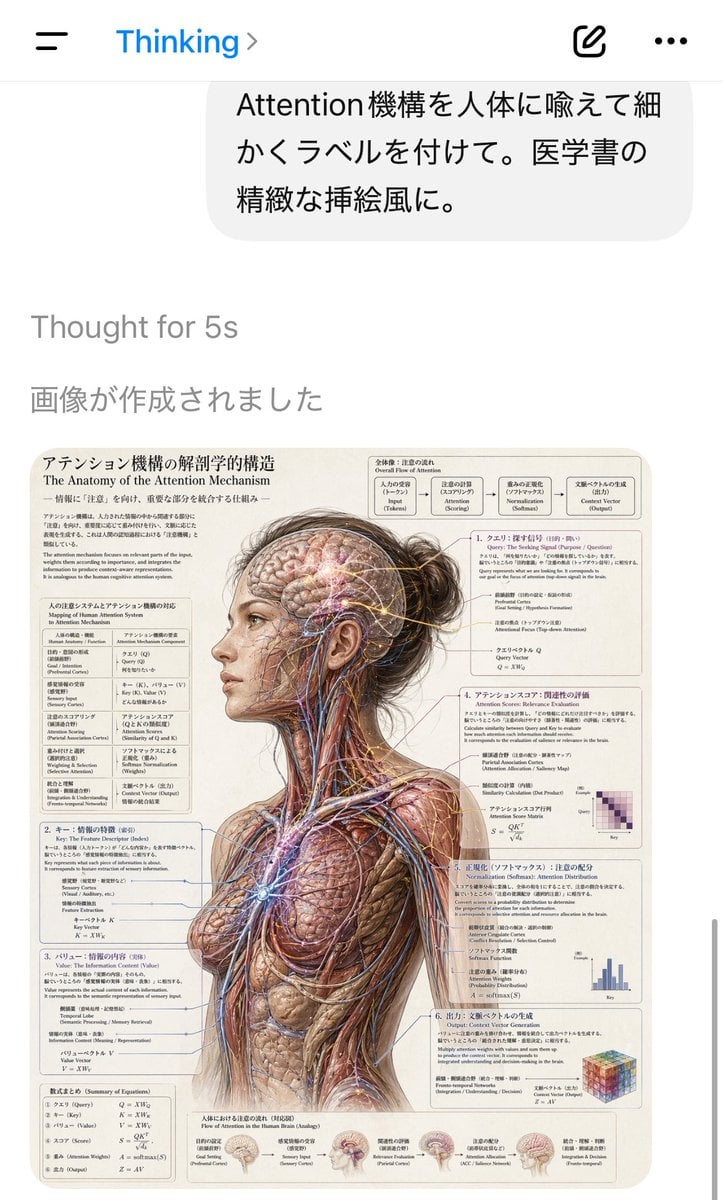
AI Chat Screenshot with Anatomy Poster
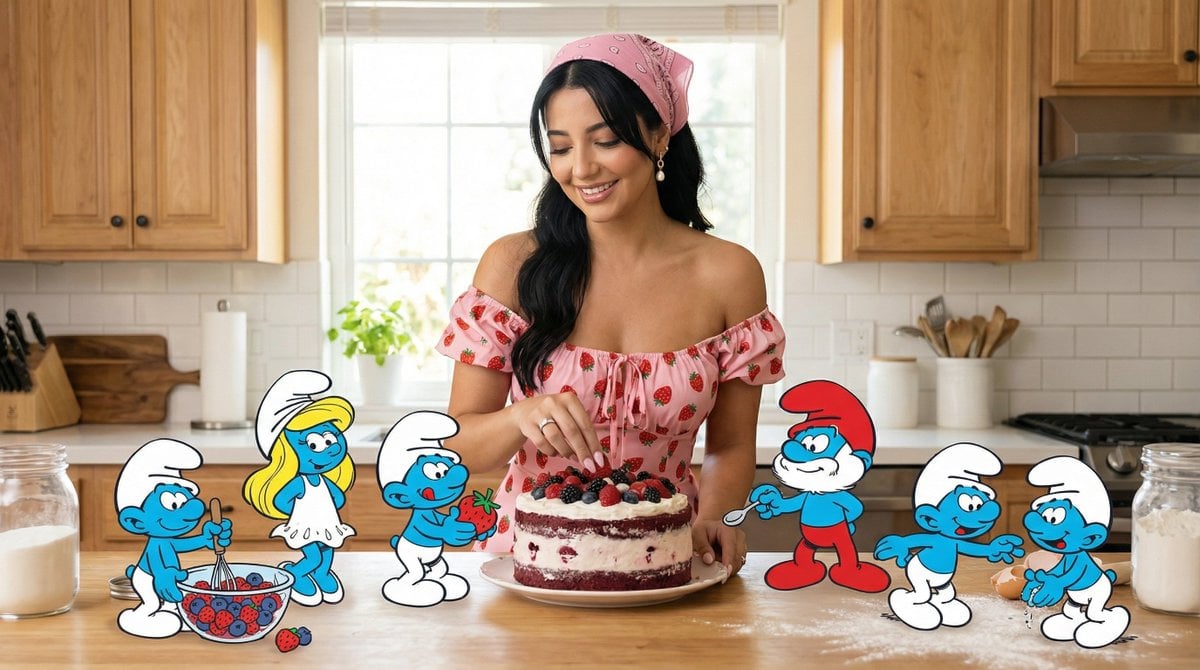
Ultra-Photoreal Cartoon Reality Scene Prompt for Nano Banana Pro
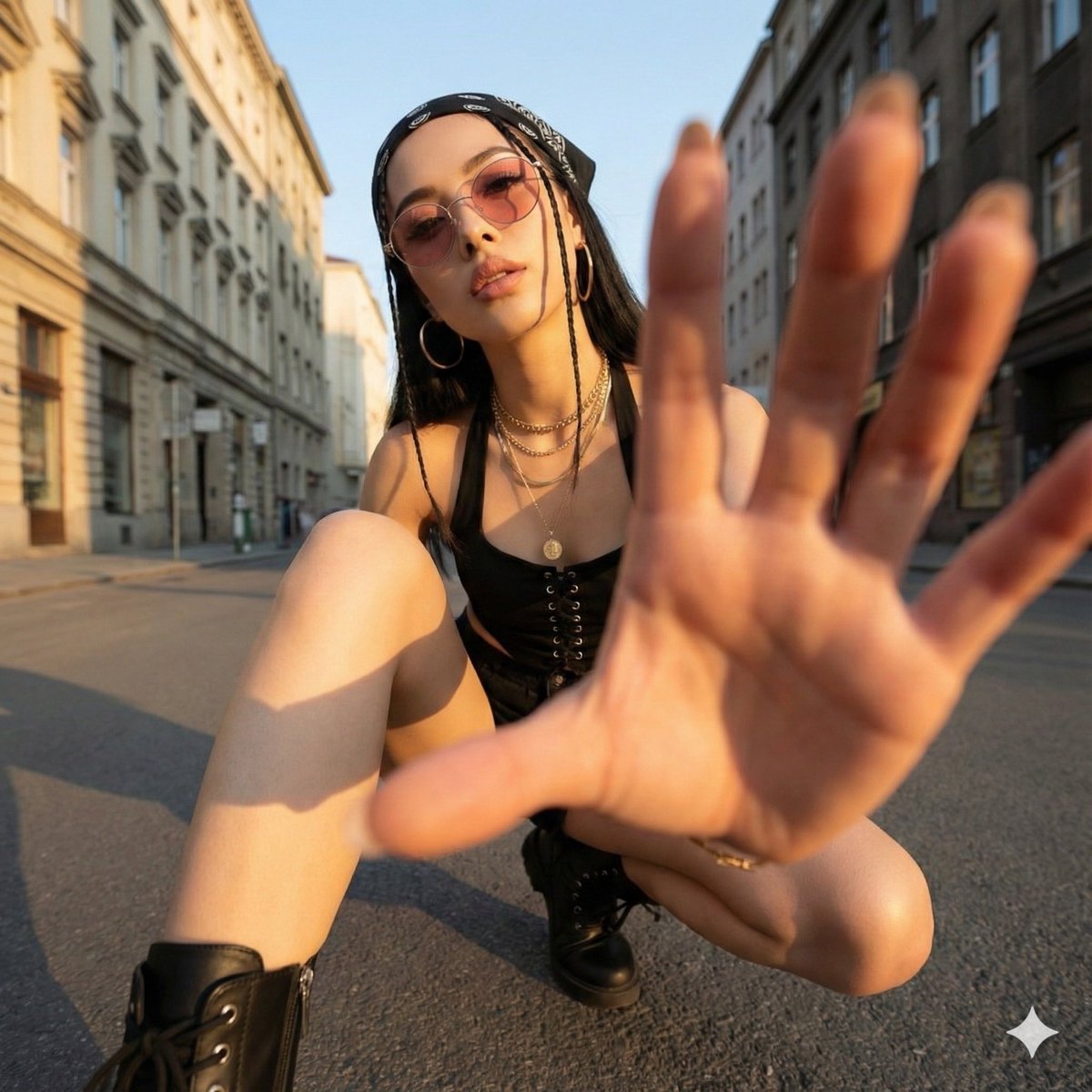
Ultra-Wide Angle Dynamic Pose Remake Prompt
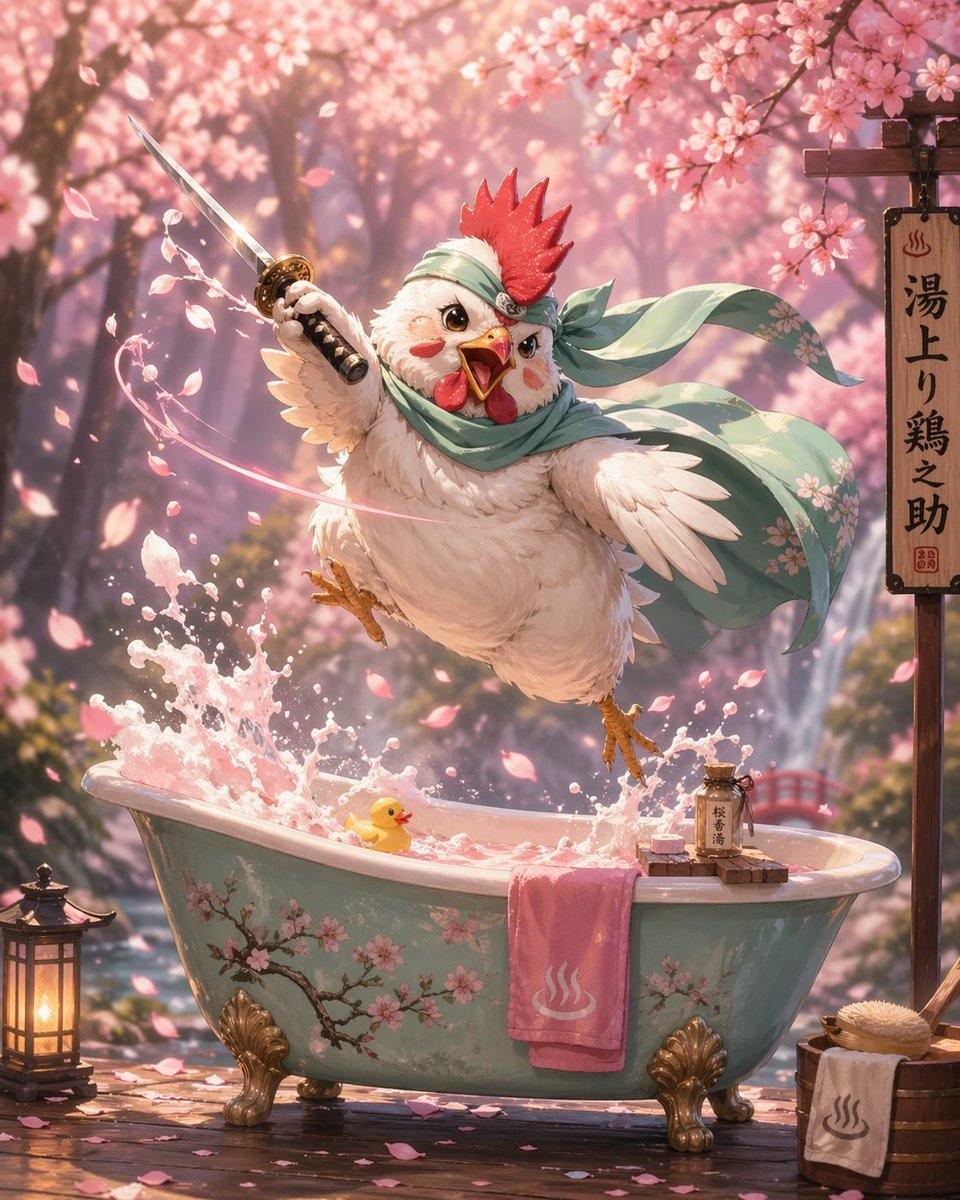
Samurai Chicken Bathtime Portrait
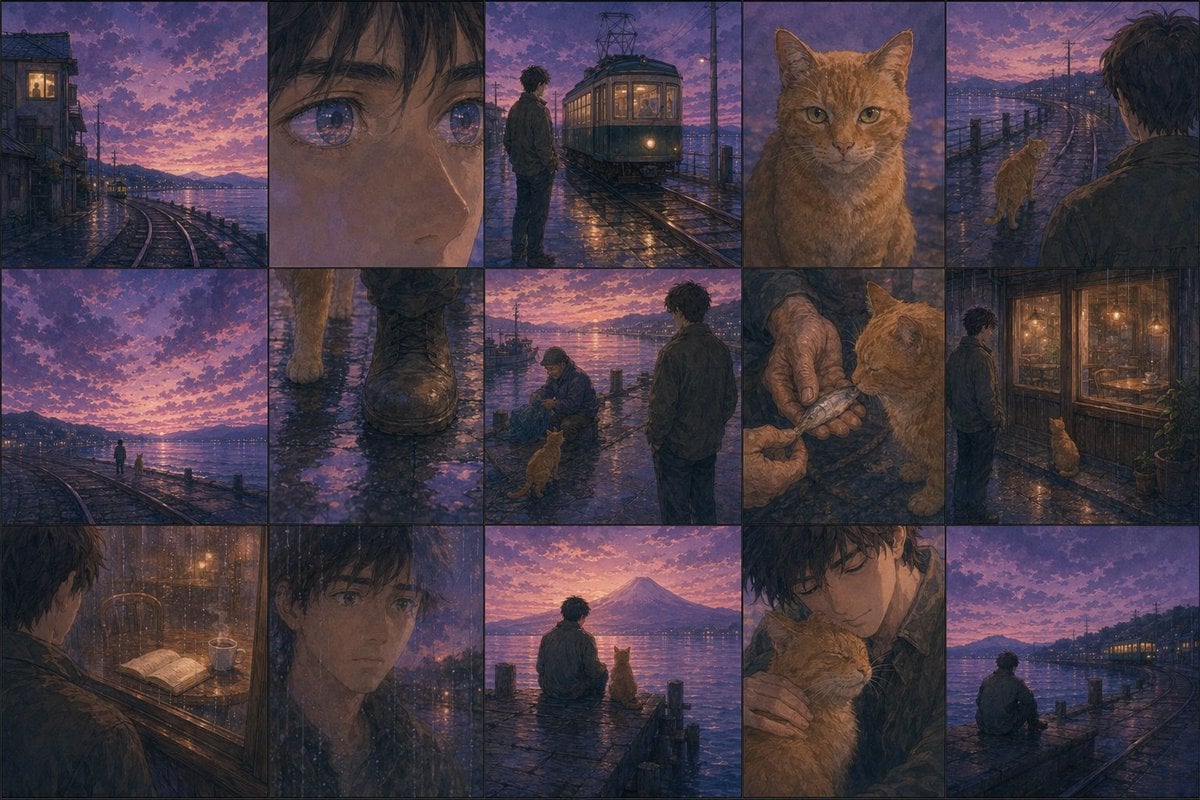
Haruki Murakami Style Comic Prompt
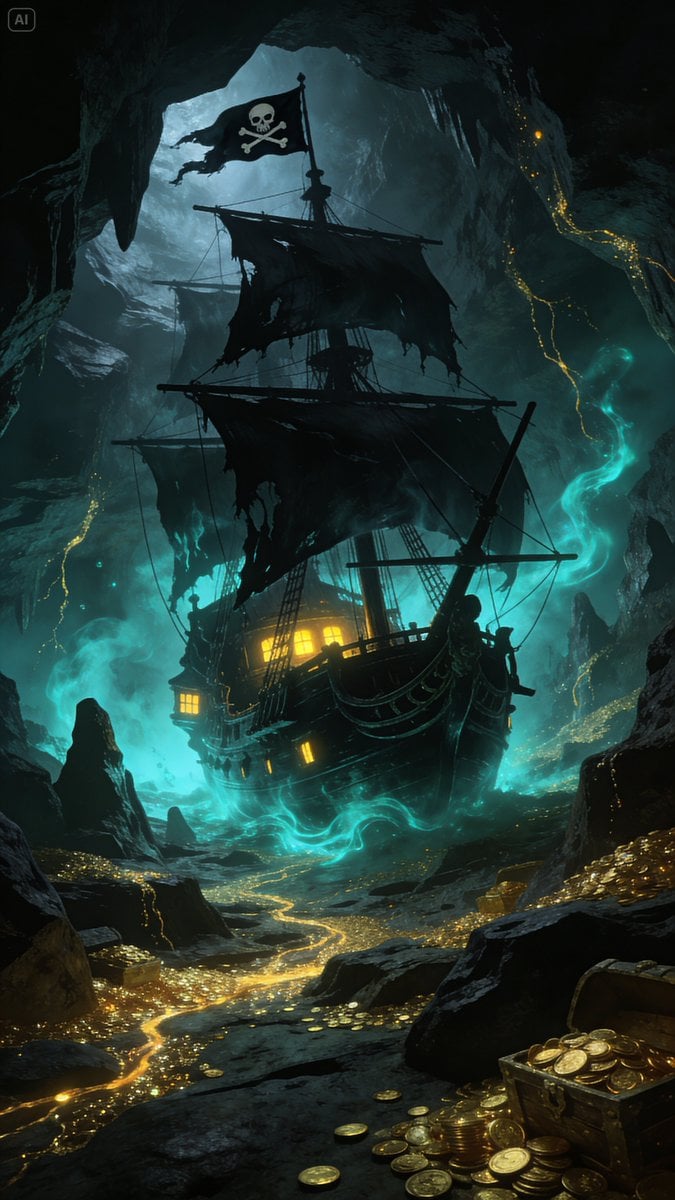
Golden Ship on Uncharted Waters
Browse template categories
Aerial Championship Night Stadium questions
How do I use the Aerial Championship Night Stadium template?
Add your photo if the template asks for one, edit the prompt if you like — the template's model and format are already selected — and press Generate. Your version opens in PicX Studio.
Can I customize the Aerial Championship Night Stadium template?
Yes. You can change the subject, setting, lighting, mood, format, and available model controls before creating your image.
Is the Aerial Championship Night Stadium template free?
Opening and editing this template is free. Generating uses credits, shown on the Generate button when you are signed in.
Which AI model should I use?
Start with GPT Image 2, which is the model associated with this template. You can compare another compatible model for a different finish.
Looking for something else? Browse all templates.

Your photo, any look
Thousands of ready templates for every top image and video model, from one credit balance.