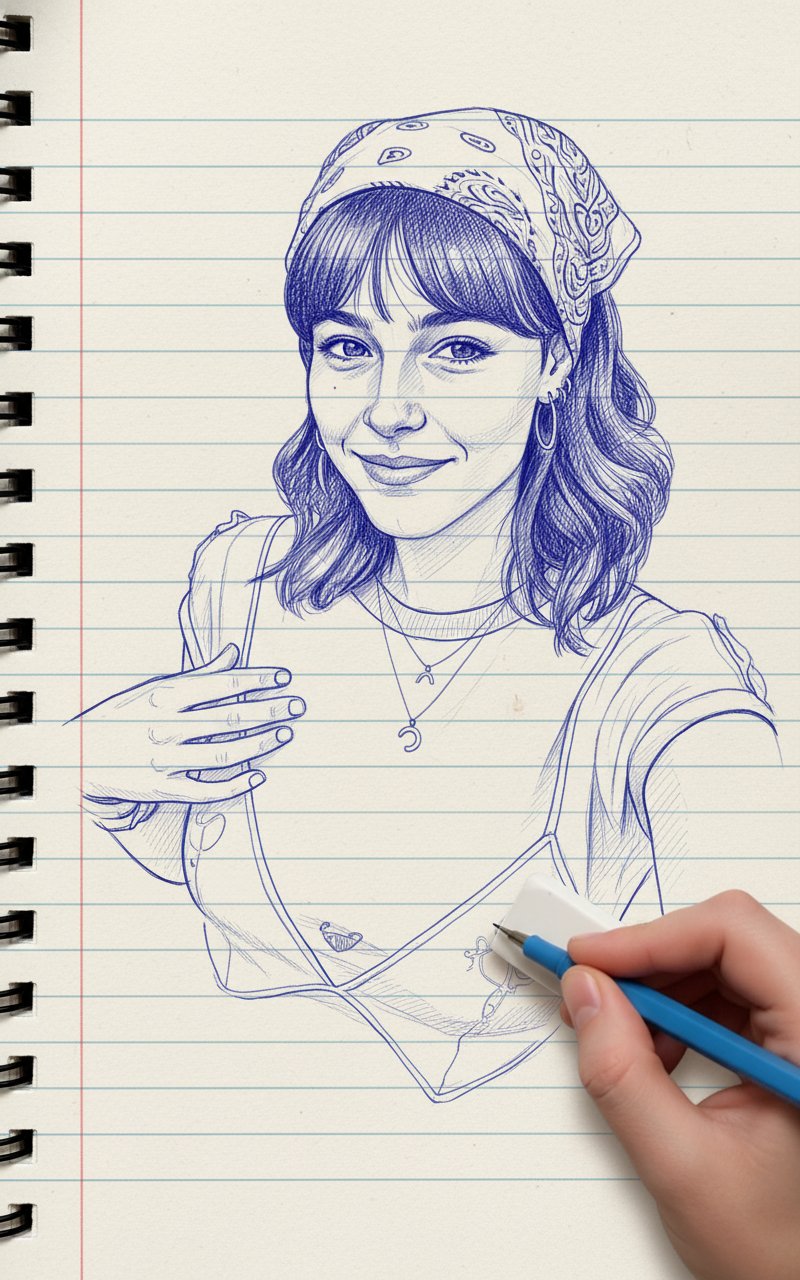
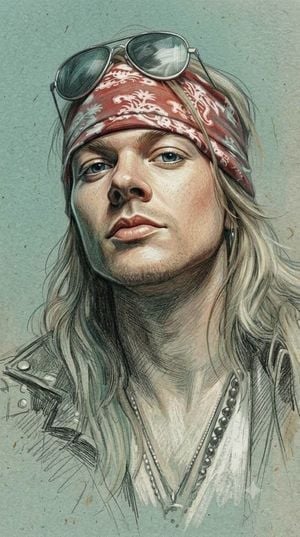
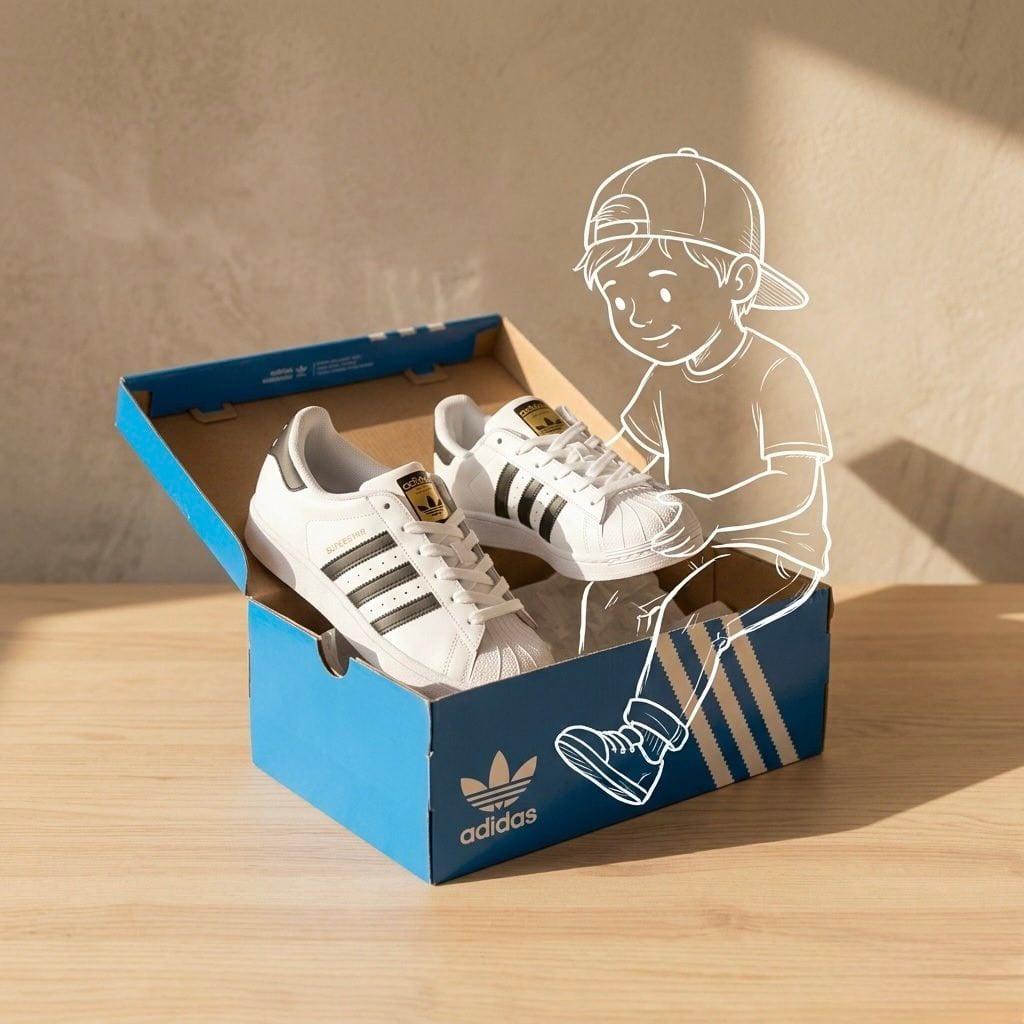
How do I use the Pencil Gesture Figure Sketch template?
Edit the prompt in the box under the preview — the template's model and format are already selected — and press Generate. Your version appears right on this page.
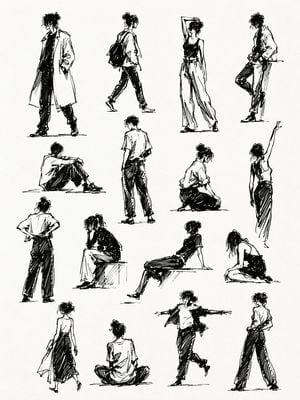
A gpt-image-2 prompt for creating a raw, hand-drawn graphite pencil figure study on a sketchbook page.

A loose pencil gesture sketch of a {argument name="subject" default="young female figure"} sitting on the floor, viewed from behind. She has {argument name="hair style" default="short bob style hair"}, a slim body, and a relaxed seated pose with her legs folded to one side. One hand rests on the floor for support while her back curves naturally, creating a soft casual body line. She wears a {argument name="top" default="cropped blouse"} with short sleeves and a loose shaded lower garment. Rough graphite pencil linework, quick figure drawing study, expressive hand drawn outlines, scribbled shading, unfinished anatomy sketch, minimal facial detail, raw sketchbook style, clean white paper background, artistic observational drawing, calm and intimate mood. Negative Prompt: text, logo, watermark, signature, letters, numbers, captions, colorful background, realistic photo, detailed face, over polished digital art, clean vector lines, extra arms, extra legs, bad anatomy, distorted body, messy page border, heavy ink, low quality, blurry, duplicate figure. Aspect Ratio: Vertical sketchbook page, 3:4
A loose pencil gesture sketch of a {argument name="subject" default="young female figure"} sitting on the floor, viewed from behind. She has {argument name="hair style" default="short bob style hair"}, a slim body, and a relaxed seated pose with her legs folded to one side. One hand rests on the floor for support while her back curves naturally, creating a soft casual body line. She wears a {argument name="top" default="cropped blouse"} with short sleeves and a loose shaded lower garment. Rough graphite pencil linework, quick figure drawing study, expressive hand drawn outlines, scribbled shading, unfinished anatomy sketch, minimal facial detail, raw sketchbook style, clean white paper background, artistic observational drawing, calm and intimate mood. Negative Prompt: text, logo, watermark, signature, letters, numbers, captions, colorful background, realistic photo, detailed face, over polished digital art, clean vector lines, extra arms, extra legs, bad anatomy, distorted body, messy page border, heavy ink, low quality, blurry, duplicate figure. Aspect Ratio: Vertical sketchbook page, 3:4
Edit the prompt in the box under the preview — the template's model and format are already selected — and press Generate. Your version appears right on this page.
Yes. You can change the subject, setting, lighting, mood, format, and available model controls before creating your image.
Opening and editing this template is free. Generating uses credits, shown on the Generate button when you are signed in.
Start with GPT Image 2, which is the model associated with this template. You can compare another compatible model for a different finish.
Follow a topic to a crawlable collection of related PicX Studio templates.